A rep stands in a store aisle, the buyer is ready to reorder, and the 40 MB catalog PDF is still spinning on the phone. That moment costs distributors real money every single week. Distributor mobile ordering fixes it by putting a fast, swipeable catalog and a current price list in every rep's pocket. With a tool like Flipbooks AI, you can turn the PDFs you already have into mobile friendly flipbooks in minutes, with no developer and no app to install.
This article walks through what reps actually need in the field, how the main formats compare, a step by step build, and three worked examples you can copy.
Why Reps Lose Orders in the Field
Most distributors do not have a product problem. They have a "finding the product" problem. The buyer asks about a SKU, the rep fumbles, and the order gets pushed to "I'll email you later." Later rarely converts.
The PDF That Never Opens
Large catalog PDFs are built for print. On a phone they load slowly, force pinching and zooming, and often fail on weak warehouse or basement signal. Reps stop using them and fall back on memory, which is how wrong item numbers end up on purchase orders.

Stale Prices Cost Real Money
Paper price sheets age the moment they are printed. A supplier raises costs on Tuesday, but half the team is still quoting last month's numbers on Friday. You either eat the margin or call the customer back with a correction, and neither feels good.
⚠️ Watch out: One outdated price list in circulation can undo a month of careful margin work. Treat every shared price file as a live document, not a printout.
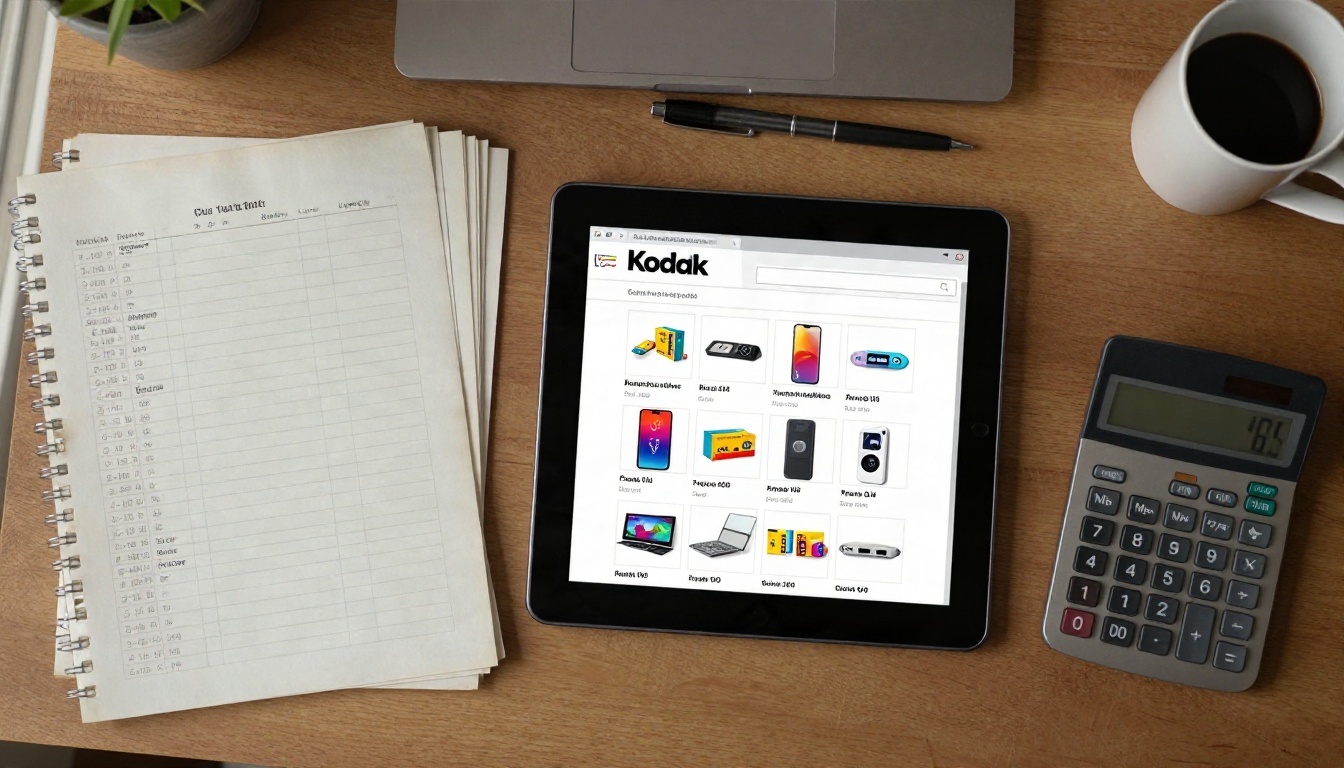
What Mobile Ordering Actually Needs
You do not need a custom app to get started. You need three things working together: a catalog that loads instantly, a price list that is always current, and a short path from "yes" to a placed order.
Interactive Catalogs
An interactive catalog is a page turning, phone friendly version of your product book. Buyers swipe through categories, zoom into product photos, and see specs without hunting. Because it is mobile responsive, the layout adapts to any screen size, so a rep on a phone and a buyer on a tablet see the same thing.
Good interactive catalogs share a few traits:
- Fast first page. The cover loads before the buyer loses interest.
- Clear categories. A contents page that jumps to sections.
- Item numbers in plain sight. Reps and buyers speak the same language.
- Short product video or audio. A 20 second demo beats a paragraph of copy.
Live Price Lists
A live price list is one link that always opens the latest version. When you update the source file and republish, every rep and buyer who opens the link sees the new numbers. The Digital Price List Generator is built for exactly this job.
One Tap Reorder
The last piece is the handoff. Whether your orders land in an ERP, a B2B portal, an order form, or an email to inside sales, the rep should reach it in one tap from the catalog. Keep the link in your share message and on your first page so nobody has to ask where to send the order.

Paper vs PDF vs Flipbook
Here is how the three common formats stack up for field reps.
| Feature | Printed Binder | Plain PDF | Flipbook Catalog |
|---|
| Loads fast on a phone | Not applicable | Often slow | Yes |
| Easy to update | Reprint required | Re-send to everyone | Republish one link |
| Mobile friendly layout | No | Rarely | Yes |
| Video and audio | No | No | Yes |
| Works from a QR code | No | Sometimes | Yes |
| Tracks who opened it | No | No | Yes, with analytics |
| Cost to refresh | High | Medium | Low |
The pattern is clear. A binder is fine for a showroom shelf, a PDF is fine for an email attachment, and a flipbook is what you want when speed and freshness decide the sale. You can also keep your print run and add a QR code that sends buyers straight to the digital version.
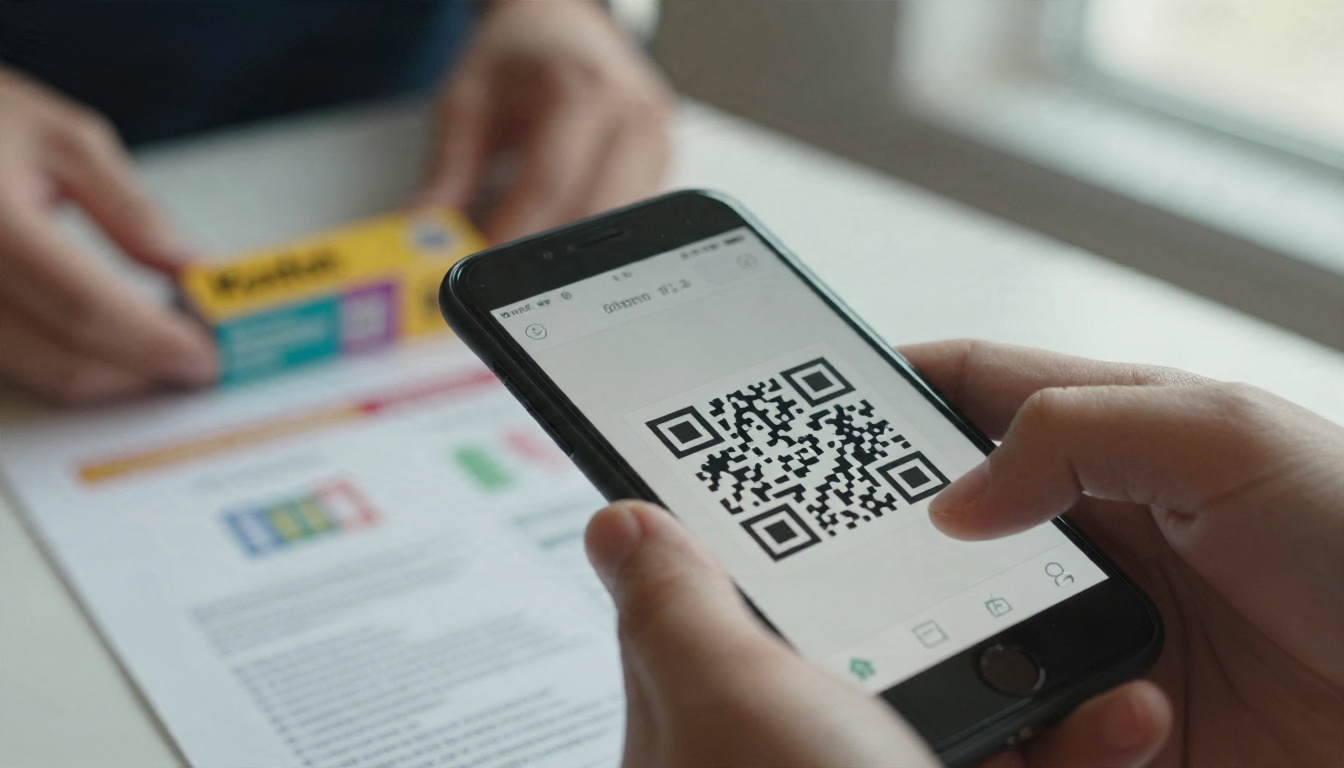
💡 Pro tip: Print a QR code on your business cards, sample boxes, and invoices. Every piece of paper you already send becomes a doorway to the current catalog.
How to Create a Rep Catalog with Flipbooks AI
This is the part most teams assume is hard. It is not. If you already have a catalog or price list as a PDF, you are about 10 minutes from a mobile ready version. Create your account at Flipbooks AI and follow these steps.

Upload and Convert
- Sign in and choose to create a new flipbook.
- Upload your PDF. The PDF to Flipbook Converter turns each page into a swipeable, page turning spread.
- Wait for conversion to finish, then preview it on your own phone first. If it feels quick and readable in your hand, it will feel the same to buyers.
For a purpose built starting point, try the Product Catalog generator or the Catalog Flipbook Creator.
Brand and Add Media
- Apply your custom branding: logo, brand colors, and background so the catalog looks like your company, not a template.
- Pick the page effects that suit your audience. Subtle page turns feel professional, and they never get in the way.
- Add short video or audio to hero products, such as a 15 second demo of a new item or a sales pitch for a seasonal bundle.
- Place your order link or portal address on the first page and near the end, so reps always know where the order goes.
✅ Best practice: Keep branding consistent across the catalog, the price list, and your rep email signatures. Buyers should recognize your materials at a glance.
Share and Track
- Copy the direct link for texts and emails, or use the Embed Flipbook on Website tool to place it inside your dealer portal.
- Turn on password protection for wholesale only content, especially tiered pricing that retail customers should not see.
- Let reps enable offline downloads so the catalog still works in a warehouse, parking garage, or rural route with no signal.
- On the Professional plan, switch on analytics and lead generation to see which pages get opened and capture contact details. Compare options on the pricing page.
Every flipbook is published with no watermarks, and the Standard plan and above includes unlimited flipbooks, which matters when you keep separate versions for each region, brand line, or customer tier.

Real Examples From the Field
The following are illustrative scenarios based on common distributor setups. Your products will differ, but the patterns carry over.
Food and Beverage Wholesaler
A regional wholesaler sells to cafes and small grocers. Their reps used to carry a 120 page binder. They now carry one flipbook split into chilled, dry goods, and seasonal items, plus a separate price list link that updates every Monday. Reps open the seasonal section first because that is where new orders come from. The weekly refresh means nobody quotes last week's cost on produce or dairy.
Beauty and Wellness Supplier
A supplier to salons and spas uses a catalog with short product demos and ingredient notes. A stylist can watch a 20 second application demo right on the page, then the rep taps through to the order form. Because buyers see the products working, reorders of full size items rose compared with sample only visits. For similar layouts, see the Spa and Wellness Menu and Lookbook Flipbook Builder tools.
Industrial Parts Distributor
A parts distributor serving contractors keeps a searchable style catalog with spec pages and a password protected contractor price list. Reps working job sites without good signal download the file ahead of time. A contractor can confirm a part number on the spot and the rep sends the order before leaving the lot.

| Distributor Type | Best Format | Main Benefit | Suggested Protection |
|---|
| Food and beverage | Weekly updated price list plus catalog | Accurate pricing every Monday | Password for wholesale tiers |
| Beauty and wellness | Catalog with demo videos | Buyers see products in use | Link only, share by invite |
| Industrial parts | Spec catalog with offline copy | Works without signal on job sites | Password and offline download |
| Gift and home goods | Seasonal lookbook catalog | Fast new collection launches | Embed in dealer portal |
Price Lists That Stay Fresh
A catalog sells the product. A price list closes the deal. The two should live side by side, but they usually change at different speeds, so keep them as separate flipbooks.
Tiered Pricing Without Chaos
Most distributors have at least three audiences: new accounts, standard accounts, and volume accounts. Instead of one confusing sheet with five columns, publish one price list per tier and protect each with its own password. Reps share the right link with the right customer, and nobody sees a price that was not meant for them.
Here is a simple refresh routine that works:
- Update the source file in your spreadsheet or ERP export.
- Export to PDF with the same layout as last time.
- Replace the flipbook content so the link stays the same.
- Message the team with a one line note on what changed.
- Check analytics a few days later to confirm reps and buyers opened the new version.
💡 Pro tip: Put the "last updated" date on the very first page of every price list. Reps and buyers instantly know whether they are looking at current numbers.

Rep Rollout Checklist
The best catalog still fails if the team does not use it. A short, structured rollout helps a lot.
Week One Plan
- Day 1: Publish the catalog and price list, then test on at least three different phones.
- Day 2: Send reps the links, plus a one page cheat sheet on where to find top sellers.
- Day 3: Run a 20 minute role play where one rep plays the buyer and asks hard product questions.
- Day 4: Add QR codes to business cards, sample boxes, and invoices.
- Day 5: Review analytics and ask reps which pages they wished were easier to find.
Mistakes to Avoid
| Mistake | What Happens | Better Move |
|---|
| Uploading a huge unedited PDF | Slow load, buyers lose patience | Compress images and trim pages first |
| One giant file for everything | Reps cannot find items | Split by category and tier |
| No update routine | Old prices keep circulating | Set a weekly or monthly refresh day |
| Skipping password protection | Wholesale pricing leaks | Protect each tier separately |
| No clear order link | Orders stall after the meeting | Put the order path on page one |
The upside of getting this right is bigger than speed. Reps who feel confident with their tools visit more accounts, quote faster, and make fewer errors. The final handoff matters too: when the order arrives clean, the delivery team can ship it right the first time.

Start Selling From the Phone
If your reps are still wrestling with binders and heavy PDFs, you do not need a big software project to fix it. Start with one catalog, one price list, and one team that tests it for a week.
- Ready to build? Create your account on Flipbooks AI and upload your first PDF.
- Browse every flipbook tool for catalogs, price lists, presentations, and more.
- Looking to share a pitch with buyers? Try the Sales Presentation tool.
- Compare pricing plans and pick the one that fits, from unlimited flipbooks to analytics and lead generation.
Your next reorder could be taken right in the aisle, before the buyer ever looks at a competitor. Get started free and give your reps a catalog that is always ready.



