Print runs are expensive, slow, and impossible to edit once the ink dries. An e magazine has none of those problems. You design it once, publish it in minutes, and readers open it on a phone, tablet, or laptop with a realistic page turn. With a tool like Flipbooks AI, a finished PDF becomes a shareable online magazine without a developer, a printer, or a big budget.
This article walks through what an e magazine creator actually does, which free options are worth your time, how the main software categories compare, and how to publish your first issue online from start to finish.
What an E Magazine Creator Does
An e magazine creator is any tool that helps you lay out, convert, or publish a magazine in digital form. Some tools focus on design (arranging text, photos, and ads). Others focus on publishing (turning a finished file into a readable online experience). The best workflows combine both.
From PDF to Page Flip
Most magazines start life as a PDF. A PDF is reliable, but it is also static. Readers pinch, zoom, and scroll through it like a document, which feels nothing like a magazine.
A flipbook converter fixes that. It takes your PDF and presents each spread with a page turn, sound, and smooth navigation. Your layout stays exactly as designed, but the reading experience feels like holding an issue. You can try this with the PDF to Flipbook Converter in a couple of minutes.
Who Actually Needs One
You do not need to be a publishing house. Here are the people who get the most from an e magazine:
- Independent editors running a niche title with a small audience.
- Brands that want a branded lifestyle magazine instead of a plain newsletter.
- Photographers and models assembling an editorial for a portfolio.
- Schools and clubs publishing a termly magazine without printing costs.
- Real estate and travel businesses that want a glossy issue to send to clients.
💡 Pro tip: Decide who reads your magazine before you pick software. A fashion editorial needs big images and smooth page turns. A club newsletter needs speed and easy updates.
Free Options Worth Using
Free is a real option here, not a trick. But free tools come with trade-offs, and it pays to know them before you spend a weekend building an issue.
What Free Plans Include
Free tiers usually give you enough to publish a first issue and see how readers respond. Typical inclusions:
- A limited number of pages or publications.
- Basic templates and a handful of fonts.
- Sharing through a public link.
- Standard export options.
Free design tools such as Canva, Google Docs, or the open source layout program Scribus can produce a clean PDF at no cost. From there, a flipbook publisher turns that PDF into an online magazine. Check the Flipbooks AI pricing page to see what you can try before paying.
The Hidden Limits
Free tools earn their keep, but watch for the catches. The table below shows the usual limits and what they mean in practice.
| Common Free Limit | What It Means for You | Workaround |
|---|
| Watermarks on pages | Looks unprofessional to readers and advertisers | Choose a tool that never adds watermarks |
| Page count caps | Long issues get cut or split | Publish shorter, themed issues |
| Public links only | Anyone can find and share your issue | Use password protection on a paid plan |
| No analytics | You cannot see which pages readers enjoy | Upgrade once your audience grows |
| Fixed branding | Your logo is replaced with the vendor's | Look for custom branding support |
⚠️ Warning: A watermark on every page is the most common reason editors abandon a free tool halfway through an issue. Check for it before you invest time in layout.
Software Compared
The market splits into a few clear categories. Choosing the right one saves hours.
Desktop Design Tools
Professional layout programs like Adobe InDesign and Affinity Publisher give you total control over typography, grids, and print standards. They are ideal for editors who already know layout principles. The trade-off is cost and a steeper curve, especially for teams who want to publish quickly.
Most of these tools export a high quality PDF, which you can feed straight into a flipbook platform. That combination gives you precise design and a readable online experience.
Browser Based and PDF Tools
Browser based editors are friendlier for beginners. You drag in photos, pick a template, and export. Many offer free tiers, though export quality and font choice can vary.
For publishing, a dedicated converter does the heavy lifting. The E-Magazine Publishing Tool and the Magazine Flipbook Creator are built specifically for this job.
| Tool Type | Best For | Cost | Skill Level | Online Page Flip |
|---|
| Desktop layout software | Pro editors, print and digital | Paid or subscription | High | No, needs a publisher |
| Template based design apps | Beginners, quick issues | Free tier available | Low | Limited |
| Open source layout tools | Budget projects | Free | Medium to high | No, needs a publisher |
| Flipbook publishers | Turning PDFs into online issues | Free trial, paid plans | Low | Yes |
| Word processors | Simple newsletters | Free | Low | No |
The pattern is clear: design tools make the file, publishers make the experience. Pairing a free design app with a flipbook publisher is the cheapest way to look professional.
Design Before You Publish
Software cannot rescue a messy issue. A few decisions up front make everything easier.
Plan the Issue
Start with a simple structure. Most successful e magazines follow a rhythm:
- Front page with one strong image and a short title.
- Contents page with clickable links to each section.
- Opening letter that sets the tone in 150 words or fewer.
- Features with large photography and generous white space.
- Short items such as interviews, tips, or product picks.
- Back page with a call to action, a subscribe link, or an ad.
A 20 to 30 page issue is a comfortable size for a first release. Short issues finish faster and get read to the end.
Photos That Carry Pages
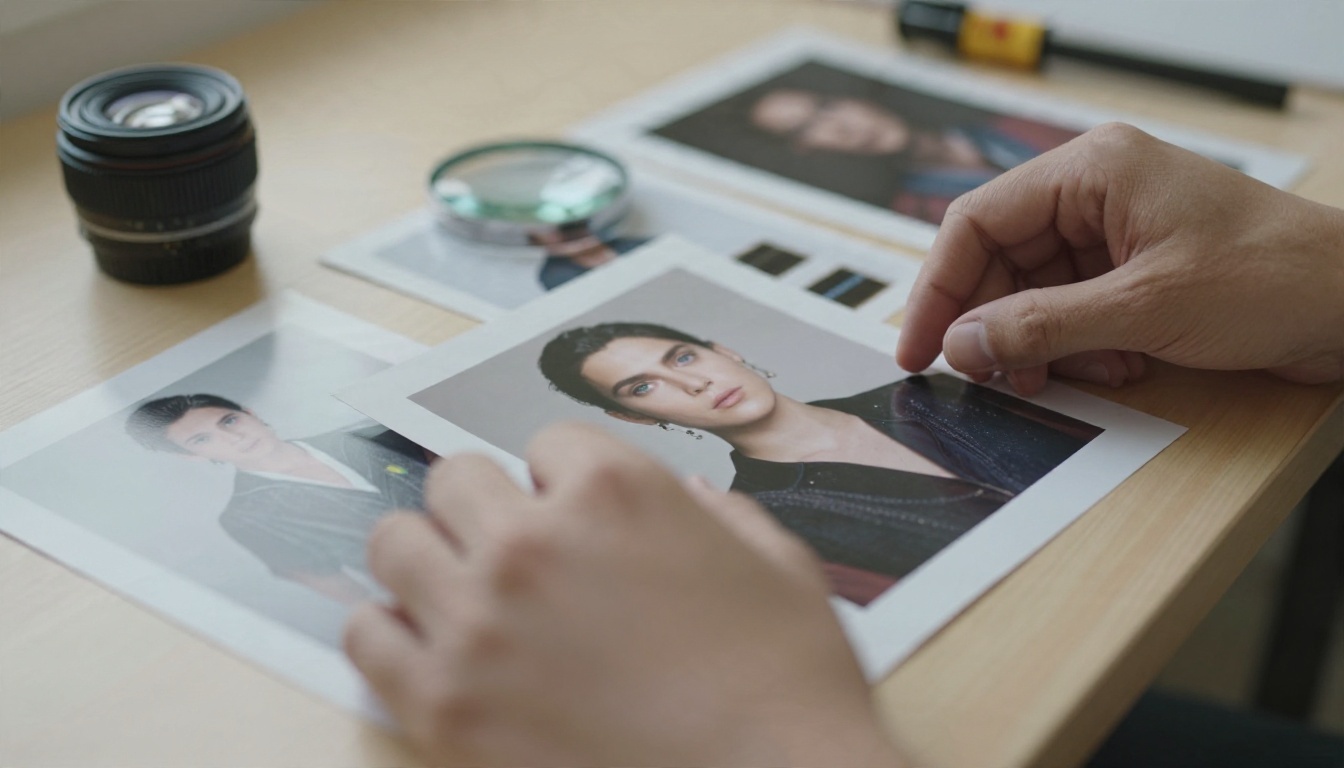
Photography does most of the selling in a digital magazine. Pick images with a clear focal point, room for text, and consistent color. Print the contenders and lay them side by side, just like an art director would, to check that the issue feels cohesive.
✅ Best practice: Export images at screen resolution, not print resolution. Smaller files make your flipbook load faster, especially on mobile.
A few rules keep layouts readable on any screen:
- Use two typefaces at most, one for headings and one for body text.
- Keep body text at a comfortable size for phones, since many readers will pinch less than you expect.
- Leave margins wide enough that text never touches the page edge.
- Repeat a small set of colors across every spread.
If your magazine is a glamour or fashion title, shoot for mood rather than volume. A single beautiful editorial spread beats ten average ones.

For fashion and image driven titles, the Interactive Lookbook Designer is a useful companion tool.
How to Create an E Magazine with Flipbooks AI
Here is the full workflow from file to published issue. It takes about ten minutes once your PDF is ready.

Step 1: Upload Your PDF
- Go to Flipbooks AI and create an account.
- Click to add a new flipbook and upload your magazine PDF.
- Wait a few seconds while the platform converts each page into a flippable spread.
- Preview the result. Your layout, fonts, and images stay exactly as you exported them.
Step 2: Customize the Look
Open the settings panel and adjust the reading experience:
- Custom branding: add your logo, brand colors, and a background that matches your title.
- Page effects: choose how pages turn and whether sound plays.
- Multimedia: embed videos and audio so an interview or soundtrack plays inside the issue.
- Mobile layout: the viewer is mobile responsive, so check it on a phone before publishing.
💡 Pro tip: Add a short video message from the editor on page two. Readers who see a face stay longer.
Step 3: Share the Issue
Once you are happy, choose how to distribute it:
| Sharing Option | Best Use |
|---|
| Direct link | Social posts, email, messaging apps |
| Embed code | Your own website or blog, using the Embed Flipbook on Website tool |
| Password protection | Paid subscribers, clients, or members only |
| Offline download | Readers on planes or weak connections |
Flipbooks AI never adds a watermark to your pages, and paid plans include unlimited flipbooks, so you can publish a new issue every month without hitting a cap.
Step 4: Use the Pro Features
If your magazine grows, the Professional plan adds analytics and lead generation. You can see how many people open each issue, which pages hold attention, and collect reader details before they start reading. Compare plans on the pricing page to see which tier fits your audience.
Publishing Online Without Headaches
Your issue is ready. Now the goal is to get it in front of the right people and keep them reading.
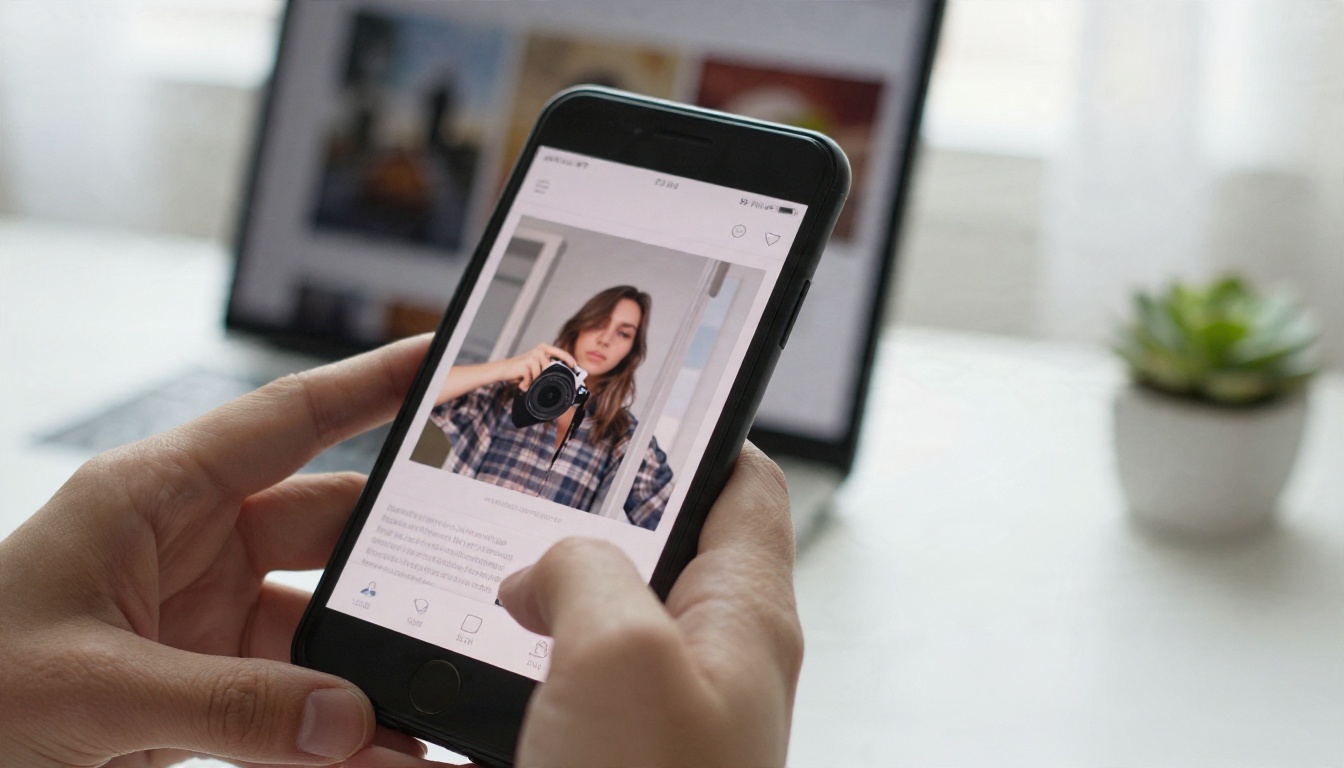
Embed or Link
Both options work, but they serve different goals.
- A direct link is best for social media bios, newsletters, and chat messages. It is quick and works everywhere.
- An embedded flipbook keeps readers on your website, which helps with search visibility and lets you surround the issue with your own navigation.
Many editors do both: embed the latest issue on a dedicated page, then share the direct link on social platforms.
Track What Readers Do
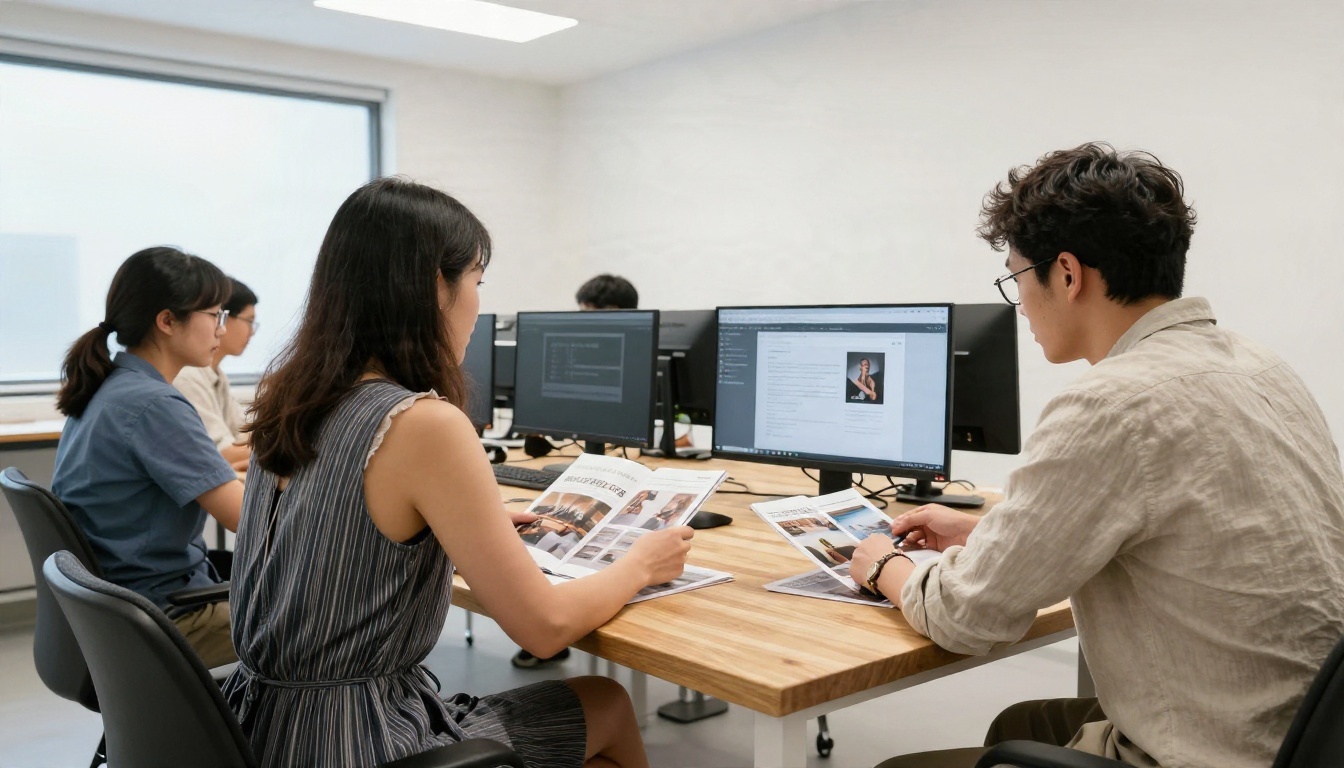
Publishing is only half the work. After each release, check which pages got the most views and where readers dropped off. If most people leave at page six, your opening is too slow. If a particular interview gets replays, make more like it.
Use that data to shape the next issue. Over a few months, your magazine will quietly get better because you are guided by real reader behavior, not guesses.
Three Real World Examples
Here is how different publishers put an e magazine to work:
| Publisher | Goal | Format | Result |
|---|
| Independent fashion editor | Showcase seasonal editorials | 24 page photo heavy issue | Shareable portfolio piece that doubles as a media kit |
| Boutique hotel | Promote seasonal stays | 16 page lifestyle magazine, see the Hotel Brochure Designer | Guests browse offers on their phones before booking |
| School club | Share termly news | 12 page newsletter, see the School Newsletter Creator | Parents read it online, no printing costs |
Each one started with a simple PDF. None of them needed a development team.
If you publish a regular newsletter style title, the Newsletter Flipbook Publisher is also worth a look.
Three Mistakes to Avoid
- Uploading oversized files. Huge images slow loading. Compress before exporting.
- Skipping the mobile check. Most readers will open your link on a phone. Test there first.
- Publishing once and stopping. A magazine builds an audience through rhythm. Choose a schedule you can keep, even if that means one issue a quarter.
Ready to Publish Your Issue?
You already have what you need: a layout tool, a few good photos, and a story worth telling. The last step is turning that PDF into something readers actually want to open.
Get started for free on Flipbooks AI and publish your first e magazine today. Browse all the flipbook tools and templates to find the best fit for your title, or compare pricing plans when you are ready to add analytics, password protection, and unlimited issues.



