You wrote the ebook. The PDF looks sharp. Now a stranger on the internet wants to buy it, and you need a way to take their money without building a bank. That is the job of an ebook payment gateway, and the one you pick decides how much of each sale you keep, how quickly you get paid, and how much tax paperwork lands on your desk. If you publish with Flipbooks AI, you already have a clean, shareable reader for your content. This article looks at the money side: which payment options exist, what they really cost, and how to sell ebooks online without a technical headache.
💡 Quick answer: For most solo authors, a merchant of record platform is the easiest start, Stripe is the cheapest per sale, and PayPal is worth adding as a second button because buyers trust it.

What an Ebook Payment Gateway Does
Before comparing brands, it helps to know what you are actually shopping for. People use "gateway," "processor," and "platform" as if they meant the same thing. They do not, and mixing them up leads to bad purchasing decisions.
Gateway, Processor, and Platform
- Payment gateway: the secure checkout layer that collects card details and passes them on. Think of it as the digital card terminal.
- Payment processor: the company that moves the money between the buyer's bank and yours.
- Merchant of record (MoR): a platform that legally sells your ebook on your behalf, collects the money, handles sales tax and VAT, and pays you the remainder.
- Storefront or marketplace: a hosted shop that bundles checkout, file delivery, and sometimes an audience.
Stripe and PayPal combine gateway and processor. Platforms like Lemon Squeezy and Paddle act as merchant of record. Gumroad and Payhip sit closer to the storefront model.
Three Ways to Collect Money
- Direct checkout. You connect a gateway to your own site and keep full control of pricing and customer data.
- Hosted payment links. You create a link, share it anywhere, and the provider hosts the checkout page. No website needed.
- Marketplace listing. You upload the file, and the platform handles everything else for a larger cut.
Each route trades control for convenience. A hosted payment link is the fastest way to sell your first copy. A direct checkout is the cheapest way to sell your thousandth.
Top Ebook Payment Options Compared
Digital products have one advantage over physical goods: there is no shipping, no inventory, and no returns pile. That makes almost any gateway workable. The differences are in fees, tax handling, and how much setup you want to do.

| Option | Type | Typical fee (US cards) | Handles sales tax and VAT? | Best for |
|---|
| Stripe | Gateway and processor | About 2.9% + 30¢ | Optional add-on tool | Authors with their own website |
| PayPal | Gateway and wallet | About 3.5% + 49¢ | No | Buyers who prefer a trusted wallet |
| Lemon Squeezy / Paddle | Merchant of record | About 5% + 50¢ | Yes, fully | Global sales with zero tax admin |
| Gumroad | Storefront | About 10% plus processing | Yes, for most regions | Creators who want a ready shop |
| Payhip | Storefront | Free plan with a percentage cut, lower on paid plans | Yes, for EU VAT | Budget-minded sellers |
| Shopify | Full store | Monthly plan plus about 2.9% + 30¢ | Partial | Sellers with many products |
⚠️ Rates change. The numbers above are typical published figures at the time of writing. Always confirm current pricing on each provider's own page before you commit.
Stripe: Lowest Cost, More Setup
Stripe is the default for a reason. Fees are low, payouts are fast, and you can accept cards, Apple Pay, and Google Pay from one checkout. You can create a Payment Link in a few minutes without writing code, then paste it on a button or inside your sales page.
The catch is that Stripe is not a merchant of record. You are the seller, so tax compliance is your job unless you add their tax tooling and register where required.
PayPal: Familiar and Trusted
Plenty of buyers will not type a card number into a site they have never visited. A PayPal button solves that hesitation. Fees run a bit higher than Stripe, and the fixed per-sale charge hurts on low prices. Offer it as a second option, not your only one.
Merchant of Record Platforms
Lemon Squeezy and Paddle take on the legal role of seller. They calculate and remit sales tax and VAT in the buyer's region, issue invoices, and send you a net payout. You pay a higher fee, and in return you skip a pile of registrations.
For a solo author selling a $15 ebook to readers in twelve countries, that trade is usually worth it.
Marketplaces and Hosted Shops
Gumroad and Payhip bundle checkout, file delivery, discount codes, and email receipts. Setup takes an afternoon. The cost is a larger percentage and less control over the customer experience. Marketplaces can also send some discovery traffic, but do not count on it.
The Real Cost of Each Sale
A fee table is useful. A worked example is better. Here is what happens to a $15 ebook across 100 sales.

| Setup | Fee per sale | Total fees (100 sales) | You keep |
|---|
| Stripe (2.9% + 30¢) | $0.74 | $73.50 | $1,426.50 |
| PayPal (3.49% + 49¢) | $1.01 | $101.35 | $1,398.65 |
| Merchant of record (5% + 50¢) | $1.25 | $125.00 | $1,375.00 |
| Marketplace (assumed 10% + processing) | $2.24 | $223.50 | $1,276.50 |
The gap between Stripe and a marketplace is about $150 on 100 sales. That sounds small until you sell 2,000 copies. Then it is a few thousand dollars, and it is the price you pay for not managing taxes or a website.
Fixed Fees Hurt Cheap Ebooks
Every provider adds a flat charge per transaction. On a $5 ebook, a 30¢ to 50¢ flat fee eats up to 10% of the price before any percentage fee. If you sell low-cost titles, consider bundling several into one $19 to $29 offer so the flat fee is spread out.
Hidden Costs Worth Checking
- International cards: often an extra 1% to 1.5%.
- Currency conversion: commonly around 1% on top.
- Refunds: many providers keep the original processing fee.
- Chargebacks: typically a $15 to $20 dispute fee, win or lose.
- Payout fees: some wallets charge to move money to your bank.
- Monthly plans: storefront tools like Shopify charge whether you sell or not.
💡 Pro tip: Build a simple spreadsheet with your price, expected monthly sales, and each provider's fees. Ten minutes of math beats a year of guessing.
Sales Tax and VAT Without the Panic
This is the part most new sellers ignore until a letter arrives. Digital goods are taxed in many places, and the rules follow where the buyer lives, not where you do.

Where the Rules Bite
- European Union: VAT applies to digital sales to consumers from the first sale, with no small-seller threshold for cross-border digital goods.
- United Kingdom: VAT applies to digital sales to UK consumers, with its own registration rules.
- United States: sales tax depends on the state. Many states tax digital products, and each has its own threshold for when you must register.
- Other countries: Canada, Australia, India, and others have digital tax rules of their own.
Who Handles It?
| Approach | Tax calculated | Tax filed and paid | Your workload |
|---|
| Merchant of record | By the platform | By the platform | Very low |
| Marketplace with tax support | By the platform | By the platform (most regions) | Low |
| Stripe with tax tools | Automatically | By you | Medium |
| PayPal alone | Not automatic | By you | High |
If tax feels like a swamp, that alone can justify the higher fee of a merchant of record. This is general information, not tax advice, so check with an accountant for your own situation.
How to Choose Your Setup
Picking a gateway gets easier once you know your selling situation. These three scenarios cover most authors.

Scenario 1: First Ebook, No Website
You want to test demand fast. Use a hosted storefront or merchant of record link. Upload the file, set a price, share the link in your newsletter or social bio. Cost of failure is low, and you will know within a month if people want it.
Scenario 2: Growing Audience, Own Website
You have a mailing list and a sales page. Add Stripe for cards and PayPal as a backup button. Margins improve, and you control the customer experience. Budget time for tax registration if you sell widely.
Scenario 3: Selling Courses and Bundles
You offer several ebooks, workbooks, and templates. A merchant of record with bundles and license keys, or a Shopify store, makes sense. Pair it with a reading experience that feels premium, such as an interactive version made with the Interactive E-Book Publisher.
Decision Checklist
- Do you sell to buyers outside your country? If yes, lean toward a merchant of record.
- Is your price under $10? If yes, watch flat fees and bundle titles.
- Do you have a website? If no, start with payment links.
- Do you want customer emails and data? If yes, prefer direct checkout.
- Do you hate admin? Pay the extra percentage and sleep well.
Payment is only half the experience. What the buyer opens after paying shapes reviews, refunds, and word of mouth. A plain PDF download gets forwarded, pirated, and forgotten. A flipbook feels like a real publication, works on any phone, and gives you control over access.

Why Flipbooks Suit Paid Ebooks
- Page-turn reading that feels like a printed book.
- Mobile-responsive layout, so readers do not pinch and zoom.
- Password protection to keep paid content away from casual sharers.
- Offline downloads for readers who want a copy on a plane.
- Embedded video and audio for bonus material that a PDF cannot offer.
- No watermarks, ever, so your branding stays clean.
Free Sample Chapters Sell Books
A sample is the best sales page you can write. Publish the first chapter as a public flipbook, embed it on your sales page, and let readers feel the quality before they pay. With the Professional plan on Flipbooks AI, you can add lead generation so readers share an email address to keep reading, which builds your list while you sell.
How to Sell Ebooks with Flipbooks AI
Flipbooks AI turns your PDF into a polished digital publication. Pair it with any gateway above and you have a clean sales flow. Here is a practical setup.

- Open your account. Go to Flipbooks AI and sign up. Review the pricing plans to see which tier fits your catalog.
- Upload your PDF. Drag the file into the dashboard. The PDF to Flipbook Converter processes it into page-turning pages in moments. You should see a preview that mirrors your layout.
- Customize the look. Add your logo, pick brand colors, choose a page-flip effect, and set a background. For book-style titles, the E-Book Flipbook Generator is a good fit.
- Add multimedia. Drop in a bonus video, an audio note, or clickable links to your other titles.
- Create a free sample. Duplicate the flipbook, keep only the first chapter, and leave it public. This is your sales page preview.
- Lock the full version. Turn on password protection for the full ebook. After a buyer pays, your gateway's confirmation email or thank-you page shares the link and password.
- Embed on your sales page. Use the Embed Flipbook on Website tool to place the sample beside your checkout button.
- Turn on analytics. On the Professional plan, track which pages readers reach and where they drop off. Use that to improve the sample and the full book.
✅ Best practice: Put the Stripe or PayPal button directly under the embedded sample. Readers who enjoyed the preview are one click from buying.
If you sell training material, the Course Material Publisher fits workbooks and lesson packs, and the Digital Price List Generator is handy for showing bundle tiers. You can also browse all flipbook tools to match your format.
| Delivery method | Looks professional | Access control | Works on mobile | Embedded media |
|---|
| Plain PDF email attachment | Basic | None | Pinch and zoom | No |
| PDF download page | Basic | Link only | Pinch and zoom | No |
| Flipbook with password | High | Password protected | Responsive | Video and audio |
Mistakes That Cost Sales

Offering Only One Payment Method
Some buyers want Apple Pay, others want PayPal, others want a card. Every missing option loses a slice of visitors. Offer at least two.
A Clunky Checkout
If checkout needs an account, five form pages, and a coupon hunt, people leave. Use guest checkout, show the price in the buyer's currency, and keep the form short.
Ignoring Tax Until Later
Waiting for a problem to appear is expensive. Decide at the start whether a merchant of record or your own registration is the plan.
Sending the File Without Protection
An unprotected PDF lives forever in group chats. Password-protected flipbooks and unique links reduce casual sharing, though no system stops a determined copier.
Skipping Receipts and Support Details
Buyers search their inbox for "receipt" or your name. Send a clear confirmation with the access link, a support email, and a refund policy in plain words. Clear policies reduce chargebacks.
Pricing Without Testing
A $9 ebook that gets 40 sales may earn less than a $19 version that gets 30. Test two prices over two months, then keep the winner.
Ready to Sell Your First Ebook?
Picking an ebook payment gateway comes down to three questions: how much admin you can handle, where your buyers live, and how much of each sale you want to keep. Start with a merchant of record if you want simple, Stripe if you want low fees, and add PayPal for trust.
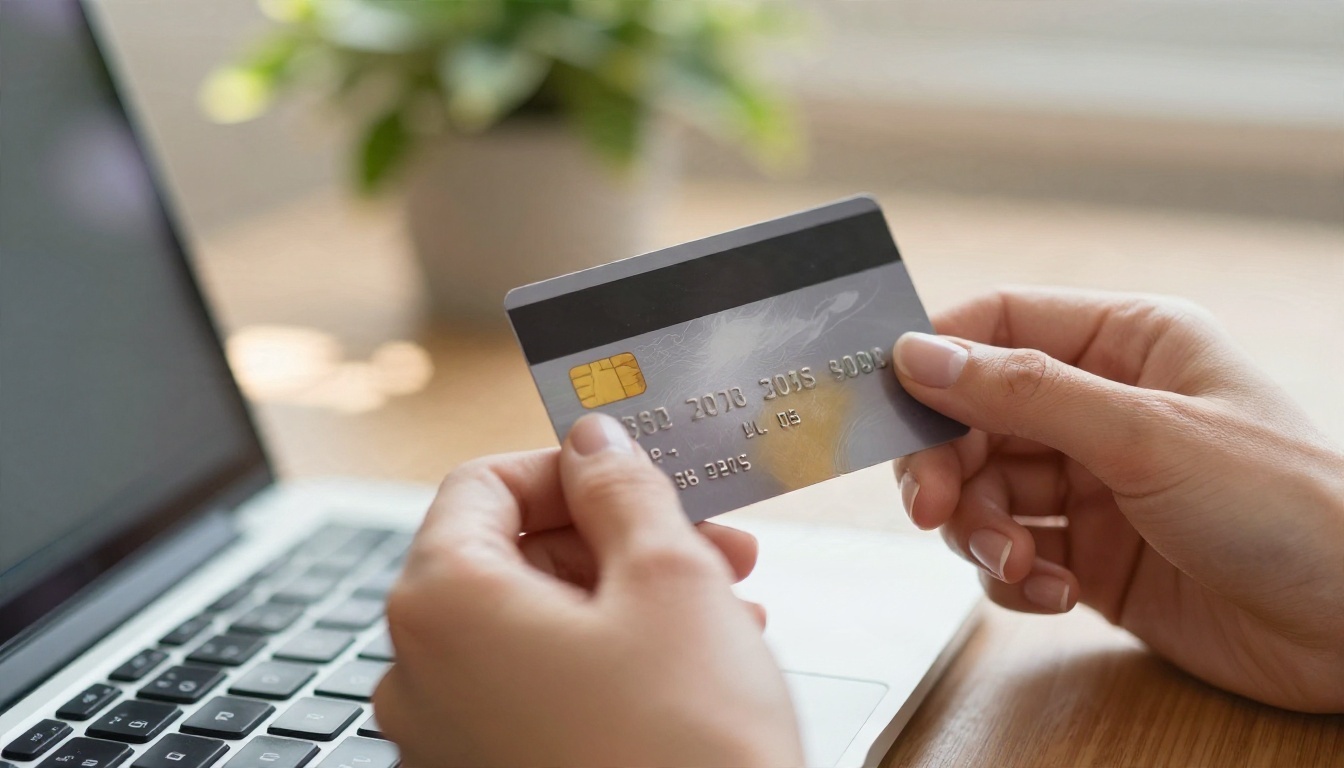
Then give buyers something worth paying for. Upload your PDF, build a free sample, and protect the full edition. Get started for free on Flipbooks AI, browse the full list of tools and templates, or compare pricing plans to choose what works for you.



