Your product pages show one item at a time. A catalog shows your whole store in one sitting, and that changes how people shop. Customers flip through, compare, spot the matching items and add more to the cart than they planned. If you want to build one without hiring a design agency, Flipbooks AI turns a simple PDF into a page-turning online catalog in a few minutes.
This article walks through the layouts that work, the templates worth copying, the free tools you can use today, and a step-by-step process to publish a catalog that loads fast on every phone.
Why Online Stores Still Need Catalogs
Search a few popular shops and you will notice something. The best ones publish seasonal lookbooks, wholesale line sheets and gift-season booklets, even though they already have a full website. There is a reason for that.
A product page is built for one decision. A catalog is built for browsing, and browsing is where the bigger baskets come from.
What a Digital Catalog Does Better
A digital catalog is not a PDF attachment that nobody opens. Published as a flipbook, it behaves like a real magazine on a screen, with page-turn effects, clickable products and links straight to your checkout.
- Curation: you decide the story, the order and the pairings.
- Speed: one link replaces dozens of product page visits.
- Shareability: send it by email, WhatsApp, Instagram bio or QR code.
- Updates: change a price once and every reader sees the new version.
- Cost: no printing, no shipping, no leftover stock of outdated pages.

Who Gets the Most Value
| Store Type | Catalog Purpose | Best Format |
|---|
| Fashion boutique | Seasonal lookbook | Full-bleed photos, short captions |
| Furniture retailer | Room inspiration and specs | Room scenes plus detail pages |
| Handmade shop | Gift collections | Story pages and simple grids |
| Wholesale supplier | Line sheets for buyers | Dense grid with SKUs and prices |
| Beauty brand | Routine bundles | Step-based layouts |
💡 Pro tip: If you sell to both shoppers and retailers, build two catalogs from the same photos. One is emotional and spacious. The other is dense and practical.
Layout Ideas That Actually Sell
A good layout does one job: it makes the next product easy to find and hard to ignore. Most successful ecommerce catalogs lean on three structures. You can mix them, but pick one as the backbone.
The Clean Grid
The grid is the workhorse. Use 2 or 3 columns, equal image sizes, and the same caption pattern on every item: name, one short line, price. This is the layout buyers expect from marketplaces, so it feels familiar and fast.
Keep generous margins. Crowded grids make products look cheap, even when they are not.
The Hero and Detail Spread
Here, the left page carries a single hero image at large scale, and the right page carries three or four smaller shots: close-ups, sizes, colors or packaging. It works beautifully for furniture, electronics, cosmetics and anything where texture or finish matters.
The Lookbook Flow
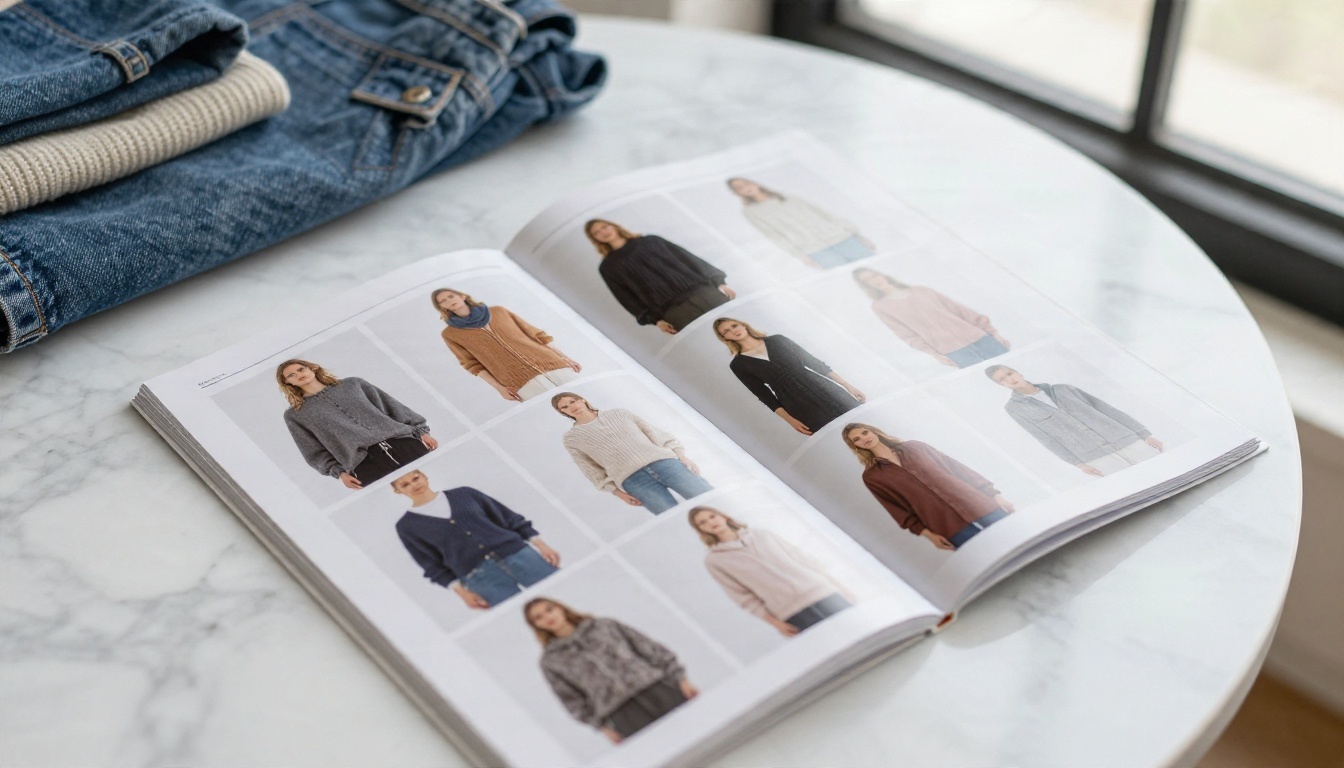
A lookbook sells a mood first and a product second. Full-page lifestyle images alternate with quick shopping pages that list what appears in each scene. Fashion and home décor brands love this pattern because it creates desire before price enters the conversation.
If lookbooks are your format, try the Interactive Lookbook Designer or the Lookbook Flipbook Builder.
Layout Comparison
| Layout | Best For | Products Per Page | Effort | Risk |
|---|
| Clean grid | Large inventories | 6 to 12 | Low | Can feel flat |
| Hero and detail | Premium items | 1 to 5 | Medium | Needs strong photos |
| Lookbook flow | Fashion, décor | 1 to 3 per scene | High | Harder to scan prices |
| Mixed | Seasonal drops | Varies | Medium | Needs a strict style rule |
✅ Best practice: Put your best sellers on the right-hand pages. Readers look there first after a page turn.
Template Choices by Store Type
You do not need to design from nothing. Start with a structure that matches your inventory, then replace photos and text. Here is how three common store types usually set things up.
Fashion and Apparel
Fashion shoppers want to see fit, fabric and styling. A reliable template looks like this:
- Cover page with one confident photo and the season name.
- Collection intro with a short paragraph and a color palette.
- Outfit spreads with 2 or 3 pieces per page.
- Detail pages for fabric, sizing and care.
- Order page with a link to your store.
The Fashion Catalog Creator follows exactly this rhythm.
Furniture and Home
Furniture is a big-ticket, high-doubt purchase, so the catalog has to answer questions. Show the piece in a room, then show dimensions, materials and finishes on the next page. A short table of sizes beats three paragraphs of description.
Try the Furniture Catalog Maker when you need spec-heavy pages with room scenes.

Small Handmade Shops
Handmade sellers have something big brands cannot copy: a story. Open with a page about who you are and how you make things. Then use simple 2-column grids. Add a "Gift under 30" page and a "Bundles" page, because these are the pages gift shoppers screenshot and share.
For general inventories, the Product Catalog Generator and the Digital Catalog Maker are flexible starting points.
Template Page Count Reference
| Catalog Type | Suggested Pages | Cover and Intro | Product Pages | Closing Pages |
|---|
| Small boutique | 12 to 16 | 2 | 9 to 12 | 1 to 2 |
| Furniture line | 20 to 28 | 2 | 16 to 22 | 2 to 4 |
| Wholesale sheet | 8 to 20 | 1 | 6 to 17 | 1 to 2 |
| Gift collection | 10 to 14 | 2 | 7 to 10 | 1 to 2 |
You can build a professional-looking catalog without spending anything on design. The trick is to pick tools for each stage instead of one tool for everything.
Design Apps and Spreadsheets
Free design apps such as Canva, Google Slides and Figma handle layout. They offer ready page sizes and drag-and-drop grids. For long catalogs with hundreds of SKUs, a spreadsheet plus mail-merge style import keeps names and prices consistent and prevents typos.
Export the final file as a PDF at A4 or Letter size, or use a landscape size if most readers will use phones and tablets.

Photography on a Budget
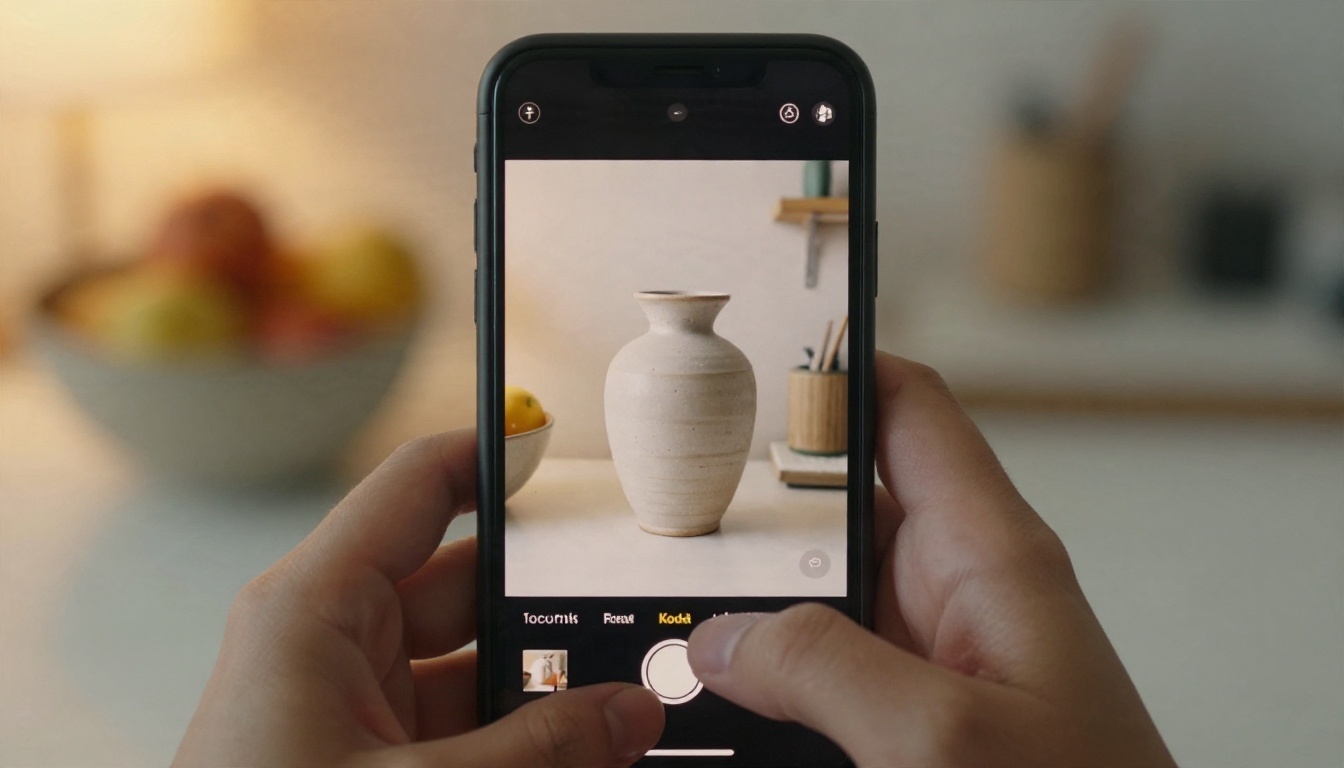
Good photos matter more than fancy fonts. A white sheet, a window and a phone can produce clean product shots. Add a cheap tripod and a white foam board to bounce light into shadows. Keep the same angle across the whole line so your grid looks tidy.
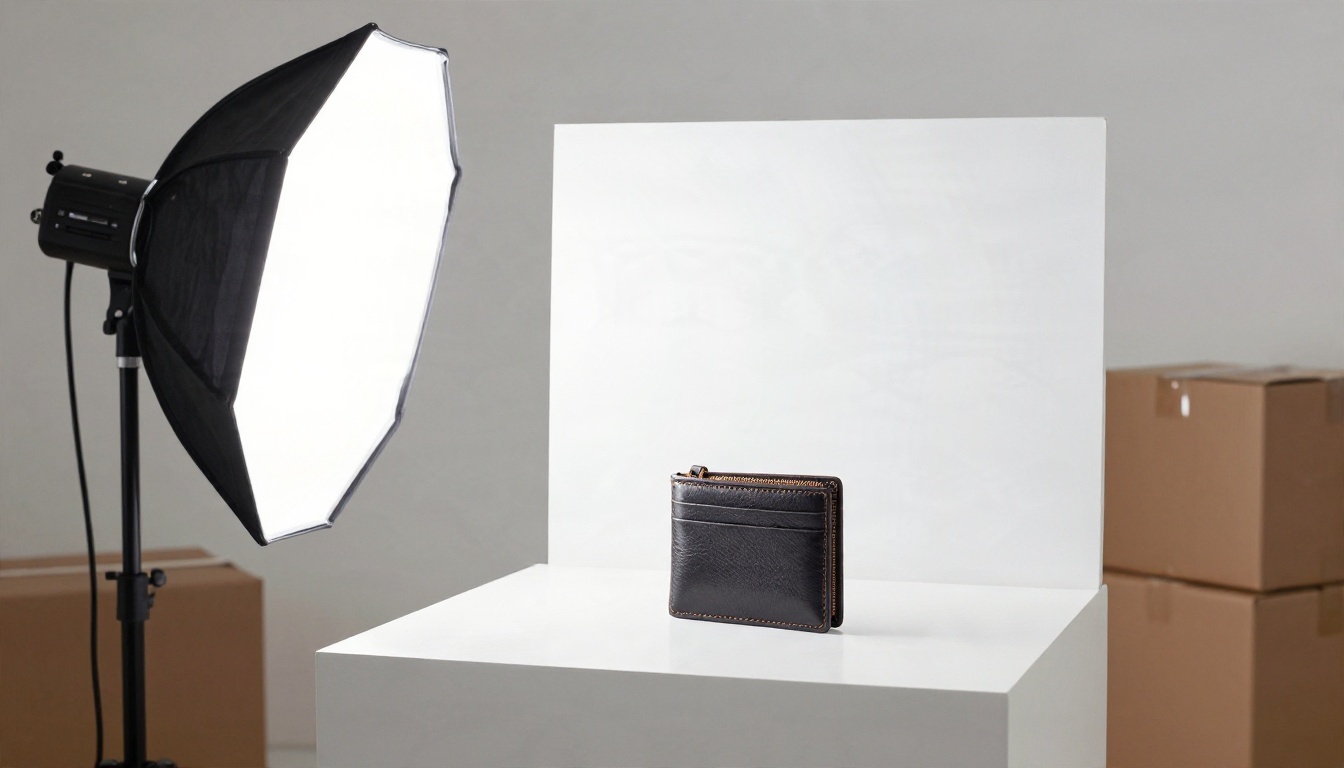
⚠️ Warning: Avoid mixing photo styles. A white-background shot beside a busy lifestyle image makes the catalog look like two different stores.
Tool Comparison
| Tool Type | Cost | Strength | Weak Spot |
|---|
| Free design app | Free | Fast layouts, templates | Static output only |
| Slides software | Free | Simple, collaborative | Limited typography |
| Spreadsheet | Free | Accurate prices and SKUs | No visual design |
| Phone photography | Free | Quick and flexible | Needs consistent lighting |
| Flipbook publisher | Free to start | Page-turn online catalog | Needs a finished PDF |
The final row matters most. A PDF on its own is a file. A PDF converted into a flipbook is an experience your customers open in a browser, with no download and no app.
How to Create a Catalog with Flipbooks AI
Once your pages are ready, the publishing step takes minutes. Here is the full process using Flipbooks AI.
Step by Step: Upload and Convert
- Create an account. Sign up on Flipbooks AI with your email.
- Upload your PDF. Drag the file into the dashboard. The PDF to Flipbook Converter turns each page into a flippable spread automatically.
- Check the preview. Flip through on desktop and mobile. Look for blurry images and crowded captions.
- Pick a catalog tool if you want a head start. The Catalog Flipbook Creator is built for this exact use.

Customize Your Look
Branding makes your catalog feel like part of your shop, not a random document.
- Add your logo and brand colors.
- Choose a background that suits your photos: light for fashion, dark for premium goods.
- Adjust page effects such as the turning speed and shadow.
- Embed videos and audio, for example a 15-second video of a product in use, or a soft background track for a lookbook.
- Add clickable links from product photos to the matching page on your store.
💡 Pro tip: Link every product image to its product page. A reader who loves a page should reach checkout in one tap.
Share It Everywhere
You have several ways to publish:
- Direct link for email, social bios and chat apps.
- Embed code to place the catalog inside a page on your website. The Embed Flipbook on Website tool shows how.
- Password protection for wholesale or private collections.
- QR code for packaging inserts, market stalls and printed flyers.
The result is mobile-responsive, carries no watermarks, and keeps your brand front and center.
Extra Features for Growth
Once the first catalog is live, the higher plans help you improve it. The Professional plan adds analytics and lead generation, so you can see which pages get attention and collect emails before a reader sees the full catalog. Standard plans and above allow unlimited flipbooks and offline downloads. Check pricing plans to compare what each tier includes.

| Feature | Starter Use | Growth Use |
|---|
| Flipbook link | Share one catalog | Share per campaign |
| Password protection | Private wholesale lists | Tiered buyer access |
| Analytics | Check total views | Spot the most viewed pages |
| Lead generation | Not needed yet | Collect emails before access |
| Offline download | Trade show copies | Sales rep PDFs |
Common Mistakes to Avoid
Most weak catalogs fail for the same few reasons. Check yours against this list before you publish.
- Too many products per page. Past 12 items, photos shrink and nobody reads captions.
- No path to buy. A catalog without links is a brochure. Add buttons and links on every product page.
- Inconsistent photos. Lighting, angles and background should match across the whole line.
- Tiny text on mobile. Most readers will open it on a phone, so keep body copy at a readable size.
- No update plan. Prices and stock change. Set a monthly reminder to replace the PDF.
A real example: a small candle shop moved from a 40-item crowded grid to a 16-page catalog with a hero page, three themed collections and linked product photos. The owner reported more repeat visits from newsletter readers, simply because each collection page was easy to scan and share.
✅ Best practice: Before publishing, ask someone who has never seen your store to find one product in under 20 seconds. If they struggle, simplify the page.
Your Next Catalog Starts Here
You now have the layouts, the template structures and the free tools. The only missing piece is the first draft. Start small: pick one collection, 12 to 16 pages, one consistent photo style and a link behind every product.
Ready to publish? Create your free account on Flipbooks AI and upload your first PDF today. Browse all flipbook tools and templates to find the right fit for your store, or head to the pricing page to compare plans, and choose a plan when you are ready for analytics and lead capture.



