Every school has stories worth printing: the robotics team that finally won regionals, the lunch menu debate that took over the cafeteria, the art teacher who retires after thirty years. Yet most of what gets published about education technology is written for IT directors, not for the people who actually walk your hallways. If you have been reading trade publications for ideas and wondering whether you could simply make your own, the answer is yes. With Flipbooks AI, you can turn a PDF into a page-turning online magazine in minutes, and you can start for free.
This article looks at why schools search for EdTech Magazine alternatives, what a homemade school magazine can do that a trade title cannot, and exactly how to build, share and measure one without a design budget.
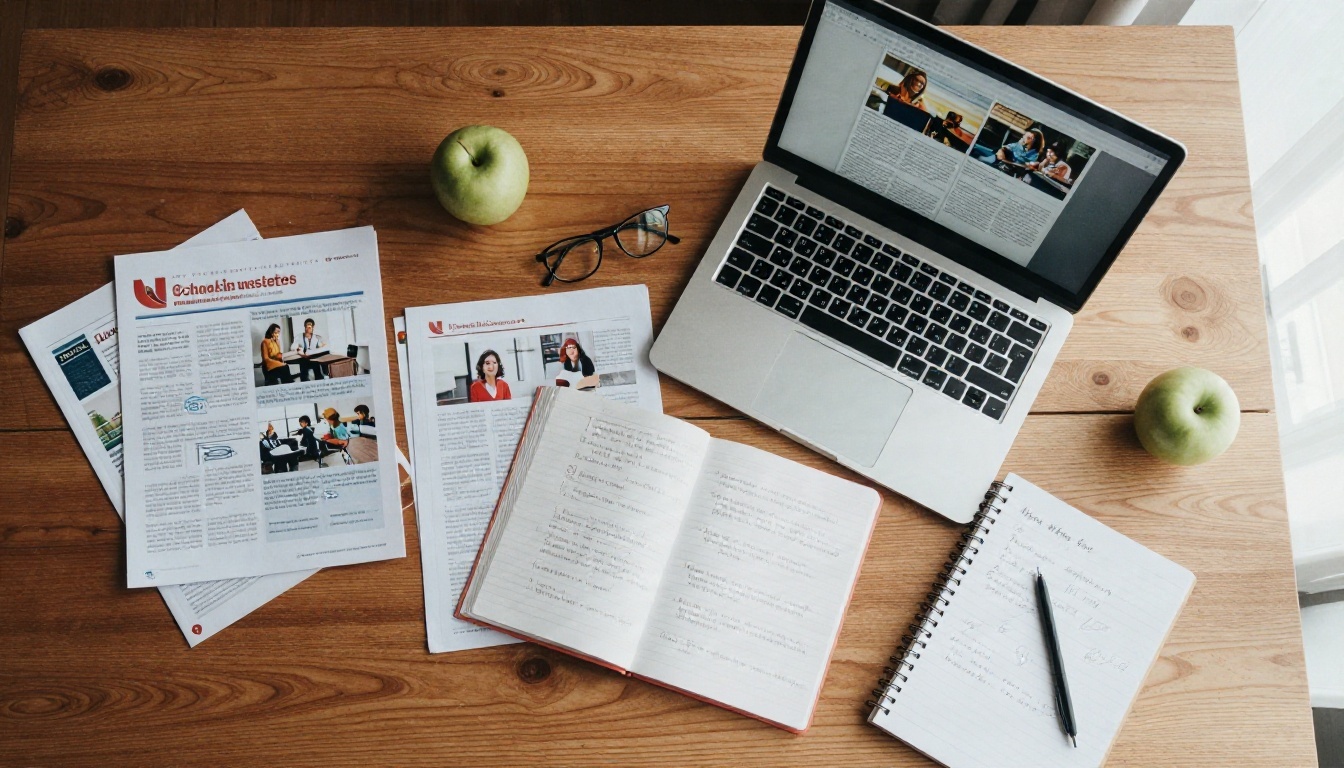
Why Schools Look Beyond EdTech Magazine
EdTech Magazine is a respected publication aimed at technology decision makers in education. It is a fine place to read about device rollouts, cybersecurity and district strategy. But it was never meant to be the voice of your school.
What Trade Magazines Do Well
Trade titles bring outside perspective. They show what other districts are buying, what is working, and where the market is moving. For a principal or a technology coordinator, that is genuinely useful reading.
Where They Fall Short for Your School
A parent of a seventh grader does not care about a district-wide network refresh. They care about the spring concert, the science fair results and whether the bus schedule changed. A trade magazine cannot offer:
- Local stories about your students and staff
- Your own branding, colors and tone
- Student voices and bylines
- Direct control over what is published and when
- Reader data that tells you which stories land
That gap is why more schools are building their own publications. Here is how the main options compare.
| Option | Cost | Local content | Looks professional | Effort to maintain |
|---|
| Read a trade magazine | Free or subscription | None | Yes | None |
| Plain PDF on the school site | Free | Yes | Rarely | Low |
| Printed magazine | High (printing, delivery) | Yes | Yes | High |
| Email newsletter only | Low | Yes | Depends on template | Medium |
| Online flipbook magazine | Free to start | Yes | Yes | Low to medium |
💡 Pro tip: You do not have to choose between print and digital. Many schools design one PDF, print a small run for the front office, and publish the same file online as a flipbook.
What a School Magazine Can Be
When people hear "school magazine," they picture a thick yearbook. In practice, the format is flexible. A good school magazine can be eight pages or eighty, quarterly or monthly, written by students, teachers, or both.
Five Formats That Work
- Student news magazine: Written and photographed by a journalism club or English class.
- Parent and community newsletter: Short, visual, and sent every month. The School Newsletter Creator is built for exactly this.
- Arts and literary magazine: Poetry, short fiction, drawings and photography from across the school.
- Sports and activities digest: Match reports, team photos, schedules and club spotlights.
- Annual yearbook edition: A digital companion to the printed book, which you can build with the Yearbook Flipbook Maker.
A Real Scenario: The Eight-Page Monthly
Picture a middle school with one enthusiastic English teacher and twelve student volunteers. They plan an eight-page issue each month: a front page feature, two pages of news, a sports page, a student art spread, a staff spotlight, a calendar page and a back page puzzle. They lay it out in a free design tool, export a PDF, and publish it online the same afternoon. Parents get a link by email. Nobody prints anything.
That is the whole workflow. It sounds simple because it is.
Why Flipbooks Beat Plain PDFs
A PDF is a document. A flipbook is an experience. When a reader opens a flipbook, the pages turn like paper, the layout stays intact on a phone, and you can embed video, audio and links inside the pages.
Reading Feels Like a Magazine
Students put real effort into layout and photography. A flipbook respects that work. Spreads display side by side, pages flip with a natural motion, and the reader can zoom into a photograph without losing quality. A plain PDF download rarely gets the same attention, and many parents never open it on a phone.
Multimedia Makes Stories Richer
Imagine a feature about the school musical. In a flipbook, the article can include a short rehearsal clip and an audio snippet of the lead song. A sports report can link to the full match recording. Print cannot do that, and a flat PDF does not do it well.
| Feature | Plain PDF | Printed copy | Flipbook |
|---|
| Page-turning effect | No | Yes | Yes |
| Works well on phones | Poor | Not applicable | Yes |
| Embedded video and audio | Limited | No | Yes |
| Password protection | Depends on hosting | Not applicable | Yes |
| Reader statistics | No | No | Yes (Professional plan) |
| Cost per issue | Free | Printing costs | Free to start |
| No watermark | Yes | Yes | Yes, always |
✅ Best practice: Publish both a flipbook link and a downloadable PDF. Some families prefer to print pages for a grandparent without internet access.
How to Build Your Magazine with Flipbooks AI
This is the practical part. The process takes less than an hour for a first issue, and far less once you have a routine. The Magazine Flipbook Creator and the E-Magazine Publishing Tool are both designed for this workflow.

Step 1: Design the Pages
Create your layout in any tool your students already know. Word processors, slide software and free design apps all work. Use these settings:
- Page size: A4 or US Letter, in portrait orientation
- Fonts: Two at most, one for headlines and one for body text
- Images: At least 150 DPI for clean zooming
- Export: Save the final file as a PDF
Step 2: Create Your Account
Head to Flipbooks AI and create an account. You can begin on the free plan and review the pricing page for current plan limits before you publish a large archive.
Step 3: Upload and Convert the PDF
Drag your PDF into the uploader. The platform converts each page automatically, keeping the layout and fonts you chose. The PDF to Flipbook Converter handles the heavy lifting, so there is no manual page building.
⚠️ Warning: If your PDF uses unusual fonts, embed them when you export. Otherwise, a substitute font could shift your headlines on some pages.
Step 4: Customize the Look
Once the pages appear, personalize the viewer:
- Branding: Add your school logo and use your school colors on the background and toolbar.
- Page effects: Choose the page-turn style and speed.
- Multimedia: Add links, video clips and audio to specific pages. A principal's welcome message works nicely on page two.
- Mobile view: Preview on a phone, because most parents will read it there.
Step 5: Share the Issue
Sharing is where a flipbook beats a file attachment:
- Direct link: Paste it into email, a parent app or a social post.
- Embed code: Place the magazine on your school website using the Embed Flipbook on Website tool.
- Password protection: Keep the issue private for staff or enrolled families only.
- Offline download: Let readers save a copy for places with weak connections.
Step 6: Review Reader Data
On the Professional plan, analytics show how many people opened the issue, which pages held attention, and where readers stopped. Lead generation features can also collect an email address before an issue opens, which is handy for alumni magazines and fundraising editions. See the plans to decide what fits your school.
Plan Each Issue Before You Design
A magazine succeeds or fails before anyone opens a design file. Spend a short session planning and the rest of the process gets easier.
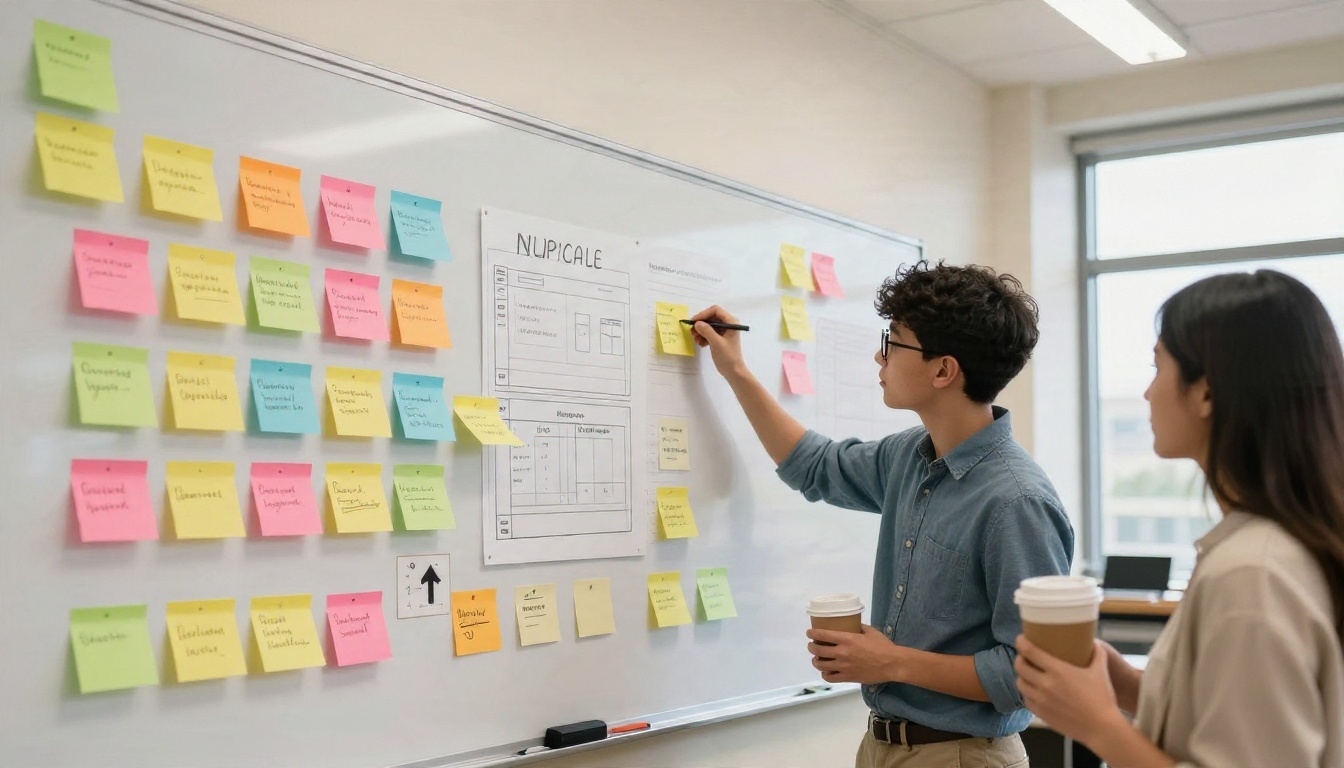
Assign Clear Roles
Even a small team benefits from titles. They give students ownership and make deadlines feel real.
- Editor in chief: Final decisions on content and tone
- Section editors: One each for news, sports, arts and features
- Photographers: Responsible for original images
- Layout lead: Builds pages and exports the PDF
- Faculty advisor: Approves content and checks permissions
Build a Simple Content Calendar
A shared calendar keeps everyone honest. Here is a sample cycle for a monthly issue.
| Week | Task | Owner |
|---|
| Week 1 | Pitch meeting and story assignments | Editor in chief |
| Week 2 | Writing, interviews and photography | Section editors |
| Week 3 | Layout, proofreading and advisor review | Layout lead |
| Week 4 | Export, upload to the flipbook, send the link | Advisor and editor |
💡 Pro tip: Set the publish date first and work backward. A magazine without a deadline quietly turns into a magazine that never ships.
Get Permissions Right
Always confirm photo and name permissions with your school's policy. If your school restricts publishing student images, use password protection to limit access to enrolled families, or choose illustrations and group shots that comply with your rules.
You do not need to spend money to produce a professional-looking issue. The goal is to combine free resources wisely.
Pick Your Design Software
| Tool type | Best for | Cost |
|---|
| Word processor | Text heavy newsletters | Often already available |
| Slide software | Colorful, image led pages | Often already available |
| Free online design apps | Polished templates | Free tiers available |
| Desktop publishing apps | Large print-quality issues | Free and paid options |
Reuse Content Across Channels
One interview can become a feature article, a quote graphic and a short audio clip. One photo shoot can fill a spread, a social post and the website banner. Plan content once and publish it three ways.
Match the Tool to the Project
Different publications call for different tools. Browse the full tools directory and consider these:
Get Parents and Students Reading
Publishing is half the job. The other half is making sure people open the issue.

Send It Where Families Already Are
Put the link in the weekly email, the parent messaging app and the school's social channels. Add a QR code to the front office door and to printed event flyers. Readers who would never visit a website will scan a code while waiting for pickup.
Put Students in the Spotlight
Nothing drives readership like seeing a familiar face. Feature a different class, club or team in each issue. Students share their own appearance with relatives, and every share brings a new reader.
Track and Adjust
Check which pages hold attention and which sections people skip. If the sports page wins every month, give it more room. If the calendar page is rarely opened, move the dates onto the front page. Small edits like these steadily improve each issue.
Mistakes That Sink School Magazines
After watching many student publications start and stall, the same problems appear again and again.
- Starting too big. A sixty page first issue exhausts the team. Begin with eight pages.
- No fixed schedule. Irregular publishing teaches readers to stop checking.
- Low resolution photos. Blurry images undermine the work. Ask photographers to shoot at full quality.
- Skipping proofreading. Typos in a school publication get noticed. Add a second reader to every issue.
- Ignoring mobile readers. Preview each issue on a phone before sending it out.
- Forgetting permissions. Confirm image and name use before the PDF is exported.
- One person doing everything. Spread the work, or the project ends when that person graduates.
⚠️ Warning: Keep a shared folder with templates, fonts and past issues. When next year's team arrives, they should be able to publish within a week.
Your First Issue Starts Today
The strongest alternative to reading someone else's magazine is publishing your own. Your school already has the writers, the photographers and the stories. What it needs is a simple way to put them in front of readers without a printing bill or a web developer.

Here is your short action list:
- Pick a format from the five above and commit to a first issue of eight pages
- Assign roles and set a publish date four weeks out
- Design the pages and export a PDF
- Upload to Flipbooks AI and add your logo and colors
- Share the link by email, QR code and your school website
Ready to publish? Get started for free and turn your first PDF into a flipbook. Browse all flipbook tools and templates to find the right fit for your project, or compare pricing plans when you are ready for analytics, lead generation and unlimited issues. Your school has a story. Go and print it.



