Most PDFs get downloaded, ignored, and forgotten. An electronic flip book gets opened, swiped, and actually read, because it behaves like a real publication: pages turn, images load fast, and nobody has to install anything. If you have a catalog, magazine, menu, or report sitting in a folder, a platform like Flipbooks AI can turn it into a page-turning experience in a few minutes. This article compares the software options, shows what free online makers really offer, and walks through every way to share the result.
What an Electronic Flip Book Is
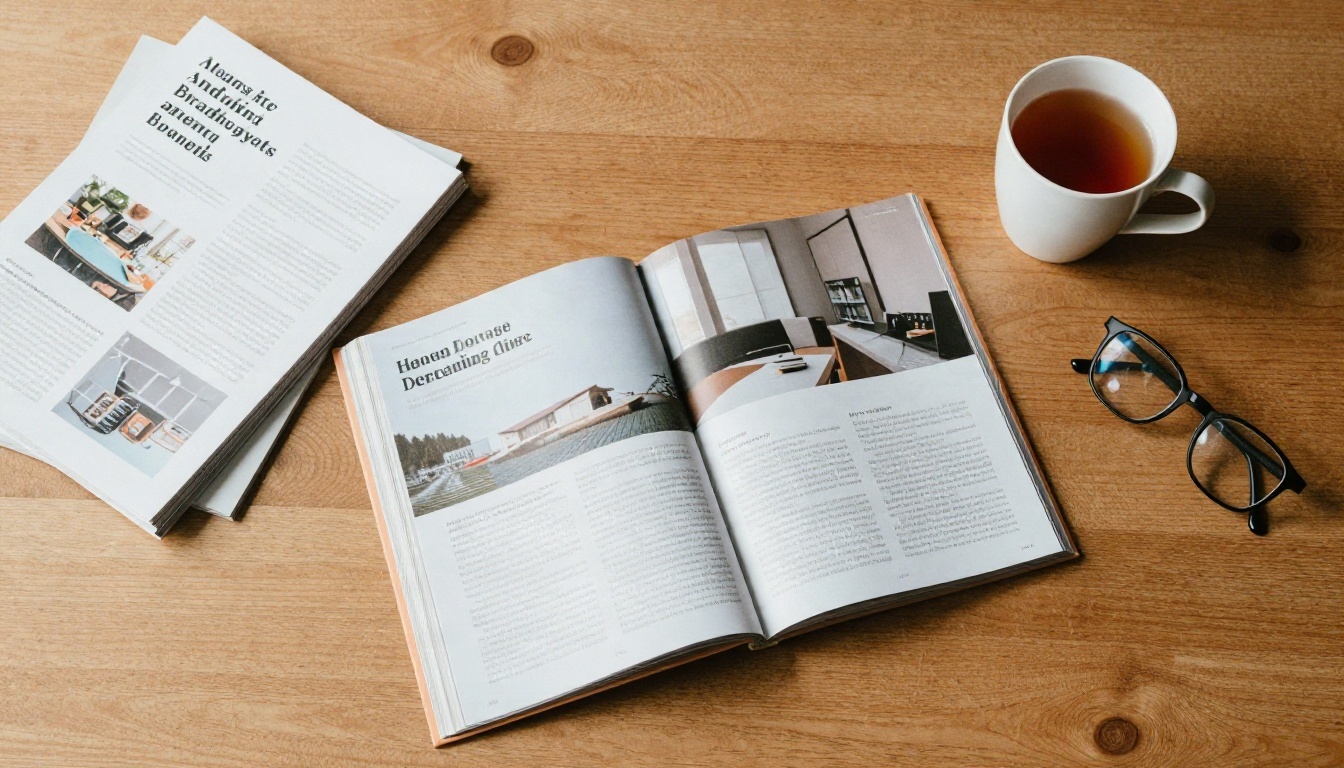
An electronic flip book is a digital publication that imitates the feel of a printed book. Readers see a spread, click or swipe, and the page curls over with a smooth animation. Under the hood it is usually built from a PDF, converted into fast-loading page images with text, links, and media layered on top.
How It Differs From a PDF
A PDF is a file. A flipbook is an experience hosted online. That difference shows up in everything from load time to tracking.
| Feature | Plain PDF | Electronic flip book | Standard web page |
|---|
| Page-turn animation | No | Yes | No |
| Opens in browser instantly | Sometimes, slowly | Yes | Yes |
| Layout stays fixed on mobile | Needs pinch and zoom | Responsive viewer | Reflows, layout may break |
| Embedded video and audio | Limited | Yes | Yes |
| Reader analytics | None | Yes, on supported plans | Yes |
| Easy to share by link | File attachment | Single link or embed | Single link |
| Print-quality layout preserved | Yes | Yes | Rarely |
💡 Pro tip: If your document was designed for print, a flipbook keeps your original layout intact. A web page rebuild usually does not.
Where People Use Them
The format works anywhere a document benefits from being browsed rather than skimmed:
- Product catalogs and digital price lists
- Restaurant and spa menus
- Magazines, newsletters, and yearbooks
- Annual reports and sales presentations
- Portfolios, lookbooks, and wedding albums
- Training manuals and course material
- Real estate and hotel brochures
You can browse dozens of ready-made use cases in the Flipbooks AI tools directory.
Software Types Worth Comparing
Not every flipbook tool works the same way. Before you pick one, decide where you want the work to happen: on your computer, in a browser, or inside an app store listing.

Desktop Programs vs Browser Tools
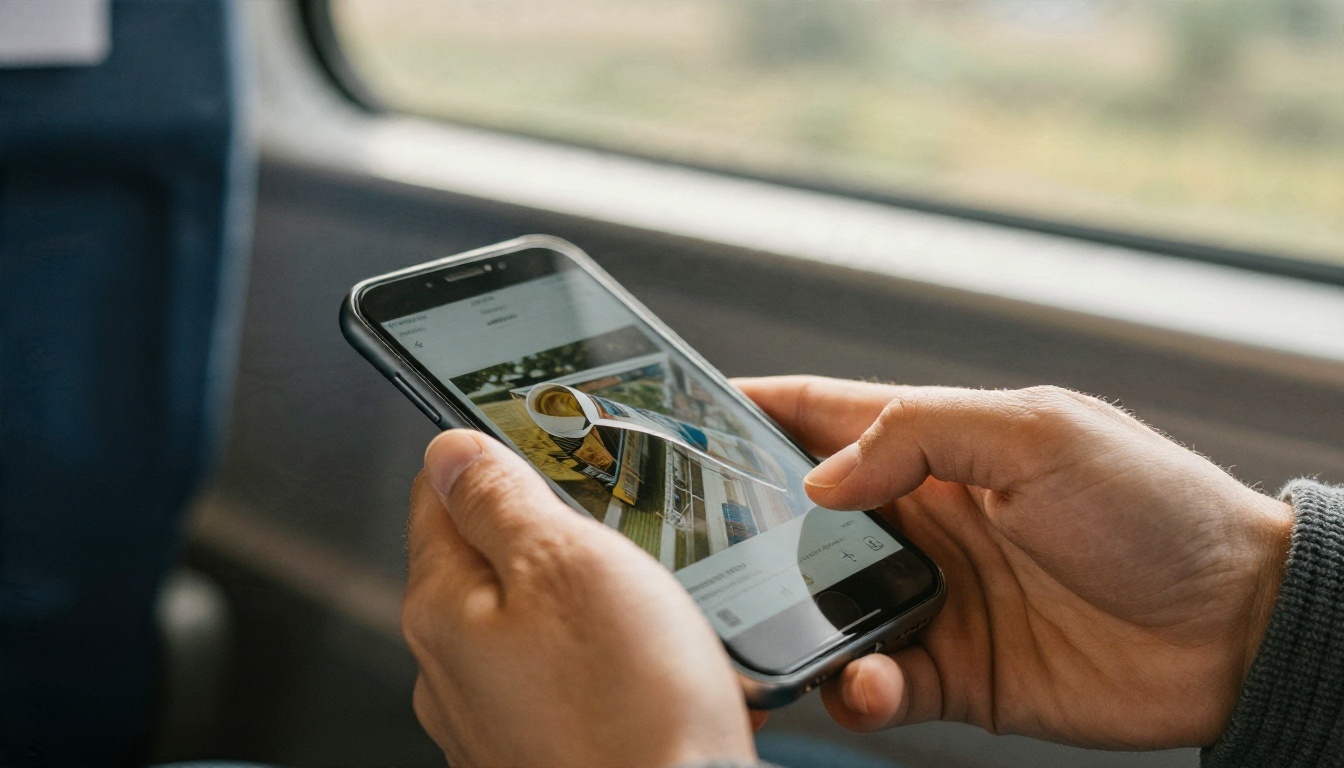
Desktop software installs on your machine, exports a folder of files, and leaves hosting up to you. Browser-based platforms handle conversion, hosting, and sharing in one place. For most small teams, the second option saves hours.
| Factor | Desktop software | Browser-based platform | Mobile reading app |
|---|
| Installation | Required | None | App download |
| Hosting included | Usually no | Yes | Inside the app only |
| Updating a published file | Re-export and re-upload | Replace in dashboard, link stays | Depends on the app |
| Works on Mac, Windows, Chromebook | Often one OS | All of them | iOS or Android |
| Sharing by single link | Manual | Built in | Limited |
| Best for | Offline design work | Fast publishing and sharing | Personal reading |
What to Check Before Choosing
Run any candidate through this short list:
- Watermarks. Does the free output carry the vendor's logo?
- Page limits. Will your 120-page catalog fit?
- Mobile behavior. Open a sample on your own phone before committing.
- Link permanence. If you update the file, does the shared URL stay the same?
- Privacy. Can you lock a flipbook with a password?
- Export. Can readers download an offline copy when you allow it?
⚠️ Warning: Some tools look free until you hit "download" or "embed." Read the plan details first, not after you finish designing.
Free Online Makers and Their Limits
Free tiers are a great way to test a concept. They are also where most people lose an afternoon, so it helps to know the typical trade-offs.

What Free Plans Usually Limit
| Limit | Typical free plan | Paid plan |
|---|
| Number of flipbooks | 1 to 3 | Often unlimited |
| File size and pages | Small caps | Large documents allowed |
| Custom branding | Not available | Logo, colors, backgrounds |
| Password protection | Rare | Included |
| Reader analytics | None | Included on higher tiers |
| Removal of vendor branding | No | Yes |
Watermarks and Page Caps
The watermark is the biggest dealbreaker. A logo from another company stamped on your menu or sales deck looks careless. Flipbooks AI never adds watermarks, so what you publish looks like your brand, not ours. Page caps are the second issue: if a free tool stops at 20 pages, a full catalog will not fit.
✅ Best practice: Test with your largest real document, not a sample. That is the only way to see where a limit bites.
How to Create an Electronic Flip Book with Flipbooks AI
Here is the full workflow, from blank screen to published link. Create your account on Flipbooks AI and follow along.
Upload and Convert Your PDF
- Go to flipbooksai.com/account and sign in or create a free account.
- Click the upload button in your dashboard and choose your PDF. You can also drag the file straight into the window.
- Wait a moment while the platform converts each page into a sharp, fast-loading image. Text and links stay intact.
- Open the preview. The pages should already turn like a real book.
If you only need the conversion step, the PDF to Flipbook Converter does exactly that.
💡 Pro tip: Export your PDF at the final trim size with images at 150 DPI or higher. Larger files load slower, and smaller ones look soft on big monitors.
Brand It and Add Media
Now make the flipbook look like it belongs to you.
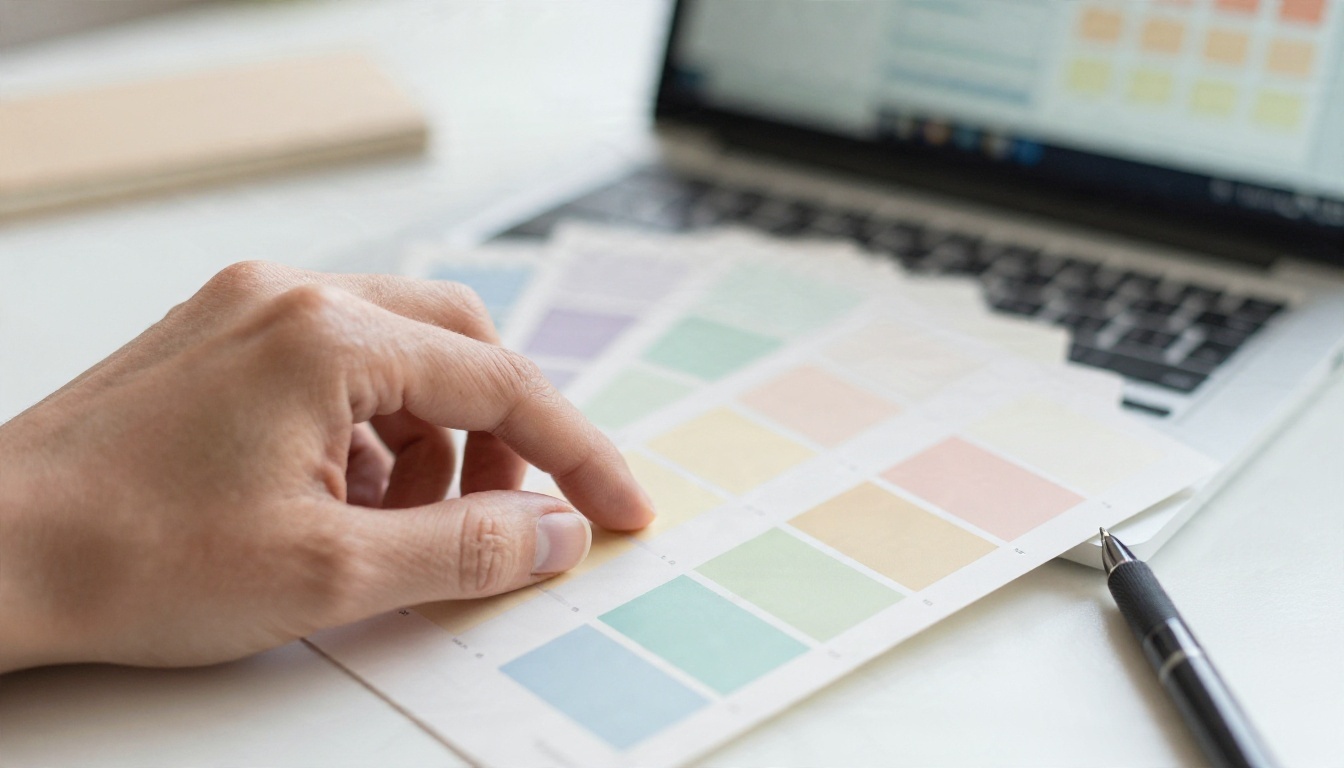
- Branding. Upload your logo and set your brand colors.
- Backgrounds. Pick a solid color, gradient, or image behind the book.
- Page effects. Choose the page-turn style, sound, and flip speed.
- Multimedia. Drop in videos and audio where they add value, such as a product demo on page 4 or a welcome message on page 1.
- Links. Make product names, emails, and buttons clickable.
Every flipbook is mobile responsive, so readers on a phone get a single-page view while desktop readers get a two-page spread.
Pro Features Worth Using
Once the basics are done, a few extras are worth switching on:
- Analytics: see views, time on each page, and where readers drop off.
- Lead generation: ask for an email before the reader opens the flipbook.
- Offline downloads: let readers save a copy for later.
- Unlimited flipbooks on the Standard plan and above.
Analytics and lead capture are part of the Professional plan. Compare options on the pricing page before you decide.
How to Share It
Publishing is only half the job. The way you share an electronic flip book decides who actually opens it.
| Sharing method | Best for | Effort | Notes |
|---|
| Direct link | Email, chat, social posts | 10 seconds | Works everywhere |
| QR code | Print, packaging, table cards | 2 minutes | Link paper to digital |
| Website embed | Landing pages, blogs | 5 minutes | Reader stays on your site |
| Password protection | Internal or paid content | 1 minute | Controls who reads |
| Offline download | Travel, low-signal areas | Optional | Reader keeps a copy |

Direct Links and QR Codes
Copy the flipbook URL and paste it into an email, a WhatsApp message, an Instagram bio, or a newsletter. For anything printed, generate a QR code that points to the same link. A cafe can place it on every table. A trade show booth can print it on a banner. Because the link stays the same when you replace the file, printed codes never go out of date.
Embed on a Website
If you want the flipbook to live on your own page, grab the embed code from the share panel and paste it into your site's HTML block. Most website builders accept it without trouble. Step-by-step help is on the Embed Flipbook on Website page.
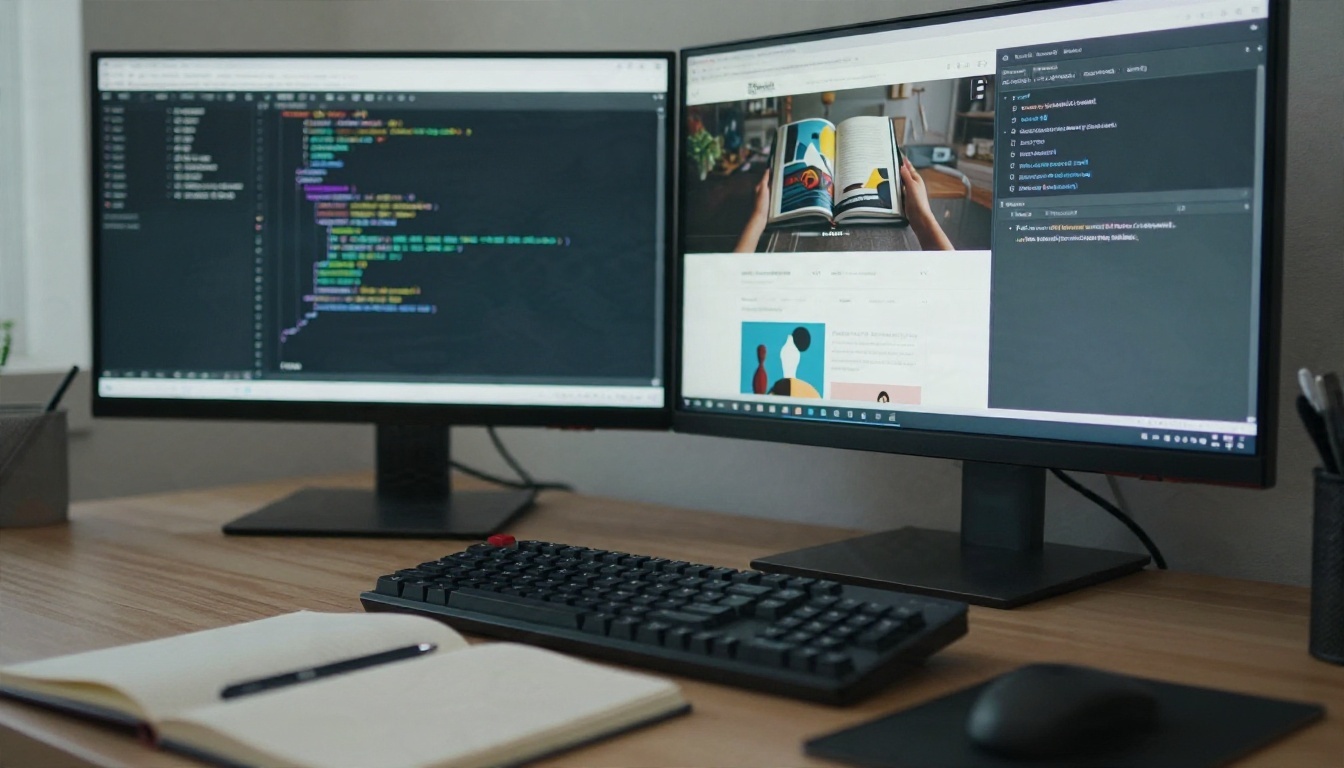
⚠️ Warning: Set a sensible width and height for the embed. A frame that is too narrow forces readers into single-page mode on desktop.
Password Protection
Sending a pricing sheet to wholesale customers only? Turn on password protection. Share the link in one message and the password in another. Only people with both can read. This is also useful for investor updates, internal handbooks, and unreleased lookbooks.
Real-World Examples
Ideas are easier to judge with a scenario attached. Here are three that show up again and again.
Restaurants and Retail
A restaurant can upload its menu PDF, add dish photos, and place a QR code on each table. When prices change, the owner swaps the file and every code updates at once. The Restaurant Menu Creator is built for exactly this. Retailers do the same with seasonal lines using the Digital Catalog Maker.
Real Estate and Marketing Teams
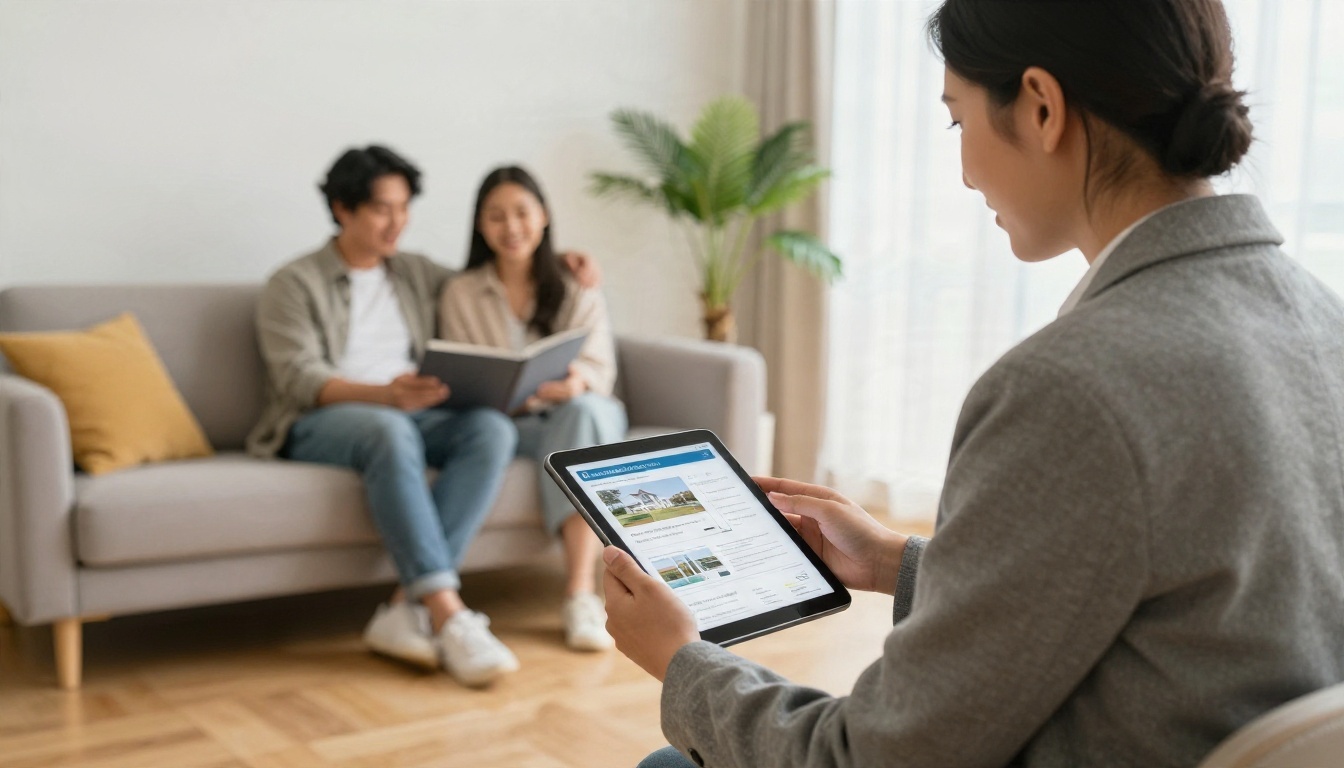
Real estate agents benefit by sending a single link to a property brochure instead of a heavy attachment. Buyers open it on their phone in the car, flip through floor plans, and tap the agent's number. The Real Estate Brochure Creator gives agents a head start.

Marketing teams care about what happens after the send. With analytics, they can see which pages hold attention and which ones lose it, then redesign the weak spots. A sales team using a Sales Presentation flipbook can see which prospects actually opened the deck before the follow-up call.
Mistakes That Hurt Readers
Even a well-designed flipbook can fall flat. Watch for these four problems:
- Tiny text on mobile. Body copy under 10 points becomes unreadable on a phone. Increase it in the source file.
- Huge file sizes. A 200 MB PDF slows the first page load. Compress images before uploading.
- No call to action. Add a clickable button on the first and last page so readers know what to do next.
- Forgetting to test. Open the final link on a phone, a laptop, and a tablet before sending it to anyone.
✅ Best practice: Send the flipbook to yourself first, on a different device than the one you built it on. Fresh eyes catch layout problems fast.
Pick a Plan and Publish Today
An electronic flip book turns a forgotten file into something people open, flip through, and share. Start with a document you already have, convert it, brand it, and send the link to one person today.
No watermarks, no installs, and no waiting on a developer. Just your content, turning page by page.



