Electronic Magazine Software: Free Options, Pricing, Online Tools and Embedding
Choosing electronic magazine software means weighing free plans against paid tiers, comparing online tools, and knowing how embedding works on a real website. This article breaks down each option with tables, examples and a step by step tutorial for publishing your first digital issue.
You have a finished PDF, a deadline, and a budget that is close to zero. The question is simple: which electronic magazine software will turn that file into a page-turning issue people actually open? Plenty of tools promise it, but free plans hide watermarks, pricing pages hide limits, and embedding turns out to be locked behind a higher tier. This article sorts through all of it. We compare free options, real pricing, online tools and embedding methods, and we show how to publish an issue with Flipbooks AI in about ten minutes.
💡 Quick answer: If you already have a PDF, an online flipbook tool is the fastest route. If you need to design pages from scratch, pair a layout app with a flipbook publisher.
What Electronic Magazine Software Does
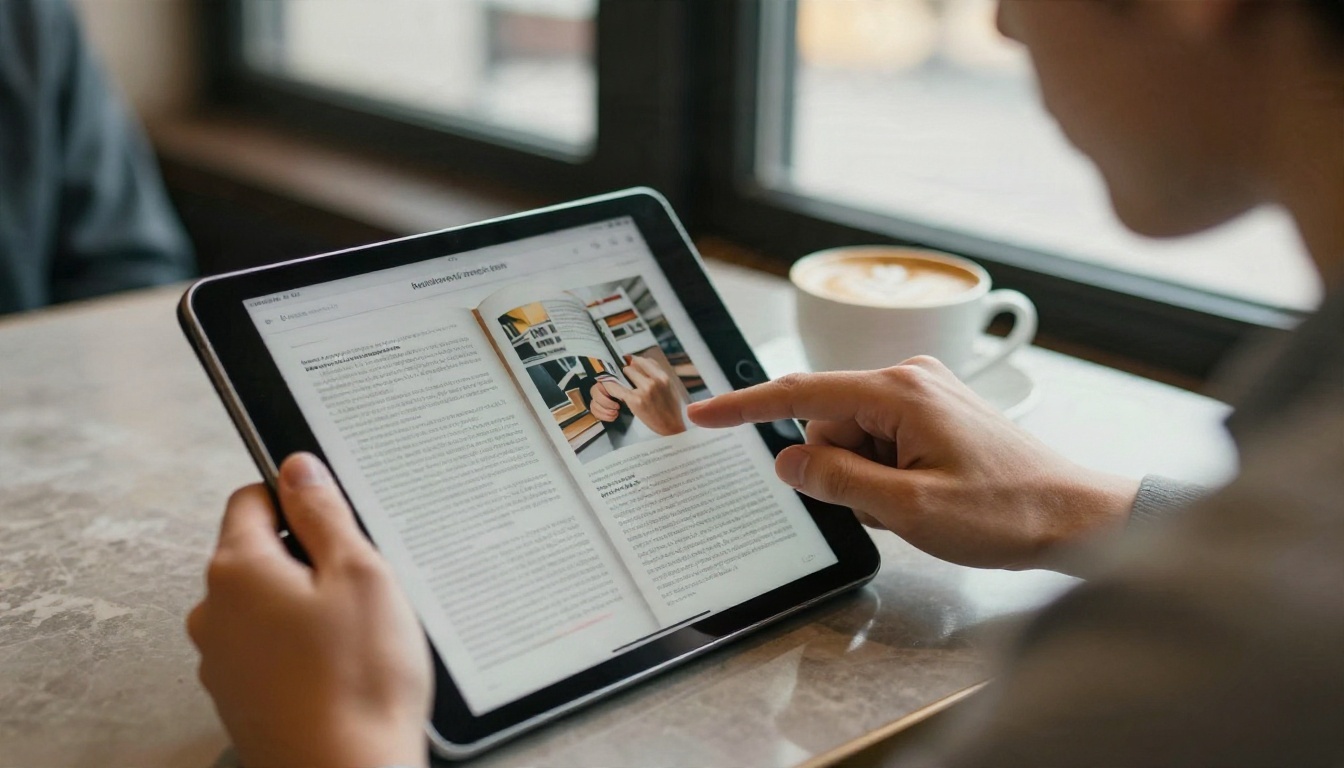
Electronic magazine software takes content, either a finished PDF or pages built inside the tool, and publishes it as a digital issue. Readers flip through it on a phone, tablet or desktop browser. Nothing to install, nothing to print, no shipping bill.
The category is wider than it sounds. Some products are layout editors. Others are pure publishers that convert files. A few do both, with different levels of polish.
Flipbook Publishers vs. Layout Editors
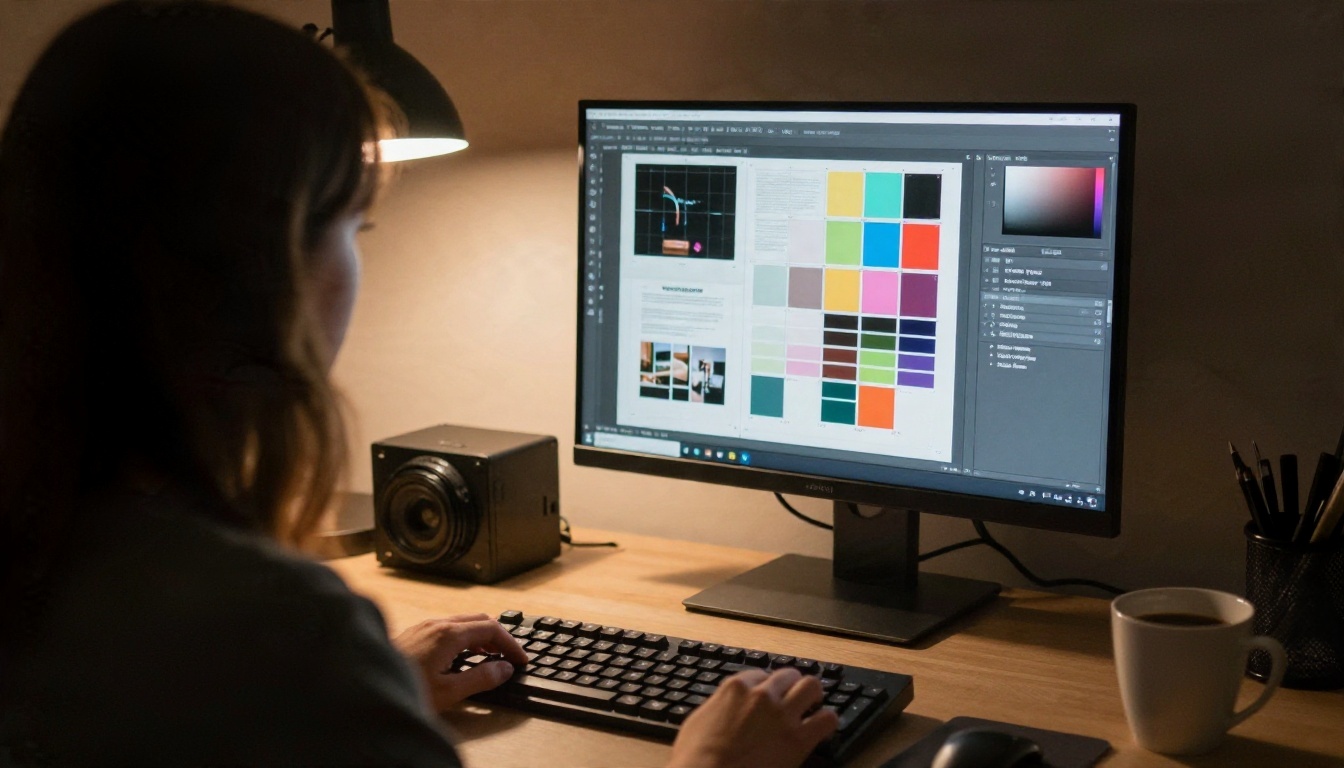
A layout editor helps you design the page: grids, fonts, image placement. A flipbook publisher takes the finished page and gives it a reading experience: page-turn animation, zoom, links, search, sharing.
Most small teams already design in a familiar app and export a PDF. For them, a publisher is the missing half. That is exactly where tools like the E-Magazine Publishing Tool and the Magazine Flipbook Creator fit.
Who Actually Needs It
Independent publishers who want a lower cost than print runs
Brands producing quarterly lookbooks or customer magazines
Schools and clubs sending a monthly newsletter
Agencies presenting client reports as a polished issue
Freelance writers building a portfolio magazine
If you send the same document to more than a handful of people, a digital issue saves time on every send.
Free Options Worth Your Time
Free is a real option, but it comes in three very different flavors. Knowing which one you are looking at saves a lot of frustration.
What Free Plans Usually Limit
Free tiers in this market tend to restrict the same things:
Watermarks or branding stamped on every page or on the reader frame
Issue count, often one to three publications
Page count or file size caps
Embedding, which is sometimes disabled entirely
Analytics, which usually need a paid plan
Watermarks are the biggest issue for anyone sending an issue to clients or customers. A magazine with a third-party logo across it looks unfinished.
Free Option Types Compared
Free option type
Best for
Typical catch
Free trial of a paid tool
Testing every feature
Expires, issues may disappear
Permanent free plan
Occasional personal use
Watermark, low issue limits
Open source self-hosted viewer
Developers with a server
You maintain hosting and updates
Layout app with free export
Designing and sharing a PDF
No page-turn reader or embedding
⚠️ Watch out: A free trial that deletes your issues at the end is not a free plan. Export your PDF source before you start.
When Free Is Enough
Free works when the audience is small, the issue is a one-off, and a watermark does not hurt. A school club newsletter is a good example. A brand's flagship customer magazine is not.
The Real Cost of Paid Plans
Pricing in this category usually follows a ladder. The names change from vendor to vendor, but the logic stays similar. You pay more as you add issues, remove branding, and switch on business features.
Typical Pricing Tiers
Tier
Typical monthly range
What you usually get
Free
$0
Few issues, watermark, basic sharing
Entry
$10 to $25
Watermark removed, more issues
Standard
$25 to $60
Unlimited issues, custom branding, embedding
Professional
$60 and up
Analytics, lead capture, offline downloads
Enterprise
Custom quote
Single sign-on, dedicated support
These ranges are market averages, not a quote from any single vendor. Always check the current numbers on the vendor's pricing page. For Flipbooks AI, the live pricing plans show what each tier includes.
Hidden Costs to Check
Per-issue fees that add up if you publish monthly
Bandwidth or view caps that trigger overage charges
Custom domain add-ons sold separately
Export or download fees for offline copies
Seat pricing when more than one editor needs access
Add up a full year before deciding. A cheap monthly plan with strict limits can cost more than a flat plan with unlimited issues.
✅ Best practice: Calculate your cost per published issue. If you release twelve issues a year, divide the annual price by twelve and compare tools on that number.
Online Tools Compared
Online tools win on speed. You upload, adjust, publish. The differences show up in the details, so here is a checklist worth running before you commit.
Features That Separate Good From Average
Feature
Why it matters
Flipbooks AI
No watermarks
Keeps your brand clean
✅
PDF upload and conversion
Uses your existing design
✅
Mobile-responsive reader
Most readers are on phones
✅
Password protection
Private issues for members
✅
Embedded video and audio
Richer storytelling
✅
Custom branding
Colors, logo, background
✅
Analytics and lead capture
Measures reach (Professional plan)
✅
Offline downloads
Reading without a connection
✅
Mobile Reading Comes First
Over half of web traffic comes from phones. A magazine that only looks right on a laptop is losing readers on the first page. Test every candidate tool on your own phone before you pay. Check that text stays readable, that pinch zoom works, and that the page flips with a simple swipe.
Pick by Use Case
Different magazines need different tools. These purpose-built options on Flipbooks AI show the range:
Embedding puts the reader directly inside your own page. Visitors never leave your site, which keeps them on your brand and your analytics. The Embed Flipbook on Website tool is built for exactly this.
Iframe Embed Basics
Most platforms generate a short snippet of HTML. It looks like this:
Paste it into a custom HTML block on WordPress, Wix, Squarespace, Webflow or a hand-coded page. Set the width to 100% so it adapts to the container, and give the height enough room for a full spread.
Embedding Options Compared
Method
Setup effort
Best for
Iframe snippet
Very low
Any website or CMS
Direct link button
Lowest
Email, social bios, QR codes
Popup or lightbox
Medium, needs a plugin
Landing pages
Full-page redirect
Low
Standalone issue microsite
💡 Pro tip: Wrap the iframe in a container with a 16:9 or 4:3 aspect ratio using CSS. The magazine then scales smoothly on every screen size.
Privacy and Access Control
Not every issue should be public. Paid subscriber editions, internal reports and client proofs need a gate. Choose a platform that supports password protection on the issue itself, so the embed is useless to anyone without the code.
How to Create a Magazine with Flipbooks AI
Here is the whole process, from file to live link. It takes about ten minutes for a first issue.
Prepare your PDF. Export from your layout app at screen resolution, not print resolution. Spreads should be in reading order. A file under 50 MB converts fastest.
Upload the file. Drag the PDF into the upload area, or use the PDF to Flipbook Converter. Conversion runs in the cloud and each page becomes a flippable sheet.
Check the preview. Flip through every spread. Confirm that images are sharp and that text is readable at both full-screen and mobile sizes.
Customize the look. Set your logo, background color and page-turn effect. The preview updates as you change each setting.
Add multimedia. Drop in video and audio where it helps: an interview clip beside a feature, a playlist beside a music column.
Set sharing rules. Choose a public link, add a password for private editions, or copy the embed code for your website.
Publish. Click publish and share the link by email, social post or QR code.
✅ Best practice: Name each issue with a month and year (for example, "Autumn 2026") so your archive stays easy to scan.
Customization That Matches Your Brand
Branding is where a flipbook stops looking like a generic viewer. Match the reader background to your brand color. Add your logo to the toolbar. Keep the page-turn effect subtle for editorial content, since heavy animation distracts from long reads. Because Flipbooks AI never adds watermarks, the issue carries your identity and nothing else.
Sharing and Delivery Options
Option
How readers access it
Good for
Direct link
Click and read
Email and social posts
Embed code
Inside your website
Blogs, stores, landing pages
Password protection
Enter a code first
Members and clients
Offline download
Saved copy on device
Travel and low connectivity
Analytics and Lead Generation
On the Professional plan, you can see how many people opened each issue, which pages held attention, and where readers dropped off. You can also place a lead capture form before the content so each reader leaves an email address. Compare plan levels on the pricing page to see where these features start.
Real-World Examples
Features are easier to judge when you see them in action. These three scenarios show how different publishers put electronic magazine software to work.
A Boutique Seasonal Lookbook
A clothing boutique designs a 24-page seasonal lookbook in a layout app and exports a PDF. They upload it, add a short video of a runway moment on page six, and generate a QR code. The QR code sits on the shop counter and in the window. Customers scan, flip through the new collection, and the owner sees which pages get the most views. For more on this format, see the Lookbook Flipbook Builder.
A Company Newsletter Archive
An operations team sends a monthly internal magazine. Each issue is password protected and embedded on the company intranet page. New hires can read back issues in one place. The team no longer attaches heavy PDFs to emails, so the inbox stays clean and the archive stays organized.
A Freelancer's Portfolio Magazine
A travel writer compiles best articles, photographs and client testimonials into a short magazine. The issue is embedded on their personal website and linked in their email signature. Prospective clients flip through it in a minute instead of opening six separate links.
Print Versus Digital: A Fair Comparison
Digital does not have to replace print. Many publishers run both. The table shows where each format wins.
Factor
Print
Electronic
Cost per issue
High, grows with copies
Low, flat after setup
Delivery time
Days or weeks
Seconds
Interactivity
None
Video, audio, links
Measurable reads
No
Yes, with analytics
Tactile appeal
Strong
Limited
Updates after release
Impossible
Replace the file
If your readers love paper, keep a small print run for loyal subscribers and use the digital edition for reach and tracking.
Three Common Mistakes
Uploading a print-resolution PDF. Heavy files load slowly on mobile. Export at screen quality.
Ignoring mobile layouts. Tiny type that works on A4 can be unreadable on a phone. Test early.
Choosing on monthly price alone. Check limits on issues, views and embedding before you decide.
Pick Your Next Step
The right electronic magazine software depends on three things: how many issues you publish, how much brand control you need, and where readers will find the magazine. If you publish rarely and a watermark is acceptable, a free plan will do. If you publish often, want clean branding and need embedding, a paid plan pays for itself fast.
Ready to publish? Get started for free on Flipbooks AI, upload a PDF, and see your issue live in minutes. Compare pricing plans to match the tier to your schedule, or browse the full set of flipbook tools to find a template built for your format. When you are ready to upgrade, the account to pricing link takes you straight to the plan page.