Your best recipes are probably scattered right now: a grease-stained card in a drawer, a screenshot buried in your camera roll, a half-finished note on your phone, and three browser tabs you are afraid to close. An electronic recipe book fixes that by putting everything in one searchable, shareable, good-looking place. With a tool like Flipbooks AI, you can even turn the finished collection into a page-turning book that opens on any phone, tablet, or laptop. This article walks through the free online makers, the app alternatives, and the PDF export step that most people get wrong.
What an Electronic Recipe Book Really Is
An electronic recipe book is a recipe collection stored in a digital format, organized like a real cookbook, and readable on a screen. That sounds simple, but the format you pick decides how useful the book will be at 6 p.m. when your hands are covered in flour.
Static PDF vs. Interactive Flipbook
A plain PDF is a fixed document. It prints well and travels well, but it feels like a spreadsheet when you read it on a phone: pinch, zoom, scroll, lose your place. An interactive flipbook keeps the same pages but adds page-turn animation, a table of contents you can tap, embedded videos, and a layout that adapts to the screen size.
| Format | Best For | Weak Spot |
|---|
| Plain PDF | Printing, emailing, archiving | Awkward on small screens |
| Notes app | Quick personal lists | Messy formatting, no photos layout |
| Recipe manager app | Daily meal planning | Locked into one app's ecosystem |
| Flipbook | Gifting, sharing, publishing | Needs a source PDF first |
Who Benefits Most
- Families preserving handwritten recipes from parents and grandparents.
- Food bloggers who want a downloadable freebie for newsletter subscribers.
- Small bakeries and caterers sending clients a polished sample collection.
- Schools, churches, and clubs running fundraiser cookbooks.
- Home cooks who simply want one place for what actually works.
💡 Pro tip: Decide the purpose before you pick the tool. A book for your own kitchen needs fast search. A book for a gift needs beautiful pages. A book for sale needs a clean PDF and a safe way to share it.
Free Online Makers: What to Expect
Search for "free recipe book maker" and you will find dozens of options. Most fall into three groups: template-based design tools, document editors, and flipbook publishers. Each can work, but each has trade-offs.
What "Free" Should Mean
Free is only useful if the result is actually usable. Before you invest an evening typing in forty recipes, check these points:
- Watermarks: Does the export carry a logo across your pages?
- Page limits: Will the free tier stop at 10 or 20 pages?
- Export formats: Can you get a real PDF out, or only a link that dies if you stop paying?
- Ownership: Can you take your content with you if you switch tools?
- Mobile reading: Is the finished book readable on a small screen?
If a tool fails two or more of these, it is a trial, not a free maker.
Comparing the Three Approaches
| Approach | Setup Time | Looks Professional? | Interactive? | Typical Catch |
|---|
| Document editor (word processor) | Medium | Depends on your layout skill | No | Manual formatting for every page |
| Template design tool | Fast | Yes | Limited | Premium templates, export limits |
| PDF to flipbook converter | Fast | Yes, if the PDF is good | Yes | Needs a finished PDF |
The strongest workflow combines two of these. Design your pages in whatever editor you like, export a PDF, then convert it with the PDF to Flipbook Converter. You get full design freedom and a book that feels like a real cookbook.
App Alternatives Worth Trying
Recipe apps are great at one thing: managing recipes you cook every week. They fall short when you want to make something to give away, print, or publish.
Notes Apps and Spreadsheets
Plenty of people run their entire kitchen from a notes app. It is fast, it syncs, and it costs nothing. The downside is structure. Ingredients and steps blur together, photos land in random spots, and sharing means sending a wall of text.
A spreadsheet is a bit better for scaling quantities, but nobody wants to read a spreadsheet while kneading dough.
Dedicated Recipe Managers
Dedicated apps can import recipes from web pages, build shopping lists, and plan weekly meals. Those are real advantages. The common issues are:
- Subscription walls on import or sync features
- Export options that are limited or messy
- Recipes that live inside the app and are hard to move later
- Layouts designed for the app, not for a printed or shared book
When an App Falls Short
| Need | Notes App | Recipe Manager | Flipbook or PDF Book |
|---|
| Weekly meal planning | Weak | Strong | Weak |
| Shopping lists | Basic | Strong | None |
| Gifting to relatives | Weak | Weak | Strong |
| Printing a clean copy | Weak | Mixed | Strong |
| Selling or publishing | None | None | Strong |
| Embedding on a website | None | Rare | Strong |
⚠️ Warning: Whatever app you use, keep a backup outside it. Export a PDF every few months. Apps get discontinued, accounts get locked, and a recipe you spent years perfecting should not depend on a company's roadmap.
The practical answer for most people is both: an app for daily cooking, and a book format for the recipes worth keeping forever.
How to Create a Recipe Book with Flipbooks AI
If your goal is a polished, shareable book rather than a daily planner, here is the full workflow. The platform also has a dedicated Recipe Book Flipbook tool built around exactly this use case.
Step 1: Gather and Digitize Your Recipes
Before you open any tool, collect everything in one folder. For handwritten cards, a phone camera is enough. Shoot straight down in daylight, avoid shadows from your hand, and keep the card flat.
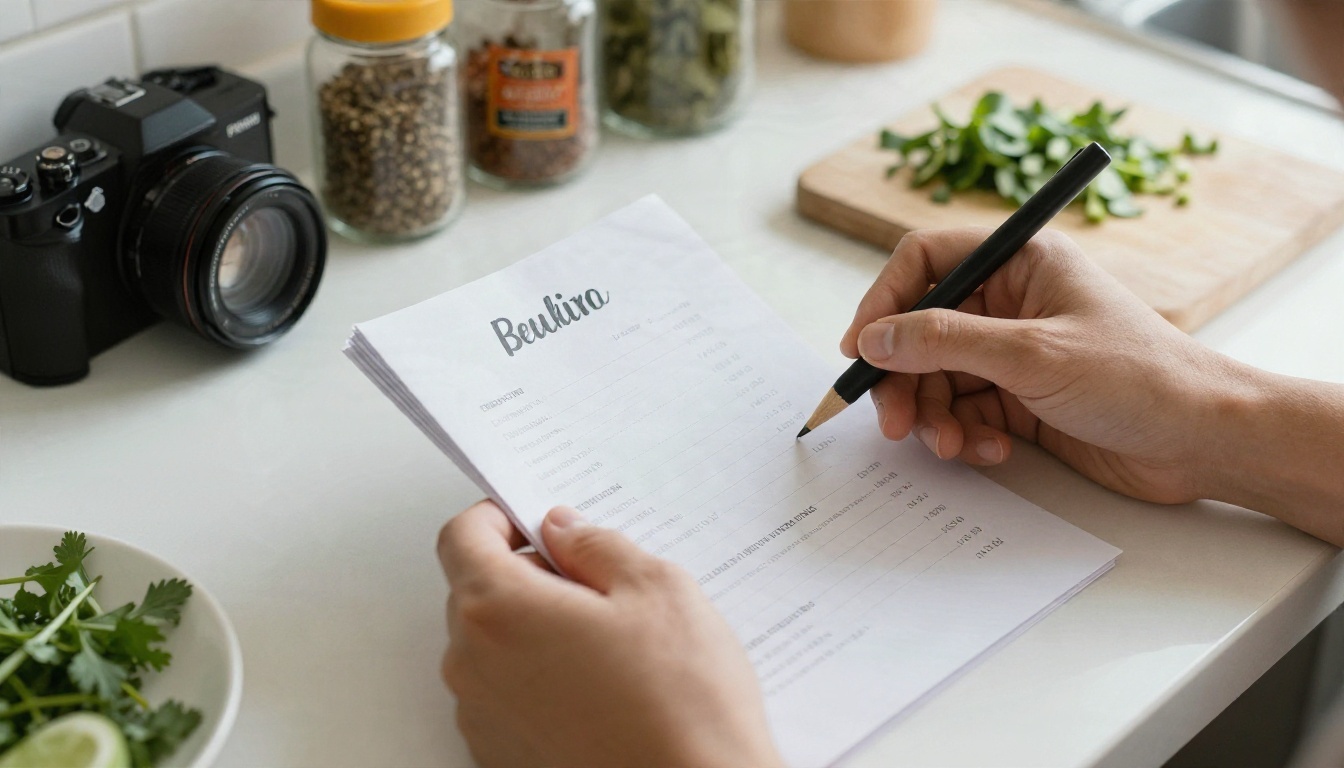
Type the text rather than relying on a photo of the card. Searchable text is far more useful, and you can keep the original photo as a decorative element next to the typed version.
Step 2: Lay Out Your Pages
Use any editor you are comfortable with. A reliable page structure looks like this:
- Title page with the book name and a hero photo
- Table of contents with page numbers
- Chapters such as breakfast, mains, sides, desserts
- One recipe per spread: photo on one side, ingredients and steps on the other
- Notes page at the back for family comments or substitutions
Export the finished layout as a PDF.
Step 3: Upload and Convert
Go to Flipbooks AI, create an account, and upload your PDF. The platform converts each page into a flipbook with natural page-turning, and it keeps your text sharp rather than flattening it into a blurry image. The result is mobile-responsive, so it reads comfortably on a phone propped against the fruit bowl.
Step 4: Customize the Look
Once the conversion finishes, open the settings and adjust:
- Branding: add your own logo or family name, and pick background colors that match your cover
- Page effects: choose the page-turn style and sound
- Multimedia: embed a short video of a technique, such as folding dumplings, or an audio note from the person who wrote the recipe
- No watermarks: your pages stay clean, with no platform logo stamped on them
Step 5: Share It Your Way
| Sharing Option | Best Use |
|---|
| Direct link | Texting or emailing relatives |
| Embed code | Putting the book on a blog or website, see Embed Flipbook on Website |
| Password protection | Private family collections or paid cookbooks |
| Offline download | Cooking where Wi-Fi is weak, like a cabin or camping trip |
Step 6: Pro Features for Publishers
If you plan to publish a book for an audience, the Professional plan adds analytics and lead generation. You can see which pages get opened most and collect email addresses before readers access the book. That is a strong setup for bloggers offering a free cookbook as a newsletter incentive. Compare the options on the pricing page to see which plan matches your needs, and note that the Standard plan and above allow unlimited flipbooks.
✅ Best practice: Build a small test book first, five recipes at most. Check it on your phone, your laptop, and a friend's device before committing to the full collection.
PDF Export Done Right
The PDF is the foundation of everything above. A bad PDF produces a bad flipbook, a bad printout, and a bad email attachment. A good one does all three jobs.
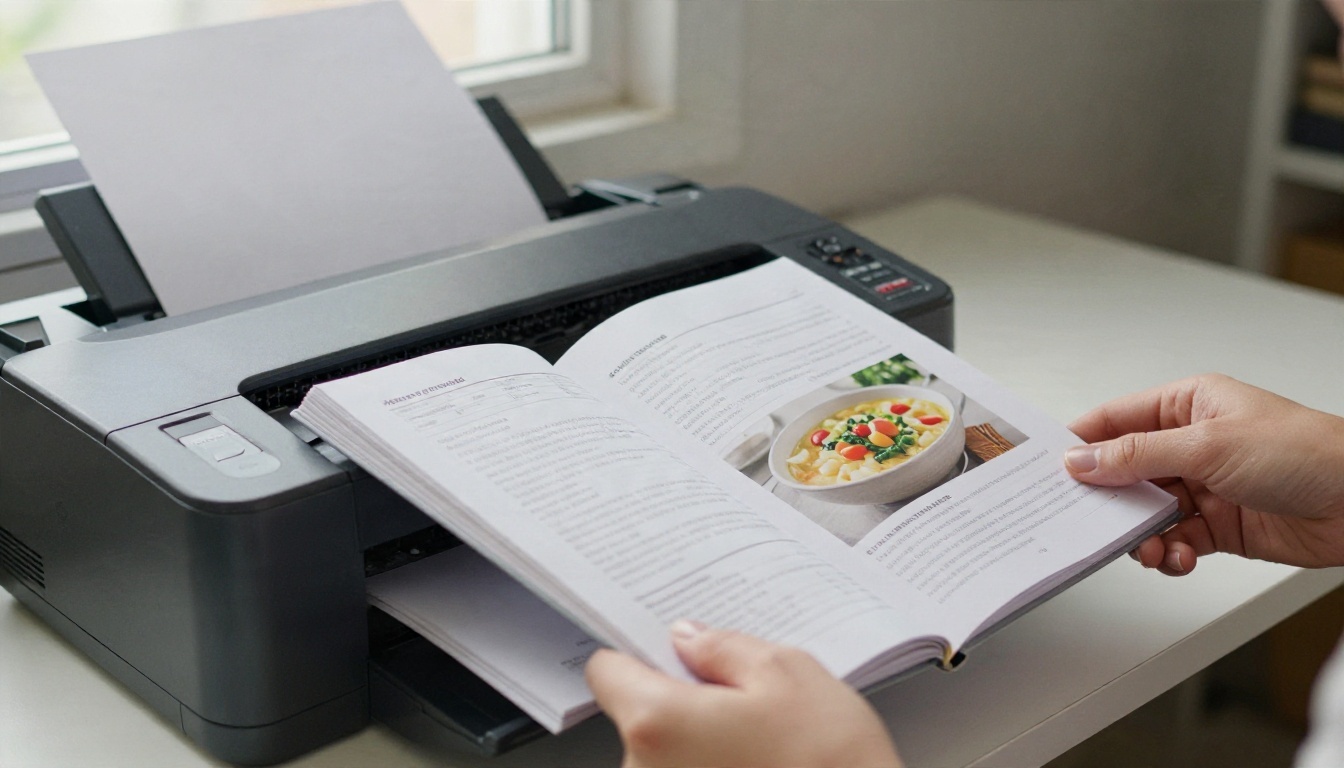
Page Size and Margins
Pick one page size and stay with it. US Letter or A4 works for printing at home. A square or landscape format feels more like a modern cookbook on screen. Leave a margin of at least 0.5 inches (about 13 mm) so nothing gets clipped by a printer, and add extra space on the inner edge if you plan to bind it.
Image Quality and File Size
Photos make recipes appealing, but they also make files huge. Aim for 150 to 200 DPI for screen reading and 300 DPI if you will print. Compress images before placing them. A 40-page book should land comfortably under 30 MB, which most email services can handle through a share link.
| Export Goal | Resolution | Typical Size (40 pages) | Notes |
|---|
| Screen and flipbook | 150 to 200 DPI | 10 to 25 MB | Fast loading on mobile |
| Home printing | 300 DPI | 30 to 60 MB | Use a link, not email |
| Professional print | 300 DPI plus bleed | 60 MB and up | Ask your printer for specs |
Fonts and Accessibility
Embed your fonts when you export, otherwise another device may swap them for a default. Keep body text at 11 pt or larger. Cooks read from a distance, so ingredient lists in tiny type are a daily annoyance. High contrast matters too: dark text on a pale background beats light gray on cream every time.
💡 Pro tip: Put the total time and serving count at the top of every recipe in the same spot. Readers scan for it before anything else.
Real Examples That Work
Abstract advice only goes so far. Here are three setups that show how the pieces fit together.
The Family Heirloom Book
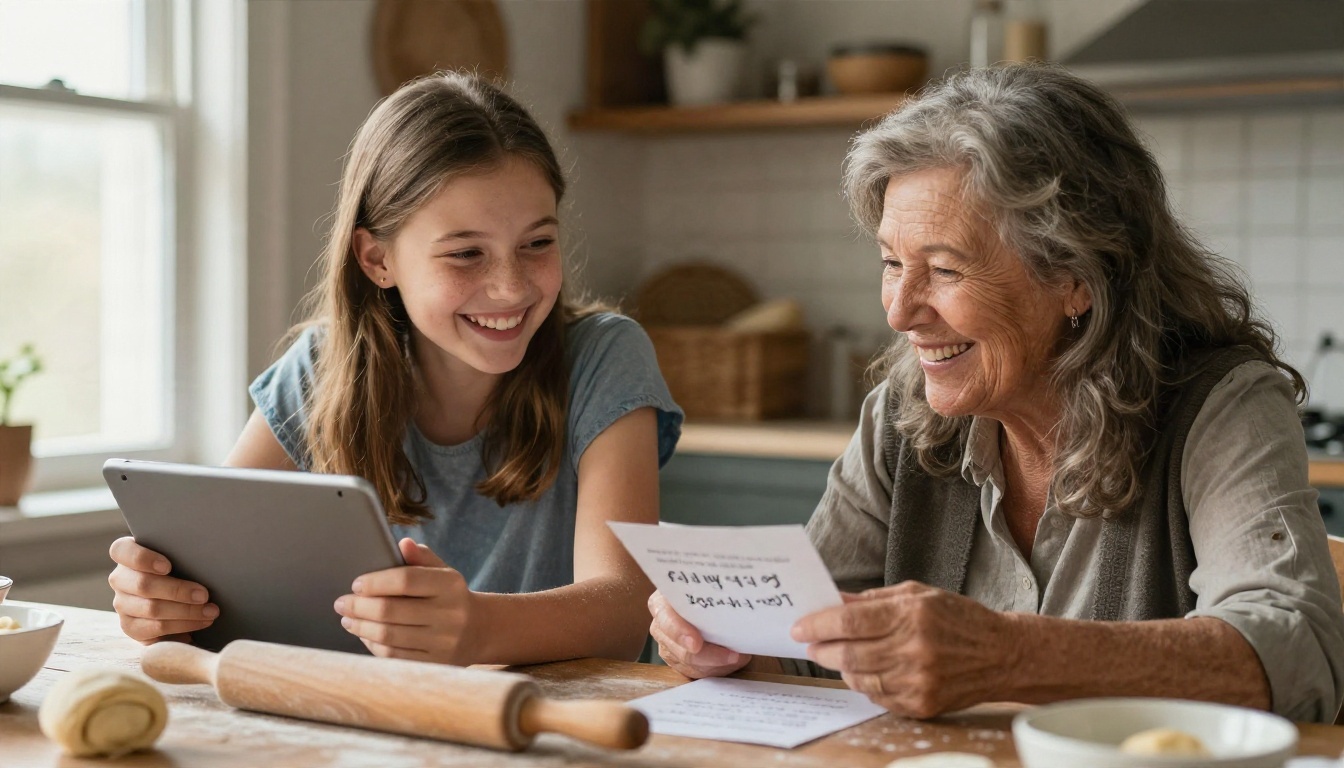
A granddaughter spends a weekend photographing and typing her grandmother's recipes. She places each original card next to its typed version, adds a short story under each dish, and exports a 60-page PDF. After converting it, she shares a password-protected link with her cousins. Everyone gets the same book, and a printed copy goes to the grandmother as a gift.
The Blogger's Lead Magnet
A food blogger bundles 15 weeknight dinners into a short book. She embeds it on her site and uses the Professional plan's lead generation to collect emails. The analytics show that the one-pan chicken recipes get far more views, so she writes her next newsletter around that.
The Fundraiser Cookbook
A neighborhood club collects recipes from forty households. One volunteer assembles the pages, and the club shares a link in its group chat and prints a limited run for the annual event. Because the digital version is free to open, more people read it, and the printed copies sell as keepsakes.
| Scenario | Format | Sharing Method | Outcome |
|---|
| Family heirloom | Flipbook plus printed copy | Password-protected link | Preserved and passed down |
| Blogger freebie | Embedded flipbook | Website embed with lead capture | Email list growth |
| Club fundraiser | PDF plus flipbook | Group chat link, print run | Wider reach, more sales |
Mistakes That Ruin Recipe Books
Most failures are small and avoidable. These are the ones that show up again and again.
Skipping the Photos
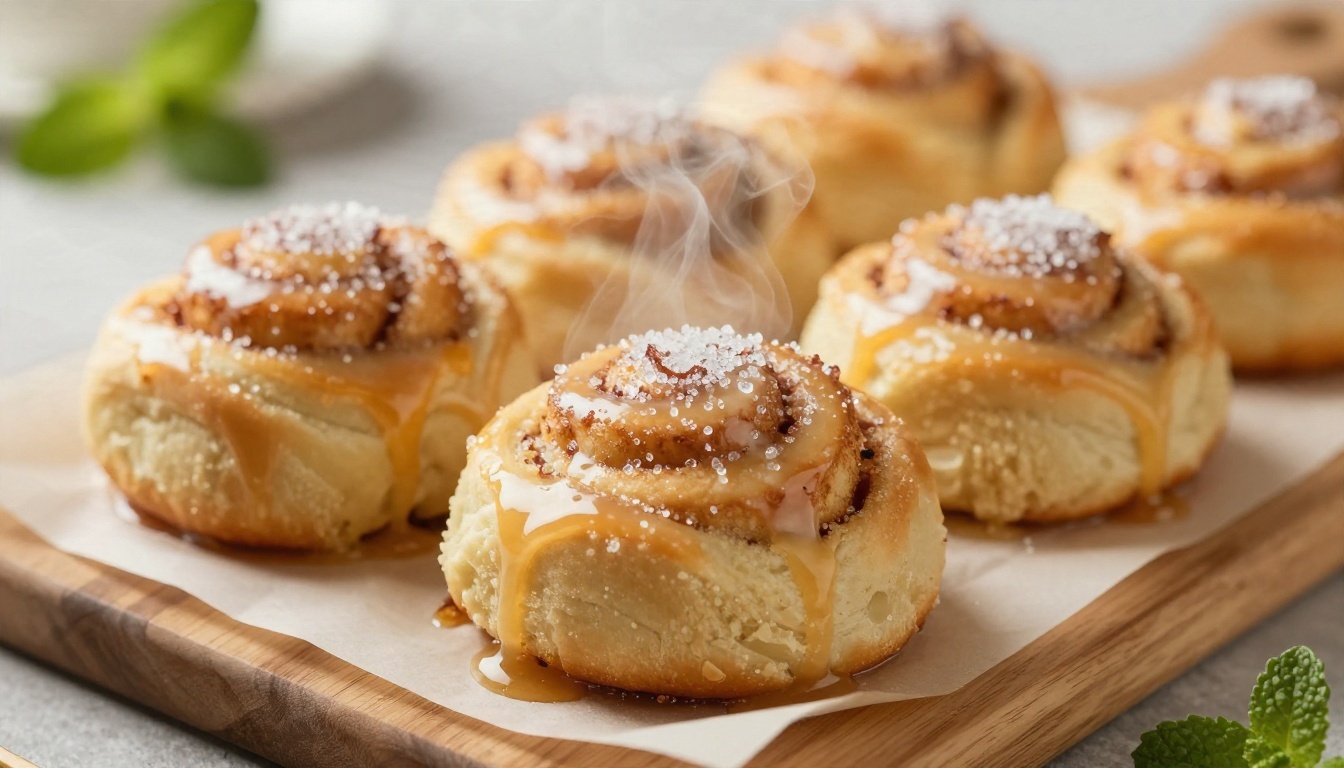
A recipe without a photo is easy to ignore. You do not need a studio. Shoot near a window, wipe the plate rim, and take one clean overhead shot.
Inconsistent Formatting
If one recipe lists ingredients in bullets and the next uses a paragraph, the book feels sloppy. Build one template and reuse it for every page.
Forgetting Measurements and Units
Grandma's "a handful" and "bake until done" are charming but not useful for someone who has never made the dish. Add approximate quantities and temperatures, and keep the original wording in a quote underneath.
Not Testing on a Phone
Most readers will open your book on a phone. If the text is too small or the images fail to load, they will give up. Always test before sharing.
Having No Backup
Keep your source files, your PDF, and your photos in at least two places. A cloud folder and an external drive is enough.
Make Yours Today
You do not need to digitize every recipe at once. Start with ten that your family asks for most, build the pages, export a clean PDF, and turn it into a flipbook you can share with a single link. When you are ready to expand, you can add chapters, videos, and a cover that looks like it came off a bookstore shelf.
Ready to build your first book? Create your account on Flipbooks AI, try the Recipe Book Flipbook tool, or browse all the flipbook tools for other projects like menus and catalogs. If you want analytics and lead generation for a published cookbook, compare the pricing plans and pick the one that fits.



