You paid for the photographer, the flowers, and a cake that disappeared in ten minutes. The photos are the one thing that lasts, yet most of them end up buried in a shared folder nobody opens twice. An electronic wedding album fixes that. It turns hundreds of loose files into a single, beautiful, page turning story that grandma can open on her tablet and your college friends can flip through on a phone. With a tool like Flipbooks AI, you can build one in an afternoon and send it with a single link.
This article shows real examples, compares the free options (and their limits), walks through a step by step build, and explains every practical way to share the finished album online.
What an Electronic Wedding Album Is
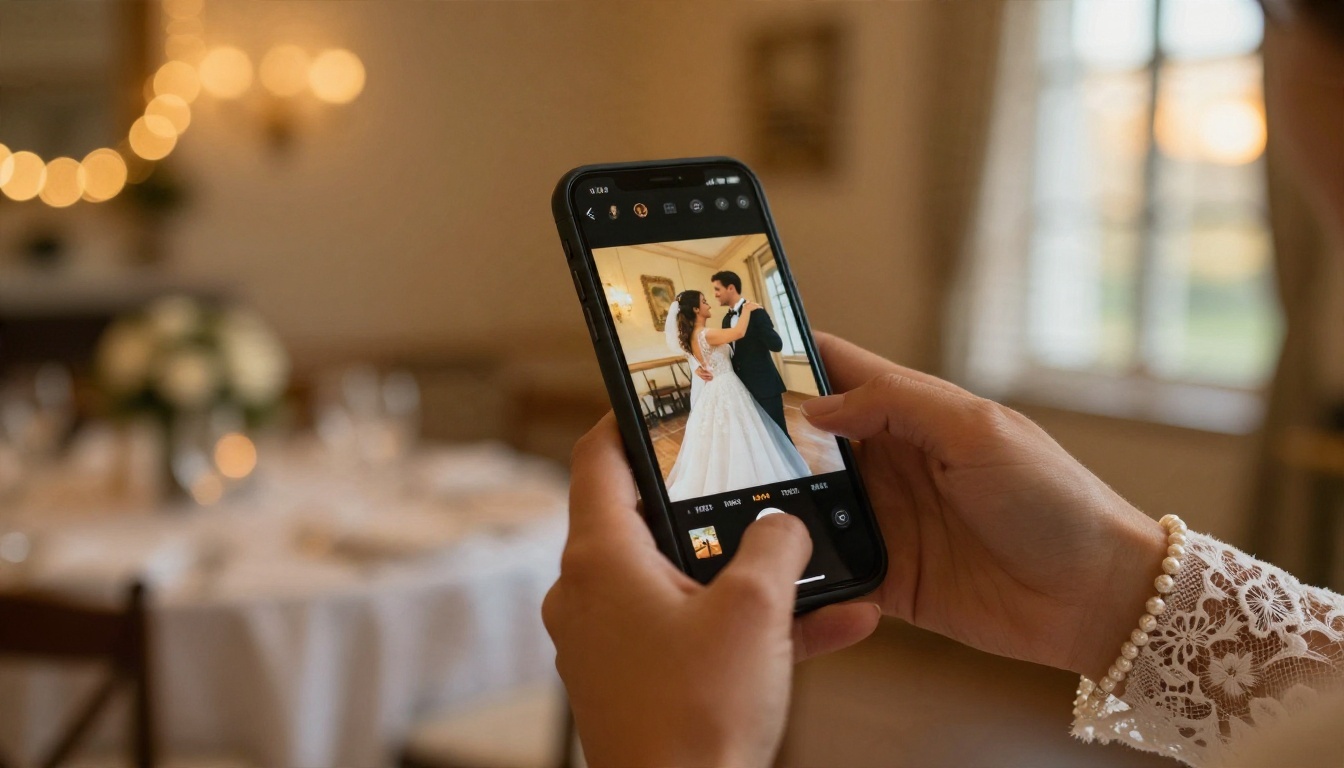
An electronic wedding album, also called a digital or online wedding album, is a curated collection of your wedding photos (and sometimes video and music) arranged in pages and viewed on a screen. Unlike a raw gallery of thumbnails, it has an order, a pace, and a story: getting ready, ceremony, portraits, reception, last dance.
Album, Gallery, or Flipbook?
People mix these terms up, so here is the quick difference.
| Format | Best For | Layout Control | Feels Like | Typical Limit |
|---|
| Photo gallery | Delivering every single image | Low | A contact sheet | Storage and download caps |
| PDF album | Emailing a fixed layout | High | A printed book on screen | File size, no page flip |
| Slideshow video | Reception screens, social posts | Medium | A highlight film | Passive, no browsing |
| Flipbook album | Sharing online with a real book feel | High | A page turning book | Depends on the tool |
A flipbook gives you the best of the PDF (full design control) with the feel of holding a real album. That is why many couples convert their designed PDF with a PDF to Flipbook Converter instead of sending a heavy attachment.
Why Couples Are Switching
- Cost: A printed, lay flat album can run into the hundreds. Extra copies for parents cost even more. A digital one can be shared with 200 people at no extra cost.
- Speed: You can finish in days, not the weeks a printer needs.
- Reach: Relatives abroad see the album the same hour you finish it.
- Edits: Spotted a typo in a caption? Fix it and the same link updates.
- Backup: It is one more safe copy of your best images, alongside your hard drive and cloud storage.
💡 Pro tip: Keep a printed album too. Digital is for sharing and convenience, print is for the shelf. Many couples do both, using the same PDF layout for each.
Electronic Wedding Album Examples
Ideas are easier to borrow than to invent. These four formats cover most weddings, and each one can be built with the same set of photos.
The Classic Story Album
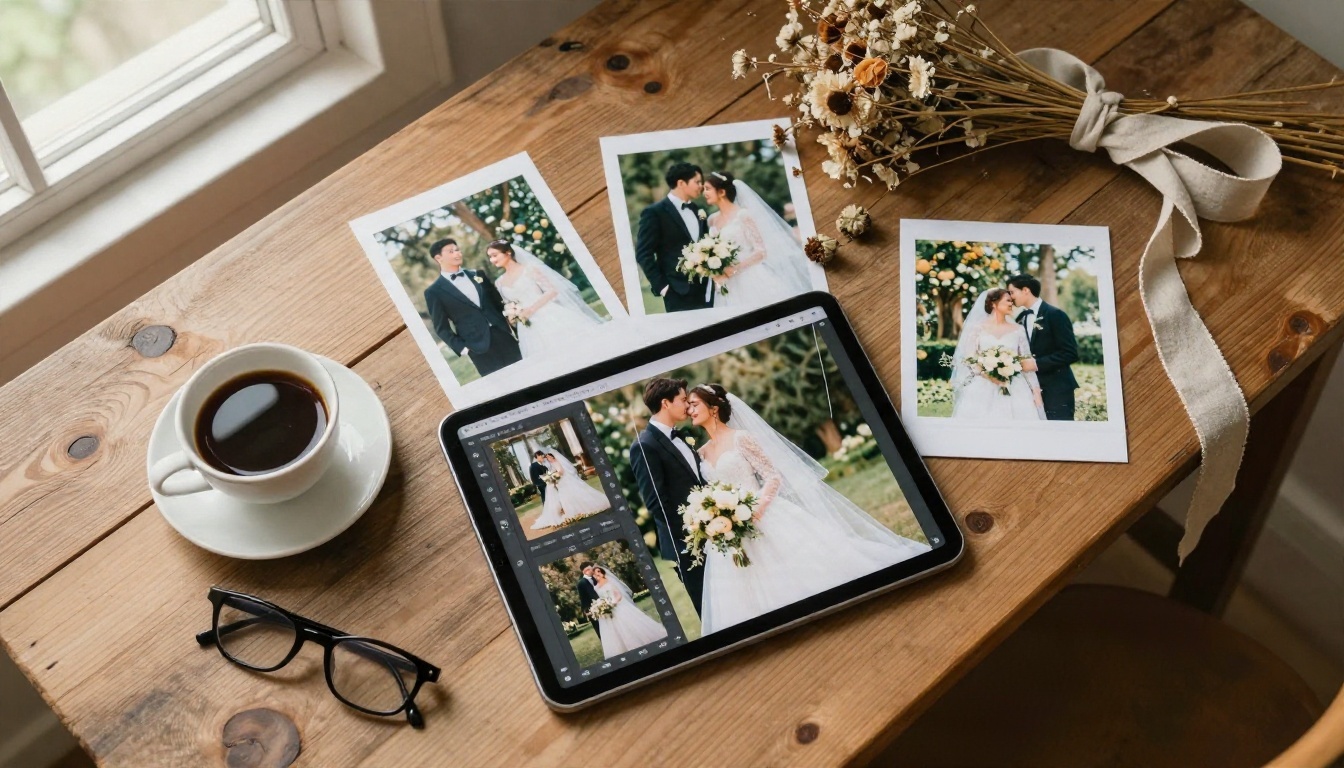
This is the closest thing to a printed book. Around 40 to 60 pages follow the day in order: morning details, first look, ceremony, family portraits, reception, and a closing full page photo of the couple leaving. Short captions of one or two lines add personality, such as the toast that made everyone cry or the dog who stole the ring pillow.
Best for: couples who want one polished keepsake. The Wedding Album Flipbook tool is built for exactly this layout.
The Photographer Delivery Album
Photographers increasingly hand over a designed album instead of a plain download link. A cover page with the couple's names and date, 25 hero images, and a link to the full gallery works well. It looks professional and it doubles as marketing when clients forward it. If you shoot weddings, a Photography Portfolio flipbook uses the same structure.
The Guest Memory Book
Combine your professional shots with photos guests took on their phones. Ask guests to upload to a shared folder, pick the best 30 to 50, and add a page of "moments from your table." Guests love finding themselves inside the album, and they are far more likely to share it.
The Photo, Music, and Video Story
Pair the pages with a song from your first dance, a short clip of the vows, or a voice note from a parent. Flipbooks can embed video and audio, so the album behaves like a small interactive film. Keep clips short, under 60 seconds each, so the pages stay fast on mobile.
Here is how the four formats compare.
| Example | Pages | Effort | Audience | Add Ons |
|---|
| Classic story album | 40 to 60 | Medium | Family and close friends | Captions, dates |
| Photographer delivery | 20 to 30 | Low | Couple, then everyone | Gallery link, logo |
| Guest memory book | 30 to 50 | High | Guests | Guest photos, names |
| Photo, music, video | 25 to 40 | Medium | Everyone | Embedded clips, audio |
Free Options That Actually Work
You do not need to spend money to make a good electronic wedding album, but you do need to know what "free" really means.
Free Tools Compared
| Option | Page Flip Effect | Custom Layout | Easy Sharing | Watch Out For |
|---|
| Cloud photo albums (Google Photos, iCloud) | No | Very low | Yes, by link | Photos in a grid, not a story |
| Slide deck tools (Google Slides, PowerPoint) | No | High | Yes | Must export to share neatly |
| Free design apps (Canva and similar) | Sometimes | High | Yes | Some templates and exports are limited |
| Flipbook creator (Flipbooks AI) | Yes | High (via your PDF) | Link, embed, QR | Check plan limits before sharing widely |
The smart free workflow is to design in a tool you already know, export a PDF, then convert it to a flipbook. You get a real page turning album without learning new design software.
Hidden Limits to Watch
Free tiers are rarely free of trade offs. Before you commit, check:
- Watermarks. A logo stamped across your first dance photo is not what you wanted. Flipbooks AI never adds watermarks.
- Expiry. Some free links disappear after 30 days or a few months. A wedding album should outlive your anniversary.
- Resolution. Heavy compression makes skin tones and lace look muddy.
- Privacy. Public by default is common. You want control.
- Page or file caps. A 60 page album can exceed a free quota.
⚠️ Warning: Never upload your only copy of your wedding photos to a free service. Keep originals on at least two drives, plus one cloud backup.
How to Create an Electronic Wedding Album with Flipbooks AI
This is the full process from raw photos to a shareable album. It takes most people 2 to 4 hours, mostly spent choosing photos.
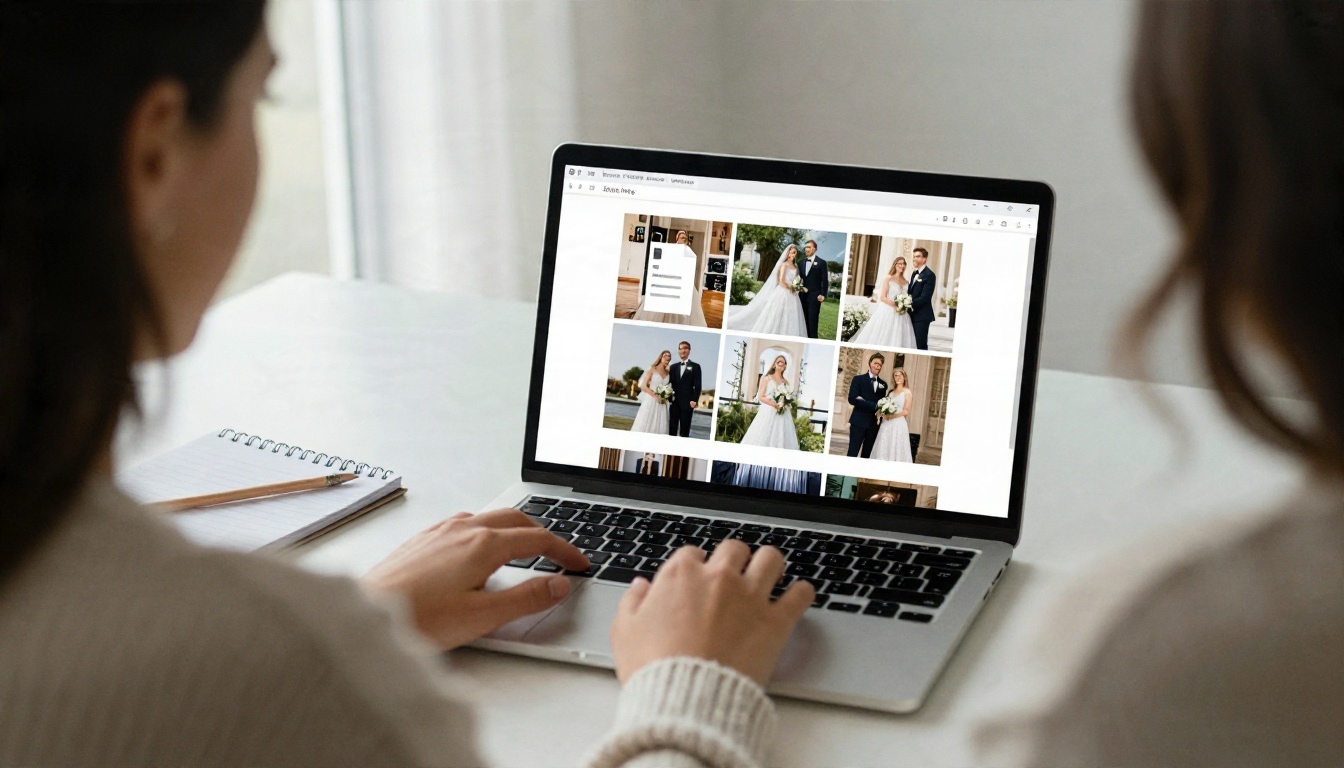
Step 1: Choose and Edit Your Photos
Pick the best 60 to 100 images, then cut again. Quality beats quantity. Choose a mix of wide scene setters, tight portraits, and small detail shots such as rings, shoes, and invitations. Remove near duplicates, because two almost identical frames slow the story down.
Step 2: Design Pages and Export a PDF
Lay out your pages in any design tool. A few rules make the result look like a real book:
- Use one full bleed photo to open each chapter.
- Mix single photo pages with collages of three or four images.
- Keep fonts to two at most, one for headings and one for captions.
- Leave breathing room. White space looks expensive.
- Export at high quality, but keep the file under 50 MB when possible.
Step 3: Upload and Convert
- Go to Flipbooks AI and create an account.
- Click to create a new flipbook and upload your PDF.
- Wait a few moments while each page converts into a flippable spread.
- Preview the album and check that the pages turn smoothly on desktop and mobile. The viewer is mobile responsive, so guests on phones get the same experience.
Step 4: Customize the Look
Make it feel like yours:
- Branding and colors: Match the background to your wedding palette, such as soft ivory, sage, or deep navy.
- Page effects: Choose a realistic page turn and sound if you like the feel of paper.
- Multimedia: Add your first dance track as background audio, or embed the vow video on the ceremony page.
- Links: Add a clickable link from the final page to your honeymoon album or a thank you note.
Step 5: Use Pro Features if You Need Them
On the Professional plan, you get analytics (see how many people opened the album and which pages they lingered on), lead generation forms (handy for photographers collecting inquiries), and offline downloads so relatives with poor internet can save the album. Unlimited flipbooks are available from the Standard plan and above, which suits photographers delivering many albums.
| Feature | Personal Album | Photographer |
|---|
| No watermark | Useful | Essential |
| Password protection | Very useful | Very useful |
| Embed on website | Nice to have | Essential |
| Analytics | Optional | Useful |
| Lead generation | Not needed | Very useful |
| Offline download | Great for grandparents | Great for clients |
How to Share It Online
A beautiful album that nobody can find is a wasted afternoon. Pick the sharing method that matches who you want to reach.
Send a Direct Link
The fastest option. Copy the link and paste it into a family group chat, an email, or a message to each guest. Add one line such as "Turn your sound on, there is music on page 3." Simple instructions get more people to the end of the album.
Embed It on Your Wedding Website
If you built a wedding site for RSVPs, add the album to a "Memories" page using the Embed Flipbook on Website option. Paste the embed code into a page block, and the flipbook appears inside your site, with no redirect.
Print a QR Code
Add a QR code to your thank you cards, or to the table at an anniversary party. Guests scan it with their phone camera and the album opens instantly. If you plan an event with printed programs, the Event Program Maker can carry the same QR code.
Lock It with a Password
Your wedding photos include children, elderly relatives, and maybe a few tipsy dance moves. Password protection lets you share the link widely while keeping the content private. Send the password in a separate message from the link.
Here is how the methods stack up.
| Sharing Method | Speed | Privacy | Best For |
|---|
| Direct link | Instant | Medium | Close family and friends |
| Link plus password | Instant | High | Mixed groups with sensitive photos |
| Website embed | Medium | Medium | Couples with a wedding site |
| QR code | Medium | Medium | Printed cards, events |
| Offline download | Slow | High | Relatives with weak internet |
✅ Best practice: Test the link on a phone you are not logged into. If it opens for you but not for your aunt, something in the privacy settings needs fixing.
Privacy and Etiquette Basics
Sharing happy photos still needs a little thought.
- Ask before posting publicly. Some guests do not want their faces online, and some parents prefer their children stay off the internet.
- Tag with care. A private link is safer than a public social post.
- Mind the timing. Many couples send the album within 2 to 8 weeks after the wedding, once edits are done. A short "sneak peek" album at one week keeps excitement alive.
- Set an expiry plan. Decide whether the album stays live for a year or forever, and tell guests.
- Credit your photographer. A line on the last page with their name and website is good manners and good karma.

3 Common Mistakes to Avoid
1. Too many photos. Three hundred pages exhausts people by page 40. Edit hard. A tight album of 60 images gets finished and shared. A 300 image album gets abandoned.
2. Skipping a story order. Random photos feel like a camera roll. Group by moment, add chapter openers, and let the day unfold in time order.
3. Forgetting mobile. Most guests will open your link on a phone. Check that text is large enough to read and that audio does not autoplay in a way that startles anyone in a quiet office. Also confirm the file loads on mobile data, not just on your home Wi-Fi.
Ready to Build Yours?
Your wedding day lasted a few hours, but the photos can tell the story for decades. Start by choosing your best 60 images, export a PDF, and turn it into a page turning album.
Your guests are waiting to see the day again. Give them a link they will open more than once.



