A newspaper that readers can only find on a doorstep is losing ground to one they can open on a phone at 6 a.m. ePaper software closes that gap. It takes your finished pages and turns them into a digital edition that looks like the printed paper, turns pages like it, and reaches subscribers wherever they are. This article compares what the software does, what it costs, which free options hold up under real use, and how to push a PDF from your layout desk to a live edition in an afternoon with Flipbooks AI.
Whether you run a daily with a full newsroom or a weekly produced by three people and a part-time designer, the questions are the same. Will readers actually like it? Can we afford it? How much extra work does each edition create? Let's answer all three.
What ePaper Software Actually Does
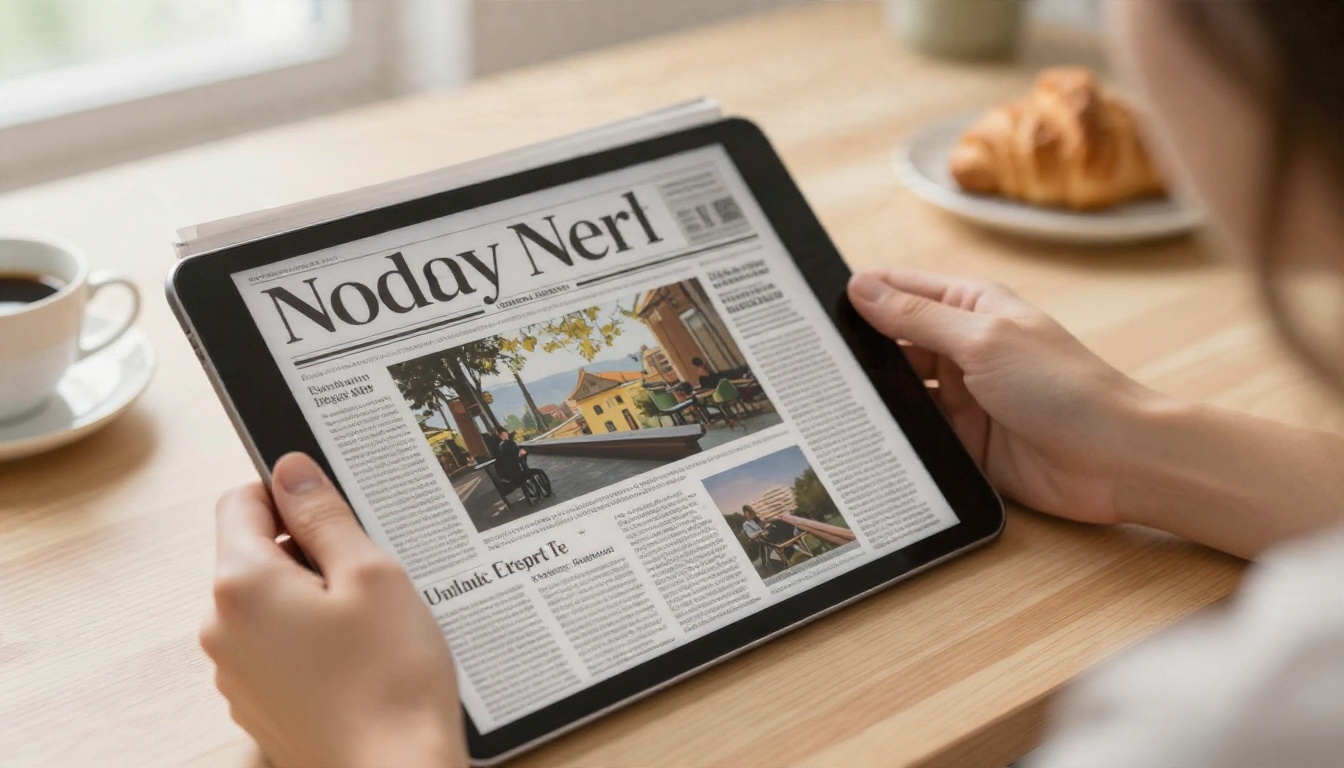
An ePaper (also called an e-edition or digital replica) is a faithful online copy of a printed newspaper. Readers see the same front page, the same ads, the same crossword. Nothing is rewritten for a screen, which is exactly why subscribers who love the print product tend to accept it.
Print Replica vs Article View
Most platforms offer two reading modes, and the better ones offer both.
- Replica mode: the full page exactly as printed, with page-turn animation and pinch zoom.
- Article or text mode: a reflowed, phone-friendly version of one story, usually built from tagged text.
Replica mode is cheap and fast because it needs only a PDF. Article mode needs structured text, which means more production work. Small publishers usually start with replica and add text later, if ever.
Who Needs It
Three groups benefit most:
- Paid subscribers who live far from the delivery area, such as expatriates, students and retirees who moved.
- Advertisers who want proof that their ad ran, on the page it ran, in the edition it ran.
- Publishers facing rising newsprint, ink and delivery costs who want a second revenue line that has almost no unit cost.
💡 Pro tip: An ePaper does not replace the press run. Treat it as a second edition of the same product, released the moment the PDF is approved, often hours before trucks leave the plant.
Features Worth Paying For
Feature lists on vendor websites run to forty bullet points. Only a handful change whether readers stay subscribed.
A Page-Turning Reader That Feels Familiar
Older readers want the newspaper rhythm: open, flip, scan headlines, zoom in on a story. A good reader loads the next page before you tap, supports double-page spreads on desktop, and keeps text sharp when zoomed. A reader that stutters will lose subscribers faster than a late delivery.
Search, Zoom and Clip
Full-text search across the current issue is table stakes. Search across the archive is what keeps people paying for an annual plan. Clipping tools let a reader share one story as an image or link, which becomes free marketing every time it lands in a family group chat.
Mobile and Offline Access
Most newspaper readers now open the paper on a phone. Your edition must be mobile-responsive, load quickly on weak mobile data, and allow downloads for reading on a train or a plane.

Feature Comparison at a Glance
| Feature | Why Readers Care | Why Publishers Care | Priority |
|---|
| Page-turn replica | Feels like the paper | Needs only a PDF | Essential |
| Pinch zoom, sharp text | Small print is readable | Fewer complaints | Essential |
| Mobile-responsive layout | Works on any phone | Larger audience | Essential |
| Password protection | Easy access for subscribers | Protects paid content | High |
| Offline download | Read without signal | Fewer support tickets | High |
| Embedded video and audio | Richer stories | New ad formats | Medium |
| Analytics and lead capture | Invisible to readers | Shows what gets read | Medium |
| Text or article mode | Easier on small screens | Needs tagged content | Optional |
Pricing Models and Real Costs
ePaper pricing is messy because vendors sell it three different ways. Before comparing quotes, line them up on the same basis: cost per edition, per year, for your circulation.

Per-Edition, Per-Month, Flat Fee
| Pricing Model | How It Works | Best For | Watch Out For |
|---|
| Per edition | Fee each time you publish | Weeklies with low frequency | Costs climb with daily output |
| Monthly subscription | Fixed fee for a bundle of issues | Most small and mid-size papers | Page or storage caps |
| Per-reader or per-copy | Fee tied to active readers | Large paid circulation | Cost grows with success |
| Enterprise contract | Custom quote with setup and support | Regional groups | Long lock-in, setup fees |
For a weekly publishing 52 editions a year, per-edition billing is often cheap. For a daily publishing roughly 300 editions, a monthly plan nearly always wins.
Hidden Costs to Watch
- Setup and onboarding fees that never appear on the pricing page.
- Watermarks on lower tiers, which make a paid product look unfinished.
- Storage caps that force you to delete back issues or pay more.
- Payment processing if the vendor also handles subscriptions.
- Staff time: a workflow that needs forty minutes of manual tagging per issue costs more than the license.
⚠️ Warning: A cheap plan that adds a vendor logo to every page turns your subscribers into free advertising for someone else. Ask about watermarks before you sign.
Free ePaper Options and Their Limits
Free tools are real, and they are enough for a lot of publishers. The question is which limits you can live with.
What Free Plans Usually Include
- A limited number of publications or pages
- Public sharing links and basic embedding
- Standard page-turn reader
- Platform branding on the reader
When to Upgrade
Move to a paid plan when any of these happen:
- Your free plan adds a watermark or logo that readers can see.
- You need password protection for paid subscribers.
- You want to see which pages and ads are actually read.
- You publish often enough to hit edition or storage limits.
| Need | Free Plan Usually Enough? | Paid Plan Needed? |
|---|
| Test one edition | Yes | No |
| Public community newsletter | Often | Sometimes |
| Paid subscriber edition | No | Yes, for access control |
| Branded reader, no watermarks | Rarely | Yes |
| Reader analytics and leads | No | Yes (Professional tier) |
You can open a free account on Flipbooks AI to test a real edition, then compare the pricing plans once you know which limits matter. The platform keeps output watermark-free, and unlimited flipbooks arrive with the Standard plan and above, which suits papers publishing every week or every day.
How to Upload a Newspaper PDF
This is the part that decides whether ePaper becomes a habit or a chore. The goal: one export from your layout software, one upload, one link.
Prepare the PDF Export
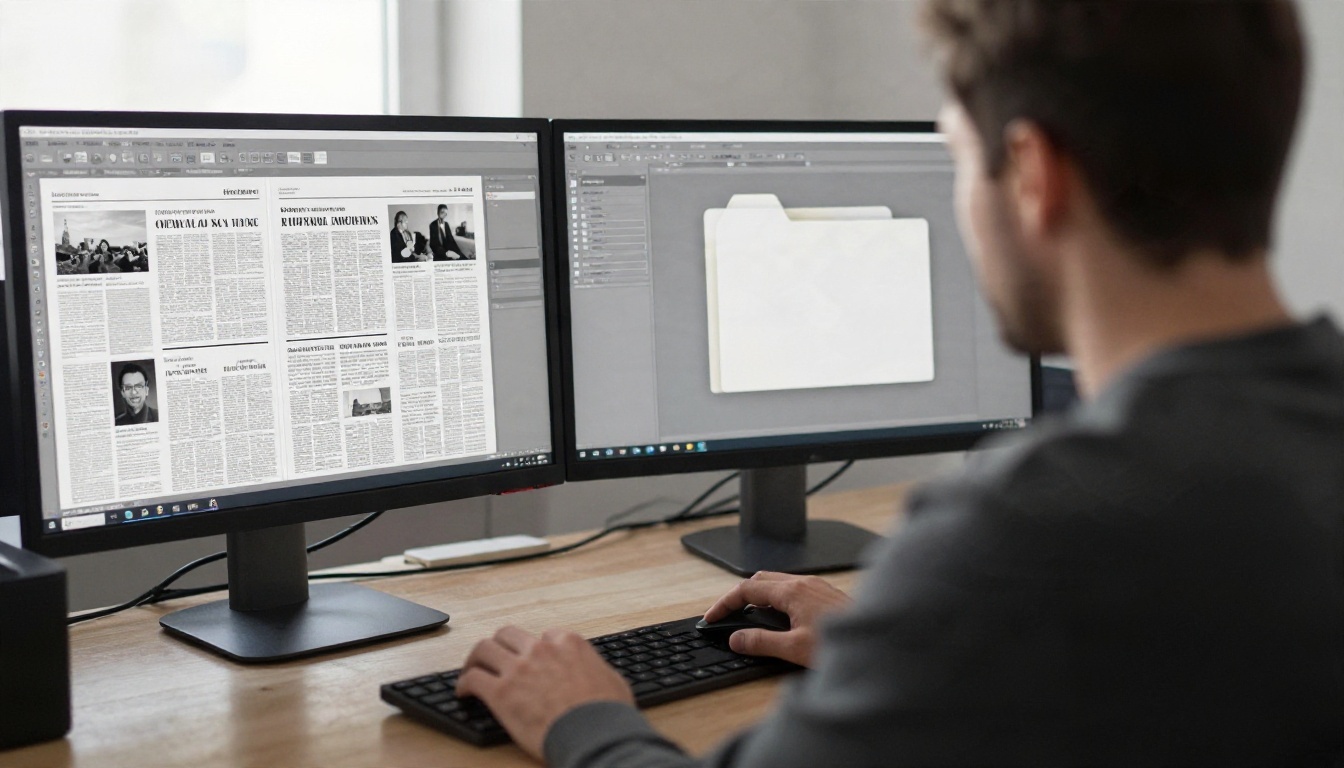
Your layout software (InDesign, Affinity Publisher, QuarkXPress) can export two PDFs: one for the printer and one for screens. Use the screen version for ePaper.
- Resolution: 150 to 200 dpi images are sharp enough and keep files small.
- Page order: export as single pages, not printer spreads, unless your platform asks for spreads.
- Fonts: embed them so headlines never swap.
- Color: RGB is fine for screens. CMYK files work but can look dull.
- File size: aim for under 50 MB per edition for fast loading on mobile.
✅ Best practice: Save an export preset named "ePaper" once. Every edition afterward takes one click.
Step-by-Step: Publish with Flipbooks AI
The PDF to Flipbook Converter handles the conversion. Here is the full process:
- Open your account. Go to Flipbooks AI and sign in or create a free account.
- Upload the PDF. Drag the exported edition into the upload area. Pages are converted in the background and appear as a page-turning reader.
- Check the preview. Flip through every page. Zoom in on small type and ad coupons. On screen, you should see crisp text and correct page order.
- Add a title and cover page. Name the edition by date, such as "Weekly Courier, 13 November". Pick the front page as the thumbnail.
- Apply branding. Set your logo, background color and reader colors to match the masthead style your readers know. No platform watermark is added.
- Add multimedia. Embed a video interview or an audio clip on the relevant page, such as a local sports highlight.
- Choose access. Make it public, or protect it with a password for subscribers.
- Share. Copy the direct link for email and social, or paste the embed code on your site using the Embed Flipbook on Website tool.
Branding, Sharing and Protection
Brand the reader so it looks like part of your site, not a stranger's app. Use your logo, a neutral background that matches your print paper stock, and your site colors for buttons.
For sharing, three routes cover most needs:
| Sharing Route | Best Use | Access Control |
|---|
| Direct link | Email newsletters, social posts | Optional password |
| Embed code | Your own e-edition page | Matches your site login |
| Offline download | Subscribers without signal | Depends on plan settings |
Password protection is the simplest paywall for a small paper. Send the weekly password to paying subscribers, rotate it each month, and you have a working subscription model without building a login system.
Analytics and Lead Capture
On the Professional plan, analytics show which pages are opened, how long readers stay, and which ads draw attention. That data is gold for advertising sales: "Your half-page ad on page 7 was viewed 1,400 times" closes deals faster than "we think people see it." Lead capture forms can collect emails from non-subscribers who open a sample edition. See the Professional plan details for what is included.
Archives and Back Issues
An ePaper product gets more valuable every week it stays online. Every old edition is a searchable record of your town.
Scanning Old Editions
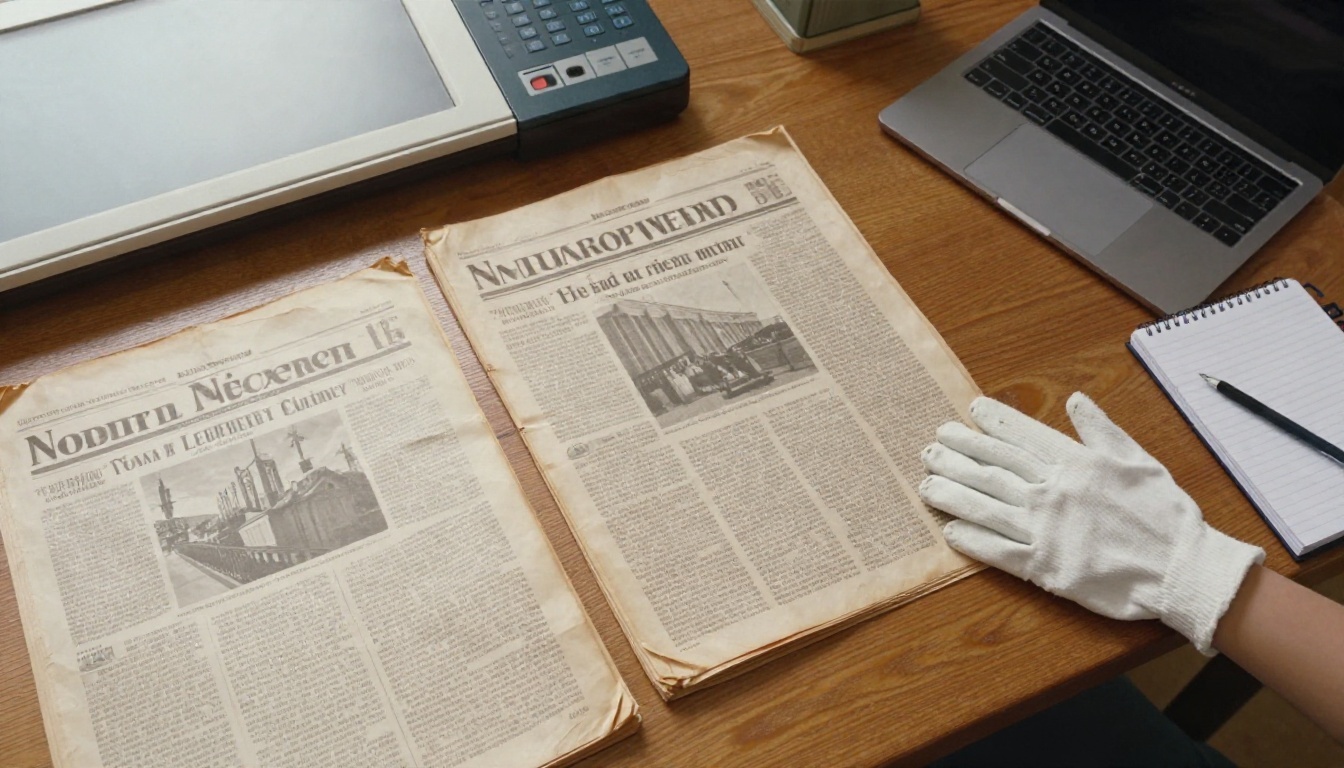
Bound volumes from the library or your own basement can be scanned into PDFs. Photograph or flatbed-scan each spread, cut spreads into single pages, and compile them into one PDF per edition. Once converted, they become flipbooks the same way as today's paper.
- Start with the most requested years, such as the decades people search for family names.
- Use consistent file names:
2024-05-16-courier.pdf.
- Keep original scans offline as the master copy.
Selling Access to the Archive
An archive is a separate product. Offer it as an add-on to the current subscription, or sell single back issues for anniversaries and family history. Password-protected collections make this simple to manage.
Real-World Setups
Theory is easy. Here are two setups that fit common newspaper sizes.
The Weekly Community Paper
A weekly with a staff of five prints on Thursday. The designer exports the screen PDF on Wednesday night, uploads it to Flipbooks AI, and sets a password for subscribers. The password goes out on Thursday morning by email. The same PDF is embedded on the paper's site, behind a simple "subscribers only" page. Total extra time per week: about fifteen minutes.
Local Business Distribution
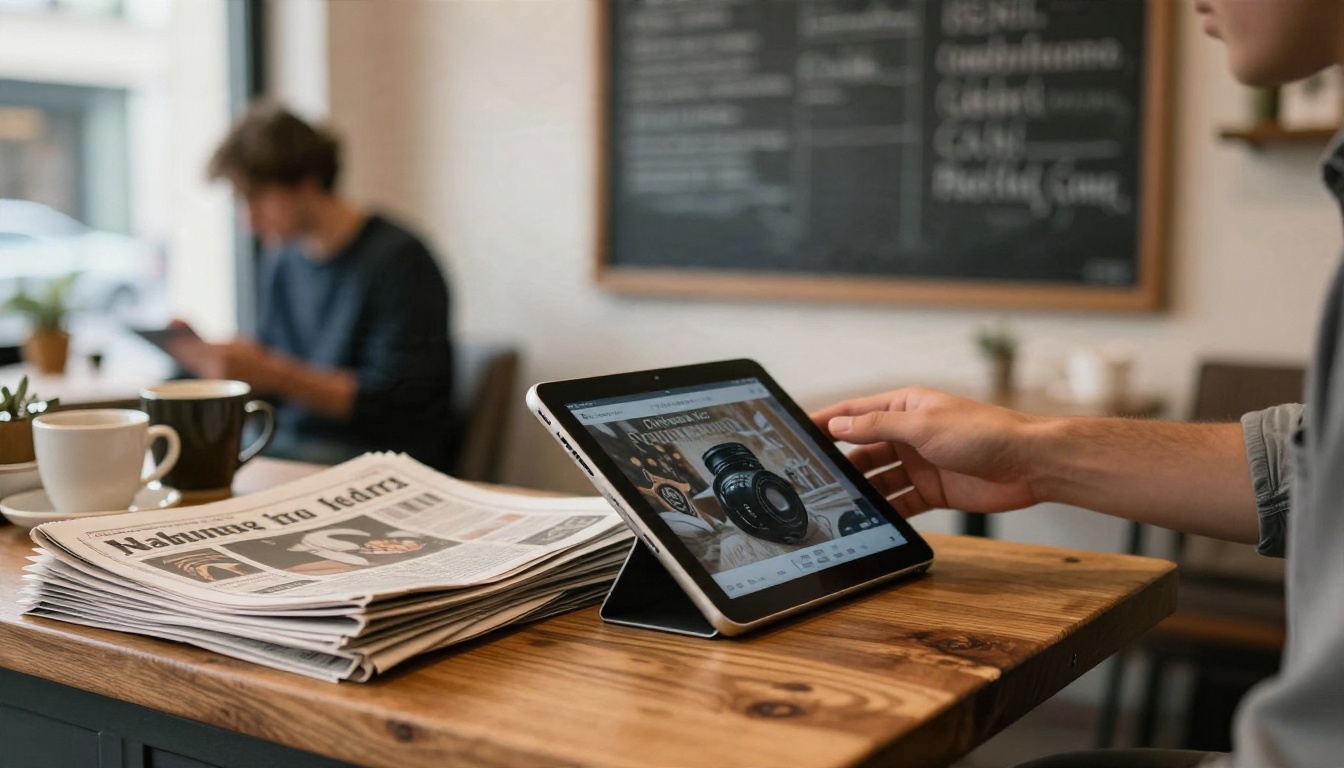
A café, a barber shop or a gym will gladly display a QR code that opens this week's free edition. That puts the paper in front of people who would never buy a copy, and advertisers like the extra reach. Publishers with similar content can also use the Newsletter Flipbook Publisher and Magazine Flipbook Creator tools for supplements, lifestyle inserts and special sections.
Use this checklist when comparing vendors. Score each one from 1 to 5.
| Question | Why It Matters |
|---|
| Does it accept a standard PDF without conversion fees? | Keeps workflow cheap |
| Are watermarks removed on the plan you can afford? | Protects your brand |
| Is the reader smooth on a mid-range phone? | Most readers are on phones |
| Can you control access with passwords? | Needed for paid editions |
| Are analytics available per page? | Helps sell advertising |
| Can you embed the reader on your own site? | Keeps traffic on your domain |
| What happens to your archive if you leave? | Avoids lock-in |
💡 Test before you commit: Upload your real Friday edition, not a vendor demo. Large ads, tight columns and photo-heavy pages expose weak readers quickly.
Three mistakes show up again and again:
- Buying for features nobody asked for. Readers want a fast, clean replica.
- Ignoring file size. A 200 MB PDF loads slowly on mobile and loses readers on the first page.
- Skipping the promotion. An edition nobody knows about will not earn subscriptions. Put the link in every email, receipt and social post.
Publish Your First Edition Today
ePaper software pays for itself when it fits an existing routine instead of creating a new one. A screen-ready PDF export, a one-step upload and a branded reader are all most newspapers need to begin. Everything else, from analytics to archives, can follow as the audience grows.
Ready to try it with a real edition? Create a free account on Flipbooks AI, upload your latest PDF, and see how it reads on your own phone. Compare pricing plans when you need unlimited editions, password protection for subscribers or reader analytics, and browse all flipbook tools for supplements, newsletters and special sections. If you want to see what a paid plan includes before you decide, go straight to account and pricing.



