Most event organizers pick a program size in about thirty seconds, usually by copying last year's file. Then the proofs arrive and the schedule is cramped, the speaker photos look tiny, or the printer quotes double what was budgeted. The size decision shapes everything that follows: how many sessions fit on a page, how heavy the booklet feels in a tote bag, and how well the same content survives the jump to a phone screen. This article walks through the real dimensions, the printing rules that trip people up, and the digital layouts that work, including how to turn your finished PDF into an interactive flipbook with Flipbooks AI.
Why Page Size Matters
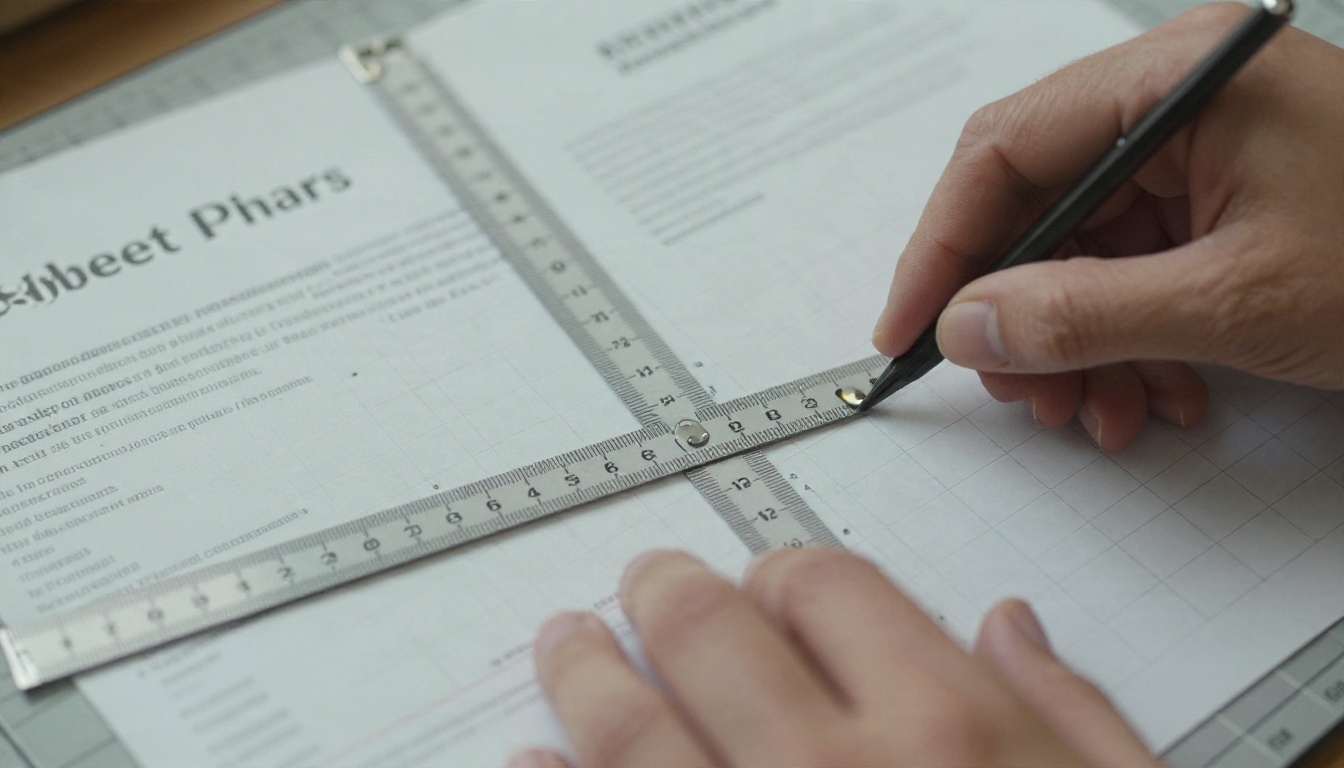
Before comparing formats, it helps to see what the number on the spec sheet actually controls. Size is not a cosmetic choice. It dictates the budget, the layout grid and the way people hold your program during a busy day.
Reading Comfort in the Hand
Attendees read programs standing up, walking between rooms, and balancing a coffee in the other hand. A booklet wider than about 6 inches (150 mm) becomes awkward one-handed. A page narrower than 4 inches (100 mm) forces tiny type. The sweet spot for most conferences sits between 4 and 6 inches wide and 8 to 9 inches tall.
Cost Per Copy
Printers cut your pages from large press sheets. A format that fits efficiently on the sheet wastes less paper, and that saving shows up in your quote. Standard sizes such as A5 or half-letter are cheaper than custom dimensions because they match what the print shop already stocks and trims every day.
Content Capacity
A tall, narrow page suits a single column of times and titles. A squarer page handles two columns, a map and a sponsor strip. Decide how much information each page must hold before you fall in love with a shape.
💡 Pro tip: Count your sessions first. If you have more than 40 sessions across three days, you need a page that can hold a full day's timetable on one spread.
Standard Print Sizes Compared
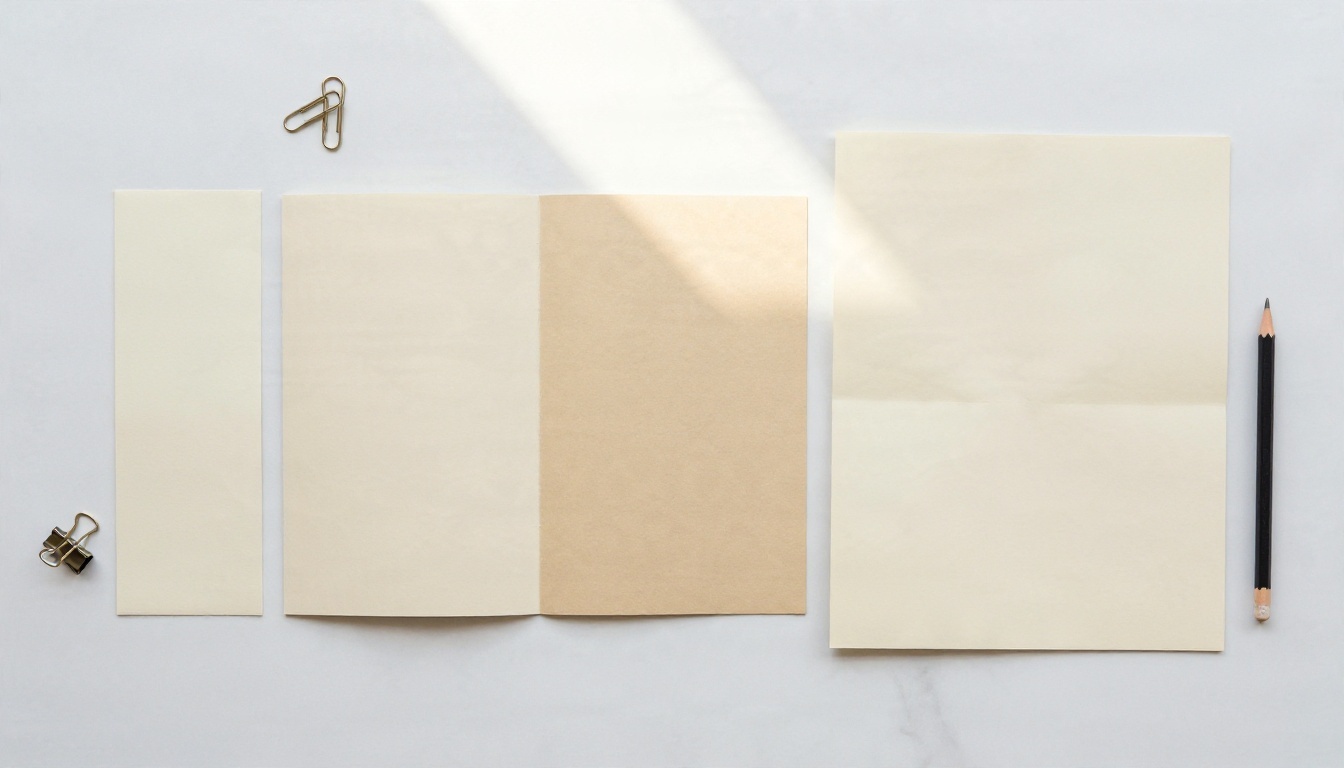
Here are the formats organizers use most, with exact measurements in both systems.
| Format | Inches | Millimeters | Best For | Typical Page Count |
|---|
| A6 | 4.1 x 5.8 | 105 x 148 | Pocket schedules, festivals | 8 to 24 |
| DL (tall) | 3.9 x 8.3 | 99 x 210 | One-day agendas, gala cards | 4 to 12 |
| Half-letter | 5.5 x 8.5 | 140 x 216 | US conferences, workshops | 16 to 48 |
| A5 | 5.8 x 8.3 | 148 x 210 | International events, trade shows | 16 to 64 |
| Square 6 x 6 | 6.0 x 6.0 | 152 x 152 | Creative events, art openings | 12 to 32 |
| US Letter | 8.5 x 11 | 216 x 279 | Large symposiums, full reports | 8 to 32 |
| A4 | 8.3 x 11.7 | 210 x 297 | Annual meetings, detailed agendas | 8 to 32 |
Half-Letter for US Audiences
Half-letter is simply a US Letter sheet folded once. It is the workhorse of American conferences because the paper is already everywhere and the proportions feel natural. You get a generous text area without the bulk of a full sheet.
A5 for International Events
A5 is half of an A4 sheet and follows the same 1:1.414 ratio as every A-series paper. If your event draws attendees from Europe, Asia or Latin America, A5 matches the paper stock local printers use. It also scales cleanly: your A5 file can be enlarged to A4 for posters with no distortion.
DL for Slim Schedules
DL is the long, slender format you know from envelope inserts. It slips into a jacket pocket and works wonderfully for single-day agendas. The trade-off is width: a 99 mm page leaves little room for photos or sponsor logos, so reserve it for text-light content.
Margins, Bleed and Safe Zones
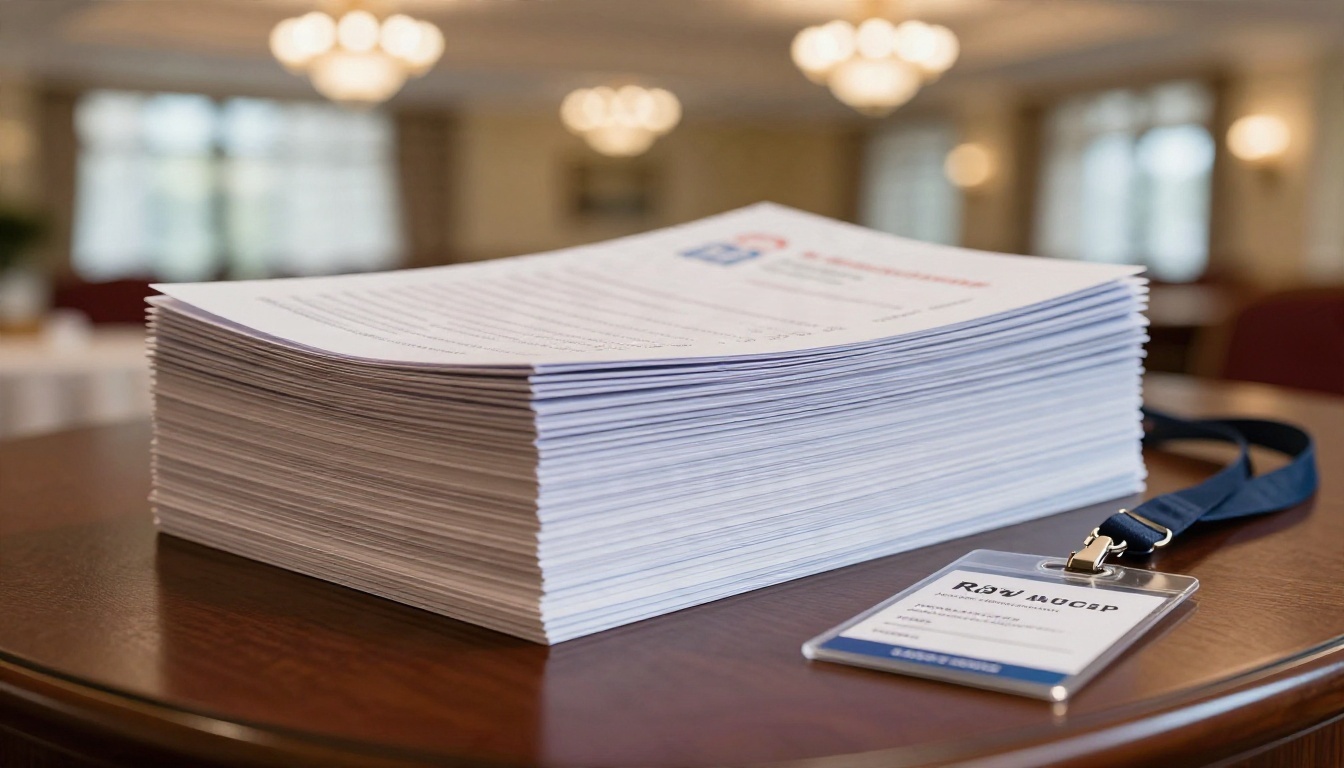
Choosing the dimensions is half the job. The other half is preparing a file the printer can trim without chopping off your headline.
What Bleed Actually Means
Bleed is the extra strip of background color or image that extends beyond the final page edge. Presses and cutters shift by a hair, so without bleed you risk a thin white line along the edge. The standard is 0.125 inches (3 mm) on every side that touches the trim. A half-letter page with bleed becomes 5.75 x 8.75 inches in your design file.
Safe Margins for Text
Keep all important text and logos at least 0.25 inches (6 mm) inside the trim line. For saddle-stitched booklets, add a little more on the inner edge so words do not vanish into the fold. Many designers use 0.5 inches on the outside and 0.625 on the inside for comfortable reading.
Resolution and Color
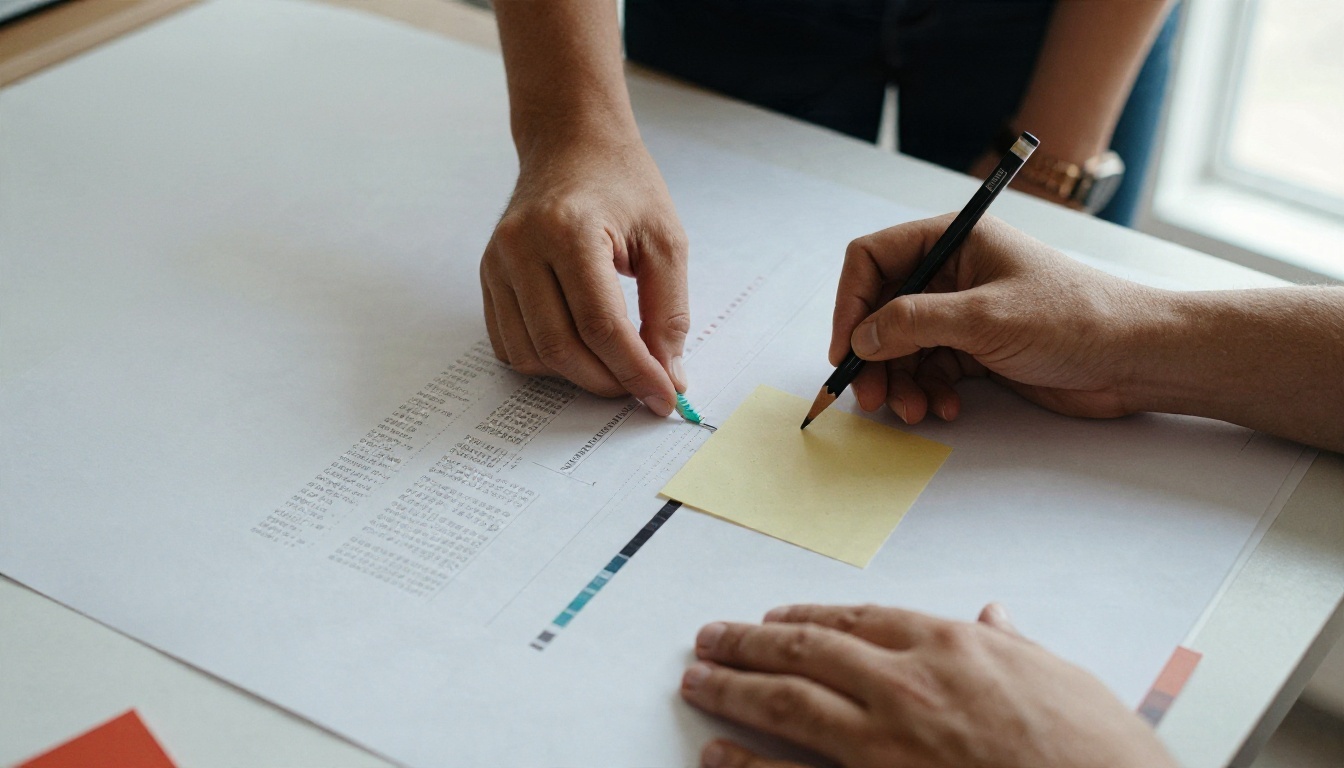
Export images at 300 dpi at final size for print. Use CMYK color for press work, since vivid RGB blues and greens often turn dull when converted. Embed or outline your fonts, and confirm the PDF carries crop marks only if your printer asks for them.
⚠️ Warning: Never stretch a 72 dpi web image to fill a page. Speaker headshots that look sharp on screen will print blurry and soft.
Choosing the Right Binding
Binding affects both page count and final width, so settle it before you finalize the layout.
| Binding | Page Count Rule | Lies Flat? | Cost | Notes |
|---|
| Saddle stitch | Multiples of 4 | Mostly | Lowest | Best up to about 48 pages |
| Perfect bound | Any even number | No | Medium | Needs a spine, 60+ pages |
| Wire-o or coil | Any even number | Yes | Higher | Handy for note-taking |
| Single fold card | 4 pages only | Yes | Very low | Gala dinners, short ceremonies |
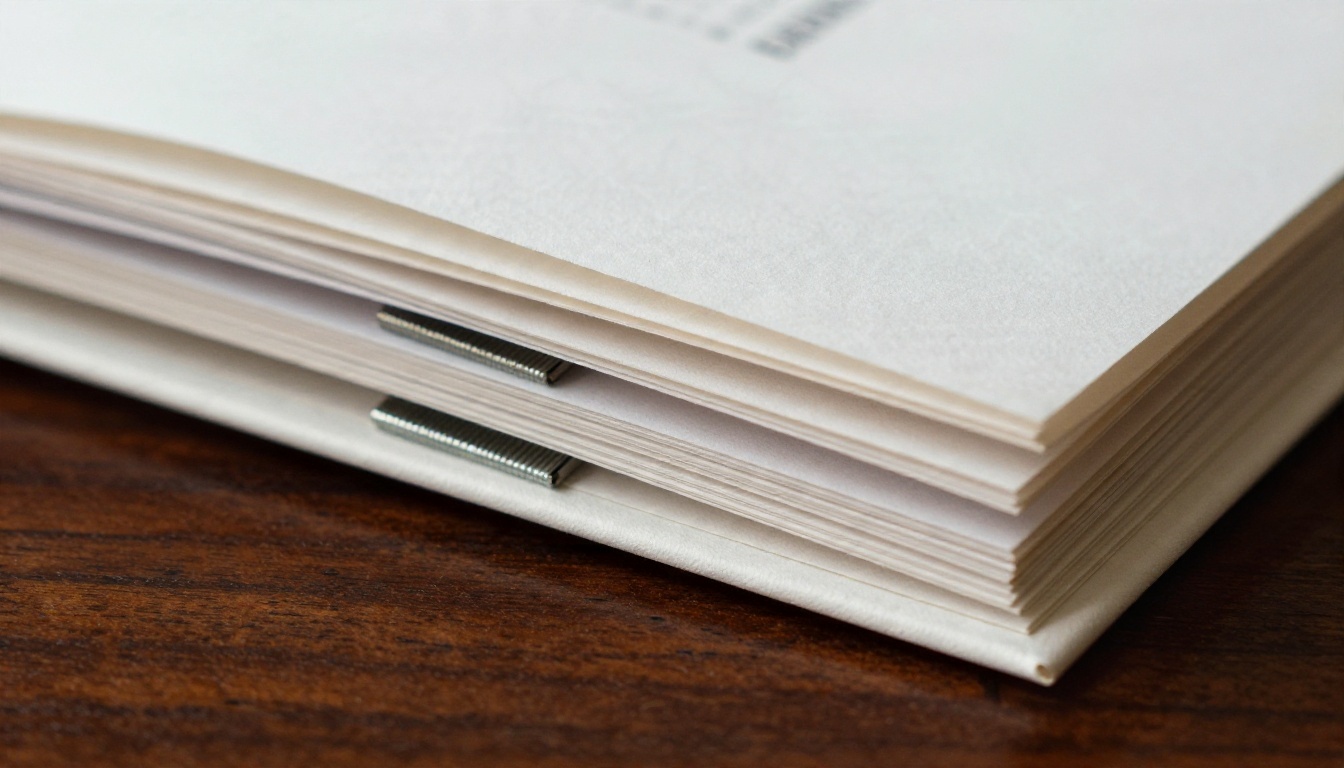
Saddle stitching wins for most events. Pages are folded and stapled through the spine, which is cheap and quick. The catch is that your page count must be a multiple of four. A 22-page draft will need two blank or filler pages, and smart organizers use them for notes, sponsor thanks or a venue map.
Thicker booklets also creep. As pages nest inside each other, inner pages stick out further and get trimmed more. Ask your printer about creep compensation if you plan more than 32 pages.
Digital Layout Options
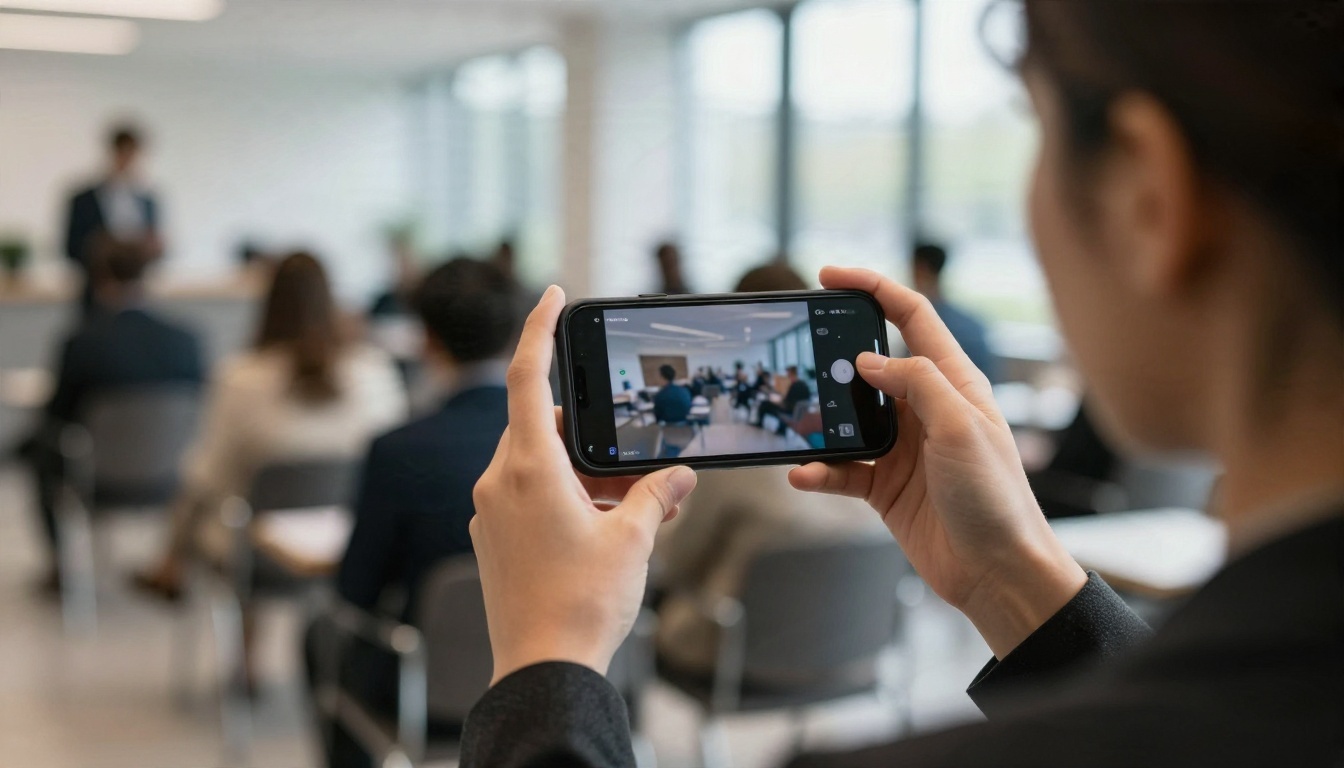
Printing is only one half of the picture now. Attendees expect to check the schedule on their phones, and sponsors like to link straight to their sites. A digital program can match your print size or adapt to screens.
Single Page or Spread View
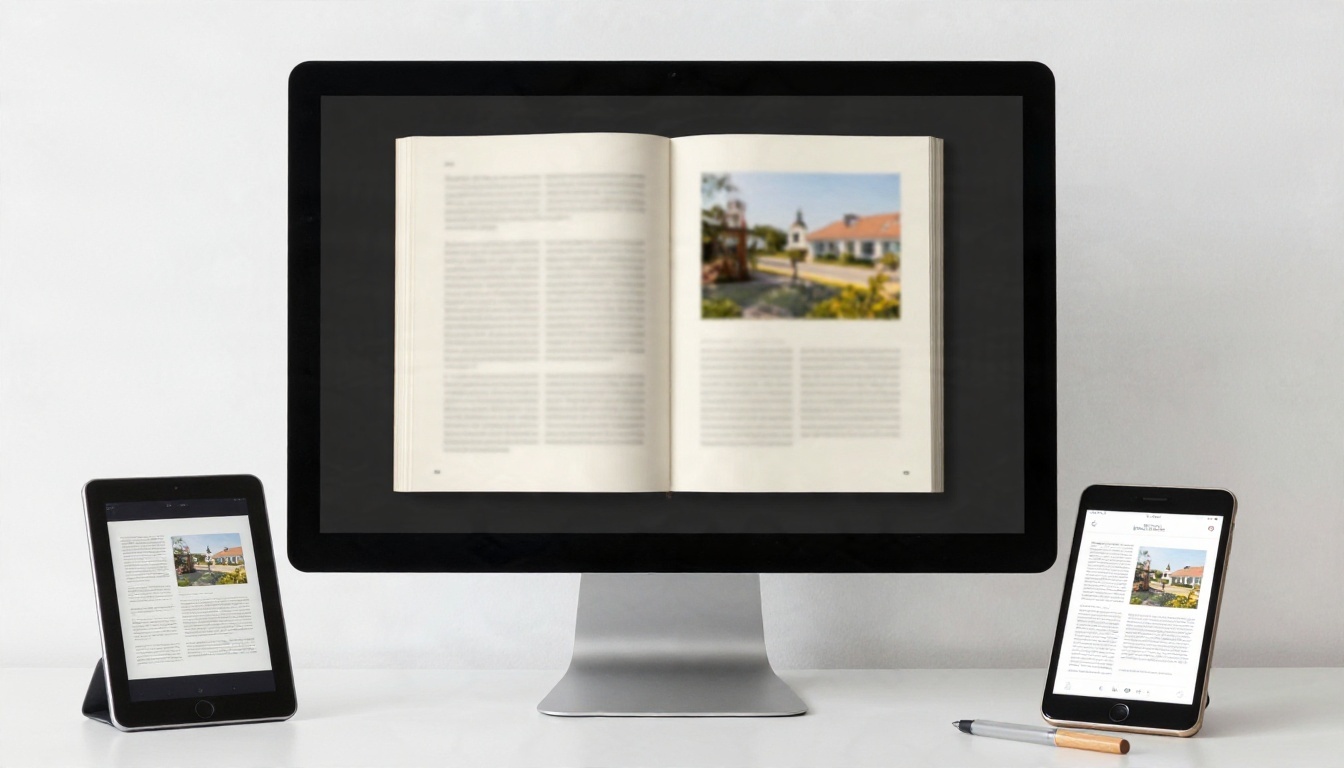
A flipbook can present one page at a time or two pages side by side like an open book. Spreads look beautiful on desktops and tablets in landscape. Phones in portrait orientation switch to single pages automatically in a mobile-responsive viewer, so design your pages to stand alone.
Aspect Ratios That Travel Well
If you built your print file at A5 or half-letter, the portrait ratio of roughly 1:1.4 translates smoothly to a digital page. Very narrow formats like DL feel cramped on a desktop and leave empty bars on each side. Square pages sit awkwardly on phones in portrait mode.
| Layout | Phone | Tablet | Desktop | Verdict |
|---|
| A5 portrait | Excellent | Excellent | Good in spread | Safest all-rounder |
| Half-letter portrait | Excellent | Excellent | Good in spread | Equally safe |
| DL tall | Good | Fair | Poor | Best for print only |
| Square | Fair | Good | Good | Suits visual events |
| Landscape 16:9 | Fair | Good | Excellent | Works for slide-style programs |
Type Size on Screens
Print programs often use 8 or 9 point body text. On a phone, that same page is shrunk to a few centimeters wide, and readers zoom in. Aim for 10 to 11 point body text and 14 point or larger session titles so pinch-zooming becomes optional rather than required.
Interactive Extras
Digital pages can do what paper cannot. Add tappable links from speaker names to bios, embed a video greeting from the host, and place a table of contents that jumps to each day. Keep extras purposeful: three or four links per spread is plenty.
How to Build a Digital Program with Flipbooks AI
Once your print PDF is final, you can publish a digital edition in minutes. The Event Program Maker is designed for exactly this, and the PDF to Flipbook Converter handles the file conversion behind it.
- Open the platform. Go to Flipbooks AI and create an account. You will land on a dashboard with an upload button front and center.
- Upload your PDF. Drag in the same file you sent to print, or a version without bleed and crop marks. The system converts each page into a flippable sheet. Screenshot description: a progress bar fills as thumbnails of your pages appear in a grid.
- Set the page view. Pick single page or double-page spread. For A5 and half-letter programs, spread view with automatic single-page fallback on phones works best.
- Customize the look. Add your event logo, choose background and toolbar colors to match your branding, and select a page-turn effect. Subtle effects feel more professional than dramatic ones.
- Add multimedia. Embed a welcome video or audio message, and add clickable hotspots to sponsor websites, session registration and venue maps.
- Protect or publish. Turn on password protection if your agenda is for registered attendees only, or leave it public for promotion. No watermarks appear on any plan.
- Share everywhere. Copy the direct link for emails and social posts, print a QR code for the registration table, or paste the embed code using the Embed Flipbook on Website tool so the schedule lives on your event page.
✅ Best practice: Print a QR code on the back of every physical program that opens the digital edition. When the schedule changes, update the flipbook and attendees always see the current version.
Professional Plan Features
The Professional plan adds analytics so you can see which pages attendees open most, plus lead generation forms that collect emails before readers access the program. Offline downloads let guests save the program for venues with weak signal, which is common in convention basements and conference halls. Compare tiers on the pricing page.
Size by Event Type
The best format depends on how people will actually use the program. These pairings come from common real-world setups.
| Event Type | Suggested Print Size | Pages | Digital Format |
|---|
| Three-day conference | Half-letter or A5 | 24 to 40 | Spread plus mobile single page |
| Gala dinner | DL or folded card | 4 | Single page, embedded in invite |
| Music festival | A6 pocket | 12 to 20 | Mobile-first portrait |
| Wedding ceremony | Square 5 x 5 or A5 | 4 to 8 | Link shared with guests |
| Trade show | A5 or US Letter | 16 to 32 | Embedded on exhibitor site |
| Charity auction | A5 | 12 to 24 | Interactive with bid links |
A Conference Example
A regional marketing summit with 60 sessions chose half-letter, 32 pages, saddle-stitched. Each day received a two-page spread with a time grid, and the final four pages held a venue map and sponsor thanks. The same PDF became a flipbook. Attendees used the print copy in the morning and the phone version after lunch when they forgot the booklet in a bag.
A Gala Example
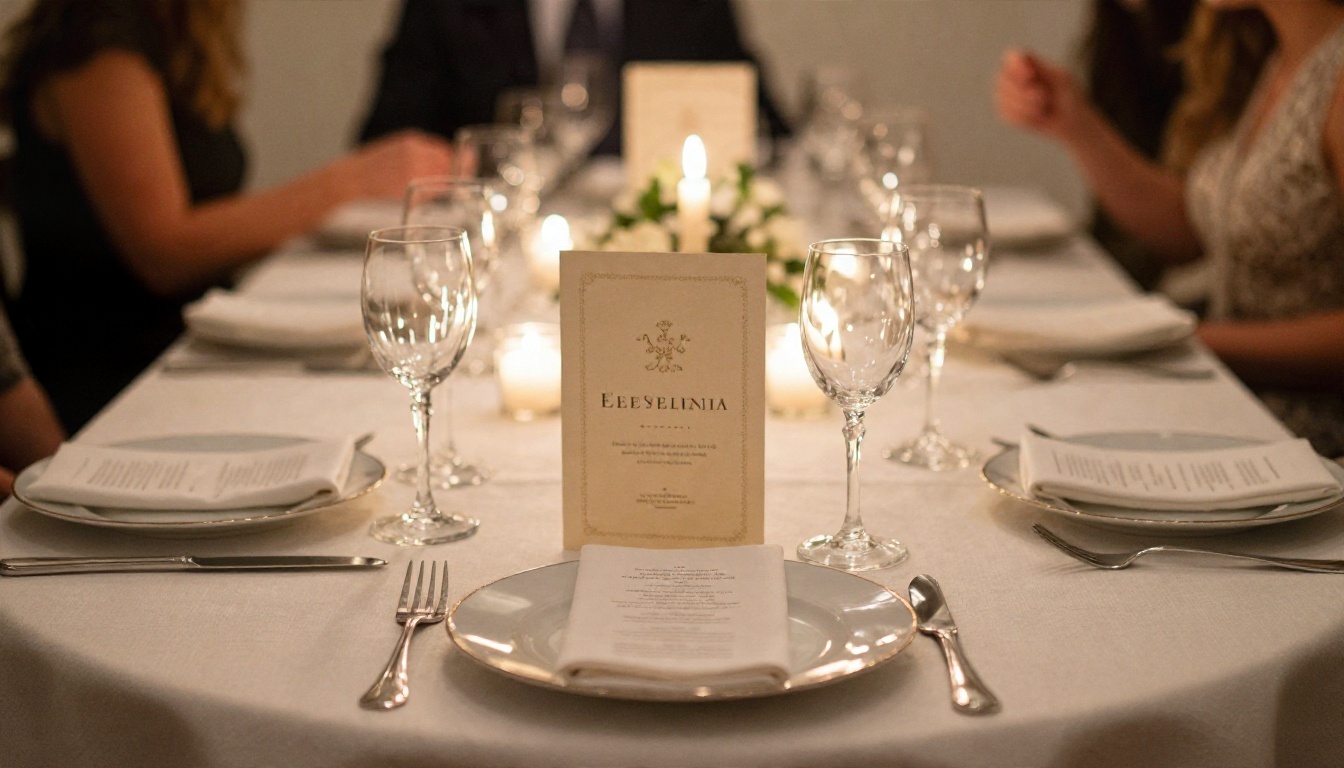
A charity dinner used a DL folded card for the printed menu and order of events, with a QR code linking to a digital program holding the auction items. The printed piece stayed elegant on the table, and the long details lived online.
💡 Pro tip: Hotels and venues often print on-site. Ask which paper sizes their machines handle before you design in an unusual format.
Common Mistakes to Avoid
Event teams repeat the same errors every season. Check your draft against this list.
- Ignoring page multiples. Saddle stitch needs multiples of four. A 30-page file will force awkward blank pages.
- Skipping bleed. Full-color backgrounds without bleed leave thin white slivers after trimming.
- Placing text near the trim. Anything closer than 0.25 inches is at risk.
- Using tiny type. Below 8 point, older attendees will struggle even in good light.
- Designing print only. If the file cannot be read on a phone, you lose half your audience.
- Late schedule changes. Printed schedules cannot be corrected, so use the digital edition as the source of truth.
Budget Reality Check
Paper weight changes cost too. A 100 gsm interior with a 250 gsm front page feels premium but costs more than 80 gsm throughout. For a one-day event, lighter stock is fine. For a multi-day conference where programs get folded and shoved into bags, heavier paper survives better.
Ready to Build Yours?
Pick your size based on how people will carry and read the program, prepare bleed and margins properly, and publish a matching digital edition so no one is stuck with an outdated schedule. A5 and half-letter remain the safest bets across print and screen.
Ready to publish your event program as an interactive flipbook? Get started for free on Flipbooks AI, browse all flipbook tools for brochures, menus and reports, or compare pricing plans to choose the one that fits your next event.



