Your guest lands at 11 p.m., the lockbox won't open, the Wi-Fi password is buried in a message thread from three weeks ago, and your phone is ringing. A good house manual stops that call before it happens. Below you'll find a full example of a house manual for Airbnb, a free template you can copy, notes on the PDF version, and a step-by-step way to publish the same content as a digital flipbook with Flipbooks AI.
💡 Quick answer: A strong Airbnb house manual has 8 to 10 short sections (arrival, Wi-Fi, appliances, rules, safety, local tips, checkout), fits on 6 to 12 pages, and is available in both print and a mobile-friendly digital format.
Why Every Airbnb Needs a House Manual
Most hosts write a manual after the third or fourth awkward guest message. The smarter move is to write it before your first booking. A manual is not a legal document or a sales brochure. It is a calm, scannable answer sheet for the questions guests always ask.
What Guests Ask Most
Across short-term rentals, the same questions show up again and again:
- How do I get in, and what is the door code?
- What is the Wi-Fi name and password?
- How does the thermostat, shower, TV or coffee machine work?
- Where do I put the trash, and which day is collection?
- Can I bring friends, play music or smoke on the balcony?
- What time do I need to leave, and what should I do before I go?
Every one of these belongs in your manual, in that order of urgency.
The Cost of No Manual
Missing instructions create small problems that become bad reviews. A guest who can't find the heating switch writes "cold apartment." A guest who didn't see the quiet hours rule triggers a neighbor complaint. A guest who left without taking out the trash leaves you with a cleaning surcharge argument.
⚠️ A manual won't fix a bad listing, but it removes the avoidable friction that drags down a 5-star stay to a 4.
Example of a House Manual for Airbnb
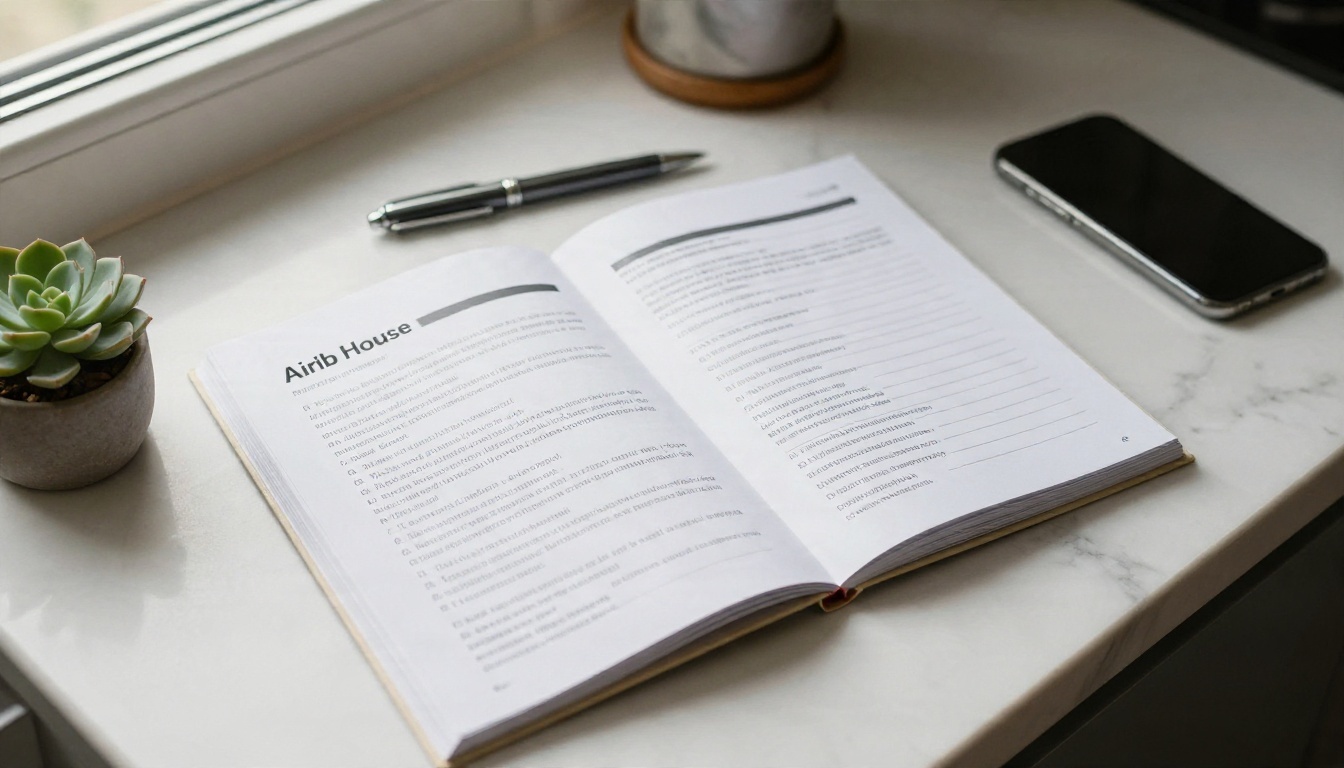
Here is a realistic example written for a two-bedroom city apartment. Swap the details for your own property, but keep the order and the tone: short sentences, direct instructions, no jargon.
Welcome and Arrival
Welcome to Maple Street Apartment! We're so glad you're here. This booklet answers the most common questions so you can relax right away. If something isn't covered here, message us any time.
Then give the arrival essentials:
- Address: 24 Maple Street, Apartment 3B
- Check-in: from 3:00 p.m., self check-in
- Entry: the lockbox is on the left of the front door. Enter the 4-digit code from your booking message, pull the lever and take the door fob.
- Parking: free street parking after 6 p.m., or the public garage two blocks north
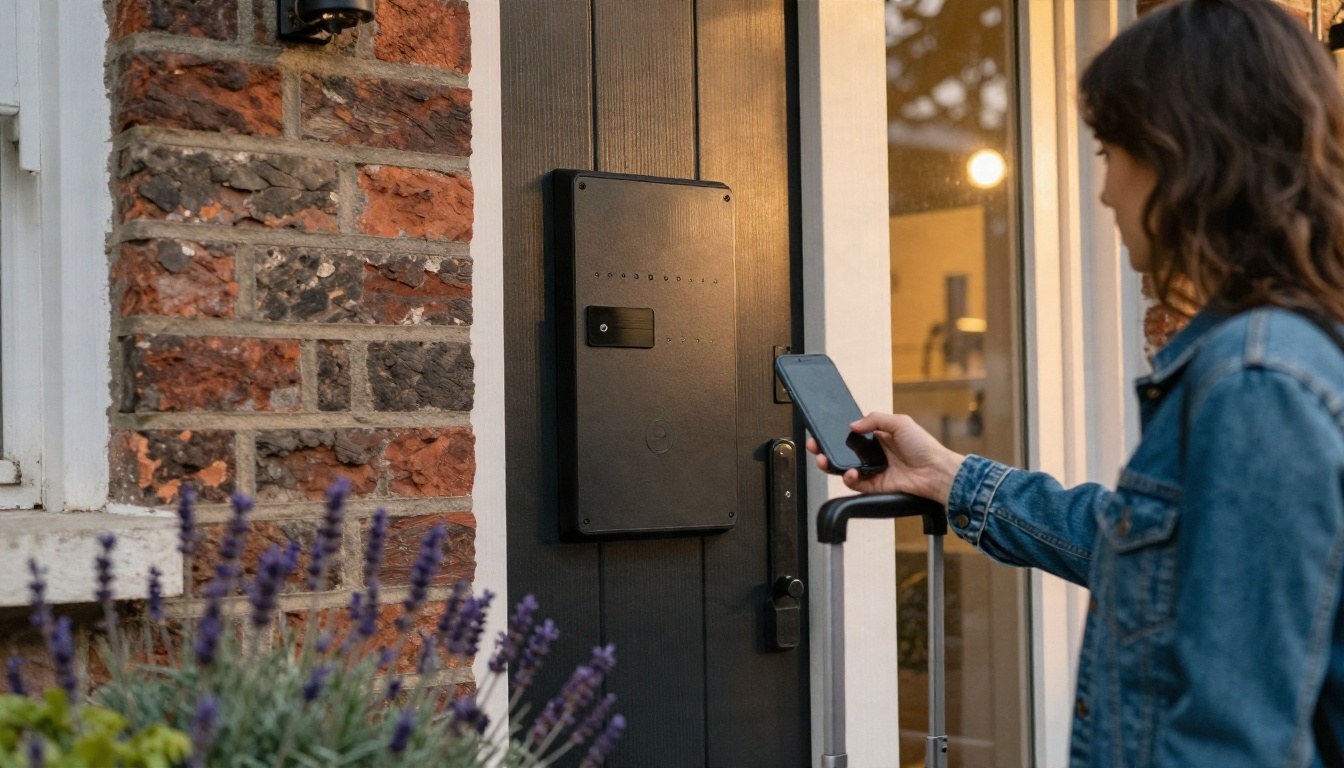
💡 Include a photo of the lockbox and the front door. Guests arriving at night will thank you.
Wi-Fi and Tech
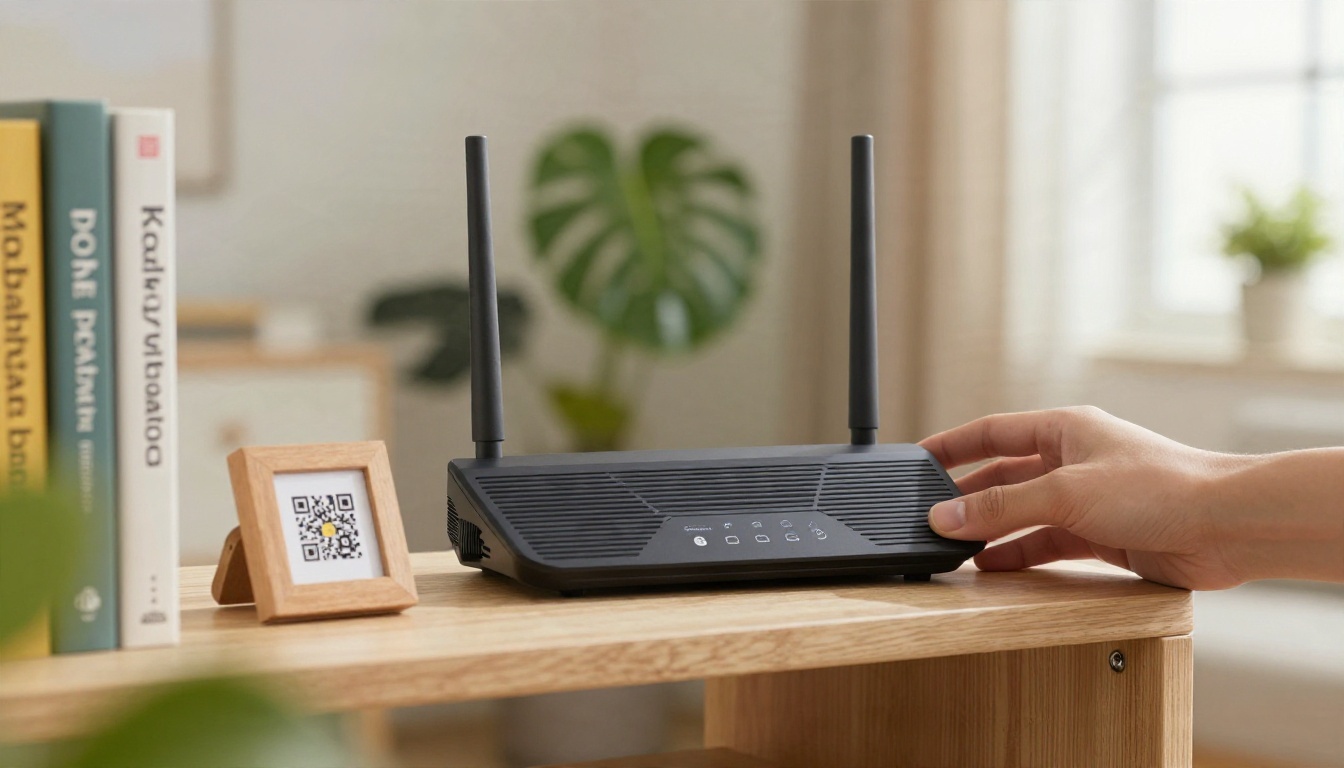
Put the network name and password in a large, plain block. Add a QR code so guests can join with one tap.
| Item | Example Entry |
|---|
| Network name | MapleStreet_Guest |
| Password | Welcome2024! (case sensitive) |
| Router location | Bookshelf, living room |
| TV | Remote on the coffee table, streaming apps already logged in |
| If the Wi-Fi drops | Unplug the router for 10 seconds, plug it back in, wait 2 minutes |
Kitchen and Appliances
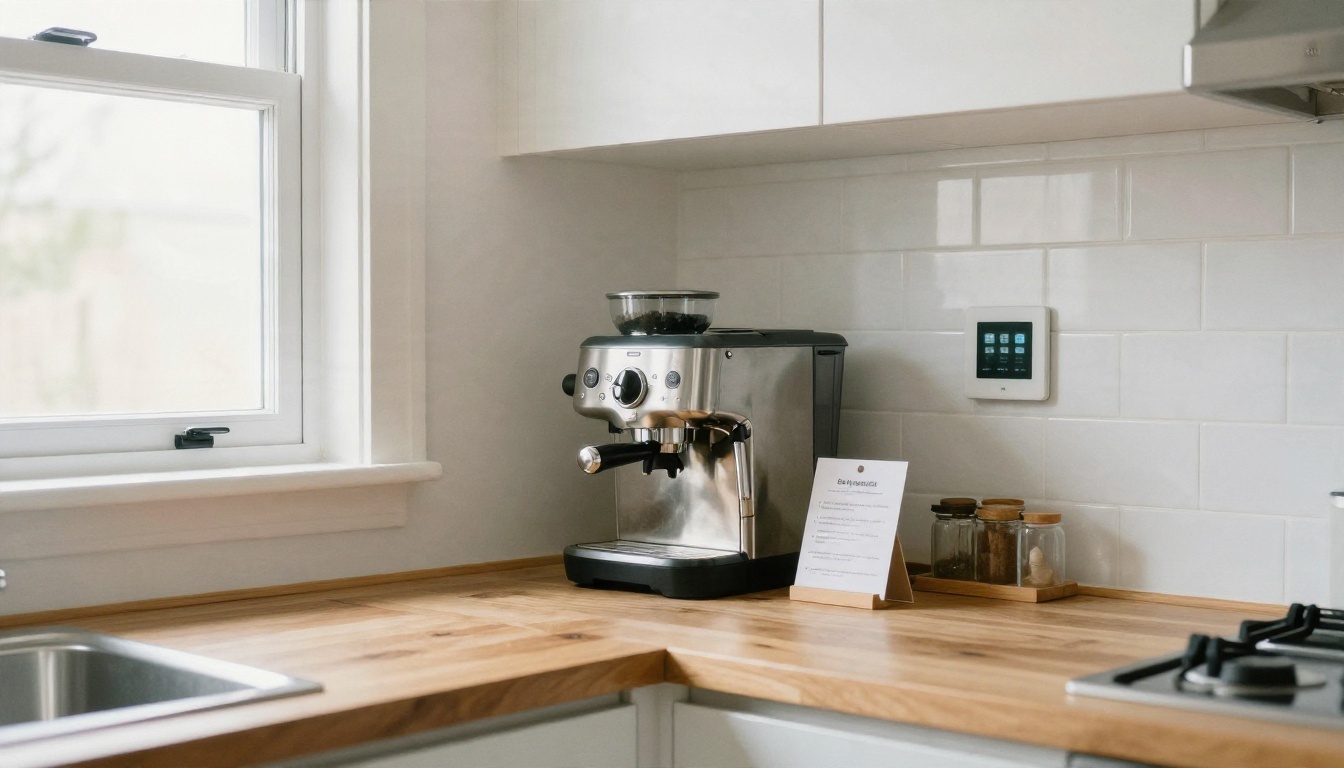
Only describe the appliances that confuse people. Nobody needs instructions for a toaster, but nearly everyone needs help with an induction hob or a capsule coffee machine.
- Coffee machine: fill the tank, insert a capsule, press the large button once for espresso, twice for a long coffee.
- Dishwasher: tablets are under the sink. Press "Auto" and the start button.
- Oven: turn the dial to the fan symbol, set the temperature, wait for the beep.
- Heating: the thermostat in the hallway is set between 19 and 23 degrees. Please don't open windows while heating is on.
House Rules
Keep rules short and friendly. Three to six bullet points are enough.
- Quiet hours are 10 p.m. to 8 a.m. We share the building with neighbors.
- No smoking indoors. The balcony is fine, please use the ashtray.
- No parties or events. Maximum 4 guests.
- Please remove shoes at the door.
- Report any damage as soon as you notice it. Accidents happen.
Safety and Emergencies
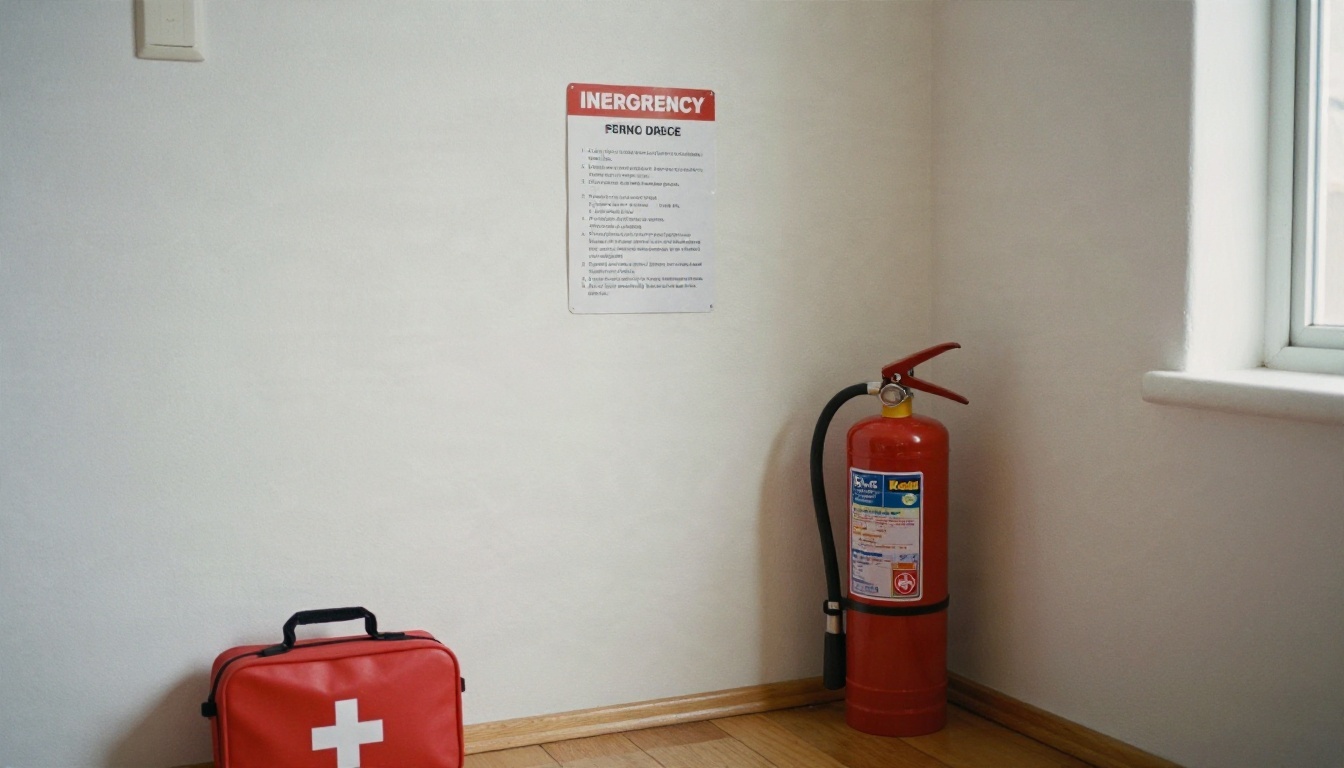
This section builds trust. Give exact locations, not generic advice.
- Emergency number: 112 (or the local equivalent)
- First aid kit: hallway cupboard, top shelf
- Fire extinguisher: next to the front door
- Smoke detectors: hallway and kitchen
- Nearest hospital: City General, 8 minutes by car
- Host contact: +00 000 000 000 (messages answered within an hour, 8 a.m. to 10 p.m.)
Local Picks Near You
Guests love a short, opinionated list far more than a long directory. Pick five to eight places you would take a friend.
| Category | Example Pick | Distance |
|---|
| Breakfast | Corner Bakery, try the cardamom bun | 3 min walk |
| Coffee | Little Owl Roasters | 5 min walk |
| Dinner | Casa Verde, book ahead on weekends | 10 min walk |
| Groceries | Fresh Market, open until 10 p.m. | 4 min walk |
| Pharmacy | Central Pharmacy, open Sundays | 6 min walk |
| Transit | Metro line 2, Maple Station | 7 min walk |
Checkout Steps
End with a simple checklist. Guests actually follow these when they are short.
- Checkout is by 11:00 a.m.
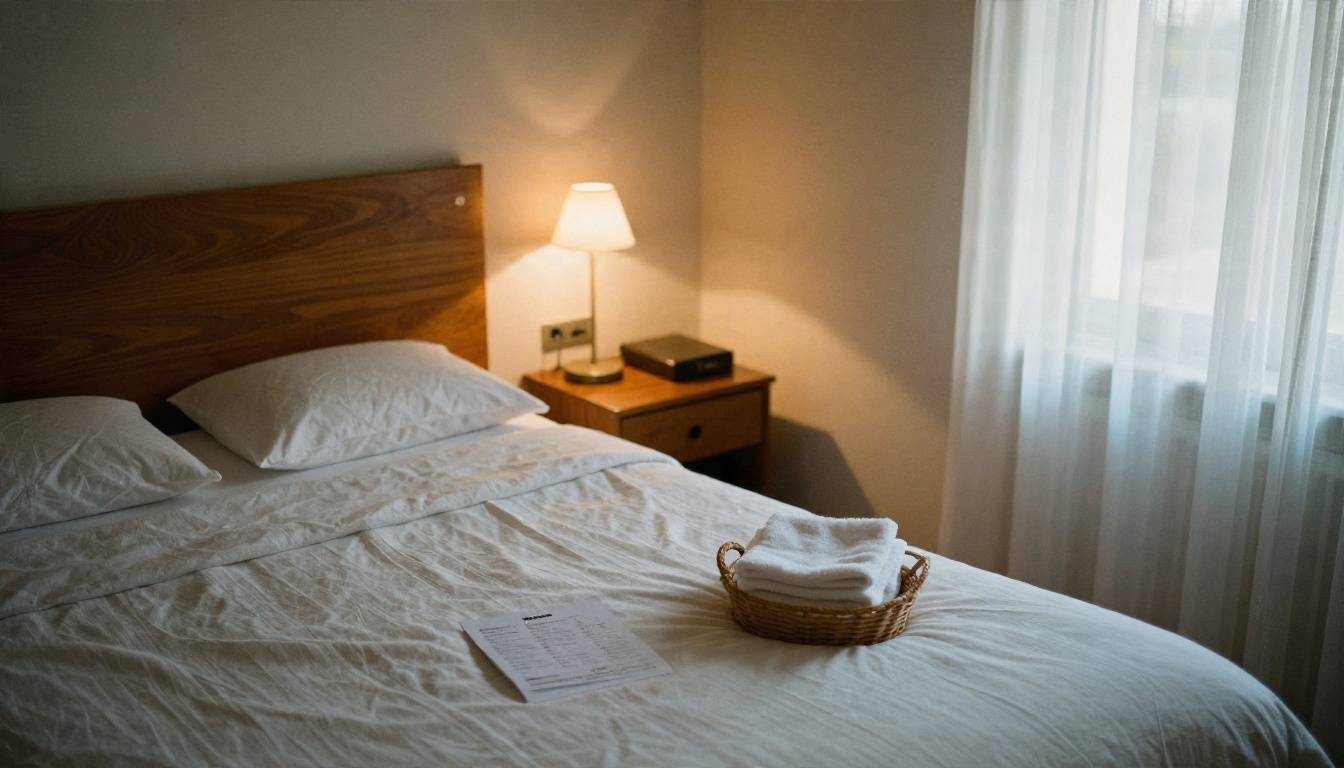
- Place used towels in the bathtub
- Start the dishwasher if it's full
- Take trash to the bins behind the building
- Turn off lights and set the thermostat to 17 degrees
- Close the windows and lock the door, then return the lockbox fob
Free Template You Can Copy
Copy this outline into Google Docs, Word or any editor, then replace the brackets.
[Property Name] House Manual
1. Welcome: one warm sentence plus your name and photo
2. Arrival: address, check-in time, entry steps, parking
3. Wi-Fi and TV: network, password, QR code, reset steps
4. Home Systems: heating, hot water, appliances, laundry
5. House Rules: quiet hours, smoking, guest limit, shoes
6. Trash and Recycling: where, which bin, collection day
7. Safety: emergency number, first aid, extinguisher, exits
8. Local Picks: food, coffee, groceries, transit, pharmacy
9. Checkout: time, three to six simple steps
10. Contact: how and when to reach you
How Long Should Each Section Be?
| Section | Ideal Length | Include a Photo? |
|---|
| Welcome | 2 to 3 sentences | Optional |
| Arrival | 5 to 8 lines | Yes, door and lockbox |
| Wi-Fi and TV | 4 to 6 lines | Yes, router |
| Home systems | 1 line per device | Yes, for tricky ones |
| House rules | 3 to 6 bullets | No |
| Safety | 6 to 8 lines | Yes, extinguisher location |
| Local picks | 5 to 8 places | Optional |
| Checkout | 4 to 6 bullets | No |
✅ Best practice: write every instruction as an action. "Press the large button twice" beats "The machine has two settings."
PDF Version: Print and Send
A PDF is the quickest way to share your manual. Export from your editor, then email it, attach it to the booking message or print a copy for the property.
Print Layout Tips
- Use A5 or half-letter pages so the booklet is easy to carry
- Choose a font of at least 11 pt for easy reading
- Keep one idea per page, with plenty of white space
- Laminate the Wi-Fi and emergency pages
- Leave the printed copy on the coffee table, not in a drawer
Where a PDF Falls Short
A PDF is static. If your Wi-Fi password changes, you need to re-export and re-send it. It's also clunky on phones, because guests pinch and zoom through pages designed for paper, and large files can fail to download on weak mobile data. You also can't tell if anyone has opened it.
Printed, PDF or Digital: Which Wins?
| Feature | Printed Booklet | PDF | Digital Flipbook |
|---|
| Works with no internet | Yes | After download | Offline download option |
| Easy to read on a phone | No | Poor | Yes, mobile-responsive |
| Update after publishing | Reprint | Re-export and resend | Edit and keep the same link |
| Embed videos and audio | No | No | Yes |
| Password protection | No | Limited | Yes |
| Track who opened it | No | No | Yes, with analytics |
| Cost to maintain | Printing | Free | Low |
The best setup for most hosts is simple: a laminated printed copy in the apartment, plus a digital version linked in every booking message.
How to Create an Airbnb House Manual with Flipbooks AI
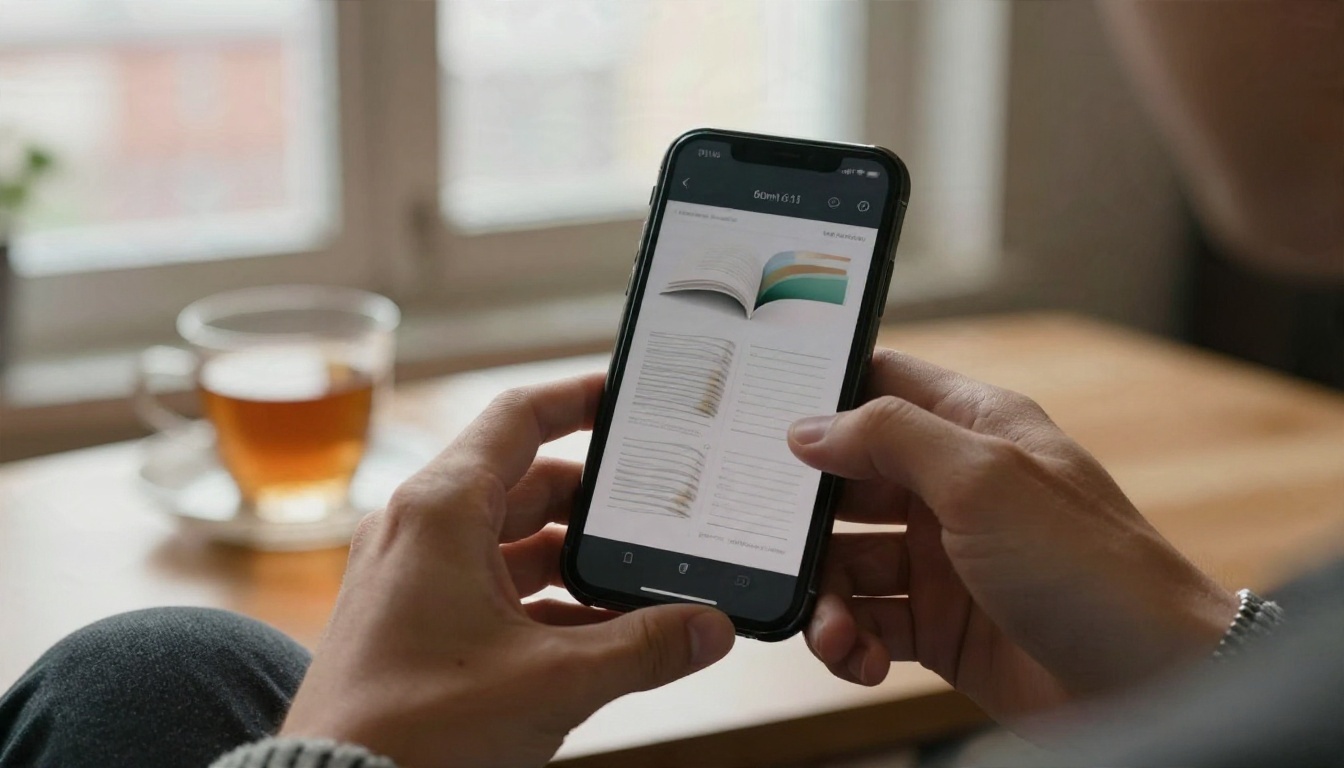
A digital version gives your guests a page-turning booklet that opens in any browser, with no app and no download. You can build one in under 15 minutes from the PDF you already have.
Step 1: Create Your Account
Head to Flipbooks AI and sign up. Compare the pricing plans to see which fits your number of properties. The Standard plan and above includes unlimited flipbooks, which is useful if you manage several listings.
Step 2: Upload Your PDF
Export your manual as a PDF, then upload it with the PDF to Flipbook Converter. Each page becomes a flipbook page with a realistic page-turn effect. If you are building a booklet from scratch, the Online Brochure Designer and Travel Guide Flipbook tools offer layouts that suit short-term rentals well.
Step 3: Customize the Look
- Add your logo and pick brand colors that match your listing photos
- Choose a page-turn effect and background
- Embed a short video showing how to use the door, hob or hot tub
- Add an audio welcome message from you
- Check the mobile preview before publishing
💡 A 20-second video of the shower or the tricky front door lock saves more messages than three paragraphs of text.
Step 4: Share With Guests
You have three good options:
- Direct link: paste it into your automated booking message
- QR code: print it on a small card by the front door
- Embed code: place the manual on your own site with the Embed Flipbook on Website tool
Turn on password protection if the manual includes your door code or alarm details. Share the password only in the confirmed booking message.
Step 5: Use Pro Features
On the Professional plan, you get analytics to see how many guests opened the manual and which pages they read most. That tells you what to improve. Lead generation forms let you collect emails for direct rebookings. Guests can also use the offline download at the property if the signal is weak. Every flipbook is published with no watermarks, and updates keep the same link, so a changed Wi-Fi password takes about a minute to fix.
| Feature | Why Hosts Use It |
|---|
| Mobile-responsive design | Guests read on phones |
| Custom branding | Matches your listing style |
| Password protection | Keeps door codes private |
| Embedded video and audio | Shows tricky steps clearly |
| Analytics | Shows which pages matter |
| Offline downloads | Works with weak signal |
3 Common Mistakes to Avoid
Writing Too Much
A 30-page manual won't be read. If a section needs more than a page, split it or move the extra detail to a video.
Hiding the Urgent Items
Wi-Fi, entry and emergency contacts go in the first pages, not at the end after the history of the neighborhood.
Forgetting to Update
Seasonal changes, new appliances and changed codes make old manuals dangerous. Review yours every quarter and after any guest complaint. With a digital flipbook, this is a quick edit, not a reprint.
⚠️ Never put your full home address history, personal phone numbers beyond the host line or sensitive codes in a public link. Use password protection.
The same approach works for other property setups:
Ready to Publish Yours
You now have a working example, a free template and a clear path from a text document to a polished digital booklet. Write the first draft today, using the ten-section outline above, then get started for free on Flipbooks AI and publish it as a flipbook your guests can open from any phone.
Want to see what else is possible? Browse all flipbook tools and templates, or compare plans and pricing to pick the right one for your rentals.



