Nobody reads a ten page PDF brochure on their phone. They pinch, zoom, lose their place, and close the tab. An interactive digital brochure fixes that problem: pages turn like paper, photos open into galleries, videos play inline, and every button leads somewhere useful. With a platform like Flipbooks AI, you can turn a flat file into something people actually enjoy flipping through.
This article walks through real world examples of interactive digital brochures, the design ideas that make them work, templates matched to different industries, and the free tools you can use to start building today. Whether you sell villas, vehicles, vintage jewelry or consulting packages, you will find a pattern here to borrow.
What Makes a Brochure Interactive
A digital brochure becomes interactive the moment the reader can do something other than scroll. That might mean tapping a hotspot, watching a clip, filling a form or jumping to a booking page. The page itself still looks like a brochure, but it behaves like a small website.
Print, PDF and Flipbook Compared
Before picking a format, it helps to see how the three common options stack up.
| Feature | Printed Brochure | Static PDF | Interactive Flipbook |
|---|
| Page turn effect | Physical | None | Realistic animated flip |
| Clickable links | No | Basic | Links, buttons, hotspots |
| Video and audio | No | Rarely works | Embedded inline |
| Mobile reading | N/A | Poor, needs zooming | Responsive layout |
| Update after publishing | Reprint needed | Resend new file | Update once, same link |
| Reader tracking | None | None | Views and clicks (Professional plan) |
| Cost per extra copy | High | Free | Free |
The takeaway is simple: a PDF is a document, a flipbook is an experience. If you already have a PDF, the PDF to Flipbook Converter will turn it into a page turning version in minutes.
Elements That Earn Attention
Most strong examples combine a handful of the same ingredients:
- Embedded video that plays without leaving the page
- Audio notes or ambient sound for hospitality and travel brands
- Clickable product tags that open a price or a buy link
- Image galleries hidden behind a single thumbnail
- Forms and calls to action placed at the end of each section
- Password protection for price lists and partner only material
💡 Pro tip: Pick two or three interactive elements per brochure, not ten. A brochure that blinks at every corner feels like a pop up ad, not a story.
Seven Examples That Actually Work
The patterns below are built around the situations Flipbooks AI customers meet most often. Each one solves a specific selling problem.
Hotel and Resort Brochures
Hospitality is the natural home of the digital brochure, because guests buy with their eyes first. A strong hotel example opens with a full bleed photograph of the pool or terrace, then moves through rooms, dining, spa and local experiences, each with a short clip and a "check availability" button.
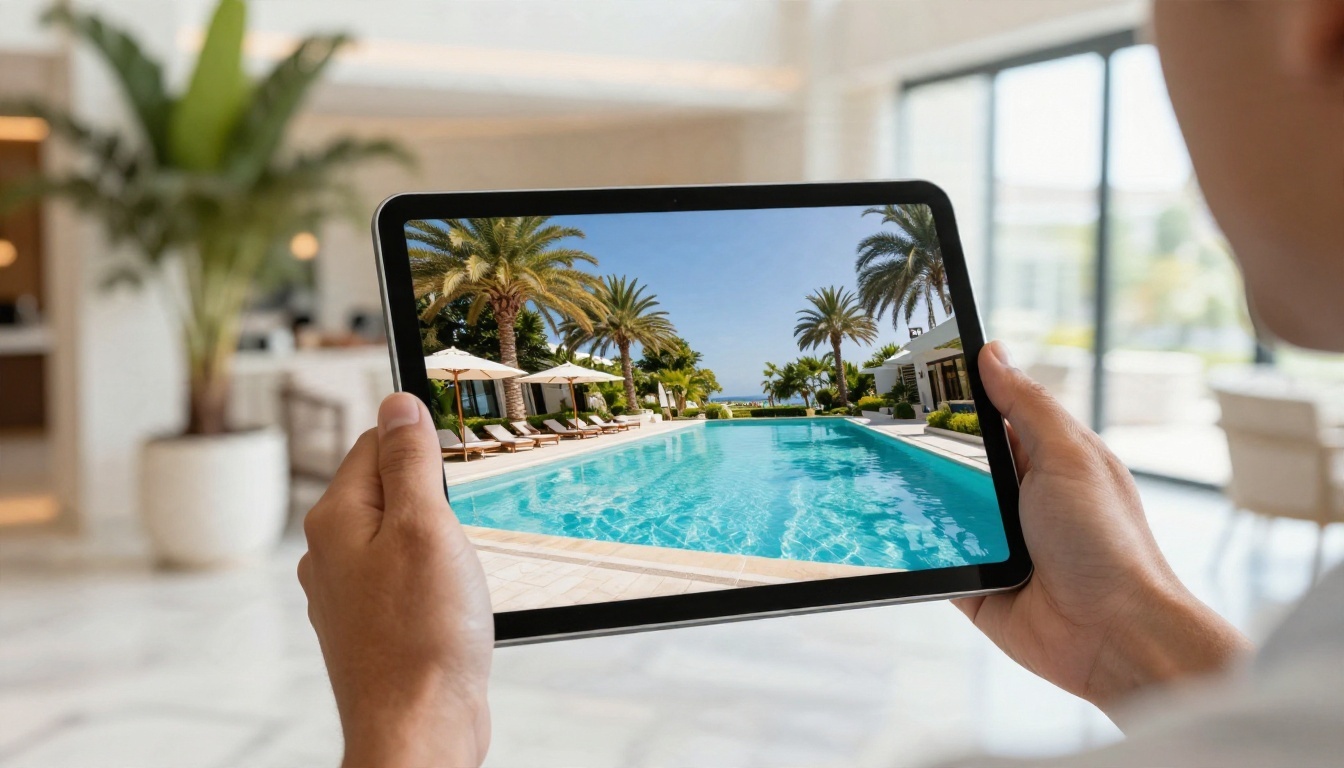
A boutique hotel might add a 15 second video of morning light across the breakfast terrace, a floor plan that opens on tap, and a link to its booking engine on every spread. The Hotel Brochure Designer is built for exactly this layout.
Real Estate Listings
Agents lose buyers when listing packets feel generic. An interactive property brochure can place a floor plan next to a photo gallery, embed a neighborhood video tour, and finish with a one tap contact button.
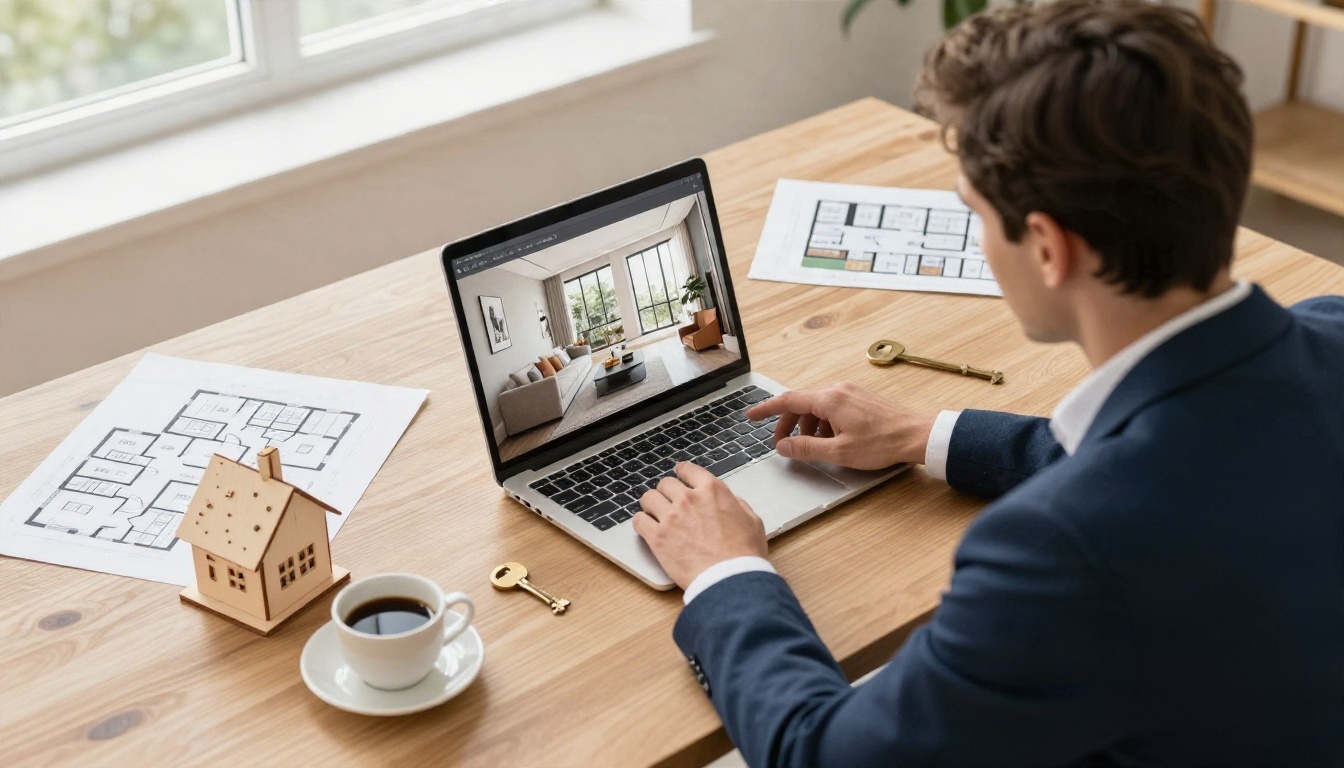
Real estate agents benefit most from password protection. You can send a private link to a single buyer, include off market details, and close access once the deal is done. Try the Real Estate Brochure Creator to see how that looks.
Automotive Brochures
Car buyers compare trims, colors and specs obsessively. A digital brochure lets them do that without a dealership visit. The best examples use a spec table on one page, a color swatch gallery on the next, and a "book a test drive" button at the end.
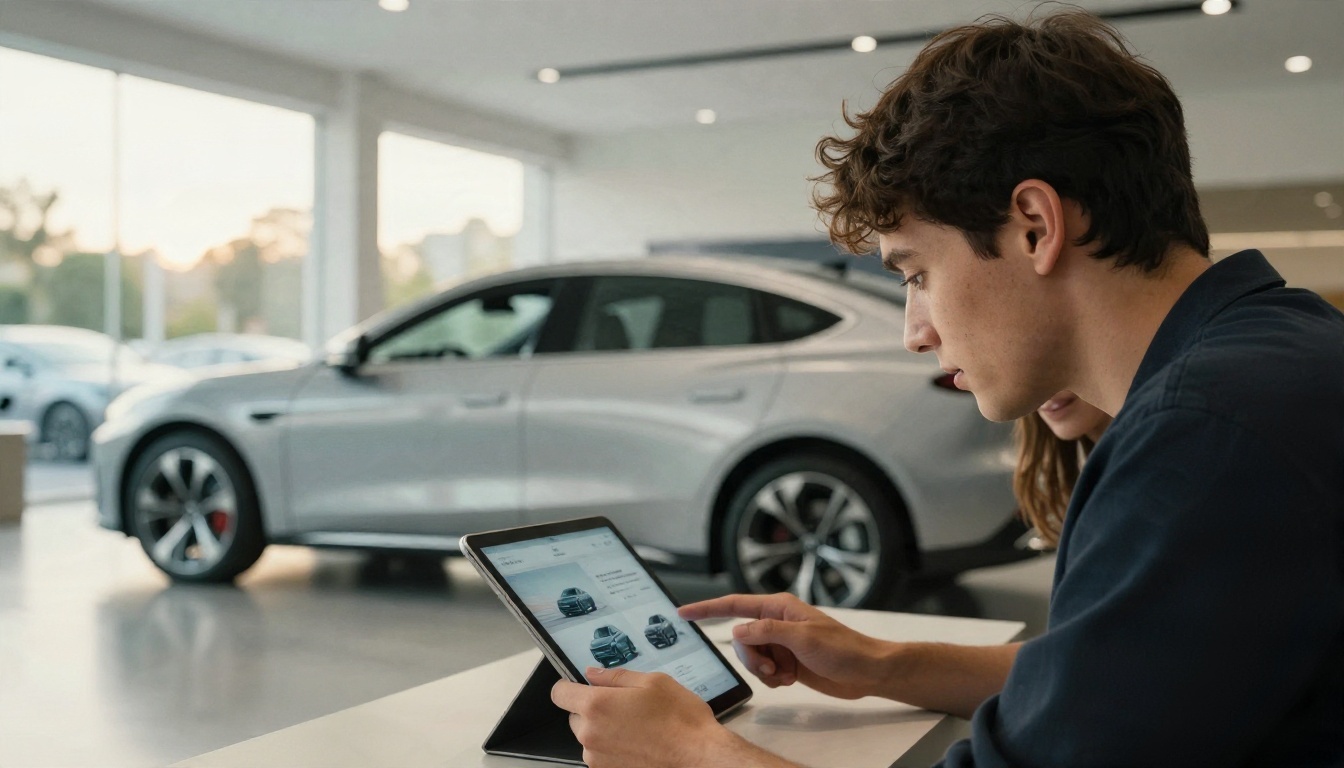
Dealers can update pricing and offers in one place, and every salesperson shares the same link. The Automotive Brochure Generator handles this format well.
Restaurant and Menu Brochures
A menu is a brochure that has to work at a table, in dim light, on a cracked phone. Interactive versions let diners tap a dish to see the photo, filter allergens, and jump straight to the dessert page.
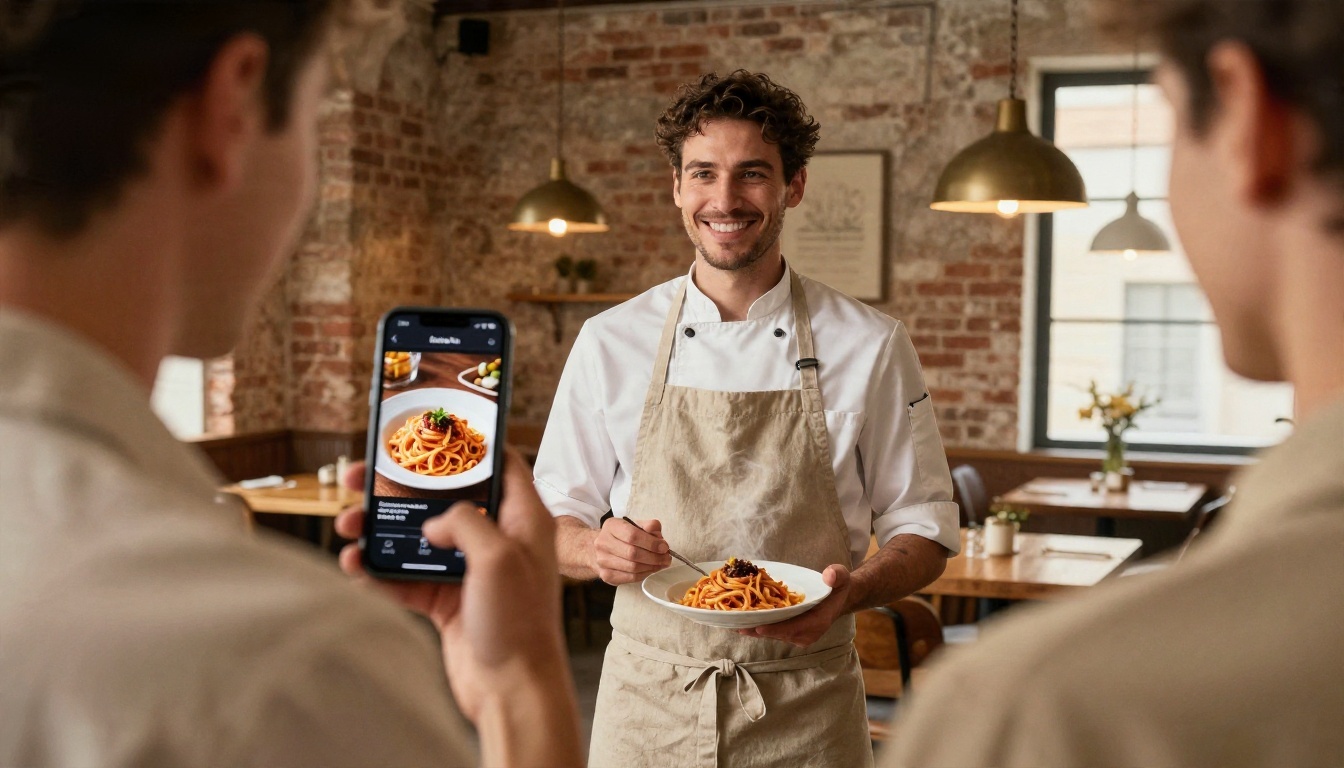
A restaurant can use one flipbook for the dinner menu, another for wine, and a third for private events, all linked from a single QR code. Start with the Restaurant Menu Creator, or the Spa & Wellness Menu if you run a treatment space.
Fashion Lookbooks
Fashion brands live on mood. A lookbook brochure benefits from large photography, minimal text and tappable product tags that open the shop page. Seasonal drops can reuse the same structure with fresh imagery.
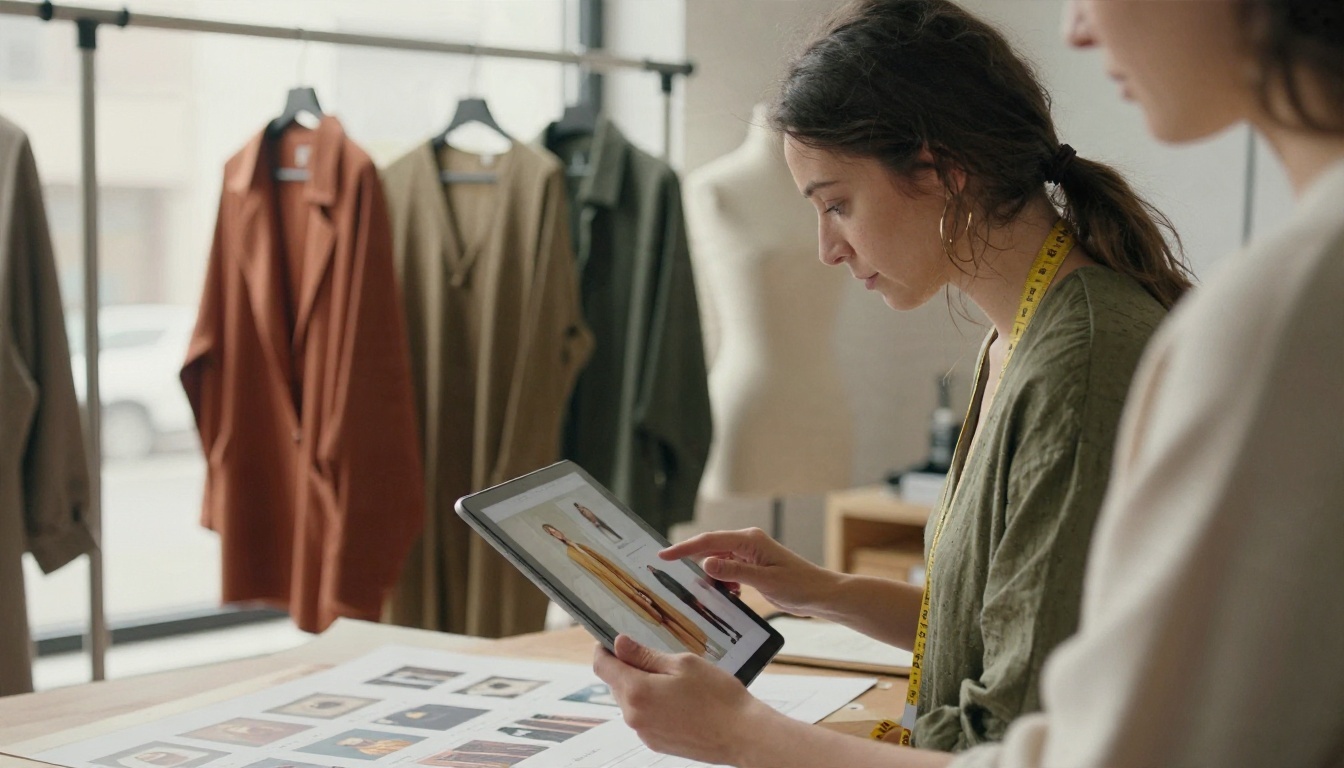
If your collection is more catalog than editorial, the Fashion Catalog Creator and the Interactive Lookbook Designer are both worth testing side by side.
Small Business Product Brochures
You do not need a big budget. A ceramics studio, a bakery or a landscaping crew can present a dozen products with prices, short stories about the maker, and an order button.
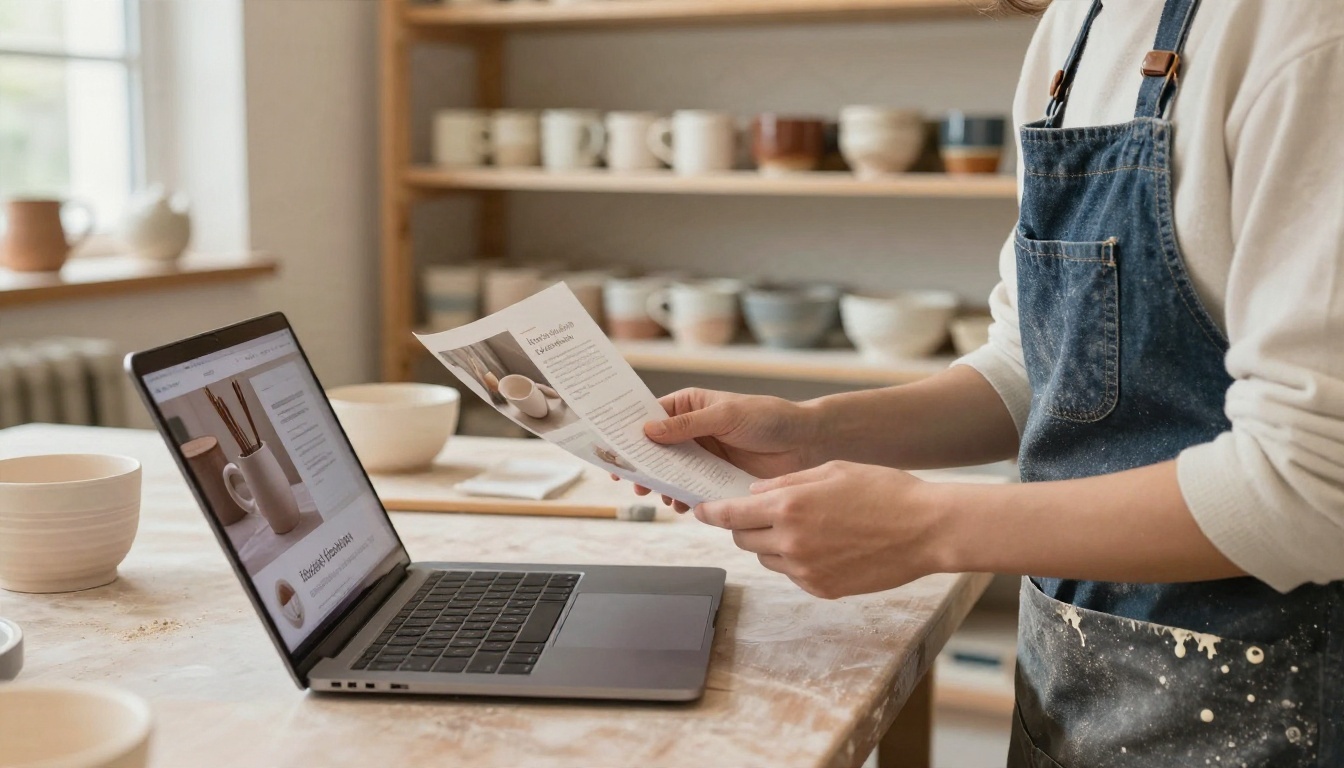
✅ Best practice: Put your most popular product on page two, not page ten. Readers decide in seconds whether the brochure is for them.
Corporate and Services Brochures
Consultancies, agencies and clinics use interactive brochures as a polished alternative to a slide deck. Typical layouts include a team page with tappable bios, case studies with embedded video testimonials, and a pricing page that links to a booking calendar. Pair it with the Sales Presentation tool for pitch meetings.
Design Ideas Worth Borrowing
Good examples share habits. Here are the ones that show up again and again.
Layout and Page Rhythm
Think of the brochure as a short film. Alternate dense pages with airy ones. Follow a spec table with a full page photograph. Give every spread one job.
A simple structure that works for most brands:
- Opening page: one image, one line, one logo
- Promise page: what the reader gets and why it matters
- Proof pages: products, rooms, projects or case studies
- Detail page: specs, prices or packages
- Action page: a button, a form or a phone number
Color, Type and Photography
Stick to two typefaces and three colors drawn from your photography. If your hero photo has terracotta and sand, use those tones for headings and buttons. Real photographs outperform stock clutter, because readers can feel the difference.
⚠️ Warning: Low contrast text over photos looks elegant on a designer monitor and unreadable on a phone in sunlight. Test on a real device before publishing.
Mobile First Reading
Most readers will open your link on a phone. Keep body text large, limit each page to one idea, and place buttons where a thumb can reach them.
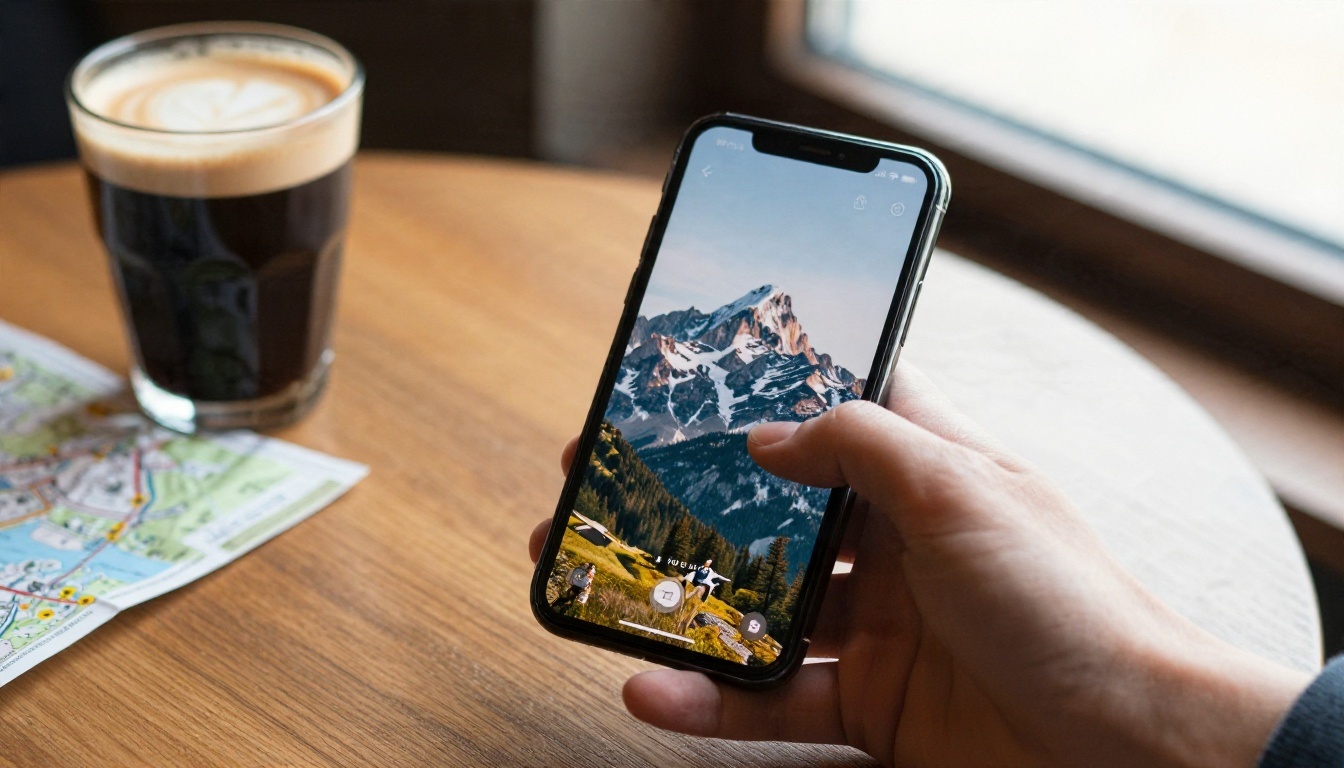
Flipbooks AI produces mobile responsive flipbooks, so a layout that works on desktop adapts to smaller screens without a separate build.
Templates by Industry
Starting from a template saves hours. Use this table to match your business to a starting point.
If none of these match, the Brochure Flipbook Maker is a flexible starting point, and you can browse the full set of flipbook tools for more niches.
Plenty of tools let you start without paying. They are not all built for the same job, so match the tool to your goal.
| Tool Type | Best For | Page Turn Effect | Embedded Video | Reader Tracking |
|---|
| General design apps | Creating the artwork | No | Limited | No |
| PDF editors | Fixing text and links | No | No | No |
| Slide software | Quick internal decks | No | Yes, inside the file | No |
| Flipbook platform (Flipbooks AI) | Publishing and sharing | Yes | Yes | Yes, on Professional plan |
A practical workflow combines two of them: design the pages in your favorite layout app, export a PDF, then publish it as a flipbook. You get full creative control and a result that feels alive. Check the pricing page to start free and see which plan fits as you grow.
💡 Pro tip: Always export your PDF at the final page size. Resizing after the fact is the most common reason text looks blurry in a flipbook.
How to Create One with Flipbooks AI
Here is the full process, from file to shareable link.
Step 1: Create Your Account
Head to Flipbooks AI and create an account. The dashboard is where all your flipbooks live.
Step 2: Upload and Convert Your PDF
- Click the upload button on your dashboard.
- Drag in your brochure PDF.
- Wait a few moments while the pages are converted into a flipbook.
- Preview the page turn effect and check that every page looks sharp.
You will see the brochure appear as a flippable book with thumbnails along the side, so you can jump to any page right away.
Step 3: Customize the Look
This is where the brochure stops looking like a file. Adjust:
- Branding: add your logo and match your brand colors
- Background: pick a color or image that suits the mood
- Page effects: choose the flip style and speed
- Multimedia: embed videos and audio, then add links and buttons
Flipbooks AI exports without watermarks, so your brand stays front and center.
Step 4: Share It Your Way
| Sharing Option | Best Use |
|---|
| Direct link | Email, social posts, messaging apps |
| Embed code | Your website, landing pages, embedded flipbooks |
| QR code | Print ads, hotel rooms, restaurant tables |
| Password protection | Private price lists, partner material, buyer packets |
Step 5: Pro Features Worth Using
On the Professional plan you get analytics and lead generation, so you can see which pages people read and capture contact details before they continue. You can also allow offline downloads for readers with weak connections. The Standard plan and above includes unlimited flipbooks, handy for agencies and multi location brands. Compare everything on the pricing page.
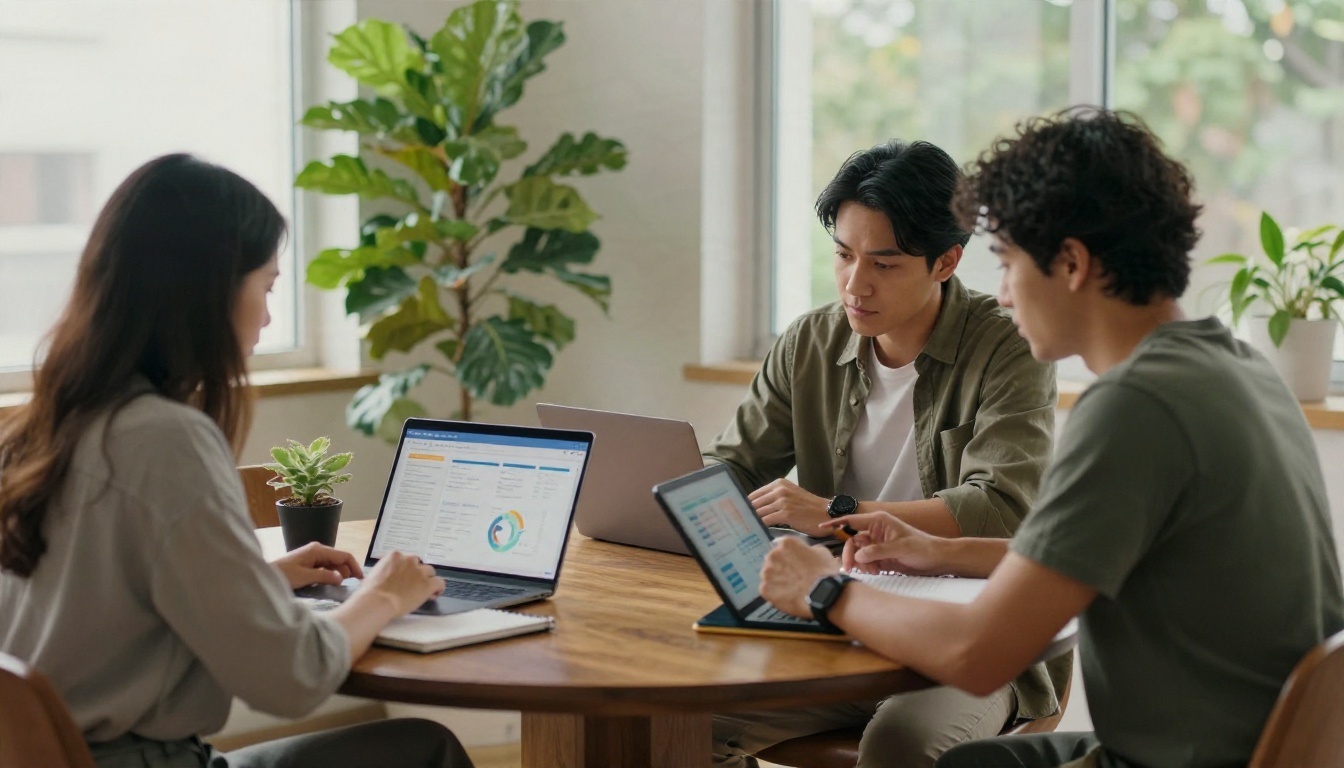
A marketing team can compare two versions of the same brochure, spot the page where readers drop off, and rewrite that page the same afternoon.
Mistakes to Avoid
Even good ideas stumble on execution. Watch for these:
- Too much text per page. If a page needs more than three short paragraphs, split it.
- Weak opening page. Your first spread has about three seconds to earn a second look.
- No call to action. Every brochure should end with something the reader can tap.
- Heavy files. Compress photographs before exporting so pages load quickly on mobile data.
- Forgetting updates. Out of date prices damage trust faster than any design flaw. Update your flipbook and the same link shows the fresh version.
- Skipping the phone test. Open the final link on at least two devices before you share it.
✅ Best practice: Ask one person outside your company to open the brochure and tell you what they would tap first. Their answer reveals what your design is really saying.
Ready to Build Yours?
The best interactive digital brochures are not the flashiest ones. They are clear, fast, beautiful on a phone, and they give readers an obvious next step. Pick an example from this article, match it to a template, and publish a first version this week.
Ready to create your first brochure? Get started for free on Flipbooks AI, browse all available tools and templates to find your fit, or compare pricing plans to choose what works for you. When you are ready for analytics and lead capture, upgrade your plan and see exactly which pages turn readers into customers.



