Your teacher just assigned a newsletter, but the topic is imaginary: a fictional town, a historical event, a made up company. Now you need a fake newsletter maker that gives you a believable layout without hours of design work. This article hands you free template structures, real examples by subject, and a clean way to publish the final result as an interactive flipbook with Flipbooks AI.
Think of a mock newsletter as a costume party for information. The content is pretend, but the structure has to look right: a masthead, columns, headlines, photos, pull quotes and a footer. Get those pieces in place and even a ten minute draft looks like it came from a real editorial team.
What a Fake Newsletter Actually Is
A fake newsletter is a mockup. It copies the format of a real publication (a school bulletin, a company update, a town gazette) but fills it with invented or simulated content. Teachers assign it to test layout thinking, writing for an audience, and the ability to organize information on a page.
Real Layout, Invented Content
The layout is the part you take seriously. Columns line up, fonts repeat, spacing stays consistent. The content can be fictional: a fake mayor, a pretend product launch, an imaginary science fair. What matters is that a reader could glance at the page and recognize it as a newsletter within two seconds.
Why Teachers Assign It
Here is what a mock newsletter project usually tests:
- Hierarchy: can you tell the reader what to read first?
- Writing range: short news items, a feature, a quote, a calendar
- Visual consistency: matching fonts, colors and spacing
- Research: facts that fit the subject, even when framed as fiction
- Audience awareness: a parent bulletin sounds different from a company memo
💡 Pro tip: Read the assignment sheet for the word "mock" or "simulated." Some teachers want fully invented names, others want real historical facts inside a newsletter format. Ask before you start writing.
Free Templates You Can Copy Today
You do not need to buy anything. These three structures work on paper, in a word processor, or in a slide deck. Sketch one on a sheet of paper first, then rebuild it digitally.
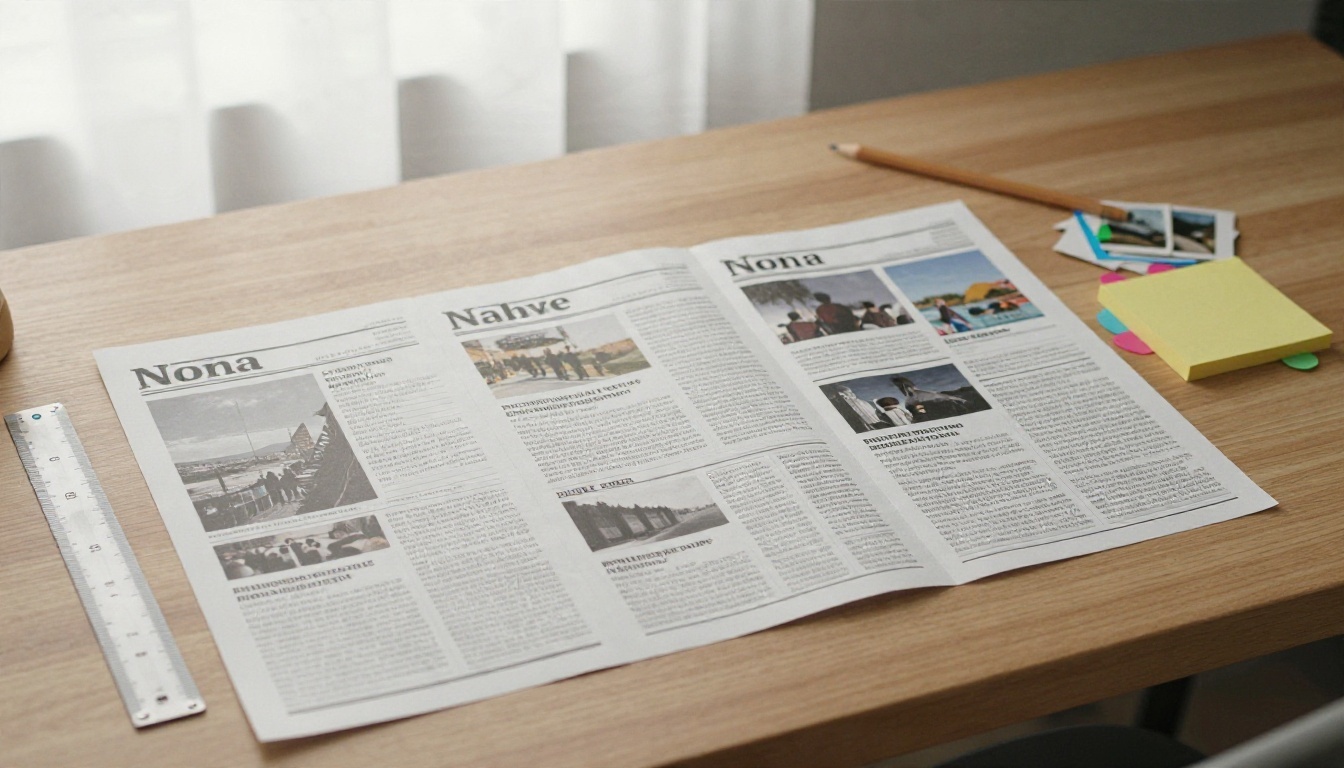
The Classic Three Column
This is the safest choice. A wide masthead across the top, a date line, then three equal columns. The left column holds the lead story, the center holds two short items, and the right column holds a calendar and a quote.
Best for: history gazettes, school bulletins, town news.
The One Page Brief
A single column with a large header image and five short blocks underneath. Each block gets a bold heading and two or three sentences. It reads fast and takes the least time to produce.
Best for: company updates, club newsletters, quick assignments with a short deadline.
The Photo Heavy Spread
Large image on top, a caption bar, then a short story with a sidebar. This one suits travel, science and art topics where visuals carry the message.
Best for: field trip recaps, nature journals, art class features.
| Template | Columns | Build Time | Difficulty | Best Subject |
|---|
| Classic Three Column | 3 | 45 to 60 min | Medium | History, civics |
| One Page Brief | 1 | 20 to 30 min | Easy | Business, clubs |
| Photo Heavy Spread | 2 | 35 to 50 min | Medium | Science, art, travel |
| Two Page Spread | 4 (across pages) | 90+ min | Hard | Literature, long projects |
Mock Layout Examples by Class
Ideas are easier to borrow than to invent. Here are four tested setups, each with the sections that tend to earn the best feedback.
History Class: The Daily Chronicle
Pick a date, such as the week a famous treaty was signed. Write the lead story as if reporters were there. Add a "weather and markets" box, a classified ad from that era, and a letter to the editor. Keep the language period appropriate, and invent only the minor details.
Science Class: Lab Report Weekly
The masthead names a fictional research institute. Lead story: your experiment results written as a news item. Add a chart, a "meet the researcher" profile and a safety reminder box. This is a smart way to turn a lab report into something people want to read.
Literature: The Character Gazette
Create a newsletter for a story's setting. A newsletter for the town in a novel might include an interview with a character, a gossip column, and an "events this week" list drawn from plot points. It proves you know the book without writing a standard essay.
Business: Company Update
Invent a company, give it a logo block (colored rectangle and two letters work fine) and write about a product launch, a new hire and a customer story. Teachers like when students include a call to action, such as a fictional sign up button.
| Class | Lead Story Idea | Must Include | Tone |
|---|
| History | Treaty signing or invention | Period ad, editorial | Formal |
| Science | Experiment results | Chart, researcher profile | Factual |
| Literature | Interview with a character | Gossip column, event list | Playful |
| Business | Product launch | Call to action, testimonial | Professional |
Build Your Mock Newsletter Step by Step
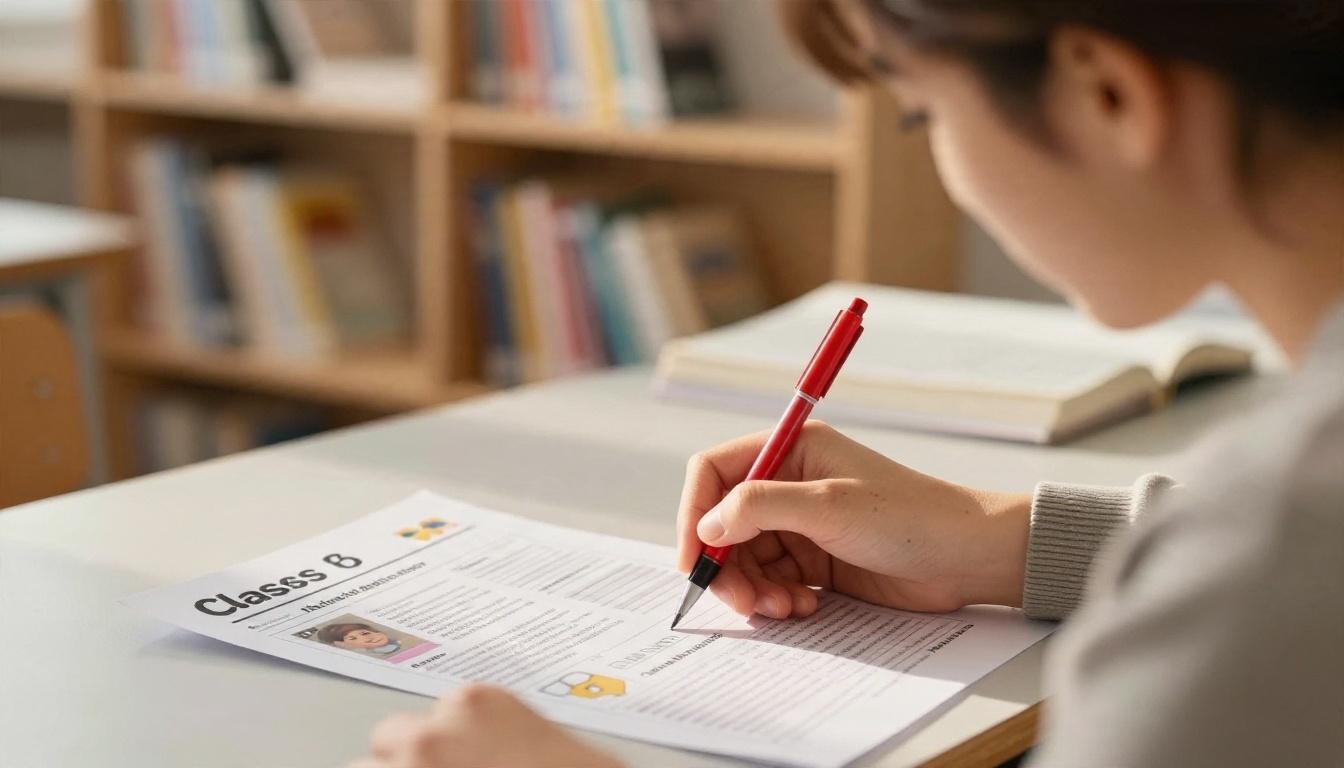
Follow this order and you will avoid the most common layout headaches.
Plan the Grid First
Before touching any software, draw a rectangle on paper and divide it into zones. Mark where the masthead, lead story, secondary items, image and footer will sit. A rough grid takes five minutes and saves you from moving blocks around later.
- Draw a page rectangle (letter or A4 proportions).
- Block out the masthead across the top, about 15% of the page height.
- Split the rest into two or three columns.
- Place one large image near the top of the lead column.
- Reserve the bottom strip for contact info, dates or a fake sign up line.
Write Fake but Believable Content
Invented content still needs rules. Use these to keep it convincing:
- Dates and numbers: keep them consistent across the page
- Names: invent them, and avoid using real classmates or teachers unless they agreed
- Headlines: under ten words, written in active voice
- Body text: short paragraphs, three or four lines each
- Length: a lead story of 150 to 200 words is plenty
Avoid "lorem ipsum" filler unless your teacher allows it. Placeholder text makes a project look unfinished, and real sentences show your writing ability.
Source Photos Safely
Use photos you took yourself, images from a public domain library, or pictures with a clear reuse license. Credit the source in small type under each image. If you need people in your photos, ask friends or family for permission, or pick wide shots where faces are not the focus.
⚠️ Warning: Never copy a real organization's logo or name for a fake newsletter that leaves the classroom. Invent your own brand so nobody mistakes the mockup for a real publication.
There is no single correct tool. Choose based on your deadline, your device and how polished the final file needs to look.
| Tool Type | Cost | Layout Control | Output | Best For |
|---|
| Paper and scissors | Free | Total | Physical page | Quick sketches, draft grids |
| Word processor | Often free | Medium | PDF, doc | Text heavy newsletters |
| Slide deck software | Often free | High | PDF, slides | Visual layouts, easy shapes |
| Online design editor | Free tiers | High | PDF, image | Polished one page designs |
| Flipbook publisher | See pricing | Page effects, sharing | Interactive flipbook | Final presentation |
A solid workflow looks like this: sketch on paper, build the pages in a slide deck or word processor, export to PDF, then publish the PDF as a flipbook so your teacher or classmates can flip through it on any screen. Many students stop at the PDF, which is fine, but a flipbook feels like holding the real thing.
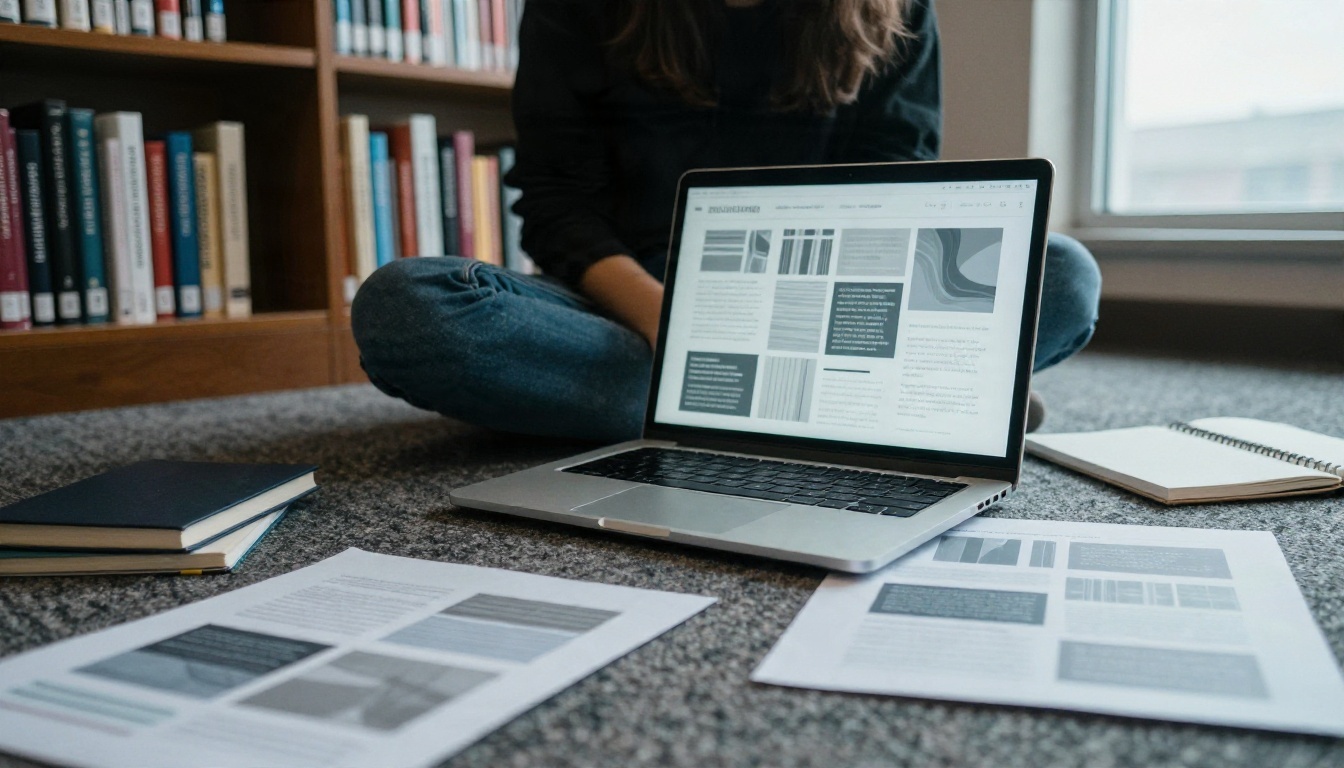
How to Create a Newsletter Flipbook with Flipbooks AI
Once the pages are done, turn them into something that opens in a browser, works on phones and can be shared with a link. The Newsletter Flipbook Publisher and the School Newsletter Creator are built for this exact job.
- Create an account. Head to Flipbooks AI and sign up. Check the pricing page to see which plan fits your needs.
- Export your newsletter as a PDF. From your word processor or slide deck, choose Save as PDF. Keep each newsletter page as one PDF page so the flip order matches your layout.
- Upload and convert. Drop the file into the PDF to Flipbook Converter. The pages are turned into a page flipping book in seconds.
- Customize the look. Add custom branding, pick a background color that matches your masthead, and choose a page turn effect. You can also embed a short video or audio clip, handy for an "interview" feature.
- Share it. Copy the direct link, or use the embed option to place the flipbook on a class website. Add password protection if the project should only be visible to your teacher and group.
- Use the extras if you need them. Offline downloads let classmates open the file without a connection. On the Professional plan, analytics show how many people opened it, and lead generation can collect names, which is a nice touch for a business themed mock newsletter.
Every flipbook is mobile responsive and free of watermarks, so your project looks like yours. Standard plans and above include unlimited flipbooks, which helps when a whole group is building separate issues.
✅ Best practice: Test the flipbook on your phone before you submit. If a column is too small to read on a narrow screen, increase the body text size in your original file and export again.
| Feature | Why It Helps a Class Project | Plan |
|---|
| No watermarks | Clean, professional result | All plans |
| Password protection | Keeps work private until grading | See pricing |
| Embedded video and audio | Interview clips, voice notes | See pricing |
| Offline download | Presenting without Wi‑Fi | See pricing |
| Analytics, lead capture | Business simulations | Professional |
Make It Look Real: Design Details
Small decisions separate an average mockup from a strong one.
- Limit fonts to two. One serif for body text, one bold sans serif for headlines.
- Use a three color palette. One dominant color, one accent, one neutral.
- Keep margins even. Half an inch on all sides looks tidy.
- Align photos to the grid. Never let an image float between columns.
- Add a pull quote. A large highlighted sentence breaks up gray text.
- Include a date and issue number. Small details sell the illusion.
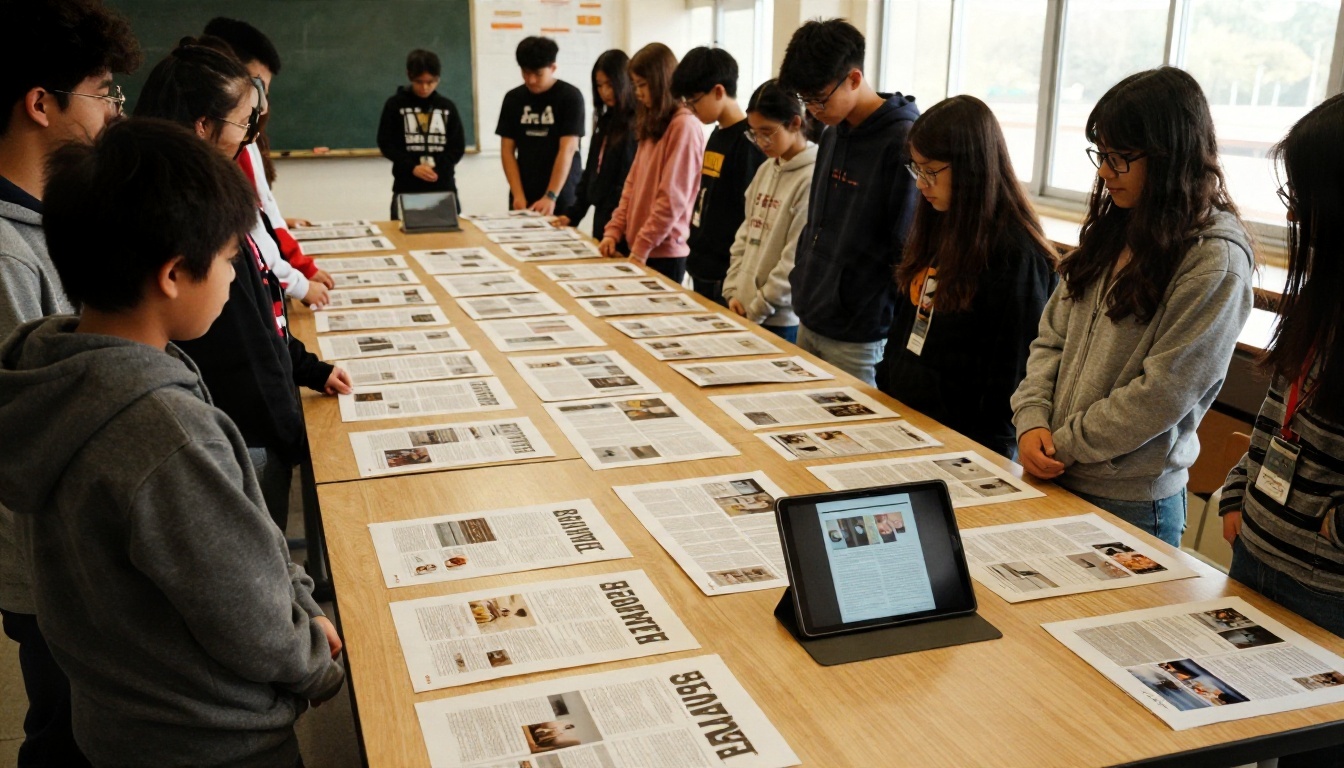
Presenting live? Prop up a tablet with the flipbook open next to your printed copy. Your audience can compare both formats, and you show that you can design for print and screen.
Common Mistakes That Cost Marks
Teachers see the same slips again and again. Fix these and you jump ahead of most of the class.
Using Real People's Names
Inventing a news story about a real classmate can backfire. Even in jest, it may embarrass someone or break school rules. Use fictional characters or clearly labeled historical figures.
Crowding the Page
White space is part of the design. If every inch holds text, nothing stands out. Cut a paragraph before you shrink the font.
Other frequent problems:
- Inconsistent heading sizes from column to column
- Photos stretched or squashed to fit
- No date, no issue number, no masthead
- Text copied from a website without rewriting
- A PDF with pages in the wrong order
| Mistake | How It Looks | Quick Fix |
|---|
| Too many fonts | Messy, amateur feel | Stick to two |
| No grid | Misaligned blocks | Sketch zones first |
| Tiny text | Unreadable on phones | Body text at 11 pt or larger |
| Missing credits | Looks careless | Add small photo credits |
| Placeholder text | Unfinished | Write real short items |
Ready to Publish Your Class Project?
A strong fake newsletter comes down to three things: a clear grid, believable content and a polished finish. Pick one of the templates above, draft it on paper, build it in the tool you already know, and then publish it as an interactive flipbook.
Ready to try it? Create your account on Flipbooks AI, browse all flipbook tools, or compare pricing plans to find the right fit for your group. If you want a head start on school themed layouts, open the School Newsletter Creator and build your first issue today.



