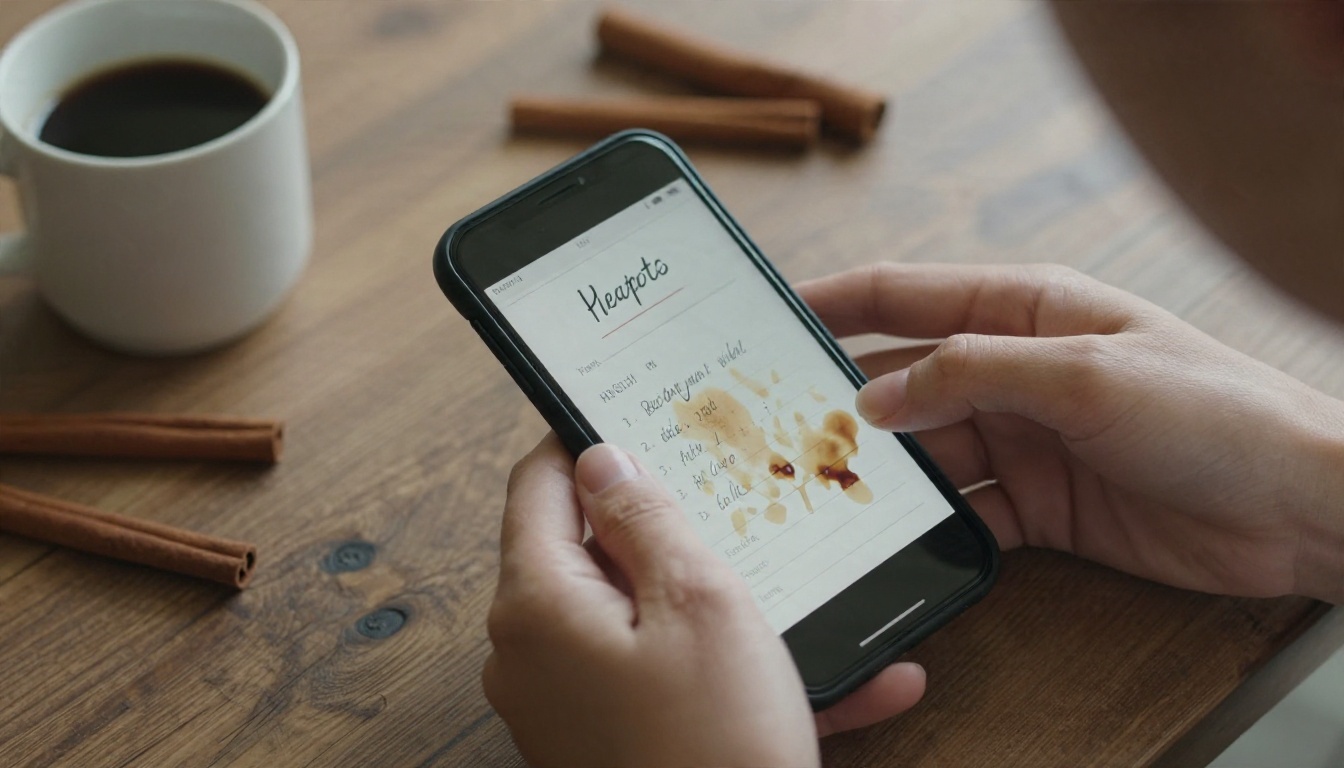
Somewhere in your family there is a recipe card with a butter stain in the corner, and nobody else has a copy. If that card disappears, so does the exact way your grandmother made her Sunday sauce. A family cookbook app solves that problem, and the good news is you do not need to spend money to start. This article compares the free options, shows how to share a cookbook online so every cousin can open it, and explains how to produce a printable PDF that looks right on paper. Along the way, you will see how a flipbook built with Flipbooks AI turns a plain PDF into something relatives actually enjoy opening.
What a Family Cookbook App Really Does
Before you pick a tool, it helps to know what you are asking it to do. Most people say "app," but what they want is a system: a place to collect recipes, a way to show them to relatives, and a way to put them on paper.
The Three Jobs It Must Do
A useful family cookbook handles three tasks, and weak tools usually fail at one of them.
- Collect: store typed recipes, scanned cards, photos, and short stories in one place.
- Share: let relatives read it on a phone or laptop without creating accounts or installing anything.
- Print: export a clean PDF that survives a home printer or a print shop.
💡 Pro tip: Test every tool against all three jobs on one sample recipe before you commit. A tool that collects well but cannot export a decent PDF will cost you a weekend later.
Who Actually Uses One
Family cookbooks are rarely made by professionals. The people who build them tend to fall into a few groups:
- The family archivist, usually one person who ends up with every old card.
- Newlyweds who want both families' recipes in one book.
- Adult children preparing a holiday gift for a parent.
- Reunion organizers who ask fifty relatives for one recipe each.
Free Options That Actually Work
Free does not mean weak, but it does mean tradeoffs. Here are the main categories of free tools people use for a family cookbook, with honest notes on where each one struggles.
Docs and Spreadsheets
A shared word processor document is the simplest route. Everyone can add a recipe, and nothing needs installing. The weakness is layout. Photos shift, page breaks land in strange places, and the finished PDF often looks like a school assignment.
Spreadsheets work well as a recipe inventory: one row per dish, with columns for the cook, the occasion, and the source. They are poor at presenting the final book, so treat them as a planning tool only.
Free Recipe Apps
Many recipe apps let you save and organize dishes for free. They are great for your own weeknight cooking. For a family keepsake they tend to hit limits: export options are restricted, relatives must create accounts to view your collection, or the free tier caps how many recipes you can store.
Free Plans and Their Limits
Design platforms and publishing tools often include a free tier. Read the fine print on watermarks, page limits, and export formats before you invest hours of work. A watermark across every page of a gift cookbook is an unpleasant surprise.
| Free option | Best for | Main weakness | Printable PDF |
|---|
| Shared document | Gathering recipes from many relatives | Messy layout, inconsistent fonts | Yes, but plain |
| Spreadsheet | Planning and tracking submissions | Not a reading format | Poor |
| Free recipe app | Personal cooking and meal planning | Account walls, export limits | Often limited |
| Free design template | Attractive single pages | Page caps, possible watermarks | Yes, with limits |
| PDF to flipbook converter | Turning a finished PDF into a page-turning book | Needs a finished PDF first | Keeps your original PDF |
The last row matters. The most reliable workflow is not "one app that does everything." It is a simple writing tool for the content, a PDF for the master file, and a flipbook for sharing.
⚠️ Watch out: Some free tools lock your recipes inside their own format. Always confirm you can export plain text or a PDF before you type in fifty recipes.
Collect the Recipes First
The tool matters less than the material. Spend the first week gathering, and the layout becomes easy.
Scan Handwritten Cards
Handwriting is part of the charm, so do not retype everything. Photograph each card flat, in daylight, from directly above. Include the back if there are notes. Then add a typed version beside the scan so the recipe stays readable when the ink has faded.
Write Down the Stories
A recipe without a story is just instructions. Ask each contributor three quick questions:
- Who taught you to make this?
- When does it show up at the table?
- What goes wrong if you rush it?
Two or three sentences per dish is enough. These short notes are the reason people read a family cookbook cover to cover instead of skimming for one dish.
Photograph the Finished Dish
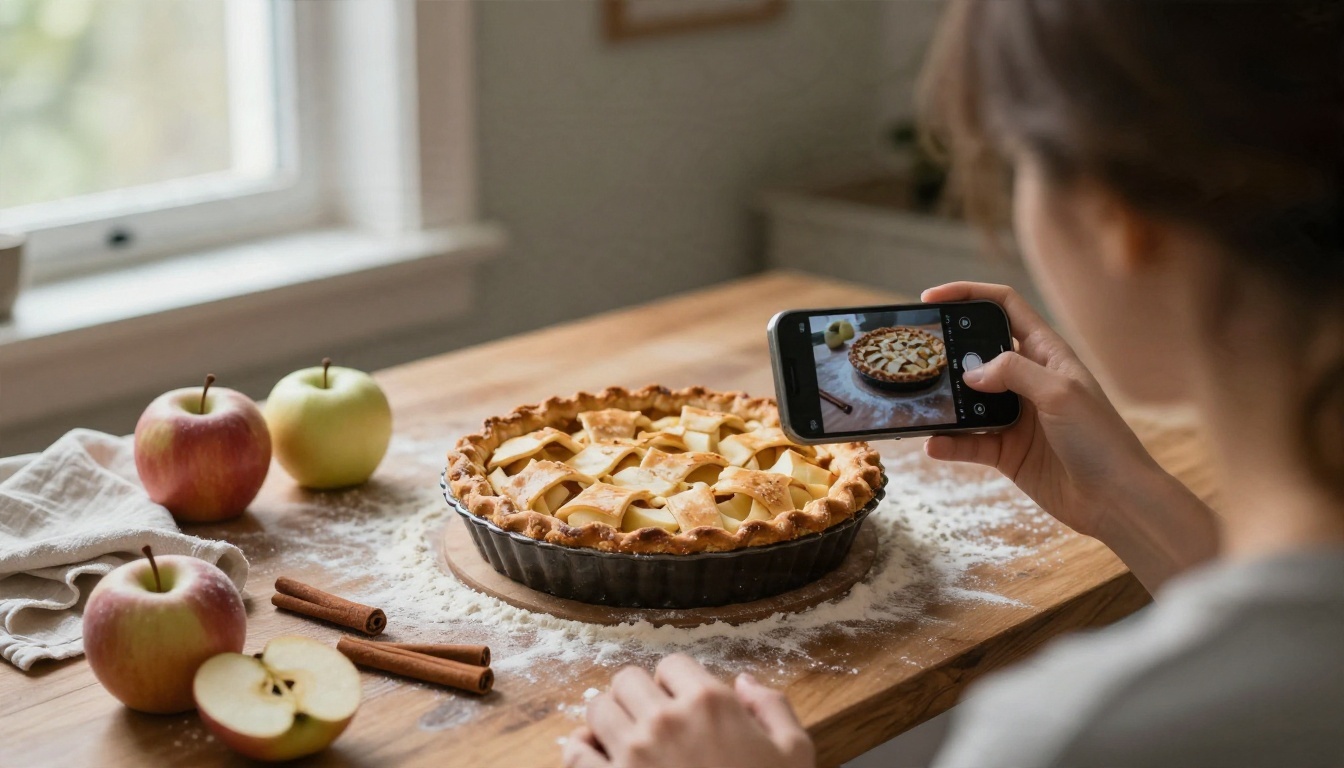
You do not need a studio. Use a window, a plain plate, and a quiet corner of the counter. Shoot from slightly above, wipe the plate rim, and take the photo before everyone sits down.
✅ Best practice: Use one consistent template for every recipe: title, contributor, story, ingredients, steps, photo. Consistency makes the book look professional even when the photos are phone snapshots.
Online Sharing Without the Chaos
Once the book exists, the next question is how relatives will open it. This is where many family projects stall, because the sharing method decides whether people actually use the book.
Link, Embed, or Private Access
You have three realistic choices:
- Direct link: one URL in the family group chat. Fast and simple.
- Embedded on a page: useful if your family keeps a small website or blog. See how to embed a flipbook on a website.
- Password protected: best when the book includes personal stories, addresses, or photos of children.
| Sharing method | Setup effort | Privacy level | Good for |
|---|
| Emailed PDF attachment | Low | Medium | Small families, quick delivery |
| Cloud folder link | Low | Medium | Collecting and storing files |
| Flipbook link | Low | Medium to high | Reading on any device |
| Flipbook with password | Medium | High | Private stories and photos |
| Embedded on a family site | High | Depends on site | Large, long-running projects |
Why Flipbooks Beat Attachments
A PDF attachment is easy to send and easy to forget. It gets buried in an inbox, downloads slowly on a phone, and zooms awkwardly. A flipbook opens in a browser, turns pages like a real book, and adapts to any screen. Grandparents who struggle with file downloads can usually manage a link.
Printable PDF Versions Done Right
Digital is convenient, but a cookbook belongs in a kitchen, with a grease spot on page 14. Paper is still the format that gets used.
Page Setup That Prints Cleanly
Most print problems come from decisions made at the start. Set these before you design a single page:
- Page size: letter or A4 for home printing, or a print shop's trim size if you plan to bind it.
- Margins: at least 0.75 inch (about 2 cm) on every side, and extra on the inner edge for binding.
- Font size: 11 to 12 points for ingredient lists. Older cooks will thank you.
- Image resolution: 200 to 300 dpi for photos, lower for screen-only versions.
- Fonts: embed them when exporting, so nothing swaps on another computer.
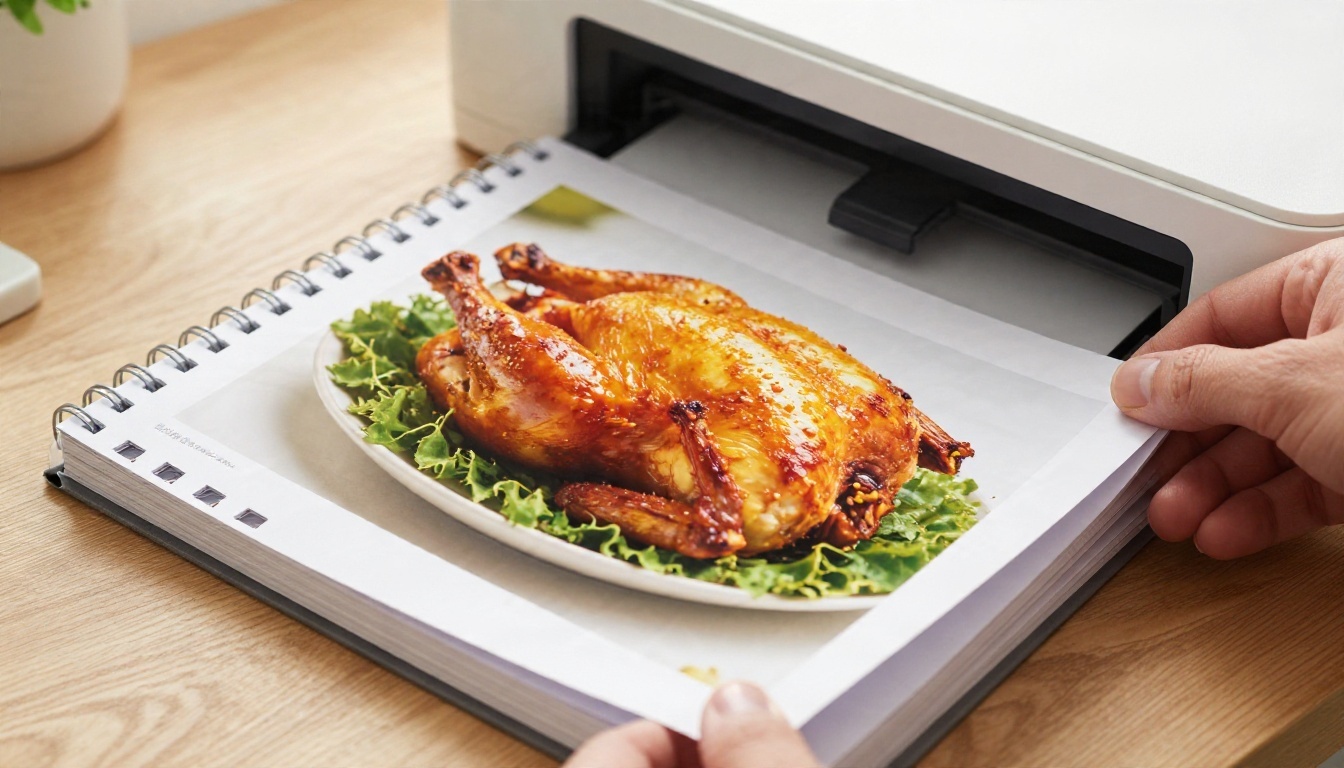
Home Printer or Print Shop
Both are valid. The right choice depends on how many copies you need and how polished you want the result.
| Print route | Cost per copy | Quality | Best for |
|---|
| Home printer, loose pages | Low | Good | Recipe binders, small batches |
| Home printer, spiral bound | Low to medium | Good | Gifts for a few relatives |
| Local print shop | Medium | High | 10 to 30 copies |
| Online book printer | Medium to high | Very high | Hardcover keepsakes |
💡 Pro tip: Print one test copy before ordering a batch. Check that the ingredient lists are readable at arm's length, because that is how people use a cookbook while cooking.
How to Create a Family Cookbook with Flipbooks AI
If you already have a PDF, or you are happy to assemble one from a document, Flipbooks AI turns it into an interactive page-turning book. It fits this project well because it never adds watermarks, works on phones, and lets you protect the book with a password. If you want a template-oriented starting point, the Recipe Book Flipbook tool is built for exactly this kind of collection.

Step 1: Create Your Account
Head to Flipbooks AI and sign up. You can look over the pricing plans at any time to see which features fit your project.
Step 2: Upload Your PDF
- Export your finished cookbook from your document or design tool as a PDF.
- Open the PDF to Flipbook Converter.
- Upload the file and wait for the conversion. Each PDF page becomes a flipbook page, with the page-turning effect applied automatically.
What you will see: a preview of your book with a realistic page curl, thumbnails along the side, and a zoom control for reading small text.
Step 3: Customize the Look
- Branding: add a family name or a small logo, such as a monogram.
- Colors: choose a background that suits the cover page, like warm cream or sage green.
- Page effects: keep the page-turn animation on for the feel of a real book.
- Multimedia: embed a short video of a relative demonstrating a technique, or an audio clip of someone reading a story aloud.
Step 4: Choose How to Share
- Copy the direct link and paste it into the family chat.
- Copy the embed code to place the book on a family website.
- Turn on password protection if the book contains private stories or photos of children.
Step 5: Add Extras if You Want Them
Offline downloads let relatives keep a copy on a phone for cooking in places with weak signal. On the Professional plan, analytics show which pages people open most, and lead generation features can collect email addresses. For a family book, analytics are a fun way to find out which recipe is the real favorite. Unlimited flipbooks come with the Standard plan and above, handy if you want separate books for each side of the family.
| Feature | Family cookbook benefit | Plan note |
|---|
| No watermarks | Looks like a real gift | All plans |
| Password protection | Keeps personal stories private | See pricing |
| Offline downloads | Cook anywhere | See pricing |
| Embedded video and audio | Hear grandma tell the story | See pricing |
| Analytics | See the most opened recipes | Professional |
| Unlimited flipbooks | One book per branch of the family | Standard and above |
✅ Best practice: Keep your original PDF as the master file. If you fix a typo or add a recipe later, re-upload and share the same link style again. The PDF stays your print copy, and the flipbook stays your reading copy.
Real Family Examples
Abstract advice only goes so far, so here are three realistic ways families use this workflow.
The reunion book. An organizer emails a one-page template to forty relatives. Each person returns a recipe and a photo. The organizer combines them in a document, exports a PDF, converts it to a flipbook, and sends one link before the gathering. Printed copies go to the oldest relatives.
The holiday gift. An adult daughter spends two weekends scanning her mother's cards and photographing her baking. She prints five spiral bound copies for siblings and shares a password protected flipbook with extended family.
The newlywed merge. A couple combines two families' dishes into one book, with a short story before each recipe. Every dish gets a small note: "Her side" or "His side." The flipbook link becomes part of every holiday invitation.
Mistakes That Waste a Weekend
These show up again and again in family cookbook projects.
- Starting with design. Gather every recipe first, then choose a layout.
- Skipping measurements. "A handful" and "until it looks right" need a rough number, or the recipe becomes unusable for the next generation.
- Ignoring allergies. Add a short note if a dish contains nuts, dairy, or gluten.
- Using tiny fonts. If you cannot read it while standing at a counter, change it.
- Forgetting credit. Name the cook on every page. It is the cheapest way to make people feel proud.
- Sharing too early. Proofread ingredient quantities twice. A wrong cup of sugar spreads fast once a link is out.
⚠️ Warning: Before sharing widely, remove phone numbers, home addresses, and photos of minors, or use password protection. A family book can travel further than you expect.
Quick Checklist
| Task | Done when |
|---|
| Recipes collected | Every contributor has replied |
| Stories added | Each recipe has two or three sentences |
| Photos taken | Same lighting style throughout |
| Proofread | Two people checked quantities |
| PDF exported | Fonts embedded, margins checked |
| Flipbook shared | Link tested on a phone |
Start Your Family's Cookbook Today
You do not need a perfect plan. Begin with one recipe, one photo, and one story. Write them in a plain document, export a PDF, and see how it looks on your phone and on paper. Then build from there.
When you are ready to share, create your account on Flipbooks AI, convert your PDF with the PDF to Flipbook Converter, and send one link to the family. Browse all flipbook tools for other ideas, such as a Wedding Album Flipbook to go with the cookbook, or compare pricing plans to choose what suits your family. Those recipes have waited long enough, so go get that butter stained card out of the drawer.



