Somewhere in your family, a shoebox of photographs is slowly fading, and the one person who can name everyone in them is getting older. A family history book online solves both problems at once: it preserves the stories and puts them in front of every relative, wherever they live. With Flipbooks AI, a simple PDF becomes a page-turning book that opens on a phone, tablet, or laptop with no watermark and no app to install.
This article walks through free family history book examples, the formats that work best, how to build one step by step, and the smartest ways to share it with relatives near and far.
What a Family History Book Online Is
A family history book is a curated story of your relatives: who they were, where they lived, what they survived, and what they loved. The "online" part simply means readers open it in a browser instead of holding paper.
Beyond the Printed Binder
Printed family books are lovely, but they have real limits. One copy means one owner. Reprinting forty copies for a reunion gets expensive fast, and a typo found after printing stays forever. An online book flips that around:
- Fix mistakes instantly, even after you have shared the link.
- Add chapters later as a cousin sends a new photo.
- Embed audio and video, such as a grandmother telling the story behind a recipe in her own voice.
- Zoom into photographs to read the faces and handwriting on the back.
Who Actually Reads Them
Think about your audience before you design anything. A book for your grandchildren reads differently from one for genealogy researchers.
| Reader | What they want | Design tip |
|---|
| Grandchildren | Short stories, big photos | Large images, brief captions |
| Siblings and cousins | Shared memories, names, dates | Timeline pages and group photos |
| Distant relatives | Proof of the family connection | Family tree charts and sources |
| Future researchers | Dates, places, documents | Source notes and scanned records |
💡 Pro tip: Pick one primary reader and write to them. A book that tries to please everyone usually pleases nobody.
Free Family History Book Examples
You do not need to be a writer or designer to start. These example styles are all easy to produce with free tools and a flipbook converter. Use them as templates for your own project.
| Example style | What it contains | Best for | Typical length |
|---|
| Photo-led memory book | Scanned portraits with short captions | Families with many old photos | 20 to 40 pages |
| Ancestor biography collection | One chapter per person | Branches with well-known stories | 30 to 80 pages |
| Family recipe and tradition book | Recipes, holiday customs, sayings | Reunion gifts | 15 to 40 pages |
| Migration story | Maps, ship records, letters | Immigrant families | 25 to 60 pages |
| Family tree plus notes | Charts, dates, source citations | Genealogy sharing | 10 to 30 pages |
The Photo-Led Memory Book
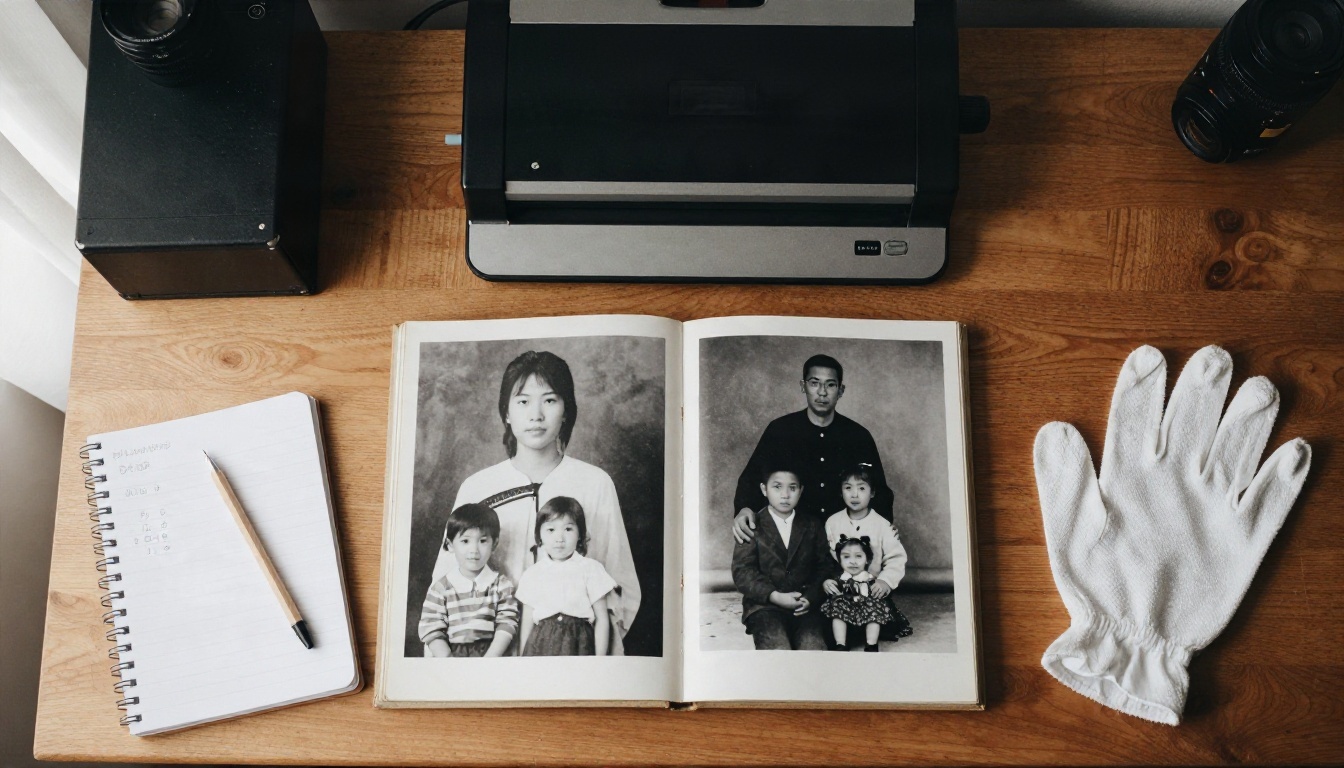
This is the easiest starting point. Scan your photographs, sort them by decade, and give each one a caption with who, where, and when. Open each decade with a half-page introduction, and you have a book.
A real-world scenario: a daughter scans 60 photographs from her late father's albums, writes one sentence under each, and adds a single voice recording of her uncle naming the people in the group portrait. The whole thing takes a long weekend, and the whole family finally knows who is standing in the back row.
The Ancestor Biography Collection
Give each important relative a short chapter of 300 to 600 words. A reliable template looks like this:
- Opening scene: one vivid moment, such as the day they left home.
- Timeline: birth, marriage, moves, work, children.
- Character: a saying, a habit, a quirk people remember.
- Documents: a scan of a certificate, ticket, or letter.
You do not have to fill every section. If all you have is a birth record and a single photograph, a half-page chapter still honors the person.
The Recipe and Tradition Book
Food holds memory better than almost anything else. A family recipe book pairs each dish with the person who made it, plus a photo of the handwritten card. The Recipe Book Flipbook tool suits this style perfectly, and it makes a thoughtful gift for a wedding or a first apartment.
Format matters more than most people expect, because it decides who can read your work and how long it survives.
PDF as the Starting Point
Build your book in any tool you like, such as a word processor, a slide app, or a free layout program, and export it as a PDF. A PDF locks your layout in place, so fonts and photos look identical on every device. Then convert it into a flipbook with the PDF to Flipbook Converter.
Flipbook vs Static PDF vs Website
Each format has strengths. Here is how they compare for a family project.
| Feature | Static PDF | Flipbook | Family website |
|---|
| Page-turning feel | No | Yes | No |
| Works on phones | Pinch and scroll | Responsive layout | Depends on design |
| Embedded audio and video | Limited | Yes | Yes |
| Password protection | Rare | Yes | Requires setup |
| Easy to update | Re-send file | Replace and keep the same link | Needs maintenance |
| Offline copy | Yes | Offline downloads available | Usually no |
| Setup effort | Low | Low | High |
For most families, the flipbook wins: it feels like a real book, takes minutes to publish, and stays private when you want it to.
Page Size and Layout Choices
- Landscape spreads suit photo-heavy books because two pages sit side by side like an open album.
- Portrait pages work better for text-heavy biographies, especially on phones.
- Margins: leave at least half an inch around the edge so nothing gets clipped on small screens.
- Fonts: use one serif font for body text and one simple font for captions. Skip decorative scripts, because they become unreadable on a phone.
⚠️ Warning: Scan photographs at 300 DPI or higher. Anything lower looks soft once readers zoom in, and you cannot fix a blurry scan later without scanning again.
Plan the Chapters and Content
A pile of material is not a book yet. Structure is what turns scattered memories into a story people finish reading.
Pick a Structure
| Structure | How it works | Works best when |
|---|
| Chronological | Oldest generation to newest | You have clear dates |
| By family branch | One section per surname line | The tree is large |
| By theme | Home, work, war, travel, food | Stories matter more than dates |
| By person | One chapter per ancestor | You have rich individual stories |
Most online family books use the chronological structure with short thematic sidebars. It is the easiest to follow, and it lets a reader find their own grandparents quickly.

Write Captions That Matter
A photograph without a caption loses its meaning within one generation. Follow a simple formula:
- Full name (include maiden names for women).
- Date or estimated decade, marked with "about" if unsure.
- Place where the photo was taken.
- One detail that makes it human, such as "wearing his brother's borrowed coat."
Gather Sources Before You Write
Call relatives early and ask open questions: "What do you remember about the kitchen?" works better than "When was she born?" Record these calls with permission, then transcribe the best lines. Quotes in a relative's own words give the book a voice that no outside writer can match.
✅ Best practice: Credit contributors by name inside the book. People share more photographs and stories when they see their cousin's name already printed there.
How to Create a Family History Flipbook
Here is the full process using Flipbooks AI. It takes roughly ten minutes once your PDF is ready.
Step 1: Create Your Account
Head to Flipbooks AI and create an account. Check the pricing page to see which plan fits the size of your project and how many books you plan to publish.
Step 2: Upload and Convert
- Export your finished book as a PDF from your layout tool.
- Upload the file in your dashboard.
- Wait a moment while each page converts into a flipbook page.
- Preview the result and flip through every page, checking that photographs and captions sit where you expect.
If you want a more book-like presentation with a table of contents and chapter navigation, the Interactive E-Book Publisher is built for that.
Step 3: Customize the Look
- Branding and colors: choose a background that matches the mood, such as warm cream for vintage photographs or deep green for a heritage feel.
- Page effects: keep the page-curl animation on for a tactile, album-like experience.
- Multimedia: add embedded audio of a grandparent's voice or a short video clip from a family gathering.
- Mobile view: check the phone layout, since many relatives will open it there first.
Step 4: Share the Book
You have three options inside the sharing panel:
| Option | How it works | Ideal use |
|---|
| Direct link | Paste into an email or chat | Quick sharing with the whole family |
| Embed code | Place on a website or blog | A family tree page |
| Password protection | Only people with the password can open | Private stories about living relatives |
For the embed route, the Embed Flipbook on Website page explains how to drop the book into any site.
Step 5: Use the Extra Features
Higher plans add tools that suit larger family projects. The Standard plan and above allow unlimited flipbooks, which helps when you build one book per branch. The Professional plan adds analytics, so you can see how many relatives opened the book and which pages they spent time on, plus lead generation forms, which some families repurpose to collect new photographs and corrections. Offline downloads let relatives without reliable internet keep a copy. See the pricing plans for the full breakdown.
Ideas for Sharing With Relatives
Publishing is only half the job. The book works when people actually open it.
Private Links and Passwords
Families often hold stories that not everyone should see: adoptions, divorces, hard years. Protect the book with a password and share the password by phone or in person. You can also publish two versions: a public edition with safe stories and a private edition with the sensitive chapters.
Family Reunions and Holidays
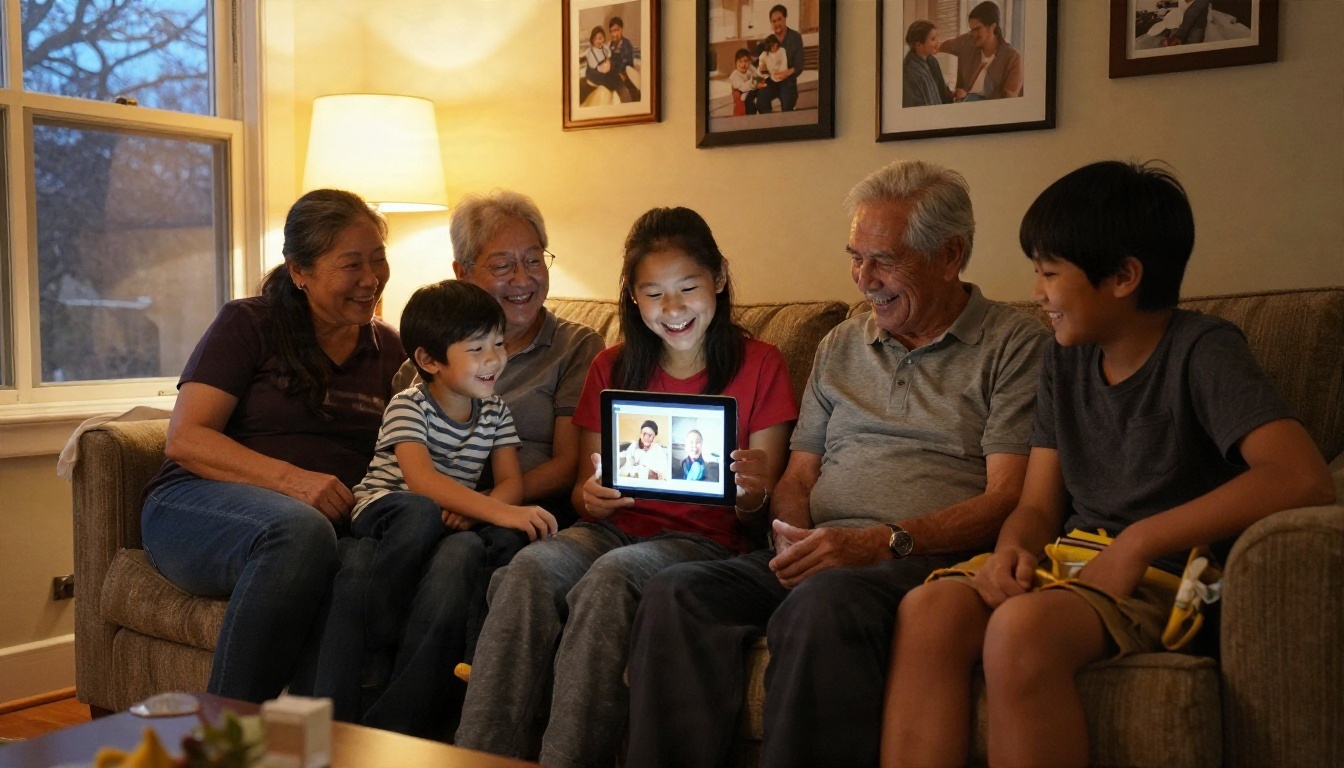
Timing helps. Share the link a few weeks before a reunion so people arrive with stories to add. Put a QR code on a printed card at the table, and relatives can open the book from their phones on the spot. At holidays, load the book on a tablet and pass it around after dinner.
Embedding on a Family Website
If you keep a small family site or blog, embed the flipbook on a dedicated "Our Story" page. New cousins and in-laws can find it without asking for a link, and search engines can find the page too, which sometimes leads long-lost relatives to your door.
Sharing Methods Compared
| Method | Reach | Privacy | Effort |
|---|
| Email link | Close family | Medium | Very low |
| Group chat | Whole extended family | Medium | Very low |
| QR code on a card | Event guests | Medium | Low |
| Password protected link | Chosen readers | High | Low |
| Embedded on a website | Public | Low | Medium |
Related Flipbook Ideas
Once your main book is done, the same approach works for smaller projects: a Wedding Album Flipbook for a parents' anniversary, or a recipe collection for the next holiday. Browse all flipbook tools for more formats.
3 Common Mistakes to Avoid
1. Waiting for a perfect book. Families lose elders every year. Publish a short first edition now, then add chapters later. An online book makes that easy.
2. Skipping the captions. Unlabeled photographs are just mystery faces to the next generation. Spend an afternoon naming people while the older relatives can still help.
3. Sharing everything publicly. Living relatives have a right to privacy. Leave out addresses, current phone numbers, and sensitive details, and use password protection for anything personal.
💡 Quick check before publishing: Ask one older relative to read the draft. They will spot a wrong name or date faster than anyone, and they will feel proud to be part of it.
Start Your Family Book Today
You already have the hardest part: the stories. A shoebox of photographs, a few phone calls, and an afternoon of captions are enough for a first edition that your whole family can read.
Ready to build yours? Get started for free on Flipbooks AI, browse the tools directory for the right template, and compare pricing plans when you want unlimited books, analytics, or offline downloads. When you are ready to publish, create your account and give your family a book they will keep opening for years.



