Your aunt wants the lasagna recipe. Your cousin in another country wants the Christmas cookies. Your dad still reads everything on a tablet he barely trusts. You open a recipe app to solve all of this, and within five minutes you are asking six relatives to create accounts. That is where most family cooking projects die. This article compares family recipe app alternatives that work the way families actually behave: one link, no signup, nothing to install. We will look at free online recipe books, where each one shines, where each one breaks, and how to build a page-turning recipe book with Flipbooks AI that anyone can open from a text message.
Why Family Recipe Apps Fall Short
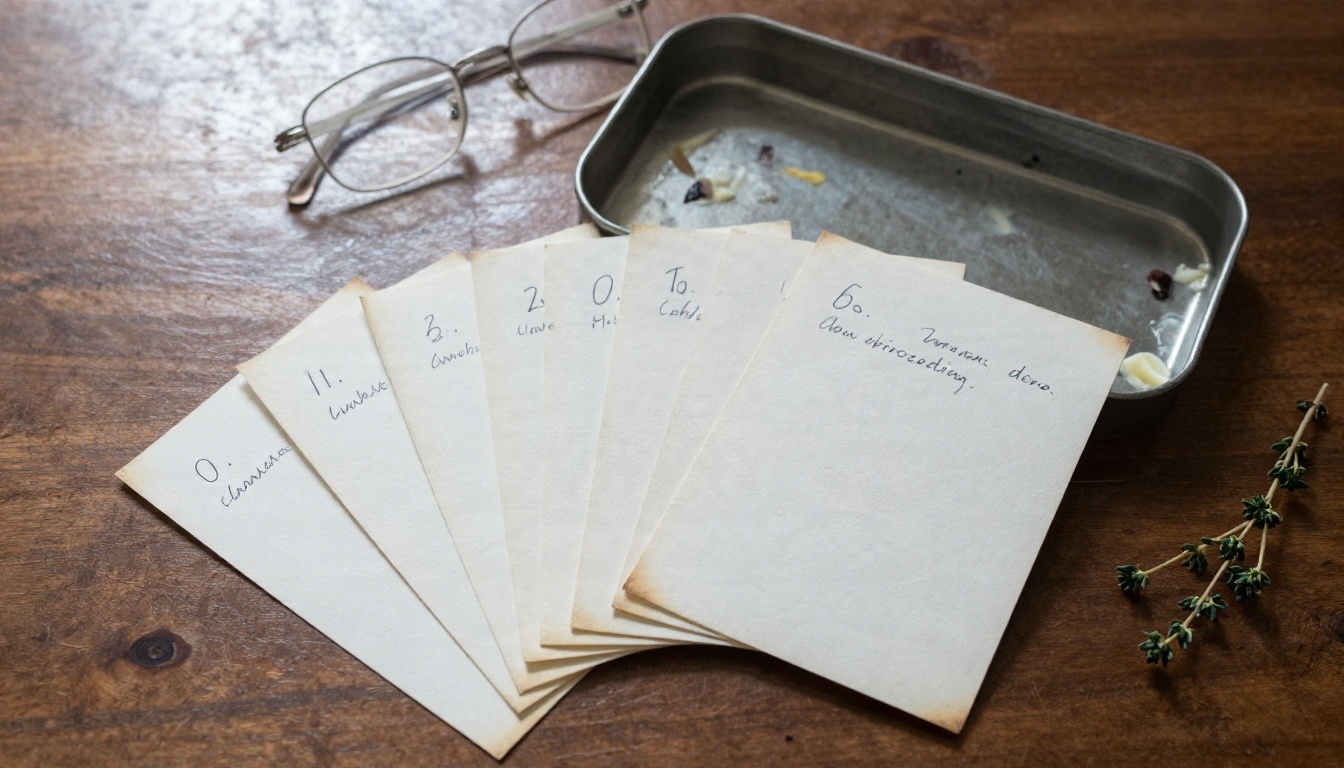
Recipe apps are built for individuals. They are great at saving a pasta recipe from a food blog, scaling ingredients, and building a grocery list. They are much weaker at the thing families care about most: getting a shared collection into the hands of people with very different levels of comfort with technology.
Subscriptions and Lock-In
Many apps give you a handful of free recipes and then ask for a monthly fee to keep going. Others charge once per device, so your sister on Android pays again after you paid on iPhone. The bigger problem is lock-in. If your grandmother's 200 recipes live inside one company's database, an export button that produces a messy file is not much comfort when the app shuts down or changes its pricing.
⚠️ Warning: Before typing a single family recipe into any app, check whether you can export everything to a normal PDF or document. If you cannot, treat that app as a temporary notebook, never as the archive.
The Login Wall Problem
Ask a 78-year-old uncle to remember a password for a cooking app and watch the enthusiasm vanish. Even teenagers skip steps that require email confirmation. Every extra click between "here is the recipe" and "I can see the recipe" cuts your readership in half. A link that opens straight to the page beats any feature list.
Recipes Get Trapped in Feeds
Some platforms mix your private family recipes into a public feed full of strangers' content, ads and suggestions. Grandma's apple pie ends up next to sponsored air fryers. A family book should feel like a family book: quiet, focused, and yours.
What a Shareable Recipe Book Needs
Before comparing tools, it helps to write down what "good" looks like. Here is the checklist I use when someone asks me to set up a family cookbook.
| Requirement | Why It Matters | Dealbreaker If Missing? |
|---|
| Opens from a link | Works in WhatsApp, email and text messages | Yes |
| No account for readers | Relatives of any age can open it | Yes |
| Mobile friendly | Most people read recipes on a phone in the kitchen | Yes |
| Photos and handwriting | Scanned cards carry the emotion | Often |
| Easy updates | New recipes get added every holiday | Often |
| Optional privacy | Some recipes are for family only | Sometimes |
| Free or low cost | Nobody wants to fund a cookbook subscription | Usually |
| Printable or downloadable | Handy for the relative with a printer and no WiFi | Nice to have |
Link First, Account Never
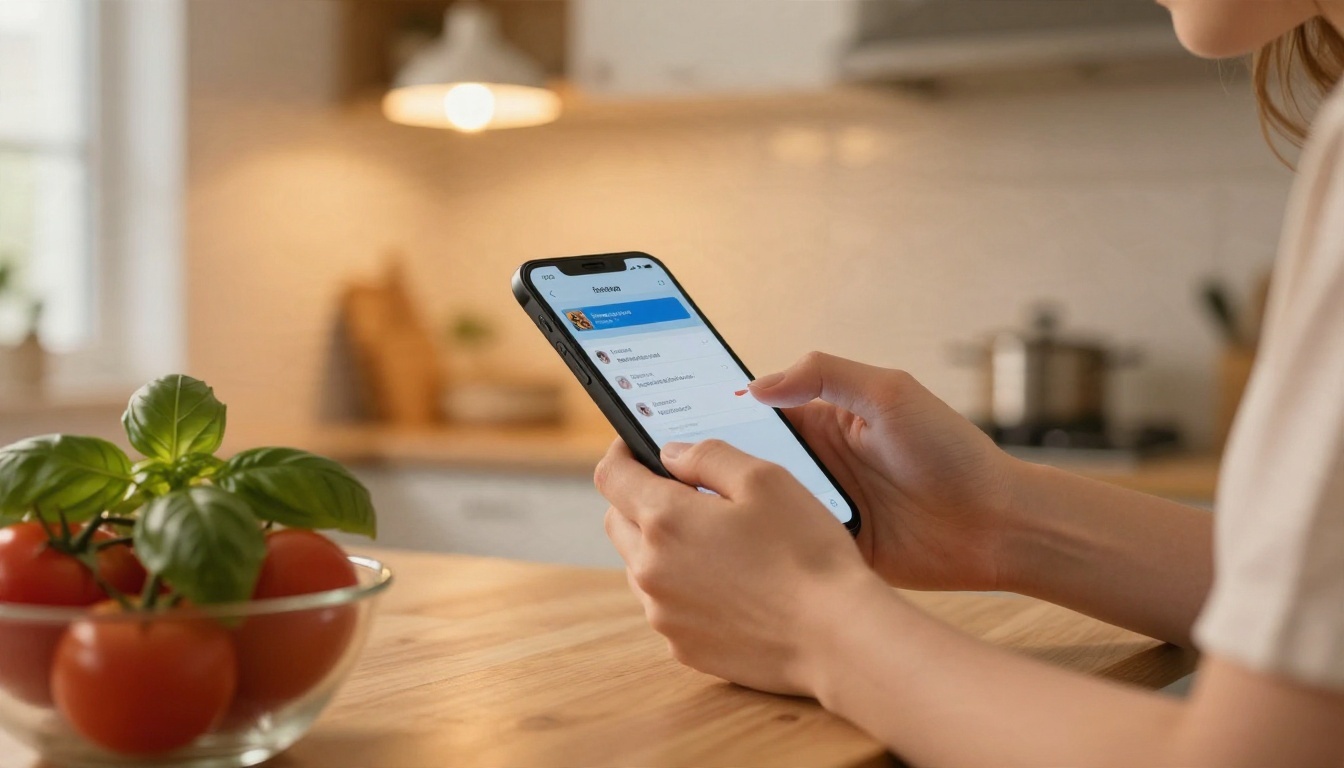
The simplest test: send the link to the least technical person you know. If they can read the recipe in under ten seconds, the tool passes. If they see a signup form, a cookie maze or an app store page, it fails. This single test eliminates a surprising number of popular options.
Pages Grandma Can Read
Text size matters more than most people expect. A recipe book that looks great on a laptop but forces pinch-to-zoom on a phone gets abandoned. Favor layouts with large type, high contrast and plenty of white space around the ingredient list. Page-turning formats help too, because people already know how a book works.
Free Online Recipe Book Options
Here is an honest side-by-side of the approaches families use most. Pricing and limits change often, so treat the notes as a starting point and check each tool's current plans.
| Option | Share by Link | Reader Needs Account | Looks Like a Book | Best For |
|---|
| Shared cloud document | Yes | Sometimes | No | Quick text lists |
| Notion page | Yes | No (public page) | No | Organized databases |
| Canva design | Yes | No (view link) | Partly | Pretty single pages |
| Recipe apps with sharing | Yes | Often | No | Personal meal planning |
| Social boards | Yes | Often prompts login | No | Inspiration, not archives |
| PDF emailed around | Attachment | No | No | One-time sends |
| Flipbook recipe book | Yes | No | Yes | Family archives, gifts |
Google Docs and Shared Folders
A shared document is the default for a reason. It is free, familiar and editable by several people at once. The weakness is presentation. A 60 page document with photos pasted at odd sizes feels like homework, and long documents load slowly on older phones. If you go this route, use a table of contents with clickable links and keep one recipe per page.
Notion and Canva
Notion handles structure beautifully. You can tag recipes by cuisine, occasion or family member, and publish a read-only page. The learning curve for the person building it is real, though, and the published page still reads like a website, not a cookbook. Canva produces gorgeous pages, but switching between dozens of separate designs becomes clumsy, and sharing a whole book as one smooth experience takes extra steps.
Recipe Apps With Sharing
Apps such as Paprika, Mela, Samsung Food and Copy Me That have real strengths: web clipping, scaling, shopping lists and meal planning. Several allow a share link for a single recipe. Use them for weeknight cooking. For the heritage collection, where order, photos and feeling matter, a book format wins.
Flipbook Recipe Books
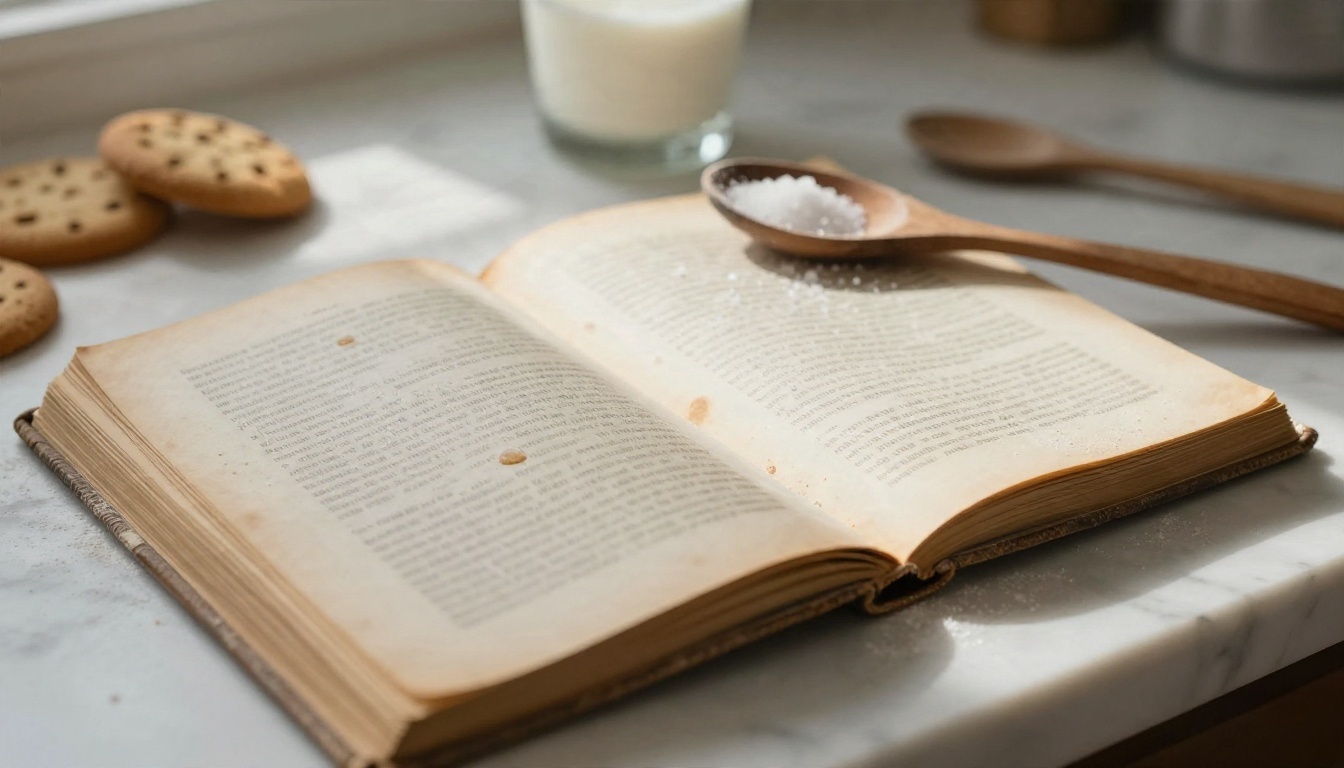
A flipbook turns a PDF into an online book with real page-turning, zoom, and a shareable link. You design the pages anywhere (a word processor, Canva, Google Slides, even scanned cards), export a PDF, and publish it. Readers tap the link and start flipping. There is no app, no account, and it works on phones, tablets and laptops. The Recipe Book Flipbook tool on Flipbooks AI was built for exactly this use.
💡 Pro tip: A flipbook does not replace your meal planner app. Keep the app for Tuesday dinner and use the flipbook for the recipes you want to still exist in twenty years.
How to Build a Recipe Flipbook
This is the part where the plan becomes a real link in your family group chat. The whole process takes an afternoon for a first draft, and updating it later takes minutes.
Gather and Scan Recipes
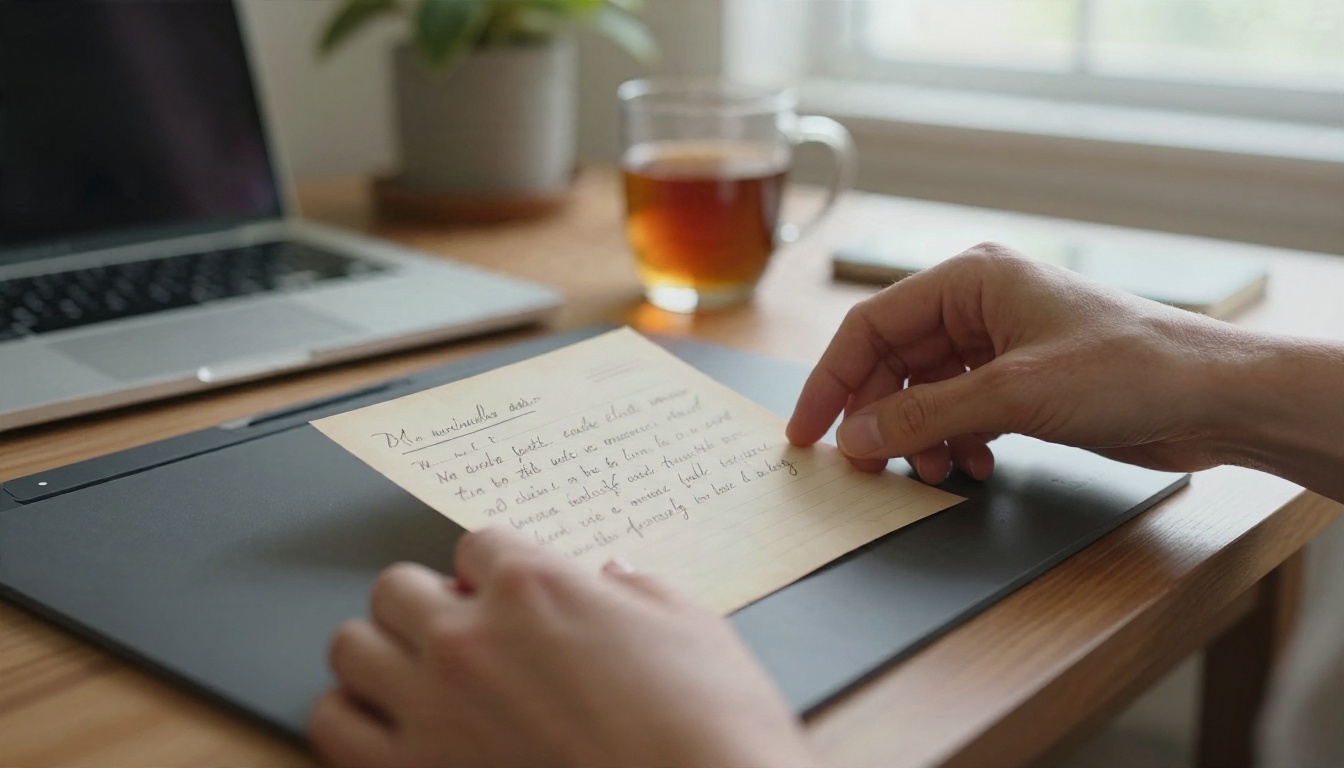
Start with the paper. Collect index cards, torn magazine pages, notebook scribbles and printouts. Scan them at 300 dpi or photograph them flat in daylight, without shadows from your phone. Keep the stains. A butter-spotted card from 1974 is worth more than a clean retype.
Then do three small things that save pain later:
- Name each file with the dish and the cook, such as
lasagna-nonna-rosa.
- Type the ingredients next to the scan. Handwriting is lovely but hard to read at phone size.
- Add one sentence of story per recipe: who made it, when, and what happened that one Easter.
Lay Out the Pages
Use any tool you already know. A simple, repeatable template works best:
- Left page: photo of the dish or the scanned card
- Right page: title, ingredients, steps, and the story line
- Section dividers: Starters, Mains, Sides, Desserts, Holiday
- Final pages: a blank "add your recipe" page and a contributors list
Export the result as a PDF. Keep file size reasonable by compressing photos, since a 300 MB PDF will frustrate you before it frustrates anyone else.
Upload, Customize, Share
Here is the step-by-step process for turning that PDF into a shareable book with Flipbooks AI:
- Open the platform. Go to Flipbooks AI and create an account. You can try the basics free.
- Upload your PDF. Drag the file into the PDF to Flipbook Converter. Each PDF page becomes a flipbook page, and conversion usually takes under a minute for a normal recipe book.
- Customize the look. Pick a background color that suits the book (warm cream feels like a kitchen), add your family name as custom branding, choose the page-turn effect, and set the cover.
- Add multimedia. Embed a short video of Grandpa kneading dough or an audio clip of your mother reading her cake instructions. The platform supports embedded video and audio, which makes the book feel alive.
- Choose privacy. Turn on password protection if the book contains private family stories. Share the password separately from the link.
- Publish and share. Copy the direct link and drop it into your family chat. Or use the embed code to place the book on a family website or blog.
- Enable offline downloads. Let relatives with poor connections save the book to their device.
✅ Best practice: Test the link on a phone with WiFi turned off, then on a phone with a weak signal. If it feels slow, shrink your images and reupload.
What About Updates and Tracking?
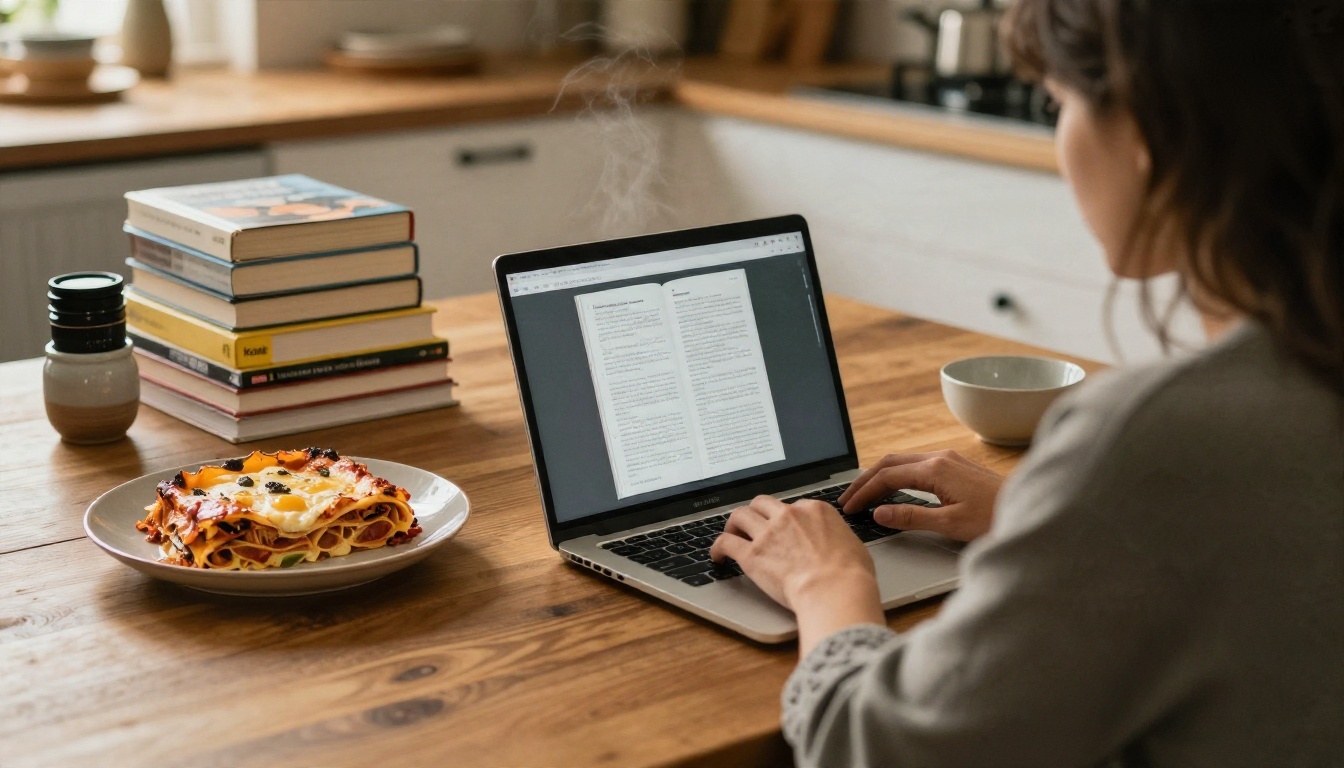
When you add recipes, edit your PDF, and replace the file. The link stays the same, so nobody has to receive a new message. On the Professional plan, analytics show how many people opened the book and which pages they read most, which is handy if you are curious whether the dessert chapter is a hit. Lead generation features also exist on that plan, and are useful if your family recipes evolve into a small food business. See the pricing plans for the full breakdown.
Feature Comparison for Family Use
Here is how the main approaches stack up when you care about family sharing rather than solo cooking.
| Feature | Shared Doc | Recipe App | Canva Page | Flipbook |
|---|
| Reader needs no account | Sometimes | Rarely | Yes | Yes |
| Page-turning book feel | No | No | Partly | Yes |
| Works well on phones | Average | Good | Average | Good |
| Embed video and audio | Limited | No | Limited | Yes |
| Password protection | Via permissions | Via account | Limited | Yes |
| Offline copy for readers | Manual | In app | Manual | Yes |
| Watermark on free output | No | No | Sometimes | No |
| Good for scanned handwriting | Fair | Poor | Good | Excellent |
The takeaway is simple. Shared documents win on collaboration, apps win on cooking tools, and flipbooks win on presentation and sharing. Many families end up using two of the three.
Real Family Scenarios
Theory is nice. Here is how different households put these tools to work.
| Situation | Best Setup | Why It Works |
|---|
| Grandparent with 150 handwritten cards | Scan, build PDF, publish flipbook | Keeps handwriting and stories intact |
| Siblings in three countries | Flipbook link plus shared document for new entries | Everyone reads easily and adds when ready |
| Wedding gift for a new couple | Printed PDF turned into a flipbook with a password | Private, personal, and lasting |
| Holiday cookie swap | Single link posted before the event | Guests see recipes on their phones |
| Family reunion cookbook | Flipbook plus embed on a reunion page | One shared home for the whole clan |
The Sibling Cookbook Project
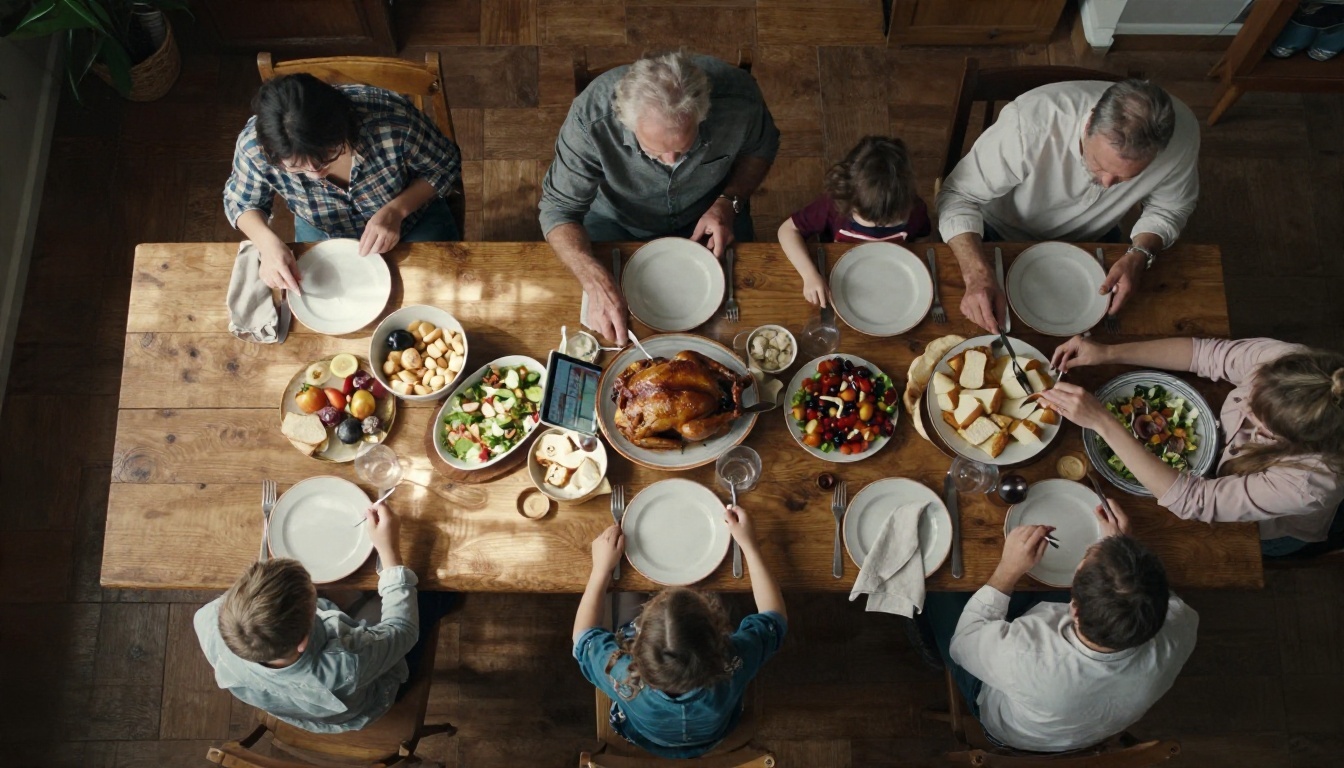
Maria lives in Madrid, her brother in Chicago, and her sister in Lima. They each wrote ten of their mother's recipes in a shared document, added photos from their phones, and exported the PDF. Maria uploaded it to a flipbook and sent one link. Their mother, who is not comfortable with apps, opened it from a text message and cried at the page with her own handwriting. That outcome is the whole point.
The Kitchen Companion
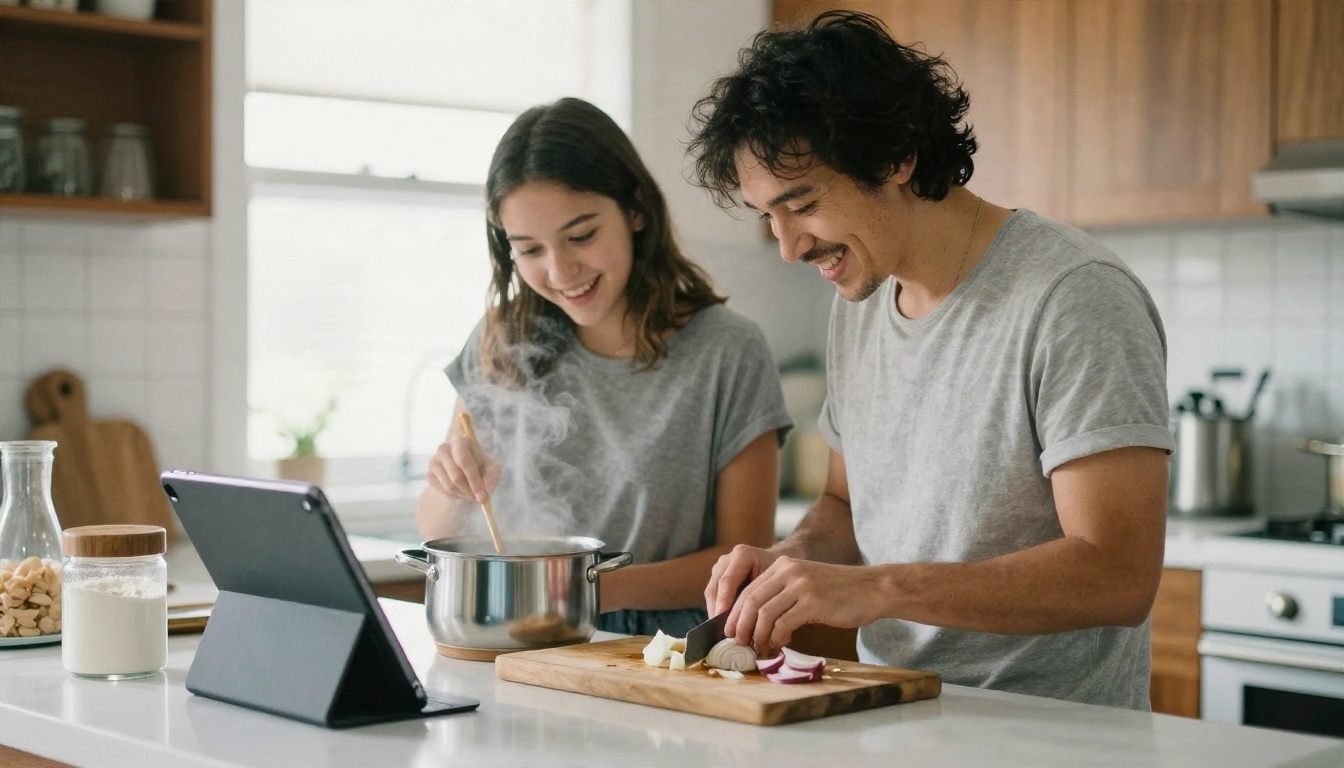
A flipbook does well on a propped-up tablet. Large pages, easy swipes, and a recipe that fits on a single spread mean you do not need to scroll with floury fingers. Design each recipe so the ingredients and steps sit together on one page, and you will rarely touch the screen mid-recipe.
The Gift That Gets Opened
Printed cookbooks are lovely but take weeks and cost real money per copy. A digital book can be finished the night before a birthday and delivered with a single message. You can still print the PDF later, so you lose nothing. If you want to build a bigger story around the family, the Interactive E-Book Publisher is a good fit for adding chapters, photos and narration.
Mistakes That Wreck Family Cookbooks
After watching many families try this, the same problems come up again and again.
- Waiting for perfection. Publish a ten recipe version this weekend. Add more later.
- Retyping and losing the voice. If the card says "bake until it looks right," keep it, and add a modern note beside it.
- Ignoring measurements. Old recipes use "a teacup" and "a knob of butter." Add metric and cup equivalents in a small note.
- No credit for the cook. Every recipe needs a name. People care who made it more than what it contains.
- Heavy files. Compress images before export so the book opens fast on any phone.
- Forgetting a backup. Keep your original PDF and scans in two places, such as a cloud folder and an external drive.
💡 Pro tip: Ask each relative for one recipe and one memory. Participation climbs when the request is small and personal.
A Simple Rollout Plan
Here is a schedule that keeps the project light:
- Week one: Collect and scan cards. Ask relatives for their top three dishes.
- Week two: Build the PDF with a template. Proofread ingredient amounts.
- Week three: Publish the flipbook, test on three different phones, and share the link.
- Every holiday: Add one new section and replace the PDF.
Pick Your Setup and Share It
You do not need a perfect system. You need a place where your family's best recipes survive and where the least technical relative can reach them. For daily cooking, keep a recipe app. For the heirloom collection, use a document to collect, a PDF to finalize, and a flipbook to share.
Ready to turn your recipes into a book people will open? Here are the next steps:
Your grandmother's handwriting deserves better than a forgotten shoebox or a login screen. Send the link tonight.



