You have shot the collection, picked the best frames and sequenced the story. Now comes the question that stalls more small labels than any photoshoot: how do you actually print the thing? Fashion lookbook printing looks simple until you are staring at quotes that differ by 400%, three paper samples that all feel "nice" and a binding menu you have never seen before. This article breaks down the sizes, paper stocks and costs in plain numbers, and then shows where a digital option built with Flipbooks AI can replace, or at least shrink, the print run.
Short answer for the impatient: print a small batch (25 to 100 copies) of a saddle-stitched A5 or A4 portrait lookbook on uncoated 150 to 170 gsm paper for buyers and press, and send everyone else a flipbook link.
Why Print a Lookbook at All
A lookbook is a sales tool first and a pretty object second. Before you spend a cent, decide which job yours has to do.
When Print Wins
Print still has a place, and pretending otherwise is bad advice. A physical lookbook works when:
- You are visiting wholesale buyers in showrooms and want something that stays on their desk.
- You are sending press kits to editors who receive hundreds of emails a day.
- You sell high-ticket pieces (tailoring, leather, bridal) where the feel of the paper supports the price.
- You run pop-ups, trade shows or in-store events where people browse by hand.
When Digital Wins
Digital is the smarter default when the audience is large, remote or changing fast:
- Your collection updates every season, or every few weeks for drops.
- You email stockists in different countries and shipping a booklet costs more than the sample it shows.
- You want to know who opened it and which pages they read.
- You need to fix a typo or a wrong price without reprinting 500 copies.
💡 Pro tip: Treat print as a premium layer for your top 20 contacts and digital as the baseline for everyone else. That single decision usually cuts a lookbook budget by half.
Standard Lookbook Sizes
Size drives almost every other cost. Bigger pages mean more paper, higher postage and fewer shipping options. Smaller pages mean tighter crops for full-length outfit shots.
Portrait Formats
Portrait is the default because garments are vertical. The most common choices:
| Format | Approx. size (mm) | Approx. size (inches) | Best for |
|---|
| A5 portrait | 148 x 210 | 5.8 x 8.3 | Mailers, buyer packs, small labels |
| A4 portrait | 210 x 297 | 8.3 x 11.7 | Showroom copies, editorial feel |
| US Letter | 216 x 279 | 8.5 x 11 | US wholesale and press |
| 8 x 10 portrait | 203 x 254 | 8 x 10 | Photography-led, minimal text |
| 6 x 9 | 152 x 229 | 6 x 9 | Compact, easy to post |
Square and Landscape
Square and landscape formats make a collection feel less like a catalog and more like an art book. They are also harder to ship flat and sometimes cost extra because they fall outside standard press sheets.
| Format | Approx. size | Strength | Watch out for |
|---|
| Square 8 x 8 in | 203 x 203 mm | Modern, great for detail shots | Full-length looks need tight cropping |
| Square 210 mm | 210 x 210 mm | Fits many printers' standard sizes | Slightly higher postage tiers |
| Landscape A4 | 297 x 210 mm | Wide runway or campaign scenes | Spine curve can hide faces on spreads |
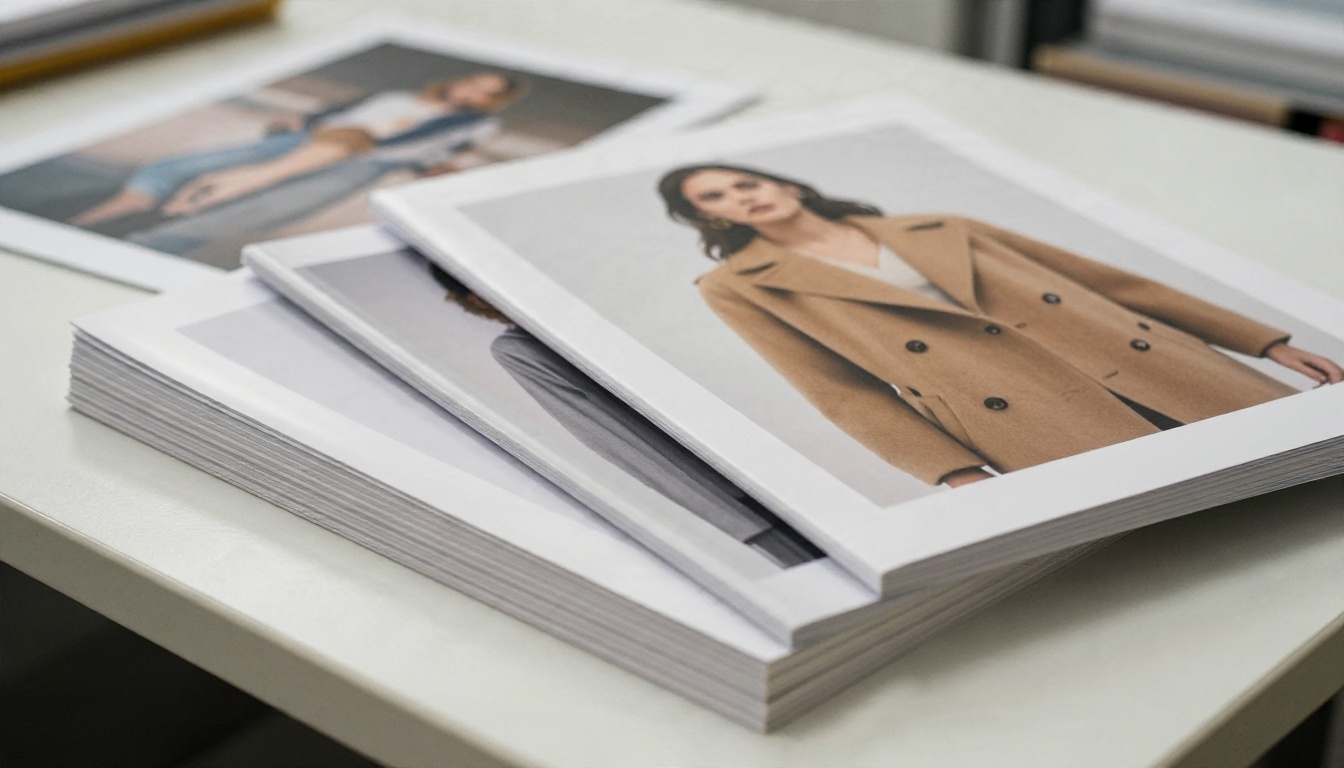
⚠️ Watch the spread: In a saddle-stitched booklet, anything placed within 8 mm of the center fold can get swallowed. Never run a face or a logo across the gutter unless you want it split.
How Many Pages
Pages must be in multiples of four for saddle stitching. Most small-label lookbooks land between 16 and 32 pages. Under 16 feels like a flyer. Over 48 and saddle stitching starts to bulge, so you would switch to a different binding.
Paper Options That Change Everything
Paper is where a lookbook either feels expensive or feels like a school printout. It also changes how your fabric looks in the photographs.
Heavier Paper for Front Pages
Front and back pages usually use a heavier stock than the inside. A common pairing is 250 to 300 gsm for the outer pages and 130 to 170 gsm inside. A thicker front page protects the booklet in the post and gives buyers that first tactile signal of quality.
Inside Pages
Choose inside paper by how your photography looks, not by what is trendy:
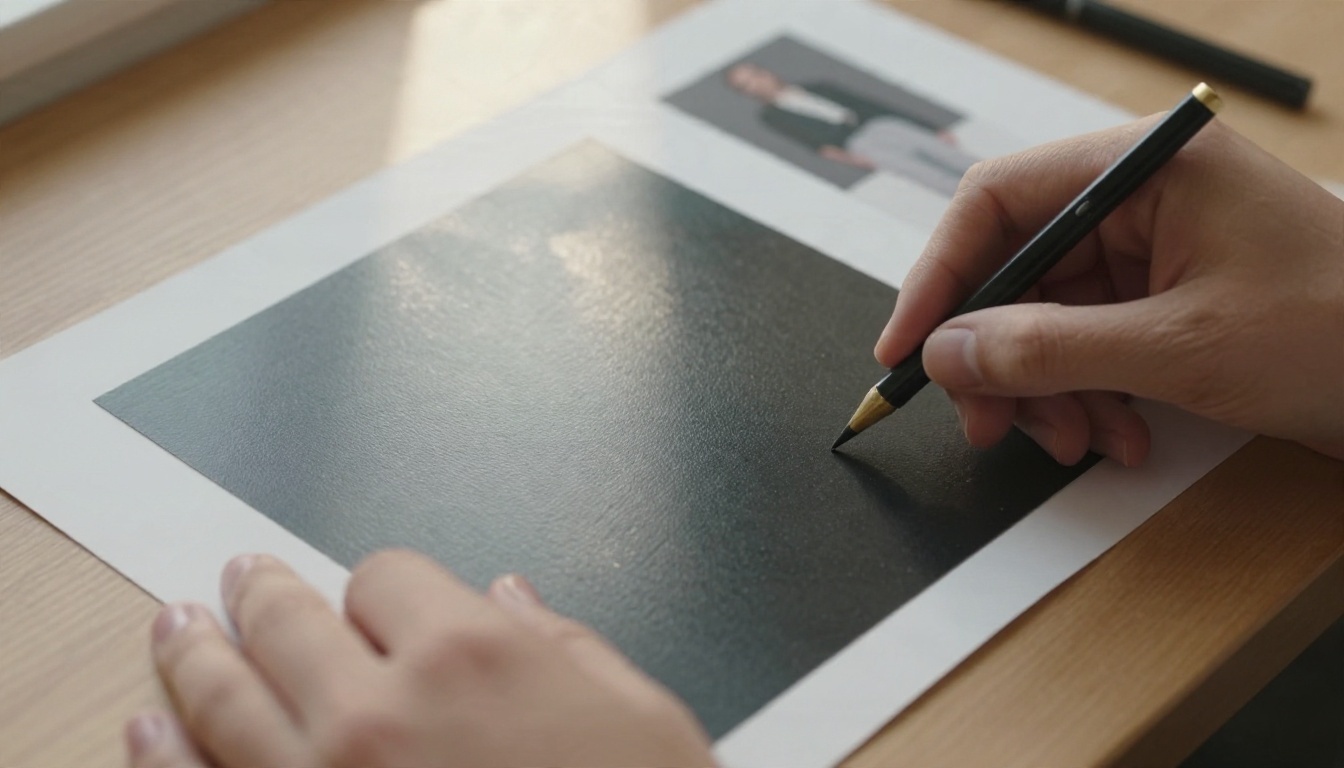
| Paper type | Weight (gsm) | Look and feel | Best for | Relative cost |
|---|
| Uncoated cream or white | 120 to 170 | Soft, natural, low glare | Linen, knits, earthy palettes | $ |
| Silk or satin coated | 130 to 170 | Smooth, gentle sheen | Most collections, balanced color | $$ |
| Gloss coated | 130 to 150 | Vivid, high contrast | Bold color, swimwear, sportswear | $$ |
| Textured or laid | 140 to 200 | Tactile, artisanal | Heritage, bridal, craft labels | $$$ |
| Recycled uncoated | 100 to 150 | Earthy, slightly speckled | Sustainable brands | $ to $$ |
Finishes and Coatings
Finishes are where budgets quietly explode. A few common ones:
- Matte lamination on the outer pages: scuff-resistant and elegant, adds roughly 5 to 10% to a run.
- Spot UV on a logo or pattern: eye-catching but only worth it on short runs of premium pieces.
- Foil stamping: gold or silver on a brand name looks sharp, but it needs a die and pushes setup costs up.
- Soft-touch coating: velvety feel, fingerprints show easily on dark colors.
✅ Best practice: Ask for a printed proof on the real paper before approving a run. Skin tones and fabric colors can shift noticeably between coated and uncoated stocks, and a screen preview will not show it.
Binding Choices
Binding sets the page count ceiling, the price and the lay-flat quality. For most fashion work, there are four realistic options.
| Binding | Page range | Lay-flat | Look | Cost level |
|---|
| Saddle stitch (staples) | 8 to 48 | Good | Classic, lightweight | Lowest |
| Perfect bound (glued spine) | 40+ | Fair | Magazine or book feel | Medium |
| Wire-O or spiral | 20+ | Excellent | Practical, showroom-ready | Medium |
| Swiss or thread sewn | 32+ | Very good | Premium art-book quality | Highest |
For a first lookbook, saddle stitch is the sensible default. It is cheap, forgiving and the staple spine looks intentional on a minimalist booklet.
The Real Cost of Printing
Here is the part most articles skip. Prices vary by country, printer and season, so treat the figures below as realistic ballparks for a 24-page, full-color, saddle-stitched booklet, not a quote.
Per-Copy Price Examples
| Quantity | A5 portrait (per copy) | A4 portrait (per copy) | Total for A4 run |
|---|
| 25 (digital press) | $5 to $8 | $8 to $13 | $200 to $325 |
| 50 (digital press) | $4 to $6.50 | $6.50 to $10 | $325 to $500 |
| 100 (digital press) | $3 to $5 | $5 to $8 | $500 to $800 |
| 500 (offset) | $1.50 to $2.80 | $2.50 to $4.50 | $1,250 to $2,250 |
| 1,000 (offset) | $1 to $2 | $1.80 to $3.20 | $1,800 to $3,200 |
Two rules fall out of this table. Short runs on digital presses cost more per copy but keep your cash free. Offset printing only makes sense above roughly 300 to 500 copies, and only if you are certain the collection will not change.
Hidden Costs
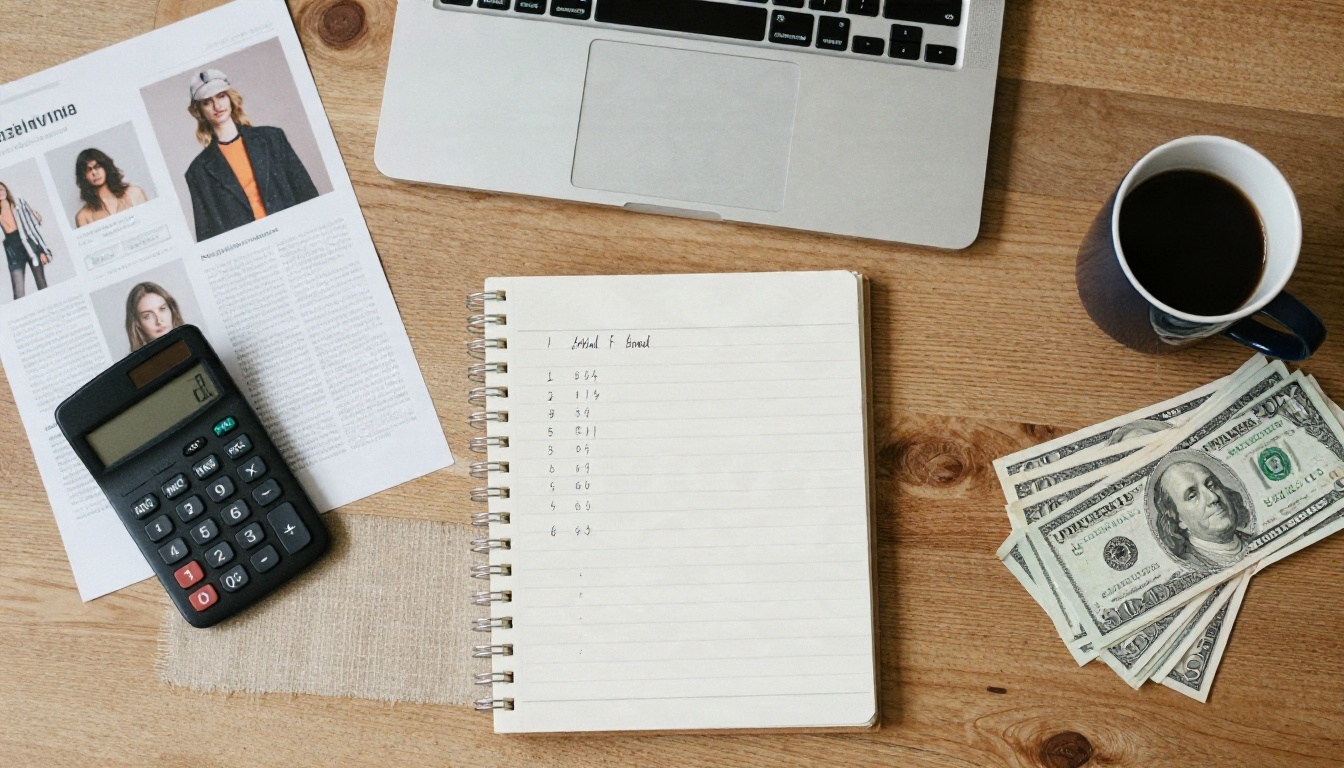
The printer's quote is rarely the whole bill. Budget for these as well:
- Design and layout: freelance layout runs from $150 to $800 depending on page count.
- Proofs: a hard-copy proof can add $20 to $60.
- Color correction: some printers charge for adjusting files that arrive in RGB instead of CMYK.
- Shipping and duties: heavy booklets sent abroad can cost more than the print job itself.
- Storage and waste: unused copies from last season go straight to the recycling bin.
- Reprints: one typo on a price or a size chart means paying for the whole run again.
A Worked Example
Imagine a small womenswear label with 40 stockist leads and 15 press contacts. Printing 100 copies of a 24-page A4 lookbook costs around $650 with proofs, plus $300 for layout and roughly $150 for postage to the top contacts. That is about $1,100 for a document that is outdated in six months.
Now compare it with printing 30 premium copies for the top accounts (around $300) and sending a digital link to everyone else. The total drops to $600 or less, and the digital version can be updated whenever the line sheet changes.
⚠️ Common mistake: Ordering 500 copies "because the unit price drops." If you only hand out 80, the real cost per used copy is far above what the quote suggested.
Digital Alternatives
A digital lookbook is not a lazy PDF attachment. Done properly, it is an interactive page-turning document that opens in a browser, looks right on a phone and tracks who reads it.
PDF vs Flipbook vs Website
| Option | Setup effort | Feels like a lookbook | Tracking | Updatable | Cost |
|---|
| Emailed PDF | Low | Somewhat | None | No (resend) | Free |
| Website gallery page | High | Not really | Basic analytics | Yes | Hosting and design time |
| Print-ready PDF only | Medium | In print only | None | Reprint | Print costs |
| Digital flipbook | Low | Yes, page-turn effect | Yes (Professional) | Yes | Subscription |
A PDF is easy to send but heavy to download and awkward on a phone. A flipbook keeps the page-turn rhythm of a printed booklet while opening instantly from a link or an embed on your site. If you already have the print-ready PDF, you have already done 90% of the work.
What Buyers Actually Prefer
Wholesale buyers open links on their phones between appointments. They want to see the look, check the price and move on. A mobile-friendly flipbook with large images does that faster than a 40 MB attachment. Many of them will also forward the link to a colleague, which a printed booklet can never do.
How to Create a Digital Lookbook with Flipbooks AI
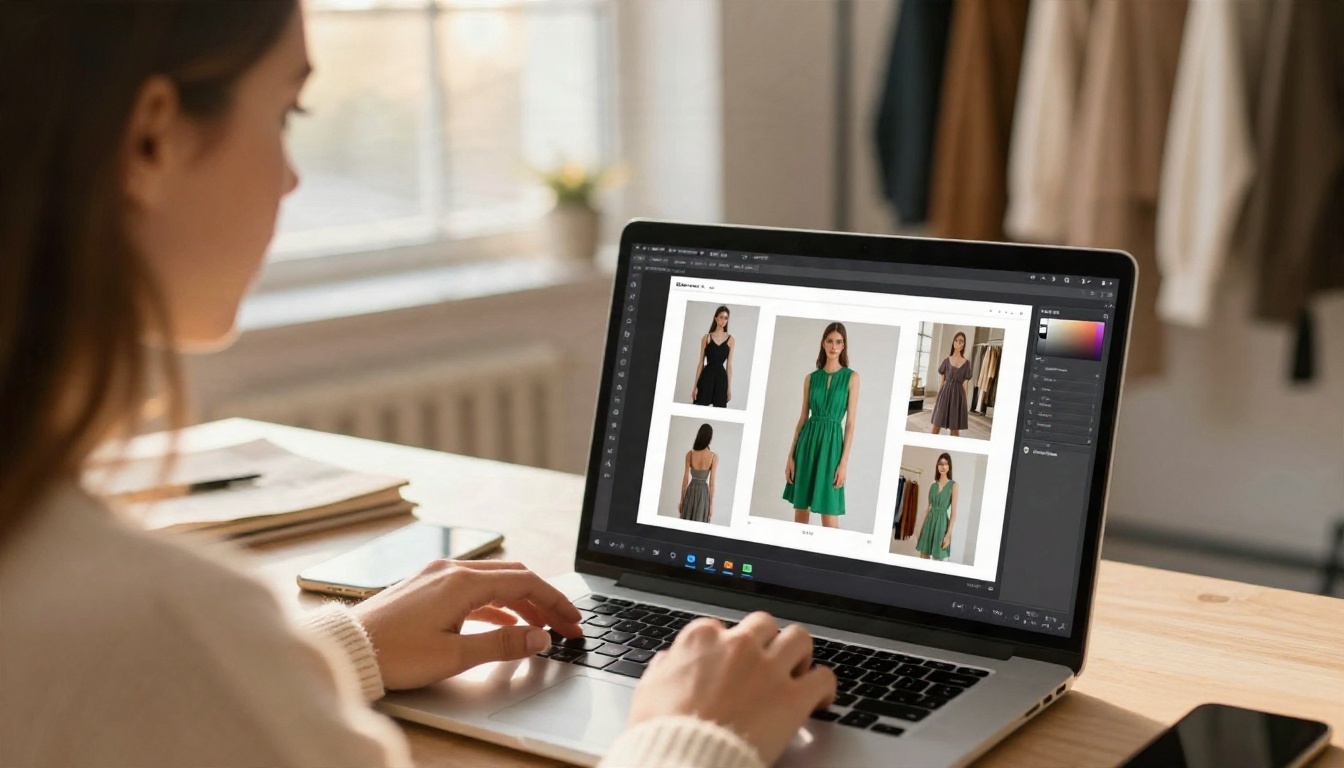
If your lookbook PDF is ready, you can have a shareable flipbook in a few minutes. The platform offers a dedicated Interactive Lookbook Designer, a Lookbook Flipbook Builder and a Fashion Catalog Creator for line sheets.
Step-by-Step Setup
- Open your account. Create a free account on Flipbooks AI and choose the lookbook tool that fits your collection.
- Upload your PDF. Drag in the same file you would send to the printer. The PDF to Flipbook Converter turns each page into a turnable spread. Use RGB or web-optimized export for sharper screens.
- Customize the look. Add your logo, choose a background color that matches your brand, and pick a page-turn effect. A neutral cream or soft grey background keeps the focus on the garments.
- Add multimedia. Drop in short runway clips, a campaign video or an ambient audio track. Videos and audio can be embedded directly in pages, which a printed booklet cannot do.
- Link the products. Add clickable hotspots from each look to your shop page or a Digital Price List.
- Set privacy. Use password protection for pre-season collections that only wholesale buyers should see.
- Share it. Copy the direct link for emails, use the QR code on packaging or business cards, or use the Embed Flipbook on Website option to place it on your own site.
Pro Features Worth Using
On the Professional plan you get:
- Analytics showing which pages and looks hold attention.
- Lead generation forms that ask for an email before a buyer opens the book.
- Offline downloads so a buyer can keep the lookbook on a phone during a trade fair with weak signal.
- Custom branding with no watermarks, ever.
💡 Pro tip: Put a lead form on your wholesale lookbook only. For the public version, let anyone open it with no friction.
Which Tool Fits Which Label
A Hybrid Plan That Saves Money
You do not have to pick one side. The most cost-efficient approach for a small label looks like this:
- Design once in your layout software and export two files: a print-ready CMYK PDF and a web-optimized PDF.
- Print 25 to 50 copies on uncoated or silk paper for showroom visits, press and your best stockists.
- Convert the web PDF to a flipbook and send it to everyone else.
- Add a QR code on the printed booklet pointing to the flipbook, so buyers can reach the latest version and forward it.
- Update the digital edition when prices, sizes or availability change, rather than reprinting.
Here is how the budget stacks up for a label sending to 200 contacts:
| Approach | Estimated cost | Reach | Update flexibility |
|---|
| Print only, 200 copies A4 | $1,000 to $1,600 | 200 | None |
| Digital only | Subscription | Unlimited | Instant |
| Hybrid: 40 printed + flipbook | $350 to $600 plus subscription | Unlimited | Digital instant |
A Quick Decision Checklist
Answer these four questions before sending files to a printer:
- Will the content change within three months?
- Do more than half of my recipients live outside my country?
- Do I need to know who read it?
- Is my budget below $1,000 for the whole season?
If you said yes to two or more, lean heavily toward digital with a small printed run.
Ready to Skip the Big Print Run?
Printed lookbooks still make a strong impression, but they are expensive to get wrong and impossible to fix. A flipbook gives you the same page-turning experience, instant updates and real data on what buyers look at.
Print a few beautiful copies for the people who matter most, and let a link do the rest of the work.



