A script tells a producer what happens. A lookbook shows them what it feels like to watch it. If you are pitching a short film, the right film lookbook examples can be the difference between a polite "send it over" and a real conversation about budget. In this article you will see how working directors build theirs, page by page, and how to publish the result as a clean digital flipbook with Flipbooks AI so anyone can open it with one link.
What a Film Lookbook Actually Is
A film lookbook is a short visual document, usually 8 to 20 pages, that communicates the tone, color, texture and world of your film before a single frame is shot. Think of it as a mood board that grew up and found its voice.
It sits between the script and the pitch deck. The script is the story. The deck is the business case. The lookbook is the sensory proof that you know exactly how the film will look, sound and feel.
Producers, festival labs and department heads all read lookbooks differently:
- Producers want to see that the vision is coherent and affordable.
- Funders want proof that the film will look professional on a small budget.
- Cinematographers and designers want a shared visual language so they can say yes.
- Actors and agents want to feel the character's world before signing on.
💡 Pro tip: A lookbook is not a storyboard. Storyboards plan shots. Lookbooks sell a feeling. Keep the two documents separate, and link them only when a single frame truly matters.
Lookbook vs Pitch Deck vs Treatment
These three documents get confused constantly. Here is how they differ.
| Document | Main Job | Typical Length | Mostly Made Of |
|---|
| Lookbook | Show tone, style and world | 8 to 20 pages | Images, palettes, short captions |
| Pitch deck | Make the business case | 10 to 15 slides | Logline, team, budget, schedule |
| Treatment | Tell the story in prose | 2 to 6 pages | Text, a few stills |
For a short film, many directors merge the lookbook and the deck into one file. That works well as long as the visuals lead and the numbers stay near the end.
Film Lookbook Examples by Genre
The best way to see what works is to study structure. The examples below are described as page layouts you can copy, not as references to specific films, so you can adapt them freely.
Example 1: The Quiet Drama
A quiet drama lives or dies on restraint. The lookbook should feel like silence.
- Page 1: One full-bleed still, the title, and a one-line logline.
- Page 2: A three-sentence statement of intent.
- Pages 3 and 4: Natural light references with soft window light and muted interiors.
- Page 5: A palette of five desaturated tones, each with a name.
- Pages 6 and 7: Character portraits and costume textures.
- Page 8: Two location photographs with notes on why they were chosen.
- Page 9: Contact details and a link to the script.
Example 2: The Genre Piece
A thriller, horror or sci-fi short needs the opposite energy. The lookbook should promise tension and show that you can deliver it cheaply.
- Open with a single arresting image and no text.
- Show lighting ratios: one page of high contrast, one of low key.
- Add a sound note next to each page, such as "distant machinery, low hum".
- Include a limitation page that turns budget constraints into style choices, for example "one location, practical lights only".
✅ Best practice: Genre pitches get funded when the lookbook proves control. Show that your restrictions are deliberate, not accidental.
Example 3: The Documentary Style Short
Here, authenticity is the product. Use real photographs, real places, and real textures.
- A world page with eight to ten candid images.
- A voice page quoting the real people involved.
- A method page explaining how you will film without disturbing the subject.
- A plain access note: who has agreed, who is pending.
Example 4: The Comedy
Comedy lookbooks fail when they look serious. Use warm color, wide framing and a sense of play.
- Bright, saturated but still natural palettes.
- Wide shots that show physical space for gags.
- Wardrobe pages with exaggerated but believable character outfits.
- A tone comparison page placing your film between two or three familiar styles.
Page by Page: What to Include
Whatever the genre, a reliable lookbook uses the same building blocks. Here is the order that most producers expect.
| Page | Content | Why It Matters |
|---|
| 1 | Title image, title, logline | Sets the mood in three seconds |
| 2 | Director's statement | Shows personal stakes |
| 3 | Story and tone | Gives context without spoilers |
| 4 to 5 | Visual references | Defines the look |
| 6 | Color palette | Proves control over design |
| 7 | Characters and costume | Helps casting and wardrobe |
| 8 | Locations | Shows feasibility |
| 9 | Camera and lighting | Reassures about craft |
| 10 | Sound and music | Finishes the sensory picture |
| 11 | Team and credits | Builds trust |
| 12 | Budget snapshot and ask | Moves toward a decision |
The Opening Spread
You have roughly five seconds before a reader decides whether to continue. Use one striking image, your title, and nothing else except a single line that captures the premise. Do not crowd it with credits.
The Director's Statement
Write it in first person. Keep it under 150 words. Answer only three questions:
- Why this story?
- Why you?
- Why now?
Visual References That Persuade
Reference images are the heart of the document, and where most first-time filmmakers go wrong. They paste thirty screenshots and hope the reader connects the dots.
Use Fewer, Better Images
Pick one reference per idea. If the film is about isolation, choose the single image that says isolation and caption it in one sentence. Ten strong pages beat thirty weak ones.
Label Every Image
A reader should never wonder why a picture is there. Add a short caption such as:
- Composition: centered subject, heavy negative space
- Light: soft window light, no fill
- Texture: worn wood, cotton, peeling paint
Mix References and Originals
If you can shoot test frames, even on a phone, include them. Original tests prove that your look is achievable, not just borrowed.
⚠️ Warning: Stills from other films can be fine for internal reference, but if you share the lookbook publicly, consider crediting sources or replacing them with your own tests.
Color, Costume and Location
Three categories carry most of the persuasion in a short film pitch. Treat each as its own mini chapter.
Build a Palette With Names
A palette of five to seven swatches is enough. Give each swatch a name and a use. "Rust: walls and the mother's coat" is far more convincing than five unlabeled rectangles.
| Swatch Name | Role in the Film | Where It Appears |
|---|
| Faded teal | Calm and distance | Kitchen walls, window frames |
| Rust | Warmth and memory | Coat, door, autumn light |
| Bone | Neutral anchor | Bedding, shirts |
| Ink | Tension | Night scenes, shadows |
| Ochre | Hope | Final scene lamp |
Show Costumes as Character
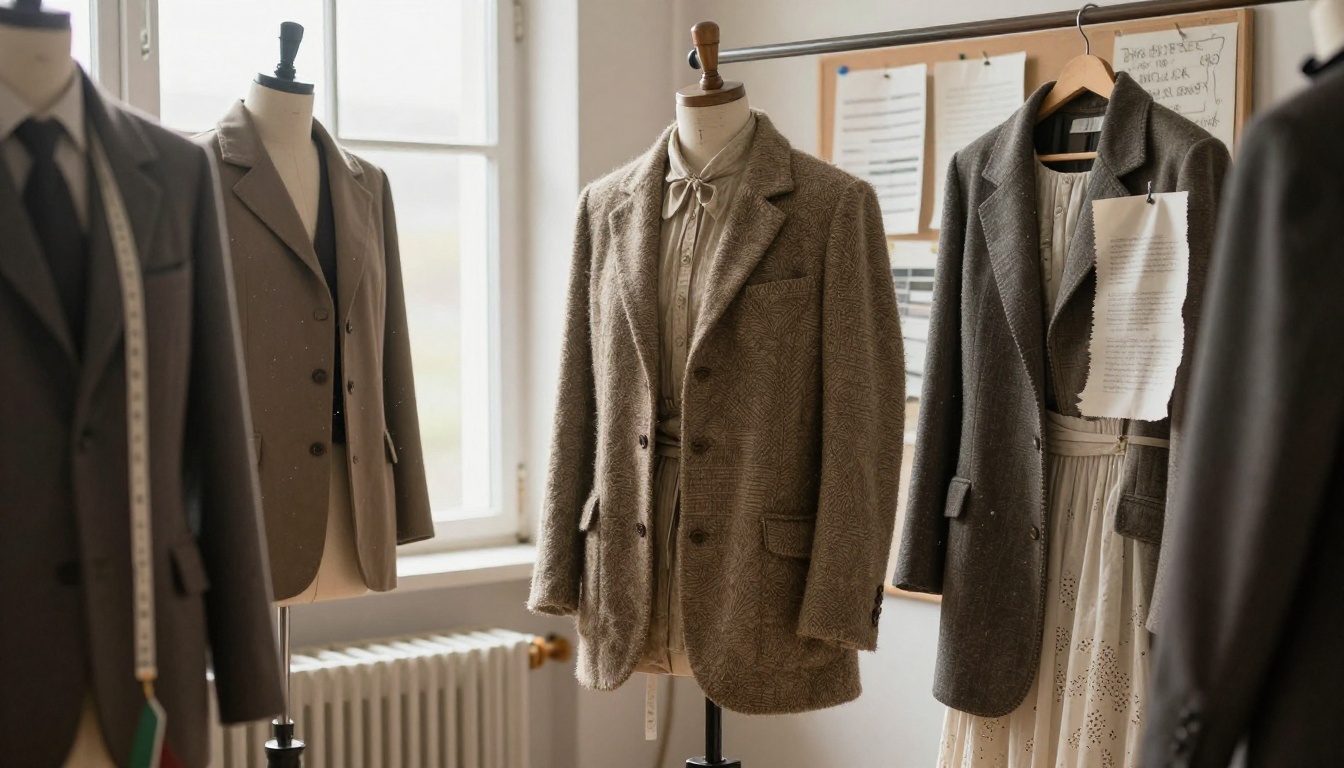
Pair each main character with two or three wardrobe images and a short note on fabric and silhouette. Texture photographs are especially effective because they make a small budget look intentional.
Prove the Locations
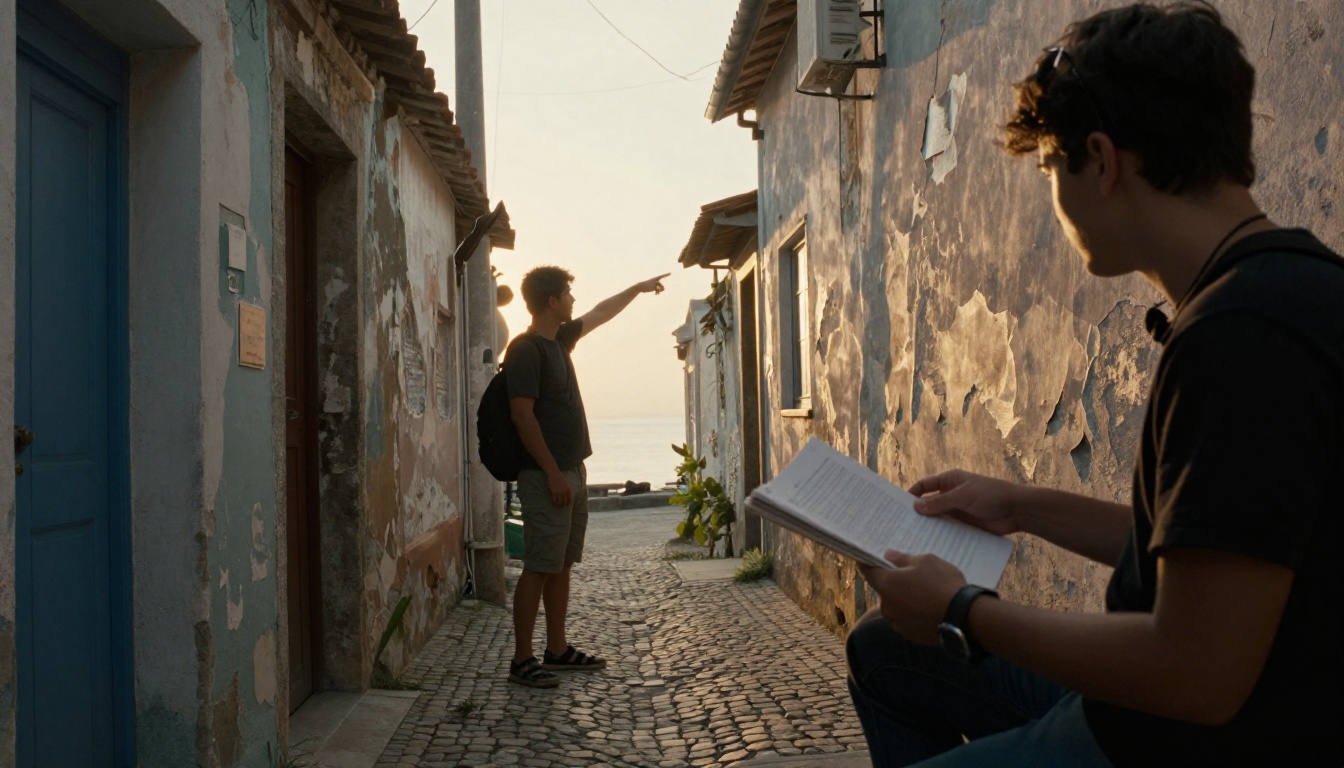
Producers worry about locations more than almost anything else on a short. Include real photographs, the address type (home, public, studio), and a note on permission status.
Camera, Light and Production Design
This section reassures the people who will manage your money.
Camera and Lens Notes
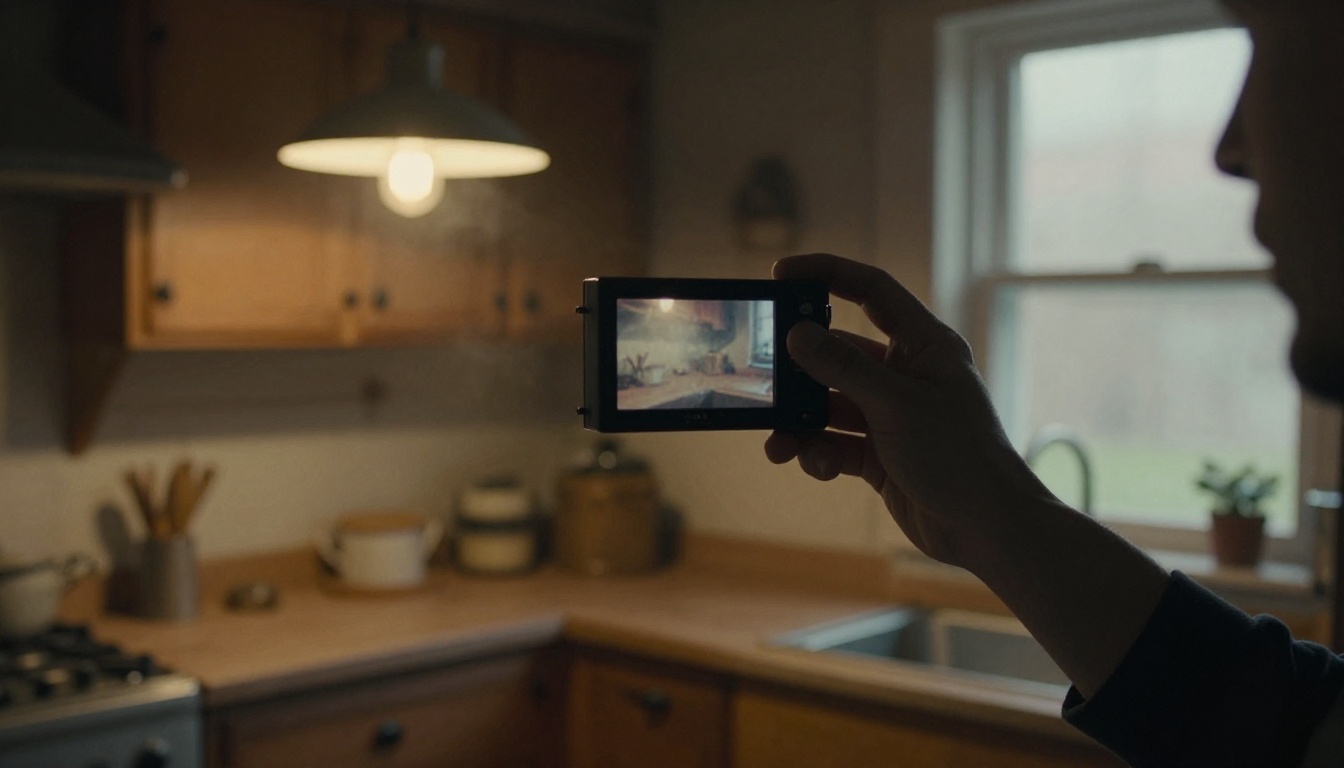
You do not need a gear list. You need a philosophy. Say things like "single prime lens, handheld, shallow focus" and back it up with one or two reference stills.
Lighting Plans
Show how you will light the film cheaply. Practical lamps, window light and bounce boards all look great on a lookbook page and cost almost nothing.
Production Design on a Budget
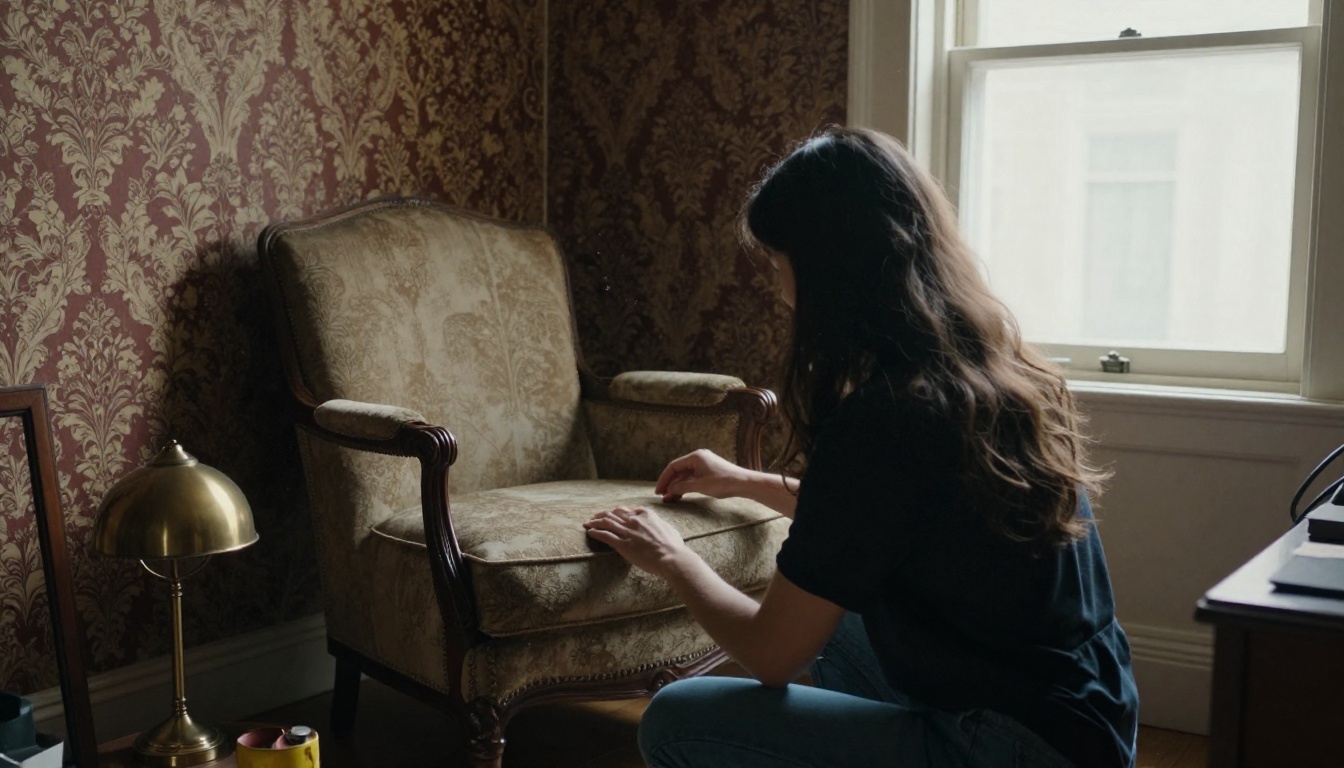
Production design is where small films often shine. A single well-dressed room can carry an entire short.
- Choose one dominant texture per set.
- Repeat a small number of props across scenes.
- Show before and after photos if you have them.
How to Build Your Lookbook as a Flipbook
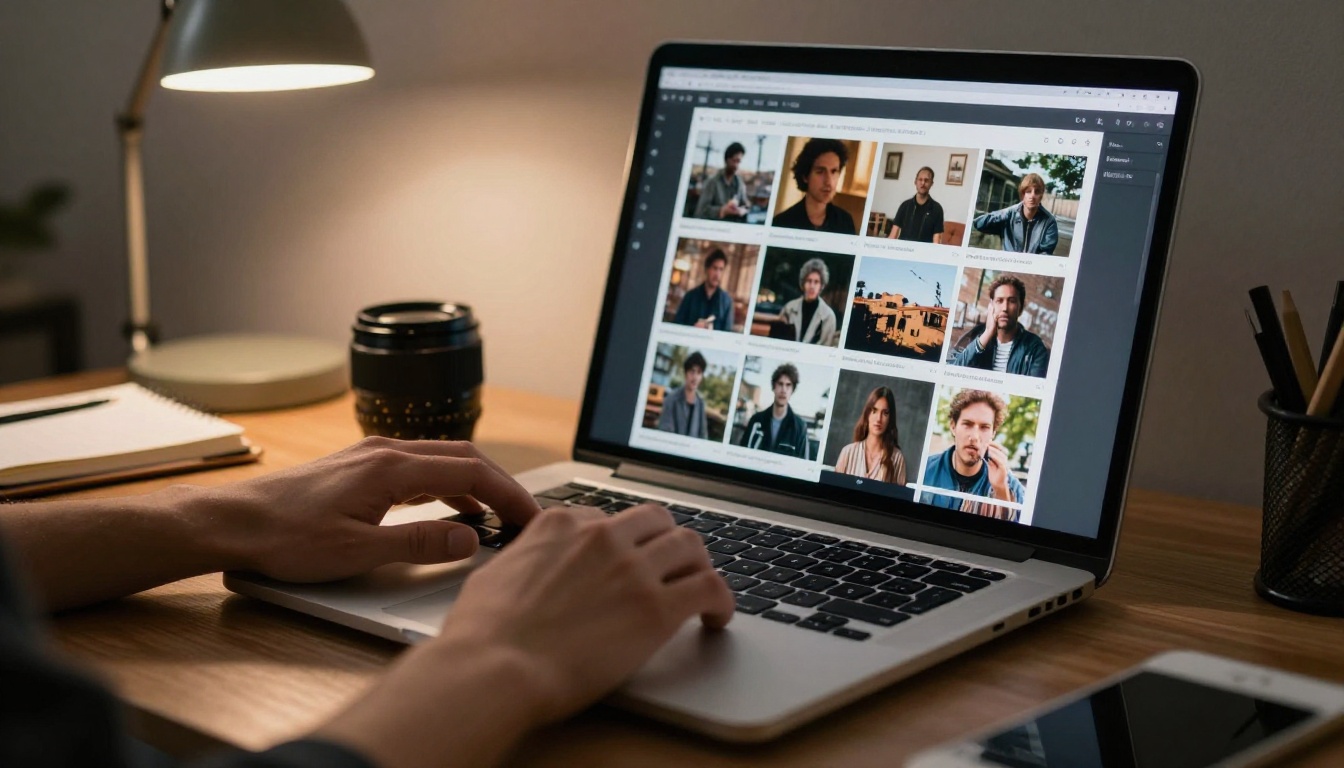
Static PDFs get downloaded, forgotten and lost in inboxes. A digital flipbook opens in the browser, turns pages like a real book, and can be tracked. Here is how to make one with Flipbooks AI.
How to Create a Film Lookbook with Flipbooks AI
- Start your account. Visit Flipbooks AI and sign up. You can try the platform before committing to a plan.
- Design your pages. Build the lookbook in any design tool you like, such as Canva, InDesign, Figma or Keynote. Export it as a PDF at 16:9 or a landscape page size.
- Upload and convert. Drag the PDF into the PDF to Flipbook Converter. Your pages become a realistic page-turning flipbook in seconds.
- Customize the look. Choose a background color that matches your palette, add your logo or title card, and select page effects. The Interactive Lookbook Designer and Lookbook Flipbook Builder are built for exactly this kind of document.
- Add multimedia. Embed a teaser clip, a sound sample or a mood reel directly into the pages. Mobile-responsive design means producers can read it on a phone between meetings.
- Share it. Copy the direct link, or use the Embed Flipbook on Website option to place it on your director page. Turn on password protection for confidential projects.
💡 Pro tip: Send the link, not an attachment. Links open instantly, never get blocked by email filters, and can be updated without sending a new version.
Pro Features Worth Using
If you are sending the same lookbook to many producers and funds, the Professional plan adds analytics and lead generation. You can see which pages were read and for how long, then follow up with context. Offline downloads are available too, helpful for people reading on a plane or a set with poor signal.
| Feature | Why a Filmmaker Cares | Plan |
|---|
| No watermarks | Looks professional to funders | All plans |
| Unlimited flipbooks | One lookbook per project | Standard and above |
| Password protection | Keeps unreleased ideas private | Standard and above |
| Embedded video and audio | Teaser and sound notes inside pages | All plans |
| Analytics | See which pages hold attention | Professional |
| Lead generation | Capture viewer contact details | Professional |
If your portfolio of past work is also part of the pitch, the Digital Portfolio Creator and Presentation Flipbook Designer pair nicely with the lookbook. Many directors send both in a single email.
Common Mistakes to Avoid
Most failed lookbooks fall into the same few traps.
3 Mistakes That Sink a Pitch
- Too many images with no point of view. A collage is not a vision. Cut until every image earns its place.
- Text walls. If a page needs more than 40 words, split it.
- No budget reality. A lookbook full of impossible locations tells a producer you have not thought about the shoot.
Quick Quality Checklist
- Does the first page work as a standalone poster?
- Is every image captioned or obviously self-explanatory?
- Is there a palette with names?
- Does the film's world feel achievable on your budget?
- Is the contact page easy to find?
- Does the file open fast on a phone?
✅ Best practice: Show the lookbook to one person outside the film industry. If they can describe the tone back to you, it works.
Sending It and Following Up
A lookbook does its best work when it arrives at the right moment with the right framing.
What to Put in the Email
Keep the message to four lines: who you are, the logline, what you are asking for, and the link. Do not summarize the entire lookbook in the body.
When to Follow Up
Wait three to five days. If you are using analytics, check whether the link was opened. A short note such as "Happy to walk you through the visual plan in ten minutes" is more effective than asking if they have read it.
Your Next Step
You now have the page structure, the genre variations and the tools to build a lookbook that makes a producer lean forward. Draft the first spread today, collect your palette, and keep every page short.
When the PDF is ready, get started for free on Flipbooks AI and turn it into a shareable flipbook. Browse the full list of flipbook tools to find a layout that matches your project, and compare pricing plans when you are ready for analytics and private sharing. For the shortest path to a polished pitch, create your account and pick a plan now.



