You spent three weeks polishing a cookbook. Every photo sits exactly where it should, every caption hugs its image, and then you open the ebook on a phone and the text has slid across the page like spilled milk. That is the problem a fixed layout ebook solves. Each page keeps the design you built, whatever screen it lands on. Tools such as Flipbooks AI take that idea further by turning a finished PDF into a page turning experience that works in any browser.
This article walks through what a fixed layout ebook is, where it shines, the free tools that can produce one, the page sizes worth choosing, and how PDF conversion works in practice.
What a Fixed Layout Ebook Really Is
A fixed layout ebook is a digital book where every page is a frozen composition. Text, images, columns and captions stay in the exact position the designer chose. The reader can zoom, but the content does not reflow.
Compare that with a standard ebook, where the reader picks the font size and the text rearranges itself to fit. Reflowable books are perfect for novels. They are a poor match for anything where placement is part of the message.
Fixed Layout vs Reflowable
| Feature | Fixed Layout | Reflowable |
|---|
| Text position | Locked to the page | Changes with font size and screen |
| Best for | Cookbooks, catalogs, picture books, magazines | Novels, essays, long nonfiction |
| Reader controls font size | No, zoom only | Yes |
| Design control | Total | Limited |
| File size | Larger, because pages hold images | Smaller |
| Accessibility effort | Higher, needs careful tagging | Lower by default |
| Typical formats | Fixed layout EPUB, KPF, PDF, flipbook | EPUB, MOBI, AZW |
💡 Pro tip: If a reader would be upset when a photo drifts away from its caption, you want fixed layout. If they would be upset that they cannot enlarge the type, you want reflowable. Some publishers ship both versions.
Why PDF Alone Falls Short
A PDF is already a fixed layout format, so why not send it as is? Because a raw PDF feels like a document, not a book. There is no page turn, the file must be downloaded, small phones force endless pinching, and you get no data on who read what. A flipbook wrapper gives the PDF a book like feel while keeping the layout intact.
Fixed Layout Ebook Examples That Work
Seeing the format in action beats any definition. These are the categories where fixed layout earns its place.
Children's Picture Books
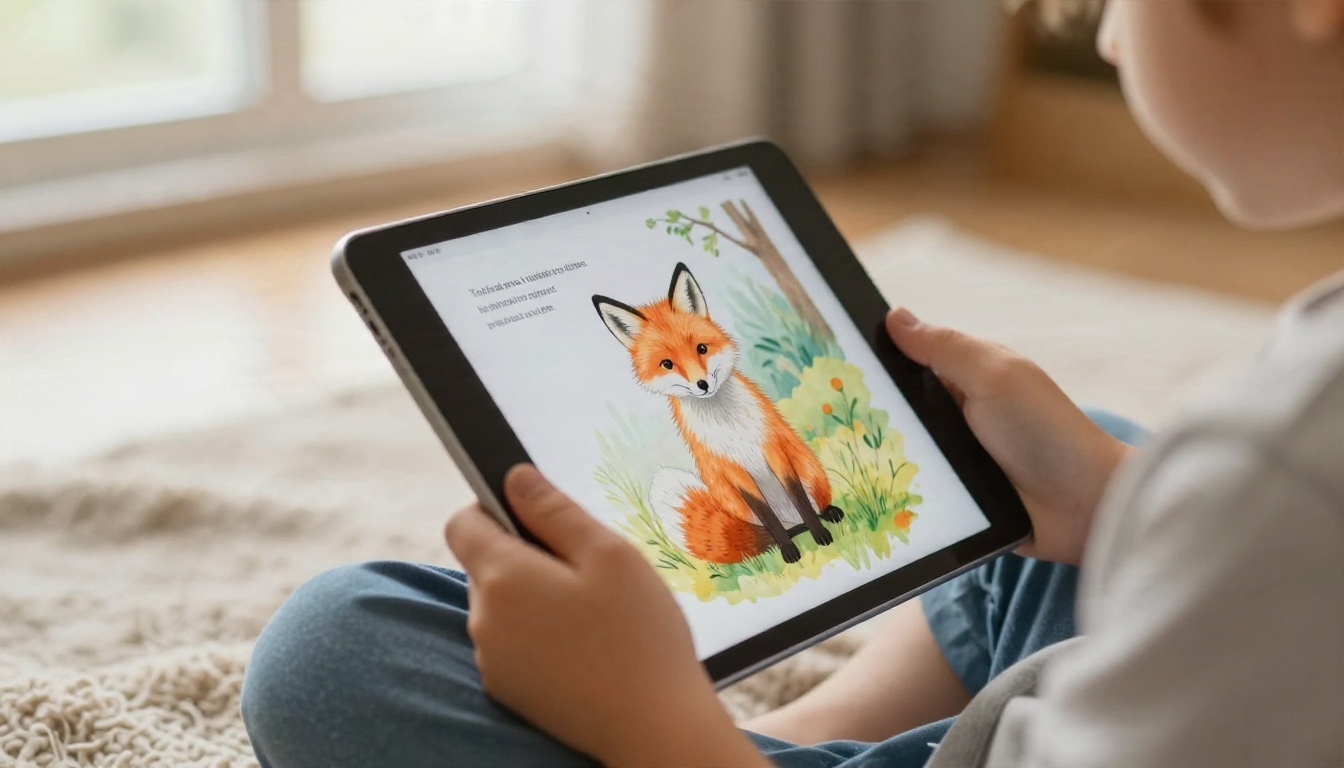
Illustrations and text are designed together. A fox sitting beside a sentence only makes sense if the sentence stays next to the fox. Most major retailers support fixed layout specifically for this reason.
Cookbooks and Recipe Collections
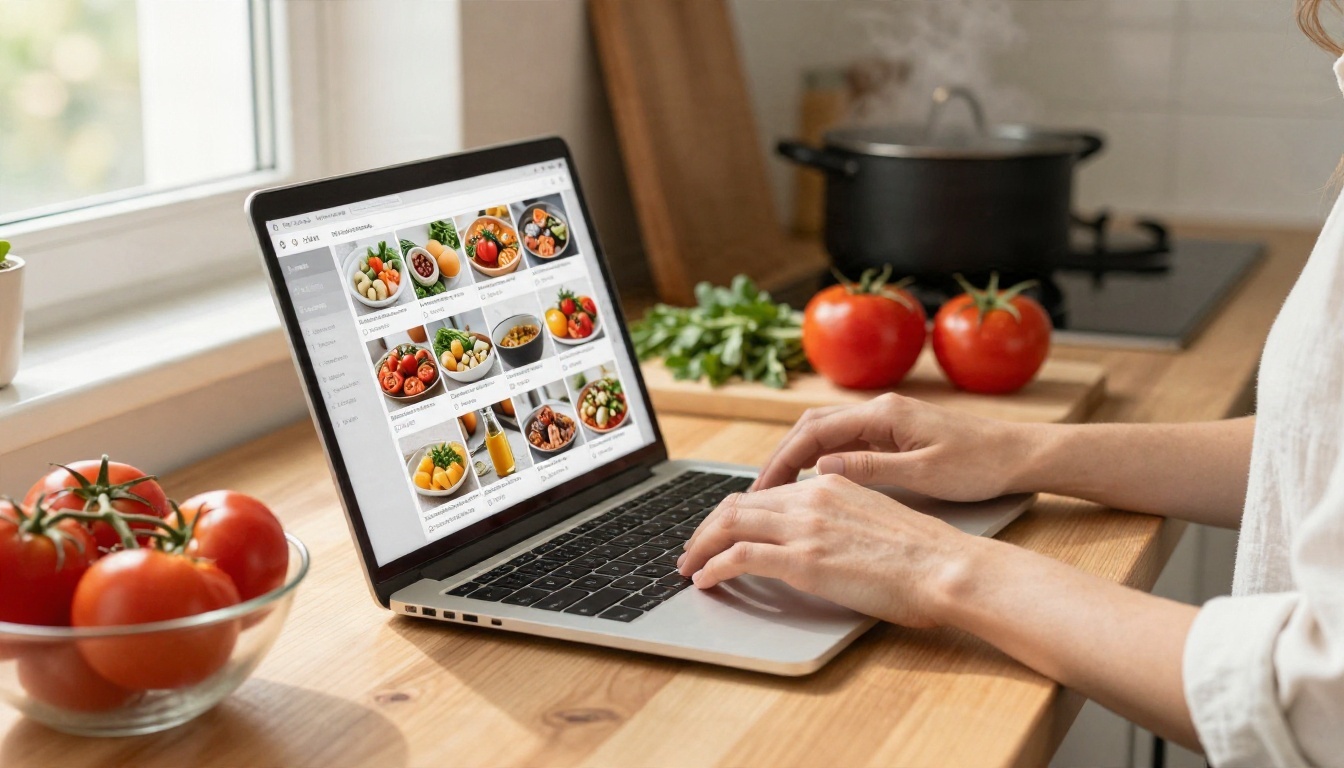
Ingredient lists in a sidebar, a hero photograph, and numbered steps in columns. Reflowing that would be a mess. A Recipe Book Flipbook keeps the whole spread readable.
Product Catalogs and Price Lists
Sales teams live in these. A furniture maker can show a sofa photo next to dimensions and fabric swatches, all on one page. See the Digital Catalog Maker and the Digital Price List Generator for ready made starting points.
Magazines, Lookbooks and Portfolios
Photography driven publications depend on full bleed images and carefully set headlines. The Magazine Flipbook Creator and the Photography Portfolio tool suit that style.
Training Manuals and Reports
Diagrams with numbered callouts break if the layout shifts. A Training Manual Flipbook keeps every arrow pointing at the right part.
| Example | Why Layout Must Stay Fixed | Typical Page Count |
|---|
| Picture book | Art and text are paired | 24 to 40 |
| Cookbook | Photos, lists and steps share a spread | 80 to 200 |
| Product catalog | Specs sit beside product photos | 20 to 150 |
| Lookbook | Full page images carry the story | 16 to 60 |
| Annual report | Charts and tables need alignment | 30 to 120 |
| Wedding album | Image sequence is the content | 20 to 80 |
Page Sizes That Display Well
Choosing a page size is the first design decision, and it is hard to undo. A page that is too tall wastes screen space on laptops. A page that is too wide forces tiny text on phones.
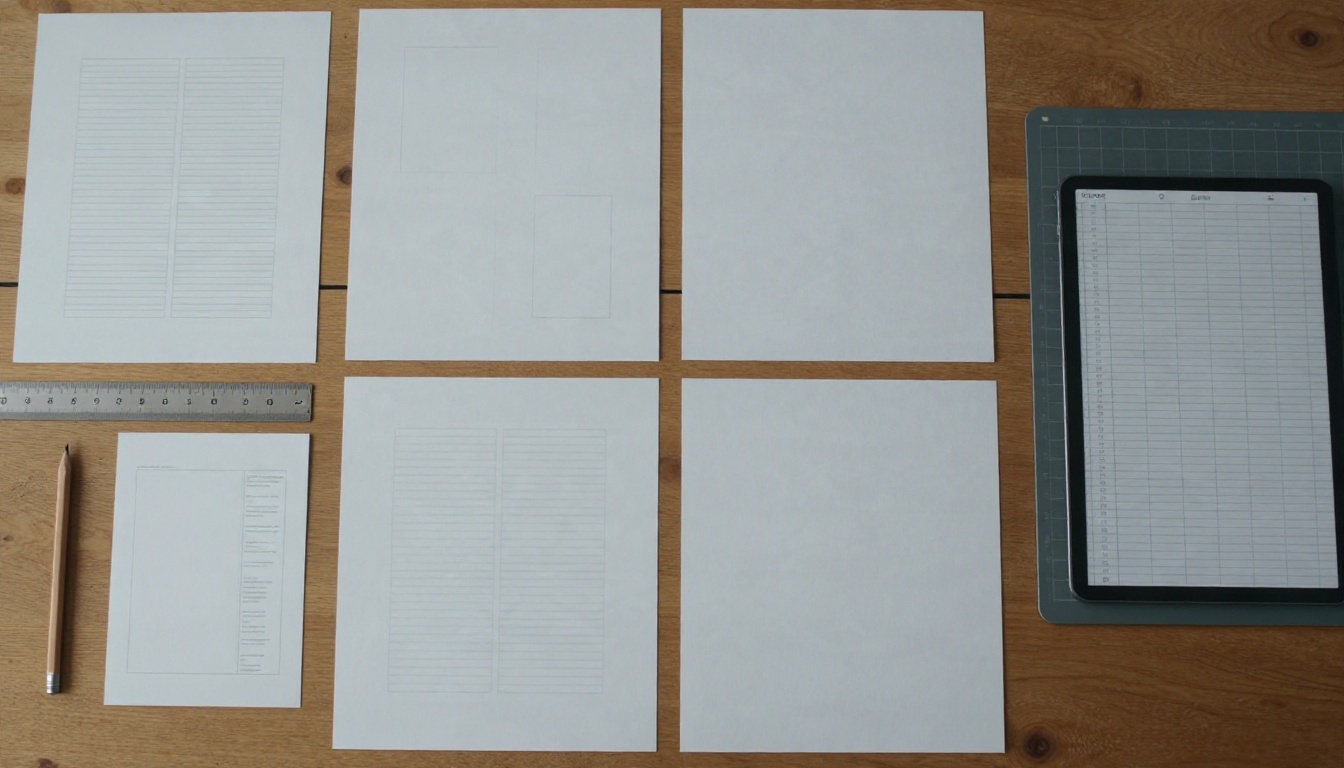
Common Sizes Compared
| Page Size | Dimensions | Orientation | Good For |
|---|
| US Letter | 8.5 x 11 in | Portrait | Reports, manuals, workbooks |
| A4 | 210 x 297 mm | Portrait | Brochures, catalogs outside the US |
| A5 | 148 x 210 mm | Portrait | Small guides, booklets, programs |
| Trade book | 6 x 9 in | Portrait | Text heavy books with some images |
| Square | 8.5 x 8.5 in | Square | Picture books, photo albums |
| Landscape | 11 x 8.5 in | Landscape | Presentations, lookbooks, cookbooks |
| Widescreen | 16:9 | Landscape | Slide style decks, screen first content |
Matching Size to Screen
Phones are held in portrait. Laptops and monitors are landscape. If most of your readers are on phones, pick a portrait size with generous margins and type at least 11 points before scaling. If the audience is desktop based, landscape spreads feel natural and make two page views look like an open book.
⚠️ Watch out: Tiny footnotes look fine on a 27 inch monitor and become unreadable on a phone. Test on the smallest screen your readers are likely to use.
Resolution and Image Weight
For screen reading, images around 150 to 200 pixels per inch at final size are usually plenty. Going to 300 ppi helps if readers might print, but it makes files heavy. Some retailers recommend roughly 2560 pixels on the long side for picture book pages, so check the specification of wherever you plan to publish before you export.
You do not need a design agency. Several free options will get a fixed layout file out of your hands and onto a screen.
Design Tools
- Canva has free templates in book sizes and exports clean PDFs. It is the quickest route for non designers.
- Scribus is open source desktop publishing software. It has a steeper curve but gives precise control over bleeds, columns and fonts.
- Apple Pages can export EPUB with a fixed layout option, handy if you already work on a Mac.
- Google Docs and Slides work for simple layouts. Slides in particular make decent landscape pages.
Conversion and Packaging Tools
- Kindle Create is free from Amazon and is designed for Kindle formats, including fixed layout styles for illustrated books.
- Sigil is a free EPUB editor. It lets you inspect and tweak the underlying files when a converted ebook misbehaves.
- Calibre manages and converts ebook formats. It is superb for reflowable files, but fixed layout results vary, so review the output carefully.
- A PDF to flipbook converter such as the PDF to Flipbook Converter skips the EPUB world entirely and publishes a web based book from your PDF.
| Tool | Cost | Skill Level | Main Output | Best Use |
|---|
| Canva | Free tier | Beginner | PDF | Quick designed pages |
| Scribus | Free | Intermediate | PDF | Precise print and screen layout |
| Apple Pages | Free on Apple devices | Beginner | EPUB, PDF | Simple illustrated ebooks |
| Kindle Create | Free | Beginner | Kindle files | Publishing on Amazon |
| Sigil | Free | Intermediate | EPUB | Fixing and editing EPUB code |
| Calibre | Free | Intermediate | Many formats | Converting and library work |
| Flipbooks AI | See pricing | Beginner | Web flipbook from PDF | Sharing and embedding |
💡 Pro tip: A sensible free workflow is Canva or Scribus for design, a PDF export at your chosen page size, then a flipbook converter to publish. Three steps, no code.
PDF Conversion Without Surprises
Most fixed layout projects begin life as a PDF, because every design tool can produce one. The conversion step decides whether your careful layout survives.
Convert to Fixed Layout EPUB
EPUB 3 supports fixed layout through a setting that marks the book as pre paginated, and each page needs its own viewport size. Retailers such as Apple Books and Kobo accept this for illustrated titles. It works, but it demands care. Fonts must be embedded, text over images needs to stay selectable if you want accessibility, and every reading app renders slightly differently.
Convert to a Web Flipbook
Here the PDF is read page by page and rebuilt as a browser based book with page turning, zoom, search and links. There is no EPUB reader dependency. The book opens from a link on any phone, tablet or computer.
| Conversion Route | Effort | Device Support | Layout Fidelity | Tracking Readers |
|---|
| Fixed layout EPUB | High | Depends on reading app | Good, varies by app | Retailer reports only |
| Kindle fixed layout | Medium | Kindle devices and apps | Good | Retailer reports only |
| Raw PDF download | Low | Everything, but clunky | Perfect | None |
| Web flipbook | Low | Any browser | Excellent | Yes, with analytics |
Pre Flight Checklist
Before converting anything, run through these steps:
- Embed or outline all fonts. Missing fonts are the number one cause of broken layouts.
- Flatten transparency effects if your design tool allows it.
- Check image resolution. Blurry on export means blurry everywhere.
- Set consistent margins. About 0.5 inch on all sides keeps content clear of screen edges.
- Test links. Internal contents links and web links should be clickable in the PDF first.
- Compress sensibly. Aim for a file that opens fast on a mobile connection.
✅ Best practice: Keep one master file in your design tool and export from it every time. Editing a PDF directly is where small mistakes pile up.
How to Build One with Flipbooks AI
If your goal is a polished, shareable book without wrestling with EPUB files, this is the shortest route. The E-Book Flipbook Generator and the Interactive E-Book Publisher are built for exactly this job.
Step by Step
- Open your account. Create a free account on Flipbooks AI to reach the dashboard.
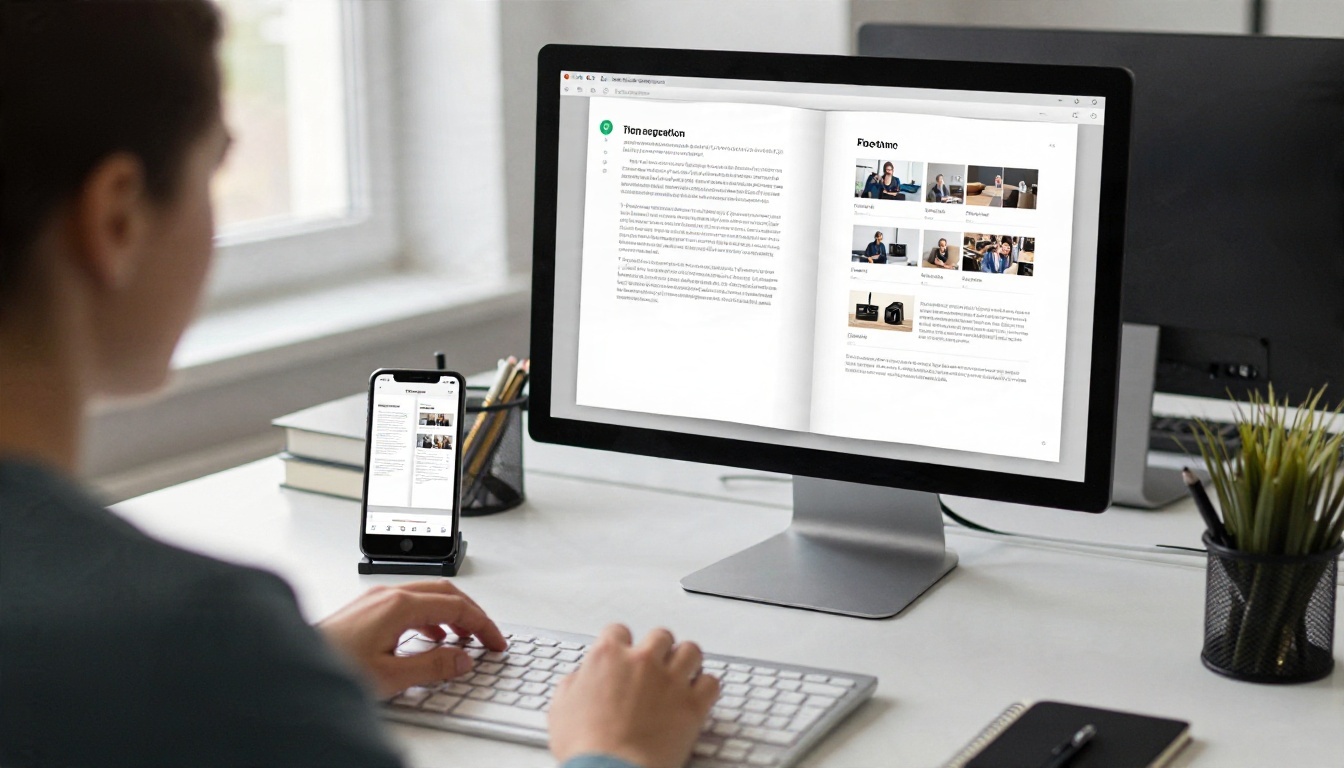
- Upload your PDF. Drag the file into the uploader. Each PDF page becomes one flipbook page, with the layout, fonts and images preserved. Large files take a little longer to process.
- Check the preview. Flip through every page. Confirm that nothing is clipped and that links still work.
- Customize the look. Set your brand colors, add a logo, pick the background, and choose the page turn effect. Add video or audio where it helps, such as a short clip beside a recipe step.
- Choose sharing options. Copy a direct link, grab an embed code for your site, or protect the book with a password if it is private. The Embed Flipbook on Website page shows how embedding works.
- Publish and watch the results. Share the link by email, social media or QR code.
Features Worth Using
| Feature | What It Does | Plan |
|---|
| No watermarks | Your book looks like yours, always | All plans |
| Mobile responsive display | Pages scale cleanly on phones and tablets | All plans |
| Custom branding | Logo, colors and backgrounds | All plans |
| Video and audio | Embed media inside pages | All plans |
| Password protection | Restrict access to private books | All plans |
| Unlimited flipbooks | Publish as many titles as you need | Standard and above |
| Analytics and lead generation | See readers and capture contact details | Professional |
| Offline downloads | Let readers keep a copy | See plans |
💡 Pro tip: Put a lead form on page three or four of a catalog. Readers who reach it are already interested, and the Professional plan lets you collect their details right inside the book.
Real World Scenarios
A Restaurant Menu That Stays Pretty
A bistro owner designs a two page menu in Canva with photographs of the signature dishes. As a PDF it is fine for print. As a flipbook, the QR code on every table opens it instantly, and updating a price means uploading a new file rather than reprinting. The Restaurant Menu Creator is made for this.
A Real Estate Brochure With Floor Plans
An agent builds a landscape brochure with floor plans next to photographs. Because the layout is fixed, the measurements always line up with the rooms they describe. The Real Estate Brochure Creator fits that workflow.
A Course Workbook for Students
A teacher produces a letter sized workbook with exercises and diagrams. Students open it on tablets, and the page numbers match the ones the teacher mentions in class. The Course Material Publisher handles this kind of material.
A Self Published Picture Book
An author uses a square page, exports a PDF from Scribus, and shares a flipbook link with early reviewers before committing to a retailer upload. Reviewers see exactly what a reader would, which cuts down on back and forth.
Mistakes That Ruin Fixed Layouts
- Designing for print only. Print margins and tiny type do not suit a phone.
- Forgetting accessibility. Add alt text to images and keep a sensible reading order.
- Using too many fonts. Two is plenty, and fewer files means fewer problems.
- Ignoring file size. A 200 MB file loses readers before page one.
- Skipping a mobile test. Open the final version on a real phone, in bright light, at arm's length.
- Placing text on busy images. Add a subtle overlay so the words remain readable on small screens.
Pick Your Route and Publish
If you sell on a retailer, a fixed layout EPUB or Kindle file is worth the effort. If you want something you can share instantly, embed on a site, protect with a password and measure, a web flipbook is faster and friendlier. Many authors do both: retailer files for sales and a flipbook for marketing and sampling.
Ready to see your own pages come to life? Start for free on Flipbooks AI, browse all flipbook tools to find the closest match for your project, and compare pricing plans when you need analytics, lead capture and unlimited books.



