A client opens your portfolio, scrolls for eight seconds, and closes the tab. It happens to talented people every day, and the reason is rarely the work. It is the format. A flat PDF or a sprawling website gives the viewer no rhythm, no sense of pace, and no reason to keep going. A flip book portfolio fixes that by putting your work in a page-turning format that feels like a printed book, with the convenience of a link. With Flipbooks AI, you can turn a PDF into one in minutes, without watermarks.
This article walks through real flip book portfolio examples by profession, what to demand from a free maker, how many pages you actually need, and the design choices that separate a polished portfolio from a forgettable one.
What a Flip Book Portfolio Really Is
A flip book portfolio is a digital portfolio presented as a book. Viewers click or swipe to turn pages, see two-page spreads on desktop, and get a single-page view on mobile. Everything is delivered through a shareable link or an embed on your site.
Think of it as the middle ground between a printed leave-behind and a website. You control the sequence, the pacing, and the first impression.
Why It Beats a Plain PDF
A PDF is a document. A flip book is an experience. The difference shows up in a few places:
- Pacing: pages turn one spread at a time, so viewers see your work in the order you chose.
- Presentation: page curl, spreads, and zoom make photography and layouts feel tactile.
- Sharing: one clean link, no attachments that bounce from inboxes.
- Media: you can embed video and audio, which a PDF cannot do reliably.
- Control: password protection and analytics tell you who looked and how far they got.
| Feature | Plain PDF | Website Portfolio | Flip Book Portfolio |
|---|
| Page-turn feel | No | No | Yes |
| Easy to update | Re-send file | Edit site | Re-upload PDF |
| Embedded video and audio | Limited | Yes | Yes |
| Password protection | Rarely | Sometimes | Yes |
| View tracking | No | With extra tools | Built in (Professional plan) |
| Setup time | Minutes | Days or weeks | Minutes |
Who Uses Them
Photographers, architects, interior designers, illustrators, fashion stylists, copywriters, motion designers, and students applying to design schools all use this format. If your work is visual and you want someone to see it in a deliberate order, a flip book suits you.
Flip Book Portfolio Examples That Work
Abstract advice only goes so far, so here are practical examples by profession. Each one shows what to put on the opening pages, what to lead with, and how to close.
Photography Portfolio
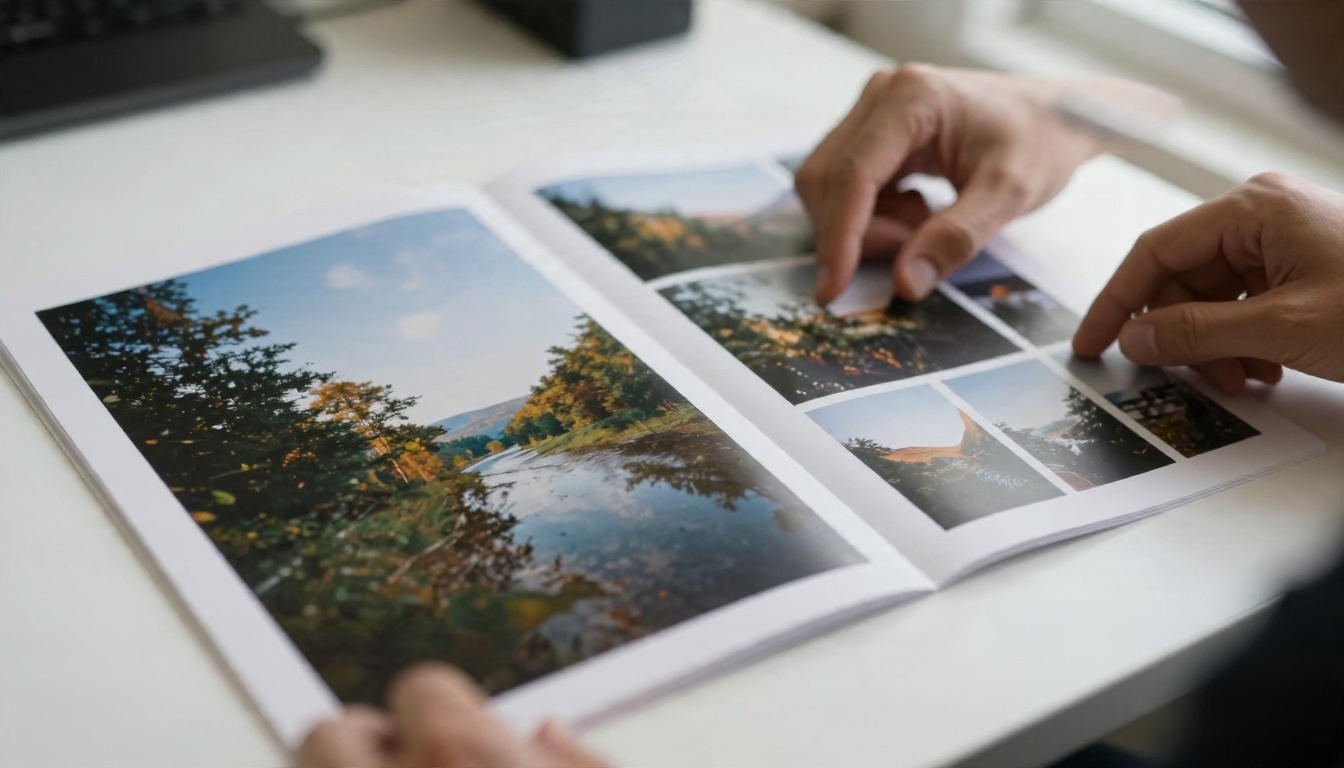
Photographers benefit the most from the spread format. A full-bleed landscape on the left page with three smaller portraits on the right reads like a gallery wall. Lead with your single strongest image, group by theme rather than date, and finish with a short page of contact details.
The Photography Portfolio tool is built for exactly this layout.
Architecture and Interior Design
Architects need to show plans, elevations, and finished photographs side by side. The best examples pair a sunlit exterior photograph with a clean elevation drawing on the facing page, so the viewer sees intent and result together.

💡 Pro tip: Give each project a three-page arc: one hero photograph, one page of drawings or process, one page of detail shots. Viewers get a story, not a pile of images.
Fashion and Lookbooks
Stylists and fashion designers work in a looser, more editorial rhythm. Think large images, very little text, and a consistent color story. The Interactive Lookbook Designer and Lookbook Flipbook Builder suit this style.

Freelance and Agency Case Studies
Designers, writers, and marketers rarely have a single hero image. They have outcomes. A strong case study page uses a simple structure: the problem, what you did, the result in one number. Keep it to one or two spreads per project.
| Profession | Opening Page Content | Best Ordering | Typical Length |
|---|
| Photographer | Single strongest image | By theme | 16 to 24 pages |
| Architect | Signature building photo | By project type | 20 to 32 pages |
| Fashion stylist | Editorial image, no text | By season or story | 12 to 20 pages |
| Graphic designer | Brand reel collage | By client impact | 16 to 28 pages |
| Illustrator | Style sampler | By subject | 12 to 24 pages |
| Copywriter | Best headline and result | By campaign | 8 to 16 pages |
Free Flip Book Maker: What to Look For
Plenty of tools offer a free tier. Few of them give you something you would send to a client. Before you commit hours of layout work, check these points.
The Non-Negotiables
- No watermarks. A stamped logo from the tool undermines your own brand. Flipbooks AI does not add watermarks, ever.
- Mobile-responsive display. Most first views of a portfolio happen on a phone.
- Custom branding. Your colors, your logo, your background.
- A clean shareable link and embed code. You should be able to place it on your own site.
- Privacy options. Password protection for client work under NDA.

Free vs Paid at a Glance
| Need | Typical Free Option | Paid Plan Benefit |
|---|
| Watermark | Often present | None on Flipbooks AI |
| Number of flipbooks | Limited | Unlimited (Standard plan and above) |
| Analytics | Not included | Included on the Professional plan |
| Lead capture | Not included | Included on the Professional plan |
| Offline download | Rare | Available |
| Custom branding | Limited | Full control |
⚠️ Watch out: A "free" maker that forces its logo onto every page is not free. You are paying with your credibility. Check the output before you share it.
You can compare plans on the pricing page, and try it free before deciding anything.
How to Make a Flip Book Portfolio with Flipbooks AI
Here is the full process, from file to link. It takes most people under fifteen minutes once the PDF is ready.
Step 1: Build Your PDF First
Design your portfolio in the tool you already know: InDesign, Figma, Canva, Keynote, or Affinity. Export at the final page size as a PDF. Landscape works well for photography and presentations, portrait for editorial and lookbook styles.
Step 2: Upload and Convert
- Go to Flipbooks AI and create an account.
- Choose the PDF to Flipbook Converter or the Portfolio Flipbook Builder.
- Drag your PDF into the upload area.
- Wait for the conversion. Each page becomes a crisp, zoomable page in the viewer.
Step 3: Customize the Look
Once converted, open the settings and adjust:
- Branding: upload your logo and set the viewer background to match your color palette.
- Colors: pick a neutral background so your work sets the tone.
- Page effects: choose the page-turn style and speed. Subtle beats dramatic.
- Multimedia: embed a reel, a voiceover, or a short audio note on any page.
The Digital Portfolio Creator is a good starting point if you want a layout to build from.
Step 4: Share It
You have three main options:
- Direct link: paste it in emails, proposals, and social bios.
- Embed code: place the flip book on your own site with the Embed Flipbook on Website tool.
- Password protection: lock confidential client work and share the password separately.

Step 5: Use the Pro Features
On the Professional plan, you get analytics, lead generation, and offline downloads. Analytics show you which pages hold attention and where viewers stop. Lead capture can ask for an email before someone opens your portfolio, which is useful when you are pitching agencies or running a freelance funnel.
✅ Best practice: After a month of analytics, check the drop-off page. If most viewers stop at page 9, that page is your weak spot. Rework it and re-upload.
Page Count: How Many Is Enough?
This is the question people ask most, and the honest answer is: fewer than you think. A portfolio is not an archive. It is a filtered selection.
The Numbers That Hold Up
| Goal | Recommended Pages | Why |
|---|
| Quick pitch to a new client | 8 to 12 | Fits a short attention window |
| General creative portfolio | 16 to 24 | Room for four to six projects |
| Job application | 12 to 20 | Recruiters skim, so choose well |
| Architecture or editorial depth | 24 to 36 | Plans and process need space |
| Student or school application | 20 to 30 | Shows range and development |
An even page count is cleaner for spreads, since the first and last pages stand alone as a title page and a closing page.
A Page-by-Page Structure You Can Copy
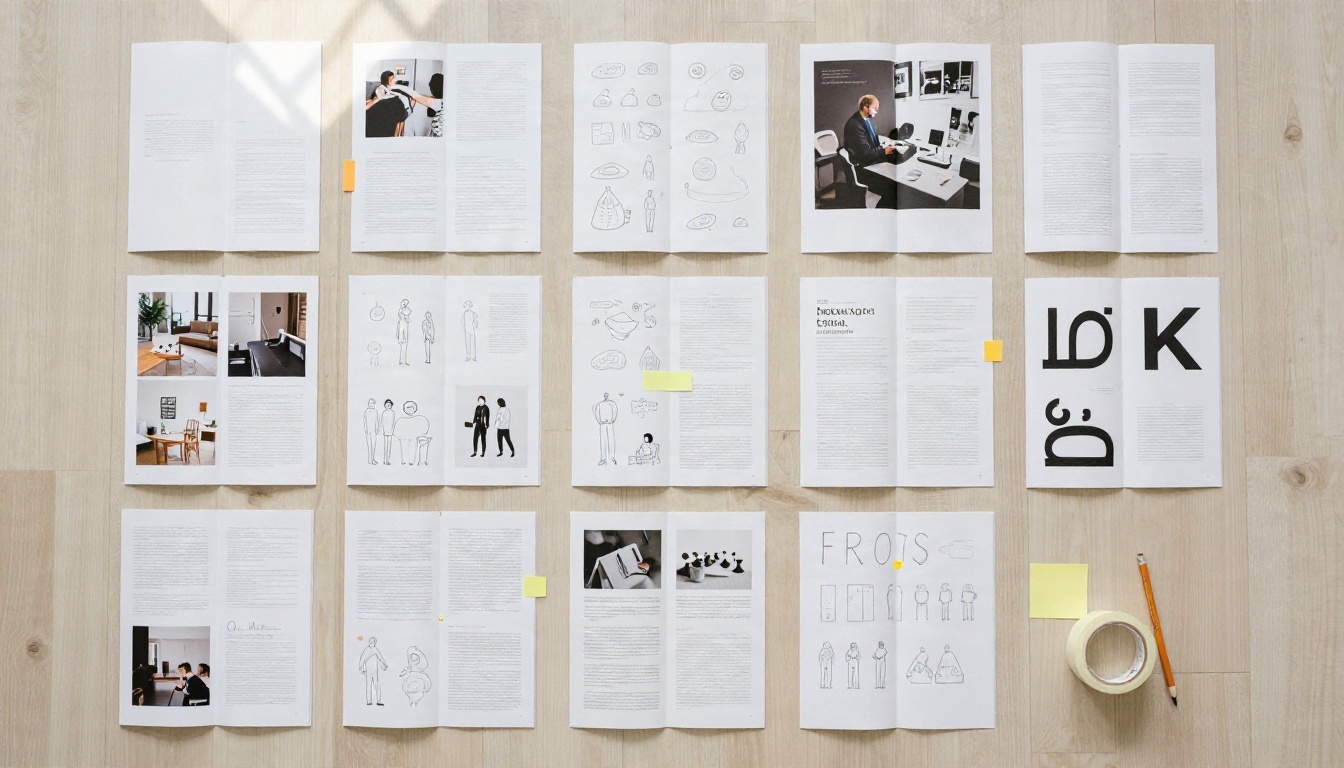
For a 20-page portfolio, this layout works for almost any visual profession:
- Page 1: title page with your name, role, and one strong image.
- Page 2: short introduction, three sentences at most.
- Pages 3 to 6: Project one, your best.
- Pages 7 to 10: Project two, a different style or client type.
- Pages 11 to 14: Project three, showing process.
- Pages 15 to 17: Project four, a quick, punchy finish.
- Page 18: services or skills in a simple list.
- Page 19: a testimonial or result.
- Page 20: contact details and link.
💡 Pro tip: Put your second-best project last, not your weakest. People remember the ending. Lead with your best, end with your second best, and cut anything that does not earn its page.
Design Tips That Hold Attention
Good design in a portfolio means the viewer notices the work, not the layout. These choices help.
Typography and Color
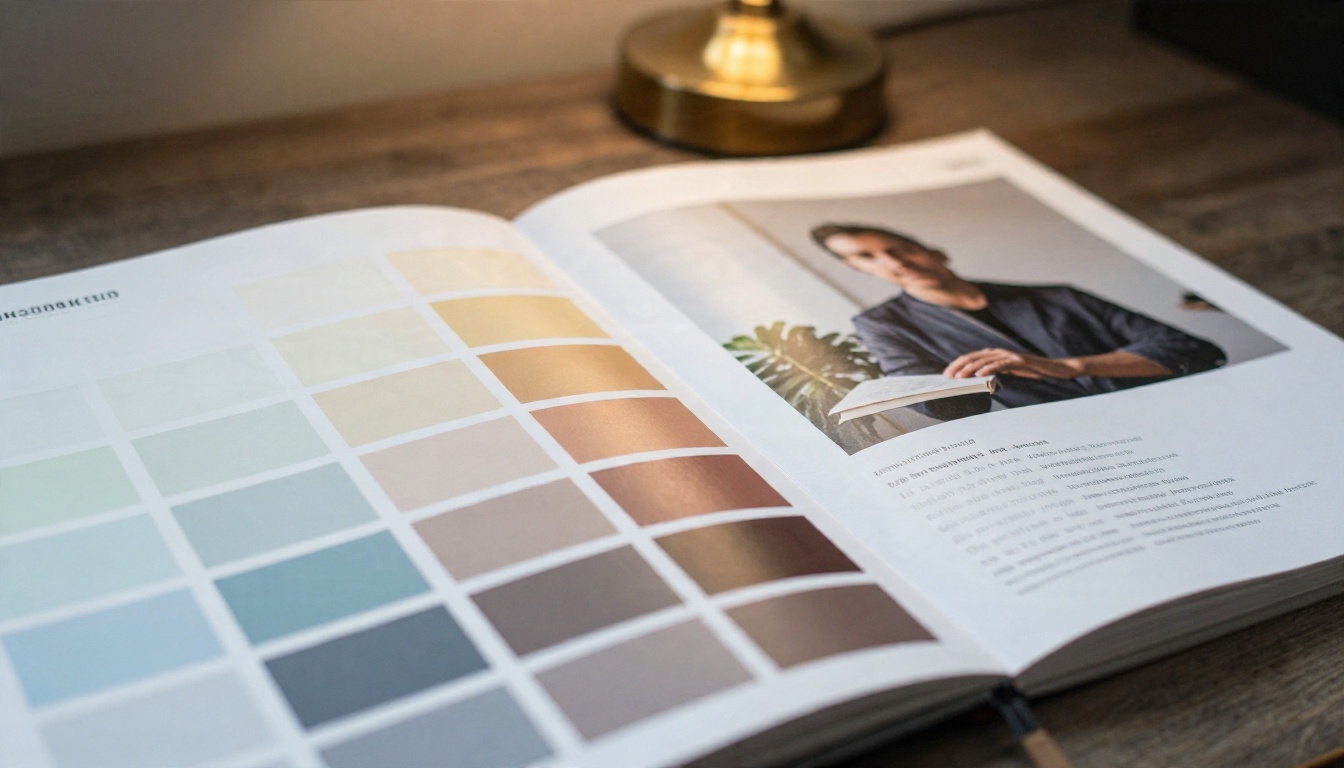
- Use two typefaces at most: one for headings, one for body text.
- Keep body text at a size readable on a phone, roughly 11 to 12 pt on a standard page.
- Choose a palette of three colors: a neutral background, a text color, and one accent.
- Match your accent to your logo so the viewer settings in Flipbooks AI feel seamless.
White Space and Image Sizing
Crowded pages kill good work. Give every image room. A single large photograph on a quiet page almost always looks stronger than six small ones fighting for attention.
| Layout Choice | Works Best For | Avoid When |
|---|
| Full-bleed single image | Hero shots, landscapes | Image has important edges |
| Two-image spread | Before and after, process | Images clash in tone |
| Grid of four to six | Series, product shots | You need detail visible |
| Image plus caption | Case studies | Caption is more than three lines |
Design for Mobile First
Open your flip book on a phone before you send it. If text is hard to read, enlarge it. If an image loses its point at a small size, crop it tighter. Because Flipbooks AI is mobile-responsive, the viewer adapts, but your source PDF still sets the ceiling.
Get a Second Opinion
Show it to two people who are not designers. Ask what they remember after one minute. Whatever they recall is what your portfolio actually communicates.

Mistakes That Cost You Clients
Most portfolios fail in predictable ways. Check yours against this list.
- Too many projects. Twenty mediocre ones dilute four great ones.
- No context. An image without a one-line description of the brief and result is just decoration.
- Tiny text. If it is unreadable on a phone, it does not exist.
- Outdated work. Anything older than three years needs a good reason to stay.
- A buried contact page. Make it obvious how to reach you, on the last page and in the link description.
- Heavy file size. Compress images before export so the pages load quickly.
- No update routine. Set a quarterly reminder. Re-uploading a PDF takes minutes.
⚠️ Warning: Never include client work that is under NDA without permission. Use password protection and share only with approved viewers.
Ready to Build Yours?
A flip book portfolio turns a pile of good work into something people actually finish. Pick your best projects, plan 16 to 24 pages, export a clean PDF, and let the viewer handle the page-turning.
Here is where to go next:
Your next client is probably deciding right now whether to keep reading. Give them a reason to turn the page.



