You have a PDF. It is polished, it took weeks to produce, and yet most people will glance at the first page and close the tab. That is the problem flip books online solve. A flip book turns a flat file into a page-turning reading experience that opens in any browser, loads fast on a phone, and can be shared with a single link. With a tool like Flipbooks AI, the whole process takes a few minutes, and you do not need design skills or a developer.
This article walks through what online flip books are, what free makers really give you, how PDF uploads behave, and how sharing links and embed codes work. You will also get a step-by-step tutorial, comparison tables, and a list of mistakes worth avoiding.
What Flip Books Online Actually Are
A flip book is a digital publication that mimics a physical page turn. Readers click, swipe, or drag a corner, and the page curls over like paper. Behind the effect is usually a plain PDF that has been converted into web-friendly page images and text.

The Idea in Plain Terms
Think of it as a viewer wrapped around your document. You supply the content, the platform supplies the reader, the animation, the zoom controls, the table of contents, and the hosting. The result lives at a web address, so nobody has to download anything or install software.
Here is why people choose this format:
- Familiar reading rhythm. Page turns feel natural for magazines, catalogs, and brochures.
- No attachment headaches. A link replaces a 40 MB email attachment.
- Instant updates. Replace the file and the same link shows the new version.
- Works everywhere. The reader adapts to desktop, tablet, and phone screens.
Flip Book vs PDF vs Slideshow
The three formats get confused often. They solve different problems.
| Feature | Plain PDF | Slideshow | Flip Book Online |
|---|
| Opens in browser without download | Sometimes | Often | Yes |
| Page-turn animation | No | No | Yes |
| Shareable by link | Needs hosting | Yes | Yes |
| Embeds on a website | Awkward | Possible | Simple |
| Video and audio inside pages | Limited | Yes | Yes |
| Reader analytics | None | Limited | Available on paid plans |
| Best for | Printing | Talks | Catalogs, magazines, reports |
💡 Pro tip: If your content is meant to be read in sequence, like a lookbook or a menu, a flip book beats a slideshow. If it is meant to be presented live, stick with slides.
Free Flip Book Makers: What You Really Get
Search for a free maker and you will find dozens. Most are honest about their limits, but the limits differ a lot, and they decide whether the tool is usable for real work.
What "Free" Usually Means
Free plans tend to fall into three patterns. Some give you a small number of publications. Some cap the page count or file size. Others let you create freely but stamp a logo on every page or force an advertising banner. None of these is automatically bad, but each one changes how professional the final result looks.
Watermarks, Limits and Other Catches
Before you upload anything, check these points:
- Watermarks. Is a third-party logo placed on the pages or the toolbar?
- Page and file limits. A 120-page catalog will not fit under a 20-page cap.
- Link lifespan. Do free flip books expire after 30 days?
- Embedding rights. Some free tiers allow links but block embeds.
- Privacy. Is your flip book public in a search listing by default?
| Limit to check | Why it matters | Red flag |
|---|
| Watermark | Brand image in front of clients | Logo on every page |
| Page cap | Catalogs and reports run long | Under 30 pages |
| Link expiry | Printed QR codes stay in the wild | Links deleted after inactivity |
| Embed support | Needed for website placement | Embed locked to paid tier |
| Download option | Offline reading and travel | No offline copy at all |
| Password protection | Internal or client-only content | Not offered anywhere |
⚠️ Warning: A free tool that expires your link after a month can break a printed QR code on a brochure that you already sent to the printer. Check the expiry rules first.
Features Worth Checking First
Once the limits look acceptable, compare the practical features:
- Mobile-responsive reading so phone users get a clean layout.
- Search inside the document for long catalogs and manuals.
- Custom branding, including your colors and logo.
- Video and audio embedding inside pages.
- Clickable links that survive the conversion from PDF.
Flipbooks AI keeps flip books free of watermarks, which matters when the document represents your company. Paid plans add unlimited flip books on the Standard plan and above, and analytics plus lead generation on Professional.
PDF Uploads Without the Headaches
The upload step looks trivial: drag a file, wait, done. But the quality of the finished flip book depends heavily on the file you start with.

Prepare Your File First
Spend two minutes on these checks before uploading:
- Export from your design tool as a PDF with embedded fonts, otherwise text can shift.
- Use single pages rather than printer spreads unless you want a two-page view.
- Keep images at roughly 150 to 200 DPI. Higher than that adds weight without improving screen quality.
- Remove crop marks and bleed from the export.
- Name the file clearly, because the name often becomes the default title.
Size, Fonts and Image Weight
Large files load slower, and slow flip books lose readers. A catalog of 80 pages with oversized photos can reach several hundred megabytes. Compress the images before export, not after, so the text stays sharp.
| File Trait | Recommended | Common Problem |
|---|
| Page size | A4, Letter, or your final trim | Mixed sizes in one file |
| Image resolution | 150 to 200 DPI | 600 DPI photos |
| Fonts | Embedded | Missing font substitutions |
| Color mode | RGB for screen | CMYK shifts colors |
| Links | Live hyperlinks | Flattened text with no links |
✅ Best practice: Always open the converted flip book on your phone before sharing it. If the text is readable at arm's length, your readers will manage too.
For a direct route from file to reader, the PDF to Flipbook Converter handles upload and conversion in one step.
How to Create a Flip Book with Flipbooks AI
If you want to see the whole workflow in action, here is the full path from blank screen to published link.
Step 1: Create Your Account
Head to Flipbooks AI and create an account. It takes under a minute. You can try the platform first, and compare pricing plans later when you need unlimited flip books or analytics.
Step 2: Upload and Convert
- Click the button to add a new flip book.
- Drag your PDF into the upload area, or pick it from your device.
- Wait while the file converts. Short documents finish almost at once, and long catalogs take a bit longer.
- Check the preview. Flip through the first few pages and the last few.
What you will see on screen: a progress bar, followed by a preview with the page-curl effect already active and thumbnails along the bottom edge.
Step 3: Brand It Your Way
Customization is where a generic reader becomes yours.
- Logo and colors. Match the toolbar and background to your brand palette.
- Page effects. Choose the page-turn style and speed you prefer.
- Multimedia. Add video or audio to individual pages, such as a product demo on page six.
- Cover and title. Set a clean title and a sharp first page, since it appears in link previews.
Step 4: Share It
Choose how people will reach the flip book:
- Direct link for email, chat, and social posts.
- Embed code to place the reader inside a web page.
- Password protection for client-only or internal content.
- Offline download for readers who travel or have weak connections.
Pro Features: Analytics and Leads
On the Professional plan you can see how readers behave: which pages hold attention, how long people stay, and where they drop off. Lead generation lets you request an email address before opening the flip book, which suits gated reports and sales material. See the pricing page for the full plan comparison.
💡 Pro tip: Use analytics to reorder your catalog. If page three gets more attention than page one, move that content forward in the next edition.
Sharing Links and Embeds
Publishing is only half the job. The other half is putting the flip book where people will actually find it.

Direct Links
A direct link is the simplest option. Paste it into an email, a message, a social post, or turn it into a QR code for print. Because it points to a hosted page, it works on every device with a browser. Short, clean links also look better in newsletters and bios.
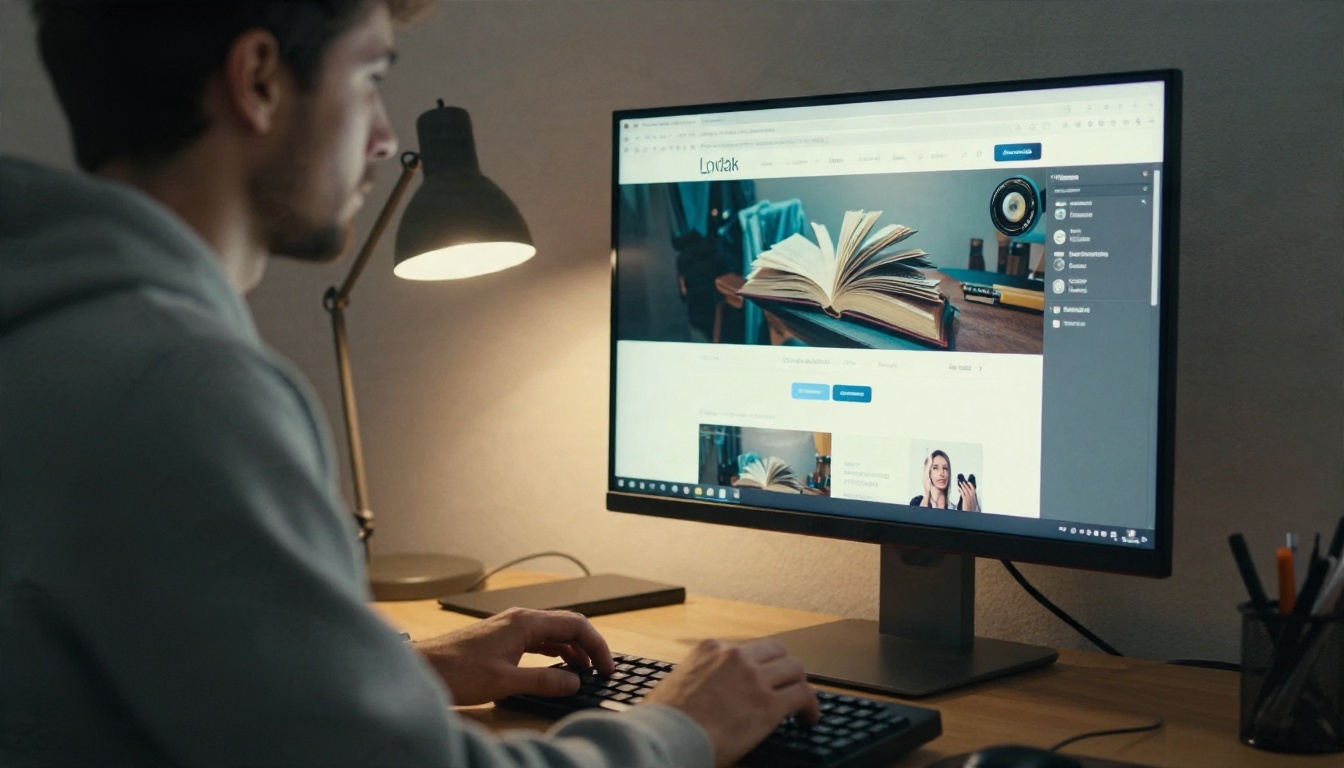
Embed Code on Your Site
An embed code is a small snippet of HTML that places the reader inside your own page. Visitors never leave your site, which keeps them in your brand environment. Marketing teams often embed a current catalog on a product page or a magazine issue on a blog post. The Embed Flipbook on Website tool shows how that works in practice.
Embedding tips:
- Set the width to 100 percent so the reader scales on small screens.
- Give the frame a minimum height of about 600 pixels on desktop.
- Test on a phone, then on a tablet in landscape.
- Avoid placing two heavy embeds on the same page.
Password Protection
Not every document is for the public. Price lists, investor updates, and training manuals often need a gate. Password protection lets you share the link widely while only people with the password can open it.
| Sharing Method | Best For | Effort | Privacy Level |
|---|
| Direct link | Email, chat, social posts | Very low | Public unless protected |
| QR code | Print, packaging, signage | Low | Public unless protected |
| Embed code | Websites and blogs | Medium | Follows the site |
| Password link | Clients, staff, investors | Low | High |
| Offline download | Travel and low signal | Low | Depends on distribution |
Real-World Uses That Work
Flip books are not only for magazines. Here are scenarios where they earn their place.
Menus, Catalogs and Brochures
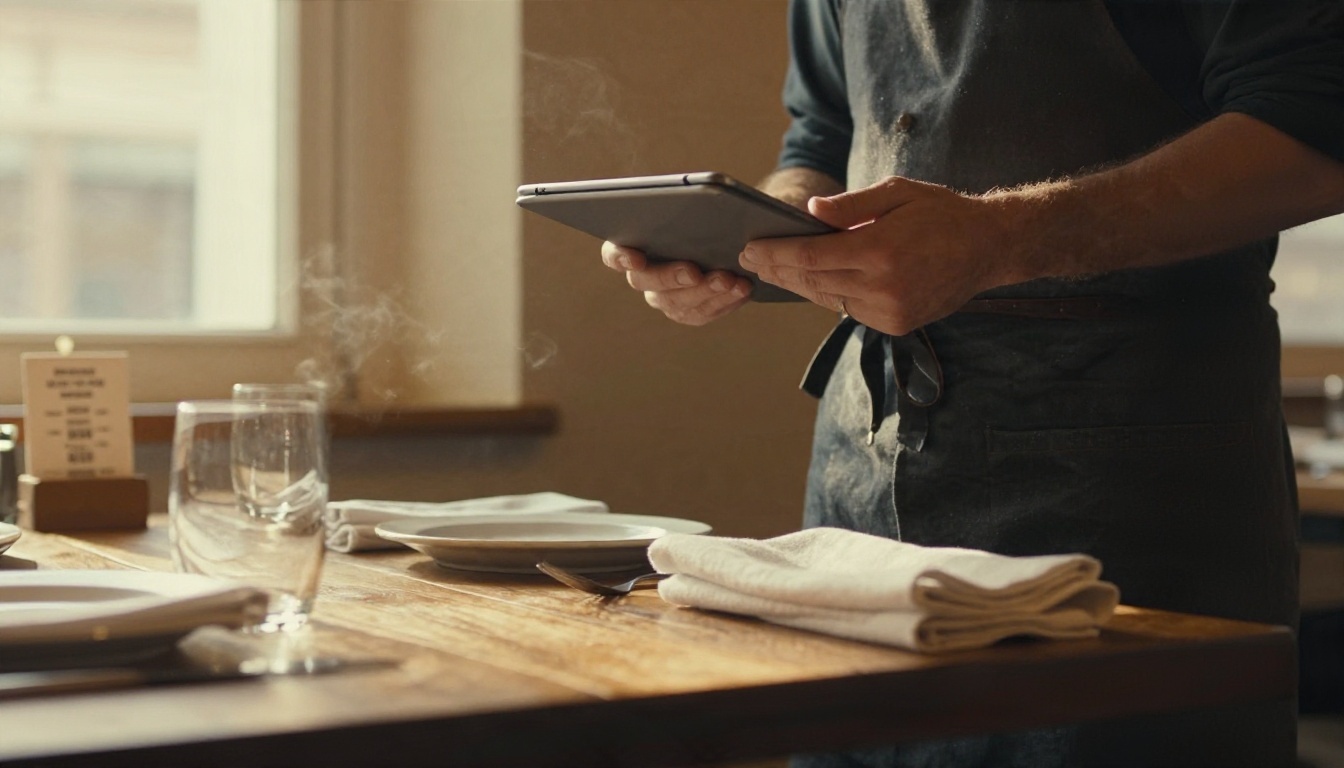
A restaurant can publish a seasonal menu, update one page when the specials change, and keep the same QR code on every table. The Restaurant Menu Creator is built for exactly that routine.
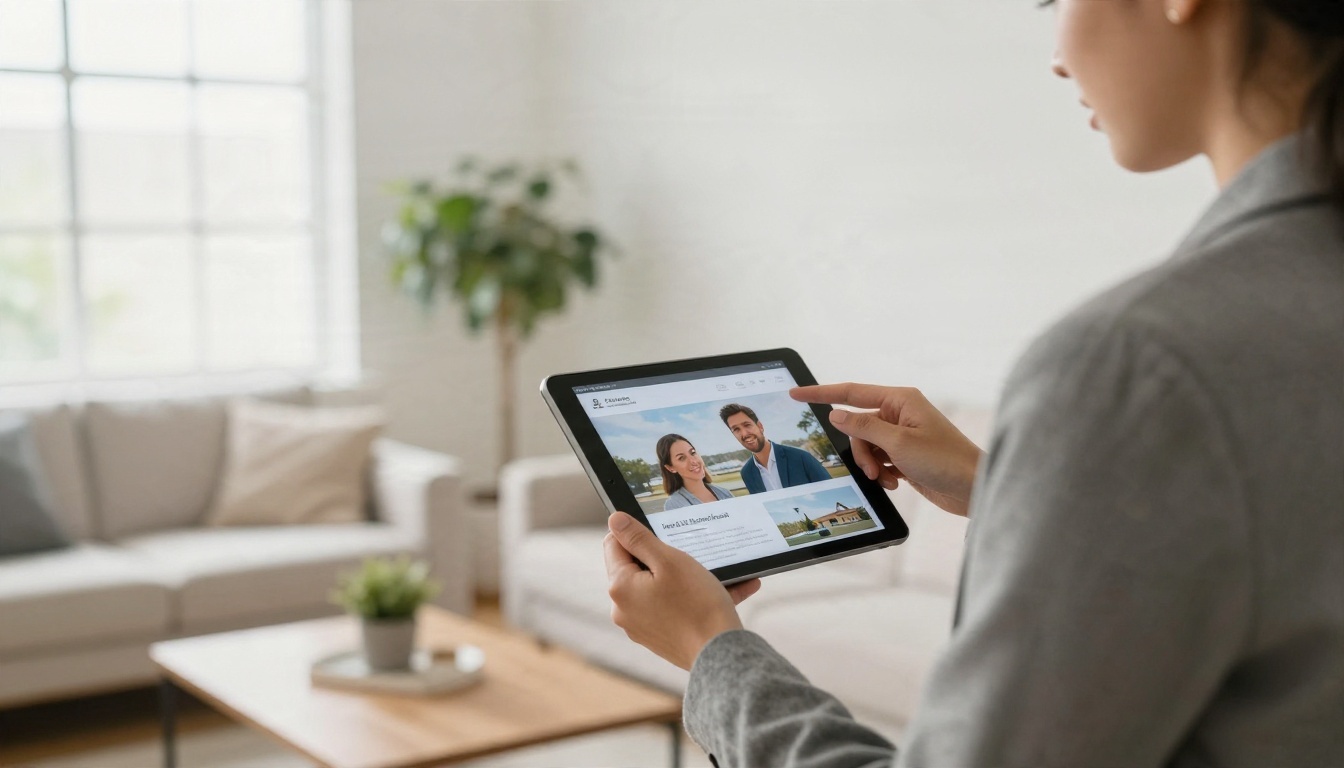
Real estate agents benefit in another way. They send a property brochure as a link instead of a heavy attachment, and the buyer opens it on their phone during a viewing. The Real Estate Brochure Creator makes that easy.
Fashion and retail teams publish seasonal lookbooks and product ranges. A Digital Catalog Maker keeps pricing and stock photos in one shareable place, and the Lookbook Flipbook Builder suits boutique collections.

Classrooms and Training
Teachers and trainers publish course packs, handbooks, and onboarding manuals as flip books. Students open one link, and the teacher updates the content without resending files. The Training Manual Flipbook tool fits this need well.

Reading on the Go
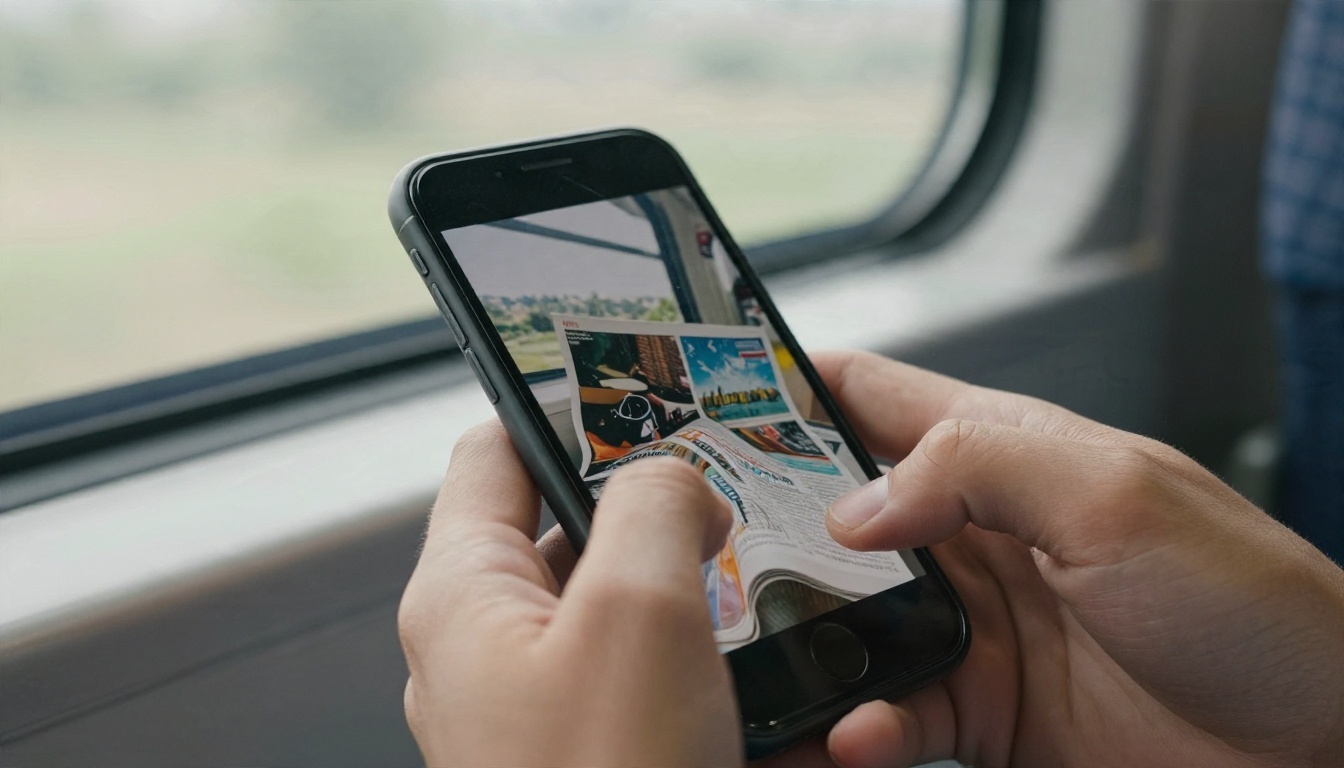
More than half of web traffic comes from phones, so mobile reading is not an afterthought. A responsive flip book reflows controls, supports pinch zoom, and loads page by page. Commuters can read a magazine issue on a train without pinching and scrolling a raw PDF.
| Use Case | Suggested Format | Sharing Method | Extra Feature |
|---|
| Restaurant menu | Short, image-led | QR code | Easy page updates |
| Property brochure | 8 to 20 pages | Direct link | Embedded video tour |
| Product catalog | 40 to 120 pages | Embed on site | Search and links |
| Training manual | Text-heavy | Password link | Offline download |
| Investor report | Charts and tables | Gated link | Lead capture |
| Magazine issue | Full page spreads | Email and social | Analytics |
Browse the full tools directory to find a template that matches your own project.
Mistakes That Hurt Your Flip Book
Most poor flip books fail for boring reasons. Avoid these five.
Five Common Slips
- Uploading a print-ready file with crop marks. Readers see tiny registration marks in the margins.
- Ignoring the first page. It is your thumbnail, your link preview, and your first impression.
- Skipping mobile tests. Small text that looks fine on a monitor becomes a squint on a phone.
- Forgetting link checks. Click every internal and external link after conversion.
- Sharing the wrong version. Name versions clearly and replace the file instead of creating duplicates, so old links keep working.
⚠️ Warning: Do not embed a password-protected flip book on a public page and assume it stays private. Readers can still reach the frame, and the password prompt is the only barrier.
A Quick Pre-Publish Checklist
- Title and description are clear and typo-free.
- First page looks good as a thumbnail.
- Fonts render correctly on a phone.
- Links, videos, and audio all play.
- Share settings match the audience.
- You have saved the final link in a place your team can find.
Ready to Publish Yours?
A flip book turns a document people ignore into one they actually read. Pick a maker without watermarks, prepare your PDF with care, and choose the sharing method that fits your audience: a link for speed, an embed for your website, or a password for private material.
Ready to create your first flip book? Get started for free on Flipbooks AI, browse all available tools and templates, or compare pricing plans to pick the one that fits your workload.



