You designed a brochure, exported the PDF, and now it sits in an inbox attachment that nobody opens. A flip brochure fixes that: the same pages, but they turn like paper, load in a browser, and travel as a single link. The catch is that most "free" flipbook makers hide the real price in a corner watermark, a tiny page cap, or a share link that expires. This article shows what to demand from a free tool, and how to publish a clean brochure with Flipbooks AI in a few minutes.
What "Free" Really Means
Search for a free brochure flipper and you will find dozens of tools. They all say free. Very few say what free costs you. Before you upload anything, check the three places where the price usually hides.
The Watermark Trap
A watermark is a logo stamped on every page or on the cover of your flipbook. It looks small on the pricing page and enormous on a client's screen. If you send a brochure to a hotel guest or a property buyer, a third-party brand sitting on top of your own design makes you look like you cut corners.
Flipbooks AI never adds watermarks. That is a rule of the platform, not a perk of a paid tier, so your brochure looks like yours from the first publish.
The Page Limit Catch
Brochures are short, but not as short as people think. A tri-fold has six panels. A product brochure often runs 12 to 24 pages. A hotel or real estate brochure with floor plans can reach 40. Plenty of free tools cap uploads at a low page count, and a few cap file size so tightly that a photo-heavy PDF fails to convert.
Ask these questions before you commit:
- How many pages can one flipbook have?
- What is the maximum PDF file size?
- Does the cap apply per flipbook or across your whole account?
- Are old flipbooks deleted when you hit the cap?
Hidden Export Walls
Some tools let you build for free, then ask for money at the moment you want to share. Links disabled, embed code locked, download blocked. That is a trial dressed up as a free plan. A fair free tool lets you finish the job: upload, style, publish, share.
⚠️ Watch for this: If the sharing and embed options are greyed out until you pay, you are looking at a demo, not a free plan.
Use this table to judge any brochure flipper in two minutes.
| What to check | Red flag | What you want |
|---|
| Watermark | Logo on cover or every page | Clean pages, your branding only |
| Page count | Cap under 10 pages | Room for a full 20 to 40 page brochure |
| Share link | Link expires or shows ads | Permanent, clean URL |
| Embed code | Locked behind payment | Responsive iframe you can paste anywhere |
| Mobile view | Pinch and zoom on a static PDF | Pages that fit the phone screen |
| Privacy | Everything public by default | Password option for private brochures |
| Exit option | Content trapped on the platform | Offline download available |
How to Flip a Brochure in Minutes
If you already have a brochure PDF from Canva, InDesign, Word or Google Slides, the hard part is finished. Here is the whole workflow with the PDF to Flipbook Converter on Flipbooks AI.
Step 1: Create Your Account
Go to Flipbooks AI and create an account. You can start without paying and check the pricing plans later when you want more flipbooks or extra features.
Step 2: Upload the PDF
Drag your brochure PDF into the upload area. The platform converts every page into a flipbook spread. Give it a minute for large files, then check the preview.
Before you upload, do this:
- Export at screen resolution, not print resolution. A 300 dpi file with bleed marks makes the flipbook heavy for no visual gain.
- Remove crop marks and printer's bleed.
- Keep pages in reading order, with cover first and back panel last.
- Name the file clearly, such as
spring-collection-brochure.pdf, so you can find it later.

Step 3: Style the Flipbook
Now make it match your brand. The editor lets you adjust:
- Colors for the background behind the pages
- Logo and branding so the viewer sees you, not a stranger
- Page effects such as the turn animation and sound
- Layout for single page or two-page spread
💡 Pro tip: Pick a background color pulled from your brochure's accent color. It frames the pages and makes the whole piece feel designed rather than uploaded.
Step 4: Add Video, Audio and Links
A paper brochure cannot play a video. A flipbook can. Place a short product clip on the page where it belongs, add an audio greeting on the first spread, or turn a printed button into a clickable one. Keep each clip under a minute so pages load quickly on mobile.
Step 5: Publish and Share
Hit publish, copy your link, and decide whether the brochure is public or protected. The next two sections cover those choices in detail.
Sharing Links That Work Everywhere
A flipbook is only useful if people can open it without friction. Pick the sharing method that matches where your audience already is.

Direct Links
A direct link is the simplest option. Paste it into email, WhatsApp, LinkedIn or an SMS, and the brochure opens in the recipient's browser with no download and no app. Good links are short, permanent and free of ads.
Password Protection
Not every brochure should be public. A distributor price brochure, a pre-launch catalog or a private property portfolio needs a gate. Password protection on Flipbooks AI lets you share the link widely while only people with the password can open it. Change the password when a deal closes and the old copy stops working.
QR Codes for Print Pairing
Print still matters. Put a QR code on a poster, a table tent or the back of a business card, and send people to the live flipbook. When you update the brochure, the QR code keeps working, so you never reprint a poster because a price changed.
Which Sharing Method Fits?
| Method | Best for | Setup time | Control level |
|---|
| Direct link | Email, chat, social posts | Seconds | Low |
| Password link | Private offers, B2B price lists | 1 minute | High |
| QR code | Events, packaging, signage | 2 minutes | Medium |
| Embed on site | Landing pages, product pages | 5 minutes | High |
| Offline download | Trade shows with poor wifi | 1 minute | Medium |
Embed Options for Your Website
A link sends people away from your site. An embed keeps them on it. Put the flipbook directly on a product page, a campaign landing page or a blog post, and visitors read it without leaving.
Responsive Embed in Three Steps
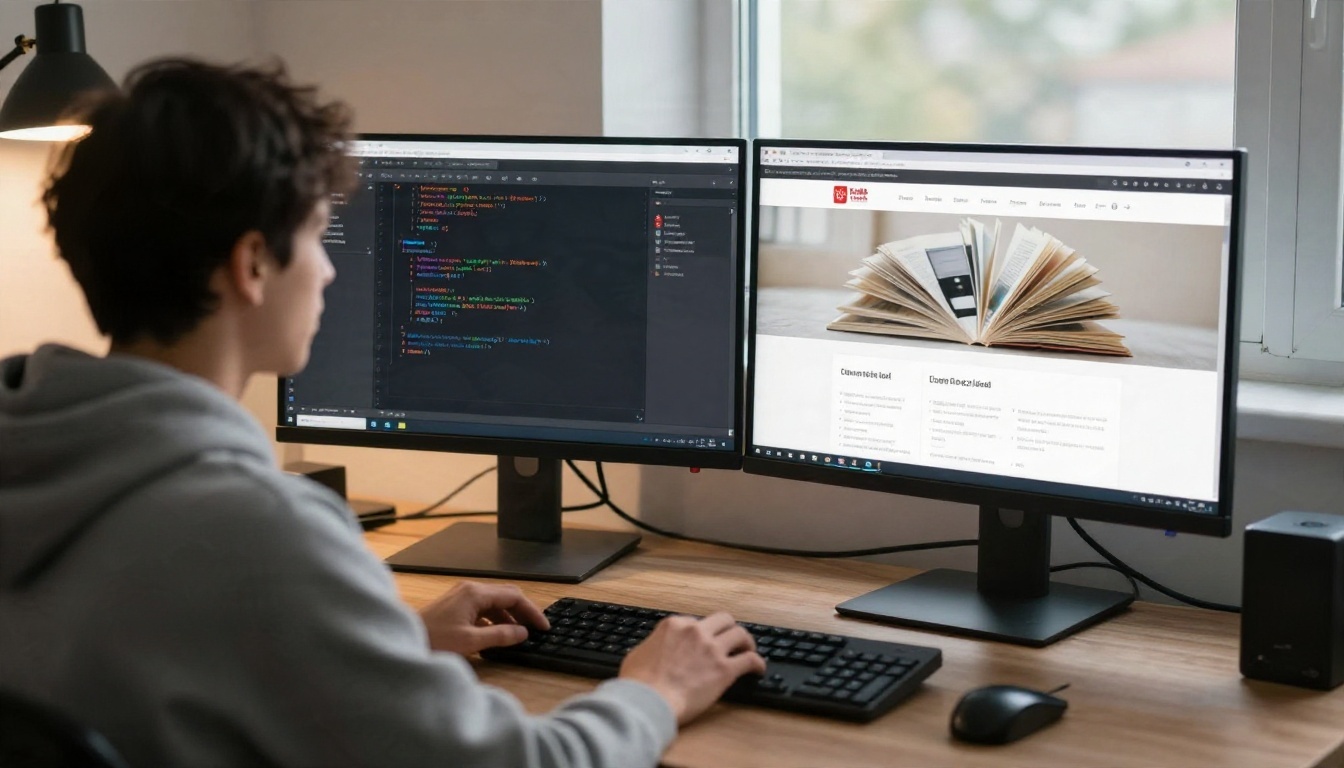
The Embed Flipbook on Website tool gives you a snippet you can paste anywhere that accepts HTML.
- Open your published flipbook and choose the embed option.
- Copy the iframe code.
- Paste it into your page editor, such as WordPress, Webflow, Shopify, Wix or plain HTML.
The flipbook scales to the width of its container, so it fits a desktop column and a phone screen without extra code.
Where Embeds Work Best
- Product pages: the spec brochure beside the buy button
- Landing pages: the offer brochure below the hero section
- Help centers: the user manual inside the support article
- Press pages: the brand brochure for journalists
✅ Best practice: Set a fixed minimum height for the embed area on mobile. A flipbook that is too short forces readers to squint at small pages.
Sizing Reference
| Placement | Suggested width | Suggested height | Notes |
|---|
| Full-width landing section | 100% | 600 to 720 px | Best for spreads |
| Blog column | 100% | 500 to 600 px | Single page view works well |
| Sidebar | 100% | 400 px | Show the cover only |
| Popup modal | 90% of viewport | 80% of viewport | Close button needed |
Free Plans Compared
Here is how a typical free flipbook tool stacks up against what you get from a brochure workflow built around publishing, not upselling. Details of paid tiers are on the Flipbooks AI pricing page.
| Feature | Typical free tool | Flipbooks AI |
|---|
| Watermark | Often forced on pages | None, ever |
| Unlimited flipbooks | Rare | Standard plan and above |
| Password protection | Paid add-on | Available for private content |
| Embed code | Sometimes locked | Included |
| Video and audio | Usually paid | Supported in flipbooks |
| Mobile-responsive design | Varies | Built in |
| Analytics and lead capture | Not offered | Professional plan |
| Offline downloads | Rare | Available |
| Custom branding | Platform logo stays | Your branding |
💡 Think about volume: One brochure fits almost any free plan. Five brochures, one per product line, is where the limit on flipbook count starts to matter. Check this early.
Real Brochure Use Cases
A flip brochure is not one product. It changes shape depending on who is holding it. These examples show how different businesses put one to work.
Hotels and Tourism
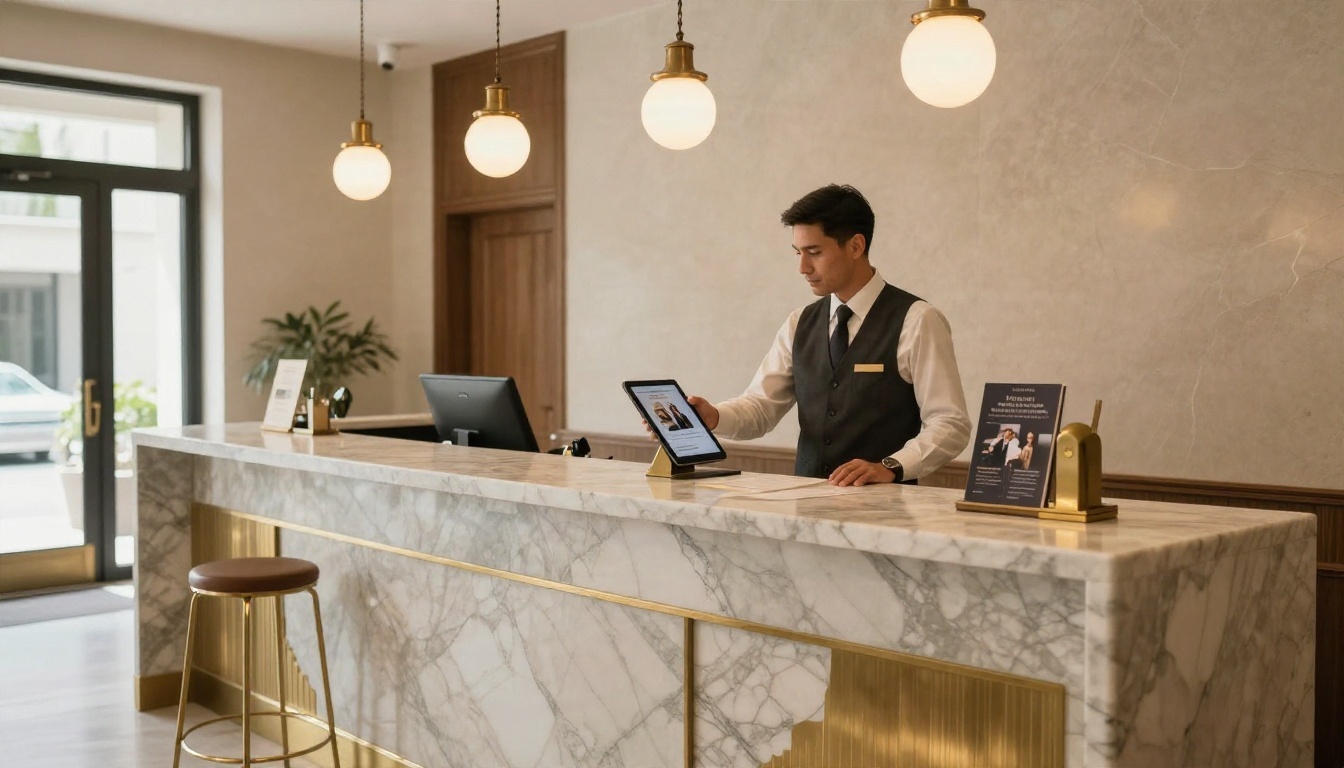
A boutique hotel can load rooms, spa pricing and local tours into a single brochure, then hand guests a QR code at reception so they browse on their own phone. The Hotel Brochure Designer is built for exactly this layout, and the Travel Guide Flipbook works for destination content.
Real Estate
Agents send one link per listing instead of a bulky PDF with twelve photos. Buyers flip through floor plans on their phone, and the agent can keep the link private with a password for off-market homes. Try the Real Estate Brochure Creator.
Restaurants and Cafes
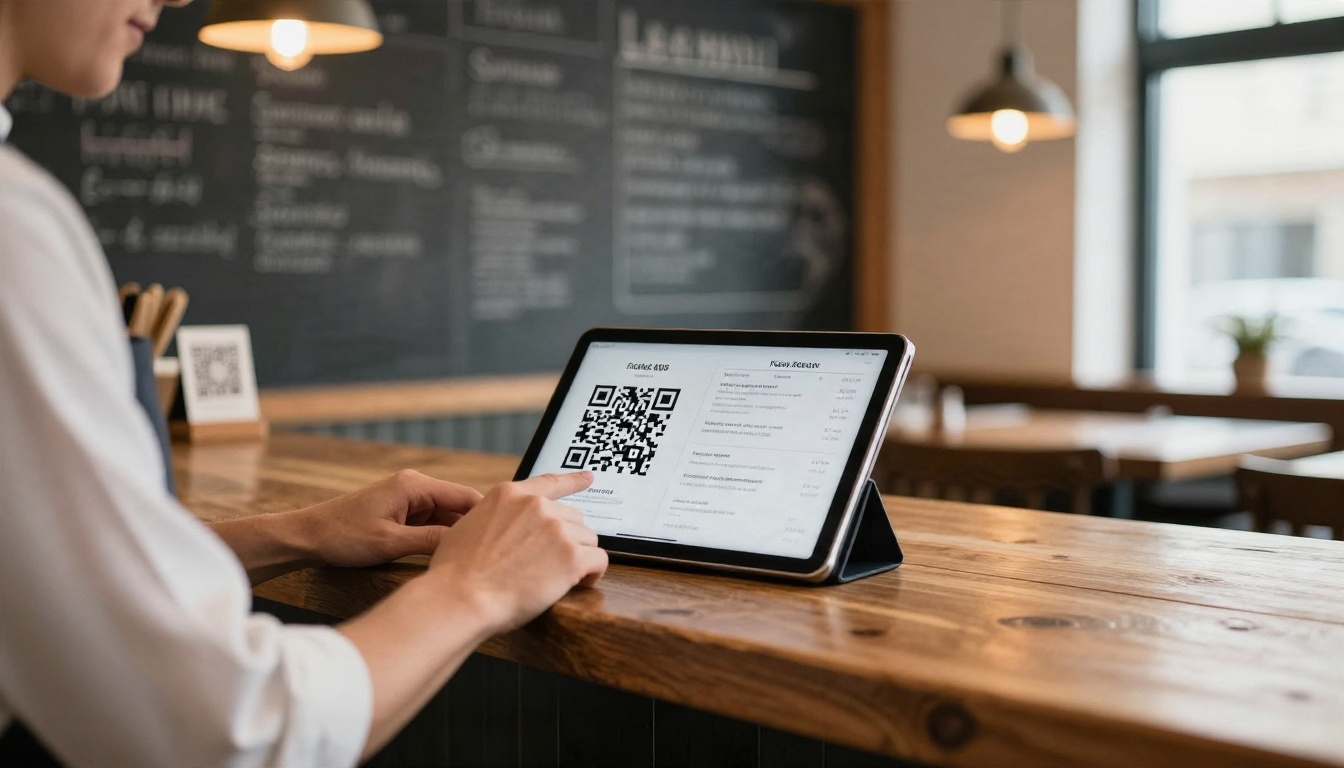
A menu brochure placed behind a QR code on every table means no more reprinting when the price of coffee changes. The Restaurant Menu Creator and Menu Flipbook Designer are the fastest route.
Automotive and Product Sales
Dealers and manufacturers publish spec brochures with trim comparisons. Try the Automotive Brochure Generator or the Product Catalog Generator when you have more than a handful of items.
Use Case Summary
Pro Features Worth a Look
Once your brochure is live, you will want to know whether anyone reads it. The Professional plan adds analytics so you can see views and which pages hold attention, plus lead generation, which asks for an email before the brochure opens. For a sales team, that turns a brochure from a handout into a lead source. See plan details when you reach that stage.

Offline downloads matter more than they sound. Trade shows and conference halls have unreliable wifi. A downloadable copy means your brochure still opens when the network does not.
Mistakes That Ruin a Flip Brochure
Most flipbook problems come from the source file, not the tool. Avoid these.
- Uploading a print-ready PDF. Huge files load slowly. Export a screen version.
- Tiny text. A page that looks fine on A4 paper is unreadable on a phone. Use body text of at least 11 pt in the source design.
- Skipping the preview on mobile. More than half of your readers will open the link on a phone. Look at it there first.
- No call to action on the last page. Finish with a button, a phone number or a booking link.
- Forgetting to update the link. Replace the flipbook content instead of making a new one, so old links and QR codes keep working.

✅ Quick test: Send the link to a colleague who has not seen the brochure. If they cannot find your contact details in ten seconds, move them to the first spread.
Free vs Paid: A Plain Answer
If you need one or two clean brochures with a shareable link and an embed, a free start is enough. Move up when:
- You publish many brochures, catalogs or menus at once
- You need analytics or lead capture
- You want password protection across several client projects
- You need a team workflow
You can also look at related formats once the brochure is working: the Digital Catalog Maker, Digital Price List Generator and Event Program Maker all use the same upload, style and share flow.
Ready to Publish Yours?
Your brochure already exists. The only thing between it and a reader is a link that opens fast and looks professional. Here is what to do next:
- Create your free account on Flipbooks AI.
- Upload your PDF with the PDF to Flipbook Converter.
- Use the Brochure Flipbook Maker to style it.
- Share the link, or paste the embed code on your site.
- Browse all flipbook tools for menus, catalogs and portfolios.
- Compare pricing plans when you are ready for analytics and unlimited flipbooks.
No watermark, no surprise paywall at the share button. Just your brochure, turning pages on any screen.



