You have a finished magazine PDF, a deadline, and a budget that sits somewhere close to zero. A free flip magazine maker sounds like the obvious answer: upload the file, get a page-turning version, share a link. In practice, "free" hides a lot of fine print, from watermarks stamped across every spread to page caps that cut your issue in half. This article sorts the real options from the marketing, and shows how to publish a clean digital magazine with Flipbooks AI without wrecking your layout or your reputation.

What a Flip Magazine Maker Does
A flip magazine maker takes a static file, usually a PDF, and turns it into an interactive publication with a realistic page-turn animation. Readers click, swipe or drag a corner, and the page curls over like paper. The best ones add zoom, search, sound, embedded video and clickable links, so the digital edition feels richer than the print one.
Flipbook vs Plain PDF
A PDF is a file. A flipbook is an experience. Here is the practical difference:
| Feature | Plain PDF | Flip magazine |
|---|
| Reading feel | Scroll or pinch | Page-turn animation |
| Mobile display | Often tiny text | Responsive, spread or single page |
| Embedding on a site | Download link only | Inline embed on any page |
| Tracking | Almost none | Views, time per page (paid tiers) |
| Interactive media | Limited | Video, audio, links |
| Sharing | Attachment | One short URL |
💡 Pro tip: If your readers mostly open links on phones, the single biggest upgrade is responsive display. A PDF on a 6-inch screen is a punishment. A flipbook adapts.
Who Actually Needs One
You do not need to be a publisher. Common users include:
- Indie magazine editors releasing monthly or quarterly issues
- Fashion and beauty brands building lookbooks and seasonal editions
- Schools and clubs sending newsletters and yearbooks
- Real estate and travel businesses presenting visual brochures
- Photographers turning a portfolio into a magazine-style showcase
A boutique owner, for example, can export a 24-page seasonal edition from a layout tool, convert it, and embed it on the homepage the same afternoon.

Search for a free flip magazine maker and you will find dozens of options. Most share the same business model: the free tier is a demo designed to push you toward a paid plan. That is not a scandal, but you should know what is inside the demo before you build a launch around it.
Typical Free Plan Limits
| Limit | What it usually means | Why it hurts |
|---|
| Watermark or banner | Brand logo on every page or on the viewer | Looks unprofessional to advertisers |
| Page cap | 10 to 30 pages per flipbook | A 48-page issue will not fit |
| Flipbook count | 1 to 3 active publications | Back issues disappear or get locked |
| File size | Small upload ceiling | High-resolution photos get rejected |
| Expiry | Links die after days or weeks | Old issues vanish from your archive |
| Embed | Disabled or branded | Your site shows someone else's ad |
| Downloads | Locked | Readers cannot save the issue |
Read that table twice before choosing a tool. A free plan that expires in 30 days is fine for a one-off event program. It is a disaster for a monthly magazine that needs a permanent archive.
The Watermark Problem
Watermarks matter more than most people admit. A small logo in a corner is one thing. A diagonal banner across every spread is another. If your magazine sells advertising or represents a brand, readers judge you by the viewer around the content. A third-party mark signals "free trial", and that perception sticks.
⚠️ Warning: Always open a sample flipbook on your phone before committing. Some tools hide the watermark on desktop previews and show it in the shared link.

App Alternatives Worth Considering
Not every flip magazine needs a browser tool. Depending on how you work, one of four approaches will fit better.
| Approach | Best for | Strength | Weakness |
|---|
| Desktop flipbook software | Offline authors | Local control, no upload | Install, updates, often a paid license |
| Mobile apps | Quick personal projects | Convenience | Small screen editing, export limits |
| Design suite plus PDF export | Designers | Full layout control | No page-turn effect on its own |
| Online flipbook platform | Teams and publishers | Hosting, embed, analytics | Free tier limits |
When an App Makes Sense
Desktop software suits you if you work offline, publish rarely, and only need an exported file such as an HTML package. Mobile apps are fine for a family photo magazine or a school project that lives on one phone. The trouble starts when you need to host the issue, embed it in a site, protect it with a password or measure who opened it. Apps rarely handle those jobs well.
Why Browser Tools Win
A browser-based maker removes three headaches:
- No install. It works on any laptop, including a locked-down work machine.
- Hosting included. The link, the viewer and the bandwidth are handled for you.
- Updates are automatic. You never chase a broken version.
If your workflow already starts in a layout program, the simplest path is to export a PDF and use a PDF to Flipbook Converter. For a more tailored setup, the Magazine Flipbook Creator and the E-Magazine Publishing Tool are built around exactly this job.
Templates That Save Hours
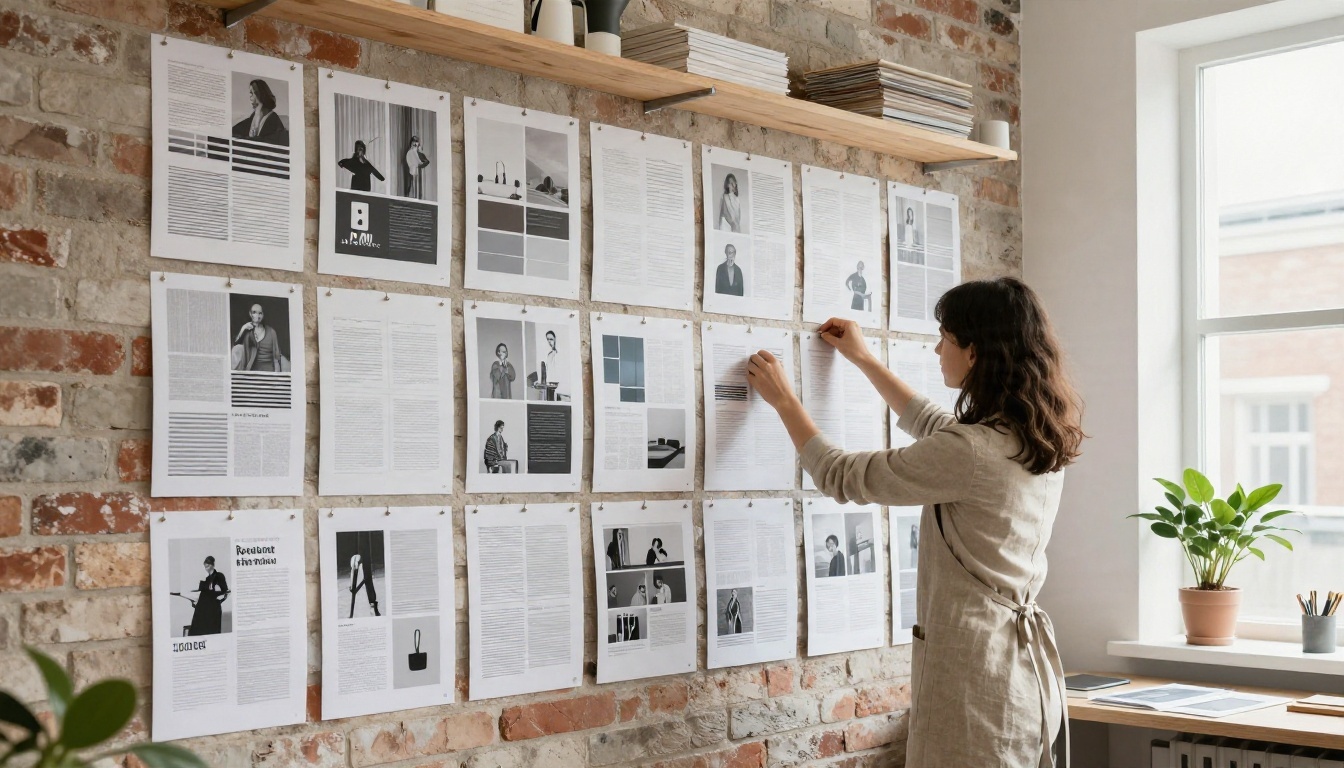
Here is the part many people get backwards. A flip magazine maker rarely supplies the design. It supplies the reading experience. The design comes from a template you build or borrow in a layout tool, then export as a PDF. Think of the maker as the printing press, and the template as the page.
Layouts by Magazine Type
| Magazine type | Layout style | Page count | Typical content |
|---|
| Fashion or lifestyle | Full-bleed photos, short captions | 24 to 48 | Editorials, interviews, shopping pages |
| Business or trade | Two or three columns, charts | 16 to 40 | Articles, reports, ads |
| Travel | Large landscapes, map inserts | 20 to 60 | Itineraries, photo essays |
| School or club newsletter | Simple grid, event boxes | 8 to 16 | News, calendars, awards |
| Portfolio magazine | Minimal text, big imagery | 12 to 30 | Projects, credits |
| Lookbook | Single hero image per spread | 12 to 24 | Collections, sizes, links |
For lookbooks specifically, check the Interactive Lookbook Designer. For recurring updates, the Newsletter Flipbook Publisher fits a monthly rhythm.
Template Mistakes to Avoid
- Tiny text. Body copy under 10 pt becomes unreadable on phones. Use 11 to 12 pt minimum.
- Spreads with the gutter in the middle of a face. Page-turn viewers show two pages side by side. Keep faces and headlines clear of the center fold.
- Missing bleed. Leave a margin so no white edge appears when pages animate.
- Huge uncompressed images. A 120 MB PDF loads slowly and may break free upload limits. Compress photos to around 150 to 200 dpi for screen.
- Links on thin text. Make clickable areas big enough for a thumb.
✅ Best practice: Build your magazine at a standard page size such as A4 or US Letter, export at screen resolution, and keep a separate print-ready version for anything physical.
Make a Flip Magazine with Flipbooks AI
Here is the full workflow, from file to shareable issue. It takes a few minutes once your PDF is ready.
Upload Your PDF
- Go to Flipbooks AI and create an account.
- Click the option to create a new flipbook.
- Drag your magazine PDF into the upload area. The platform converts every page into a high-quality flipbook page automatically.
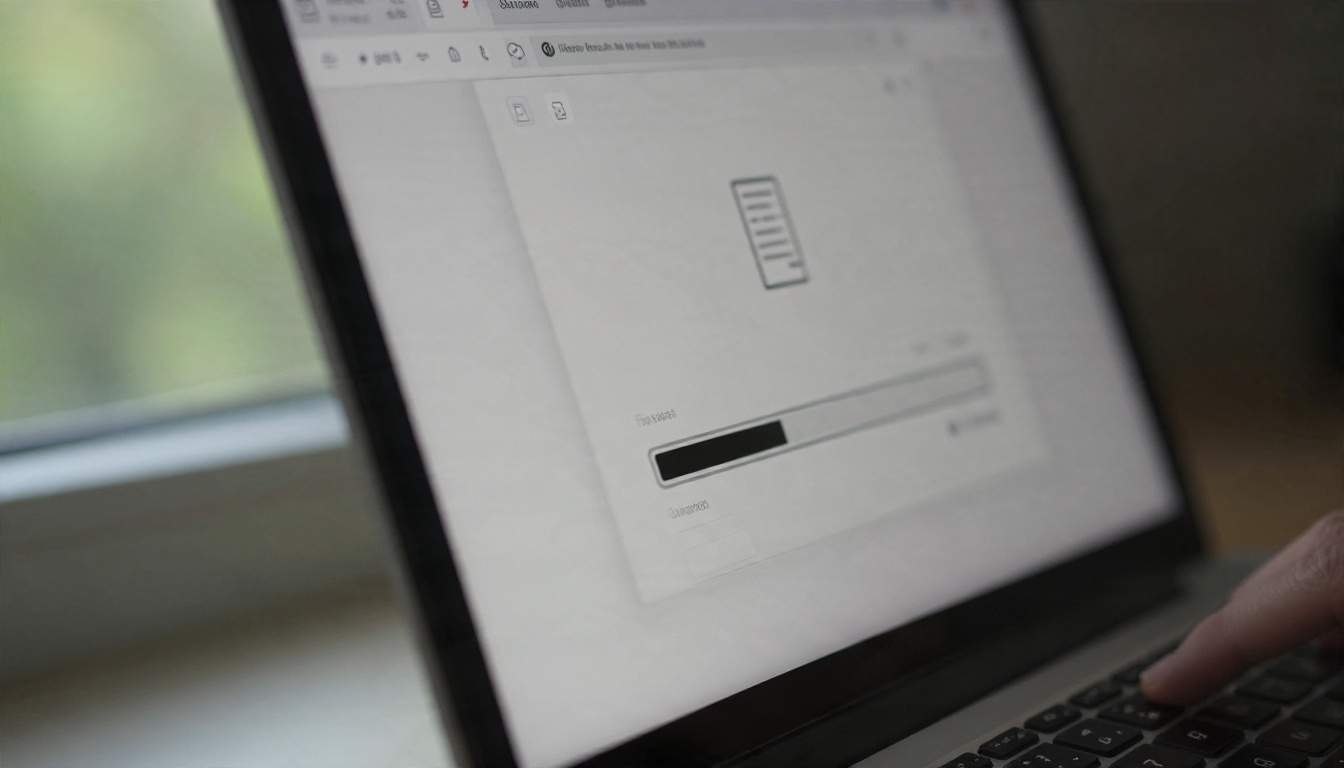
- Wait for the conversion bar to finish. Most issues convert in under a minute, though long, image-heavy files take a little more.
- Preview the result on desktop and on your phone.
💡 Pro tip: If the preview looks soft, re-export the PDF at a higher image quality instead of trying to fix it in the viewer.
Customize Branding and Effects
Once the pages are in, open the customization panel. You can adjust:
- Colors and background to match your masthead
- Logo placement for custom branding
- Page-turn effects, including speed and shadow style
- Multimedia, by embedding video and audio on specific pages
- Clickable links for advertisers, shops and social profiles
Because there are no watermarks, ever, the viewer carries your brand and nothing else. That one detail is what separates a hobby project from a magazine you can pitch to sponsors.
Share, Embed and Protect
Publishing options include:
- Direct link: one short URL for email, social posts and QR codes
- Embed code: paste it into any page. See the Embed Flipbook on Website tool for details
- Password protection: ideal for subscriber-only or internal issues
- Offline downloads: let readers save the issue to read without a connection
The responsive viewer adapts automatically to phones, tablets and desktops, so you do not need to build separate versions.
Analytics and Lead Capture
If you want to know who reads which page, the Professional plan adds analytics and lead generation. You can see views, reading behavior and capture emails before a reader opens the issue. Compare tiers on the pricing page to see which one matches your volume. Standard plans and above include unlimited flipbooks, which solves the back-issue archive problem that sinks many free tiers.

Free Limits That Catch People Out
Most publishers do not get hurt by the obvious limits. They get hurt by the quiet ones. Here is a short audit to run before you pick any tool.
A Five Question Checklist
- Will every page of my issue fit? Count your pages against the cap.
- Is there a watermark in the shared link? Open it on a phone.
- How long will the link stay live? Ask about expiry, not just storage.
- Can I embed it without branding? Test the embed on a staging page.
- What happens when I need the next issue? Check the flipbook count.
| Scenario | Free tier risk | Safer choice |
|---|
| One-off event program | Low, if expiry is acceptable | Free plan is fine |
| Monthly magazine | High, back issues vanish | Paid plan with unlimited flipbooks |
| Brand lookbook for retailers | Medium, watermark hurts trust | Paid plan, custom branding |
| Subscriber-only newsletter | High, no privacy on free tier | Password protection |
| Ad-supported magazine | High, needs analytics | Professional plan |
⚠️ Warning: Do not publish your only copy through a free tool that can delete content after inactivity. Keep original PDFs backed up in at least two places.

Print vs Digital Magazine Costs
Free tools matter because print is expensive. Even a modest 32-page run has setup, paper, shipping and storage costs, and every correction means a reprint. Digital issues change that math.
| Cost item | Print magazine | Digital flip magazine |
|---|
| Printing | Per copy, rises with page count | None |
| Shipping | Postage and packaging | None |
| Corrections after release | New print run | Re-upload the PDF |
| Distribution speed | Days or weeks | Instant link |
| Reader data | None | Views and clicks (paid tiers) |
| Storage | Boxes and shelves | Cloud archive |
| Interactive media | Not possible | Video, audio, links |
That does not mean print is dead. Many publishers keep a small print run for collectors and use the flipbook for everyone else. A single design file can feed both, which is the cheapest way to run a magazine.
Real World Examples
- A travel blogger exports a 40-page seasonal issue, embeds it on the blog, and shares the QR code on Instagram stories.
- A boutique converts a 20-page lookbook and password protects it for wholesale buyers.
- A school club sends a 12-page term newsletter through a single link, with no printing budget.
- A photographer builds a 16-page portfolio magazine and downloads the offline version for client meetings.

Ready to Publish Your First Issue?
A free flip magazine maker is a fine place to test an idea. Just treat it as a test. Check the page cap, the watermark, the expiry and the embed rules before you build a launch around it. When you are ready for a permanent home with no watermarks, custom branding and an archive that does not expire, the next step is simple.
Your layout is already done. The page-turn is the easy part.



