You searched for a flip maker free of charge because you have a PDF that deserves better than a dull download link. Fair enough. A page flip viewer makes a brochure, catalog or report feel like a real publication, and plenty of online tools promise to build one in seconds. The catch is in the fine print: page caps, expiring links, public only sharing and a logo stamped across your work. This article breaks down what free flip makers actually give you, where the limits bite, and when a platform like Flipbooks AI is the cleaner option.
What a Free Flip Maker Does
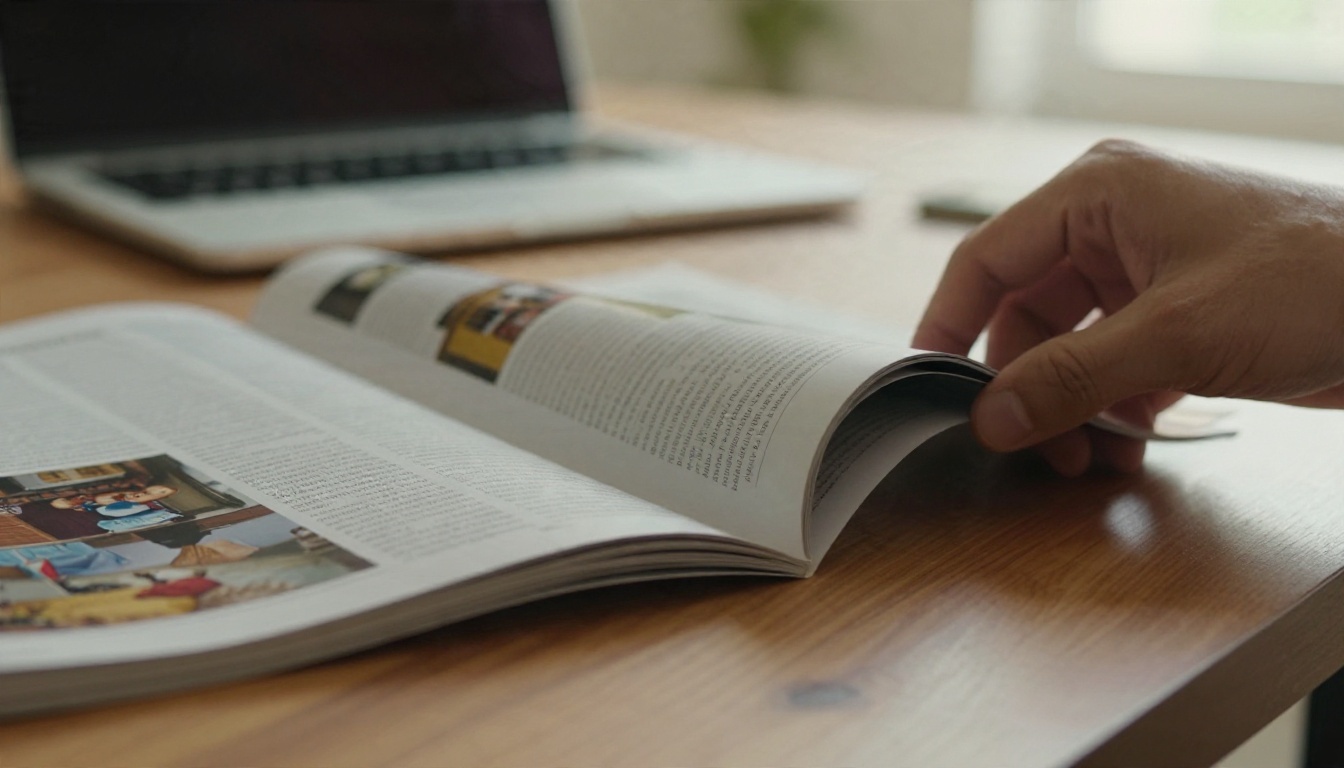
From Static PDF to Page Turn
A flip maker takes a flat PDF and renders each page as an image or vector layer inside a browser based viewer. The reader clicks or swipes, the page curls over, and the next spread appears. Behind the scenes the tool also generates a shareable link and usually an embed snippet for your website.
Good tools add extras on top of the basic curl effect:
- Zoom and fullscreen reading for dense layouts
- Table of contents and page thumbnails
- Clickable links carried over from the original PDF
- Sound for the page turn, which some readers love and others switch off
- Mobile layouts that switch to single page view on small screens
Who Actually Needs One
Anyone sending multi page documents to people who will not open an attachment. Think of a boutique sending a lookbook, a landlord sharing a property brochure, a teacher distributing a course pack, or a freelancer pitching with a portfolio.
💡 Pro tip: If your file is a two page flyer, you probably do not need a flipbook. The format shines from roughly eight pages up, where scrolling a PDF starts to feel tedious.
Typical Free Plan Limits
Free plans exist to get you to upgrade, so every limit is deliberate. The numbers below are typical patterns across the free flip maker market, not promises from any single vendor, so always read the current terms before you commit a project to one.
Page and File Size Caps
The most common restriction is a ceiling on how big the source PDF can be. Expect a cap somewhere in the range of a few dozen pages and a file size limit that rejects high resolution catalogs. A photo heavy lookbook exported at print quality can easily blow past it, which forces you to compress images and lose sharpness.
Expiry and Public Only Links
Some free tiers delete flipbooks after a set number of days or after a period of inactivity. Others keep them online but index them in a public gallery, so your draft pricing sheet becomes searchable. If the content is internal, that alone rules out most free options.
The Limits Side by Side
| Limit | Typical free tier | What you want for real work |
|---|
| Pages per flipbook | Low cap, often a few dozen | Enough for full catalogs and reports |
| Number of flipbooks | A handful, sometimes just one | Unlimited |
| Link lifespan | Can expire | Permanent |
| Privacy | Public, sometimes listed | Password protection |
| Branding | Vendor logo stays | Your own logo and colors |
| Analytics | None | Views, time on page, leads |
| Downloads | Often disabled | Optional offline download |
⚠️ Warning: Never upload a contract, price list under NDA or personal data to a free tool that lists flipbooks publicly. Check the privacy setting before you press publish.
The Watermark Problem

Where Watermarks Hide
Watermarks are rarely a single obvious stamp. On free tiers they tend to appear in several places at once:
- A diagonal or corner logo over the pages themselves
- A branded loading screen before the flipbook opens
- A footer link or banner inside the viewer
- Vendor branding in the URL, so your link advertises someone else's company
- An end page promotion added after your last page
Some tools let you remove one or two of these and keep the rest, so the phrase "watermark free" deserves a closer look at what is actually removed.
Why They Hurt Credibility
A stamped page tells the reader you did not pay for your own presentation. For a hobby project that is fine. For a sales deck, a hotel brochure or a client proposal it quietly lowers trust. A watermark can also cover details on the page, such as a price in the corner or a signature block.
That is why Flipbooks AI positions itself around no watermarks, ever. Your pages stay your pages, and the viewer carries your branding instead of ours.
What Paid Plans Really Cost

Pricing Models You Will Meet
Flip makers usually charge in one of four ways:
- Monthly subscription with a flipbook or page quota
- Annual plan with a discount for paying upfront
- One time license for desktop software, often with limited updates
- Pay per flipbook, which looks cheap until you publish a dozen
Subscription plans dominate because hosting, bandwidth and viewer updates are ongoing costs for the vendor.
Costs People Miss
The sticker price is only part of it. Before choosing, check:
- Whether removing the watermark is a separate add on
- Whether custom domains or branded links cost extra
- Whether analytics sit in a higher tier
- Whether viewer bandwidth is metered
- Whether old flipbooks are deleted if you downgrade
Free vs Paid at a Glance
| Feature | Free flip maker | Paid flip maker | Flipbooks AI |
|---|
| Watermark removal | Rarely | Usually | Never any watermark |
| Unlimited flipbooks | No | Sometimes | Standard plan and above |
| Password protection | No | Higher tiers | Yes |
| Analytics and lead capture | No | Higher tiers | Professional plan |
| Offline download | Limited | Varies | Yes |
| Video and audio embeds | Limited | Varies | Yes |
| Custom branding | No | Usually | Yes |
You can see current plan details on the Flipbooks AI pricing page, and you can start free to test the viewer with your own PDF before deciding anything.
How to Create a Flipbook with Flipbooks AI
If you want the speed of a free tool without the stamped pages, this walkthrough takes a few minutes. Open Flipbooks AI and create an account to begin.

Upload Your PDF
- Sign in and choose to create a new flipbook.
- Drag your PDF into the upload area, or select it from your computer.
- Wait while the platform converts each page. Most files finish in well under a minute.
- Preview the result. The PDF to Flipbook Converter handles the conversion and keeps text sharp when zoomed.
💡 Pro tip: Export your PDF at 150 to 200 DPI. Lower looks soft on large monitors, higher only makes the file heavy without a visible gain.
Customize the Look
This is where a flipbook stops looking generic:
- Add your logo and pick brand colors for the viewer background
- Choose a page effect, from a soft curl to a flat slide
- Insert video and audio on pages where a demo or a voice note helps
- Set a cover thumbnail that appears when you share the link
Share and Embed
Once the design is right, pick how readers will reach it:
- Direct link for email, chat and social posts
- Embed code for your site, with the Embed Flipbook on Website tool
- Password protection for private material such as investor decks or client proposals
- Offline download for readers on poor connections
Track Results
On the Professional plan you get analytics and lead generation: who opened the flipbook, which pages held attention, and a form that captures an email before the reader gets in. That turns a brochure into something you can measure. Compare tiers on the pricing page.
✅ Best practice: Put the lead form after page two or three, not on the first page. Readers who have seen some value are far more willing to leave an email.
Real Use Cases
Catalogs and Menus

A boutique owner can turn a seasonal PDF into a browsable lookbook and send one link to wholesale buyers. The Product Catalog Generator and the Fashion Catalog Creator are built for exactly this.

A restaurant can publish a menu that updates in one place and prints on demand. With the Restaurant Menu Creator, a QR code on the table opens the latest version, so a price change never means a reprint.
Portfolios and Reports

Creatives get a lot from a clean viewer with no vendor logo near their work. A photographer can share a Photography Portfolio in a client meeting or by link. Teams publishing quarterly numbers can use the Report Flipbook Creator to avoid sending heavy attachments.
Which Tool Fits Which Job
A Quick Checklist Before You Pick

Five Questions to Ask
Run any flip maker through these before you upload a single file:
- Is the watermark gone everywhere, including the loader, footer and URL?
- Can I make it private with a password?
- Will the link still work in a year, or does it expire?
- Does it read well on a phone, where most of your audience will open it?
- What happens if I stop paying? Do flipbooks disappear or stay online?
Three Common Mistakes
- Choosing on price alone. A free plan that stamps your logo off the page can cost you more in lost trust than a paid plan costs in cash.
- Uploading a low quality PDF. Blurry source files stay blurry, whatever tool you use.
- Skipping the phone test. Open the link on your own phone before you send it to anyone.
✅ Best practice: Test with a real document, not a sample file. Layout problems, fonts and image weight only show up with your actual content.
Make Your First Flipbook Today
A free flip maker is a fine way to try the format, as long as you know the trade: page caps, expiry, public listings and watermarks. If the document represents your business, the cleaner route is a tool where the pages stay yours.
Ready to see your own PDF as a real publication? Get started for free on Flipbooks AI, browse the full set of tools and templates, or compare pricing plans to pick the one that fits your workload.



