You have a PDF, a deadline, and a hunch that a page-turning version would look far better than an email attachment. Then you start searching, and every tool claims to be free, fast and professional. This article sorts flip pages software into what it really is: browser-based platforms like Flipbooks AI on one side, installed desktop programs on the other, plus the free plans, price tags and limits that should decide which one gets your time.
The short version: online tools win on speed, sharing and updates, desktop programs win on offline control and one-off licensing, and "free" almost always comes with a catch you can plan around if you know where to look.
What Flip Pages Software Actually Does
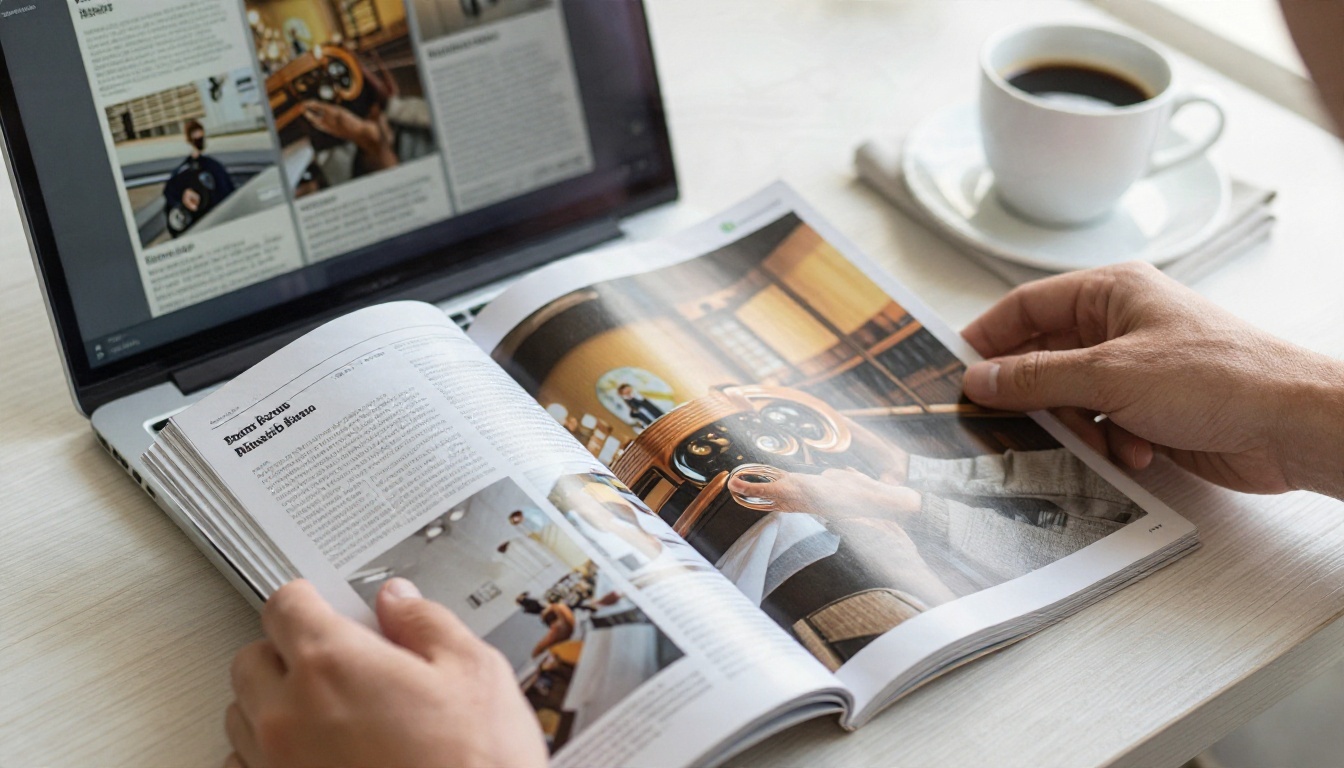
At its core, this kind of software takes a static document, usually a PDF, and turns it into a digital flipbook: pages that curl, slide and zoom like a real magazine, readable on any screen. Related terms you will see are page flip software, flipbook maker, PDF to flipbook converter and digital publishing platform. They all point at the same idea.
Online Tools in Plain Terms
An online flipbook maker runs in your browser. You upload a PDF, the platform converts it, hosts it and gives you a link or an embed code. Nothing gets installed. Your flipbook lives on the provider's servers, so sharing is a matter of pasting a URL. The PDF to Flipbook Converter is a typical example of this workflow.
Desktop Apps in Plain Terms
A desktop program installs on Windows or macOS. You import pages, set effects and export a package of files (often HTML, or an executable) that you then host yourself or send on a USB stick. You own the output files, but you also own the hosting, the updates and the compatibility headaches.
💡 Pro tip: Ask one question before comparing features: who will open this flipbook, and on what device? If the answer includes phones, tablets and strangers on the internet, hosting and responsive design matter more than any effect in the editor.
Online vs Desktop Side by Side
Here is how the two approaches compare on the points that matter in daily use.
| Factor | Online flipbook maker | Desktop flip pages software |
|---|
| Installation | None, runs in a browser | Download and install, per computer |
| Time to first flipbook | Minutes | 30 to 90 minutes with setup |
| Hosting | Included | You arrange it yourself |
| Updates | Automatic | Manual, sometimes paid |
| Offline editing | Limited | Full |
| Mobile reading | Usually responsive by default | Depends on the export |
| Team access | Shared accounts or links | Files passed around |
| Analytics | Often built in | Rarely available |
| Typical pricing | Monthly or yearly plan | One-time license or yearly plan |
Speed and Setup
Online wins here, and it is not close. A browser tab and a PDF are all you need. Desktop software asks for a download, a license key activation, template folders and then an export step. If you publish once a quarter, that overhead adds up.

Updates and Maintenance
Spotted a typo on page 14? With an online platform you replace the PDF and the same link shows the new version. With exported desktop files, you re-export, re-upload and hope nobody kept the old link. Browser updates can also break older exports, particularly ones built on legacy plugins.
Offline Work
This is where desktop earns its place. If you edit on planes, in locked-down corporate networks or in areas with weak connections, an installed program keeps working. Some online platforms soften this with offline downloads for readers, which helps the audience even if it does not help the editor.
Free Options and Where They Stop
Free flip pages software exists in three flavors: a free tier of a paid online platform, a free trial with a time limit, and open-source or freeware desktop programs. Each one has a different catch.
| Free option | What you get | Where it stops |
|---|
| Free online tier | A handful of flipbooks, basic viewer | Watermarks, page caps, platform branding |
| Free trial | Full features for 7 to 30 days | Flipbooks may go offline when the trial ends |
| Freeware desktop | Local export, no recurring fee | Dated effects, thin support, mobile gaps |
| Open source | Full control of the code | You need technical skill to host and maintain |
Typical Free Plan Limits
Look for these before you upload anything:
- Watermarks or logos placed on every page or in the viewer toolbar
- Page caps, often 20 to 50 pages per flipbook
- File size caps, which block image-heavy catalogs
- Public-only publishing, meaning no password protection
- Limited number of active flipbooks, sometimes just one to three
- No analytics, so you cannot see who read what

Watermarks and Branding
A watermark on a school project is fine. On a client proposal or a restaurant menu, it looks careless. If your flipbook represents a business, treat "no watermark" as a hard requirement, not a bonus. Flipbooks AI publishes without watermarks, which is worth checking for on any platform you compare.
⚠️ Warning: Some free tools remove the watermark only after you export, and then add it back on updates. Test a full cycle (upload, edit, republish) before you commit a real project to a free plan.
The Real Cost of Flip Pages Software
The sticker price is only part of the bill. Think in terms of total cost over 12 months, including your time.
Subscription vs One-Time License
| Model | Upfront cost | Ongoing cost | Best for |
|---|
| Online subscription | Low or none | Monthly or yearly | Regular publishing, teams, shared links |
| Desktop one-time license | Medium to high | Updates sometimes extra | Solo users who publish offline |
| Desktop subscription | Low | Yearly | Designers who want updates included |
| Free tier | None | None, but limited | Testing, school work, personal projects |
A one-time desktop license looks cheap until you add hosting for the exported files, an SSL certificate for your domain and the hours spent re-exporting after each change. A subscription looks pricey until you notice it bundles hosting, bandwidth, updates and analytics.

Hidden Costs
- Hosting and bandwidth for desktop exports that go viral
- Per-seat licenses when a second person needs access
- Paid upgrades for new operating system support
- Add-ons for password protection, custom domains or analytics
- Your time, which is the most expensive line of all
On the online side, compare plans carefully. At Flipbooks AI pricing, the Standard plan and above include unlimited flipbooks, while analytics and lead generation sit in the Professional plan. That kind of split is normal, so match the plan to the features you will actually use.
Limits That Bite Later
Limits rarely show up on day one. They appear when your second flipbook is a 120-page catalog or when a client asks for a private version.
File Size and Page Counts
Product catalogs, lookbooks and annual reports are heavy. A 200-page PDF with full-bleed photography can pass 100 MB. Check the maximum upload size and whether the platform compresses images in a way that softens your photos. Desktop programs have fewer upload limits, but they can run slowly or crash on very large projects.
Sharing and Privacy Limits
Ask these questions:
- Can I password protect a flipbook?
- Can I embed it on my own website without a branded frame?
- Can I turn off public search indexing?
- Can readers download it for offline viewing?
- Can I swap the PDF without changing the link?
If a tool says no to three or more, it is a toy rather than a publishing platform.
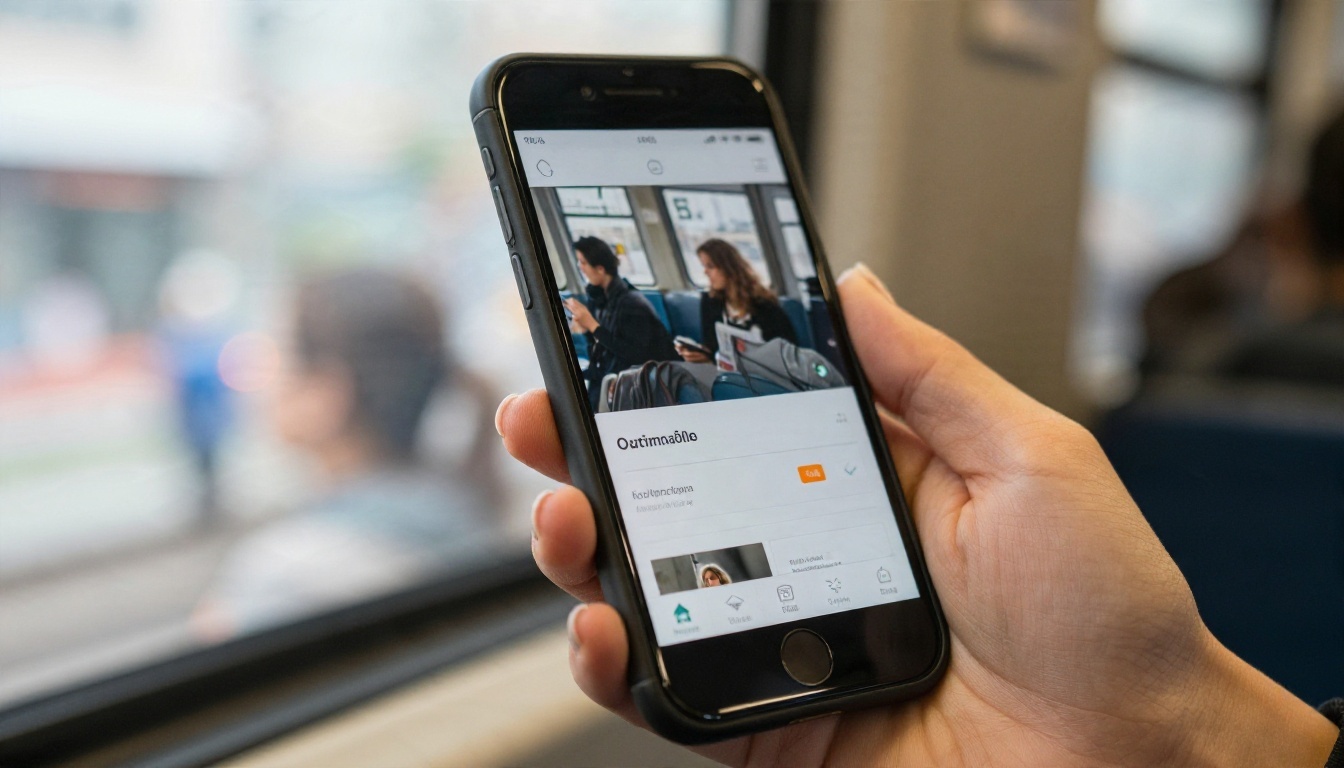
✅ Best practice: Always open your flipbook on a phone before you share it. More than half of readers will see it on a small screen, and a layout that looks sharp on a 27 inch monitor can feel cramped on mobile.
How to Create a Flipbook with Flipbooks AI
If you decide the online route fits, here is the process on Flipbooks AI. It takes a few minutes for a first project.
Upload Your PDF
- Open Flipbooks AI and create an account.
- Click to start a new flipbook and drag your PDF into the upload area.
- Wait for the conversion. Each PDF page becomes a flippable page, and text stays sharp when readers zoom in.
- Preview the result on desktop and mobile layouts.
For specific formats, the Catalog Flipbook Creator, Magazine Flipbook Creator and Interactive E-Book Publisher start you with sensible defaults.
Customize the Look
- Branding: add your logo and choose brand colors for the viewer
- Page effects: select the flip animation and sound that fits your content
- Multimedia: embed videos and audio directly on pages
- Layout: pick single-page or spread view and set the background

Share and Protect
- Copy the direct link to send by email or message.
- Use the embed code to place the flipbook on your site, as shown on the Embed Flipbook on Website page.
- Turn on password protection for private proposals, internal manuals or client previews.
- Replace the PDF later if you need changes, and keep the same link.
Track Results
On the Professional plan, you get analytics to see views and reading behavior, plus lead generation to capture contact details before a reader opens the document. You can also allow offline downloads for readers who want a copy. See the plan comparison to confirm which features sit where.
💡 Pro tip: Name your flipbooks by campaign, such as "Spring Menu" or "Q3 Catalog," so your analytics make sense six months later.
Which One Fits Your Situation
The right choice depends on who you are and how often you publish. Use this table as a quick filter.
| Your situation | Better fit | Why |
|---|
| Restaurant with a changing menu | Online | Swap the PDF, keep the QR code |
| Real estate agent sending listings | Online | Shareable links, mobile reading |
| Designer building offline for a client | Desktop | Local control, no upload needed |
| Student with a one-off project | Free tier | Low stakes, short lifespan |
| Company publishing reports each quarter | Online | Analytics, branding, team access |
| Archive in a no-internet environment | Desktop | Self-contained export |

Real-World Examples
- A restaurant owner can use the Restaurant Menu Creator to update lunch specials in minutes while the printed QR code on every table stays the same.
- A real estate agent can send a property file made with the Real Estate Brochure tool, protected by a password for serious buyers.
- A sales team can turn a deck into a Sales Presentation flipbook and watch which pages get read.
- An HR department can publish an internal handbook as a Training Manual Flipbook.

Five Mistakes to Avoid
- Picking by price alone. The cheapest license often costs the most in hosting and time.
- Ignoring mobile. Test every flipbook on a phone.
- Skipping the watermark check. Verify it on the exact plan you will use.
- Forgetting about updates. Choose a tool where replacing a PDF is painless.
- Hitting limits late. Check page caps, file size and flipbook counts first.
If your work involves sharing documents with other people, an online platform will save you hours and spare you the hosting chores. If you build offline or need a self-contained file, a desktop program still has its place.
Want to see the online route in action? Get started for free on Flipbooks AI, upload a PDF and judge the result on your own phone. Browse the full list of flipbook tools to find a template for your format, then compare pricing plans to match features such as unlimited flipbooks, password protection and analytics to your needs. When you are ready to commit, go straight to account and pricing and publish your first flipbook today.



