You have a PDF that deserves better than an email attachment, and you would rather not pay before you know it works. That is exactly why people search for a free flipbook AI tool. The idea is simple: upload a document, get a page-turning online version that opens on any phone, and share it with a link. Platforms like Flipbooks AI turn that into a two-minute job, but "free" can mean very different things depending on who is offering it.
This article shows what a free flipbook tool normally gives you, the limits that appear after the first week, concrete examples that work well without a budget, and how the main online alternatives stack up. By the end you will know whether free is enough for your project or whether a small paid plan saves you headaches.
What "Free" Really Means
The word "free" is stretched in software marketing. Before you upload anything, work out which kind of free you are looking at.
Free Trial vs Free Plan vs Freemium
There are three common models, and they behave differently once you rely on them.
| Model | How it works | Best for | Risk |
|---|
| Free trial | Full features for a short period, then locked or deleted | Testing before buying | Your flipbook may go offline when the trial ends |
| Free plan | Limited features, no expiry | Light personal use | Branding and caps on size or count |
| Freemium | Free base with paid add-ons | Growing projects | Features you need sit behind the paywall |
A free trial is honest about being temporary. A free plan is permanent but restrictive. Freemium sits in the middle and tends to nudge you toward upgrading as soon as you want one specific thing, such as removing a logo.
💡 Pro tip: Check what happens to your published links when a trial ends. A flipbook you already shared with clients that suddenly shows an error page is worse than never having published it.
What You Typically Get
Most free flipbook options give you the basics that make a flipbook feel like a flipbook:
- PDF upload and conversion into a page-turning layout
- A shareable link that works in any browser
- Mobile-friendly viewing so readers can swipe on a phone
- Basic page effects like a realistic page curl
- Limited customization of background color and cover
What you usually do not get is the stuff that makes a flipbook work as a business asset: removal of third-party branding, password protection, detailed reader analytics, lead capture, and offline downloads. Those tend to sit on paid tiers.
The Limits You Will Hit
Free tools are fine until your project grows by one inch. Then the walls appear. Here are the three that matter most.
Watermarks and Branding
The most common trade-off is a visible logo or a "made with" banner on the viewer. For a personal photo album, nobody cares. For a restaurant menu or a sales catalog you send to buyers, it reads as unfinished.
Some platforms also place their own ads or a promotional end page inside the flipbook. If your document represents your company, that is attention you are giving away to a stranger.
Page, File Size and Storage Caps
Free tiers protect their servers by limiting how much you can upload. The usual caps are:
- Maximum page count per document
- Maximum file size in megabytes
- A fixed number of flipbooks you can keep live
- Short storage time before inactive files are removed
A 12-page lookbook usually squeezes in. A 150-page annual report with high-resolution photos often does not. Compressing images before upload helps, but you lose sharpness, which defeats the point of a visual publication.
Missing Analytics and Privacy
Free viewers rarely tell you who read your flipbook, how long they stayed, or which pages they skipped. Privacy controls are also thin. If you need to share pricing with only a few distributors, a public link is a risk. Password protection and access controls are normally part of a paid plan.
| Limit | Free tier (typical) | Paid tier (typical) |
|---|
| Watermark | Present | Removed |
| Page count | Small cap | Much higher or none |
| Number of flipbooks | A few | Unlimited on higher plans |
| Password protection | Rarely | Yes |
| Analytics | None or basic | Detailed, with lead capture |
| Custom branding | No | Yes |
| Offline download | No | Yes |
⚠️ Warning: Do not build a customer-facing process, like a printed QR code on every table, around a free tool whose terms can change. Reprinting 200 menus because a free plan was discontinued is an expensive lesson.
Free Flipbook Examples That Work
Free works best when the document is short, the audience is casual, and branding is not a big concern. These examples show where a no-cost setup holds up well.

A Cafe Menu on a QR Code
A small cafe prints a QR code for each table. Customers scan it and flip through breakfast, lunch, and drinks pages on their phone. Updating a price means replacing the PDF, not reprinting cardboard. The Restaurant Menu Creator and the Menu Flipbook Designer are built for this exact workflow.
A Photographer Portfolio
A freelance photographer exports 20 favorite shots as a PDF and sends one link instead of a heavy ZIP file. Clients flip through the work on their phone during a commute. The Photography Portfolio tool keeps image quality high while the pages stay light enough to load quickly.

A Small Business Catalog
A local furniture shop turns its seasonal price list into a flipbook and posts the link on social media. Shoppers browse on the couch, then message the shop about the pieces they like. For catalogs of this type, try the Digital Catalog Maker or the Digital Price List Generator.
| Use case | Typical length | Needs analytics? | Free tier enough? |
|---|
| Cafe menu | 4 to 8 pages | No | Often yes |
| Photo portfolio | 10 to 25 pages | Sometimes | Usually yes |
| Product catalog | 20 to 60 pages | Yes | Rarely |
| Annual report | 40 to 120 pages | Yes | No |
| Recipe book | 15 to 40 pages | No | Often yes |
| Sales presentation | 10 to 30 pages | Yes | Rarely |
Notice the pattern. The moment you need to know who opened the document, or you are sending it to paying customers, the free tier starts to feel tight.
How to Create a Flipbook with Flipbooks AI
If you want to see how the process looks in practice, here is a walkthrough using Flipbooks AI. The steps are the same shape on most platforms, so they apply even if you end up choosing a different tool.
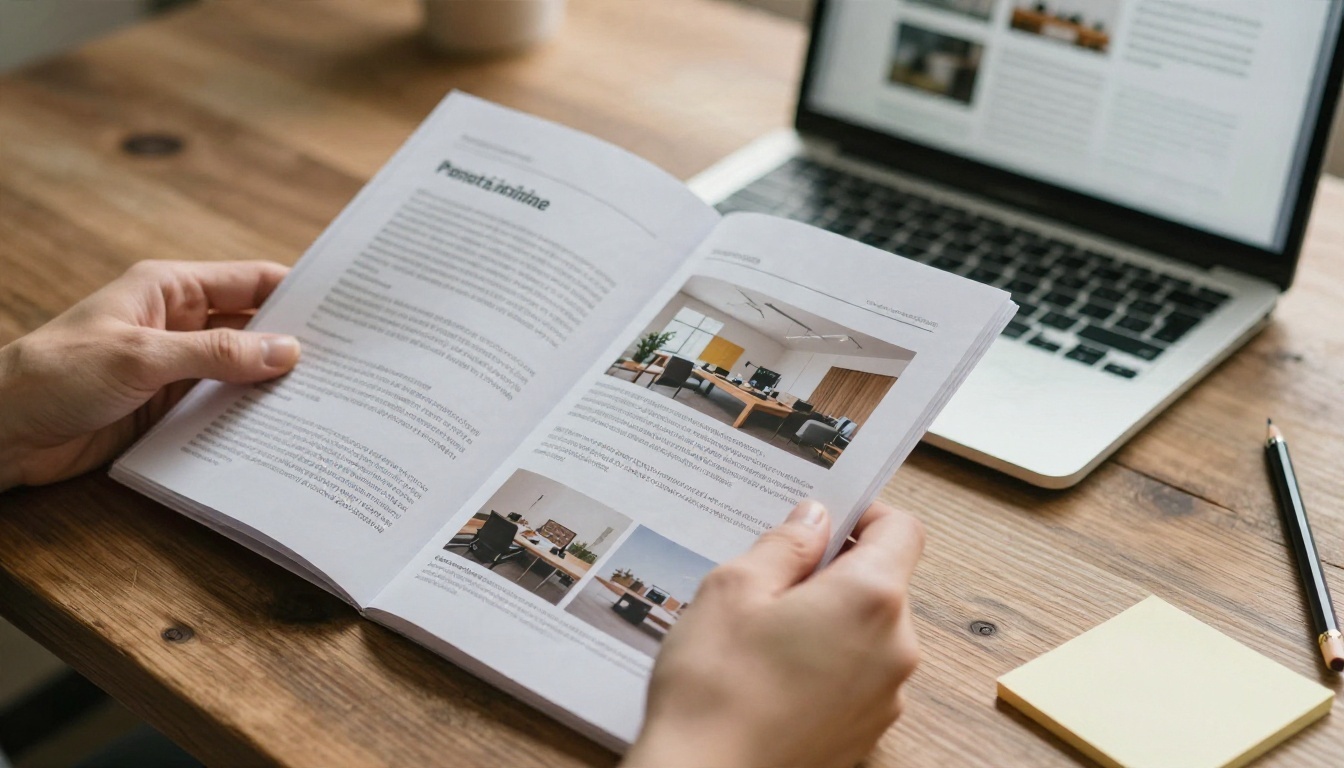
Step 1: Create Your Account
Go to Flipbooks AI and create an account. Sign-up takes under a minute. You can review the current plan options on the pricing page before you commit to anything.
Step 2: Upload and Convert Your PDF
- Click the upload button in your dashboard.
- Drag your PDF into the window, or select it from your computer.
- Wait while the pages convert. A short document takes seconds.
- Preview the result. Each page should be sharp, with the text readable at normal zoom.
The dedicated PDF to Flipbook Converter page explains what file types and sizes work best.
💡 Tip: Export your PDF at 150 DPI for screen reading. It looks crisp on phones and keeps the file small enough to load fast on slow connections.
Step 3: Customize the Look
Open the customization panel and adjust:
- Branding: add your logo and brand colors
- Background: choose a color or image that fits your style
- Page effects: set the page curl, shadow, and flip speed
- Multimedia: embed videos and audio where they add value, like a recipe demo or a product walkthrough
Keep it restrained. A clean background and one accent color look more professional than every effect switched on.
Step 4: Share It
You have several sharing options:
- Direct link for email and messaging apps
- Embed code to place it on your site, see the Embed Flipbook on Website tool
- Password protection for private documents
- QR code for print materials and packaging
Step 5: Pro Features Worth Knowing
On the Professional plan you get analytics that show how many people opened the flipbook and which pages held their attention, plus lead generation forms that collect an email before the reader sees the content. Offline downloads let readers save a copy for places with no signal. Standard plans and above include unlimited flipbooks, and there are no watermarks, ever. Compare tiers on the pricing page.
Online Alternatives Compared
You are not locked into one approach. Here are the main routes people take when they want a document to feel like a publication, and where each one fits.

| Option | Strength | Weak spot | Best for |
|---|
| Dedicated flipbook makers | Realistic page turns, embeds, branding | Paid tiers for pro features | Catalogs, menus, brochures |
| Design platforms with publish links | Easy layout and templates | Page-turn effect is limited | Quick visual documents |
| Magazine hosting platforms | Built-in audience and discovery | Your content sits beside others | Publishers seeking reach |
| Plain PDF link | Zero setup | No page effect, no analytics | Internal files, drafts |
| Website page or blog post | Full control, good for search | Slower to build and update | Content you want indexed |
Features and limits on third-party products change often, so check each provider's current pricing page before you decide.
When a Plain PDF Link Is Enough
If the document is internal, short-lived, or read by two people, a PDF in cloud storage is perfectly fine. Do not add tools you do not need. A flipbook shines when presentation matters or when you want the reader to enjoy browsing, not just download a file.
When Paying Makes Sense
Pay when any of these are true:
- You send the document to customers or investors and want clean branding
- You need to see who opened it and which pages mattered
- You publish more than a few documents a month
- The file is large or image-heavy
- You need private access with a password
For a catalog or brochure that earns you money, the cost of a plan is usually smaller than the cost of one lost deal that looked sloppy. The tools directory lists dedicated builders for catalogs, brochures, reports, and portfolios, so you can pick the one that matches your document type.
A Checklist Before You Publish
Run through this before sharing any flipbook, free or paid.
- Open it on a phone. Text should be readable without pinch zooming.
- Check every link inside the document.
- Compress images that are larger than they need to be.
- Test the share link in a private browser window.
- Read the terms of the plan, especially what happens when it ends.
- Keep your source file so you can move to another platform anytime.
✅ Best practice: Always keep the original design file and PDF. Your flipbook is a view of your content, not the only copy of it.
Quick Answers
Can I use a free flipbook for business? Yes, if the branding and limits do not hurt your credibility. For client-facing material, a paid plan is safer.
Will a free flipbook work on mobile? Most do, since they render in the browser. Always test on a real phone.
Is a free tool safe for private documents? Be careful. Without password protection, anyone with the link can open it.
Can I move later? Yes. As long as you kept the original PDF, you can re-upload it anywhere.
Publish Your First Flipbook Today
A free flipbook is a good test drive. It shows you how your content reads as a page-turning publication, with no pressure and no invoice. When you need clean branding, privacy, and analytics, a small upgrade removes the friction.
Ready to see it with your own file? Get started for free on Flipbooks AI, browse the full list of flipbook tools for your document type, and when you are ready to compare options, view the plans and choose what fits your project.



