You have a PDF. It is well designed, it took days to finish, and now it sits in an inbox as an attachment that half your audience will never open. A flipbook AI generator fixes that problem in minutes: you upload the file, and it comes back as a page turning publication with a shareable link. With Flipbooks AI, the whole process runs in the browser, with no design software and no watermark slapped across your pages.
This article breaks down what these tools actually do, what a free online maker gives you, how pricing tiers differ, and which projects get the most out of them. No hype, just the practical details you need before you pick a tool.
💡 Quick answer: A flipbook generator converts a static PDF into an interactive, mobile friendly document that you can share by link, embed on a website, or protect with a password. The AI part speeds up the conversion and layout work so you do not have to.
What a Flipbook AI Generator Does
Think of it as a translator between two worlds. Print layouts are fixed. Screens are not. A flipbook tool takes a fixed layout and makes it behave properly on a laptop, a tablet, and a phone.
From Flat PDF to Page Turner
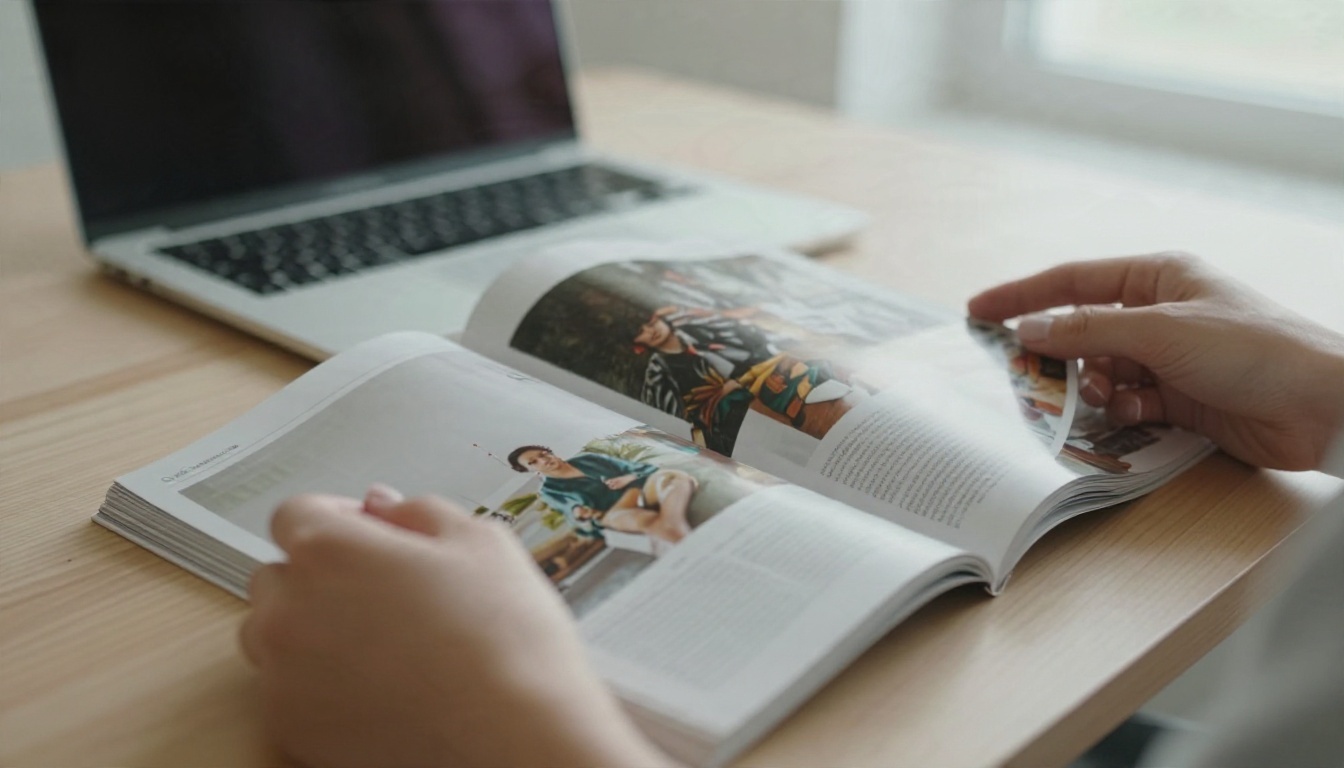
The core job is simple. You give the tool a PDF, and it renders each page as a crisp image, adds a realistic page curl animation, and wraps everything in a viewer. Readers click or swipe to turn pages, zoom into details, and jump to any section.
Here is what changes the moment your file becomes a flipbook:
- Readers do not download anything. They open a link and start reading.
- Pages load progressively, so a 120 page catalog does not freeze a phone.
- Zoom stays sharp, which matters for price tables, floor plans and small print.
- Your layout never breaks. Fonts and images look exactly as you designed them.
What the AI Part Handles
The "AI" in a flipbook AI generator is not magic, and you should be suspicious of anyone who says otherwise. In practice it handles the repetitive parts: detecting page sizes and spreads, optimizing images so files load fast, building a table of contents from your headings, and suggesting layout settings that suit your document type.
You still make the creative decisions. The tool just removes the tedious ones.
| Task | Without a Generator | With a Generator |
|---|
| Convert PDF to web viewer | Hire a developer or learn code | Upload and wait a few minutes |
| Optimize page images | Manual export, trial and error | Automatic |
| Mobile layout | Separate design pass | Responsive by default |
| Page turn effect | Custom scripting | Built in |
| Sharing | Email attachments | One link or embed code |
Free Online Maker: What You Get
Search for a free flipbook maker and you will find dozens. Most work, but they differ wildly in what "free" actually means. Before you commit hours to a project, check three things.

Watermarks and Hidden Limits
The most common trap is the watermark. Many free tools stamp their logo on every page or add an ad screen before your content. That is fine for a school project. It looks bad on a client proposal or a restaurant menu.
Flipbooks AI takes a firm stance here: no watermarks, ever. What you publish looks like your brand, not ours.
Other limits to watch for in any free maker:
- Page caps. Some tools stop at 20 or 30 pages.
- File size caps. A photo heavy catalog can exceed a small upload limit.
- Expiring links. Free flipbooks that vanish after 30 days are common.
- Public only. Many free plans cannot protect a file with a password.
Free vs Paid at a Glance
| Feature | Typical Free Maker | Flipbooks AI |
|---|
| Watermark on pages | Yes | Never |
| Number of flipbooks | 1 to 3 | Unlimited on Standard and above |
| Password protection | Rare | Yes |
| Embed on your website | Sometimes with branding | Yes, clean embed |
| Video and audio inside pages | Usually paid | Supported |
| Mobile responsive | Varies | Yes |
You can create an account and test the conversion with one of your own files before deciding on anything. That is the fastest way to judge quality: look at how your own fonts and images render, not at a polished demo.
⚠️ Watch out: Always test with your worst page, the one with tiny text or a full bleed photo. If that page looks good, the rest will too.
Pricing Without the Guesswork
Pricing pages are often built to confuse. Here is a plain way to think about it: you are paying for volume, control and insight. Volume means how many flipbooks you can publish. Control means branding and privacy. Insight means analytics.

Standard vs Professional
The two tiers you will compare most are Standard and Professional. Check the live pricing page for current amounts, since plans change, but the difference in what each tier does is stable.
| Capability | Standard | Professional |
|---|
| Unlimited flipbooks | ✅ | ✅ |
| No watermarks | ✅ | ✅ |
| Custom branding | ✅ | ✅ |
| Password protection | ✅ | ✅ |
| Offline downloads | ✅ | ✅ |
| Reader analytics | | ✅ |
| Lead generation forms | | ✅ |
When Paying Makes Sense
Not everyone needs a paid plan. Use this rough rule:
- Stay on a free trial if you are testing one document or making a single event program.
- Choose Standard if you publish regularly: monthly newsletters, seasonal catalogs, menus that change often.
- Choose Professional if the flipbook is part of a sales process and you need to know who read what, and for how long.
💡 Pro tip: If you cannot name a decision you would make based on reader data, you probably do not need analytics yet. Start on Standard and upgrade when a real question appears.
Create a Flipbook with Flipbooks AI
Here is the full workflow, from blank screen to a link you can send. It takes about ten minutes for a typical document.
Step 1: Sign Up and Upload
- Go to Flipbooks AI and create your account.
- Click the option to create a new flipbook.
- Drag your PDF into the upload area. You can also use the dedicated PDF to Flipbook Converter.
- Wait while pages are converted. You will see a preview as soon as processing finishes.
✅ Best practice: Export your PDF at the final trim size with images at 150 to 200 DPI. Higher than that adds load time without visible gain on screens.
Step 2: Customize the Look
Once the preview opens, spend a few minutes on the details that make it feel like yours:
- Branding: Add your logo and pick background and toolbar colors that match your site.
- Page effects: Choose the page curl speed and shadow strength. Subtle works best.
- Multimedia: Drop in embedded video or audio on specific pages, for example a product demo on page 12.
- Links: Make buttons, email addresses and product names clickable.
Step 3: Choose How to Share
You have three main options, and many people use all of them:
| Sharing Method | Best For | Notes |
|---|
| Direct link | Email, social posts, QR codes | Fastest option |
| Embed code | Website pages and blogs | Use the embed tool |
| Password protected link | Client proposals, internal reports | Share the password separately |
| Offline download | Trade shows, poor connectivity | Readers keep a copy |
Step 4: Turn On Pro Features
On the Professional plan, open the analytics panel to see page by page reading behavior. You can also add a lead generation form so readers enter an email address before they view the content. That works well for gated reports and high value catalogs.
What It Can Do in Practice
Features sound abstract until you attach them to a real job. These are the scenarios where flipbooks earn their place.

Restaurants and Cafes
A menu changes more often than a printer can keep up with. A restaurant can upload a new PDF, update the same link, and the QR code on every table shows the latest dishes immediately. The Restaurant Menu Creator is built for exactly this, and spas can do the same with the Spa and Wellness Menu.
Real Estate Agents
Agents send the same brochure to dozens of buyers. A flipbook lets them share floor plans and photo spreads in one link that opens instantly on a phone. With the Real Estate Brochure Creator, they can add a password for off market listings.
Photographers and Designers
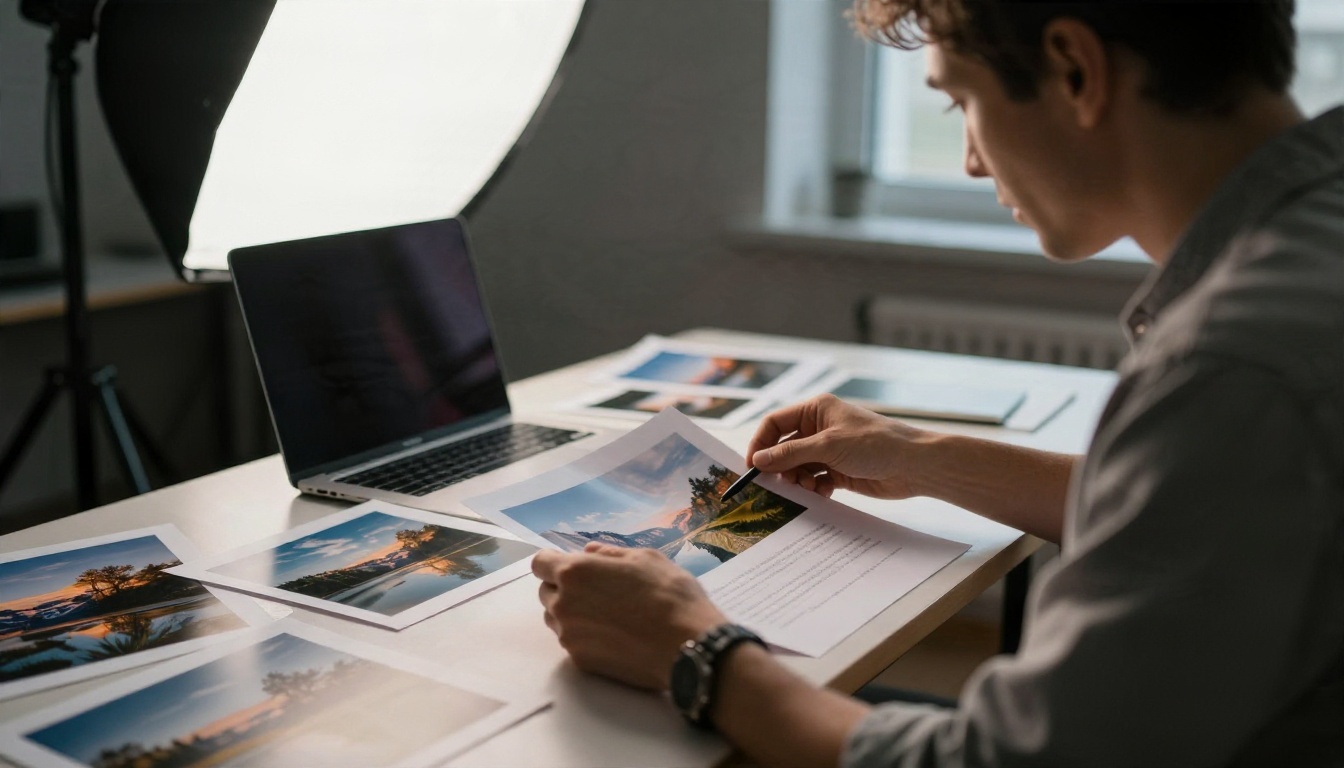
A portfolio sent as a 40 MB PDF looks clumsy. A flipbook loads fast and lets large images breathe. The Digital Portfolio Creator and Photography Portfolio tools are tuned for image heavy layouts.
Teachers and Trainers
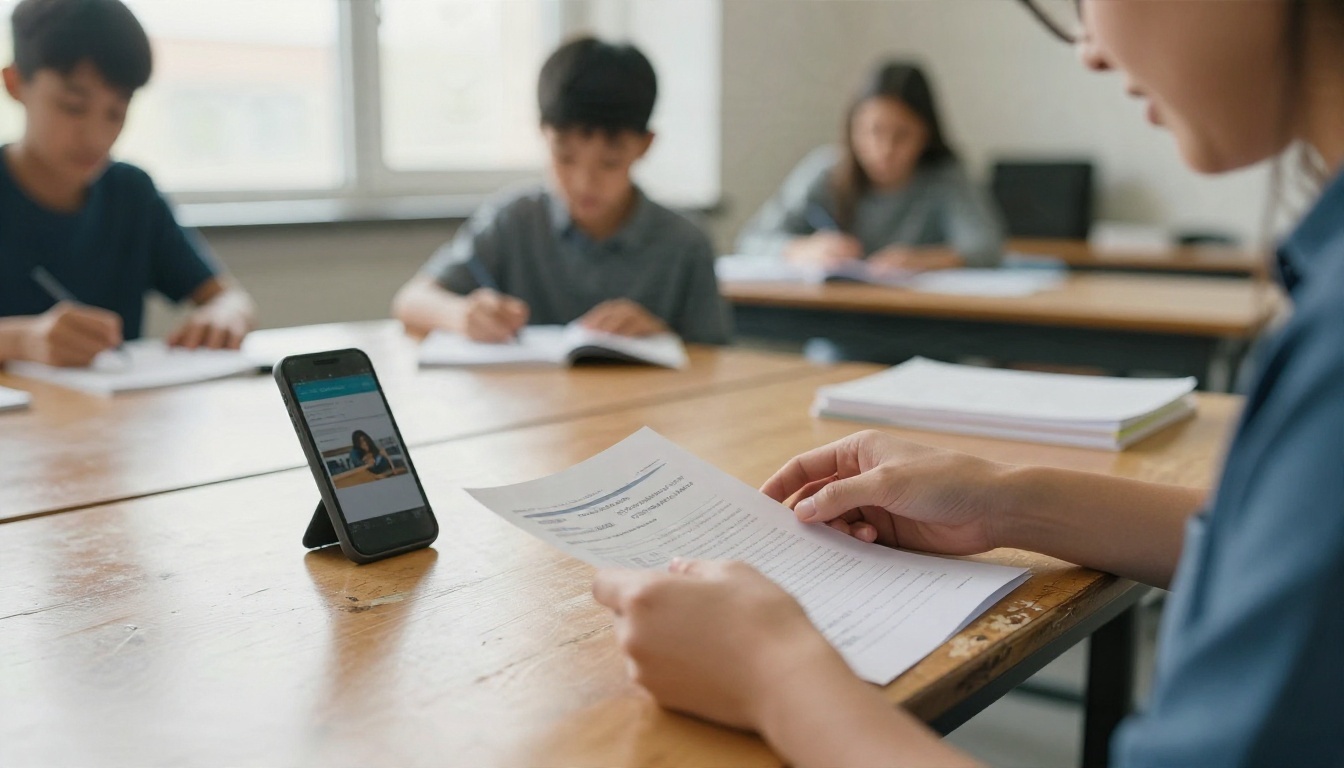
Course packs, handbooks and yearbooks all work well as flipbooks. Students open them on any device, and teachers update the source file without resending anything. See the Course Material Publisher and Training Manual Flipbook.
Use Case Comparison
| Use Case | Typical Length | Biggest Benefit | Suggested Plan |
|---|
| Restaurant menu | 2 to 10 pages | Instant updates via one link | Standard |
| Product catalog | 30 to 150 pages | Fast loading, clickable items | Standard |
| Sales proposal | 10 to 30 pages | Password and reader insight | Professional |
| Annual report | 40 to 100 pages | Clean branding, easy sharing | Standard |
| Gated whitepaper | 10 to 25 pages | Lead capture forms | Professional |
| Event program | 8 to 30 pages | Offline download for attendees | Standard |
You can browse every template category in the tools directory.
Mobile Reading and Sharing
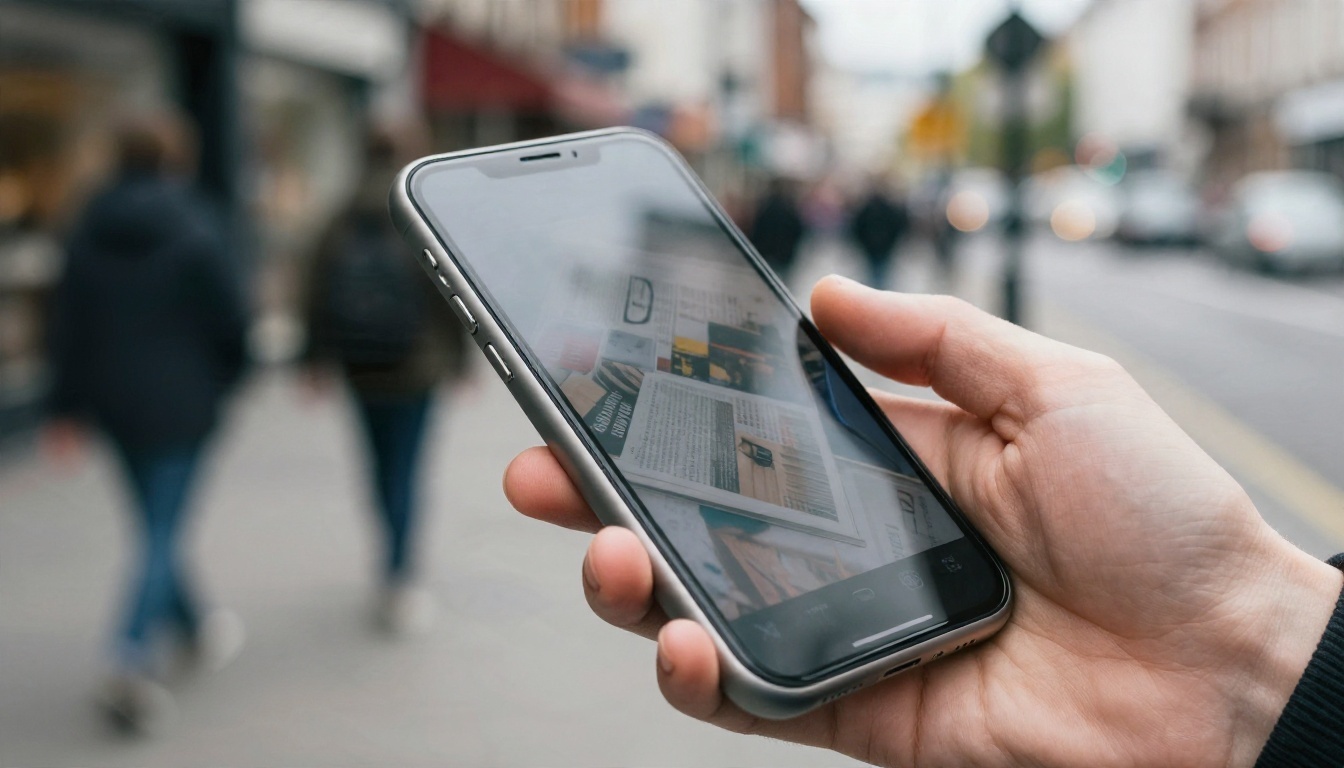
More than half of document views now happen on phones, so a flipbook that only works on a desktop is a flipbook that fails. A good generator builds a responsive viewer: single page view on narrow screens, two page spreads on wide ones, with touch friendly swipes and pinch zoom.
Make It Easy to Open
Short links and QR codes remove friction. Print the QR code on a flyer, a business card, or a table tent, and readers reach your document in two seconds. If your audience may have weak signal, such as at a conference hall, offer the offline download too.
Videos and Audio Inside Pages
A product page can play a thirty second demo. A travel guide can include ambient audio from a market. Because these play inside the page, readers stay in the document instead of bouncing to another tab.
Common Mistakes to Avoid
Most disappointing flipbooks fail for the same few reasons.

Uploading a Poor Source File
A blurry PDF stays blurry. Check your original at 100 percent zoom before uploading, and fix low resolution images at the source.
Ignoring the First Page
Readers decide in seconds. Make page one clean and obvious, with a clear title and one visual that tells people what they are about to read.
Forgetting to Test on a Phone
Open your finished flipbook on a real phone before sharing it. Check that text is readable, links work, and videos play.
Sharing Private Files Without a Password
Pricing sheets, contracts and internal reports should never sit on a public link. Turn on password protection, and send the password through a different channel.
⚠️ Warning: A hidden link is not a secure link. Anyone with the URL can open an unprotected flipbook, so use a password for anything sensitive.
Ready to Make Yours?
A flipbook AI generator is worth using when your document deserves better than an email attachment. It saves design hours, keeps your branding clean, and gives readers a smooth experience on every screen.
Here is your next move, depending on where you stand:
Your next PDF could be a page turning flipbook by the end of the day.



