A flipbook is the cheapest animation studio ever invented: a stack of paper, a pencil, and a thumb. Draw a ball a little lower on each page, riffle the edge, and it bounces. That simple trick still teaches motion better than most software, which is why teachers keep coming back to it. The part that has changed is what happens after the drawing is done. Today you can scan the pages, build a PDF, and publish a page-turning version on Flipbooks AI that anyone can open on a phone, with no printing and no lost pages.
This article collects practical flipbook animation examples for students of different ages, shows how to make clean PDF versions of your work, and compares the free online tools worth your time. You will also find a step-by-step method for publishing the finished project, plus the mistakes that waste the most hours.
What Flipbook Animation Really Is
Before the project ideas, a quick look at the mechanics. Once the mechanics click, every example below gets easier to plan.
How the Illusion Works
Your eye holds on to an image for a fraction of a second after it disappears. When a new image that differs only slightly replaces it fast enough, the brain reads the sequence as movement. A physical flipbook gets there by letting pages fall off your thumb at roughly 8 to 12 pages per second, which is close to the pace of classic hand-drawn animation.
That gives you a simple planning rule:
- 12 pages gives you about one second of motion
- 24 pages gives you a short, readable action such as a jump or a wave
- 48 pages gives you a mini story with a beginning and an end
💡 Pro tip: Draw the first and last page before anything else. Then fill the pages between them. Students who skip this step usually run out of pages before the action finishes.
Why Teachers Love It
A flipbook project needs no login, no license, and no device. It also fits almost any subject. In science it shows a cell dividing. In history it shows a map changing over a century. In language class it shows a short comic scene with speech bubbles. The finished product is concrete, so grading is simple: either the motion reads or it does not.
Flipbook Animation Examples for Students
The best projects are small. A student who picks a ten second action finishes. A student who picks a whole movie does not. Here are ideas sorted by age, followed by a quick comparison.
Primary School Ideas
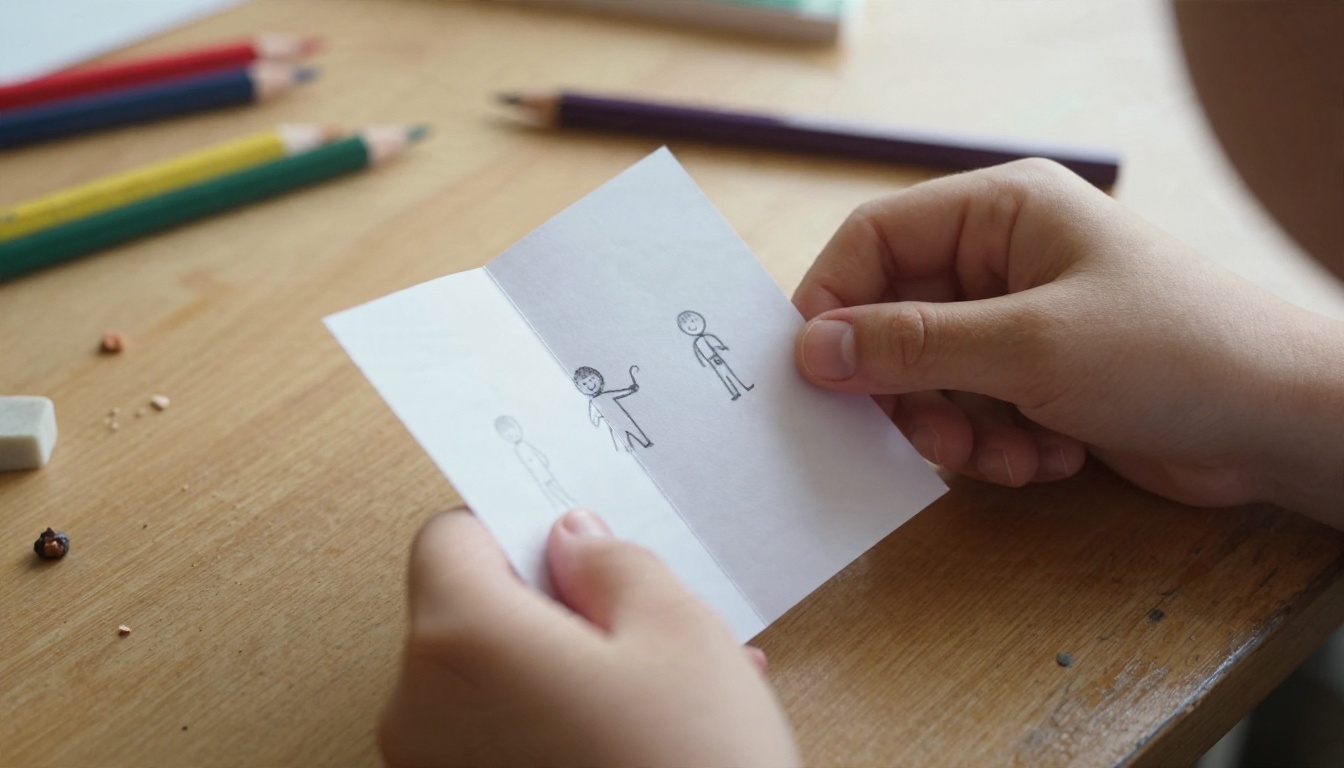
Younger children need a clear subject and very few pages. Stick figures are fine. What matters is the idea of change from one frame to the next.
- A bouncing ball that squashes slightly when it hits the ground
- A growing flower that goes from seed to bloom in 20 pages
- A walking stick figure with only the legs changing
- A sunrise where a circle climbs and the sky color is added with crayon
- A fish swimming across the bottom corner of the page
Middle and High School Ideas
Older students can attach the animation to a topic they are already studying, which turns the exercise into revision instead of extra work.
- The water cycle: evaporation, cloud formation, rain, and runoff across 30 pages
- Mitosis: a single cell splitting stage by stage, labeled with one word per phase
- A pendulum: swing arcs that slow down as friction takes over
- A historical border change: a map outline shifting across several decades
- A short dialogue scene: two characters, three lines each, for a language class
College and Art Class Ideas
At this level, flipbooks work as a fast prototype for timing and weight. Animation and design students often draw a rough 24 page test before moving into software.
- A walk cycle tested on paper, then rebuilt digitally
- A logo reveal with the shape forming over 36 pages
- A product demo such as a hinge opening or a lid closing
- A data story where a bar chart grows year by year
| Level | Idea | Pages Needed | Skill Practiced |
|---|
| Primary | Bouncing ball | 12 to 16 | Sequencing |
| Primary | Growing flower | 20 | Gradual change |
| Middle school | Water cycle | 30 | Science processes |
| High school | Mitosis stages | 24 to 36 | Diagram accuracy |
| College | Walk cycle | 24 | Timing and weight |
| College | Logo reveal | 36 | Design and pacing |
For ready-made layouts that hold a whole class set of projects, the Course Material Publisher is a handy starting point, and the Yearbook Flipbook Maker works well when you want every student's animation in one shared book at the end of term.
Turning Drawings into PDF Versions
A paper flipbook is fun, but it can only be in one place at a time. A PDF version solves that. It can be emailed, printed again, graded from home, and turned into an online flipbook.
Scan and Export Steps
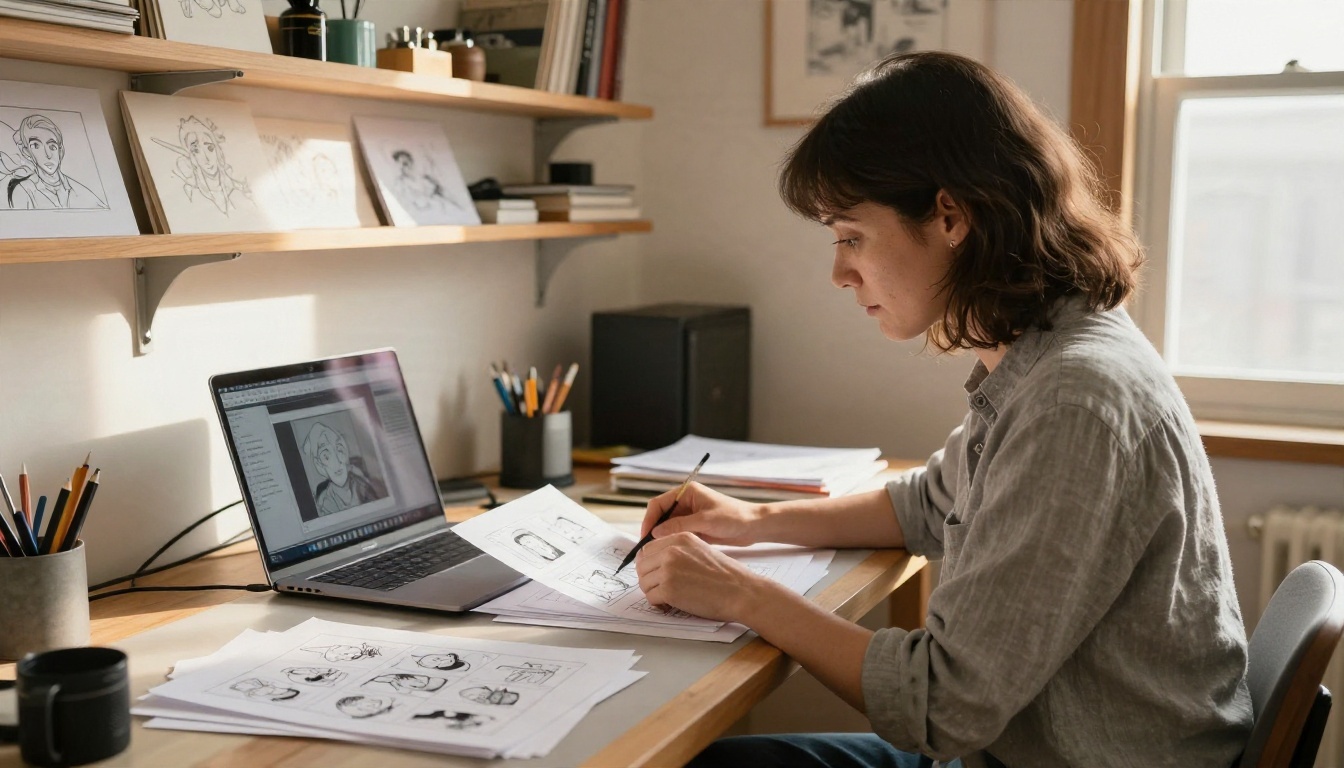
You do not need a flatbed scanner. A phone camera and some patience are enough.
- Draw on matching pages. Use the same paper size and keep a consistent margin. Mark the same corner on every sheet so you can line them up.
- Photograph or scan each page in even light. Hold the phone directly above the page, not at an angle.
- Crop and straighten every image in the same way so the drawing does not jump from page to page.
- Number the files in order. Use 01, 02, 03 rather than 1, 2, 3 so they sort correctly.
- Combine them into one PDF with any free export option in your photo app, word processor, or slide software.
- Check the page order by scrolling through the PDF fast. If the motion looks smooth on screen, it will look smooth in a flipbook.
⚠️ Warning: Do not compress the PDF too hard. Pencil lines are thin, and heavy compression turns them into gray smudges. Aim for a file that stays readable when zoomed in.
Printable PDF Flipbook Templates
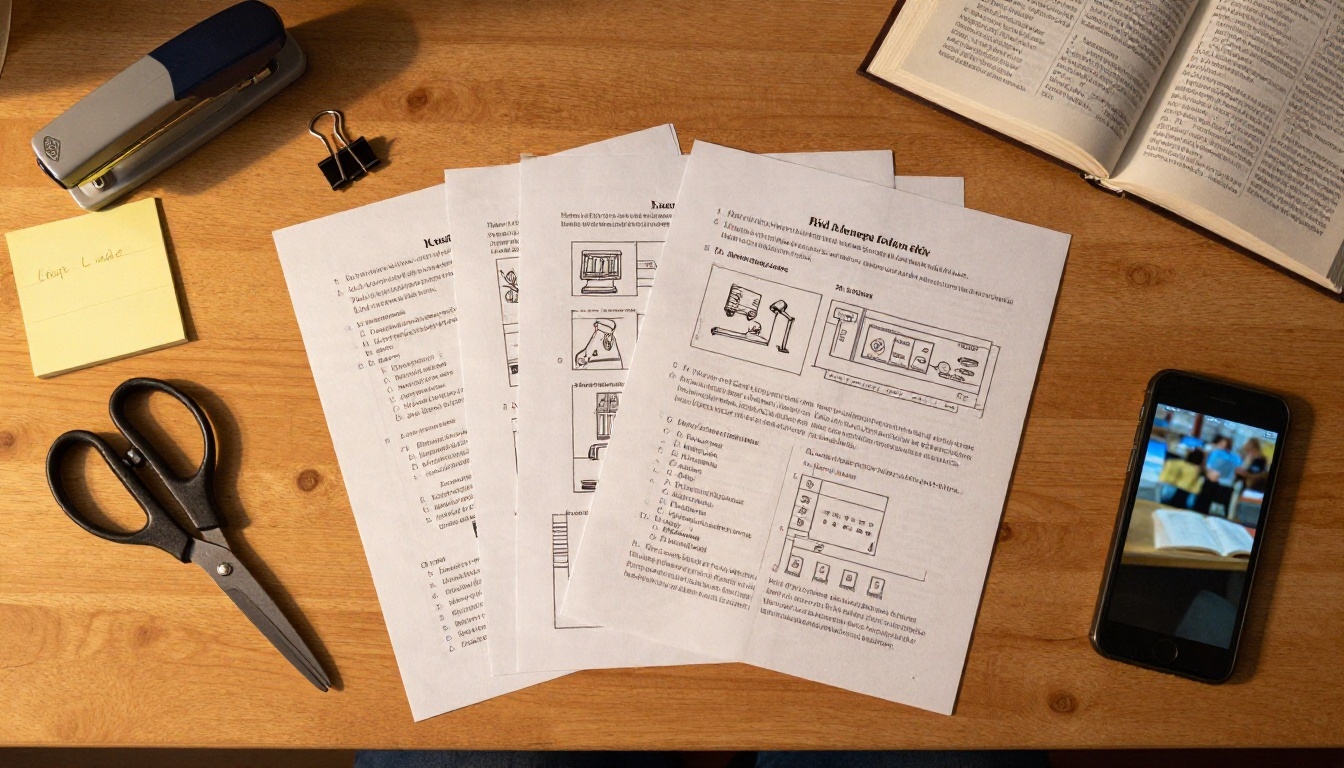
Many teachers prefer to hand students a blank template, with a grid of small rectangles on each sheet. Students draw in each box, cut along the lines, and staple the stack. The template keeps frames the same size, which makes the flipping smoother.
A good template includes:
- A numbered box in each corner for page order
- A binding margin on the left side so the staple does not cover the drawing
- A light registration mark so each drawing sits in the same spot
- A title page with name, date, and project topic
| Format | Best For | Strength | Weakness |
|---|
| Paper flipbook | Hands-on lessons | Tactile, no devices | One copy only |
| Printable PDF template | Class sets | Consistent frames | Needs a printer |
| Scanned PDF | Sharing and grading | Easy to email | Quality depends on scan |
| Online flipbook | Publishing and portfolios | Page-turn effect, link sharing | Needs an internet connection |
You can build the drawings in a browser or an app, then collect them into a PDF. Some tools are made for animation, some for presentation, and a few do both. Here is how the common options compare.

Browser Animation Makers
Free frame-by-frame editors give students onion skinning, which shows a faint copy of the previous frame so each new drawing lines up. Look for one that can export individual frames or a PDF.
- Piskel is a free browser editor suited to pixel art and short loops
- Krita is a free desktop painting program with a frame-based animation workspace
- Scratch lets students build animated sprites with simple blocks, a good fit for beginners
- Google Slides or PowerPoint work surprisingly well: duplicate a slide, nudge one object, repeat
Free Page-Turn Publishing
Once the pages exist, you need somewhere to show them. A shared drive link works, but it opens a plain file. A flipbook gives the viewer the feeling of turning pages. Browse all the flipbook tools to see which template suits your project, or use the PDF to Flipbook Converter if your PDF is ready.
| Tool Type | Example | Cost | Best Use |
|---|
| Pixel animator | Piskel | Free | Short loops, game sprites |
| Painting program | Krita | Free | Hand-drawn frames |
| Block coding | Scratch | Free | Interactive stories |
| Slide software | Google Slides, PowerPoint | Free or included | Quick storyboard animations |
| Flipbook publisher | Flipbooks AI | See pricing | Sharing a PDF as a page-turning book |
💡 Pro tip: Mix tools. Draw in Krita, export the frames to a PDF, then publish in a flipbook. Each tool does the job it is best at.
How to Create an Animated Flipbook with Flipbooks AI
One honest note first. A flipbook on the platform turns your PDF pages into a page-turning book. It does not play your drawings back as a looping GIF. If you want the motion itself to play, embed a short video of the animation inside the flipbook. That way readers get both: the page-turn feel and the finished movement.
Upload and Convert
- Go to Flipbooks AI and create an account.
- Choose the upload option and select your PDF.
- Wait a few moments while the pages convert into a flipbook.
- Flip through the preview and confirm the page order matches your animation.
Customize the Look
- Add branding: upload a school logo or class badge
- Pick colors: match the background to the theme of the project
- Choose a page effect: soft page curl or a simple slide
- Embed multimedia: add a video of the animation playing, or an audio clip of the student explaining it
No watermarks appear on the finished book, which matters when you want a clean portfolio piece. The same page-turning layout also suits a Digital Portfolio Creator project, where a student gathers a term of work in one place.
Share the Flipbook
- Direct link: paste it into a class chat or email
- Embed code: place it on a class blog or school site using the Embed Flipbook on Website tool
- Password protection: keep student work private so only family and classmates can open it
- Mobile viewing: the layout adapts to phones, so parents can flip through on the go
Professional Plan Extras
Teachers running a larger program can compare the plans on the pricing page.
| Feature | Standard | Professional |
|---|
| Unlimited flipbooks | ✅ | ✅ |
| No watermarks | ✅ | ✅ |
| Password protection | ✅ | ✅ |
| Embedded video and audio | ✅ | ✅ |
| Analytics | | ✅ |
| Lead generation | | ✅ |
| Offline downloads | | ✅ |
Analytics show how many people opened a book and which pages held their attention longest. That is useful when an art department wants to know whether parents actually viewed the end-of-year showcase.
Real Classroom Use Cases
Ideas are easier to adopt when you can picture them in a real room. These three setups work with ordinary schedules.
- A weekly art club: each member draws a 24 page loop, the group merges the PDFs, and one shared flipbook goes out in the school newsletter built with the School Newsletter Creator
- A science fair: students animate their experiment results, add a short voice note, and display the flipbook on a tablet next to their poster
- A teacher training session: staff build a short procedure animation and bundle it into a Training Manual Flipbook
✅ Best practice: Set a page limit before the project starts. A cap of 24 or 36 pages keeps drawing time under control and makes scanning faster.
Common Mistakes to Avoid
Most flipbook trouble is not about drawing talent. It comes from small setup errors that pile up.
Drifting Drawings
When the subject slides around the page, the playback looks shaky. Fix it by tracing over the previous page with a light table, or by holding the stack against a bright window.
Inconsistent Scans
Different lighting or camera angles between pages cause flicker once the PDF is built. Scan everything in one session, at the same distance, with the same lighting.
Too Many Pages, Too Little Plan
Storyboard the action in six rough thumbnails first. If you cannot sketch the idea in six boxes, it is too big for a class project.
Forgetting the Title Page
A flipbook without a title page feels unfinished. Add a name, a class, and a one-line description so viewers know what they are about to see.
Ready to Publish Your Flipbook?
You already have what you need: a pencil, a handful of pages, and an idea small enough to finish. Draw it, scan it, export it as a PDF, and give it a proper home online.
Start small, flip fast, and let the pages do the talking.



