A birthday lasts one evening, but a good flipbook lasts for years. Whether you want a stack of printed pages that someone can thumb through at the table or a digital book that opens on a phone, the right template saves hours of layout work. This article walks through every flipbook birthday template format worth your time: printable ideas, editable designs, and free online options, plus a full tutorial for building one with Flipbooks AI.
Most people searching for a flipbook birthday template want one of three things: a printable file to run off at home, an editable design they can personalize with photos, or a free online tool that turns a PDF into a page-turning book they can share by link. The sections below handle all three, and you can mix them.
What a Flipbook Birthday Template Is
The word "flipbook" means two different things, and a good template search starts by knowing which one you want. That choice shapes your design, your paper, and the way you share the result.
Two Meanings, One Word
A thumb-flip book is the classic: a small stack of pages, each with a slightly different drawing or photo, that makes a tiny animation when you flip the edge with your thumb. Think of a candle flame growing, a cake being cut, or a child's jump caught in twelve frames.
A page-turning flipbook is a digital publication that looks like a real book on screen, complete with a curling page and a soft paper sound. You build it from a PDF, and anyone can open it from a link on a phone, tablet, or laptop.
| Format | Best For | Output | Skill Needed |
|---|
| Thumb-flip book | Kids, party favors, craft tables | Printed stack, stapled or clipped | Low |
| Photo memory book | Milestone birthdays, gifts | Print or digital | Medium |
| Page-turning digital flipbook | Invitations, long-distance family | Shareable link | Low |
| Hybrid (print plus QR code) | Parties with mixed ages | Printed card linking to online book | Medium |
Who Uses Them
Parents build them for first birthdays, grandchildren build them for a 90th, and office managers put together a team card that shows twenty messages in one place. A teacher might gather a class tribute. A small bakery could even use a flipbook as a seasonal menu for custom cakes, using the Menu Flipbook Designer.
💡 Pro tip: Pick the format before you pick the design. A layout built for a thumb-flip book (tiny, full-bleed frames) looks terrible as a page-turning book, and the reverse is also true.
Printable Birthday Flipbook Ideas
Printable templates are the fastest route for a party. You download a file, hit print, trim, bind, and hand it out. The best ideas share one trait: they give guests something to do or something to keep.
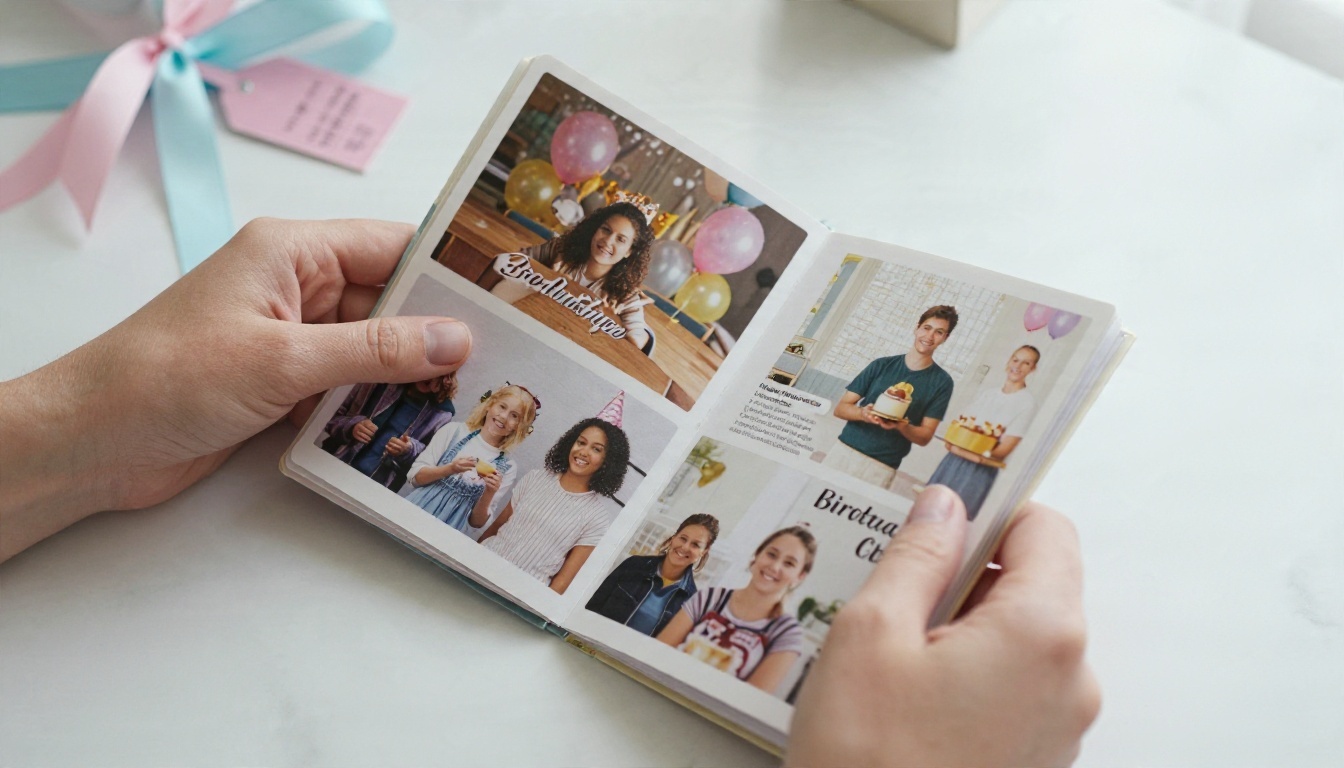
Candle and Cake Animations
This is the crowd favorite for children. Use 20 to 30 small frames: a candle is lit, the flame wobbles, a deep breath is taken, the flame disappears, confetti appears. Print them on heavy paper, cut the pages into equal strips, and clip them with a binder clip.
Keep the frame size around 2 by 3 inches. Anything larger is hard to flip with one thumb, and anything smaller is hard to cut cleanly.
Photo Memory Flipbooks
Take one photo for each year of life, or one for each month of a baby's first year. Print them in order and bind them so the child grows up while the pages turn. This works as both a thumb-flip book and a regular small album.
A sample structure for a first birthday:
- Newborn photo on page one
- One photo per month, twelve pages total
- A final page with the birthday party photo
- A back page with a short handwritten note from the parents
Party Invitation Flipbooks
Instead of a flat card, send a short flipbook as the invitation. Page one is the date and time. Page two is the location with a map. Page three is a dress code or theme. Page four is an RSVP link. When you send it digitally, guests can tap through at their own pace.
Printable Idea Comparison
| Idea | Pages | Print Cost | Time to Make | Wow Factor |
|---|
| Candle animation | 20 to 30 | Very low | 30 minutes | High for kids |
| Year-by-year photo flip | 12 to 40 | Low to medium | 1 to 2 hours | Very high |
| Guest message book | 10 to 30 | Low | 1 hour plus collecting time | High |
| Invitation flipbook | 4 to 8 | Very low | 20 minutes | Medium |
| Party favor mini book | 15 to 25 | Low | 1 hour | High |
Editable Designs Worth Trying
Printable files are fixed. Editable designs let you swap photos, change names, and shift the color palette. Most editable birthday templates come as slides or as layered design files that export to PDF, which is exactly the file type a flipbook tool wants.
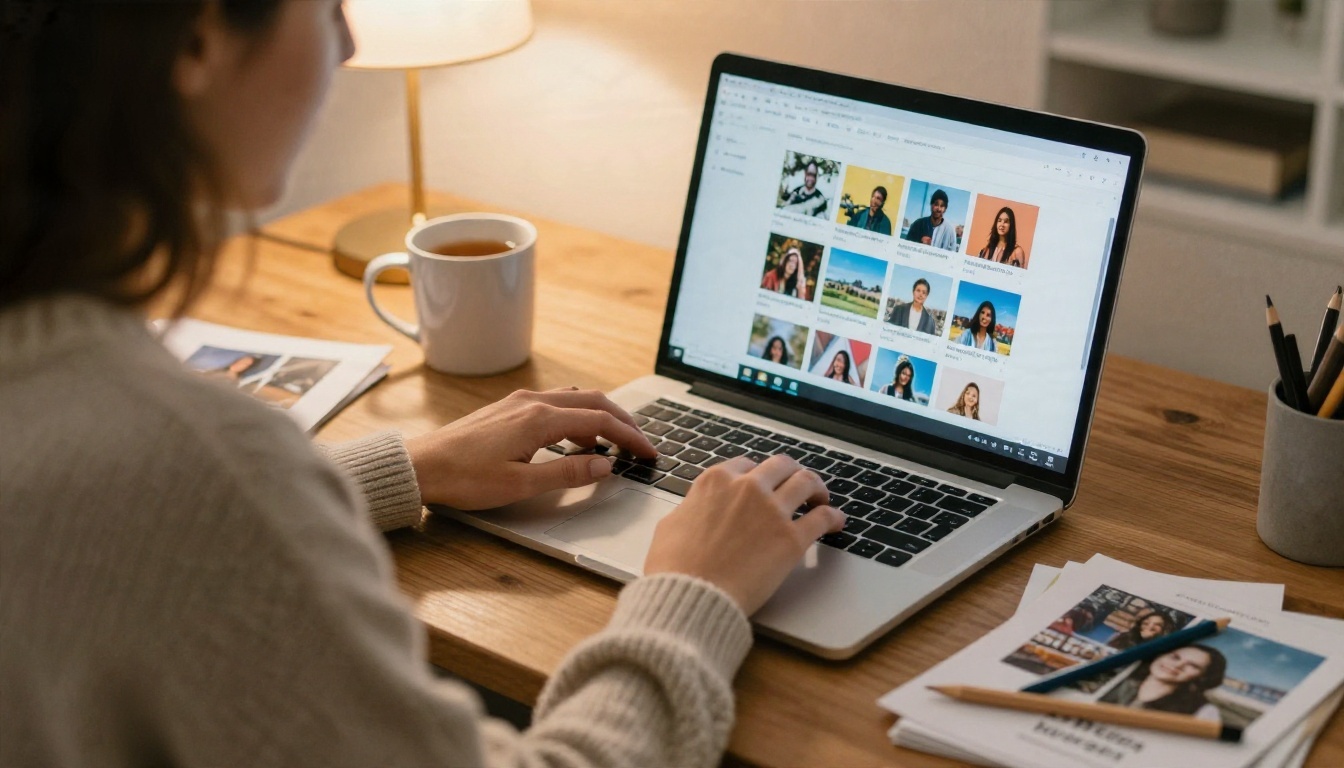
Layouts That Work
A few layouts show up again and again in birthday books because they handle photos well:
- Full-bleed hero: one big photo per page with a short caption in a corner
- Grid collage: four to six small photos with consistent white gutters
- Polaroid scatter: photos slightly rotated, as if tossed on a table
- Timeline strip: a horizontal line of years with a photo at each point
- Quote page: a single large line of text from a friend or relative, on a solid color
✅ Best practice: Alternate busy pages with calm ones. A collage page followed by a quote page gives the eye a rest and makes the book feel paced rather than crowded.
Color and Font Pairings
Color choice sets the mood before anyone reads a word. Here are palettes that tend to photograph well on both paper and screen:
| Birthday Style | Palette | Font Pairing | Mood |
|---|
| First birthday | Cream, sage, butter yellow | Rounded serif plus clean sans | Soft and sweet |
| Kids party | Bright red, sky blue, sunny yellow | Chunky display plus simple sans | Playful |
| Milestone 30 or 40 | Charcoal, gold, ivory | Elegant serif plus light sans | Polished |
| Surprise 60 or 70 | Dusty rose, navy, cream | Classic serif throughout | Warm and nostalgic |
| Teen party | Black, white, one bold accent | Bold sans plus handwritten accent | Modern |
Text Rules for Birthday Pages
Keep the text short. A birthday flipbook is a visual thing, so aim for no more than two sentences per page. Use at least 24 point type for anything meant to be read on a phone.
Free Online Options Compared
"Free" gets thrown around a lot, so it helps to know what you are actually getting. Many free tools let you design for nothing but add a watermark when you export, limit the page count, or hide the share link behind a paywall.
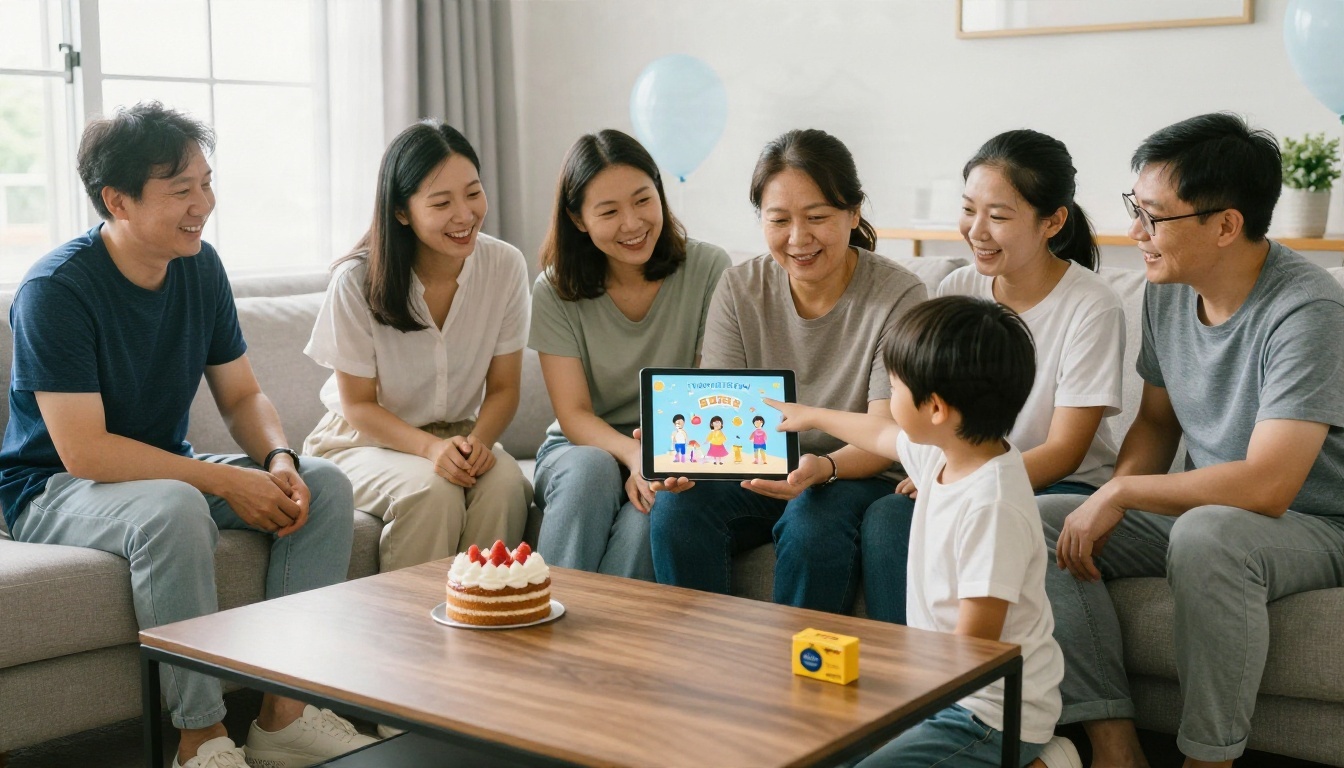
What Free Usually Means
Before you commit an hour of work to a tool, check these five things:
- Does the exported book carry a watermark?
- Is there a page limit?
- Can you share by link without making an account on the viewer side?
- Does the book work on a phone?
- Will the link still work in six months?
Free Route Comparison
| Option | Design Control | Watermark Risk | Page Turn Effect | Share by Link |
|---|
| Free slide or document editor, exported to PDF | High | None | No, flat PDF | Yes, but looks like a document |
| Free online design app with flipbook export | High | Sometimes on free tier | Limited | Often |
| Printable PDF template only | Low | None | No | Not really |
| Flipbooks AI from your own PDF | Full, you design the PDF anywhere | No watermarks, ever | Yes, realistic | Yes, link or embed |
The simplest combination for most people: design the pages in any free editor you already know, export a PDF, and convert it into a page-turning book with the PDF to Flipbook Converter. You get design freedom plus a polished reading experience.
⚠️ Watch out: Check the plan limits on the pricing page before you share a link widely, so you know exactly what is included with your account.
Create One with Flipbooks AI
This is the full process for turning a birthday design into a shareable page-turning flipbook. Plan for about 15 minutes once your PDF is ready.
Step 1: Build the PDF
Design your pages in any editor. Use a consistent page size, such as 8.5 by 8.5 inches for a square photo book or A5 for a portrait one. Export at the highest quality available, and keep the file under 50 MB if you can, so it loads fast on phones.
Step 2: Upload and Convert
- Go to Flipbooks AI and create an account.
- Click the upload button and choose your PDF.
- Wait a few seconds while the pages are converted into a flipbook.
- Preview it. Flip through every page on the screen to check the order and crop.
Step 3: Customize the Look
This is where a simple PDF becomes a keepsake.
- Branding and colors: set a background color that matches your party palette
- Page effects: choose the page curl and turn speed
- Multimedia: embed a video of the cake moment or add a short audio clip, such as a recorded birthday message from grandparents
- Layout: pick single or double page view
💡 Pro tip: Add a voice message on the last page. Hearing a loved one say "happy birthday" next to their photo is the detail people replay most.
Step 4: Share It
| Sharing Method | Best Use | Privacy Level |
|---|
| Direct link | Text message or email | Anyone with the link |
| Password protection | Surprise party or family only | High |
| Embed code | Personal website or blog post | Public, depending on your page |
| QR code on printed card | Party table or thank-you note | Same as link |
For a surprise gift, turn on password protection and send the password separately. To put the book on a family site, use the Embed Flipbook on Website tool.
Step 5: Extra Features for Bigger Projects
If you are organizing a birthday for a club, a school, or a business, the Professional plan adds analytics and lead generation, which shows how many guests opened the book and when. You can also offer offline downloads so relatives with weak internet can still read it. See the pricing plans for the details, and browse all flipbook tools for related formats such as the Event Program Maker or the Wedding Album Flipbook, which works well for any photo-heavy celebration.
Tool Matching by Birthday Type
Printing at Home or at a Shop
Not everything has to stay on a screen. A printed copy gives grandparents something to hold, and it makes a lovely table piece.
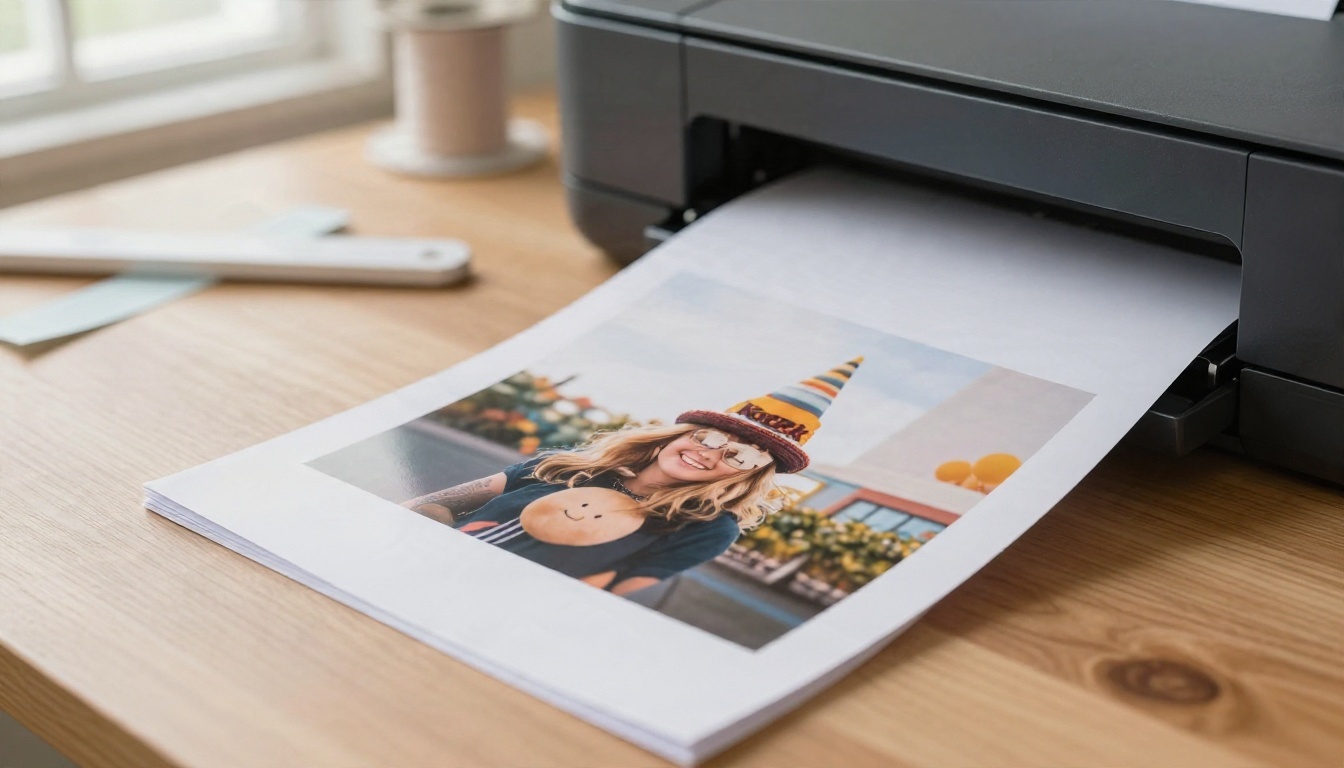
Paper and Size
Standard office paper is fine for a thumb-flip book you plan to throw away after the party. For a keepsake, pick 120 to 170 gsm matte or satin paper. Photos look richer on satin, while text pages read better on matte.
For thumb-flip books, 90 to 120 gsm is a sweet spot: stiff enough to flip, thin enough to stay light.
Binding Options
| Binding | Cost | Durability | Look | Best For |
|---|
| Binder clip | Very low | Low | Casual | Party favors |
| Staples on the spine | Low | Medium | Neat | Thumb-flip books |
| Spiral or comb | Medium | High | Practical | Photo albums |
| Saddle stitch at a print shop | Medium | High | Professional | Gift books |
| Hardcover photo book | High | Very high | Premium | Milestone birthdays |
Print Checklist
- Print one test page before the full run
- Check that no faces are cropped by the trim line
- Leave a 0.25 inch margin on all sides
- Print double-sided only if your paper is thick enough to avoid show-through
- Let ink dry for a few minutes before stacking
Mistakes to Avoid
A few small errors sink otherwise great birthday books. Here are the ones that come up most often.
Too Many Words
Long captions slow the page turn and make the book feel like homework. Cut every caption in half, then cut it again.
Low-Resolution Photos
A photo that looks fine on a phone can be blurry on paper. Use images of at least 1500 pixels on the long side for print, and avoid screenshots of photos.
Forgetting the Cover Page Mood
Your first page sets expectations, so give it a big photo of the birthday person and a short line, such as the name and the year. A cluttered first page makes the whole book feel messy.
No Test on a Phone
Most guests will open your link on a phone. Open the book on one before you share it, check that text is readable, and confirm the page turn works smoothly.
| Mistake | Quick Fix |
|---|
| Crowded pages | One idea per page |
| Blurry photos | Use original files, not screenshots |
| Inconsistent fonts | Stick to two fonts only |
| Unreadable text on mobile | Use 24 point type or larger |
| Wrong page order | Preview the whole book before sharing |
Send Your First One Today
You do not need design training to make a flipbook people will keep. Choose your format, drop in the photos, keep the text short, and share it by link or print it for the table. A simple weekend project can turn into the thing the birthday person shows off for years.
Ready to build yours? Get started for free on Flipbooks AI, upload your PDF, and share your first birthday flipbook in minutes. Browse the full set of tools and templates to find the best fit, or compare pricing plans when you are ready for password protection, analytics, and unlimited flipbooks.



