Nobody enjoys downloading a 40 MB PDF just to flip through a catalog. A flipbook en ligne fixes that: your document opens in the browser, the pages turn like paper, and the only thing your reader needs is a link. With Flipbooks AI you can go from a PDF to a shareable, mobile-friendly publication in a few minutes, and you can post it anywhere you like, by link or embedded straight into your website.
This article shows how an online flipbook maker works, what you get on a free plan versus a paid one, and how to publish your first flipbook step by step. You will also see real examples from restaurants, agents, teachers and photographers, plus the mistakes that quietly kill reader interest.
Why a Flipbook En Ligne Works
A flipbook is a digital publication that imitates the feel of a printed book. Readers click or swipe, the page curls, and the content appears instantly. There is no app to install and no attachment to download.
What Is an Online Flipbook?
An online flipbook is a PDF converted into an interactive web page. The original layout stays intact: fonts, images, columns and margins look exactly as you designed them. On top of that you can add things a static PDF cannot do, such as embedded video, audio, clickable links and a table of contents.
Why PDFs Lose Readers
PDFs are fine for printing. They are not fine for reading on a phone. Pinching and zooming on a tiny A4 page is tiring, and large files load slowly on mobile data. A flipbook loads page by page and adapts to the screen, so the reader sees what matters first.
The Benefits at a Glance
- Instant opening: one click on a link, no download.
- Familiar feel: the page-turn effect invites people to keep reading.
- Easy updates: replace the PDF and the same link shows the new version.
- Trackable: you can see how many people opened your document (on plans that include analytics).
- Brand friendly: your colors, your logo, your domain when you embed.
💡 Pro tip: If your audience reads mostly on phones, design your PDF with larger text and fewer columns. A flipbook respects your layout, so a clean layout gives the best result.
Free vs Paid: What You Actually Get
Searching for a free flipbook maker usually ends in one of two ways: a tool that stamps its logo on every page, or a trial that locks your work after a week. Before you commit, compare the things that matter.
| Feature | Typical free tools | Flipbooks AI |
|---|
| Watermark on pages | Often yes | No watermarks, ever |
| Share by link | Yes | Yes |
| Embed on a website | Sometimes limited | Yes, with embed code |
| Password protection | Rarely | Yes |
| Custom branding | Paid add-on | Included |
| Unlimited flipbooks | No | Standard plan and above |
| Analytics and lead capture | No | Professional plan |
| Offline download | No | Yes |
You can check the current plan details on the pricing page, and you can try it free before choosing anything.
⚠️ Watch out: A "free" maker that adds its own logo to your pages is advertising for itself, not for you. If you plan to send the flipbook to customers, a clean, watermark-free result matters.
How to Create a Flipbook with Flipbooks AI
The process is short. If you already have a PDF, you are about ten minutes away from a published flipbook.
Step 1: Create Your Account
Head to Flipbooks AI and create an account. Registration takes less than a minute, and you land in a clean dashboard where all your publications are listed.
Step 2: Upload Your PDF
Click the upload button and choose your file. The platform converts each page into a flipbook page, keeping images sharp and text selectable. A 30-page brochure typically finishes converting within moments. If you need a dedicated converter page, the PDF to Flipbook Converter is built for exactly this job.
What you will see on screen: a preview window showing your first page as a closed book, a toolbar on the left for settings, and a thumbnail strip of all pages along the bottom.
Step 3: Customize the Look
Open the design panel and adjust:
- Branding: add your logo and choose a background color that matches your site.
- Page effects: pick the page-curl style, speed and shadow depth.
- Multimedia: drop in a video, an audio clip or a clickable button on any page.
- Table of contents: link chapters so readers can jump straight to a section.
Step 4: Pick Your Sharing Options
Once you are happy with the preview, publish. You then get a public link, an embed code, and the option to add a password. The next section explains each one.
Step 5: Check the Mobile Preview
Before you send anything, open the flipbook on your own phone. Check that text is readable, that buttons are easy to tap and that the first page makes sense at a glance.
✅ Best practice: Send the link to one colleague on a different device. A second pair of eyes catches broken links and cut-off images faster than any checklist.
Share by Link or Embed
Your flipbook is only useful if people can reach it. There are three routes, and most publishers use at least two.
Share with a Direct Link
The link is the fastest method. Paste it into an email, a WhatsApp message, a LinkedIn post, a QR code on a poster or your Instagram bio. The reader taps and the flipbook opens full screen.
Use a link when:
- you want to send a catalog to a client right now,
- you are posting on social media,
- you do not own a website,
- you print a QR code on packaging or a menu stand.
Embed It on Your Website
An embed code lets the flipbook live inside your own page. Visitors read without leaving your site, which keeps them on your domain and close to your call to action. The workflow is simple:
- Copy the embed code from the share panel.
- Paste it into an HTML block in WordPress, Wix, Shopify, Webflow or any custom page.
- Adjust width and height if your layout needs it.
- Publish the page and test it on desktop and mobile.
The Embed Flipbook on Website tool walks through the same flow with extra detail for common site builders.
Protect Private Content with a Password
Not every document should be public. A price list for wholesale partners, an internal training manual or a draft proposal can sit behind a password. Readers see a simple prompt, enter the code and then browse normally.
Link vs Embed vs Password: Quick Comparison
| Method | Best for | Setup time | Reader needs |
|---|
| Direct link | Email, social posts, messaging | Seconds | A browser |
| Embed code | Websites, blogs, online shops | A few minutes | Nothing extra |
| Password protection | Private or paid content | Seconds | The password |
| QR code of the link | Print, packaging, events | A few minutes | A phone camera |
Real Examples That Work
Abstract advice only goes so far. Here are four situations where a shareable flipbook solves a real problem.
Restaurants and Cafés
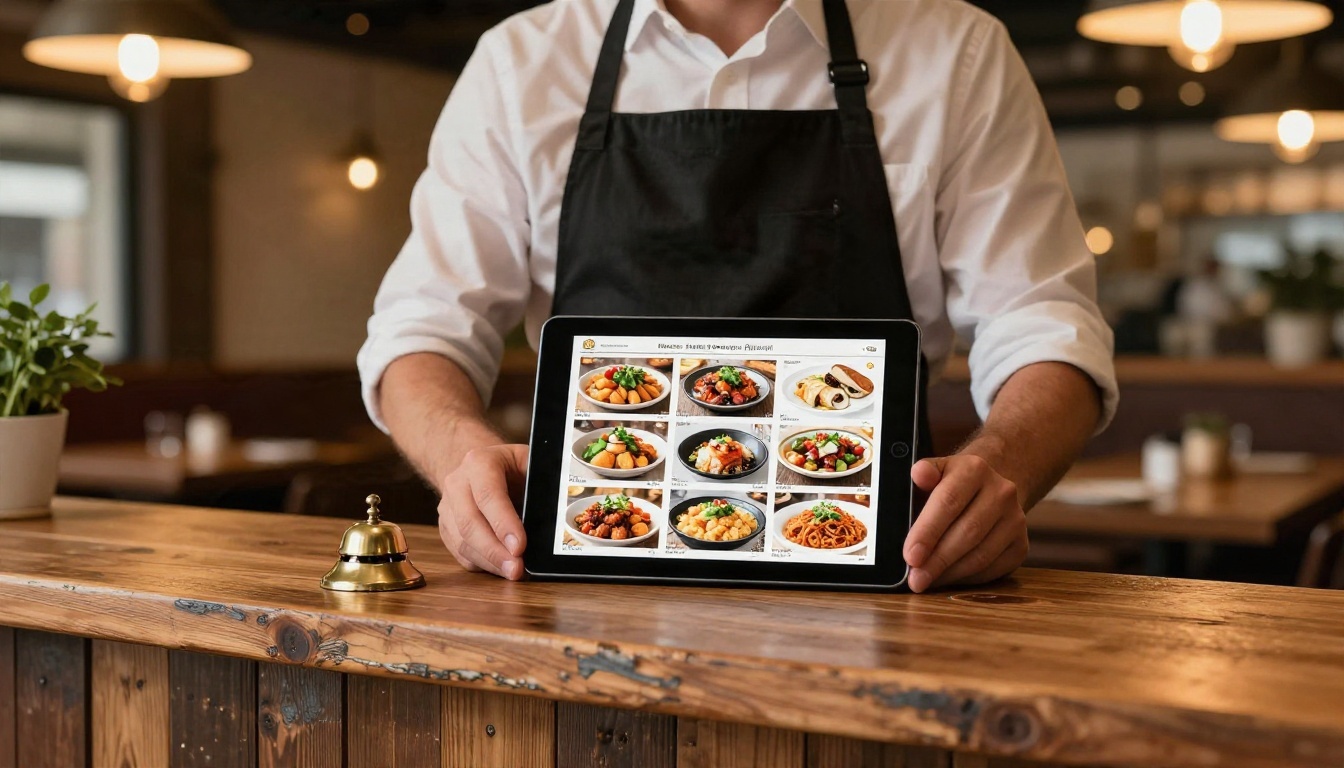
A restaurant owner updates the menu every season. Reprinting costs money and wastes paper. With a flipbook, they replace the PDF, keep the same QR code on the tables and every guest sees the new dishes immediately. The Restaurant Menu Creator and the Menu Flipbook Designer are made for this.
Real Estate Agents
Agents send the same brochure to dozens of buyers. A flipbook link opens quickly on any phone, shows large photos and lets the agent see who opened it. Try the Real Estate Brochure tool for listings, or the Hotel Brochure designer for hospitality.

Teachers and Schools
A teacher can share a course booklet by link, and students open it on whatever device they have: a school tablet, a family laptop or an old phone. No printing, no lost handouts. See the Course Material Publisher and the School Newsletter Creator.

Photographers and Creatives
A portfolio that turns like an album feels more personal than a grid of thumbnails. Photographers, designers and architects use it to show a curated sequence and send one link to a potential client. The Photography Portfolio and Digital Portfolio Creator tools fit well.
Which Tool for Which Document?
Not sure where to start? Browse all flipbook tools and pick the closest match.
Pro Features Worth Paying For
The free route is a good way to test. Once a flipbook becomes part of how you sell or communicate, a few extras start to pay for themselves.
Analytics You Can Act On
On the Professional plan you see how many people opened your flipbook, which pages held their attention and where they stopped reading. If everyone leaves at page 6, that page needs work. If page 12 gets the most time, that is the product to put first. Compare options on the pricing page.
Lead Generation Forms
A lead form can appear before or inside the flipbook. A reader enters a name and email to continue, and you receive a contact who is already interested in your content. This works especially well for gated guides, price lists and event programs.
Offline Downloads
Some readers want the document on a plane or in a basement with no signal. Offline download lets them save it, so your content stays available in every situation.
More Pro Capabilities
- Unlimited flipbooks on the Standard plan and above.
- Embedded video and audio for product demos, interviews or music.
- Mobile-responsive design that adapts without extra work.
- Custom branding so the reader sees your identity, not ours.

Mistakes to Avoid
A good tool does not fix a weak document. These are the problems we see most often.
Uploading a Low-Resolution PDF
If the source file is blurry, the flipbook will be blurry. Export your PDF at a resolution suited to screens, with images compressed sensibly but not crushed.
Ignoring the First Page
The first page is your storefront. A cluttered or text-heavy opening makes people leave. Use one strong image, a clear title and room to breathe.
Forgetting a Call to Action
Every flipbook should tell the reader what to do next: visit a page, call, book, order. Add a clickable button or link on the last page and, ideally, on the first.
Choosing the Wrong Sharing Method
Pushing a flipbook to social media with an embed-only setup, or hiding a public catalog behind a password, wastes reach. Match the method to the goal using the comparison table above.
Skipping the Phone Test
More than half of readers will open your link on a phone. Always check it there before sharing widely.
💡 Quick checklist: high-quality PDF, strong first page, clickable call to action, mobile preview, correct sharing method. Five checks, two minutes, noticeably better results.
Ready to Publish Your Flipbook?
A good flipbook en ligne takes one PDF, a few design choices and a single link. You can keep it public, embed it on your site or lock it with a password, and you can update it whenever your content changes without breaking a single shared link.
Your readers are one click away. Give them something that turns pages, loads fast and carries your brand, not someone else's.



