Your first flipbook does not need a design degree, a big budget or a free weekend. It needs one PDF and one clear reason to exist. This article gives you easy flipbook ideas for beginners, with simple projects, template starting points, real examples and free tools, so you can pick one and finish it today. If you have never turned a PDF into a page-turning experience, Flipbooks AI handles the heavy lifting: you upload, it converts, and you share a link.
Most beginners stall for one reason. They open a blank page and ask, "What should I make?" So this article starts with the answer. You will see seven projects that work for almost anyone, a table to compare them, a step-by-step tutorial, and a short list of mistakes that waste time.
Why Flipbooks Suit Beginners
A flipbook is a digital document that behaves like a real book. Readers click or swipe, the page curls, and the next spread appears. It sounds fancy, but the build process is simple, because you already know how to make the raw material: a PDF.
What a Flipbook Actually Is
Think of a flipbook as a PDF with better manners. A plain PDF forces readers to pinch, zoom and scroll. A flipbook gives them a clean layout, smooth page turns and a link they can open on a phone without installing anything. You can also add video, audio and clickable links on top of the pages.
That is why the format works for such different jobs: menus, portfolios, recipe collections, brochures and class workbooks all benefit from the same page-turning feel.
Why Beginners Win With Them
Here is what makes flipbooks forgiving for first-timers:
- You can start from a file you already have. Old brochure, exported slide deck, scanned notes: all of it can become a flipbook.
- Mistakes are cheap. Fix a typo, re-upload the PDF and the link stays the same.
- No coding is involved. Customization happens through simple menus.
- Sharing is instant. One link, one embed code, done.
- It looks professional by default. Page effects and responsive layouts do the polish for you.
💡 Pro tip: Start with a document of 4 to 12 pages. Short projects get finished, and finished projects teach you more than ambitious ones that sit in a folder.
Seven Easy Flipbook Project Ideas
Each idea below is small enough to finish in one sitting. Pick the one that matches something you already do, because the content is half the work and you probably have it.
1. Menus and Price Lists
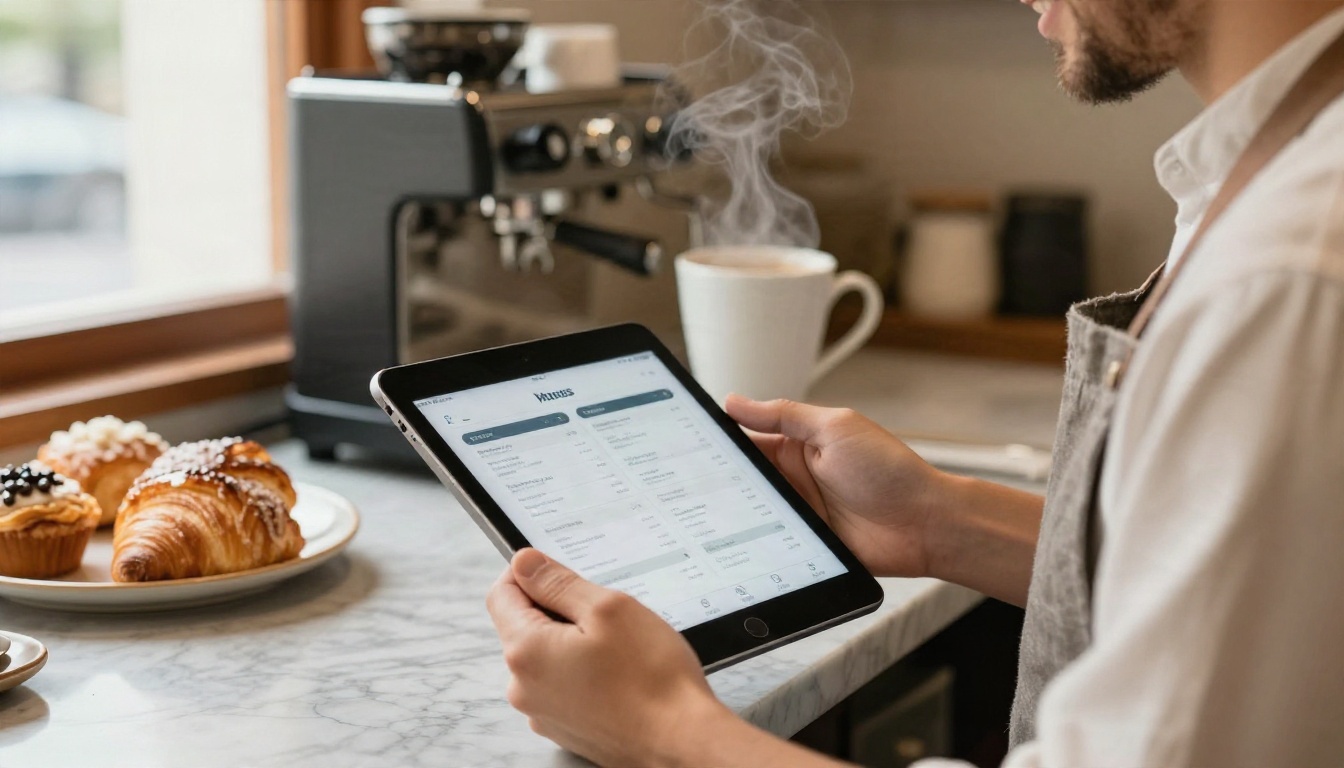
A cafe can use a flipbook menu to change seasonal dishes without reprinting anything. Export the menu from your design tool, upload it, and place the link on a QR code at each table. The Restaurant Menu Creator is built for exactly this. Service businesses such as salons or repair shops can do the same with the Digital Price List Generator.
Why it is easy: one or two pages, mostly text and a few photos.
2. Photo Portfolios
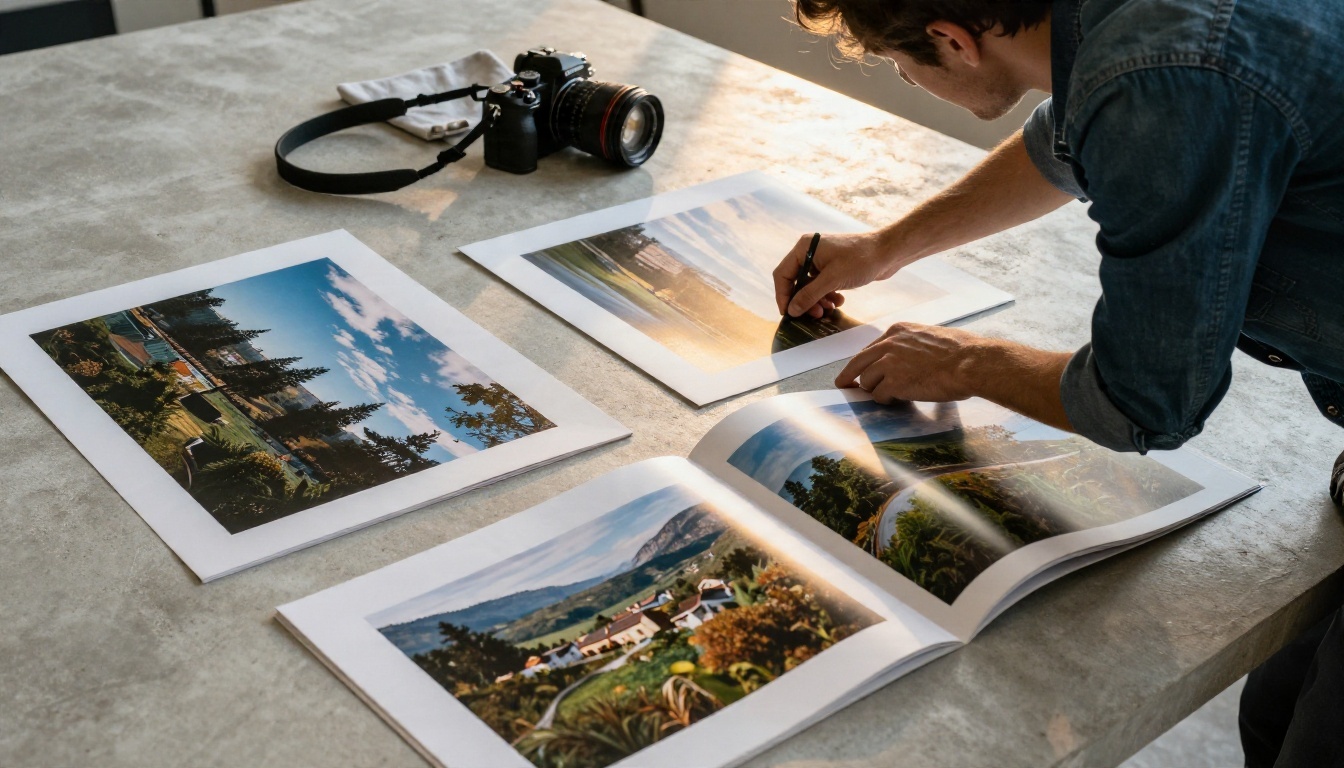
Photographers, illustrators and designers often send clients a heavy ZIP file or a clunky link. A flipbook portfolio looks like a printed book but opens instantly. Try the Photography Portfolio tool, and put your strongest image on page one, because first impressions decide whether anyone keeps flipping.
Why it is easy: your images already exist. You only need to choose and order them.
3. Recipe Books
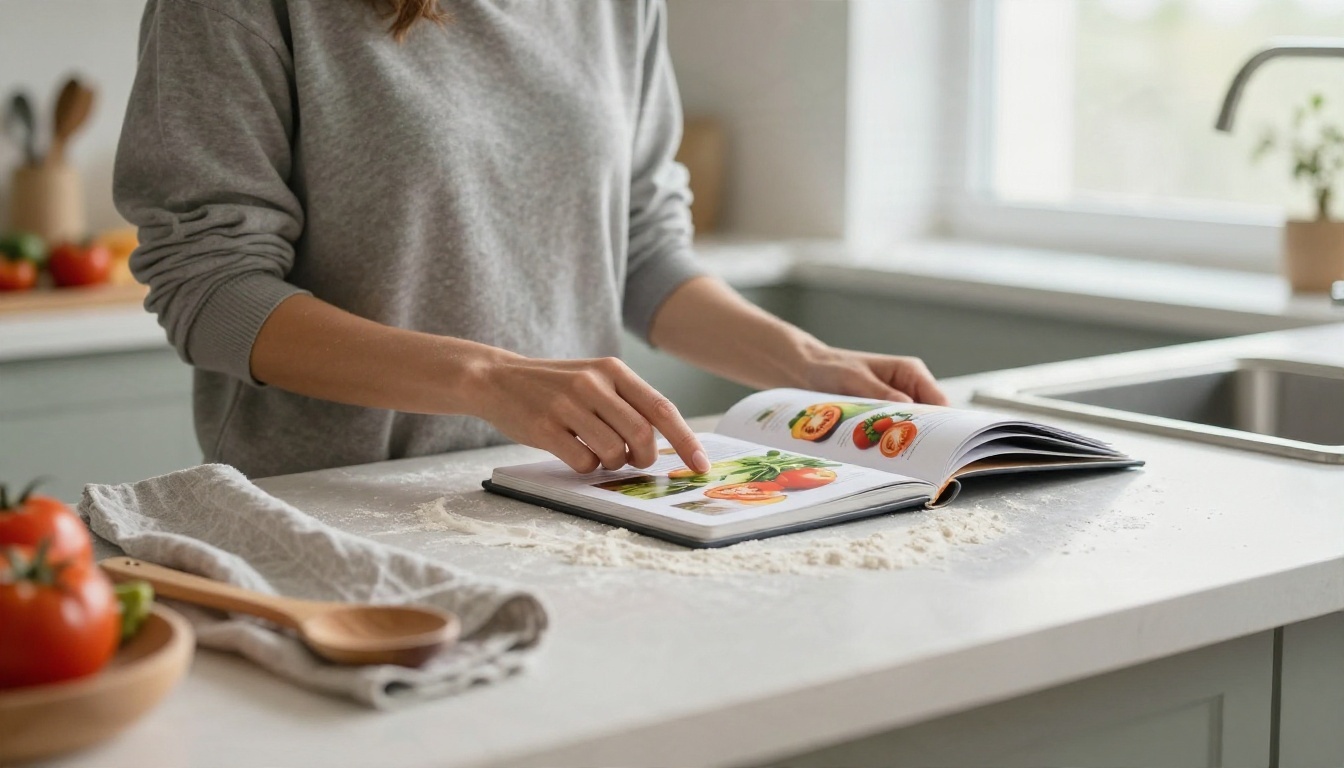
Families, food bloggers and cooking teachers all collect recipes that end up scattered across notes and screenshots. Put 10 favorites into one document and publish it with the Recipe Book Flipbook tool. Offline downloads mean readers can keep it open in the kitchen without a signal.
Why it is easy: every recipe follows the same layout, so you design one page and repeat it.
4. Property Brochures
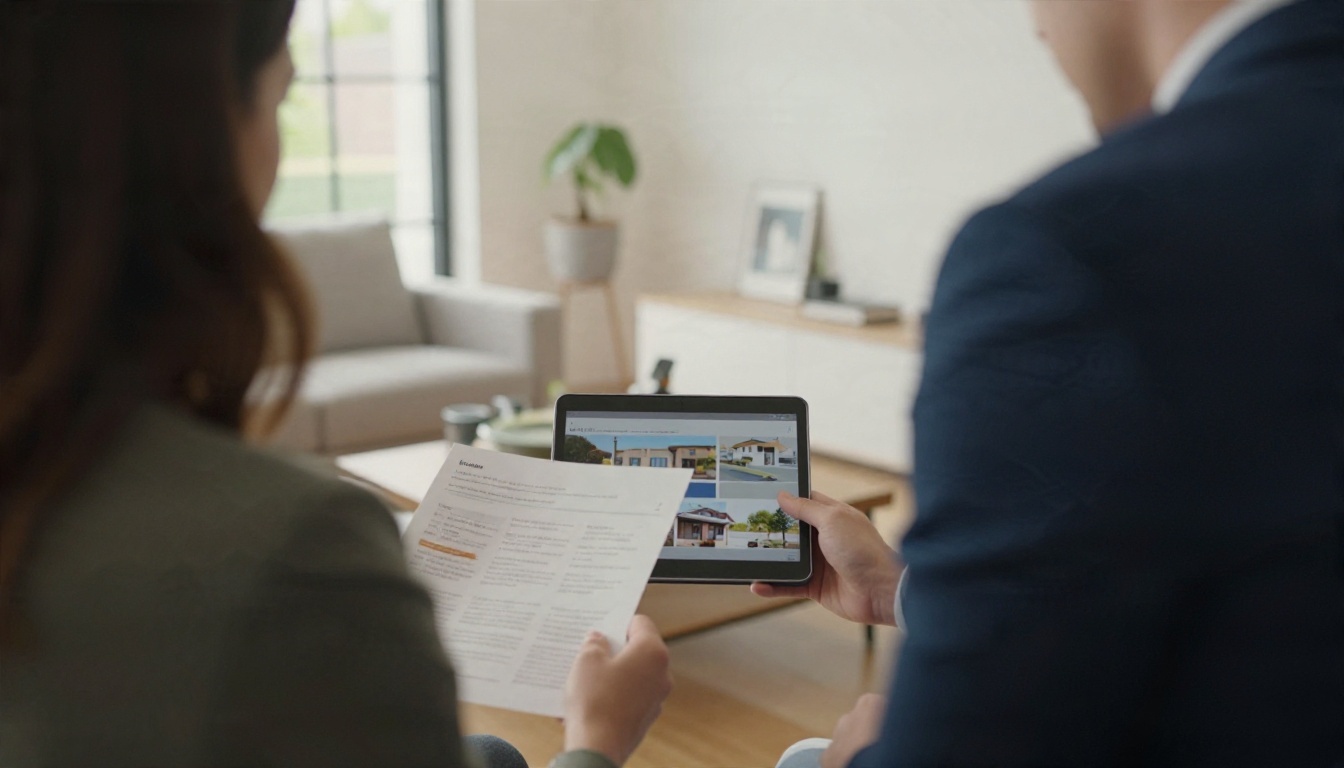
Real estate agents benefit by sending one link instead of a 30 MB attachment. Buyers can flip through rooms, floor plans and neighborhood details on a phone while standing outside the house. The Real Estate Brochure Creator gives you a starting point, and a hotel brochure works on the same principle.
Why it is easy: photos carry the story, so the text stays short.
5. Class Workbooks

Teachers, trainers and course creators can turn handouts into a single shareable workbook. Students open the link on a tablet, and you can add audio clips or video demos on the relevant pages. The Course Material Publisher and the Training Manual Flipbook both fit this use. Password protection keeps paid or private material away from outsiders.
Why it is easy: you probably have the handouts as slides or documents already.
6. Travel Flipbooks
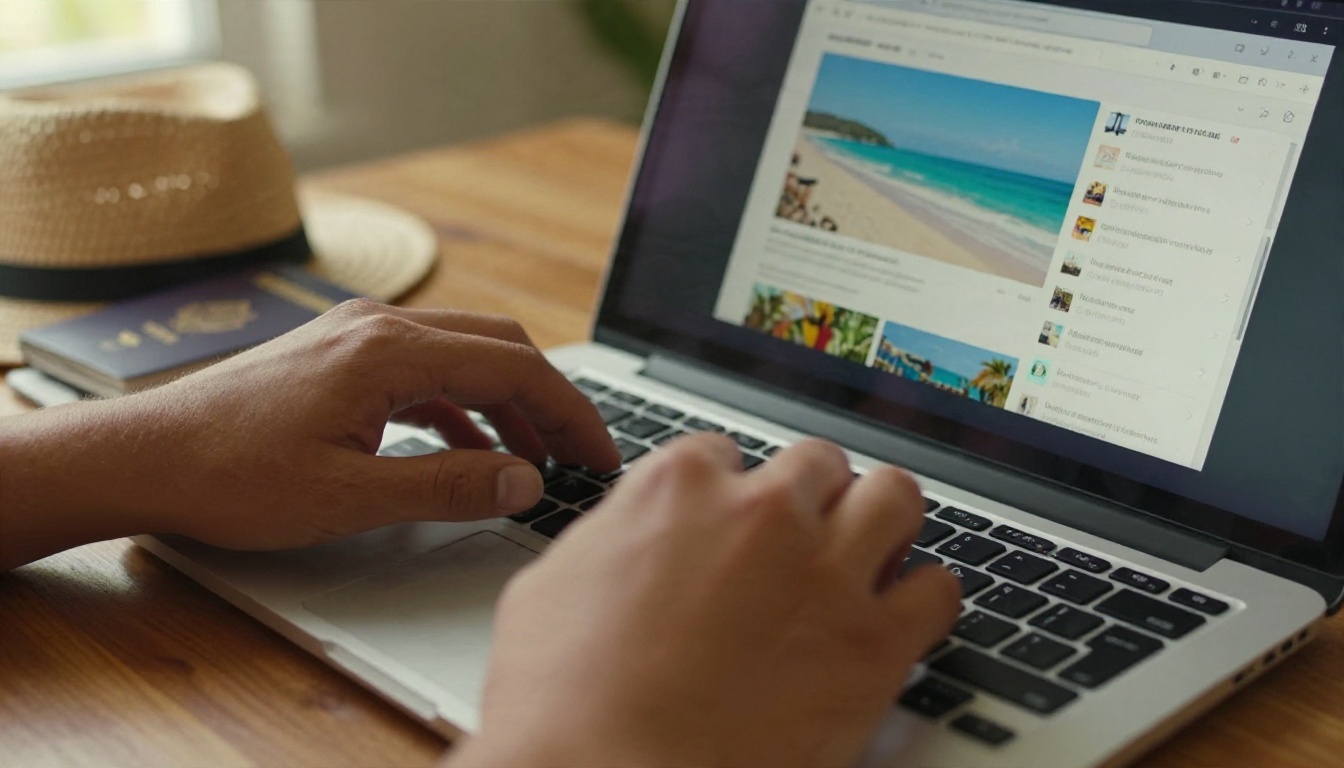
Planning a trip with friends? Collect flights, bookings, maps and restaurant picks in one document. Travel bloggers can sell or share itineraries in the same way. The travel flipbook tool helps you set it up, and the mobile-responsive layout means it works at the airport gate.
Why it is easy: photos plus short notes, and you can build it from your own vacation pictures.
7. Lookbooks and Small Catalogs

Selling handmade products, clothes or furniture? A lookbook shows items in context, while a catalog lists them with prices. Start with the Interactive Lookbook Designer or the Digital Catalog Maker. Add a link on each product page that sends buyers straight to your shop.
Why it is easy: a grid of photos with a short caption under each one.
Quick Comparison of the Seven Ideas
| Project | Typical Pages | Difficulty | Best For | Needs Video or Audio? |
|---|
| Menu or price list | 1 to 4 | Very easy | Cafes, salons, shops | No |
| Photo portfolio | 8 to 20 | Easy | Photographers, designers | Optional |
| Recipe book | 10 to 30 | Easy | Families, food bloggers | Optional video |
| Property brochure | 6 to 16 | Easy | Agents, hotels | Optional tour clip |
| Class workbook | 10 to 40 | Medium | Teachers, trainers | Often yes |
| Travel flipbook | 6 to 20 | Easy | Travelers, bloggers | No |
| Lookbook or catalog | 8 to 30 | Medium | Small sellers | Optional |
✅ Best practice: if you are unsure, begin with a menu, a portfolio or a recipe book. All three need little writing and give quick, visible results.
Free Templates and Starting Points
You do not need to design from nothing. Start with a layout that already suits your topic, then swap in your own photos and text. Browse the full tools directory to see what is available for each use case.
Pick a Template by Goal
Choosing a starting point is easier when you begin with the result you want, not with the design.
A good habit is to change three things before anything else: the photos, the colors and the first page. Those three edits make a template look like yours.
💡 Pro tip: keep your fonts to two choices. One for headings, one for body text. Beginners who use five fonts end up with documents that feel messy, even if each page looks fine alone.
How to Create a Flipbook with Flipbooks AI
Here is the full process from file to link. It takes about ten minutes for a first project. If you want to follow along, create an account and keep a PDF ready.
Step 1: Upload Your PDF
- Open Flipbooks AI and sign in.
- Click the button to add a new flipbook.
- Drag your PDF into the upload area, or choose it from your device.
- Wait a few seconds while the file converts into pages.
The PDF to Flipbook Converter page explains the supported formats. If your project lives in a slide deck or word processor, export it as PDF first. Use the highest quality setting so photos stay sharp.
⚠️ Warning: very large files with huge uncompressed images load slowly on mobile. Compress photos before exporting if your PDF is bigger than around 50 MB.
Step 2: Customize the Look
Once the pages appear, open the settings panel. These are the options beginners use most:
- Branding: add your logo and choose a background color that matches your brand.
- Page effects: pick the page-turn style, from soft curl to a simple slide.
- Multimedia: drop in video, audio or links on any page. A short voice greeting on page one feels personal.
- Mobile view: preview the flipbook on a phone layout before you publish.
- No watermarks: exported and shared flipbooks stay clean, which matters when you send them to clients.
Take two minutes to click through every page in the preview. Check that text is readable and that no image is cut off.
Step 3: Share and Protect
Publishing offers three options:
| Sharing Method | Best For | Notes |
|---|
| Direct link | Email, chat, social posts | Fastest option, works on any device |
| Embed code | Websites and blogs | See Embed Flipbook on Website |
| Password protection | Private or paid content | Readers enter a password to open |
| Offline download | Travel, classes, field work | Readers keep a copy without a connection |
For a website, paste the embed code into a page block. For a private client proposal, switch on password protection and send the password in a separate message.
Step 4: Check Pro Features
Once your first flipbook is live, it helps to know who opens it. The Professional plan adds analytics and lead generation, so you can see views and collect contact details from readers before they open the pages. A portfolio or catalog benefits the most from this. Review the pricing plans to see which tier fits.
| Feature | Starter Projects | Growing Projects |
|---|
| Unlimited flipbooks | Standard plan and above | Standard plan and above |
| Password protection | Yes | Yes |
| Custom branding | Yes | Yes |
| Analytics | Not needed yet | Professional plan |
| Lead generation | Not needed yet | Professional plan |
A flipbook is only as good as the PDF behind it. These free tools help you build a better file before you upload anything.
| Tool Type | What It Does | When to Use It |
|---|
| Free design editors | Lay out pages with drag and drop | Menus, brochures, lookbooks |
| Slide software | Export slides as PDF pages | Workbooks and reports |
| Image compressors | Shrink photos without visible loss | Large portfolios |
| Free stock photo libraries | Supply clean, licensed images | Travel and property projects |
| Flipbooks AI tools | Turn the finished PDF into a flipbook | Every project |
Three habits keep things smooth:
- Work in landscape or portrait from the start. Changing orientation later breaks layouts.
- Export at screen quality. Print quality is overkill for a flipbook.
- Name files clearly. "spring-menu-v2.pdf" beats "final-final-new.pdf" every time.
💡 Pro tip: check licenses on any free image or font. Most allow commercial use, but a quick look prevents trouble later.
Common Beginner Mistakes

After looking at hundreds of first projects, the same errors show up again and again. Avoid these and your flipbook already beats most others.
- Starting too big. A 60-page catalog as a first project invites burnout. Start small, then build up.
- Tiny text. If readers have to zoom on a phone, the layout is wrong. Use at least 12 pt body text in your source file.
- No clear first page. The opening page should say what the flipbook is and who it is for, in one line.
- Forgetting links. Add clickable links to your website, shop or contact page. A flipbook without a next step wastes attention.
- Skipping the phone preview. More than half of readers will open it on a phone. Test there first.
- Never updating. Re-upload fresh versions of menus, prices and schedules so readers always see current information.
⚠️ Warning: avoid light gray text on white backgrounds. It looks elegant on a desktop monitor and vanishes on a phone in sunlight.
Pick Your First Project
You now have seven projects, a set of starting points and a ten-minute process. The only step left is choosing one. Here is a simple way to decide:
- Own a small business? Make a menu, price list or catalog.
- Create visual work? Build a portfolio.
- Teach or train? Turn your handouts into a workbook.
- Love sharing recipes or trips? Pick a recipe book or travel flipbook.
Ready to create your first flipbook? Get started for free on Flipbooks AI, then browse all available tools and templates to find your layout. When your project grows, compare pricing plans to choose the features that match your goals, or jump straight to plans after signing in.
Pick one idea, upload one PDF, and share one link today. That is all a first flipbook takes.



