Finding the right free flipbook maker sounds simple until you are twenty minutes in, staring at a watermark you cannot remove without paying. The market is packed with tools that promise a lot on the surface but bury the good stuff behind paywalls, page limits, or mandatory branding. This ranking cuts through that noise. Below you will find seven platforms tested and scored on what actually matters: free plan honesty, feature quality, mobile performance, customization depth, and whether the output looks professional enough to share with a client.
If you want to skip the research and go straight to a platform built without compromises, Flipbooks AI is worth your time from the first upload.
What Makes a Free Flipbook Maker Worth It?
Not all "free" is created equal. Some platforms give you a functional tool with reasonable limits. Others give you a crippled demo dressed up as a free plan. Before diving into the rankings, it helps to know which criteria actually separate a useful tool from a trap.
The Real Cost of "Free"
Most free flipbook platforms monetize through one of three methods: watermarks on exported content, hard limits on the number of flipbooks you can create, or restrictions on sharing and embedding. A watermark is the most damaging because it signals to your audience that you are using a free tool, which undercuts any professional presentation.
⚠️ Always check whether a platform's free plan adds its own branding to your published flipbook before committing any time to it.
Storage limits matter too. If you can only upload a 10MB PDF or a 10-page document, that rules out catalogs, annual reports, and anything with rich photography. The best free tools either offer generous limits or are transparent about exactly where they draw the line.
Features That Actually Matter
Beyond watermarks and storage, these are the features worth evaluating on any free flipbook plan:
- Page-turn animation quality: Does the flip look realistic, or does it feel like a slow CSS toggle?
- Mobile responsiveness: Does the flipbook look good on a phone without manual resizing?
- Embed codes: Can you drop the flipbook into a website without a premium upgrade?
- Custom branding: Can you remove the platform's URL from the flipbook link?
- Analytics: Can you see who is reading your content and how far they get?
- Password protection: Can you control who accesses the content?
The Top 7 Free Flipbook Makers, Ranked
After testing each platform with real PDFs across different content types, here is how they stack up.
| Rank | Platform | Watermark on Free? | Flipbooks Allowed | Mobile Support | Embed on Free? |
|---|
| 1 | Flipbooks AI | No | Unlimited (Standard+) | Yes | Yes |
| 2 | FlipHTML5 | Yes | 5 | Yes | Limited |
| 3 | Issuu | Yes | Unlimited | Yes | No |
| 4 | Yumpu | Yes | Unlimited | Yes | Yes (with ads) |
| 5 | Flipsnack | Yes | 3 | Yes | No |
| 6 | Publuu | Yes | 1 | Yes | No |
| 7 | Joomag | Yes | 1 | Yes | No |
1. Flipbooks AI
Flipbooks AI tops this list for one reason the others simply cannot match: the Standard plan delivers unlimited flipbooks with zero watermarks and a full suite of customization tools. That is not a teaser, it is the actual product.
The upload process is drag-and-drop, the conversion to flipbook format takes under a minute for most PDFs, and the output supports embedding, direct sharing, and password protection out of the box. For teams that need professional-quality digital publications without paying enterprise prices, this is the most honest free-to-paid value curve in the market.
What stands out:
- No watermarks on published content, ever
- Mobile-responsive output with no extra configuration required
- Custom branding and color control on every flipbook
- Embed flipbooks on any website with a single code snippet
- Analytics and lead capture on the Professional plan
- Offline downloads for readers without internet access

2. FlipHTML5
FlipHTML5 is a capable platform with a desktop app option and a decent editor. The free plan covers five flipbooks with basic customization. The watermark is present and visible, and removal requires a paid plan. The editor is functional but the interface feels dated compared to newer tools. Good for testing the flipbook format before committing to a platform.
3. Issuu
Issuu is one of the oldest names in digital publishing. The free plan allows unlimited uploads but adds branding that cannot be removed without payment. The viewer experience is polished and the platform has a built-in discovery network, which benefits publishers who want their content found organically. Not ideal if you are embedding content on a client site or brand presentation.
4. Yumpu
Yumpu offers unlimited uploads on the free plan and supports embedding, which puts it ahead of several competitors on this list. The trade-off is persistent watermarking and advertising that appears within the viewer. The PDF to flipbook conversion is fast and the output works well on mobile. A reasonable choice for internal documents where professional appearance is less critical.
5. Flipsnack
Flipsnack allows three flipbooks on its free plan with a template library that is genuinely useful. The editor is one of the better ones in this category, with drag-and-drop elements, but embedding is locked behind paid tiers. The watermark is visible on all published content. For building one or two sample flipbooks to show a client, Flipsnack works. For anything ongoing, the limits arrive fast.
6. Publuu
Publuu offers a clean, modern viewer with realistic page-turn animations. The free plan is limited to a single flipbook with watermarking. The paid plans are competitively priced and include analytics, which is genuinely useful for tracking reader behavior. The free tier functions more as a trial than a working tool.
7. Joomag
Joomag positions itself as an enterprise publishing platform, and the free plan reflects that positioning: heavily restricted, with one publication and strong watermarking. The editor is feature-rich with video embedding and interactive elements, but those capabilities sit firmly behind paid plans. As a free tool, it ranks last.

Free Plan Limits at a Glance
The table below shows the hard numbers for each platform's free tier, so you can match your needs against what is actually available before signing up.
| Platform | Max Flipbooks | Max Pages | File Size Limit | Watermark | Free Embed |
|---|
| Flipbooks AI | Unlimited (Standard) | Generous | High | None | Yes |
| FlipHTML5 | 5 | 60 pages | 50MB | Yes | Limited |
| Issuu | Unlimited | 500 pages | 100MB | Yes | No |
| Yumpu | Unlimited | No limit | 200MB | Yes | Yes (ads) |
| Flipsnack | 3 | 30 pages | 10MB | Yes | No |
| Publuu | 1 | 30 pages | 10MB | Yes | No |
| Joomag | 1 | Unlimited | 25MB | Yes | No |
💡 If your primary use case involves embedding flipbooks on a website, Flipbooks AI and Yumpu are the only free options that support it. Yumpu displays ads within the viewer on the free tier, making Flipbooks AI the cleaner and more professional choice.
Who Should Use What
Different content types have different needs. Here is how to match the right platform to your situation.
For Brands and Businesses
Businesses publishing catalogs, menus, brochures, or price lists need professional output with zero platform branding. A watermarked flipbook shared with a client or embedded in a marketing email immediately undermines the brand impression. Flipbooks AI is the only platform on this list that eliminates watermarks while keeping core features fully accessible.
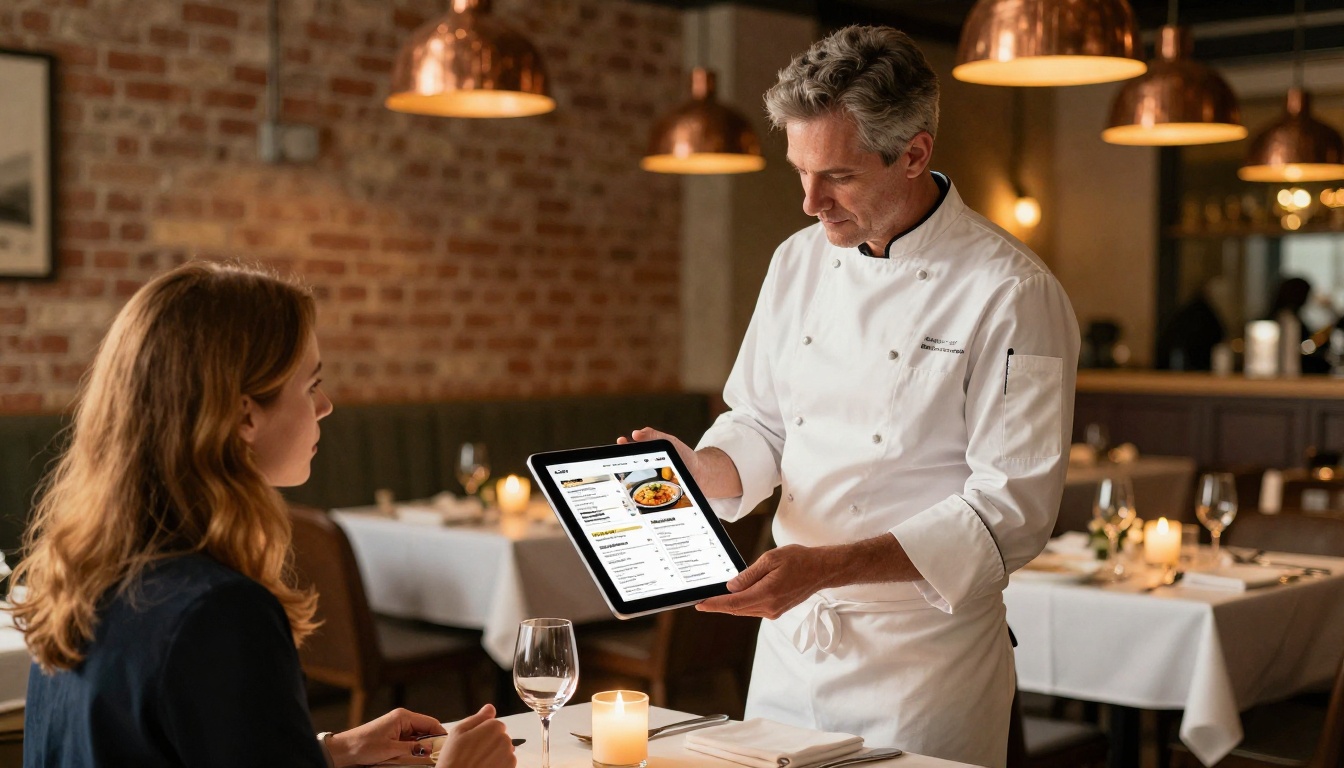
A restaurant can use the Restaurant Menu Creator to turn a menu PDF into an embeddable, shareable digital menu with page-turn animation. A retail brand can use the Digital Catalog Maker to build a product catalog that performs on both mobile and desktop. A real estate agency can drop a Real Estate Brochure directly into property listings for a polished client experience.
For Educators and Students
Educators distributing course materials, school newsletters, or training manuals benefit from tools that allow password protection and easy sharing without requiring students to create accounts. The Training Manual Flipbook and Course Material Publisher tools on Flipbooks AI are built specifically for this use case. Issuu also works for educational contexts where watermarks are acceptable for internal use.
For Personal Projects
For portfolios, wedding albums, travel diaries, or recipe books, the flipbook format adds a layer of polish that static PDFs simply cannot match. The Digital Portfolio Creator is particularly well suited for creatives who want to share work with clients or collaborators in a way that feels intentional and professional. Flipsnack is a reasonable alternative for one-off personal projects where the three-flipbook limit is not a constraint.
How to Build a Flipbook with Flipbooks AI
The workflow on Flipbooks AI is faster than most people expect. Here is how it works from start to published.
Step 1: Create your account
Go to flipbooksai.com/account and sign up. The process takes under two minutes and does not require a credit card for the Standard plan.
Step 2: Upload your PDF
From the dashboard, click "New Flipbook" and drag your PDF into the upload zone. The platform accepts high-resolution PDFs and processes them quickly, preserving your original layout, fonts, and imagery without quality loss.
Step 3: Customize your flipbook
Once converted, open the editor to apply your branding. You can:
- Set brand colors for the viewer background and toolbar
- Add your logo to the viewer header
- Choose between different page-turn animation styles
- Add a table of contents for longer documents
- Embed video or audio clips directly into specific pages
- Set a cover thumbnail that displays in link previews
Step 4: Set your sharing options
Before publishing, choose how you want people to access the content:
- A direct shareable link for email and social
- An embed code compatible with WordPress, Webflow, Squarespace, and most CMS platforms
- Password protection for private or client-only content
- Offline download for readers who need access without an internet connection
Step 5: Publish and share
Hit publish, and your flipbook is live. The flipbook is fully mobile-responsive without any additional configuration, and it loads fast on both desktop and mobile connections.
✅ For businesses that need to track reader behavior, the Professional plan adds per-page analytics, read time tracking, and lead generation capture. These are features that most competitors only unlock at significantly higher price points.
3 Mistakes That Will Cost You Later
Picking a free flipbook tool without thinking ahead leads to problems that are frustrating to undo. These are the three most common ones.
Skipping the Watermark Check
The watermark policy is the single most important factor on any free plan. Several platforms only reveal the watermark after you publish, which means you have already invested time in content setup before discovering the limitation. Always do a test publish with a dummy document before building out your flipbook library on any new platform.

Ignoring Mobile Support
Over sixty percent of content is consumed on mobile devices. A flipbook that requires pinch-and-zoom to read, or that breaks the page-turn animation on a small screen, delivers a poor experience that reflects badly on the content creator. Always check the mobile output on an actual device before committing to a platform.
Choosing the Wrong Storage Limits
A 10-page limit works fine for a simple brochure. It does not work for a 40-page product catalog or a full annual report. Match the platform's page and file size limits against your most demanding content type, not your simplest one. Hitting a hard wall after building a library of content is a costly situation to back out of.

The Right Pick for Most People
For anyone who needs a reliable, professional-quality flipbook tool without watermarks, platform restrictions, or branding limitations, Flipbooks AI is the clearest recommendation on this list. The combination of unlimited flipbooks, zero watermarks, mobile-responsive output, and a dedicated library of use-case tools, from product catalogs to interactive portfolios, makes it the most practical choice for both personal and business use in 2026.
The tools that rank below it are not without merit. Yumpu works for high-volume publishing where watermarks are acceptable and embedded ads are not a dealbreaker. Issuu suits publishers who want organic content discovery through a built-in audience network. FlipHTML5 is worth a trial for anyone who prefers a desktop app experience. But for professional output that represents your brand well from day one, the options without watermarks point clearly in one direction.
Ready to create your first flipbook? Get started for free on Flipbooks AI, browse all available tools and templates to find the right fit for your content type, and check the pricing plans when you are ready to add analytics and lead capture to your publications.



