A flat PDF gets skimmed and forgotten. A flipbook gets opened, flipped and shared. That small difference in format is why teachers, shop owners and parents are all building them, and why the right project idea matters more than the software. With Flipbooks AI you can turn any PDF into a page-turning book in minutes, so the hard part is deciding what to make. This article gives you more than 25 flipbook project ideas, three free page-by-page templates and a simple tutorial to publish your first one today.
Why Flipbook Projects Work
Before the ideas, a quick look at why this format keeps winning. A flipbook mimics a real book: pages turn, spreads sit side by side, and the reader moves at their own pace. That familiar rhythm keeps people on the page longer than a scrolling document does.
Three practical reasons to choose a flipbook:
- It looks finished. Page-turn effects make even a simple report feel polished.
- It works on every screen. Mobile-responsive design means the same book reads well on a phone, tablet or laptop.
- It is easy to share. One link, one embed code or one QR code is all you need.
💡 Pro tip: Pick the project first, then the template. People who start with a blank page tend to stall. People who start with a clear purpose finish.
Quick Comparison: Flipbook vs Plain PDF
| Feature | Plain PDF | Flipbook |
|---|
| Page-turn effect | No | Yes |
| Mobile reading | Pinch and zoom | Responsive layout |
| Embed on a website | Awkward | One snippet |
| Audio and video | Rarely works | Can be embedded |
| Access control | Email attachments | Password protection |
| Reading analytics | None | Available on the Professional plan |
School Flipbook Project Ideas
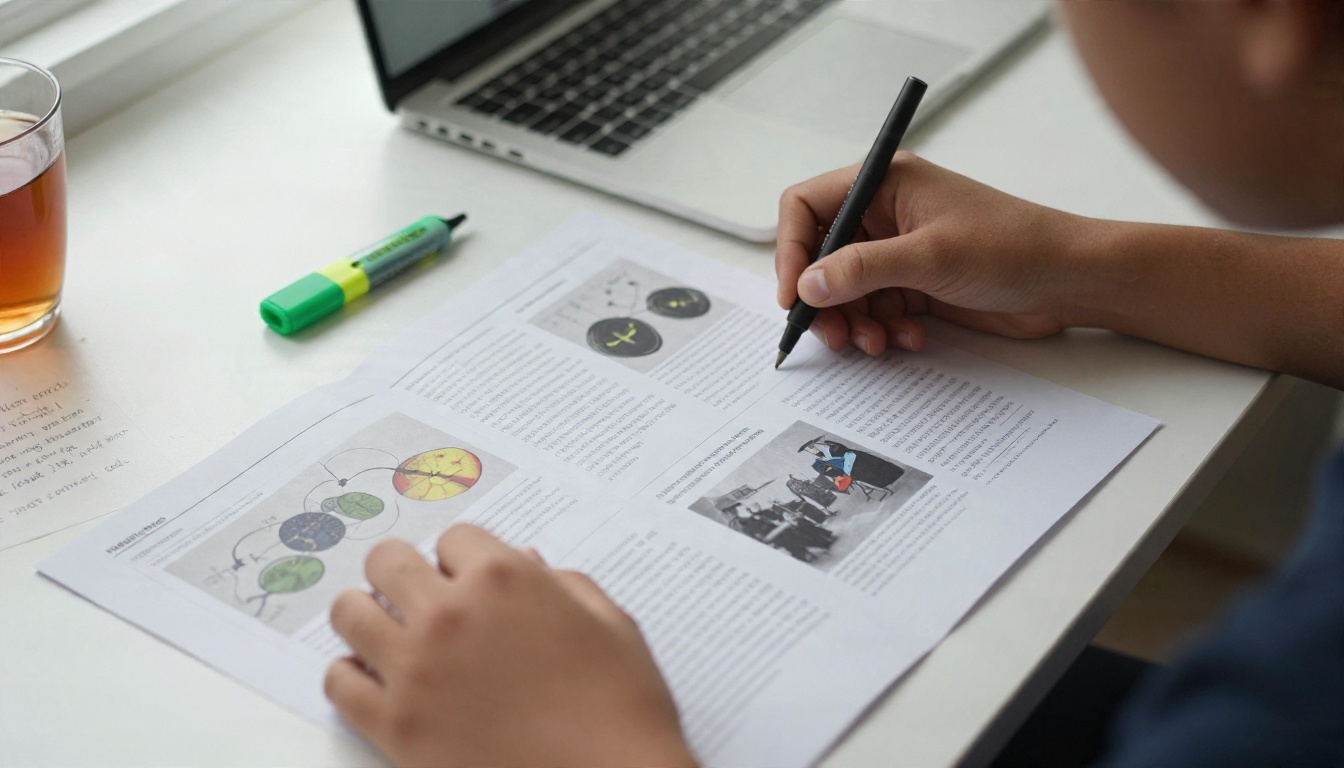
Schools were early fans of flipbooks because the format fits so many assignments. A student can hand in a book instead of a worksheet, and a teacher can publish one link instead of printing forty copies.
Science and Nature Reports
Ask students to document an experiment from hypothesis to result. Every page has one job, which keeps writing short and clear. Photos of the setup, a data table and a closing page with results make a strong book.
More science ideas:
- A field journal of local plants and insects
- A weather diary covering four weeks
- A "life cycle of a butterfly" picture book
- A solar system fact book with one planet per spread
Class Yearbooks and Newsletters
A yearbook is the classic project, and it is easy to do digitally. Each student contributes a page with a photo, a favorite memory and a short quote. The Yearbook Flipbook Maker is built for exactly this. For regular updates to parents, the School Newsletter Creator keeps a monthly issue looking consistent.
Book Reports and Portfolios
Instead of a five-paragraph essay, students build a mini book: cover, character map, favorite quotes, a rewritten ending and a rating page. For older students, a Digital Portfolio Creator collects the best work from a whole year, which helps with applications later.
Teachers can also publish study packs with the Course Material Publisher, or turn procedures into a Training Manual Flipbook for staff.
Free Template: Science Report Flipbook
Copy this outline into any document tool, export to PDF and upload.
| Page | Content | Tip |
|---|
| 1 | Title, name, date | Add one strong photo |
| 2 | Question and hypothesis | Two sentences maximum |
| 3 | Materials list | Use bullet points |
| 4 to 5 | Method with photos | One step per photo |
| 6 | Data table | Keep three columns |
| 7 | Results and chart | Label every axis |
| 8 | What went wrong | Honest notes score well |
| 9 | Sources | Link each one |
Business Flipbook Project Ideas

For businesses, a flipbook replaces the heavy PDF attachment that nobody opens. It also gives you something a normal document cannot: a branded, watermark-free reading experience that you control. Flipbooks AI never adds watermarks, so the book looks like yours alone.
Catalogs and Price Lists
This is the most common business use. A boutique can show a seasonal range, a furniture dealer can show room sets, and a wholesaler can send trade pricing. Start with the Product Catalog tool, or choose a niche version:
Reports and Presentations
Annual reports are dense, so page-turning helps readers get through them. Try the Annual Report Creator, the Corporate Report Maker or the Non-Profit Annual Report tool. For sales teams, a Sales Presentation flipbook can be sent after a meeting and tracked for opens.
Menus, Brochures and Event Programs
Real-world scenarios:
Free Template: Product Catalog Flipbook
| Page | Content | Tip |
|---|
| 1 | Brand name and season | One lifestyle photo |
| 2 | Welcome note | Under 80 words |
| 3 to 4 | Bestsellers | Four products per spread |
| 5 to 8 | Collections | One theme per page |
| 9 | Size, care or spec chart | Use a clean table |
| 10 | Ordering details | Add a clickable link |
| 11 | Contact and map | Include opening hours |
✅ Best practice: Put your most popular items on pages 3 and 4. Most readers never get past the first ten pages.
Kids Flipbook Project Ideas

Kids already love flipbooks in their oldest form: a stack of paper with a drawing in each corner. Digital flipbooks keep that joy and add sharing, so grandparents can read the finished book from another country.
Hand-Drawn Animation
Draw a bouncing ball, a growing flower or a stick figure waving. Photograph or scan each page, put the pages into a PDF, and upload. Younger children usually manage 12 to 20 pages. It is a surprisingly good way to introduce the idea of motion and sequence.
Story Books and Comics
Kids write the text, draw the pictures and decide the ending. A Interactive E-Book Publisher setup lets you add audio, so a child can record their own voice reading each page. That one touch makes the book feel truly theirs.
Family Recipe and Photo Books
Let children pick a family recipe, photograph each step and write the instructions in their own words. The Recipe Book Flipbook tool suits this well. For holiday memories, a Travel Guide Flipbook turns a trip into a keepsake with maps, drawings and favorite snacks.
Free Template: My First Story Book
| Page | Content | Tip |
|---|
| 1 | Title and "by" name | Child draws the front picture |
| 2 | Meet the hero | Name, age, favorite thing |
| 3 | Where the story starts | Draw the setting |
| 4 to 5 | The problem | Keep it simple |
| 6 to 7 | The solution | Add a surprise |
| 8 | The end | Add a drawing of the ending |
| 9 | About the author | Photo and favorite color |
12 More Quick Ideas by Audience
Need a spark? Pick one row and run with it.
| Audience | Project | Best Format | Effort |
|---|
| Teachers | Weekly class newsletter | 4 pages | Low |
| Teachers | Poetry anthology | 20 pages | Medium |
| Students | History timeline book | 12 pages | Medium |
| Students | Photo essay | 10 pages | Low |
| Small shops | Gift guide for the holidays | 8 pages | Low |
| Small shops | Wholesale line sheet | 16 pages | Medium |
| Agencies | Client proposal | 12 pages | Medium |
| Agencies | Press Kit Designer package | 8 pages | Medium |
| Creatives | Photography Portfolio | 20 pages | Medium |
| Creatives | Interactive Lookbook Designer | 14 pages | Medium |
| Families | Wedding Album Flipbook | 30 pages | Medium |
| Kids | Pet profile book | 6 pages | Low |
How to Create a Flipbook With Flipbooks AI

You do not need design skills. If you can make a PDF, you can make a flipbook. Here is the full workflow, from blank page to shared link.
Step 1: Open Your Account
Go to Flipbooks AI and create an account. You can browse the tools directory first if you want to see which use case fits best.
Step 2: Upload Your PDF
- Build your pages in any app you like (Word, Google Docs, Canva, Pages or PowerPoint).
- Export the file as a PDF.
- Drag the PDF into the upload area, or use the PDF to Flipbook Converter directly.
- Wait a few moments while the pages convert into a flipbook.
💡 Pro tip: Export at a consistent page size. Mixed sizes make the page-turn effect look uneven.
Step 3: Customize the Look
This is where a plain conversion turns into your own book. Adjust the following:
- Branding: Add your logo and brand colors.
- Page effects: Choose the page-turn style and background.
- Multimedia: Embed videos and audio, such as a child reading their story aloud or a product demo clip.
- Links: Make product images, emails and websites clickable.
Step 4: Share and Protect
| Sharing Option | Best For | Notes |
|---|
| Direct link | Email and chat | Fastest option |
| Embed code | Websites and blogs | See Embed Flipbook on Website |
| QR code | Posters and print | Great for classrooms and shops |
| Password protection | Private or paid content | Ideal for student work and trade pricing |
| Offline download | Travel or poor signal | Readers keep a local copy |
⚠️ Warning: Student work often includes names and photos. Use password protection for any class project that contains images of children.
Step 5: Use Pro Features
Business users should look at the pricing plans. The Standard plan and above includes unlimited flipbooks, which suits catalogs, newsletters and classroom sets. The Professional plan adds analytics and lead generation, so you can see which pages people read and capture contact details before they open a book.
| Capability | Standard | Professional |
|---|
| Unlimited flipbooks | Yes | Yes |
| No watermarks | Yes | Yes |
| Password protection | Yes | Yes |
| Analytics | No | Yes |
| Lead generation | No | Yes |
5 Common Mistakes to Avoid
Most flipbook projects fail for dull reasons, not creative ones. Watch for these.
- Too many pages. A first project should be 8 to 12 pages. You can always add more later.
- Tiny text. If a reader needs to zoom on a phone, the font is too small. Use at least 14 pt.
- No clear purpose. Decide whether the book is meant to inform, sell or entertain. Write that goal on a sticky note.
- Heavy images. Compress photos before building the PDF so pages load quickly.
- Forgetting a next step. End every book with a link, a contact detail or a question for the reader.
✅ Best practice: Show your draft to one person who has never seen it. If they get confused on page two, fix page two.
Pick Your First Project
Here is a simple way to choose. If you are a teacher, start with a class newsletter. If you run a business, start with a one-page-per-product catalog. If you are a parent, start with a short story book and let your child draw the pictures. All three can be finished in an afternoon, and each one teaches you the workflow you will reuse for bigger projects.
Ready to build? Get started for free on Flipbooks AI, browse all flipbook tools and templates, or compare pricing plans to choose what works for you.



