Every marketer who has sent a PDF via email has seen the same thing: low open rates, even lower click-through rates, and zero idea of whether anyone actually read past page two. PDFs were the obvious choice for years, and for good reason. They are reliable, universally compatible, and easy to create. But "easy to create" is not the same as "easy to read," and that gap is exactly where flipbooks have quietly been stealing clicks. If you are trying to decide between a flipbook vs PDF for your next campaign, proposal, or publication, the engagement data is hard to argue with. Flipbooks AI has helped thousands of creators and businesses make the switch, and the results speak for themselves.
The Click Problem with Static PDFs
Why Readers Bounce Immediately
A PDF opens flat. It sits there. No movement, no invitation, no sense of what is inside beyond a wall of text or a scroll bar that demands effort. For audiences scrolling through content on a browser or mobile device, a static PDF triggers an immediate psychological response: this is going to take work.
Research into digital reading behavior consistently shows that flat, document-style formats see higher abandonment rates in the first 10 seconds than interactive formats. Readers make split-second judgments about whether content is worth their time, and a PDF rarely wins that first impression.
The core issue is that PDFs were designed for print, not for screens. They assume the reader will sit down, download the file, open a dedicated PDF reader, and give the document their full attention. That behavior is increasingly rare in an era of tabbed browsing, five-second attention spans, and content competing from every direction.

The "Download Wall" Effect
Many PDFs require a download before the reader sees anything. That single extra step is enough to cut engagement dramatically. Studies in UX behavior show that every additional action required from a user reduces conversion by roughly 20 to 30 percent. A "Download PDF" button is not a call-to-action. It is a friction point.
Flipbooks, by contrast, open directly in the browser. No plugins, no download prompts, no waiting. The reader lands on a page and immediately sees animated pages, a visual table of contents, and a reading experience that feels like an actual magazine or catalog, not a bureaucratic document.
⚠️ If your audience is primarily mobile, a PDF is a particularly poor choice. Most mobile PDF viewers clip content, require zooming, and offer no interactive features whatsoever.
What Flipbooks Actually Do Differently
The Psychology of the Page Turn
There is something psychologically compelling about a page that turns. It is the same reason people still enjoy physical magazines and printed books even in a digital world. The page-flip animation in a digital flipbook triggers the same anticipatory response: what is on the next page?
That anticipation keeps readers moving forward. Instead of scrolling endlessly through a wall of content, readers navigate page by page, which creates natural pause points, chapter breaks, and moments for visual storytelling. The structure itself encourages completion, which is exactly what every content marketer wants.

💡 The visual bookmark and zoom features in most flipbook platforms mean readers who stop mid-document can pick up exactly where they left off. PDFs technically support this too, but only if the reader reopens the same file in the same application, which rarely happens.
Mobile Readers Behave Differently
Over 60 percent of online content is consumed on mobile devices. PDFs were never built for this environment. They render at fixed sizes, force horizontal scrolling, and often break layouts entirely on small screens.
Flipbooks are designed to be mobile-responsive. Pages reflow or zoom intelligently depending on the device, and the swipe-to-turn gesture maps naturally to how people already interact with touchscreens. A reader on a phone engaging with a flipbook is having a fundamentally different and better experience than the same reader squinting at a zoomed-out PDF.

The Numbers Behind Reader Behavior
Time on Page
Time on page is one of the most reliable proxies for content engagement. More time on page means the reader is actually reading, not just glancing and bouncing. It also sends a positive signal to search engines about content quality and relevance.
Flipbooks consistently outperform PDFs on this metric. The interactive format, visual variety, and page-turn structure combine to slow readers down in the best possible way. They explore rather than skim. They click links rather than close tabs. They share rather than archive.
Share Rates and Virality
A PDF is shareable, technically. You can attach it to an email or drop a download link. But a flipbook is linkable. You share a URL that opens instantly, looks polished, and works on any device. That frictionless sharing experience translates directly into higher pass-along rates, more social shares, and wider organic reach.

| Metric | Static PDF | Interactive Flipbook |
|---|
| Average time on page | 1 to 2 minutes | 4 to 7 minutes |
| Mobile experience | Poor (requires zoom) | Excellent (responsive) |
| Share method | File download | Direct URL |
| Click-through rate | Low | 2 to 3x higher |
| Bounce rate | High | Significantly lower |
| Browser plugin needed | Often yes | Never |
| Embeddable on website | No | Yes |
✅ When tracking flipbook performance, use the built-in analytics available on professional platforms. You can see exactly which pages readers spend the most time on and where they drop off, giving you actionable data for your next publication.
Feature Face-Off
Not all the differences are about psychology. There are hard technical advantages that affect how your content performs, how much control you have over distribution, and what your readers can actually do while engaging with your material.

| Feature | PDF | Flipbook |
|---|
| Page-turn animation | No | Yes |
| Mobile-responsive layout | No | Yes |
| Embeddable on website | No | Yes |
| Clickable hyperlinks | Yes | Yes |
| Video and audio embed | No | Yes |
| Password protection | Partial | Yes |
| Analytics and tracking | No | Yes (Professional plan) |
| Custom branding | No | Yes |
| SEO-friendly shareable URL | No | Yes |
| Offline download | Yes | Yes (Professional plan) |
| Lead generation forms | No | Yes (Professional plan) |
| No watermarks | Yes | Yes (Standard plan and above) |
Flipbooks AI supports all of these flipbook features out of the box. Custom branding, password protection, embedded video and audio, and full analytics are available for professional users. The platform converts your existing PDFs directly, so there is no need to rebuild your content from scratch.
When a PDF Is the Right Call
Flipbooks are not always the answer. There are specific situations where PDFs remain the better choice, and being honest about those situations helps you pick the right format every time.
Legal and Compliance Documents
Contracts, NDAs, policy documents, and compliance filings need to preserve formatting with absolute precision. PDFs maintain layout with pixel-perfect accuracy regardless of the device, operating system, or application used to view them. For documents where every word, margin, and signature line matters, PDF is the appropriate choice.

Forms and Fillable Content
Fillable PDFs with form fields, checkboxes, and digital signature support are a legitimate use case where PDFs still lead. Tax forms, job applications, and intake documents belong in PDF format because the interactivity is built into the specification itself.
Offline-First Use Cases
If your audience has limited or unreliable internet access, a downloaded PDF is more dependable than a cloud-hosted flipbook. Field teams working in remote areas, conference handouts used in venues without reliable WiFi, and printed reference materials are better served by a static format.
| Use Case | Best Format | Why |
|---|
| Marketing campaign | Flipbook | Higher click-through, shareable URL |
| Legal contract | PDF | Layout precision, signature support |
| Product catalog | Flipbook | Visual appeal, mobile experience |
| Fillable form | PDF | Native form field support |
| Annual report | Flipbook | Engagement, embeddable, analytics |
| Offline reference handout | PDF | No internet required |
| Restaurant menu | Flipbook | Dynamic, updatable, no printing cost |
| Compliance document | PDF | Format integrity |
How to Turn Your PDF into a Click-Worthy Flipbook
If your existing library of PDFs is sitting on a server getting downloaded a handful of times per month, converting them to flipbooks is one of the fastest content wins available. Flipbooks AI makes this process straightforward, even for large or complex documents with dozens of pages.
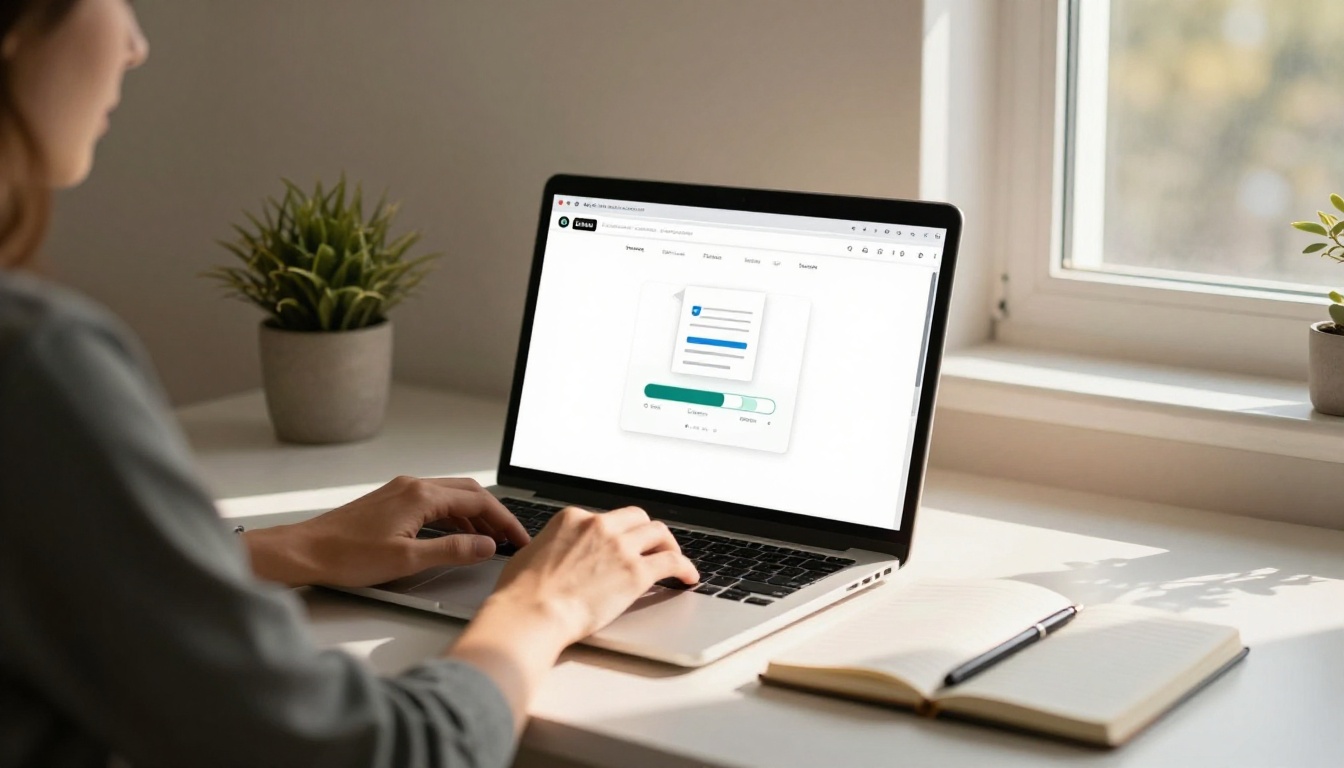
Step 1: Create your account
Go to flipbooksai.com/account and sign up. The Standard plan includes unlimited flipbooks with no watermarks and no per-publication fees.
Step 2: Upload your PDF
Use the PDF to Flipbook Converter to upload your file. The platform processes each page and renders it as a high-fidelity flipbook page automatically, preserving all text, images, and formatting.
Step 3: Customize branding and appearance
Add your logo, select color themes, choose page-turn animation styles, and configure your table of contents. For catalogs, you can enable product links on individual pages. For menus, you can highlight featured items or add section anchors for easy navigation.
Step 4: Add multimedia content
Embed videos, audio clips, or animated elements directly into specific pages. This works particularly well for product demonstration pages, course material with instructional video, and lookbooks with behind-the-scenes footage.
Step 5: Configure sharing and protection
Set a password if the flipbook is for private or client-only distribution. Generate an embed code to place the flipbook directly on your website using the Embed Flipbook on Website tool. Or copy the direct share URL for use in email campaigns, social media posts, or QR codes.
Step 6: Publish and track performance
Publish your flipbook and monitor performance through built-in analytics available on the Professional plan. Track which pages hold attention the longest, where readers exit, and how many unique views each publication receives.
💡 Readers on the Professional plan can download an offline version of any flipbook, combining the interactivity of the web format with the offline reliability of a traditional PDF.
Real-World Use Cases That Flip the Script
Restaurants and Hospitality
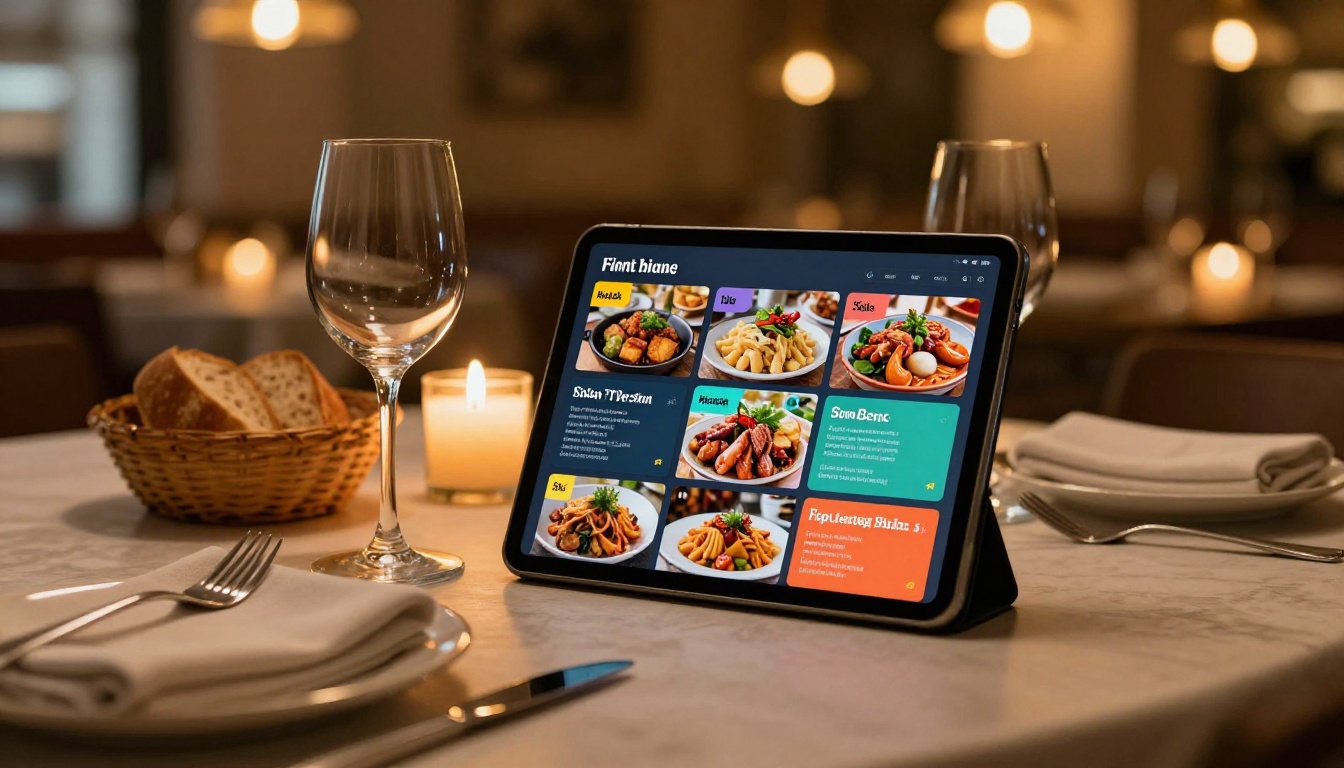
A printed menu costs money every time something changes. A PDF menu is awkward on mobile and requires a download that most customers will not bother with. A flipbook menu opens instantly from a QR code scan, looks beautiful on any device, and can be updated in minutes without reprinting a single page.
The Restaurant Menu Creator is built specifically for this use case, with templates designed for food photography, section dividers, and pricing layouts that convert browsers into orders.
Spa and wellness businesses have the same opportunity with the Spa and Wellness Menu Creator, turning static price lists into immersive, bookable experiences.
Marketing and Sales Teams
Sales decks and product catalogs sent as PDFs rarely get read past the first few pages. The same content in flipbook format sees dramatically longer read times and higher response rates. Sales teams report that prospects who engage with a digital catalog ask more specific questions and move through the pipeline faster.
The Digital Catalog Maker and the Sales Presentation Flipbook tool are built for exactly this scenario. You get a polished, interactive asset that can be tracked, shared as a link, embedded in follow-up emails, and updated without resending a file.
For fashion brands, the Fashion Catalog Creator delivers the same interactive experience with templates optimized for editorial photography and seasonal collections.
Education and Training
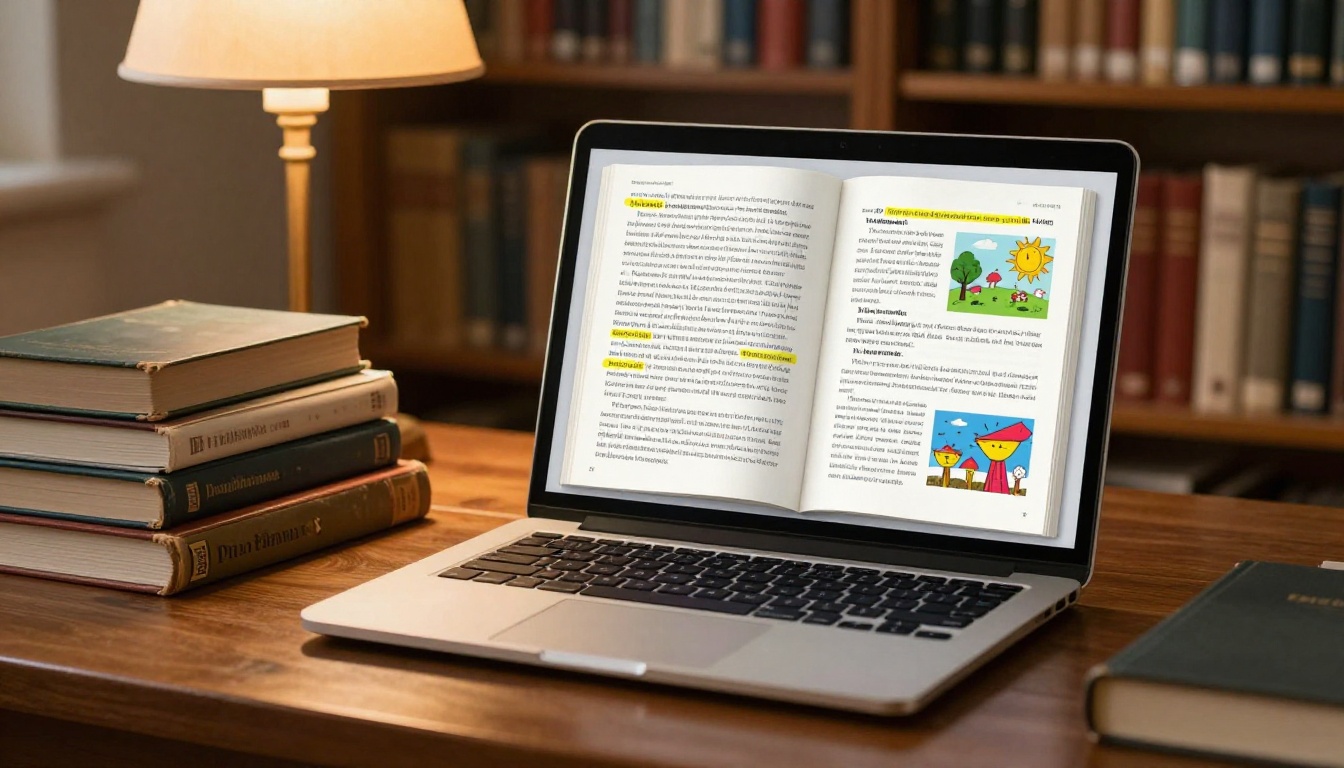
Training manuals sent as PDFs get printed and lost on desks, or downloaded and forgotten in a Downloads folder. Interactive training flipbooks stay accessible in a browser, can embed instructional videos, and allow organizations to update content without redistributing files to every employee.
The Training Manual Flipbook and Course Material Publisher tools support this workflow directly. Students and employees engage more deeply with content that feels designed for reading rather than archived for storage.
✅ For internal training materials, use password protection to keep content private while still sharing a simple URL rather than a bulky file attachment that fills up email inboxes.
Stop Leaving Clicks on the Table
The choice between a flipbook vs PDF comes down to what you want from your content. If you need a legally precise document with fixed layout and reliable offline access, PDF is the right tool for that job. But if you want clicks, shares, time-on-page, and real engagement from real readers, the flipbook wins every time.
The best part is that you do not need to start from scratch. Every PDF you already have can become a flipbook in minutes. Your catalogs, annual reports, menus, portfolios, presentations, and newsletters can all be converted, branded, and deployed as interactive publications that readers actually want to open, scroll through, and share.
Ready to see the difference? Get started for free on Flipbooks AI and convert your first PDF today. Browse all available tools and templates to find the right format for your specific use case, or review pricing plans to find what fits your workflow and budget.



