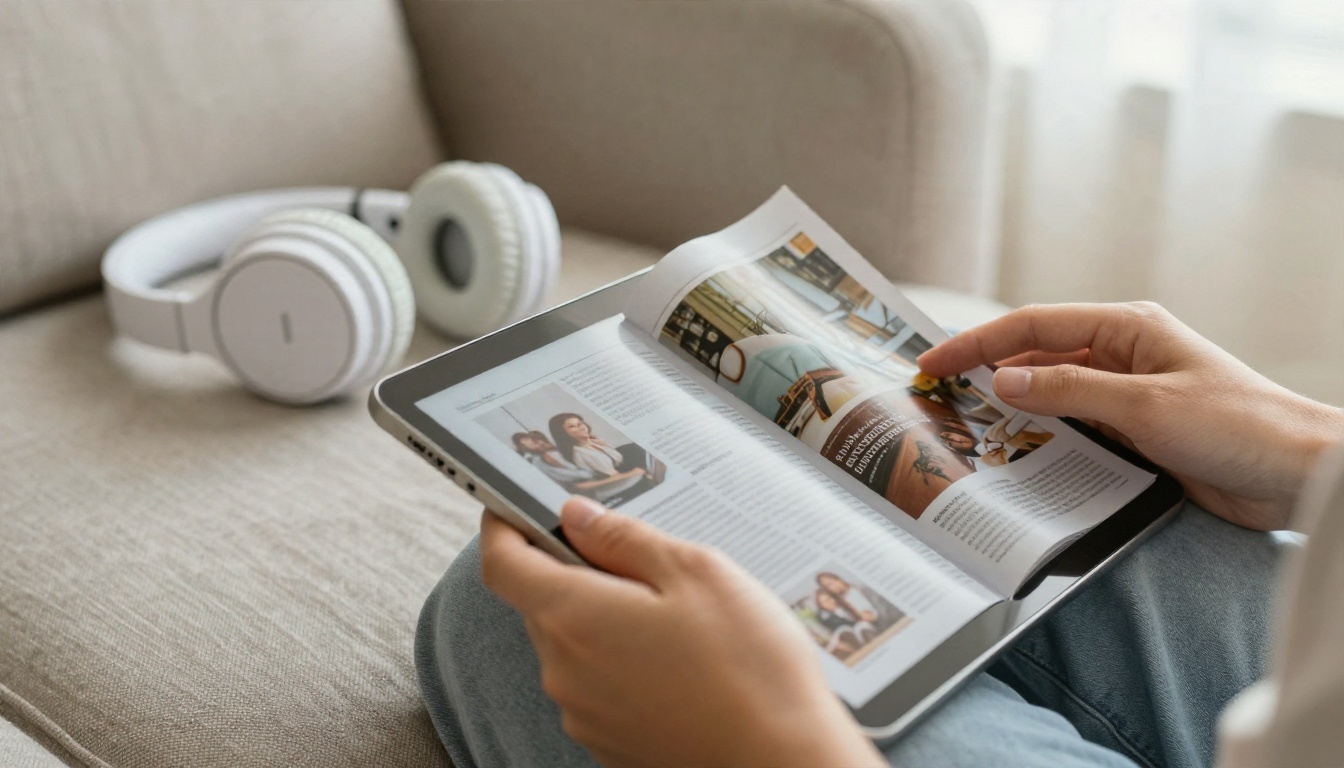
A page turns, a soft piano note rings out, and a calm voice starts describing the photo you are looking at. That is the difference between a silent PDF and a flipbook with audio. If you already have a catalog, magazine or brochure, you can give it a voice in an afternoon, and Flipbooks AI lets you do it without watermarks and without touching a line of code.
This article shows you how to add music or sound to a flipbook, which free options are worth your time, what to avoid, and how real businesses use audio online today.
Why Sound Changes a Flipbook
A flipbook already feels more alive than a static PDF: pages curl, readers swipe, and the whole thing behaves like a physical publication. Audio adds a second sense. Readers stay longer, remember more, and feel a stronger link to your brand.
Think about the last time you walked into a boutique hotel. Music was playing, wasn't it? It set the mood before anyone said a word. A digital publication can do the same thing.
Where Audio Works Best
Sound is not right for every document. It shines when the content is emotional, sensory or explanatory:
- Travel brochures with ambient beach or city sounds
- Restaurant menus with a soft jazz loop
- Product catalogs with a short voice note on each hero item
- Training manuals where a narrator walks through each step
- Photography portfolios with a single mood track
- Children's e-books read aloud page by page
💡 Pro tip: If a reader could skim your document in ten seconds, skip the audio. If they will spend minutes with it, sound is worth the effort.
What Readers Expect
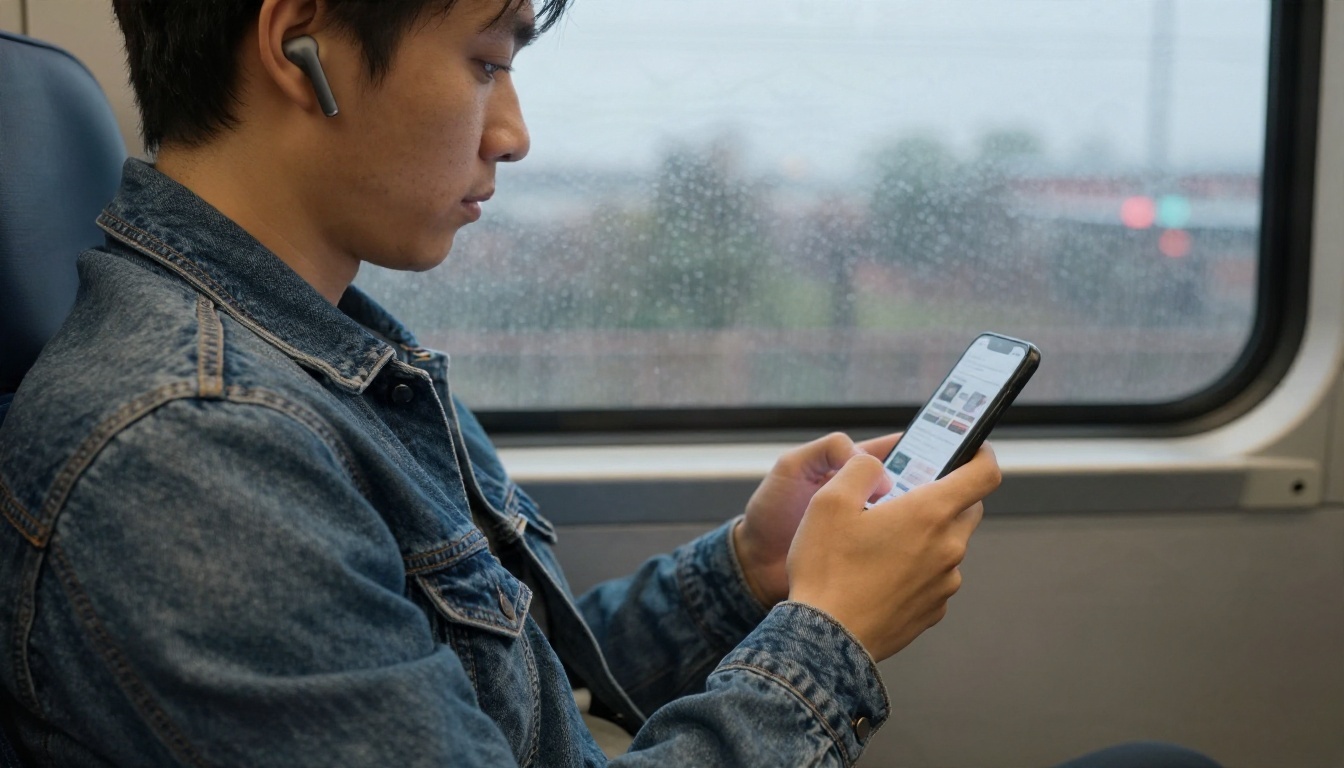
Most people open flipbooks on a phone, often in public. That changes the rules. Audio should be optional, quiet by default and easy to pause. A reader who gets blasted by an unexpected track will close the tab and never return.
Three Types of Flipbook Audio
Before you hunt for files, decide which kind of sound your publication needs. Each one serves a different goal.
| Audio Type | Best For | Typical Length | Effort Level |
|---|
| Background music | Mood, brand feel | 1 to 3 minutes, looped | Low |
| Voice narration | Explanation, accessibility | 20 to 90 seconds per page | Medium |
| Sound effects | Page turns, clicks, ambience | 1 to 5 seconds | Low |
| Podcast or interview clip | Magazines, reports | 2 to 10 minutes | High |
Background Music
This is the easiest place to start. One looped track runs while the reader browses. Pick something instrumental, because lyrics compete with the words on the page. Soft acoustic guitar, lo-fi beats or light piano work for almost any topic.
Voice Narration
Narration is the strongest option for education, real estate and product demos. You record a short clip for each page, or each section, and attach it to the right spot. It also helps readers with low vision or reading difficulties, so it doubles as an accessibility upgrade.
Sound Effects and Page Clips
A subtle page-turn sound makes a digital flipbook feel like paper. Beyond that, short effects can punctuate a moment: a sizzle on a menu page, waves on a travel page, an engine note on a car brochure. Keep them under five seconds and use them sparingly.
Free Options That Actually Work
You do not need a studio budget. Between royalty-free libraries and built-in recording tools, you can produce a polished soundtrack for nothing. The catch is the license, so read it before you upload.
Free Music Sources
| Source | Cost | Attribution Needed | Commercial Use |
|---|
| YouTube Audio Library | Free | Depends on the track | Usually yes |
| Pixabay Music | Free | No | Yes, under its license |
| Free Music Archive | Free | Often yes | Check each track |
| Incompetech (Kevin MacLeod) | Free | Yes, credit required | Yes with credit |
| Freesound | Free | Varies by file | Varies, check the tag |
⚠️ Warning: "Free to download" does not mean "free to use commercially." Always save a screenshot of the license page next to your project files, in case you ever need to prove it.
Free Recording Tools
For narration, the free toolset is excellent:
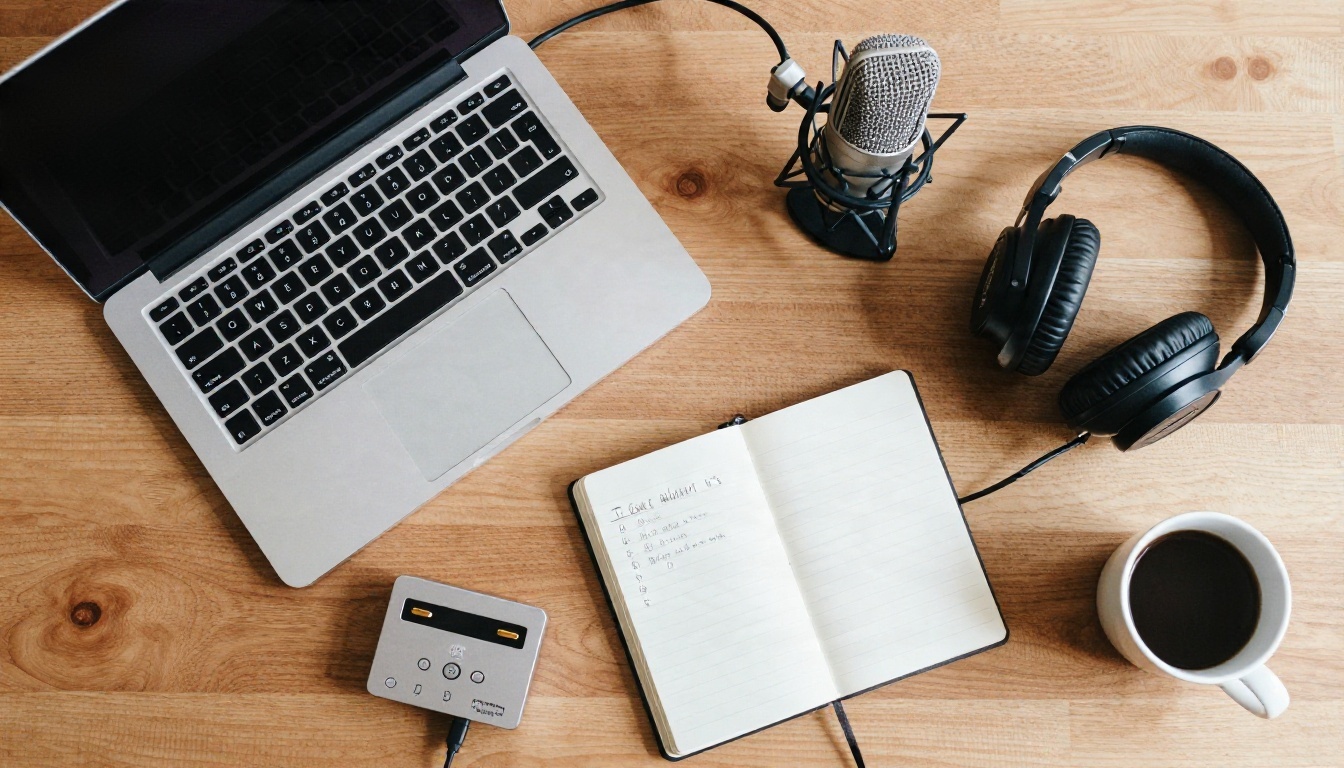
- Audacity is a free desktop editor for recording, trimming and removing background noise.
- Your phone's voice memo app is surprisingly good if you record in a quiet closet full of clothes, which absorb echo.
- Free browser recorders let you capture a clip and download it as MP3 in a minute.
- Text-to-speech services with free tiers can generate a neutral voice when you do not want to record yourself.
Free Flipbook Platforms and Limits
Many free flipbook makers allow audio but add limits: a watermark, a cap on pages, or a short expiry date on your publication. Before you commit, check three things:
- Does the free plan add a watermark to every page?
- Can you embed the flipbook on your own site?
- Is audio included, or locked behind a paid tier?
With Flipbooks AI, flipbooks are never watermarked, and you can embed video and audio directly. Check the current plan details on the pricing page to see what fits your volume.
How to Create a Flipbook With Audio with Flipbooks AI
Here is the full workflow, from silent PDF to a shareable publication with sound.
Step by Step Setup
- Open the platform. Go to Flipbooks AI and create an account.
- Upload your PDF. Use the PDF to Flipbook Converter. Your file is converted into a page-turning flipbook, and the layout, fonts and images stay intact.
- Prepare your audio files. Export music or narration as MP3 and keep each file small, ideally under 5 MB.
- Add the sound. In the editor, attach a background track to the whole flipbook, or place audio on individual pages for narration and effects.
- Preview on mobile. Open the preview on your phone with the volume at a normal level. Check that nothing starts too loudly.
- Publish. Save, then grab your link or embed code.
💡 Pro tip: Name your audio files clearly, such as page-03-intro.mp3. When you have twenty clips, you will thank yourself.
Branding and Sharing
Once the audio is in place, make the publication yours:
- Add your logo and brand colors
- Pick a page effect that suits the tone (a soft curl for magazines, a quick slide for catalogs)
- Add links, videos and images next to the audio for a richer page
- Publish with a direct link, or use the Embed Flipbook on Website tool to place it on your own pages
- Turn on password protection if the content is private, such as an internal training manual
Pro Features Worth Knowing
If you share your flipbook widely, the Professional plan adds analytics and lead generation, so you can see which pages hold attention and capture emails before a reader opens the document. You can also offer offline downloads for people who want to listen without a connection. Unlimited flipbooks arrive with the Standard plan and above.
| Feature | Why It Matters With Audio |
|---|
| No watermarks | Your brand stays clean while the music plays |
| Embed video and audio | One file holds every media type |
| Password protection | Keeps narrated training or client content private |
| Analytics (Professional) | Shows where readers stop listening |
| Offline downloads | Lets people read and listen on a flight or commute |
| Mobile-responsive design | Audio controls work on small screens |
Online Examples by Industry
Abstract advice only goes so far, so here are concrete scenarios showing how different teams use sound in flipbooks.
Restaurants and Cafes
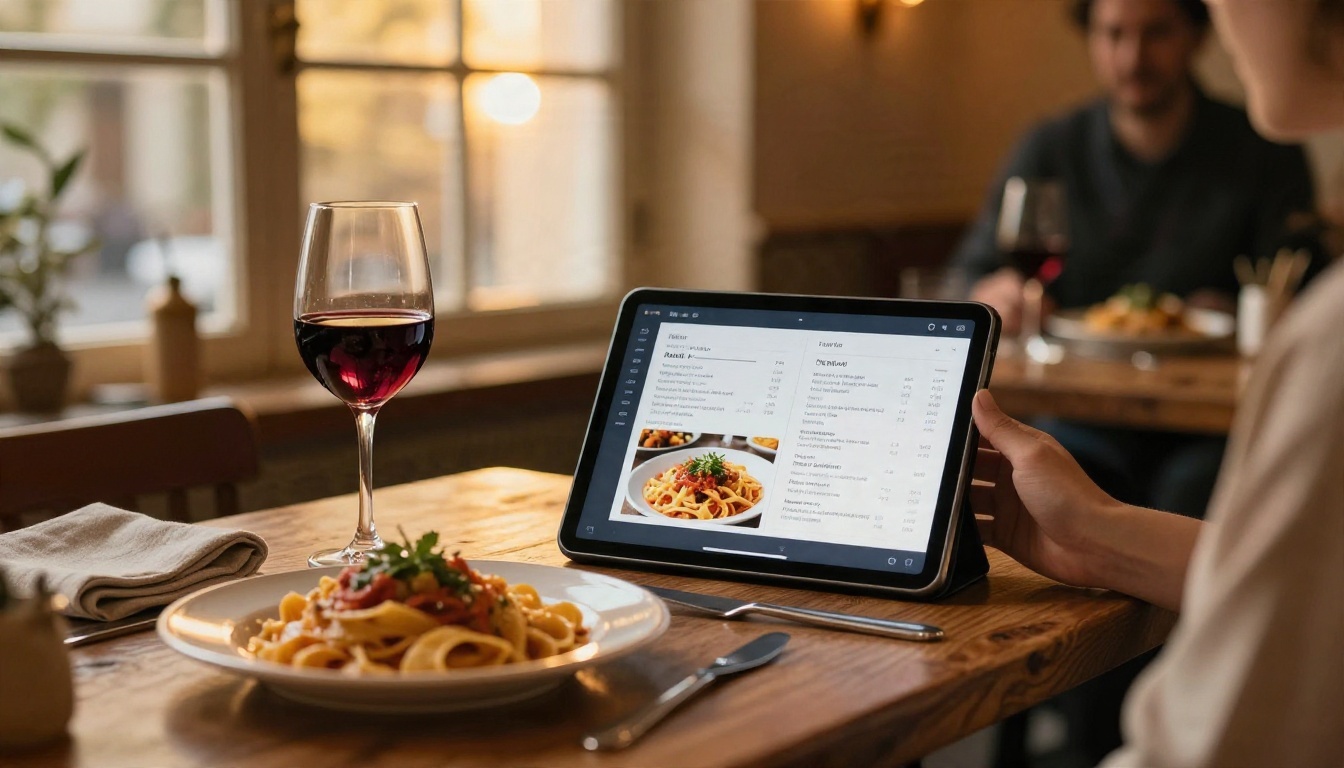
A restaurant can add a quiet acoustic loop to its menu and a 10 second voice clip describing the chef's special. Diners scanning a QR code at the table get a taste of the atmosphere before they order. Start with the Restaurant Menu Creator or the Menu Flipbook Designer.
Real Estate and Hotels
Agents benefit from a short walkthrough narration on each property page: "This living room faces south and gets light all afternoon." Hotels can layer in ambient sounds, like waves or a lobby piano. Try the Real Estate Brochure Creator or the Hotel Brochure Designer.
Education and Training
Teachers and trainers can record a lesson summary for each chapter, which helps students who prefer listening. A company can ship a narrated onboarding manual with a password. See the Training Manual Flipbook and Course Material Publisher.
Portfolios, Lookbooks and Magazines
A photographer can attach a single mood track to a Photography Portfolio. A fashion label can pair each outfit page with a beat in its Interactive Lookbook. A publisher can embed an interview clip in a Magazine Flipbook.
| Industry | Audio Choice | Reader Result |
|---|
| Restaurant | Soft jazz plus dish voice clip | Longer menu views, higher-value orders |
| Real estate | Page-by-page narration | Fewer basic questions, more booked visits |
| Hotel and travel | Ambient nature or city sound | Stronger sense of place |
| Education | Chapter summaries | Better recall for students |
| Fashion | Short beat per collection | Memorable brand mood |
| Magazine | Interview or podcast clip | Readers stay on the page longer |
Mistakes That Ruin the Experience
I have seen plenty of audio flipbooks that undermine themselves. These are the repeat offenders.
Forcing Autoplay Loud
Browsers on phones often block autoplay, and readers hate it anyway. Let the reader press play. If you must start music, keep the volume low and the pause control obvious.
Heavy Files and Slow Loading
A 40 MB WAV file will stall a mobile connection. Export as MP3 at 128 to 192 kbps. Speech sounds fine at 96 kbps, which makes files much smaller.
| Format | Typical Size (3 min) | Quality | Recommended |
|---|
| WAV | 30 MB | Lossless | No, too large |
| MP3 128 kbps | About 3 MB | Very good | Yes, for music |
| MP3 96 kbps | About 2 MB | Good for speech | Yes, for narration |
| AAC / M4A | About 3 MB | Very good | Yes, if supported |
Ignoring the License
Using a popular chart song in a public flipbook can end with a takedown or a fine. Stick to royalty-free tracks, music you created, or tracks you paid to license. Keep the receipt.
Narration That Repeats the Page
If the voice just reads the text word for word, readers stop listening. Narrate what the page cannot show: the story behind the product, a tip, a warning, a bit of humor.
✅ Best practice: Write narration scripts to be heard, not read. Short sentences, plain words, one idea per clip.
A Quick Pre-Launch Checklist
Before you publish, run through this list:
That last point matters most. Many readers will never press play, so the publication must stand on its own.
Ready to Add Sound?
A flipbook with audio does not need a big budget, just a clear plan: pick the right audio type, use licensed or free files, keep them small, and let readers choose when to listen.
Ready to build yours? Get started for free on Flipbooks AI, convert your first PDF in minutes, and add your first track. Browse all flipbook tools and templates to find the right starting point, or compare pricing plans when you are ready to publish at scale.



