You have a PDF. You want people to flip through it in a browser, without downloading a file, installing an app, or pinching and dragging a tiny page on their phone. That is the whole reason flipbook software exists, and it is why so many people go looking for a FlipHTML5 alternative that works as a free PDF reader, an online viewer, and a sharing tool in one place. Flipbooks AI is built for exactly that job, and in this article you will see how the main options compare, what to check before you commit, and how to publish your first flipbook in a few minutes.
FlipHTML5 is one of the best known names in this space, and it does many things well. But "well known" and "right for you" are different questions. If your needs are simple (upload a PDF, get a clean viewer, embed it, send a link), you may be paying in time, branding, or page limits for features you never touch.
What a Flipbook Reader Actually Does
A flipbook reader takes a static PDF and turns it into a page turning web experience. The reader opens a link, sees a book with realistic page curl, and moves through it with a click, a swipe, or an arrow press. No PDF plugin, no download prompt.
Viewer, Host, or Builder?
Three jobs get lumped together, and mixing them up leads to bad purchases.
- Viewer: the interface your audience sees. Zoom, search, thumbnails, full screen.
- Host: the place your flipbook lives. It gives you a public URL and keeps it online.
- Builder: the tools that let you add branding, links, video, audio, and a custom look.
Some free tools only give you a viewer. Others give you all three but stamp their logo on every page. A good free PDF reader should deliver the viewer and the host without making the result look like an advertisement for the tool itself.
What "Free" Usually Means
Free plans in this category tend to come with trade-offs. Before you upload anything, check the plan page for the items below, because they change from time to time.
- Watermarks or platform branding on the reader or in the corner of pages
- Caps on pages, file size, or number of flipbooks
- Public only: no password protection on the free tier
- Embed limits: a share link works, but the embed code is locked
- Expiry: flipbooks that disappear after a set period
💡 Pro tip: Open a sample flipbook from any tool on your phone before signing up. If the page loads slowly or the controls are cramped, your readers will feel the same thing.
How the Free Options Compare
Rather than guess, compare the same features side by side. The table below covers the features people ask about most when they search for a free PDF reader with embed and share options.
Feature Table
| Feature | Basic PDF viewer link | Typical free flipbook tier | Flipbooks AI |
|---|
| Page turning effect | No | Yes | Yes |
| Works on mobile | Partly | Yes | Yes, mobile-responsive |
| Watermark on free content | None | Often present | No watermarks, ever |
| Embed on your website | No | Sometimes limited | Yes, with embed code |
| Password protection | No | Rarely free | Available for private content |
| Video and audio inside pages | No | Varies | Yes |
| Offline download | Manual file | Varies | Yes |
| Analytics and lead capture | No | Paid plans | Professional plan |
The pattern is clear. A plain PDF link is fast but flat. Most free flipbook tiers give you the page turn and then ask you to pay for the useful extras. If you want to see where Flipbooks AI fits on cost, the pricing page lists every plan and what it includes.
Where Limits Hide
The biggest surprises rarely show up on the front page of a pricing table. They show up after you have uploaded your file and built a link that is already in your newsletter.
| Hidden limit | What it looks like | Why it hurts |
|---|
| Branding on the viewer | A tool logo over your page corners | Makes client documents look unfinished |
| Locked embed | Share link works, embed greyed out | You cannot place the flipbook on your own site |
| Page cap | Upload stops at a fixed page count | Long catalogs get cut off |
| Link expiry | Flipbook goes offline after a period | Old emails lead to dead pages |
| Forced sign-in to view | Readers asked to create an account | Most readers simply leave |
⚠️ Warning: Never send a flipbook link to customers until you have opened it in a private browser window while logged out. That is the only way to see what your readers see.
Reading Experience Matters Most
Features on a checklist do not matter if the reading itself feels clumsy. Your audience will not praise a great viewer, but they will quietly leave a bad one.

Speed on Mobile
More than half of web traffic now comes from phones, so the mobile view is not optional. A good flipbook viewer should:
- Load the first page before the reader loses patience
- Switch to a single page layout on narrow screens
- Support swipe to turn pages
- Keep text sharp when zoomed
Test with your largest PDF, not a short sample. A 4 page demo always loads quickly. A 120 page catalog is the real test.
Zoom, Search and Page Jumping
For long documents such as reports, manuals, and catalogs, three controls decide whether people stay:
- Zoom that keeps small print legible
- Text search so readers can jump to a product, date, or clause
- Thumbnails or a table of contents for fast page jumping
If a reader cannot find page 47 in under ten seconds, they will ask you to send the PDF instead, which defeats the purpose.
Looking the Same on Every Device
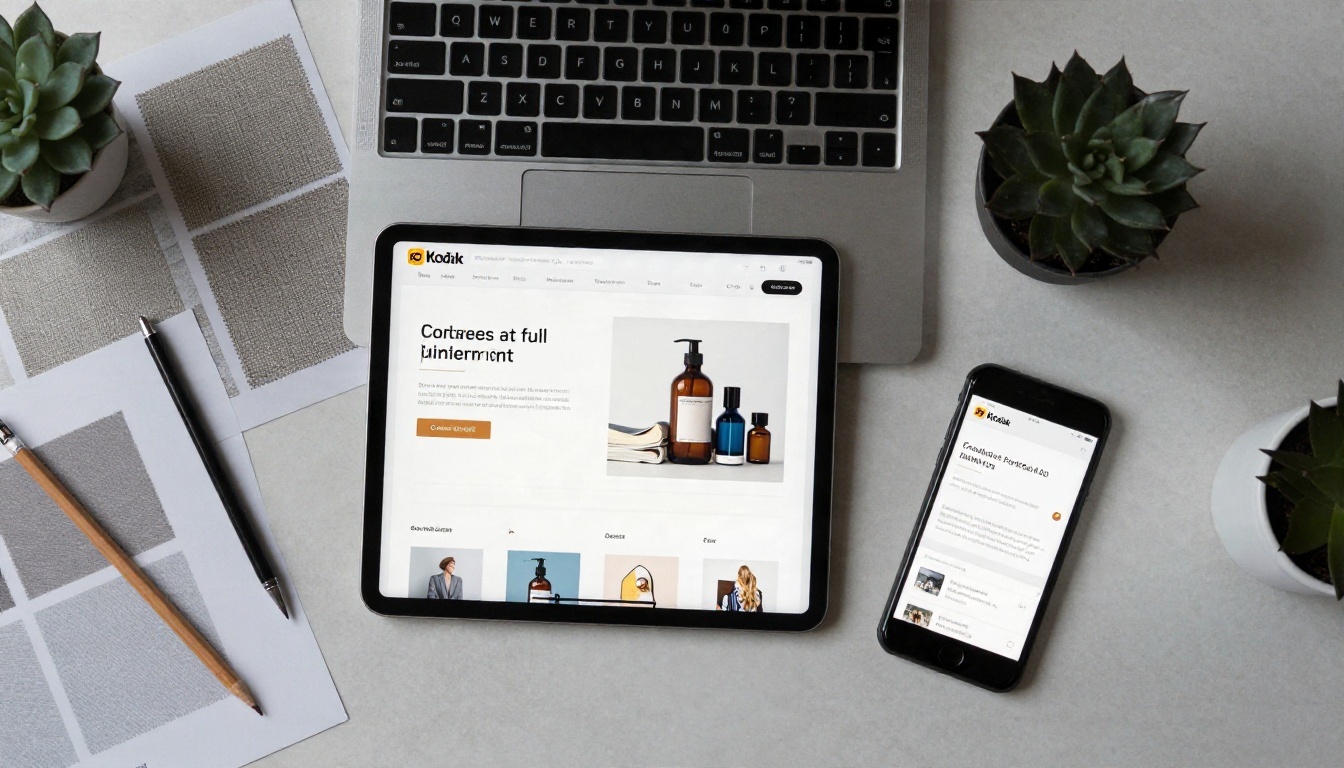
Your PDF was probably designed for print or desktop. A flipbook that scales cleanly across a phone, a tablet, and a laptop saves you from building three versions of the same document.
Embed Options for Your Website
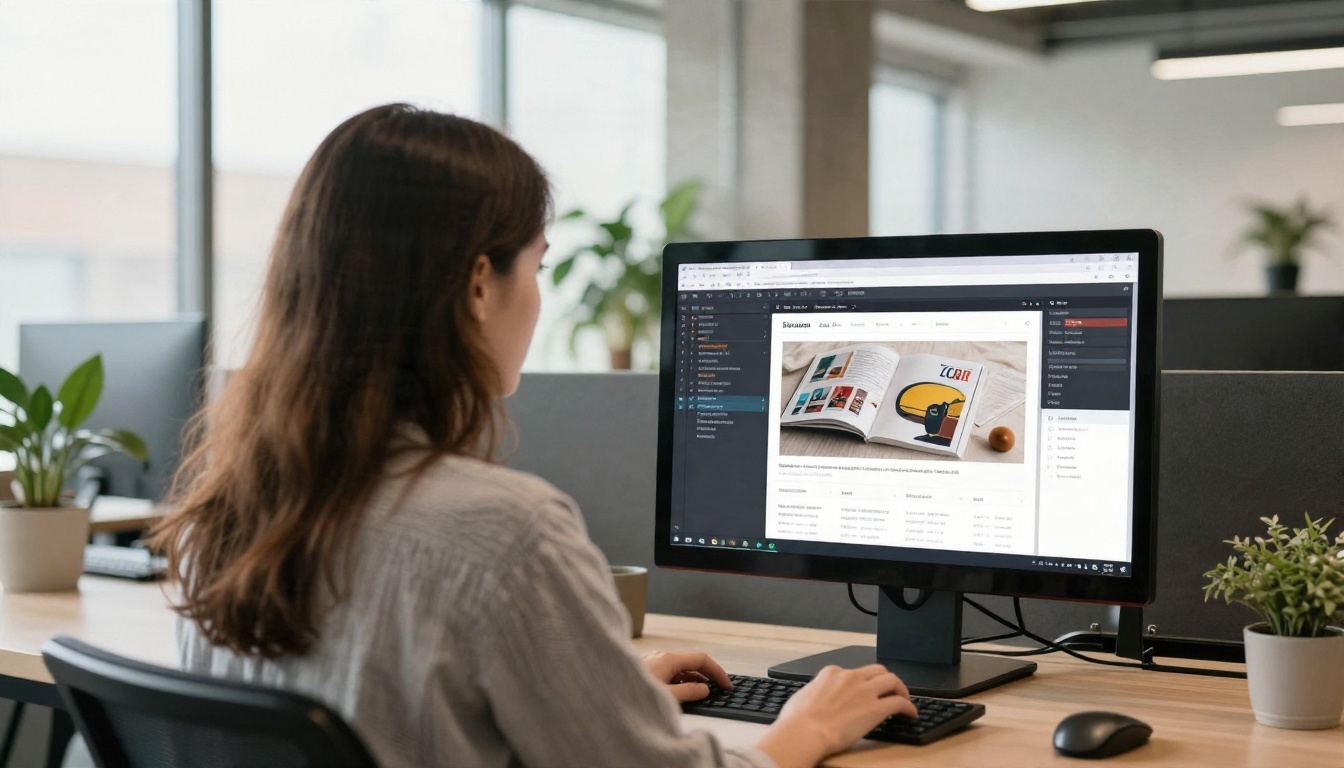
A share link is useful. An embedded flipbook is better, because readers never leave your page. They stay on your brand, your navigation, and your call to action.
Iframe vs. Direct Link
| Method | Best for | Pros | Cons |
|---|
| Direct link | Emails, chat, social posts | Zero setup, opens full screen | Takes readers off your site |
| Iframe embed | Landing pages, blog posts, product pages | Stays on your site, looks native | Needs a small HTML snippet |
| Popup or lightbox | Menus, brochures on busy pages | Keeps the page uncluttered | Depends on your site builder |
Most website builders (WordPress, Wix, Squarespace, Shopify and others) accept an iframe through an HTML or custom code block. The Embed Flipbook on Website tool shows exactly how to paste the code.
Embed Checklist
Before you publish an embedded flipbook, run through this list:
✅ Best practice: Search engines read the text around an embed more reliably than the content inside it. Write two or three sentences describing the flipbook next to the iframe.
Share Options That Fit Real Work
Sharing is where a flipbook either earns its keep or becomes one more tab nobody opens.
Links, Passwords, and Privacy
Not every document should be public. Think about who the audience is before you choose a sharing mode.
- Public link: ideal for marketing catalogs, menus, and magazines
- Password protected link: suited to price lists, investor decks, and client proposals
- Embedded and public: best for evergreen content on a website
- Offline download: useful when the reader will be without a connection, such as on a flight or at a trade show
With Flipbooks AI, password protection is built in for private content, so a confidential price list does not have to sit behind an email attachment.
Real-World Use Cases
| Who | What they publish | Best share method |
|---|
| Restaurant owner | Seasonal menu, built with the Restaurant Menu Creator | QR code to a public link |
| Real estate agent | Listing brochure, built with the Real Estate Brochure Creator | Embedded on the listing page |
| Photographer | Portfolio, built with the Photography Portfolio tool | Direct link in an email signature |
| Retail brand | Product range, built with the Digital Catalog Maker | Password protected link for wholesale buyers |
| Finance team | Quarterly report | Password protected link plus offline download |
A restaurant can print a QR code on every table that opens the latest menu, and update the PDF without reprinting anything. A real estate agent can send the same brochure to fifty buyers and see which ones opened it. Those two examples alone explain why a flipbook beats an attachment.

How to Create a Flipbook with Flipbooks AI
Here is the full process, from file to shareable link. Plan on about five minutes for a first flipbook.
Upload and Convert
- Go to Flipbooks AI and create an account.
- Click the option to create a new flipbook. You will see a drop zone for your file.
- Drag your PDF into the drop zone. The PDF to Flipbook Converter processes each page and builds the page turning viewer.
- Wait for the preview to appear. Most files finish in well under a minute, depending on page count and image size.
💡 Pro tip: Export your PDF at screen resolution rather than print resolution. Files load faster, and readers cannot see the difference on a monitor.
Customize and Brand
Once your preview loads, open the design panel. Here is what you can adjust:
- Branding: add your logo and choose a background that fits your site
- Colors: match the toolbar and background to your brand palette
- Page effects: pick the page curl style and speed
- Multimedia: add video and audio to specific pages for richer content
- Links: make products, buttons, and email addresses clickable
Because there are no watermarks, whatever you build looks like yours. That matters most when the flipbook goes to clients, buyers, or investors.
Share, Embed and Track
Next, decide how the flipbook leaves the platform:
- Copy the direct link for emails, chat, and social posts.
- Copy the embed code and paste it into an HTML block on your website.
- Turn on password protection if the content is private.
- Enable offline download if readers need a copy without internet.
- Publish and open the link in a private window to test it.
If you need to see who reads what, the Professional plan adds analytics and lead generation, so you can capture contact details before a reader opens the document. Check the pricing plans to compare tiers. The Standard plan and above also remove the limit on how many flipbooks you can publish.
You do not need a spreadsheet to choose. You need three honest answers about what you will really do.
Quick Decision Rules
| If you need... | Then choose... |
|---|
| A one-off link to send a PDF | Any basic flipbook tool, free tier is enough |
| A clean viewer with no logos | A tool with no watermarks on every plan |
| An embedded reader on your website | A tool with embed code available early |
| Private proposals and price lists | A tool with password protection |
| Reader data and leads | A plan with analytics, such as Professional |
| Many flipbooks for many clients | A plan with unlimited flipbooks |
Then run a short test with three steps. Upload your longest PDF. Open the link on your phone while logged out. Embed it in a draft page. If the tool passes all three, you have your answer.
Common Mistakes to Avoid
- Judging by a short sample. Test with your longest document.
- Ignoring branding. A visible tool logo can undermine a client proposal.
- Skipping the mobile check. Most of your readers will open it on a phone.
- Forgetting the text around the embed. Add a short written summary for search.
- Sharing private files publicly. Use a password for anything sensitive.
✅ Best practice: Keep your source PDF organized and versioned. When you update the file, you can replace the flipbook and keep the same shared link in most cases.
Ready to Publish Your First Flipbook?
If your goal is a free, clean, shareable way to read and publish PDFs online, you do not need to settle for locked embeds or logos stamped across your pages. Get started for free on Flipbooks AI, upload a PDF, and see your document turn into a page turning flipbook before your coffee gets cold.
Looking for a template for your specific use case? Browse all flipbook tools for catalogs, menus, brochures, portfolios, reports, and more. When you are ready to add analytics, password protection at scale, or unlimited flipbooks, compare the pricing plans and pick the one that fits your workflow.



