Picking the right flipbook platform is not a trivial decision. Your content lives there, your clients interact with it, and your brand depends on it looking polished and professional. Two names that come up constantly in this space are FlipHTML5 and Flipbooks AI. One is a well-established desktop-era tool with years on the market. The other is a modern, browser-first platform built for speed and simplicity. This article breaks down exactly how they compare so you can stop guessing and start publishing.
Both tools convert PDF files into interactive flipbooks with realistic page-turn effects. Beyond that baseline, however, they diverge significantly in philosophy, pricing, and feature depth.
FlipHTML5 at a Glance
FlipHTML5 has been around since the early days of HTML5-based publishing. It started as a desktop application and later added a cloud component. The platform offers a wide range of features including animations, embedded video, pop-ups, and a fairly complex visual editor. It targets publishers, educators, and marketing teams who need deep control over every page element.
The trade-off is complexity. The interface carries the weight of its history and can feel cluttered to new users. The free plan is heavily restricted, and many core features require paid upgrades that add up quickly.
FlipbooksAI at a Glance
Flipbooks AI takes the opposite approach: strip away friction and let creators publish professional flipbooks in minutes. Upload a PDF, customize branding, add multimedia, and share or embed. No desktop software to install, no steep learning curve, and no watermarks on any paid plan.
It is built for modern workflows where speed and clean output matter more than a 200-option editor. The platform handles catalogs, menus, portfolios, reports, e-books, and more through a suite of specialized tools built for specific content types.
Core Features Face-Off
The table below covers the features that actually matter when you are publishing for real audiences.
| Feature | FlipHTML5 | Flipbooks AI |
|---|
| PDF to Flipbook Conversion | Yes | Yes |
| No Watermarks on Paid Plans | Yes (Basic+) | Yes (all paid plans) |
| Custom Domain | Yes (Premium+) | Yes (Standard+) |
| Password Protection | Yes | Yes |
| Embed on Website | Yes | Yes |
| Analytics | Yes (Pro+) | Yes (Professional) |
| Lead Generation Forms | Yes (Enterprise) | Yes (Professional) |
| Offline Downloads | Yes | Yes |
| Video and Audio Embed | Yes | Yes |
| Mobile Responsive | Yes | Yes |
| Dedicated Use-Case Tools | No | 50+ tools |
| No Desktop App Needed | Partial (cloud available) | Yes, 100% browser |
| AI-Powered Features | No | Yes |

PDF Conversion and Upload
Both platforms handle the PDF-to-flipbook conversion reliably. Upload your file, the system processes it, and within seconds you have a flippable document ready to share.
FlipHTML5 supports batch upload on higher plans. Flipbooks AI keeps the upload experience clean and fast with no app installation required. The PDF to Flipbook Converter handles everything directly in the browser.
💡 For large PDF catalogs with 100 or more pages, both platforms perform well, but Flipbooks AI requires fewer clicks to reach a shareable link.
Customization and Branding
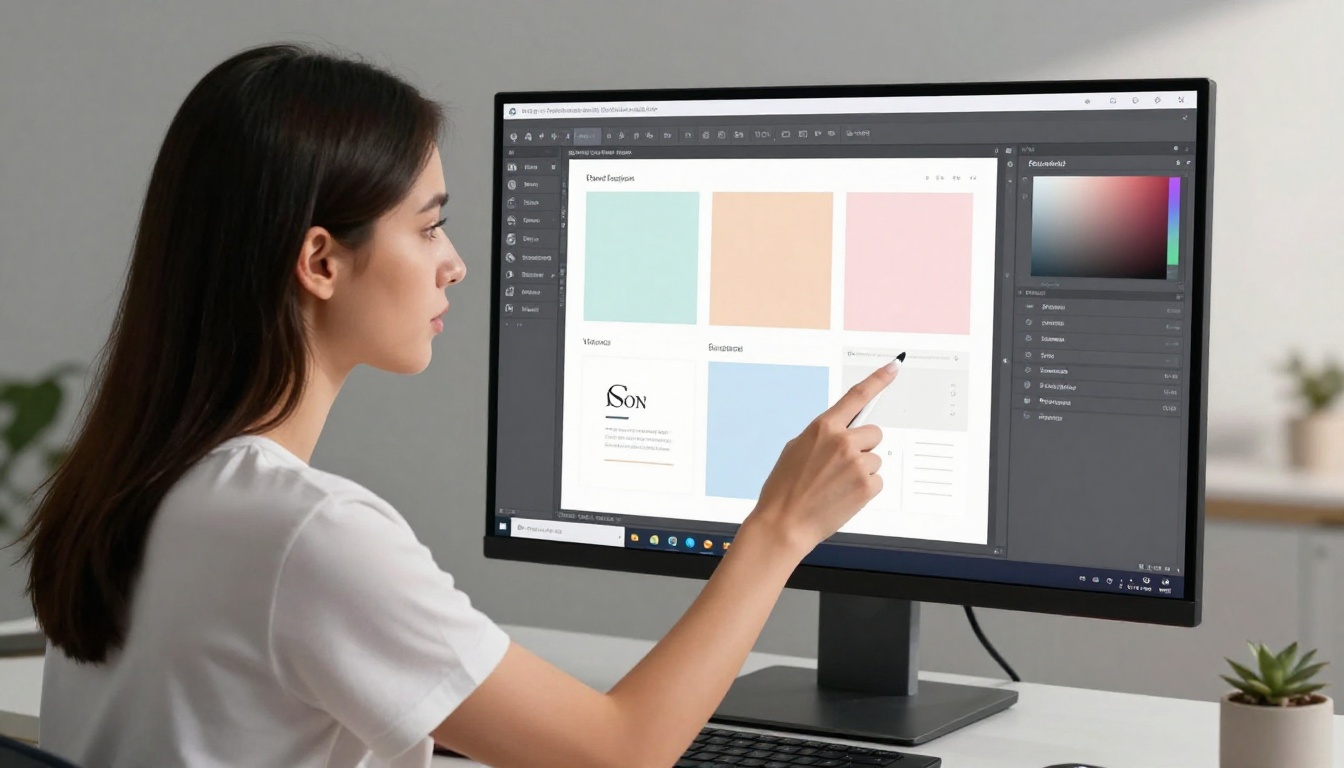
FlipHTML5 has a visual editor with layers, animations, hotspots, and pop-up objects. It is powerful but takes time to learn. You can add custom HTML and interactive buttons if needed, which appeals to developers building interactive documents.
Flipbooks AI focuses on brand consistency: custom colors, logo placement, cover design, and background themes. The result looks professional without requiring a design background. For teams that care more about consistent brand output than per-page interactivity, this approach is often the better fit.
Embedding and Sharing
Both tools generate embed codes and shareable links. Flipbooks AI makes password protection and embedding on a website straightforward with a couple of clicks. FlipHTML5 requires a bit more navigation through menus to find the same options.
✅ Flipbooks AI's embed code works cleanly on WordPress, Webflow, Squarespace, and custom HTML sites with no extra configuration needed.
Pricing: The Real Numbers
This is where the comparison gets practical and where many users make their final decision.
FlipHTML5 Pricing Breakdown
| Plan | Approximate Monthly Price | Key Restrictions |
|---|
| Free | $0 | Watermark on all content, 1 flipbook, limited pages |
| Basic | ~$14/mo | Watermark removed, limited uploads per month |
| Pro | ~$30/mo | More pages, custom branding options |
| Premium | ~$59/mo | Custom domain, offline access |
| Enterprise | Custom pricing | Full analytics, lead gen forms |
Note: FlipHTML5 pricing changes frequently and varies by region. Always verify current rates on their official site.
Flipbooks AI Pricing Breakdown
| Plan | Price | Included Features |
|---|
| Free | $0 | 3 flipbooks, core publishing features |
| Standard | Affordable monthly rate | Unlimited flipbooks, no watermarks, custom branding, password protection |
| Professional | Mid-tier monthly rate | Everything in Standard, plus analytics, lead generation, offline downloads, priority support |
💡 Flipbooks AI's Standard plan removes watermarks and allows unlimited flipbooks, making it significantly more accessible for creators who publish frequently. See current pricing to compare tiers.
Which Offers More Value
For solo creators and small teams who need to publish multiple documents without watermarks, Flipbooks AI's Standard plan consistently wins on value per dollar. FlipHTML5's per-feature pricing model means costs climb quickly once you start needing analytics, custom domains, and lead generation simultaneously.
For enterprise users who need deep page-level interactivity with custom scripts and animations, FlipHTML5's editor may justify the higher investment.
Watermarks: A Critical Difference
The watermark question is often the first thing new users ask about. Nobody wants a competitor's logo stamped across client-facing catalogs or portfolio documents.
FlipHTML5 removes watermarks starting at the Basic paid plan. The free plan watermark is prominent and impossible to miss on shared content.
Flipbooks AI removes watermarks on all paid plans without exception, starting at the entry-level Standard tier. There are no watermarks, ever, on paid content. This is a platform policy, not a feature locked behind a higher tier.
⚠️ Always verify watermark policies before using a free plan for client-facing work. Both platforms update their terms and both have active free tiers that include branding on published content.
Use Cases: Who Uses What
For Businesses and Catalogs

Product catalogs are one of the most common flipbook use cases. A sales team presenting to buyers, a rep sharing seasonal pricing sheets, or a retailer distributing collections all benefit from a professional, page-turning experience that feels like a real printed catalog.
Flipbooks AI's Digital Catalog Maker and Product Catalog Generator are built specifically for this. The output is shareable by link, embeddable on a website, or password-protected for private wholesale distribution.
FlipHTML5 can also produce catalogs, but without dedicated templates or purpose-built tools, you are starting from a generic blank flipbook every time.
For Restaurants and Menus

Digital menus that update instantly, without reprinting costs, are a genuine operational advantage for restaurants and cafes. Flipbooks AI's Restaurant Menu Creator lets owners upload a PDF menu and publish an interactive version that works on any device instantly.
FlipHTML5 has no dedicated menu tool. A restaurant owner would need to use the generic editor, adding friction for non-technical users who just want a shareable, professional-looking menu.
For Real Estate

Property brochures, neighborhood guides, and development portfolios benefit enormously from the flipbook format. Buyers can browse pages naturally, zoom into floor plans, and forward the link to partners or family members with a single click.
The Real Estate Brochure Creator on Flipbooks AI is tailored to this workflow. Listings look polished and professional without requiring a full-time designer.
For Education

Course materials, training manuals, and school newsletters translate well into the flipbook format. Students and employees access them on any device without downloading anything, and institutions can update content without redistributing files.
Flipbooks AI offers dedicated tools for education: Training Manual Flipbook, Course Material Publisher, and Yearbook Flipbook Maker.
FlipHTML5 is also used in education, particularly for its ability to add quizzes and interactive elements directly on the page. For straightforward document publishing without heavy interactivity, Flipbooks AI is faster to set up and easier for non-technical staff to maintain.
How to Create a Flipbook with Flipbooks AI
Since this comparison is designed to help you choose between the two platforms, here is exactly how the creation process works on Flipbooks AI from start to publish.

Step 1: Create Your Account
Go to flipbooksai.com/account and sign up. The process takes under a minute. No credit card is required for the free plan.
Step 2: Upload Your PDF
From the dashboard, click "Create New Flipbook" and upload your PDF file. Flipbooks AI converts it automatically using its cloud processing. Most files are ready to view in under 30 seconds.
Step 3: Customize Your Branding
Once converted, open the editor to personalize:
- Add your logo to the cover and header bar
- Set brand colors for buttons, backgrounds, and page effects
- Choose a flip animation style that suits your content tone
- Set the cover thumbnail from any page in the document
✅ If you are creating a product catalog, start with the Catalog Flipbook Creator which includes pre-configured branding templates designed for commercial use.
Step 4: Add Multimedia
Embed videos, audio tracks, and external links directly within your flipbook pages. This is especially useful for product demonstrations, employee training modules, or interactive photography portfolios where static pages are not enough.
Step 5: Share or Embed
When ready, copy the shareable link or grab the embed code for your website. Distribution options include:
- Public link: anyone with the URL can view
- Password-protected: private distribution for clients or internal teams
- Website embed: iframe code that works on any modern site builder
Step 6: Track Performance with Professional Plan
On the Professional plan, you get:
- Page-level analytics showing which sections readers spend time on
- Lead generation forms within the flipbook to capture contact details
- Offline download capabilities for readers without reliable internet access
- Priority support for time-sensitive publishing projects
Analytics and Lead Generation

Both platforms offer analytics at higher tiers, but the way they package and surface data differs in meaningful ways.
FlipHTML5 provides detailed read statistics, including page views, average read time, and traffic sources. These are valuable for publishers and educators who need to understand how long-form content is consumed.
Flipbooks AI's Professional plan includes built-in analytics that show which pages are most read and where readers drop off within a document. The lead generation feature lets you add a form gate before or within the flipbook, capturing email addresses or contact details without leaving the platform or needing a third-party integration.
For marketers using flipbooks as part of a lead funnel, this is a significant workflow improvement compared to cobbling together external form tools with separate analytics dashboards.

One advantage Flipbooks AI holds clearly over FlipHTML5 is its library of purpose-built tools. Instead of starting every project from a generic PDF converter with no context about your use case, you select the exact tool built for your content type.
Some standout tools across categories:
FlipHTML5 has no equivalent tool directory. You work through the same generic editor regardless of whether you are publishing a menu, a portfolio, or a property brochure.
Browse the full flipbook tools directory to see every available template and tool.
Head-to-Head Summary
| Category | FlipHTML5 | Flipbooks AI | Who Wins |
|---|
| Ease of Use | Moderate learning curve | Beginner-friendly, fast setup | Flipbooks AI |
| Customization Depth | High, page-level editor | Brand-level, clean output | FlipHTML5 |
| Watermarks on Entry Paid Plan | Removed at Basic tier | Removed on all paid plans | Flipbooks AI |
| Dedicated Use-Case Tools | None | 50+ specialized tools | Flipbooks AI |
| Analytics Availability | Pro tier and above | Professional plan | Tie |
| Lead Generation | Enterprise plan only | Professional plan | Flipbooks AI |
| Mobile Responsive Output | Yes | Yes | Tie |
| No Desktop Software Required | Partial, cloud available | Yes, 100% browser | Flipbooks AI |
| Pricing Transparency | Moderate, regional variation | Clearly listed | Flipbooks AI |
| Best Suited For | Complex interactive documents | Fast, professional publishing | Depends on use case |
The answer depends on what you are actually trying to build. If you need page-level interactivity with custom animations, embedded quizzes, and hotspot-linked pop-ups, FlipHTML5's deep editor gives you that control. It is the better choice for instructional designers and interactive document specialists who need to build truly non-linear reading experiences.
If you need to publish professional, shareable, branded flipbooks without a learning curve, without watermarks on an affordable plan, and without installing desktop software, Flipbooks AI is the stronger platform for the vast majority of use cases. It is faster, cleaner, and purpose-built for the most common publishing tasks that real businesses actually face.
For catalogs, menus, brochures, portfolios, annual reports, and educational materials, Flipbooks AI's dedicated tools mean you are not reinventing the process every single time.
Ready to see it for yourself? Create your first flipbook for free on Flipbooks AI. No desktop download, no complex setup, no watermark on paid work.
Compare pricing plans to choose the tier that fits your publishing volume, or browse the full tools directory to find the exact starting point for your next project.



