You searched for a flipping book alternative because something about your current setup stopped working. Maybe the price jumped. Maybe the free plan stamped a watermark across every page. Maybe the PDF export came out blurry, or the "app" turned out to be a web page that barely works on a phone. Whatever pushed you here, the good news is that the market has plenty of options, and a few of them are noticeably better than the tools that dominated five years ago. Platforms like Flipbooks AI now convert a PDF into a page-turning publication in minutes, with no watermark and no per-flipbook tax.
This article compares what you actually get from free tools, app-style options and paid platforms. It looks at pricing models, PDF export quality, sharing controls and the small details that decide whether readers finish your publication or close the tab.

Most switches come from one of five frustrations. Knowing which one is yours makes the rest of the comparison faster.
- Watermarks on the free plan. Your brochure looks unprofessional when a third-party logo sits on every page.
- Publication caps. Some tools limit you to a handful of live flipbooks, then ask you to upgrade.
- Pricing that scales with success. More views, more pages or more storage can push you into a higher tier.
- Poor mobile behavior. A two-page spread that is unreadable on a phone loses most of your audience.
- Weak PDF handling. Fonts shift, images get compressed too hard, and links inside the PDF stop working.
💡 Pro tip: Before you compare anything, open your three most important PDFs and note the page count, file size and whether they contain links. Those three facts decide which tools can handle your content.
Search Intent Behind This Question
People who type "flipping book alternative" are usually in one of two modes. The first group wants something free for a one-off project, like a school newsletter or a single catalog. The second group runs a business and needs reliable hosting, branding and analytics. The options below are sorted with both groups in mind.
Free flipbook tools fall into three categories, and each has a predictable catch.
| Free Tool Type | Typical Strength | Typical Catch |
|---|
| Free tier of a paid platform | Polished page-turn effect | Watermark, publication limit, or expiring links |
| Open-source or self-hosted scripts | No subscription cost | Needs hosting, setup time and maintenance |
| Browser-only converters | Fast, no account needed | Limited branding, few sharing controls |
The Watermark Problem
A watermark is not just cosmetic. If you send a flipbook to a client, a supplier or a customer, that logo tells them you are using the trial version. For a hobby project, fine. For a sales catalog, it undercuts trust. Check whether the free plan removes branding before you invest time building anything.
Self-Hosted Scripts
Open-source page-flip libraries are genuinely useful if you are comfortable with JavaScript and hosting. You get full control. You also inherit every problem: converting PDF pages to images, making the layout responsive, keeping it secure and fixing it when a browser update breaks something. For a developer building a custom site, that trade can make sense. For a marketing manager with a catalog due Friday, it rarely does.
⚠️ Warning: "Free forever" claims deserve a second look. Read the terms for storage limits, link expiration and whether your content stays online if you stop logging in.

App Options for Phone and Tablet
The word "app" gets used loosely in this category, so separate the meanings.
- A native mobile app you install from a store, usually for reading or for creating simple flipbooks.
- A progressive web app or responsive viewer that runs in the browser but behaves like an app.
- An embedded reader inside your own website or app.
For most publishers, option two is the practical winner. Readers do not want to install anything to view a menu or a price list. A responsive web flipbook opens from a link, works on iOS and Android, and never needs an update from the reader's side.
What to Test on a Phone
Open a sample flipbook on an actual phone, not a browser window resized on a desktop. Check these points:
- Do pages switch to single-page view on narrow screens?
- Can you pinch to zoom on small text without the page flipping by accident?
- Does the table of contents work with a thumb?
- How fast does the first page load on mobile data?
Embedded video and audio add weight, so check that they do not stall the page on slower connections.
Reading on the Go
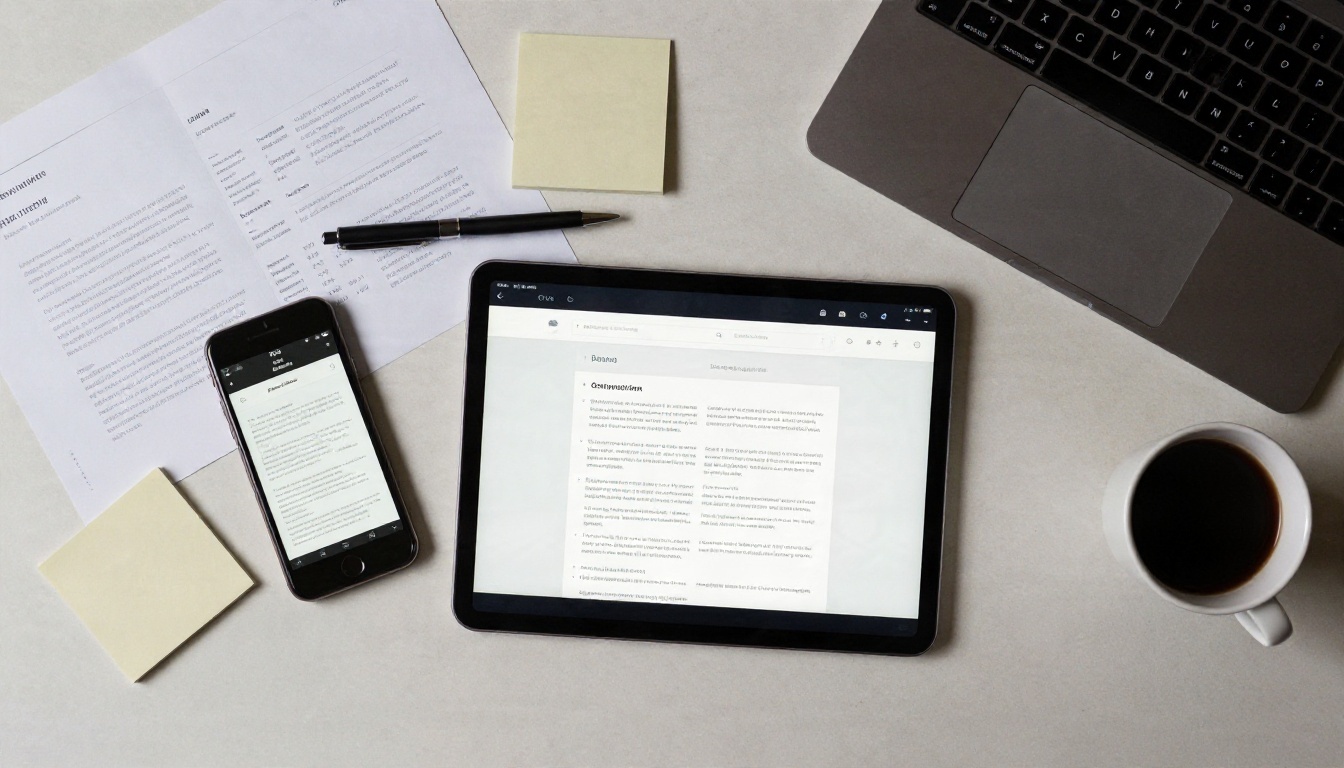
A significant share of flipbook traffic comes from phones, often from links shared in chat apps or social posts. A reader on a train will give your publication about ten seconds. If the first page is sharp and the page turn responds instantly, they stay.

Pricing Models Compared
Pricing is where alternatives differ the most, and it is often the reason people leave a tool in the first place. Instead of quoting numbers that change constantly, compare the structure.
| Pricing Model | How It Works | Best For | Watch Out For |
|---|
| Per-publication limit | Fixed number of live flipbooks per plan | Small, stable libraries | Costs climb as your catalog grows |
| Per-view or traffic tiers | Price follows reader numbers | Low-traffic internal documents | Viral posts trigger surprise upgrades |
| Flat monthly plan, unlimited flipbooks | One price, no per-flipbook cap | Agencies, retailers, publishers | Check which features sit in higher plans |
| One-time license | Pay once for software | Offline or self-hosted use | Updates and support may cost extra |
The Real Cost of "Cheap"
A low entry price can hide expensive limits. Add up what you will need over twelve months: number of flipbooks, team seats, custom domain, password protection and analytics. Then compare that total, not the headline price.
With Flipbooks AI pricing, the Standard plan and above include unlimited flipbooks, and analytics with lead generation sit in the Professional plan. No plan adds a watermark. That structure makes it easier to forecast your costs, because publishing more does not push you into a different bracket.

✅ Best practice: Run a one-month test with your real files before committing to an annual plan. Upload your longest PDF, share it with two colleagues and ask what felt slow or awkward.
PDF Export and Conversion Quality
The PDF is the foundation of every flipbook. If conversion goes badly, nothing else matters. Here is what separates a clean result from a disappointing one.
Input Quality
Good flipbook tools take your PDF and keep text sharp, preserve images and maintain clickable links. A few habits help on your side too:
- Export from your design tool at print or high-quality screen settings, not "smallest file size."
- Embed fonts so the text renders as intended.
- Keep page dimensions consistent across the document.
- Use real hyperlinks rather than screenshots of buttons.
Output Options
"PDF export" can mean two different things. Some people want to turn a PDF into a flipbook. Others want to export a flipbook back out as a PDF for offline use. A strong alternative supports both directions, or at least gives you offline downloads so readers can keep a copy. Flipbooks AI includes offline downloads, which matters for field teams, trade shows and anyone with unreliable connectivity.
| Feature | Why It Matters | What to Check |
|---|
| Text sharpness after conversion | Readers zoom in on details | Zoom to 200% on a text-heavy page |
| Link preservation | Buttons and URLs drive actions | Click every link in a test file |
| Large file handling | Catalogs often exceed 100 pages | Upload your biggest PDF |
| Offline download | Needed without internet access | Confirm file format and quality |
| Embedded media | Video and audio add context | Play media on mobile data |

💡 Pro tip: If a tool compresses images aggressively, the page-turn animation will still look nice while the photos look soft. Always judge quality on the pages with the most photography, not on the cover.
Feature Checklist for Any Alternative
Whichever tool you shortlist, hold it against this list. These are the features that show up in real support tickets and real abandoned trials.
- No watermark on any plan you will actually use.
- Custom branding with your logo, colors and domain.
- Password protection for private catalogs, price lists and internal reports.
- Embed codes so the flipbook lives on your own website.
- Analytics showing which pages people read and where they leave.
- Lead capture for gated content.
- Mobile-responsive design that does not require a separate app.
- Multimedia support for video, audio and links.
Who Needs What
Real Examples From Different Industries
Abstract feature lists are useful, but real scenarios show how the choice plays out.
A real estate agent uploads a property brochure and floor plan as a single PDF, adds a password for serious buyers and shares the link in an email. If the buyer opens it on a phone during a viewing, the pages need to load instantly. Analytics then show which pages got attention, a helpful signal before a follow-up call.

A teacher converts a worksheet packet into a flipbook, shares one link with a class and keeps an offline version for students without reliable home internet. Updating the packet next term means replacing the PDF, not rebuilding everything.

A photographer needs large, crisp images and a clean layout. A watermark from the tool would compete with their own work, so a no-watermark policy is non-negotiable. The Photography Portfolio tool fits this scenario well.

How to Create a Flipbook with Flipbooks AI
If you want to test an alternative today, this is the whole process from PDF to shareable link.
Step 1: Create an Account
Go to Flipbooks AI and create an account. Review the pricing plans so you know which features sit in Standard and which in Professional.
Step 2: Upload Your PDF
Use the PDF to Flipbook Converter. Drag your file into the upload area, wait for the conversion, and preview the result. Check a text-heavy page and a photo-heavy page for sharpness.
Step 3: Customize the Look
Add your logo, pick brand colors and adjust the page-turn effect. Insert video or audio where it supports the content, for example a product demo on a catalog page.
Step 4: Set Sharing Options
Choose how readers will reach it:
- Direct link for email, chat and social posts.
- Embed code for your site, with the Embed Flipbook on Website tool.
- Password protection for private material.
Step 5: Add Analytics and Offline Access
On the Professional plan, turn on analytics and lead generation to see reader behavior and capture contact details. Enable offline downloads so people can keep a copy.
✅ Best practice: Publish, then open the link on your own phone before you send it to anyone. It takes thirty seconds and catches most layout problems.
Quick Decision Framework
Still unsure? Use this short filter.
| If You Need | Choose |
|---|
| A one-time, throwaway flipbook | A free tier, and accept the limits |
| Full control and you can code | A self-hosted script |
| Professional branding without per-flipbook fees | A flat-rate platform with no watermark |
| Analytics and lead capture | A plan that includes them, such as Professional |
| A reader experience that feels like an app | A responsive web viewer with offline download |
The best flipping book alternative is the one that handles your actual files, fits your budget over a full year and looks good on a phone. Everything else is marketing.
Ready to Switch?
Try your own PDF instead of reading more comparisons. Get started for free on Flipbooks AI, browse all flipbook tools to find a template for your industry, or review the pricing plans to see which tier fits your workflow. Upload one PDF, check the result on your phone, and decide with real output in front of you.



