You typed "FlippingBook online free" into a search bar because you have a PDF, a deadline, and a budget that does not stretch to another monthly subscription. Fair enough. The good news is that you have more choices than the first search result suggests. The less good news is that "free" means very different things depending on the tool: sometimes a short trial, sometimes a permanent plan with a watermark, sometimes a converter that hands you a file you cannot even embed. This article sorts out what FlippingBook actually offers, where the limits show up, what the pricing looks like, and which PDF to flipbook options work when you need a clean result. Along the way you will see how Flipbooks AI handles the same job, so you can compare it with the incumbent on equal terms.
Is FlippingBook Really Free Online?
Short answer: not in the way most people hope. FlippingBook is a well known flipbook platform, and it is built for teams that publish regularly. Its entry point has traditionally been a free trial rather than a permanent free tier. Plans and trial terms change over time, so always check the vendor's current pricing page before you build a workflow around it.
What the trial includes
A trial typically lets you upload a PDF, convert it into a page-turning publication, and test the viewer on desktop and mobile. That is enough to judge the reading experience. It is not enough to run a real catalog program, because trials tend to be time-limited, and the publication you build may stop being available when the trial ends.
💡 Pro tip: Before you upload anything, write down the three things you cannot live without: a watermark-free viewer, an embed code, and a working link after the trial. If a tool fails any of the three, skip it.
Where the limits show up
Limits rarely appear on the sign-up page. They show up in week two, usually in one of these forms:
- Publication caps: a fixed number of active flipbooks per plan.
- Branding: a vendor logo or "created with" badge on the viewer until you pay.
- Storage and traffic: monthly view or storage allowances.
- Feature gating: analytics, password protection, lead capture, and custom domains reserved for higher tiers.
- Seats: extra teammates cost extra money.
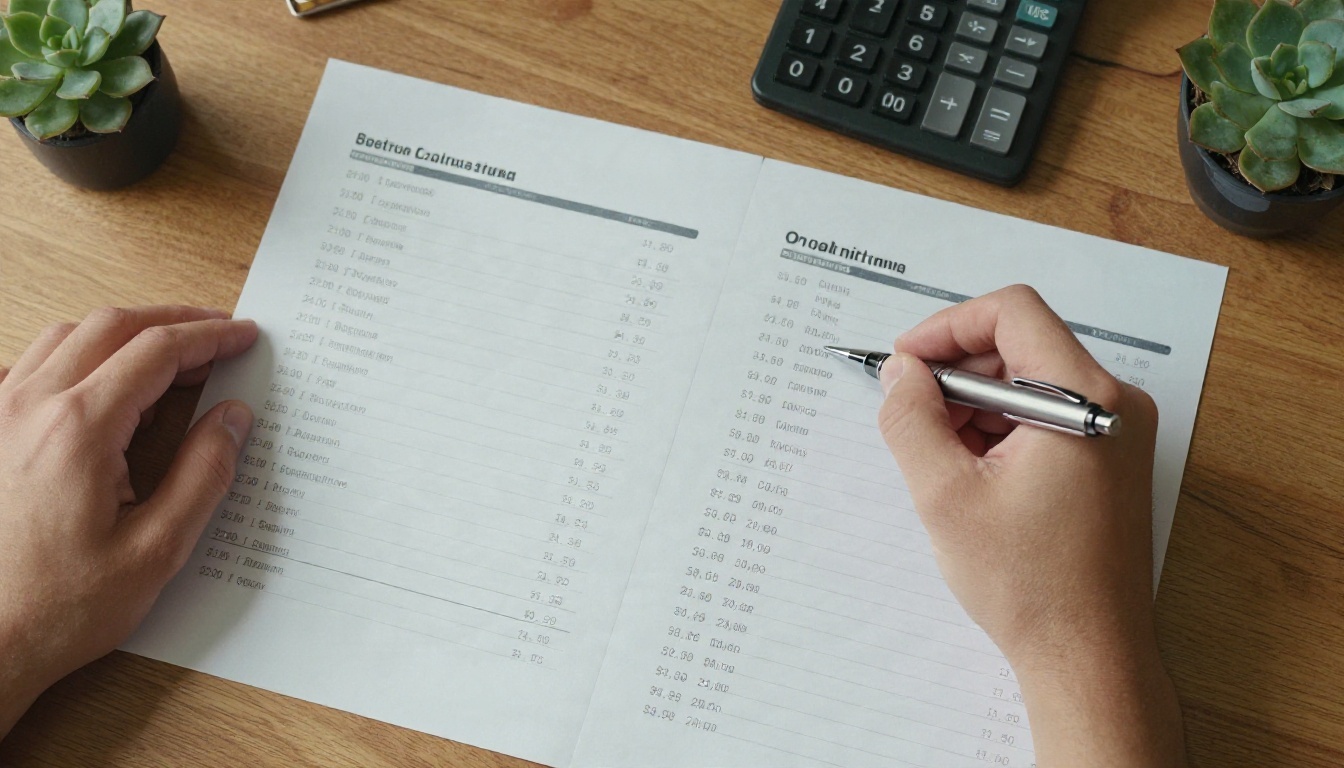
FlippingBook Pricing in Plain Terms
Most flipbook platforms use a tiered, subscription model, and FlippingBook follows that pattern. Exact figures move, so treat the table below as a map of how pricing is structured, not a quote.
| Pricing element | Typical pattern at higher-priced flipbook platforms | What to check |
|---|
| Entry access | Free trial, then paid plan | Trial length and what happens afterward |
| Billing | Monthly, with a discount for annual commitment | Cancellation terms |
| Publication limit | Capped per plan | Does an archived flipbook still count? |
| Branding removal | Often tied to a paid tier | Is the badge visible in the trial? |
| Analytics | Higher tiers | Per-page data or only total views? |
| Team seats | Limited, extra seats cost more | Cost per added editor |
Why per-flipbook caps hurt
A cap sounds harmless until you run a restaurant with seasonal menus, a real estate office with forty listings, or a school that issues a newsletter every week. Each new publication eats into the quota, so you end up deleting old content just to publish new content. That is a workflow tax, and it is the main reason small teams look for alternatives.
⚠️ Watch out: An "unlimited" claim usually has fine print. Look for limits on pages per document, file size, and monthly views, not just the number of flipbooks.
Free PDF to Flipbook Alternatives
If you only need a quick page-turning view of a PDF, plenty of tools can do it. The question is what you give up in exchange for free. Here is a side-by-side look at the main categories.
| Option type | Cost | Watermark | Embed on website | Password protection | Best for |
|---|
| Browser-based free converters | Free | Often yes | Sometimes | Rarely | One-off personal files |
| Open-source, self-hosted scripts | Free software, your time | No | Yes | Only if you build it | Developers with a server |
| Presentation tools with page-turn views | Free tier | Sometimes | Yes | Limited | Slide-style content |
| Premium incumbent platforms | Paid, trial first | Removed on paid | Yes | Yes | Large teams with budget |
| Flipbooks AI | Start free, paid tiers for scale | No watermarks, ever | Yes | Yes | Small teams and growing brands |
Browser-based converters
These are the tools that promise a flipbook in thirty seconds. They are fine for a quick preview, but check three things before you share the link: does the viewer carry the vendor's logo, does the link expire, and can you download or embed the result? Many free converters fail the second or third test.
Open-source and self-hosted options
Developers can combine a PDF rendering library with a page-flip script and host everything on their own server. You pay nothing for the software, and you control the data. You also own every bug, every mobile layout fix, and every browser update. For a one-person studio without technical help, the time cost usually exceeds a subscription.
Presentation tools with page-turn views
Some slide and document tools can publish a link that looks a bit like a flipbook. They work for short decks. They struggle with long catalogs, large images, and print-style spreads, and they rarely offer a realistic page curl or a branded viewer.

How to Create a Flipbook with Flipbooks AI
If your goal is a clean, watermark-free flipbook that you can share today, Flipbooks AI is built for exactly that. The flow is short. You can also jump straight to the PDF to Flipbook Converter if you already have a file ready.
Upload your PDF
- Go to Flipbooks AI and create an account.
- Click the upload button on your dashboard and select your PDF. A brochure, catalog, menu, report, or e-book all work.
- Wait a few seconds while the platform converts each page into a high-resolution flipbook page.
- Open the preview. You will see the page-turn effect, zoom controls, and a table of contents if your PDF has bookmarks.
✅ Best practice: Export your PDF at the final trim size with images at 150 DPI or higher. Crisp source files produce crisp flipbooks, and no converter can add detail that was never there.

Customize the look
Customization is where a flipbook stops looking like a file preview and starts looking like your brand.
- Branding: add your logo and pick a toolbar and background color that match your site.
- Page effects: adjust the page-turn animation, sound, and zoom behavior.
- Multimedia: embed video and audio directly on a page, so a product page can play a demo.
- Mobile layout: the viewer is responsive, so single-page view kicks in on phones automatically.
Share and protect
Once the design looks right, you have several ways to publish:
- Direct link: paste it in an email, a chat, or a social post.
- Embed code: drop the flipbook on your own site. The Embed Flipbook on Website tool shows how.
- Password protection: lock private content such as price lists for wholesale customers or internal training material.
- Offline download: let readers save a copy for places with poor reception.
Track results
On the Professional plan, you get analytics and lead generation. You can see which pages hold attention, where readers drop off, and capture an email before someone opens a gated catalog. You can compare tiers on the pricing page and see exactly which features sit in which plan. Unlimited flipbooks are available on the Standard plan and above, which removes the quota problem described earlier.

Real-World Use Cases
Features only matter when they solve a real job. Here are four situations where the choice of tool changes the outcome.
A restaurant can replace a printed menu with a flipbook link on a table QR code, then swap the PDF each week without reprinting. A real estate agent can send each buyer a password-protected brochure and see which pages they actually read. A fashion label can embed a short runway clip beside the matching outfit page. Each of these uses the same core feature, converting a PDF, but the surrounding limits decide whether the setup is practical.
You can browse more options in the full flipbook tools directory, from catalogs and portfolios to e-books and magazines.
How to Pick the Right Option
Use this decision table to narrow things down quickly.
| If you need... | Choose... | Why |
|---|
| One quick preview of a PDF | A free browser converter | Fast, no commitment |
| Full control and you can code | A self-hosted script | No vendor, but you maintain it |
| Large team, existing contract | An established paid platform | Support and enterprise options |
| Clean branding, no watermark, fair scaling | Flipbooks AI | Unlimited flipbooks on higher tiers, no watermark at any level |
| Lead capture and reader analytics | A plan with analytics included | See Professional plan details |
3 common mistakes
- Judging by the demo only. A beautiful sample flipbook says nothing about the limits on your account. Always test with your own file and check the shared link in a private browser window.
- Ignoring link longevity. If a link dies when a trial ends, every email, QR code, and printed flyer pointing to it dies too. Confirm what happens to published content before you distribute it.
- Paying for seats you do not use. A solo founder does not need a five-seat plan. Pick the smallest tier that removes your actual blockers, then upgrade when the workload demands it.
💡 Quick test: Upload one real PDF to two tools, share both links with a colleague on a phone, and ask which one they would trust to open. The answer is usually obvious within ten seconds.
Ready to Build Your First Flipbook?
If the search for "FlippingBook online free" has left you with more questions than answers, the fastest way to settle it is to try a tool with your own file. Get started for free on Flipbooks AI, upload a PDF, and see how it looks on your phone within minutes. When you are ready to compare plans, review the pricing options or go directly to account setup with pricing. Need inspiration first? Browse all tools and templates and pick the one that matches your project, whether that is a menu, a catalog, a report, or a portfolio.



