You have a PDF catalog, a magazine or a sales deck, and you want it to flip like a real publication on any screen. Two names come up in almost every search: Flipsnack and FlippingBook. They look similar on the surface, yet the price tags, free access, editing tools and analytics are quite different. This article puts them side by side so you can pick in ten minutes instead of ten days. We also look at a third option, Flipbooks AI, for readers who care about watermark-free output and simple pricing.
💡 Quick note on numbers: Both vendors change plans and prices often. The figures below are approximate ranges based on public pricing pages at the time of writing. Always confirm on the vendor site before you pay.
The Short Answer

If you only have a minute, here is the honest summary. Flipsnack is a design-first platform. It includes an online editor with templates, so you can build a catalog from scratch, not only convert a PDF. It also has a limited free plan. FlippingBook is a conversion-first platform. It is built around uploading a finished PDF and publishing it with strong analytics, lead capture and a desktop option. It has no permanent free plan, only a trial.
Pick Flipsnack If
- You want to design inside the tool, using templates and a drag and drop editor.
- You need a free plan to test the idea before spending money.
- Your team makes brochures, lookbooks and social-style publications in volume.
Pick FlippingBook If
- You already have polished PDFs from InDesign or Word and only need to publish them.
- You want detailed reader statistics and lead forms tied to your content.
- You like the option of a one-time desktop license for offline publishing.
| Question | Flipsnack | FlippingBook |
|---|
| Main strength | Design and templates | PDF conversion and analytics |
| Permanent free plan | Yes, limited | No, trial only |
| Built-in page editor | Yes | Limited, mostly PDF based |
| Desktop software | No | Yes (Publisher) |
| Best for | Marketing teams creating content | Companies publishing finished documents |
Pricing Side by Side

Price is where most buyers start, and also where most get confused. Both companies bill monthly or yearly, with a discount for yearly billing. Both gate the best features behind higher tiers.
Flipsnack Plans
Flipsnack typically offers a Free plan, then a ladder of paid tiers usually named Starter, Professional, Business and Enterprise. Entry paid plans have historically landed in the low double digits per month on annual billing, with the top self-serve tier several times higher. Limits apply to the number of active flipbooks, storage, team seats and access to features like analytics, custom domains and password protection.
FlippingBook Plans
FlippingBook sells online plans (usually Starter, Pro, Business and Enterprise) and a separate Publisher desktop product. Online plans are billed per month and tend to start higher than Flipsnack's first paid tier, but include more reader insight at the middle level. Publisher is sold as a one-time license, which suits a person who publishes a few times a year and hates subscriptions.
| Plan Type | Flipsnack (approx.) | FlippingBook (approx.) |
|---|
| Free access | Limited Free plan | 14 day trial |
| Entry paid | Low double digits per month | Mid double digits per month |
| Mid tier | Roughly 30 to 60 per month | Roughly 60 to 150 per month |
| Top self-serve | Roughly 100 and above | Custom or high tier |
| One-time license | No | Yes (Publisher) |
⚠️ Watch the active limits. Cheap tiers often cap how many publications can be live at once. If you run a seasonal catalog every month, you can hit that cap quickly and get pushed up a tier.
The Free Plan Question
A free plan is not just a price. It is a test drive, and a quality signal.
What Flipsnack Free Gives You
The free tier lets you create and publish a small number of flipbooks with the Flipsnack brand attached. It is enough to test whether the page-flip look suits your content. It is not enough for a client-facing catalog, because branding, storage and feature limits are obvious once you share a link.
FlippingBook Trial Instead
FlippingBook skips the permanent free plan and offers a time-limited trial. That is fine if you have a document ready and can decide within two weeks. It is stressful if you are still collecting content. A trial also pushes you to evaluate the product fast, which some buyers prefer.
| Free Option | Flipsnack | FlippingBook | Flipbooks AI |
|---|
| Permanent free plan | Yes | No | Check pricing |
| Trial period | Not needed | Yes | See plan page |
| Branding on free output | Yes | Trial branding | No watermarks on paid plans |
| Good for a client project | No | Only during trial | Yes on paid plans |
Feature Comparison

Both tools produce a realistic page-turn effect, mobile-friendly viewing and shareable links. The real differences show up when you look at the details.
Design and Editing
Flipsnack has the stronger creation side. You can open a template, drop in photos, edit text, change layouts and publish without leaving the browser. That is a big win for marketers who do not own design software. FlippingBook assumes your PDF is already finished. You add interactive layers on top, such as links, videos and pop-ups, but the page design happens elsewhere.
Analytics and Lead Capture
FlippingBook is the one many teams pick for reader tracking: which pages get opened, how long people stay and where they click. Lead capture forms can gate a document so that readers share an email before they continue. Flipsnack also offers statistics and lead forms, but the depth depends on the plan. Both reserve the better reporting for mid or high tiers.

Sharing and Embedding
Both let you share a link, embed the flipbook on a website, and use a custom domain on certain plans. Password protection and private sharing show up in the middle tiers. For teams that want an embed on a website without fuss, Embed Flipbook on Website is worth a look as a simple route.
| Feature | Flipsnack | FlippingBook |
|---|
| Template library | Large | Smaller |
| PDF import | Yes | Yes (core feature) |
| Online editor | Strong | Basic |
| Video and audio embeds | Yes | Yes |
| Lead capture forms | Higher plans | Mid and higher plans |
| Reader statistics | Plan dependent | Detailed on mid plans |
| Password protection | Mid plans and up | Mid plans and up |
| Offline use | Download options vary | Publisher desktop output |
| Team collaboration | Yes, per seat limits | Yes, per seat limits |
💡 Pro tip: Before you subscribe, upload your messiest real PDF, not a clean demo file. Large images, odd fonts and long page counts reveal conversion problems fast.
Real-World Use Cases

Feature lists only go so far. Here is how each tool plays out in real situations.
A Small Retail Shop
A boutique owner wants a seasonal lookbook with no design team. Flipsnack wins here: pick a template, drop in product photos, publish and share on social media. The free plan helps validate the idea.
A Manufacturer With Heavy PDFs
A manufacturer has a 200 page technical catalog produced in InDesign. FlippingBook fits better: upload, add product links and track which sections buyers read most. The statistics tell sales which products deserve more attention.
A Trade Show Team
A trade show team needs a tablet display at the booth and an offline fallback when venue Wi-Fi fails. FlippingBook Publisher and offline downloads from other tools solve this. A good habit is to prepare a lightweight PDF as a backup too.
A Freelance Photographer

A photographer cares about big images, a clean look and zero distracting branding. Neither free option works for client delivery. A watermark-free paid plan is the right move, and a dedicated Photography Portfolio tool keeps the focus on the pictures.
| Use Case | Best Fit | Why |
|---|
| Lookbook with templates | Flipsnack | In-browser design |
| Technical catalog from PDF | FlippingBook | Conversion and statistics |
| Offline booth display | FlippingBook Publisher | Desktop output |
| Portfolio without branding | Paid plan on any tool | Clean presentation |
| Quick social publication | Flipsnack | Speed and templates |
Alternatives Worth Considering

Flipsnack and FlippingBook are not the only options. Others in the market include Issuu, Heyzine, Yumpu, FlipHTML5 and Publuu. Each has a different angle: Issuu focuses on a public reading audience, Heyzine on simple conversion, Yumpu on public document hosting, and FlipHTML5 on a broad toolset with many templates.
Why Look at Flipbooks AI
Flipbooks AI takes a more straightforward position. The pitch is no watermarks, ever, unlimited flipbooks on the Standard plan and above, password protection, offline downloads, embedded video and audio, custom branding and mobile-responsive viewing. The Professional plan adds analytics and lead generation. You can compare tiers on the pricing page.
Quick Alternatives Table
| Tool | Free Plan | Watermark Free | Best For |
|---|
| Flipsnack | Limited | Paid plans | Design-led teams |
| FlippingBook | Trial | Paid plans | PDF publishing with analytics |
| Flipbooks AI | See pricing | Always | Unlimited flipbooks, clean output |
| Issuu | Limited | Paid plans | Public magazine audience |
| Heyzine | Limited | Paid plans | Fast PDF conversion |
| Publuu | Limited | Paid plans | Simple embeds |
Build a Flipbook with Flipbooks AI
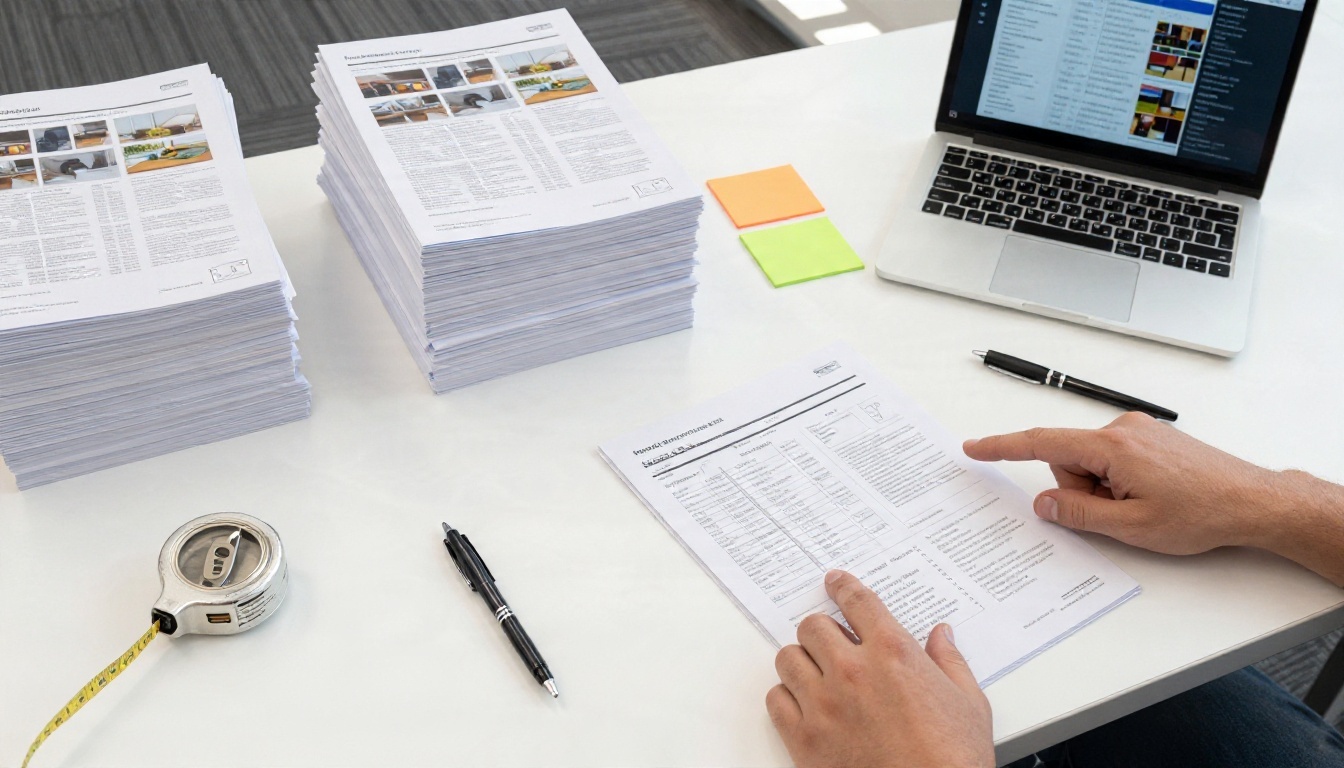
If you want to try the alternative, here is the process from first click to shared link. It takes only a few minutes for a typical PDF.
- Create an account. Head to Flipbooks AI and sign up. A dashboard appears with your publications.
- Upload your PDF. Use the PDF to Flipbook Converter. Drag your file in and wait while pages convert into a page-turning layout. Large files take a little longer.
- Customize the look. Add your logo, choose background colors, set page-turn effects and embed videos or audio where they help. For product-heavy files, the Catalog Flipbook Creator is a natural fit.
- Set sharing options. Copy a direct link, grab the embed code for your website, or turn on password protection for private content.
- Use Pro features. On the Professional plan you get analytics and lead generation. You can also allow offline downloads for readers who travel.
- Test on mobile. Open the link on a phone and a tablet. Check that text is readable and links work.
✅ Best practice: Export your PDF at a sensible resolution. Around 150 DPI keeps photos sharp while loading quickly on mobile.
Different content types have dedicated tools too. See the Digital Catalog Maker for product ranges, the Restaurant Menu Creator for cafes, or browse every option in the tools directory.
How to Decide
Run through this short checklist. It removes most of the doubt.
- Do you need to design or only publish? Design points to Flipsnack. Publishing finished files points to FlippingBook.
- Do you need a permanent free plan? Only Flipsnack offers one between the two.
- Do you need desktop software? FlippingBook Publisher is the answer.
- Do you publish often? Check active publication limits, since they decide your real cost.
- Do you hate watermarks? Compare paid plans carefully, or consider a tool that never adds them.
| If You Are | Choose |
|---|
| A marketer without design software | Flipsnack |
| An operations team with ready PDFs | FlippingBook |
| A freelancer needing a clean client link | A watermark-free paid plan |
| A business with many publications | Check unlimited plans such as Flipbooks AI Standard |
⚠️ Common mistake: Choosing by the lowest monthly price. A plan that caps live publications or hides analytics can cost more in the end than a higher tier that fits.
Both Flipsnack and FlippingBook are solid products, and the right one depends on how you work. Design inside the browser? Flipsnack. Publish polished PDFs with detailed statistics? FlippingBook. Want unlimited flipbooks with no watermarks and a simple plan structure? Try it yourself.
Create your first flipbook for free on Flipbooks AI, browse the full list of flipbook tools, or check the pricing plans to see which tier matches your needs.



