You can build a decent flyer on your phone in about ten minutes, and you can do it without paying a cent. The harder part is what happens next: a flyer sits on a wall, gets a glance, and disappears. A good flyer maker app gets you the design, and a platform like Flipbooks AI turns that design into something people can actually flip through, share, and come back to.
This article compares the free options, shows which templates earn their keep, and walks through turning a finished flyer into an interactive flipbook.
What a Flyer Maker App Does
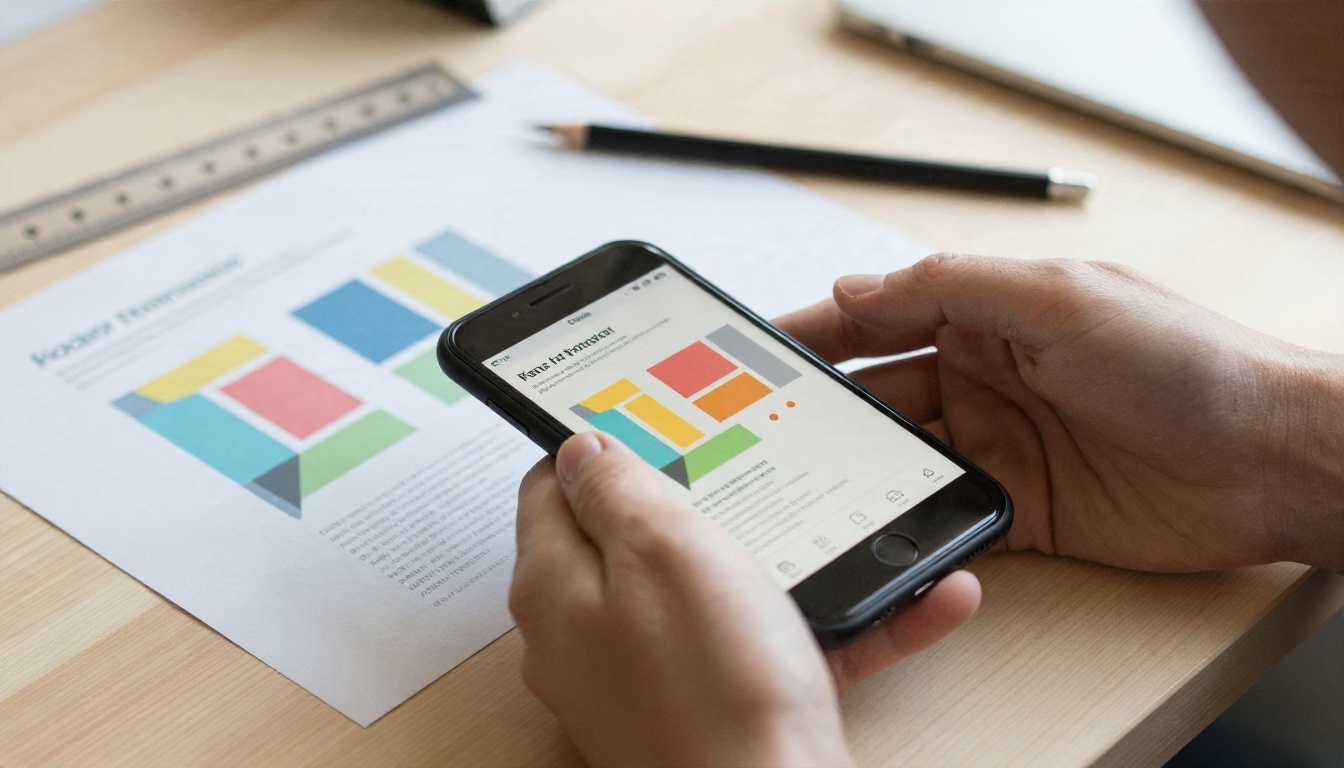
A flyer maker app is a design tool with a library of ready-made layouts. You pick one, swap in your text and photos, adjust colors, and export a file. Most run in a browser and have a mobile version, so you can edit on a train and print from home.
Features Worth Having
Not every feature matters equally. These are the ones that separate a useful app from a frustrating one:
- Template library sorted by event type, industry, and size
- Drag and drop editing with snapping guides so text stays aligned
- Photo and icon stock, ideally with a free tier you can actually use
- Brand kit to save logos, colors, and fonts
- Export options: PDF for print, PNG or JPG for social posts
- Print bleed and crop marks if you plan to use a print shop
Who Uses Them
Flyer apps are not just for designers. Café owners post weekly specials, landlords advertise rentals, schools announce open days, and bands promote gigs. Anyone who needs a single page that grabs attention fits the profile.
💡 Pro tip: Decide where the flyer will live before you open any app. A flyer meant for Instagram needs a different size and text density than one pinned to a community board.
Free Flyer Maker Options Compared
The market is crowded, and most tools offer a free plan with some limits. The trick is knowing which limits will actually bother you.

What Free Really Means
"Free" usually falls into one of three buckets:
- Free forever with limits. Many templates, stock photos, and export formats are locked behind a paid tier.
- Free trial. Full access for a short window, then a paywall or a downgrade.
- Free with watermark. You can export, but a logo sits in the corner of every page.
Watermarks are the one to avoid for anything customer facing. A flyer with someone else's logo on it looks unfinished.
Side by Side Comparison
Plans and limits change often, so treat this table as a general pattern and check each tool's current pricing page before committing.
| Type of Tool | Typical Free Plan | Best For | Common Catch |
|---|
| Browser design suites | Large template library, basic export | Beginners who want variety | Premium templates and stock locked |
| Presentation style editors | Simple layouts, quick PDF export | Fast, clean text heavy flyers | Fewer print focused options |
| Photo editing apps | Strong image tools, basic layouts | Image led flyers and social posts | Limited multi page support |
| Word processors | Full control, no account needed | Simple notices and school letters | Manual layout, dated templates |
| Mobile only flyer apps | Quick edits on the go | Last minute event posts | Ads or watermarks on export |
Mistakes With Free Tiers
- Starting in a tool you will outgrow. Moving a design between apps often breaks fonts and spacing.
- Ignoring export resolution. A flyer that looks sharp on screen can print blurry at A4 or Letter size.
- Using locked assets by accident. Some apps let you drag in a premium image and only complain at export time.
- Skipping the brand kit. Without saved colors and fonts, every flyer drifts a little further from your identity.
⚠️ Warning: Always check the export screen before you finish designing. If the app wants payment at the last step, you have wasted the time you spent on layout.
Templates That Get Attention
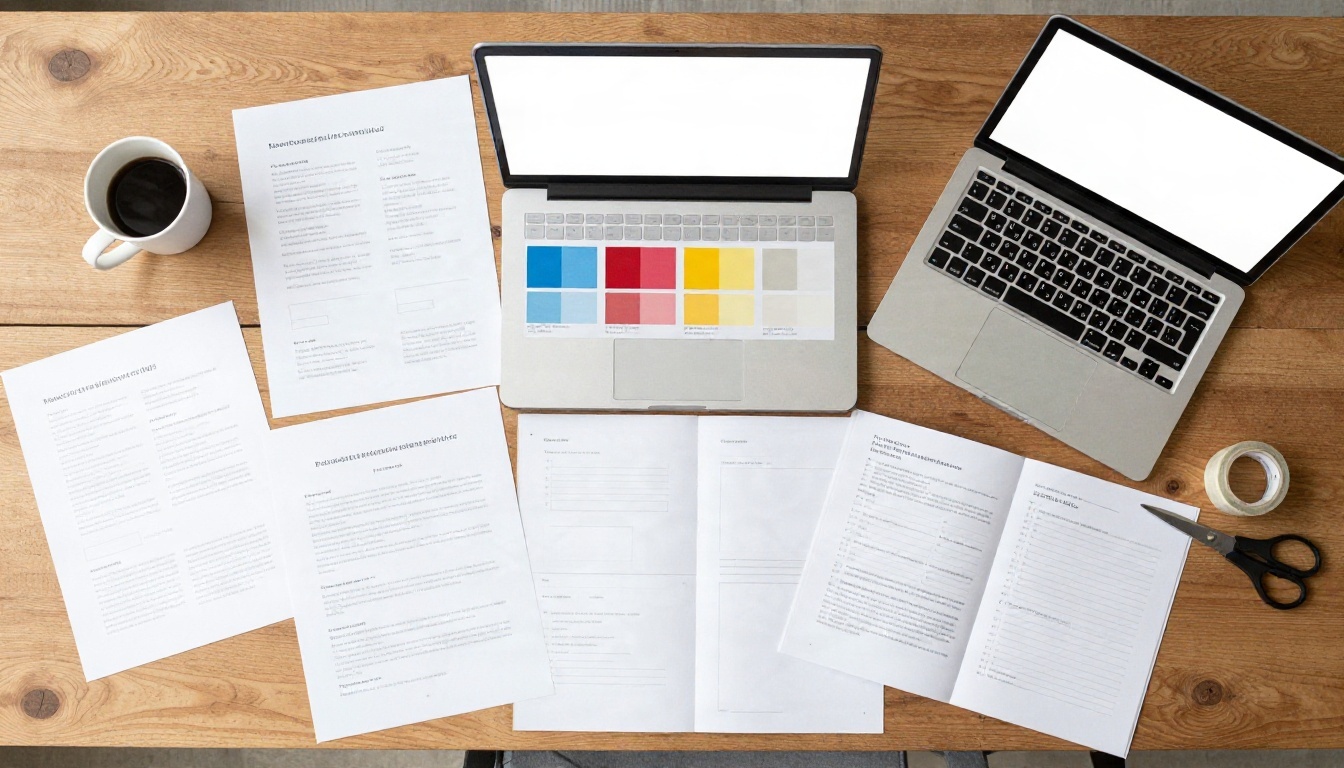
A template is a shortcut, not a strategy. Two businesses using the same layout will look identical unless one of them changes the details that matter.
Match the Layout to the Goal
Pick the structure that suits what you want the reader to do:
- One big image with a short headline works for events and sales.
- Split layouts (image on one side, details on the other) suit real estate and services.
- Grid layouts show several products or classes at once.
- Text led layouts fit announcements, notices, and job ads.
Color, Type, and Spacing
Three small choices do most of the work:
- Limit yourself to two fonts. One for headlines, one for body text.
- Use no more than three colors. Pull them from your logo or main photo.
- Leave white space. Crowded flyers get ignored; breathing room signals confidence.
Put the single most important line, the date or the offer, at roughly the size of your headline. People scan flyers in about three seconds.
Which Template for Which Job
| Use Case | Recommended Layout | Must Include | Typical Size |
|---|
| Event promotion | Full bleed photo, bold headline | Date, venue, ticket link | A4 or Letter, social square |
| Restaurant special | Grid with food photos | Prices, hours, address | A5 or half letter |
| Real estate listing | Split layout | Hero photo, price, agent contact | A4 or Letter |
| Class or workshop | Text led with icon row | Schedule, cost, sign up method | A4 or Letter |
| Garage sale or notice | Large text, minimal imagery | Date, address, what is for sale | Letter, A4 |
Where Flyers Fall Short
A flyer is one page. That is its strength and its limit. You get one chance to show a menu, a property, a product line, or a schedule, and everything beyond that has to be squeezed in or left out.
The Problem With Paper
- Printing costs add up, and every change means reprinting.
- You cannot track anything. You never know how many people read it.
- Updating is impossible. If the price or date changes, the old copies stay out in the world.
- Distribution is physical. Someone has to hand it out or pin it up.
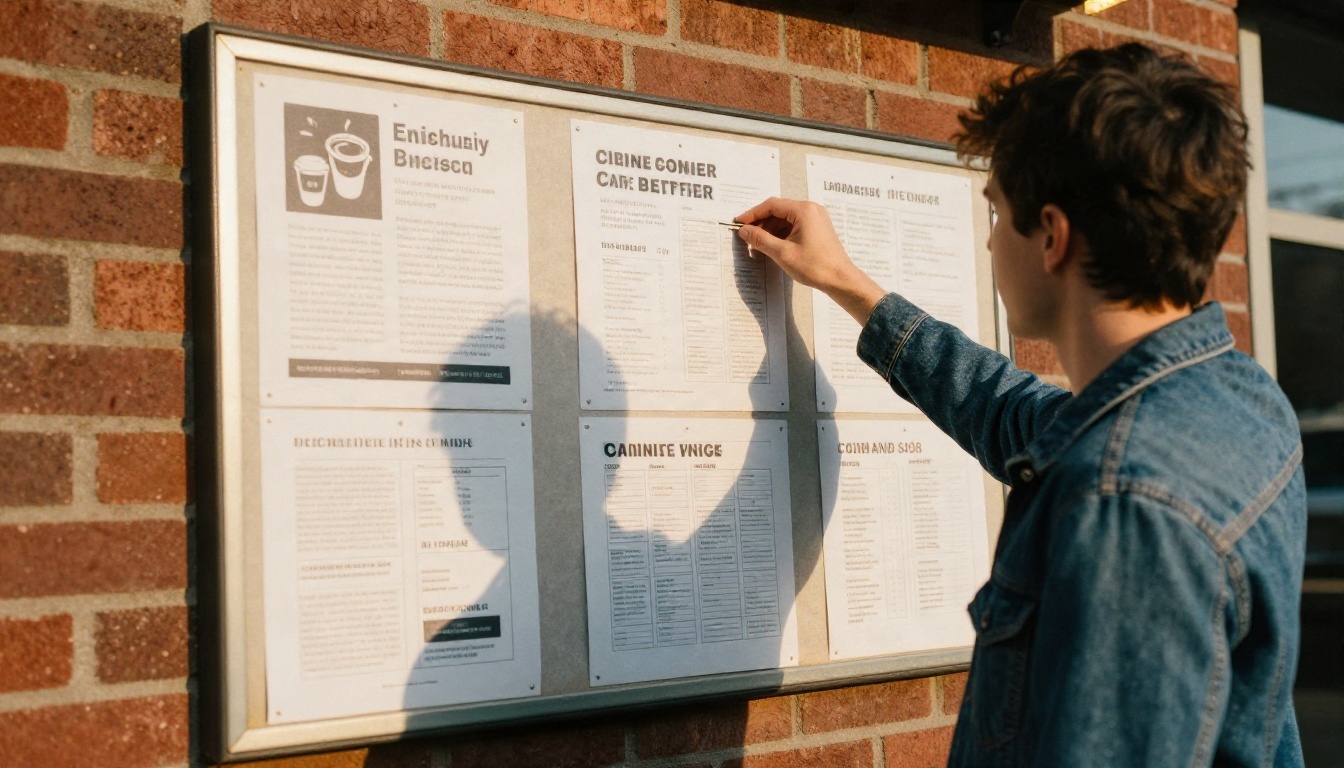
A flyer on a bulletin board is also competing with dozens of other notices layered on top of each other.
QR Codes Bridge the Gap
Adding a QR code is the simplest way to extend a flyer. The printed page does the attention grabbing, and the code sends the reader to something richer: a full menu, a photo gallery, a booking page, or a multi page brochure.
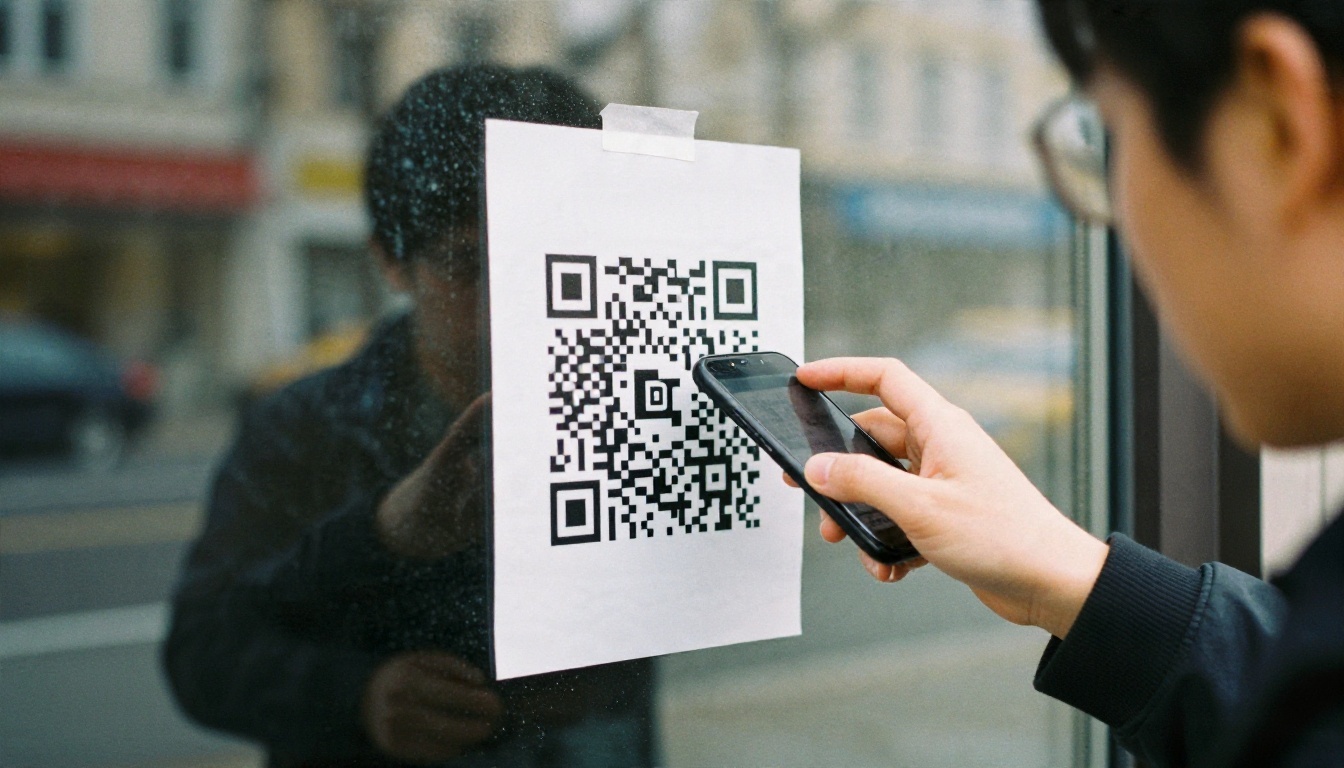
That "something richer" is where flipbooks come in.
Turning Flyers Into Flipbooks
A flipbook is a digital document that behaves like a printed booklet. Readers click or swipe to turn pages, zoom into details, and open it on any device. Because it lives at a link, you can put it on your website, in an email, or behind a QR code on your flyer.
Why a Flipbook Beats a Plain PDF
A PDF works, but it is a download. A flipbook is an experience. Here is how they compare:
| Feature | Plain PDF | Flipbook |
|---|
| Page turning feel | No | Yes |
| Opens instantly in browser | Often needs download | Yes |
| Mobile friendly reading | Pinch and scroll | Responsive layout |
| Embed on a website | Awkward | Simple embed code |
| Audio and video inside | No | Yes |
| Password protection | Limited | Available |
| Reader analytics | None | Available on higher plans |
One Flyer, Many Pages
You do not have to limit yourself to the single page you designed. A flyer can be the first page of a short flipbook:
- Page 1: the original flyer, as the hook
- Pages 2 to 4: details, pricing, photos, or a schedule
- Final page: contact information and a booking link
This approach works especially well for businesses that need more room than a flyer allows. A Digital Catalog Maker handles product ranges, and the Brochure Flipbook Maker suits services and venues.
Create a Flyer Flipbook with Flipbooks AI
Here is the full process, from exported flyer to shareable link. Flipbooks AI never adds watermarks, so the result looks like yours alone.
Step 1: Sign Up and Prepare the File
- Go to Flipbooks AI and create an account.
- Export your finished flyer from your design app as a PDF. Choose the highest quality setting.
- If you have extra pages (a menu, a price list, a gallery), combine them into the same PDF so the flyer comes first.
✅ Best practice: Keep the PDF under a sensible file size by compressing photos before export. Faster loading means more readers reach page two.
Step 2: Upload and Convert
Use the PDF to Flipbook Converter to upload your file. The platform reads each page and builds a flipbook automatically. Within moments, you will see a preview where pages turn like paper.
Step 3: Customize the Look
Open the editor and adjust the details:
- Branding: add your logo and choose background colors that match the flyer
- Page effects: pick a page turn style and speed
- Multimedia: embed a short video, an audio clip, or clickable links on any page
- Layout: choose single page or spread view for desktop readers
Step 4: Share It Everywhere
| Sharing Option | How It Works | Best Use |
|---|
| Direct link | Copy the URL and paste anywhere | Emails, messaging apps, social bios |
| QR code | Place it on the printed flyer | Posters, windows, packaging |
| Embed code | Paste into your site with the Embed Flipbook on Website tool | Landing pages, blog posts |
| Password protection | Require a password to open | Private offers, members only content |
Step 5: Track and Capture Leads
On the Professional plan you get analytics and lead generation, so you can see how many people opened the flipbook, which pages held attention, and who left their details. You can also let readers download an offline copy. Compare options on the pricing page. Plans from Standard upward include unlimited flipbooks, so you can make a new one for each campaign.
💡 Pro tip: Print a different QR code on each batch of flyers, each pointing at its own flipbook. You will see exactly which location or channel works best.
Real World Examples
Abstract advice only goes so far. Here are three situations where a flyer plus a flipbook beats a flyer alone.
The Neighborhood Bakery
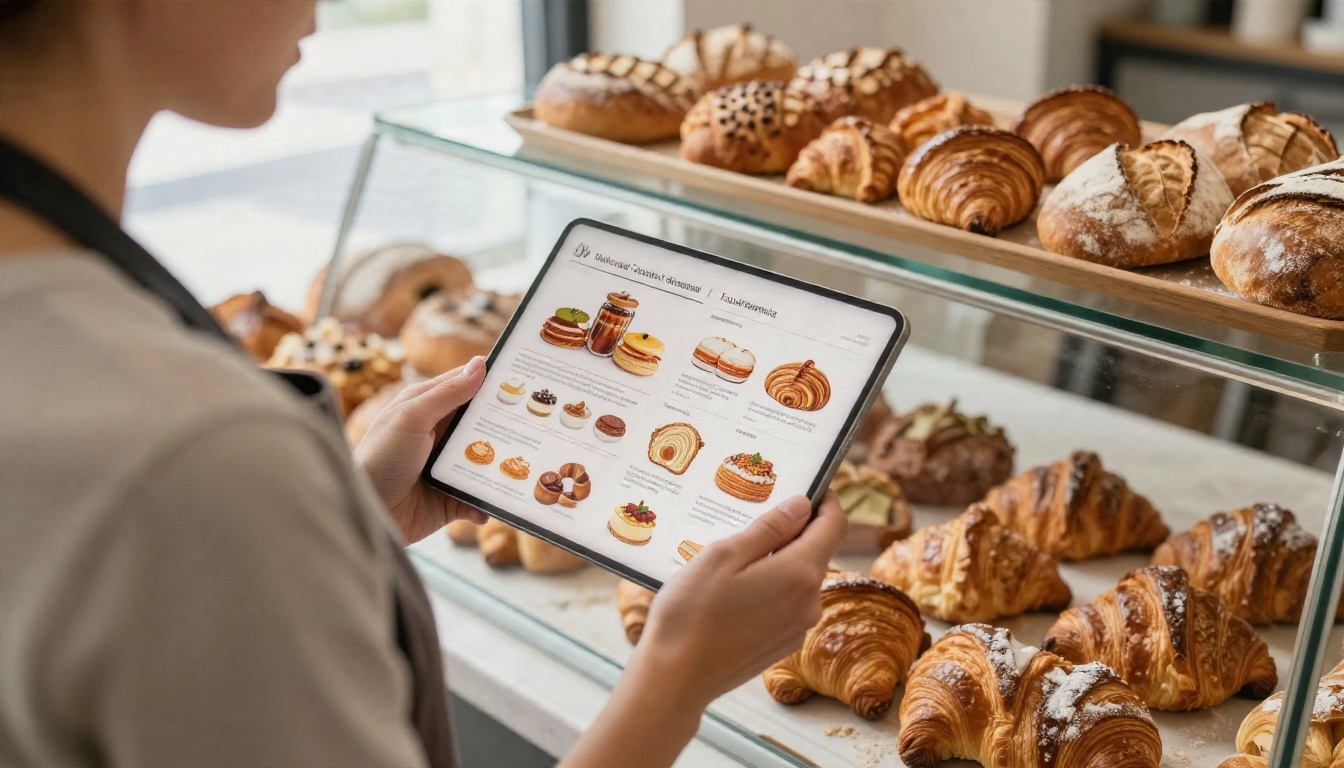
A bakery pins a flyer advertising its weekend specials. The QR code leads to a flipbook with the full seasonal menu, allergen notes, and a catering page. When prices change, the owner updates the flipbook and the same QR code keeps working. The Menu Flipbook Designer is built for this kind of job.
The Real Estate Agent
An agent hands out a one page flyer at an open house. The QR code opens a flipbook with floor plans, a photo gallery, neighborhood details, and a contact form. Buyers browse on their phones while standing in the kitchen, and the agent sees which pages got the most attention afterward. The Real Estate Brochure Creator fits this workflow neatly.

The Event Organizer
A festival team sends flyers to venues and posts them online. The flipbook behind the QR code holds the lineup, a map, ticket tiers, and sponsor pages. The Event Program Maker turns the same files into a program attendees can read on the day.
Measuring What Works
Once readers start opening your flipbooks, you have real numbers to work with. Review which flyers pulled people in and which pages they skipped, then adjust the next batch.

| Metric | What It Tells You | Action to Take |
|---|
| Total opens | How many people scanned or clicked | Test different flyer headlines |
| Pages viewed | Where readers lose interest | Shorten or reorder weak pages |
| Return visits | Whether the content is worth revisiting | Add reasons to come back, like updates |
| Lead submissions | Real interest in your offer | Follow up within a day |
Ready to Publish Yours?
The best flyer workflow is simple: design the page in a free flyer maker app, export it as a PDF, and let a flipbook carry everything the paper cannot. You keep the quick, low cost design process and gain a shareable, trackable, updatable result.
- Create your first flipbook on Flipbooks AI and see your flyer turn pages.
- Browse all flipbook tools to find the right format for your project.
- Compare pricing plans to choose what suits your campaign.
Start with one flyer, add a QR code, and watch what happens when your readers can do more than glance.



