You have a finished brochure PDF, a launch date, and a budget close to zero. So you search for free brochure software, land on FlipHTML5, and wonder what the free plan actually gives you. This article answers that question in plain terms. We look at what FlipHTML5 does well, where the free tier gets tight, how PDF export works in both directions, and which alternatives (including Flipbooks AI) are worth testing before you commit a single dollar.
💡 Quick take: FlipHTML5 is a solid page-flip publisher with a free entry point. But free plans on flipbook platforms almost always trade something: branding, page limits, storage, or download options. Check each of those before you send a link to a client.
What FlipHTML5 Actually Does
The core idea
FlipHTML5 takes a PDF (or images, or a design file) and turns it into an online book with a page-turning effect. You get a hosted link, an embed code for your website, and some sharing options. For brochures, that means your tri-fold, catalog or company profile becomes something people can flip through on a phone instead of downloading a heavy attachment.
The appeal is obvious:
- No printing costs for digital distribution
- One link works on desktop, tablet and mobile
- Updates are simple: replace the file and the same link keeps working
- Searchable text is preserved when the source PDF contains live text
What the free plan includes
Free plans change often, so treat the table below as a checklist of what to verify on the pricing page rather than a promise. These are the categories where free tiers usually draw the line.
| Feature | Typical free tier | Why it matters for brochures |
|---|
| Number of flipbooks | Small cap | You may hit it with one campaign |
| Page count per book | Limited | Long catalogs may not fit |
| Platform branding | Shown on the reader | Looks less polished to clients |
| Download options | Often locked | You can't hand over an offline copy |
| Analytics | Basic or none | No idea who read what |
| Password protection | Usually paid | Private brochures need it |
| Custom domain | Paid only | Branding stays with the platform |
If your brochure is a public, low-stakes piece, a free plan may be enough. If it's going to prospects, partners or investors, the missing pieces start to matter fast.
How to Export Your PDFs
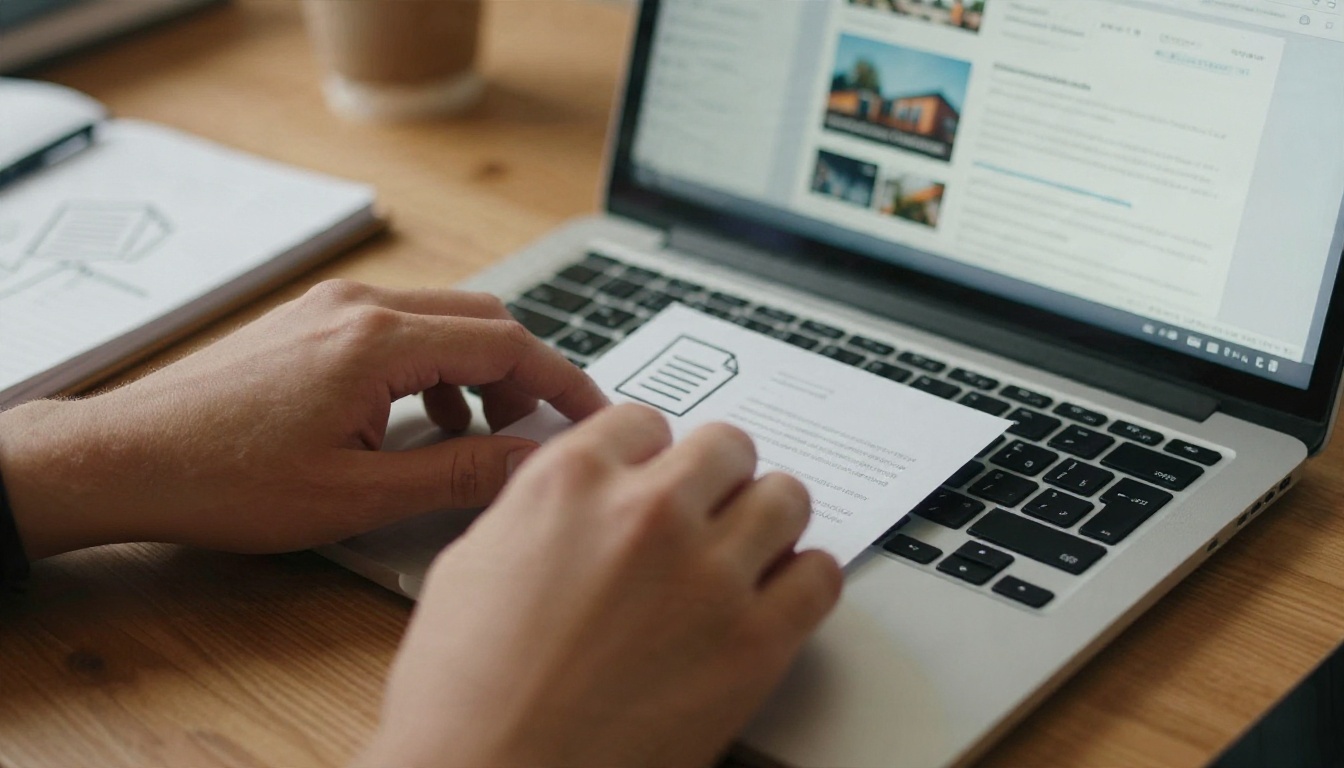
Upload a PDF in minutes
The import flow is similar across almost every tool in this category:
- Create an account and open the upload screen.
- Drag your PDF in (or pick it from your computer).
- Wait while pages are processed into images and text layers.
- Preview the page-turn effect and check every spread.
- Publish and copy the link or embed code.
Before you upload, spend two minutes on the source file. Export the PDF at 150 to 200 DPI for screen reading. Anything higher just slows loading on mobile. Keep fonts embedded and flatten transparency if your design software offers it.
Getting a file back out
This is where free plans surprise people. Exporting into a flipbook is free almost everywhere. Exporting out of one (as a downloadable PDF, an offline HTML package, or a standalone app) is frequently a paid feature.
| Export type | What it is | Usually available on |
|---|
| Shareable link | Hosted reader URL | Free and paid |
| Embed code | iframe for your site | Free and paid |
| PDF download | Reader can save the original | Often paid |
| Offline HTML package | Zip you host yourself | Paid |
| Social preview image | Thumbnail for sharing | Varies |
⚠️ Always keep your original PDF. Never treat a hosted flipbook as your only copy. If you cancel a plan or hit a limit, the hosted version can be restricted, and you'll want the source file ready to move elsewhere.
Common problems when exporting or converting:
- Blurry pages: the source PDF was exported at low resolution
- Missing fonts: fonts weren't embedded before export
- Wrong page order: tri-folds exported as printer spreads instead of reader spreads
- Huge load times: images weren't compressed, so the flipbook feels slow on mobile
Where the Free Tier Pinches
Three limits come up again and again in reviews and forum threads about free flipbook software.
1. Branding. Free flipbooks usually carry the platform's logo or a banner in the reader. For an internal document, nobody cares. For a luxury hotel brochure, it can undercut the whole design.
2. Caps. A limit on books or pages sounds generous until you remember that every language version, every seasonal update and every client variant counts as another book.
3. Locked extras. Password protection, lead capture forms, analytics and offline downloads tend to sit behind the paid plans. If your brochure's job is to generate leads, a free plan with no data on readers means you're publishing blind.
✅ Best practice: Before you pick a tool, write down the three things your brochure must do (for example: look branded, stay private, show who opened it). Then check whether the free plan allows all three.
Alternatives Compared
Free brochure tools side by side
FlipHTML5 isn't the only option. Here's how the common alternatives stack up for brochure work. Details change, so confirm current limits on each site.
| Tool | Best for | Watermark on free plan | PDF to flipbook | Brochure-specific templates |
|---|
| FlipHTML5 | Page-flip books with many layout options | Yes, typically | Yes | Some |
| Flipbooks AI | Clean branded flipbooks from PDFs | No watermarks, ever | Yes | Yes, via brochure tools |
| Issuu | Public publishing and discovery | Branded reader | Yes | Limited |
| Canva | Designing the brochure itself | Not applicable to design | Limited | Many |
| Heyzine | Quick, simple flipbooks | Branding on free tier | Yes | Few |
| Flipsnack | Teams with design workflows | Yes, on free | Yes | Many |
| Publuu | Simple PDF flipbooks | Branding on free tier | Yes | Few |
A useful way to read that table: Canva designs the brochure, the others publish it. Many people use Canva for layout, export a PDF, and then upload that PDF to a flipbook tool. If you are in that situation, the PDF import quality and the lack of branding on the final reader matter more than template counts.
Pricing Compared
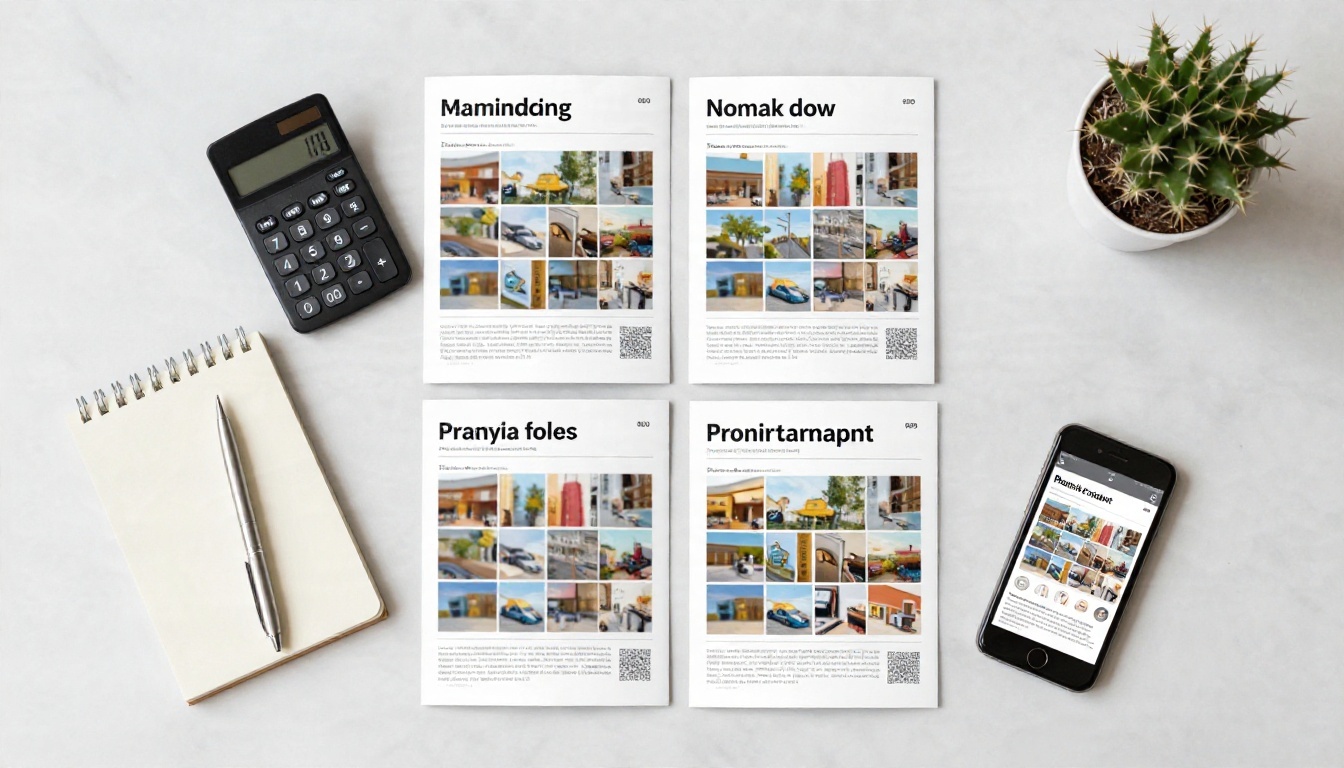
What you actually pay for
Flipbook pricing is rarely about the flipbook. You pay for removing limits. Most platforms follow the same ladder:
- Free: try it, with branding and tight caps
- Entry paid plan: removes branding, raises caps, adds basic sharing
- Mid plan: adds password protection, downloads, custom domain
- Top plan: adds analytics, lead capture, team seats, white-label options
Many vendors, FlipHTML5 included, push annual billing, so the headline monthly price may only apply if you pay for a full year upfront. Always check whether the displayed price is monthly billed annually or truly month to month.
| Cost factor | Questions to ask | Red flag |
|---|
| Billing period | Is the price annual only? | Cancel window is vague |
| Flipbook limit | Is it per month or total? | Old books count against you |
| Branding removal | Which plan removes it? | Only the top tier |
| Storage / bandwidth | Are views metered? | Overage fees |
| Offline downloads | Included or add-on? | Charged per file |
| Renewal price | Same as first year? | Intro discounts that jump |
Hidden costs people miss
- Re-export time. If you switch tools, you'll need to re-upload and re-check every brochure.
- Link changes. A new platform means new URLs, so printed QR codes pointing at old links break.
- Per-seat pricing. A team of five can make an affordable plan expensive.
- Add-ons. Lead forms, audio, video or custom domains are sometimes sold separately.
💡 Pro tip: If you print a QR code on a physical brochure, point it at a link you control (for example, your own domain that redirects). Then you can swap platforms without reprinting anything.
For a direct look at what Flipbooks AI charges and what each plan unlocks in practice, see the pricing page. Standard plans and above offer unlimited flipbooks, and none of them add a watermark.
How to Create a Brochure Flipbook with Flipbooks AI
If you want to test an alternative without much effort, this takes about ten minutes. The Brochure Flipbook Maker and the PDF to Flipbook Converter both use the same workflow.
Step 1: Create your account
Go to Flipbooks AI and create an account. You can look at the pricing plans first if you want to see what each tier includes.
Step 2: Upload and convert
- Click the upload button and choose your brochure PDF.
- Wait for the conversion. Text, links and page order are preserved.
- Check the preview, especially the first spread and any pages with small text.
- Fix anything that looks off in the source file and re-upload if needed.
💡 If your brochure is an online brochure design you made from scratch, export it as a single-page-per-sheet PDF so the page-turn effect looks natural.
Step 3: Customize the look
- Branding: add your logo and set background colors that match your brand palette
- Page effects: choose the flip speed, shadows and page curl strength
- Multimedia: drop in videos, audio clips or clickable links over specific pages
- Mobile layout: check the single-page view that phones use
Step 4: Share and protect

You have three ways to get the brochure in front of people:
| Sharing option | Best for | Notes |
|---|
| Direct link | Email, WhatsApp, social posts | Fastest option |
| Embed code | Your website or landing page | See the embed flipbook on website tool |
| Password protection | Private offers and partner brochures | Share the password separately |
| Offline download | Trade shows and poor connections | Reader keeps a copy |
On the Professional plan, you also get analytics (which pages people read, how long they stay) and lead generation forms. That means a brochure can collect an email before the reader flips past page two.
Real-World Use Cases
Hotels and hospitality
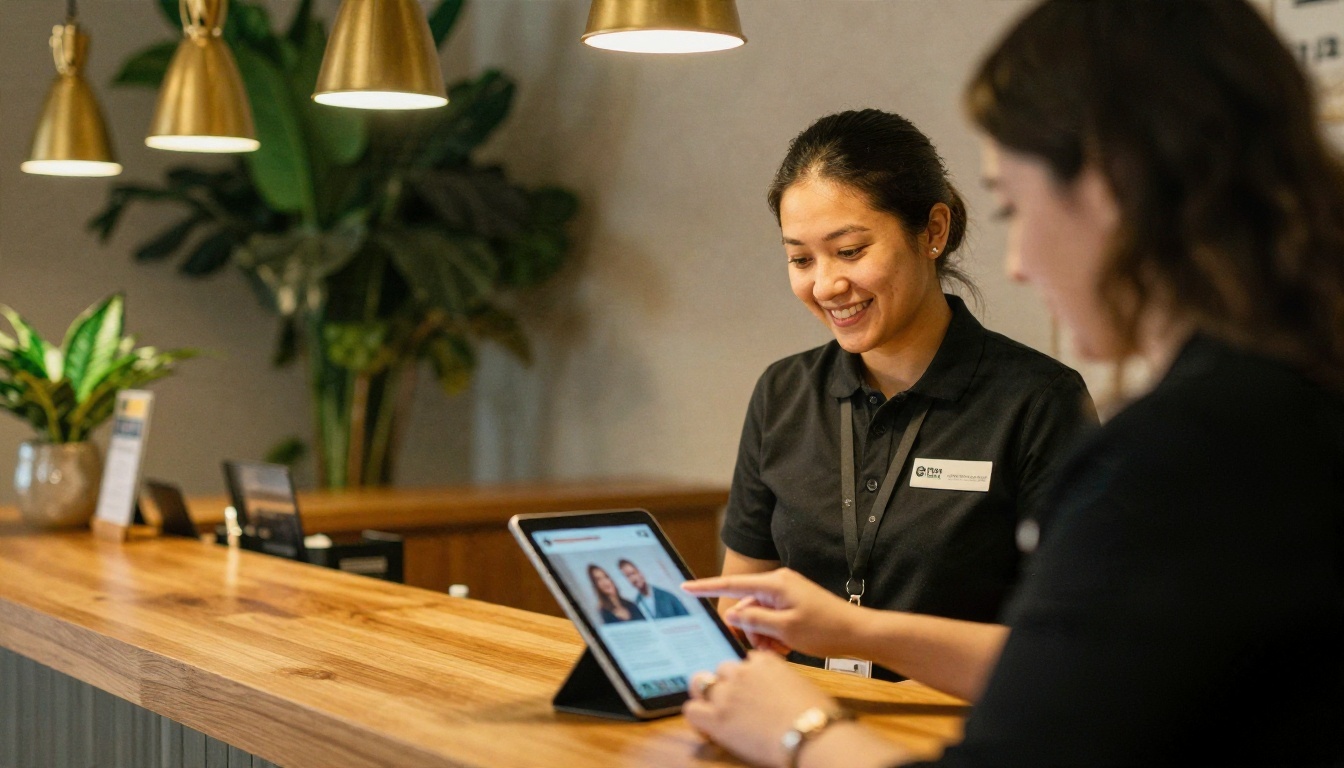
A boutique hotel keeps a room-and-rates brochure, a spa menu and a local-activities booklet. Instead of printing three versions each season, the front desk shows a tablet and emails the link after check-in. The Hotel Brochure Designer is built for exactly this, and the spa menu can follow the same pattern using a spa and wellness menu.
For a hotel, a watermark from a third-party platform is the biggest drawback of a free plan. Guests notice the logo before they notice the pool.
Real estate and local businesses
Agents send the same property brochure to dozens of buyers. A flipbook link opens instantly on a phone, and the analytics show who actually read the floor plans, which is where serious interest tends to show up. The Real Estate Brochure Creator and the Automotive Brochure Generator follow this pattern too.
Smaller examples that work just as well:
- A gym shares a class schedule brochure through a QR code at the front desk
- A wedding planner sends a packages brochure with password protection
- A freelance designer embeds a portfolio brochure on a landing page
- A school circulates an open-day program to parents
Use this table as a fast filter.
| If you need... | Pick | Why |
|---|
| A quick public brochure, no budget | FlipHTML5 free or Issuu | Easy start, accept branding |
| A clean reader with no platform logo | Flipbooks AI | No watermarks, ever |
| Layout design plus basic sharing | Canva, then a flipbook tool | Design first, publish second |
| Lead capture and analytics | A mid or top paid plan anywhere | Free tiers rarely include them |
| Offline copies for events | A plan with downloads | Often locked on free |
Here's the short decision path:
- List your must-haves (no branding, password, analytics, offline).
- Check them against each free plan before uploading anything.
- Test the same PDF in two tools and compare load speed on a phone.
- Keep your source PDF so switching later costs you minutes, not days.
FlipHTML5 is a reasonable place to start if you want to see a brochure turn into a page-turning flipbook at no cost. Just go in knowing where free plans stop: branding, caps, downloads and analytics are the usual walls. If any of those matter to your project, test an alternative with the same PDF before you decide.
Ready to try? Create your free account on Flipbooks AI, upload your brochure, and see the result in a few minutes. Browse all the flipbook tools to find a template that matches your industry, or compare pricing plans when you're ready to publish without limits.



