You already have a catalog. It sits in a folder as a PDF, gets emailed as a heavy attachment, and nobody opens it on their phone. A free catalog website fixes that without a developer, a hosting bill, or a three-week project. Tools like Flipbooks AI turn that same PDF into a page-turning online catalog with its own link, so customers can browse it the way they would a printed copy.
This article compares the free builder options, shows which templates suit which kind of business, and walks through the exact steps to publish a catalog from a PDF. If you sell products, a menu of services, or a seasonal collection, you can have something live before your coffee gets cold.
What a Free Catalog Website Really Is
A catalog website is a web page, or a small set of pages, whose main job is to show what you sell. Unlike a full online store, it does not need a cart, a payment gateway, or inventory sync. Visitors browse, pick what they like, and then contact you, call, or click through to an order form.
That distinction matters because it changes which tools make sense. A shop with 40 stock items and a handful of wholesale buyers rarely needs a full e-commerce platform. It needs a clean, fast, shareable catalog.
Three Ways to Build One
There are really only three routes, and each has a different trade-off between effort and control:
- Website builder with a catalog template: You design pages, upload product photos, and write descriptions page by page.
- E-commerce platform with checkout switched off: Powerful, but you maintain a product database even if nobody buys online.
- PDF to flipbook conversion: You upload the catalog you already made, and the tool turns it into an interactive, shareable web version.
The third route is the fastest by a wide margin, especially if your PDF is already designed in Canva, InDesign, Word, or Google Slides.
Why PDF Is a Smart Starting Point
Your PDF is already your single source of truth. Prices, product photos, layout, and brand colors are done. Rebuilding all of that inside a website builder means doing the same job twice, and every future price change means editing two places.
Converting the PDF keeps one master file. Update the PDF, re-upload, and the online version matches. For small teams, that alone saves hours every season.

Free Builder Options Compared
Not every free plan is equal. Some limit the number of pages, some add a visible badge, and some lock the good templates behind a paywall. Here is how the main categories stack up for catalog use.
| Option Type | Setup Time | Best For | Typical Free Plan Limit | Skill Needed |
|---|
| Drag and drop website builder | 3 to 10 hours | Brand sites with several pages | Subdomain, platform badge, storage caps | Medium |
| E-commerce platform | 5 to 20 hours | Stores that take online orders | Trial periods, transaction fees | Medium to high |
| Social or marketplace shop | 1 to 3 hours | Quick listings | Little control over design | Low |
| PDF to flipbook tool | 5 to 15 minutes | Existing catalogs, price lists, lookbooks | Varies by tool, watch for watermarks | Low |
💡 Pro tip: Before you commit to any free plan, check three things: does it add a watermark, can you use your own colors and logo, and can you embed the result in a site you already own?

Website Builders With Free Plans
Drag and drop builders give you the most design freedom. You pick a layout, drop in a gallery, and write product copy. The downside is time. A 60 product catalog means 60 entries, each with photos, titles, and descriptions.
They also tend to show their own branding on the free tier and place your site on a subdomain. That is fine for a test, but customers notice.
Online Store Platforms
If you plan to sell directly, a store platform is the right long-term home. But as a pure catalog, it is overbuilt. You will spend your first week configuring shipping zones and tax settings for a business that just wants to display products.
A smart compromise: keep the store for checkout and publish a flipbook catalog for browsing, linked from your store header.
PDF to Flipbook Tools
A flipbook tool takes the PDF and produces a realistic page-turning viewer with a shareable link. On Flipbooks AI, the process runs through the PDF to Flipbook Converter, and the output carries no watermarks, ever. It is also mobile-responsive, so the pages adapt to a phone screen instead of forcing pinch and zoom.
Templates That Fit Your Industry
A template is not just a color scheme. It decides how much white space your products get, whether photos or text lead, and how quickly a buyer finds a price. Match the layout to the kind of catalog you run.
Product and Furniture Catalogs
Furniture buyers want context. They need to see the sofa in a room, check the dimensions, and spot the fabric options. A good template gives each product a hero image, a short spec block, and a place for price tiers.
A showroom owner can place a tablet on the shop floor running the digital catalog. Walk-in customers browse the full range, including items not on display, which is something a printed binder never did well.

Fashion and Lookbooks
Fashion catalogs live or die on imagery. Choose a template with edge-to-edge photos and very little body copy. Put the size range and price in a small, consistent corner position so buyers learn where to look.
The Interactive Lookbook Designer is built for exactly this style of publication. Designers can lay out a collection in a layout tool, export to PDF, and publish it as a flipbook the same afternoon.

How to Publish From a PDF
This is the practical part. The steps below use Flipbooks AI, but the logic applies to most conversion tools. Budget about ten minutes for the first catalog.
Prepare Your PDF
A clean source file saves you trouble later. Before you upload, run through this short checklist:
- Export at screen quality. Images at 150 DPI look sharp on screens and keep the file light.
- Use real text, not outlined text. It stays crisp when readers zoom.
- Check page order. If you plan a two-page spread view, cover page and back page should sit alone.
- Add links in the PDF. Email addresses, order forms, and website URLs carry over to the online version.
- Keep the file name clean. Something like
spring-catalog.pdf beats final_v7_REAL.pdf.
⚠️ Warning: Do not upload a scanned stack of photographed pages if you can avoid it. Text inside scans cannot be searched or selected, and the result feels flat compared with a properly exported PDF.
Upload and Convert
Here is the full workflow, step by step:
- Go to Flipbooks AI and create an account.
- Choose to create a new flipbook and select your PDF file.
- Wait while the platform processes each page. Most catalogs finish in a minute or two.
- Preview the page-turning view on desktop and then on your phone.
- Give the flipbook a clear title, because it appears in the browser tab and in search results.
If you want a purpose-built starting point, the Digital Catalog Maker and the Catalog Flipbook Creator are set up with catalog-friendly defaults.

Customize Branding and Effects
Once the pages are in, make the viewer feel like yours rather than a generic reader:
- Branding: Add your logo and pick background and toolbar colors that match your brand palette.
- Page effects: Adjust the page-turn style and sound if you want a more tactile feel.
- Multimedia: Embed videos and audio. A 20-second product demo on the right page often beats three paragraphs of copy.
- Navigation: Add a clickable table of contents so buyers can jump straight to a category.
✅ Best practice: Keep the first spread simple. Put your best-selling category on page two and your contact details on the last page, plus a repeat link in the footer area of every spread.
Share, Embed, and Protect
A catalog that nobody can find is just a file with extra steps. Flipbooks AI gives you several ways to put it in front of buyers:
| Sharing Method | How It Works | Best Use Case |
|---|
| Direct link | One URL you paste anywhere | Email signatures, social bios, chat messages |
| Embed code | A snippet that places the catalog inside your own page | Existing websites, blog posts, landing pages |
| QR code | Scan and open on a phone | Printed packaging, trade show signs, market stalls |
| Password protection | Visitors need a code to open | Wholesale price lists, members-only collections |
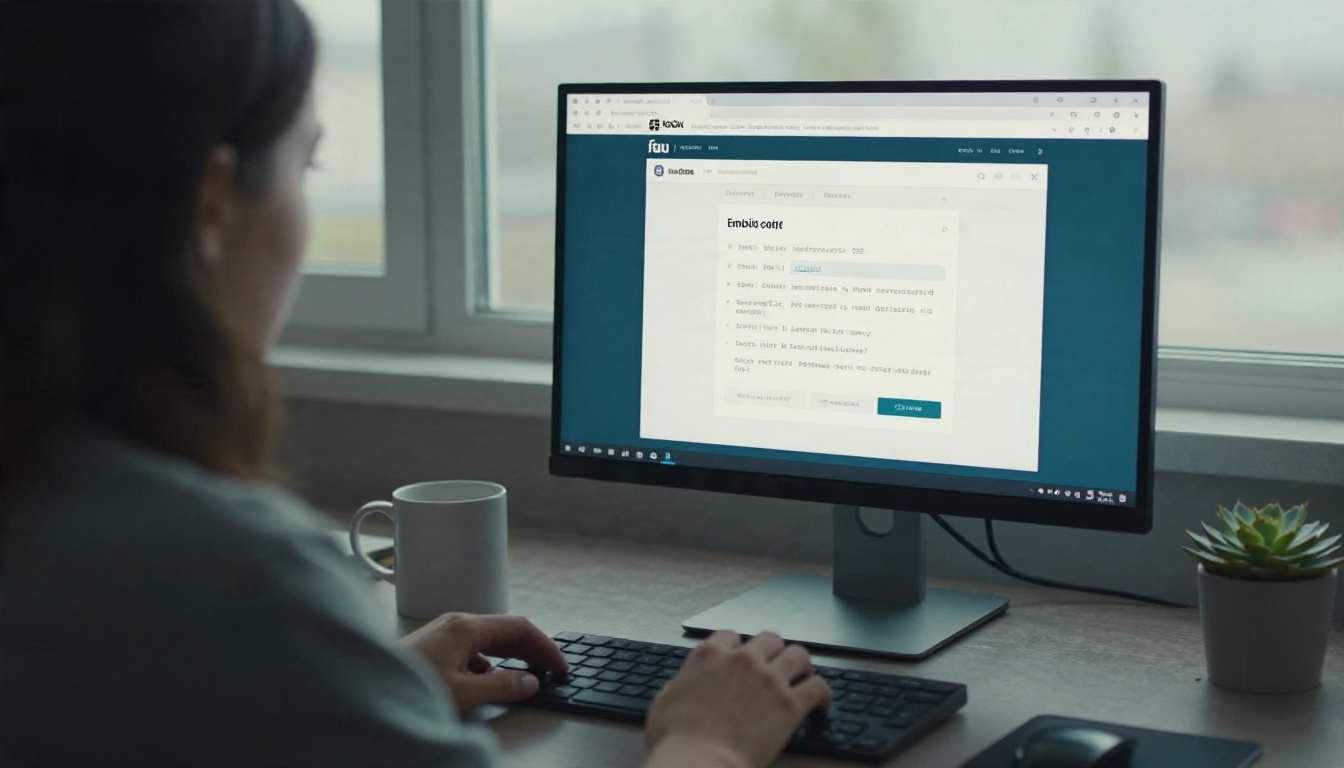
To place the catalog on a site you already own, follow the Embed Flipbook on Website instructions. You copy the embed code, paste it into a custom HTML block, and publish. Most website editors accept it in under a minute.
Password protection is worth highlighting. Many businesses keep two versions of a catalog: a public one with retail prices and a private one with wholesale tiers. Password-gate the second one and share the code only with approved buyers.
Mobile Is Where Buyers Look
Most first visits to a catalog link happen on a phone. They tap from a message, a social post, or a QR code and expect it to load instantly. If your catalog forces them to zoom and drag, they leave.
Mobile-responsive flipbooks switch to a single-page view on small screens, so text stays readable and swiping feels natural. Test your catalog on a real phone before you share it widely, not just in a desktop preview.

A small craft vendor, for example, can print a QR code on a card and hand it to every customer at a market stall. The customer scans it, flips through the full range of soaps and candles on the bus home, and orders later. The card costs a few cents and works every day.

Pro Features Worth Paying For
Free is a great way to test. At some point, though, you will want to know who reads your catalog and what they do next. That is where paid plans earn their place. Check current pricing plans for the full breakdown.
| Feature | Free Start | Standard Plan | Professional Plan |
|---|
| No watermarks | ✅ | ✅ | ✅ |
| Custom branding | ✅ | ✅ | ✅ |
| Unlimited flipbooks | | ✅ | ✅ |
| Password protection | | ✅ | ✅ |
| Offline downloads | | ✅ | ✅ |
| Analytics | | | ✅ |
| Lead generation | | | ✅ |
💡 Plan details can change, so confirm exact inclusions on the pricing page before you decide.
Analytics and Lead Capture
Analytics show which pages get read, where readers drop off, and how long they stay. If page 14 gets twice the attention of every other page, that product deserves a prime spot in your next edition.
Lead generation adds a form in front of the catalog, so you collect a name and email before someone views it. A wholesale supplier can use this to turn anonymous downloads into a warm contact list. Both features sit on the Professional plan.

Offline Downloads
Some buyers work in places with weak signal: warehouses, job sites, trade fairs in huge concrete halls. Offline downloads let them save the catalog and open it without a connection. For field sales teams, this is a small feature with a very big effect.
Mistakes That Hurt Catalogs
After seeing how small businesses publish, the same errors come up again and again. Avoid these and your catalog will already outperform most.
- Uploading a print-resolution file. A 200 MB PDF loads slowly on mobile data. Compress images before export.
- Hiding contact details. Put a phone number, email, and order link on the final page and at least once in the middle.
- No call to action. Every few spreads, tell the reader what to do: "Call for bulk pricing" or "Request a sample."
- Forgetting to update. An out-of-date price list does more harm than having none. Set a reminder each quarter.
- Skipping the phone test. If you have not opened it on a real handset, you do not know how it looks.
- Using one link for everything. Create separate flipbooks for retail and wholesale, so each audience sees the right prices.
⚠️ A catalog with broken links or outdated stock feels careless. Spend ten minutes a month clicking through your own pages like a customer would.
Your Next Step
You do not need a developer or a big budget to put a catalog online. You need a clean PDF, a conversion tool that respects your branding, and a link you can share anywhere.
Ready to publish? Create your free account on Flipbooks AI, upload your PDF, and have a shareable catalog within minutes. Browse all flipbook tools to find a template that fits your industry, and compare pricing plans when you are ready for analytics, lead capture, and unlimited flipbooks. If you want to jump straight to paid features, use this shortcut to pricing.



