Your phone holds thousands of photos, and almost none of them will ever be looked at again. A free digital photo album fixes that: it turns a messy camera roll into something with a beginning, a middle and an end, one you can send to your mother with a single link. Tools like Flipbooks AI even give the pages a realistic turning motion, so the album feels like paper without costing you a cent in printing.
But "free" comes with fine print. Some tools stamp a logo on every page. Others cap your photo count, compress your images until faces look like oil paintings, or delete your album after thirty days. This article shows what free software can really do, how to add music, what real albums look like, and where the limits hide.
What a Free Digital Photo Album Really Is
A digital photo album is a curated, ordered set of photos presented as pages, usually with captions, a cover page and sometimes sound. The word curated matters. A folder of 4,000 images is storage. An album of 60 images with a story is something people actually open.
Flipbook, Gallery or Slideshow
Three formats compete for the same job, and they feel very different to the viewer.
| Format | How it feels | Best for | Weak spot |
|---|
| Flipbook album | Pages that turn like a printed book | Weddings, baby books, travel journals | Needs a PDF or page layout first |
| Online gallery | Scrolling grid of thumbnails | Large archives, quick sharing | No story order, no pacing |
| Slideshow video | Timed images with a soundtrack | Events, memorial tributes | Viewer cannot pause on a page easily |
A flipbook sits in the middle. It keeps the order and pacing of a book, but it opens in any browser, on a phone or a laptop, with no app to install.
Who Actually Uses Them
- Families who want a shared record of a baby's first year without printing 12 copies.
- Couples sending a wedding album to guests who could not attend.
- Travelers who prefer a page layout over a 300-photo Instagram carousel.
- Hobby photographers who want a simple portfolio, for example with the Photography Portfolio tool.
- Teachers and clubs assembling end-of-year memories.
Free Online Software Compared
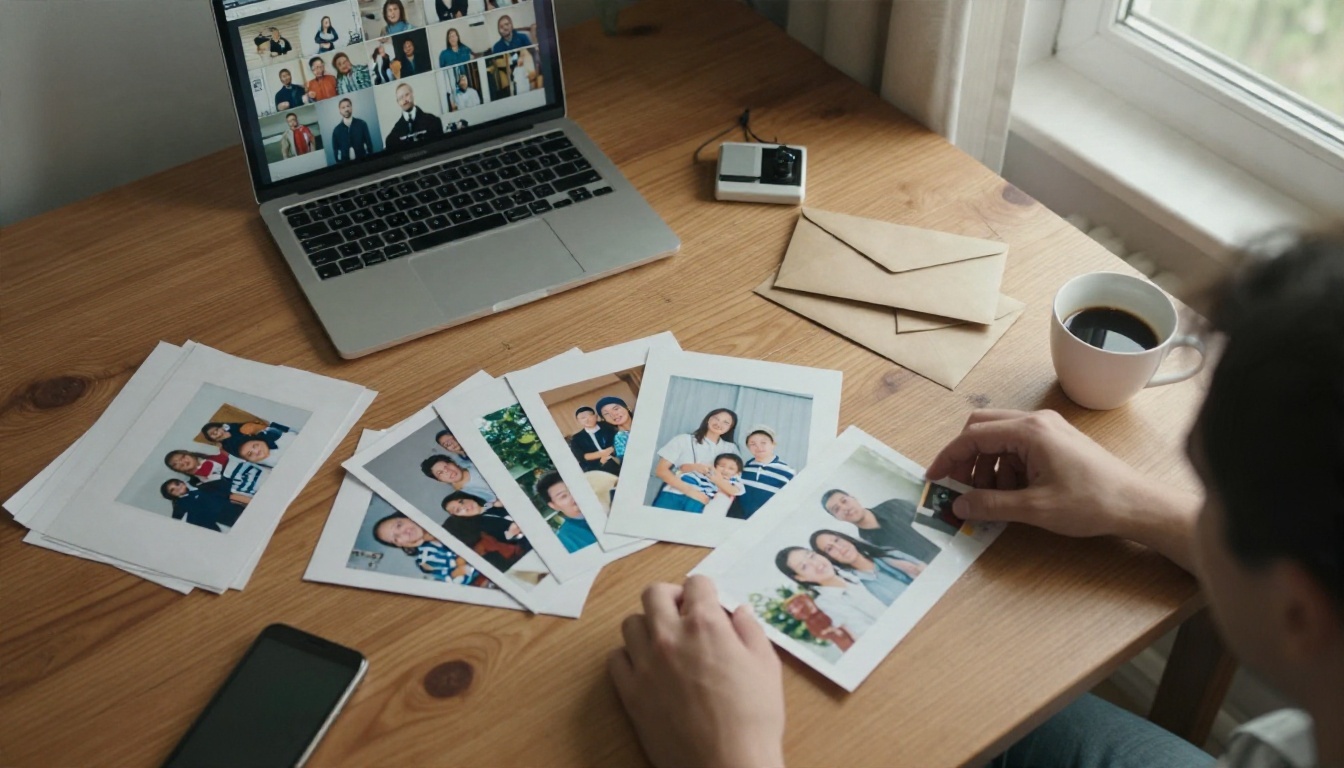
Most free photo album tools fall into four groups. Here is how they behave once you start using them.
| Tool type | Typical free offer | Common catch | Music support |
|---|
| Cloud photo apps | Automatic albums, shared links | Storage fills up, no page layout | Memory videos only |
| Design editors | Album templates, drag and drop | Premium templates locked, export limits | Usually on video export |
| Flipbook platforms | Page-turn albums from a PDF | Plan limits on flipbook count | Embedded audio on pages |
| Photo book printers | Free design software | Designed to sell you a printed copy | None |
The right pick depends on the end goal. If you want a printed book, use the printer's software. If you want something you can share instantly, with pages and sound, a flipbook platform is the cleaner route.
What Free Usually Means
Read the offer carefully. "Free" can mean any of these:
- Free trial: full features for 7 to 14 days, then locked.
- Free forever with limits: a fixed number of albums, pages or megabytes.
- Free with watermark: everything works, but a logo sits on every page.
- Free to design, paid to export: you build it, then pay to download or share.
⚠️ A watermark on a wedding album is the one limit that cannot be fixed later. Check for it before you upload a single photo.
Features Worth Checking
Before you commit, run the tool through this short list:
- Does it keep your image quality, or recompress everything?
- Is there a watermark on the pages or the share link?
- Can you password protect a private family album?
- Does the album work well on a phone screen?
- Can you add audio, not just images?
- Will the album stay online if you do not log in for months?
How to Build One in Flipbooks AI
Flipbooks AI converts a PDF into a page-turning album, and it never adds a watermark. That makes it a sensible fit for personal albums, where a stray logo ruins the mood. The PDF to Flipbook Converter handles the heavy lifting, and the Wedding Album Flipbook tool is a good model for how a photo book should be laid out.
Step 1: Prepare Your Photos as a PDF
You do not need design software. Any of these will produce a PDF:
- Google Slides or PowerPoint: one photo per slide, export as PDF.
- Word or Pages: a photo and a caption per page.
- Canva or a similar editor: pick a photo book layout and download as PDF.
- Your phone: many gallery apps can print a selection to PDF.
Use a 4:3 or square page size, keep photos at 150 DPI or higher, and put the best image on page one. Number your files before you start so the order is already right.
💡 Group photos by moment, not by date. Ten photos of the cake cutting tell a better story than three of the cake and seven scattered across the night.
Step 2: Upload and Convert
- Create an account on Flipbooks AI.
- Click to add a new flipbook and drag your PDF into the upload area.
- Wait a few moments while the pages are converted into a turning book.
- Check that every photo is in the right place and nothing is cropped.
If a page looks wrong, fix it in the original PDF and upload again. This is faster than trying to patch things inside the viewer.
Step 3: Customize the Look
The viewer settings let you shape the feel of the album:
- Background color: a warm cream or soft grey suits family photos. Black suits dramatic travel images.
- Page effects: keep the page-turn sound and shadow subtle.
- Branding: add a small title or a name if you want one, or leave it clean.
- Audio: attach a track so the album plays while the reader flips pages.
Step 4: Share and Protect
| Sharing option | Best use | Privacy level |
|---|
| Direct link | Texting family members | Anyone with the link |
| Password protection | Wedding and baby albums | Only people you give the password |
| Embed code | Personal blog or family site, see Embed Flipbook on Website | Same as the host page |
| Offline download | Relatives with weak internet | Stored on their device |
Professional plans add analytics, so you can see who opened the album, and lead capture, which matters more for businesses than for families. Compare options on the pricing page.
Adding Music Without Headaches
Silence is fine for a quick album. But a wedding, a funeral tribute or a family reunion often needs a soundtrack, because music tells the viewer how to feel before they read a caption.
Where Audio Works Best
- Opening page: a short instrumental that starts when the album opens.
- Chapter pages: a different track for each section, such as ceremony and party.
- Voice notes: a grandparent explaining a photo in their own voice. This one is hard to replace.
- Ambient sound: waves on a beach album, a crowd at a festival.
Flipbooks AI supports embedded audio and video, so you can place sound on a specific page rather than looping one track under the whole book. A related option for storytelling is the Interactive E-Book Publisher, which suits albums with a lot of text and sound.
Music Rights Basics
This is where free albums get into trouble. Here is the practical picture:
| Music source | Safe to share publicly? | Notes |
|---|
| Your own recording | Yes | Includes voice notes and songs you wrote |
| Royalty-free libraries | Yes, if the license allows | Read the terms, some require credit |
| Popular commercial songs | Risky | Fine in a private, password protected album, risky on a public link |
| Streaming service links | Not an audio file | Cannot be embedded as page audio |
⚠️ A password protected album shared among family is very different from a public link on social media. If you use a famous song, keep the album private.
💡 Keep audio files small. A 128 kbps MP3 is plenty for background music and keeps loading fast on mobile data.
Real Examples You Can Copy
Seeing a structure helps more than reading a list of features. These three layouts work well and are easy to copy.
| Album type | Pages | Structure | Audio idea |
|---|
| Wedding | 30 to 50 | Preparation, ceremony, portraits, party | Your first dance song, voice note from a parent |
| Baby's first year | 12 to 24 | One page per month, plus milestones | Lullaby on page one, first laugh on a milestone page |
| Travel trip | 20 to 40 | Day by day, map page, food page | Ambient street sound per city |
The Wedding Album
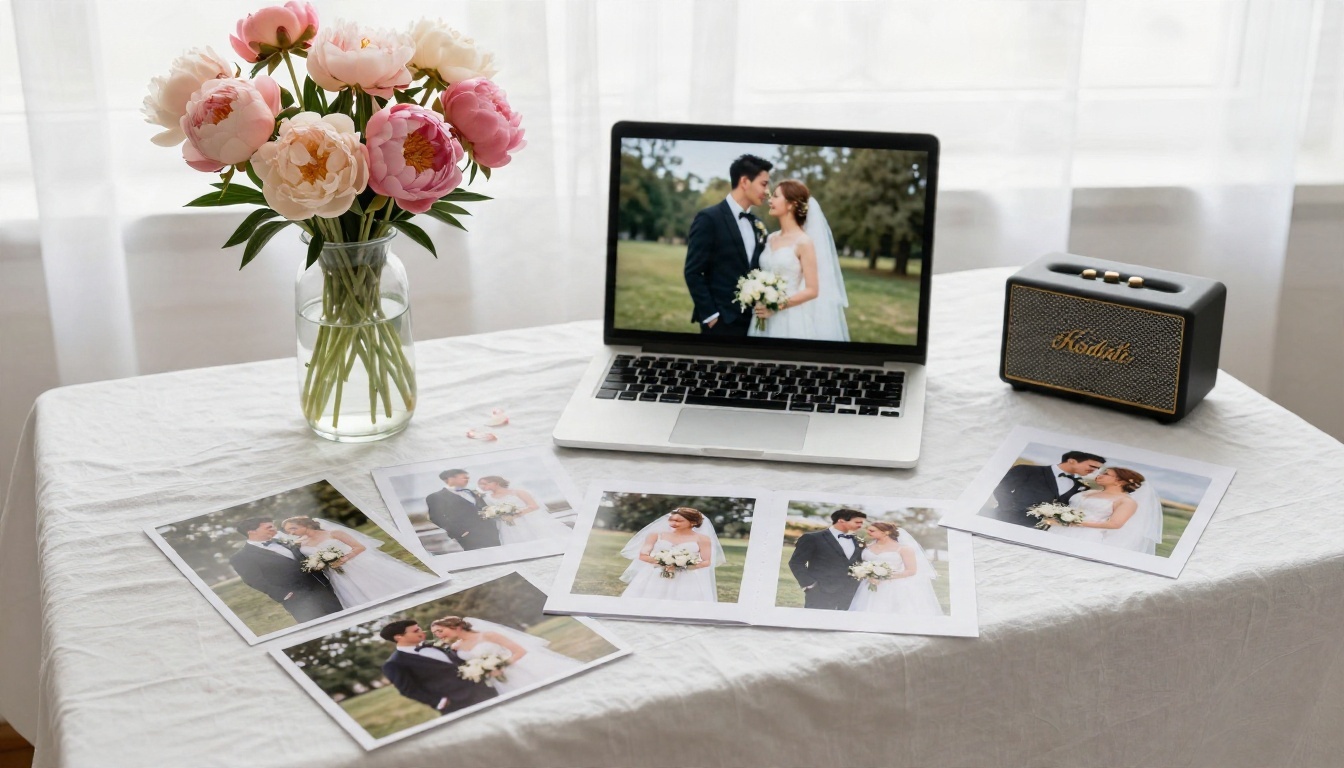
Open with one quiet photo: the invitation, the shoes, the rings on a table. Move through the day in order, and give the family portraits their own section so relatives can find themselves. Finish on a candid, not a posed shot. A password keeps it among guests.
The Baby's First Year
Twelve months, twelve pages. Use the same pose each month, for example the baby beside the same stuffed toy, so the growth is obvious at a glance. Add a final page with a note from you to the child, something they can read at eighteen.
The Travel Album
Think in days, not locations. A map page at the start helps readers follow the route, and food photos deserve their own spread because everyone looks at them. If you travel often, the Travel Guide Flipbook tool offers a useful structure for itinerary-style pages.

The Limits Nobody Mentions
Every free tool has edges. Knowing them in advance saves you from rebuilding an album twice.
File Size and Image Quality
Free plans often cap upload size or recompress images. A 30 MB PDF with 80 photos may be fine on one platform and rejected on another. If your album is large:
- Reduce photos to around 1600 pixels on the long edge. That is sharp on any screen.
- Avoid uploading raw camera files. Export to JPEG first.
- Split a huge album into volumes, such as "Summer" and "Winter".
Flipbook Count and Plan Caps
Free tiers tend to limit how many albums you can hold at once. On Flipbooks AI, unlimited flipbooks are available from the Standard plan upward, so a family that builds one album a year will hit the cap later than someone building one per event. Check current terms on the pricing page before you plan a series.
Privacy and Storage
A free album is hosted on someone else's servers. Ask yourself:
- Is the link guessable, or randomly generated?
- Can you delete the album and have it actually removed?
- Does the tool use your photos to train anything or show ads around them?
- What happens if you stop logging in for a year?
| Limit | Impact on a personal album | Workaround |
|---|
| Watermark | Spoils weddings and gifts | Pick a tool with no watermark |
| Page count cap | Forces you to cut photos | Split into volumes |
| Expiry date | Album disappears | Keep the source PDF and offline copy |
| No password option | Anyone with the link can view | Use a platform with password protection |
| Compressed images | Soft, blurry faces | Upload smaller, sharper JPEGs |
✅ Always keep your original PDF and photos in two places. A digital album is a presentation layer, not a backup.
Common Mistakes to Avoid
- Too many photos. Sixty strong pages beat three hundred average ones. People close an album when it drags.
- No order. Random sequences feel like a camera roll, which is exactly what you were trying to escape.
- Missing captions. A short line such as "Lisbon, June, the day it rained" gives a photo a pulse.
- Loud music that cannot be paused. Autoplay can embarrass someone opening it in a quiet office.
- Skipping the phone test. Most relatives will open the link on a phone. Check it there before you send it.
- Ignoring rights. Public link plus famous song equals a possible takedown.
Start Your Album Today
You do not need a design degree or a budget. Pick fifty good photos, put them in order, export a PDF and let the software add the page-turn magic. If you want a place where the album stays clean, with no watermark, optional audio and a password for private sharing, get started for free on Flipbooks AI.
The photos already exist. The only missing step is giving them an order and a place to live.



