You can publish a polished digital magazine, catalog, or report today without spending a cent. The catch is that "free" rarely means what you expect. Some platforms stamp their logo on every page, others cap your storage, and a few quietly lock the features you actually need behind a paywall. If you are weighing a free digital publishing platform against a paid one, this article lays out real examples, the limits you will hit, the online options by use case, and the alternatives worth considering. Along the way, we will show how Flipbooks AI fits into the picture for anyone who wants page-turning publications without watermarks.
💡 Quick answer: Free platforms work well for testing an idea, sharing a one-off document, or publishing a personal project. Once you need branding, privacy, or analytics, a low-cost paid plan usually beats a workaround.
What "Free" Really Means
Before comparing tools, it helps to know how "free" works behind the scenes. Nobody builds and hosts a publishing platform for charity, so every free tier is paying for itself somehow.
The Three Free Models
Most free digital publishing platforms fall into one of three patterns:
- Freemium: You get a limited version forever, with upgrades for more pages, storage, or features.
- Free trial: Full features for a short window, then a paywall or deletion of your content.
- Ad or brand supported: The platform stays free because your publication carries its logo, ads, or a "made with" banner.
Each model suits a different goal. Freemium is fine for hobby work. A trial is useful only if you are ready to commit. Brand-supported plans are the riskiest for businesses, because your reader sees someone else's name before yours.
Who Pays in the End
The cost usually lands in one of four places: your money, your time, your audience's attention, or your data. A platform that asks for nothing upfront may charge you hours of rebuilding when you outgrow it, or may keep rights to analytics about your readers.
| Cost Type | What It Looks Like | Who Feels It |
|---|
| Money | Upgrade needed for basic features | Small businesses |
| Time | Rebuilding when you switch platforms | Teams with large archives |
| Attention | Ads or logos on your pages | Brands and freelancers |
| Data | Limited access to reader insights | Marketers and publishers |
Free digital publishing is a wide category. A magazine creator, a newsletter service, and a document viewer all qualify, yet they solve very different problems. Here is how the main groups look in practice.
Flipbook and Magazine Viewers
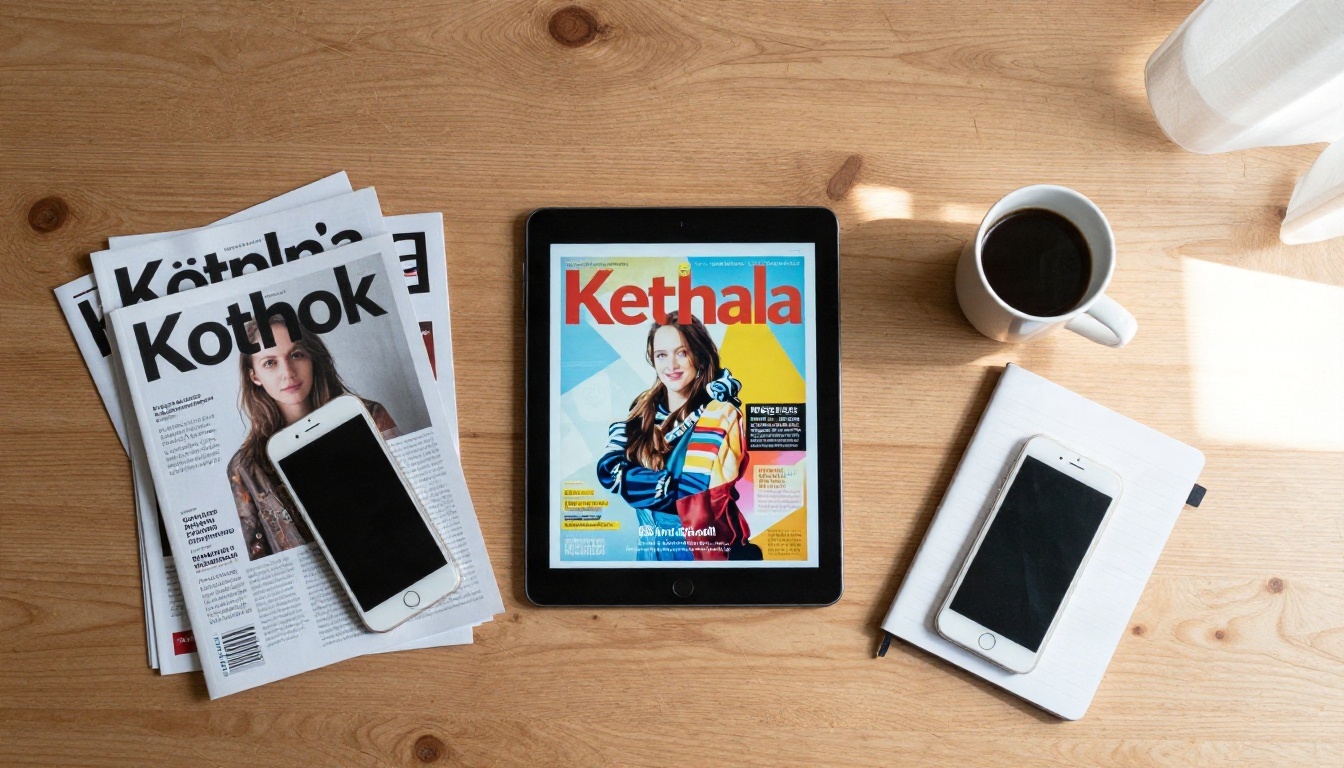
These tools turn a PDF into a page-turning publication you can share by link or embed on a website. Typical examples include Issuu, Flipsnack, Calaméo, Heyzine, and Yumpu, along with Flipbooks AI. Free tiers on these services generally allow a small number of publications and often add platform branding, so always read the current terms before building a campaign around them.
The upside is a reading experience that feels like holding a real magazine. The downside is that the free plans of some services limit page counts, hide download options, or place the provider's logo in the viewer.
Writing and Newsletter Platforms
Substack, Medium, WordPress.com, and Ghost (on a trial basis) let you publish text-first content for free. They are excellent for essays, blogs, and email lists. They are less suitable for layout-heavy work like catalogs, lookbooks, or annual reports, where design control matters.
Document and Design Tools
Canva, Google Docs, and Google Slides can export PDFs or share links at no cost. They are the quickest way to build the source file for a publication. Many creators design in Canva, then convert the PDF into a flipbook with a dedicated tool.
Real-World Examples
Here are a few scenarios where a free platform can do the job:
- A freelance photographer shares a 20-page portfolio with a prospective client using a Photography Portfolio flipbook.
- A school club publishes a monthly newsletter that parents open on their phones.
- A café owner puts a seasonal menu online and prints the link as a QR code on table cards.
- A nonprofit posts a short impact summary before investing in a polished annual report.
✅ Best practice: Treat the free tier as a pilot. Publish one real document, check how it looks on mobile, and judge the reader experience before committing more content.
The Limits Nobody Mentions
Marketing pages highlight what is free. The fine print explains what is not. These are the limits that surprise people most often.
Watermarks and Branding
A watermark or "powered by" badge is the most common trade for a free plan. For a personal project, that is harmless. For a client-facing catalog or investor report, it looks unfinished. Removing it usually requires a paid plan, and the price of that single feature can be higher than expected.
On Flipbooks AI, publications are created with no watermarks, ever, which removes the most frequent reason people feel forced to upgrade elsewhere.
Caps on Pages and Storage
Free plans often restrict the number of publications, the maximum page count per document, or the file size of each upload. A 12-page lookbook fits comfortably. A 150-page technical manual may not.
Missing Analytics and Privacy
This is the limit that matters most to businesses. Free tiers frequently offer little or no reader insight, and they rarely include password protection, domain control, or lead capture. If your document contains pricing, internal reports, or client material, public links are a real risk.
| Limit | Typical Free Tier | Why It Matters |
|---|
| Watermark | Present on every page | Hurts brand credibility |
| Publication count | A handful at most | Blocks regular publishing |
| File size and pages | Restricted | Large catalogs fail to upload |
| Password protection | Often missing | Private content stays exposed |
| Analytics | Basic or none | No proof of reader interest |
| Downloads | Limited or disabled | Readers cannot save offline |
| Custom domain or embed | Restricted | Weaker website integration |
⚠️ Warning: Always check what happens to your publications if you downgrade or cancel. Some platforms remove content after a grace period, which breaks any links you have already shared.
Online Options by Use Case
The best choice depends less on the platform and more on what you are publishing. A recipe collection and a quarterly report have different needs, even if both start as PDFs.
Catalogs and Menus
Restaurants, shops, and wholesalers need frequent updates, mobile-friendly layouts, and links they can print on packaging. A Digital Catalog Maker or Restaurant Menu Creator handles this well, because updating the PDF refreshes the same public link instead of forcing you to reprint materials.
Reports and Portfolios
Reports benefit from password protection and tracking. Portfolios benefit from large, crisp images and a clean reading flow. A Corporate Report Maker or Digital Portfolio Creator fits those cases without requiring design software beyond what you already use.
| Use Case | Best Free Starting Point | When to Upgrade |
|---|
| Personal blog or essays | WordPress.com, Substack, Medium | When you want full design control |
| Magazine or lookbook | Flipbook viewer with PDF upload | When watermarks hurt credibility |
| Product catalog | Flipbook tool plus Canva design | When you need frequent updates and embeds |
| Restaurant menu | PDF plus QR code | When you change prices or dishes weekly |
| Annual or corporate report | Password protected flipbook | When you need analytics and lead capture |
| Training material | Google Docs shared link | When you need a polished reading experience |
You can browse the full list of purpose-built options in the Flipbooks AI tools directory.
How to Publish With Flipbooks AI
If your project is a PDF that deserves a better reading experience, a flipbook is the fastest route. Here is the whole process, step by step.
Create Your Account
Head to Flipbooks AI and create an account. Check the pricing page to see which plan matches your volume, since unlimited flipbooks are included from the Standard plan upward.
Upload Your PDF
- Open your dashboard and choose the option to create a new flipbook.
- Drag your PDF into the upload area. The converter processes each page into a flippable layout.
- Wait a moment while pages render, then preview the result on desktop and phone.
The PDF to Flipbook Converter keeps your fonts, images, and links intact, so the design you built in Canva or InDesign looks the same on screen.
Customize the Look
Next, make the publication feel like yours:
- Branding: Add your logo and brand colors.
- Page effects: Adjust the page-turn animation and background.
- Multimedia: Embed videos and audio to bring pages to life.
- Mobile layout: Check that the responsive view reads well on small screens.
Share and Protect
Once it looks right, choose how readers will find it:
- Copy the direct link for email and social posts.
- Use the embed code to place the flipbook on your site, as explained in the Embed Flipbook on Website tool.
- Turn on password protection for private reports or client material.
💡 Pro tip: Print the direct link as a QR code on menus, flyers, or packaging. Updating the PDF later refreshes the content behind the same code.
Track and Capture Leads
On the Professional plan, you can see how readers interact with each publication, enable lead generation forms, and allow offline downloads for people who want to read without a connection. These tools turn a simple document into something measurable, which is hard to find on a free-only platform. See the plans and features to compare tiers.

Alternatives When Free Stops Working
Free tools have a ceiling. The sign you have reached it is simple: you start spending more time working around limits than creating content. At that point, you have three paths.
- Upgrade the same platform. Best if you are happy with the reader experience and only need extra capacity.
- Switch to a lower-cost specialist. Best when your current tool charges heavily for a single feature, such as removing a watermark.
- Self-host. Best for technical teams who want full control, though it adds maintenance, security, and hosting costs.
| Option | Cost Profile | Control | Best For |
|---|
| Free tier | No cash, many limits | Low | Testing and personal work |
| Paid plan on a flipbook platform | Predictable monthly fee | Medium to high | Small businesses and creators |
| Website builder with PDF embed | Hosting plus plugins | Medium | Sites that already exist |
| Self-hosted solution | Server and maintenance time | Very high | Developers and large teams |
| Print on demand | Per copy cost | Medium | Physical distribution |
A useful rule of thumb: if a publication earns money, attracts clients, or represents your brand to strangers, it deserves a plan without watermarks. A small monthly fee costs far less than a lost client who judged you by a cluttered viewer.
Common Mistakes to Avoid
Even careful publishers trip over the same problems. Watch for these:
- Skipping the mobile check. More than half of readers open links on phones, so a layout that looks great on a monitor can fail on a small screen.
- Ignoring export rights. Make sure you can download your original files and your publications if you ever leave.
- Uploading sensitive files to public links. Use password protection for anything with pricing, contracts, or internal data.
- Choosing on price alone. The cheapest option often carries a watermark, a cap, or poor analytics that cost more later.
- Forgetting updates. A catalog with old prices damages trust. Pick a tool where updates keep the same link.
- Publishing oversized PDFs. Compress images before upload so pages load fast on slow connections.
✅ Checklist before you publish: preview on mobile, test the link in a private browser window, confirm no watermark appears, and verify who can access the document.
Ready to Publish?
A free plan is a smart place to begin, and a bad place to stay once your publication represents a business. Start small, test the reading experience, and upgrade only when a real limit gets in your way.
If you want flipbooks with no watermarks, custom branding, password protection, and optional analytics, create your account on Flipbooks AI and publish your first PDF in minutes. Browse the full set of tools and templates to find a format that fits your project, then compare pricing plans to choose what works for you.


