A printed catalog costs money the moment it leaves the press, and it goes out of date the moment a price changes. An electronic catalog fixes both problems: you build it once, update it whenever you like, and send it to one buyer or ten thousand with a single link. With Flipbooks AI, you can turn a PDF into a page-turning catalog without a design degree, a developer, or a print budget.
This article walks through what an electronic catalog really is, how free online makers compare, which templates work for which products, real examples from small businesses, and every practical way to share your finished catalog.
What Is an Electronic Catalog?
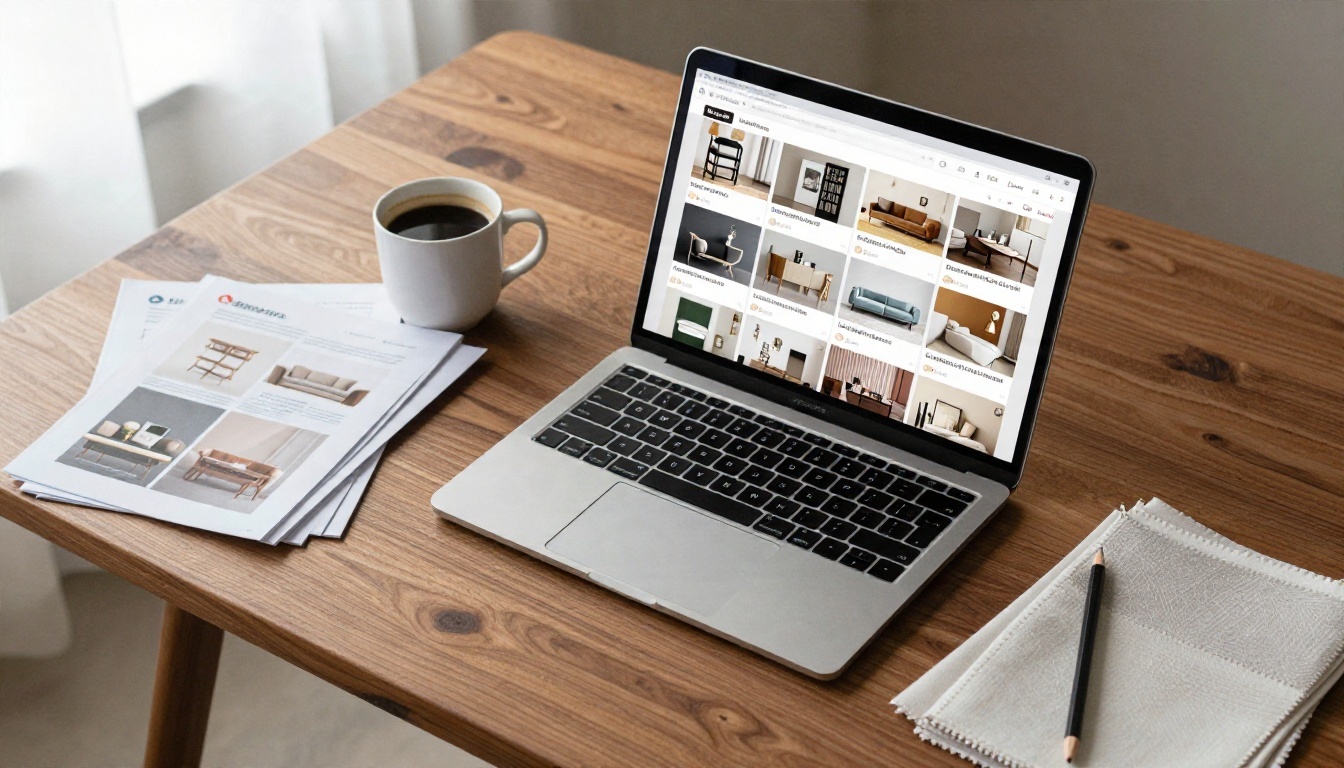
An electronic catalog is a digital version of a product book that readers open in a browser or on a phone. The best ones keep the feel of paper, with pages that curl and turn, but add things paper can never offer: clickable links, embedded video, search, and visitor tracking.
Paper vs. Electronic at a Glance
| Factor | Printed Catalog | Electronic Catalog |
|---|
| Cost per copy | Printing and postage on every copy | Close to zero after the first build |
| Updating prices | Reprint the whole run | Replace the file, link stays the same |
| Reach | Limited by mailing list | Anyone with a link or QR code |
| Multimedia | None | Video, audio, and live links |
| Tracking | Guesswork | Views, time on page, clicks |
| Environmental load | Paper, ink, shipping | Minimal |
Who Actually Needs One
Almost anyone who sells from a list of items. A boutique owner with 40 garments, a wholesaler with 600 SKUs, a furniture maker with seasonal collections, a florist with a spring menu of bouquets. If you currently email a PDF that people have to download and pinch-zoom on their phone, a flipbook version will feel like a big step up for your customers.
💡 Pro tip: Start with the catalog you already have. You don't need to redesign anything to benefit from the electronic format. Upload the existing PDF first, then improve the design in a second pass.
Free Online Catalog Makers Compared
"Free" means very different things depending on the tool. Some give you a real product. Others give you a trial that stamps a logo across every page until you pay.

What a Good Free Plan Includes
Before you commit hours to any tool, check these five things:
- No forced watermark on your pages
- Mobile-responsive viewing, because most buyers open links on a phone
- PDF upload so you can reuse existing files
- A shareable link that works without a login
- Clear upgrade path if you outgrow the free tier
The Watermark Trap
Many "free catalog makers" let you build everything, then reveal a watermark only when you try to publish. That wastes your time and puts you in a position where paying feels forced. Check the sample output on the tool's own site before you start.
| Feature | Typical Free Trial Tools | Flipbooks AI |
|---|
| Watermarks | Often added to every page | ✅ No watermarks, ever |
| PDF conversion | Sometimes limited by page count | ✅ Upload and convert |
| Mobile viewing | Varies | ✅ Responsive on every device |
| Password protection | Usually paid only | ✅ Available for private catalogs |
| Embed video and audio | Rarely included | ✅ Supported |
| Analytics and lead capture | Premium tier | Professional plan |
⚠️ Watch out: If a tool asks for a credit card before you can even preview your catalog, treat that as a signal to compare alternatives first. See the Flipbooks AI pricing page for what each plan includes, and check that the free output meets your needs before you publish anything.
How to Create a Catalog with Flipbooks AI
Here is the whole process, from blank screen to a link you can send. Most people finish their first catalog in under 15 minutes.
Step 1: Create Your Account
Go to Flipbooks AI and create an account. You can start on a free plan, then move up later if you need more flipbooks or extra features.
Step 2: Upload Your PDF
- Export your catalog from Canva, InDesign, Word, Google Slides, or any tool that makes a PDF.
- Click the upload button and select the file.
- Wait a few seconds while the platform converts each page into a flipbook spread.
- Check the preview. Pages should turn smoothly, images should look sharp, and text should stay readable on a small screen.
Don't have a PDF yet? Build one first, then use the PDF to Flipbook Converter. If you want a purpose-built path, the Digital Catalog Maker and the Catalog Flipbook Creator are built for exactly this job.
Step 3: Customize the Look
Open the settings and adjust:
- Branding: Add your logo and match the viewer to your brand colors
- Background: Choose a neutral tone so products stand out
- Page effects: Pick the page-turn style and sound
- Multimedia: Drop in product videos, audio notes, or links to your shop pages
- Layout: Single page for phones, double page for desktop reading
✅ Best practice: Add a link on every product page that goes straight to the checkout or inquiry form. A catalog that cannot lead to action is only a brochure.
Step 4: Publish and Share
Hit publish and copy your link. From there, you can send it directly, embed it on your site, add a QR code to packaging, or lock it behind a password. The sharing options get their own section below.
Template Ideas That Work
A template is really just a proven page order. You don't need to invent the structure from scratch. Here are layouts that show up again and again in catalogs that sell.

Fashion and Lifestyle Lookbooks
Large, full-bleed photos with minimal text. One outfit or product per spread, with a price and a short size note. The Fashion Catalog Creator and the Interactive Lookbook Designer suit this style, and swimwear, resort wear, and activewear brands rely on it heavily because their products sell on mood as much as specs.
Furniture and Home Goods
Show the room first, then the item in detail. Use a grid page for dimensions and finishes. The Furniture Catalog Maker fits this approach well, and the Product Catalog Generator works for general merchandise.
Wholesale Price Lists
Dense tables, small thumbnails, SKU numbers, minimum order quantities. Readability beats beauty here. Try the Digital Price List Generator when your buyers care more about numbers than lifestyle photos.
| Template Type | Best For | Layout Style | Photo Weight |
|---|
| Lookbook | Fashion, swimwear, beauty | Full-page images | Very high |
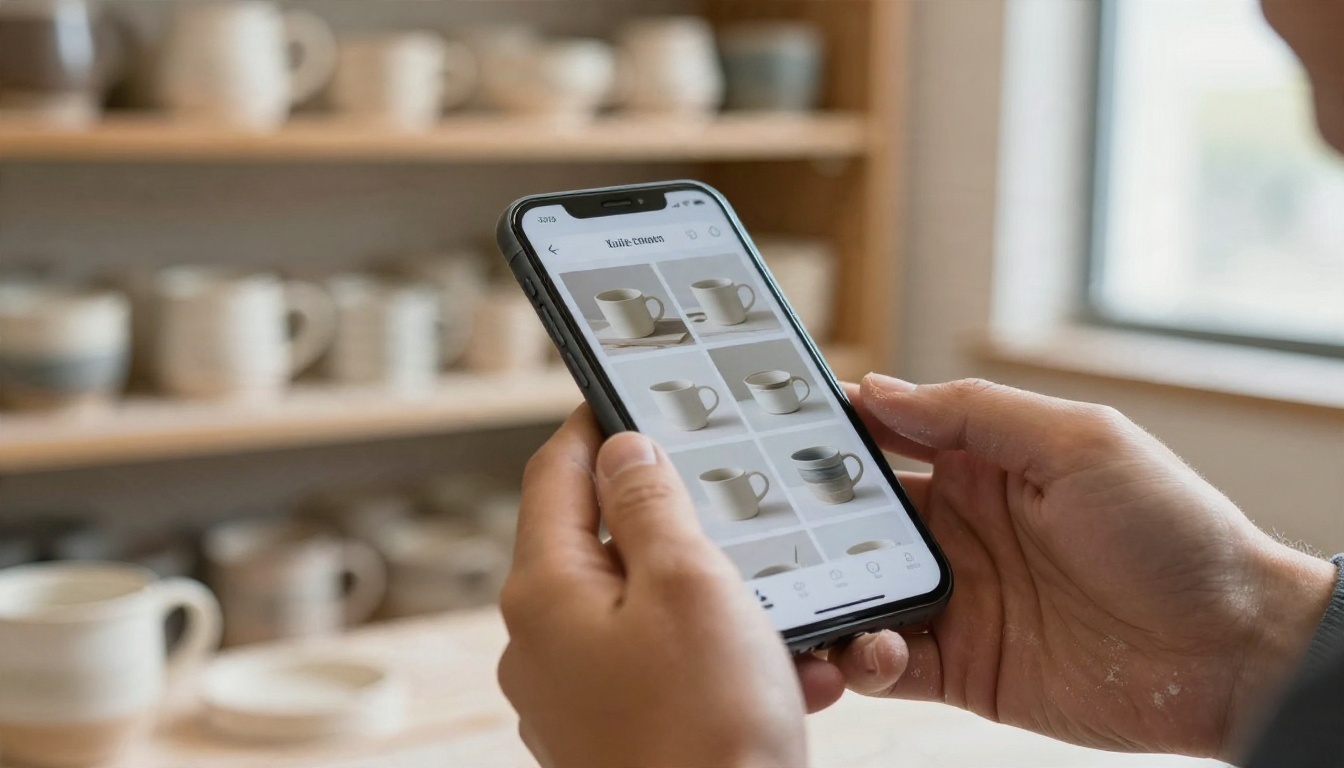
| Product grid | Gifts, ceramics, gadgets | 4 to 6 items per page | High |
| Room scene | Furniture, lighting, decor | Scene plus detail pages | High |
| Price list | Wholesale, parts, supplies | Tables with thumbnails | Low |
| Seasonal menu | Florists, bakeries, caterers | 1 or 2 items per spread | Medium |
Real Examples by Industry
Theory is nice, but nothing beats seeing how actual businesses use these catalogs.

A Flower Shop with a Seasonal Menu
A neighborhood florist builds a 12-page spring catalog with bouquet photos, stem counts, and delivery zones. She prints a QR code on a small card at the counter and on every delivery box. Customers scan it and browse on their own phones, then message her their pick. She swaps a few pages each season and never reprints anything.
A Wholesale Showroom
A home decor wholesaler used to mail a 90-page paper book twice a year. Now sales reps carry a tablet and open the electronic catalog with buyers in person, then email the same link afterward. Updated pricing goes live the same afternoon it changes.
A Real Estate Team
Agents bundle listings into a themed catalog, such as "Downtown Condos" or "Family Homes Under a Set Budget." Clients flip through photos, click to book a viewing, and forward the link to a partner. The Real Estate Brochure Creator uses the same idea in a smaller format.
💡 Pro tip: Name your catalog files clearly, such as "Spring 2027 Bouquets" or "Wholesale Prices Q1." Buyers who find a link in an old email thread will thank you.
Sharing Options Compared
Making the catalog is half the job. The other half is getting it in front of the right people, in the format they find easiest to open.

| Sharing Method | Setup Time | Best For | Notes |
|---|
| Direct link | Seconds | Chat apps, social bios, quotes | Easiest and most flexible |
| Email link | Minutes | Newsletters, outreach | Short descriptive subject line helps opens |
| QR code | Minutes | Packaging, store counters, events | Print at a size people can scan easily |
| Website embed | 5 to 10 minutes | Shop pages, landing pages | Use the Embed Flipbook on Website tool |
| Password protection | Seconds | Wholesale, private price lists | Share the password separately |
| Offline download | Seconds | Trade shows, poor connections | Available on supported plans |
Share by Link
The simplest option is also the most useful. A single URL works in WhatsApp, Instagram bios, text messages, and quote emails. Because the link always points to the latest version, nobody ends up holding an out-of-date file.

Send by Email
Paste the link into a short, personal message. Avoid attaching a heavy PDF alongside it, since that defeats the purpose. A line such as "Here is our new spring range, tap the first page to start" works better than a long sales pitch.
Print a QR Code
QR codes bridge the physical and digital worlds. Put one on a shop counter, a delivery box, a business card, or a trade show banner. Test the code on at least two different phones before you print a large batch.

Embed on Your Website
Copy the embed code and paste it into your page builder. The catalog appears inside the page itself, so visitors never leave your domain. This works well on a "Catalogs" or "Wholesale" page.
Lock It with a Password
If your wholesale prices are not meant for the public, add a password. Send the link in one message and the password in another. When a buyer relationship ends, change the password and the old link stops working for them.
⚠️ Warning: Never put a private price list on a public link and hope nobody finds it. Links get forwarded, indexed, and pasted into forums. If it is private, protect it.
Track What Buyers Actually Do
Print catalogs have a built-in blind spot: you never learn which pages people looked at. Electronic catalogs remove that blind spot.

What the Numbers Tell You
On the Professional plan, you get analytics and lead capture. Typical things you can see:
- Total views and returning visitors
- Pages that hold attention the longest
- Pages people skip, which may need a stronger photo or a lower price
- Link clicks from inside the catalog to your shop
- Lead details, when you ask readers to enter an email before opening
Check the pricing plans to see where analytics and lead generation fit. Unlimited flipbooks start on the Standard plan, which helps when you keep separate catalogs for retail, wholesale, and each season.
Turn Insights into Edits
A simple loop works well:
- Publish the catalog and share it for two weeks
- Review which pages drew the most attention
- Move your best sellers closer to the front
- Replace weak photos on pages people skip
- Upload the revised PDF and keep the same link
| Signal | Likely Meaning | What to Try |
|---|
| Readers drop off on page 3 | Slow start or crowded layout | Open with your strongest product |
| Many clicks, few orders | Checkout friction | Shorten the order form |
| Low views from email | Weak subject line | Name the product category |
| High views on one page | Clear favorite | Feature it on the cover page and in ads |
Make Your First Catalog Today
You already have most of what you need: a product list, a handful of photos, and a PDF or the ability to export one. The rest takes a few minutes.
Ready to build? Create your free account on Flipbooks AI, upload your PDF, and send your first link before the day is over. If you want a purpose-built starting point, browse all the flipbook tools to find the format that suits your products. When you are ready for analytics, lead capture, and unlimited flipbooks, compare the plans and pick the one that fits your business.



