You spent weeks on your press kit. Then you attached it to an email, the file was 38 MB, and the booker never opened it. It happens to musicians, authors, filmmakers and speakers every day. The fix is simple: host your electronic press kit (EPK) online and send a link instead. With Flipbooks AI you can turn a PDF into a page-turning press kit, share it by link, and embed it on your own website without a watermark.
This article walks through exactly how free EPK hosting works, when to share by link and when to embed, and how to set everything up in a few minutes.
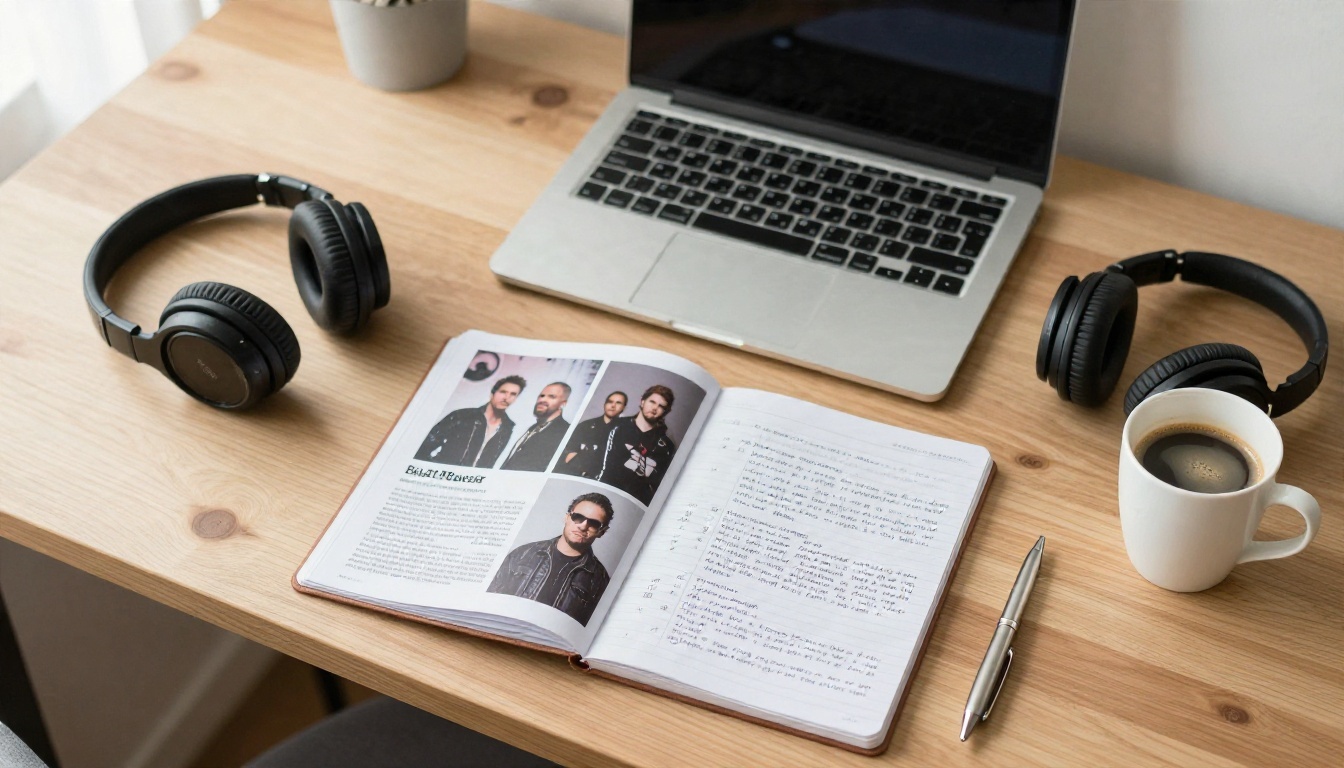
Why Your EPK Needs a Home Online
An EPK is your pitch in one place: bio, photos, music or work samples, press quotes, tour dates and contact details. The problem is not the content. The problem is how it travels.
What an EPK Actually Contains
A strong press kit usually holds these pieces:
- Short and long bio (50 words and 250 words)
- High-resolution press photos with credits
- Audio, video or sample links
- Press quotes and reviews
- Stage plot, tech rider or product specs
- Past shows, clients or publications
- Contact details and social profiles
💡 Pro tip: Keep the first page for the one thing a stranger must remember about you. Bookers skim. Give them a reason to turn the page.
The Problem With Email Attachments
Large attachments get blocked, land in spam, or sit unopened on a phone with weak signal. Even worse, once you send a PDF you lose control. You cannot update it, and you cannot tell whether anyone looked at it.
| Method | File size limits | Easy to update | Mobile friendly | Tracks views |
|---|
| Email attachment | Often capped at 20 to 25 MB | No, must resend | Poor | No |
| Cloud folder link | Depends on storage | Yes | Average | Rarely |
| Static website page | None | Yes | Depends on design | With extra tools |
| Hosted flipbook EPK | None for the reader | Yes | Excellent | Yes (Professional plan) |
A hosted flipbook gives you the polish of a designed page and the convenience of a link.
Link or Embed: Which One Fits?
You do not have to pick one. Most artists use both. Here is how they differ.
Sharing by Direct Link
A direct link is a short URL that opens your press kit in the browser. No download, no login for the reader, and it opens fast on a phone.
Use a link when you:
- Send cold emails to bookers, labels or editors
- Reply to a festival submission form
- Add a "Press" button to an Instagram or TikTok bio
- Paste your EPK into a DM or a messaging app
- Need a link that never changes, even after you update the file
Embedding on Your Website
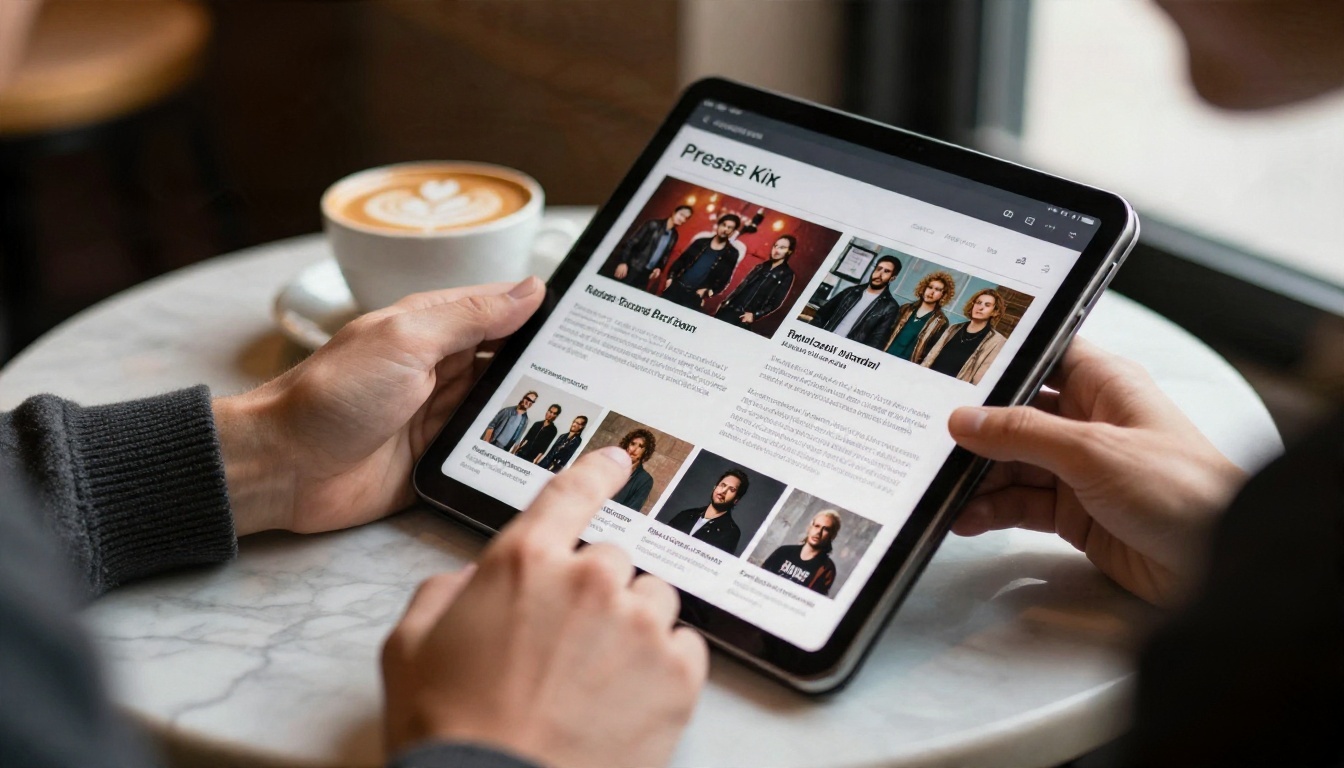
An embed places the flipbook directly inside a page of your site, using a small snippet of code. Visitors flip through your EPK without leaving your domain. That keeps your brand, your navigation and your merch links around the press kit.
Use an embed when you:
- Run a band, author or portfolio site
- Want a dedicated /press page that looks professional
- Need your EPK to rank for your own name in search results
- Want press to see your kit next to your tour dates or booking form
The Embed Flipbook on Website tool is built for this.
| Situation | Best choice | Why |
|---|
| Pitching a booker by email | Direct link | Fast to open, nothing to download |
| Social media bio | Direct link | Short and clean |
| Your artist website | Embed | Keeps visitors on your domain |
| Press page for journalists | Embed plus link | Looks credible and is easy to forward |
| Private submission to a label | Link with password | Controls who can open it |
How to Host Your EPK With Flipbooks AI
This is the practical part. You need a finished PDF of your press kit. Design it in any tool you like (Canva, InDesign, Word, Google Slides) and export it as a PDF.
Step 1: Create Your Account
Head to Flipbooks AI and sign up. You can start without paying and check the pricing plans later when you need more flipbooks or extra features.
Step 2: Upload and Convert Your PDF
- Open your dashboard and choose to create a new flipbook.
- Upload your press kit PDF.
- Wait a few seconds while the file converts into a page-turning flipbook.
- Preview it on desktop and on a phone view.
The PDF to Flipbook Converter handles the conversion. Your pages keep their layout, fonts and photo quality. If you want a starting point built around this exact use case, try the Press Kit Designer.
Step 3: Customize the Look
Make the flipbook feel like your brand, not a generic viewer:
- Custom branding: add your logo and pick a background color that matches your site
- Page effects: choose the page-turn style and speed
- Multimedia: embed videos and audio so a booker can press play right inside the kit
- Mobile-responsive design: check that text stays readable on a small screen
✅ Best practice: Put a live performance clip on page two. Bookers want to see you in action before they read a single paragraph.
Step 4: Pick Your Sharing Options
Once the flipbook looks right, open the share panel. You will find:
- Direct link: copy and paste it anywhere
- Embed code: copy the snippet and paste it into your website editor
- Password protection: restrict access for private pitches or unreleased material
Step 5: Turn On Pro Features When You Need Them
On the Professional plan you can add:
- Analytics: see how many people opened your EPK and which pages they read
- Lead generation: ask for a name and email before the kit opens
- Offline downloads: let a journalist save the kit to read on a flight
Check the plan comparison to see which features match your stage. No watermarks, ever, so your press kit always looks like yours.
How to Embed Your EPK on Your Website
Embedding sounds technical, but it takes about two minutes on most platforms.
The Basic Process
- Copy the embed code from your flipbook's share panel.
- Open the page where you want the kit to appear (for example, your Press page).
- Add a Custom HTML or Embed block.
- Paste the code and save.
- Open the page on a phone and a laptop to confirm it looks right.
Where to Paste It
| Platform | Where the embed goes |
|---|
| WordPress | Custom HTML block in the page editor |
| Squarespace | Code block or Embed block |
| Wix | Embed a Site, then HTML code |
| Webflow | Embed element from the Add panel |
| Bandzoogle and similar band builders | Custom HTML or widget section |
| Linktree style pages | Use the direct link instead |
⚠️ Warning: Do not stack an embedded EPK under five other widgets. Give it room. A cramped embed is hard to read on mobile, and a booker will give up quickly.
What Goes Inside a Strong EPK
Hosting is the delivery. The content still decides whether you get the gig, the interview or the review. Different careers need different pages.
For Musicians and Bands
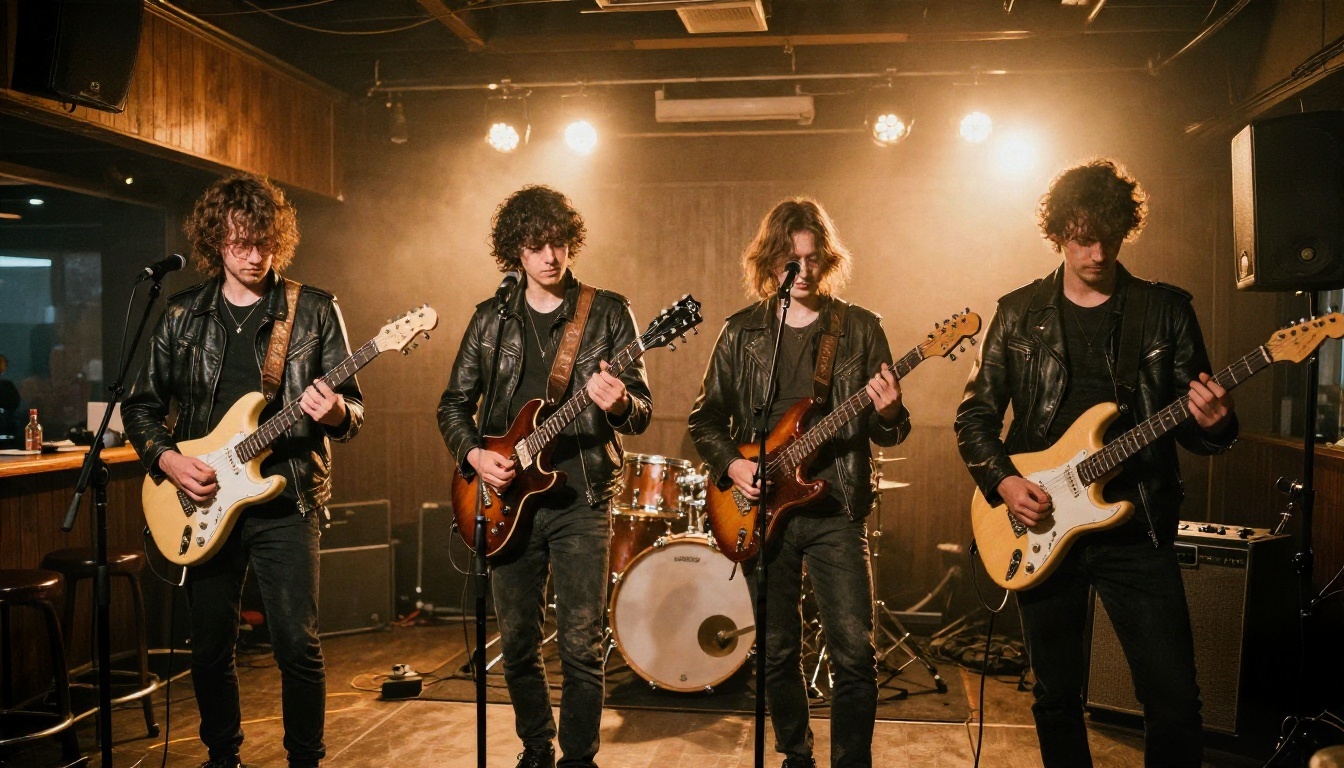
Lead with a live photo and a two-line pitch. Add streaming numbers only if they are impressive. Include a stage plot and input list so the venue can plan, and finish with direct booking contact.
For Authors and Speakers
Open with the book cover or speaker headshot, then a one-paragraph hook. Add sample interview questions, a downloadable excerpt and your past appearances. Journalists love when you make their prep easy.
For Filmmakers and Producers
Show the logline, a still from the film, festival selections and awards. Add a trailer, the cast and crew list and a clean credits page. Distributors flip fast, so keep it under ten pages. The Presentation Flipbook Designer works well for slide-style kits.
For Designers, Photographers and Creators
Your press kit often doubles as a portfolio. In that case, start from the Digital Portfolio Creator or the Photography Portfolio tool and add a short press section at the end.
| Profile | Ideal page count | Must-have page | Best sharing method |
|---|
| Solo musician | 6 to 10 | Live video and booking contact | Link plus embed |
| Band | 8 to 12 | Stage plot and tech rider | Link plus embed |
| Author | 6 to 10 | Excerpt and interview topics | Embed on author site |
| Filmmaker | 8 to 12 | Trailer and festival history | Password link |
| Speaker | 5 to 8 | Talk topics and testimonials | Link |
| Photographer | 10 to 16 | Best series and client list | Embed |
Real Examples From Working Artists
Theory is nice. Here is how people actually use a hosted EPK.
A Touring Singer-Songwriter
She keeps a single link in her email signature. When a venue asks for a rider, she sends the same link. Each month she updates the PDF with new dates, re-uploads, and every old email now points to the fresh version. No resending, no outdated attachments.
A Festival Booking Team
A booking team receives hundreds of submissions. They open the ones that load fast on a phone while commuting. A flipbook opens in a second and turns pages with a swipe, so it gets seen. The team can also forward a single link inside the company without clogging anyone's inbox.
A Producer Who Tracks Interest
A DJ and producer shares a password-protected kit with three labels. With analytics on the Professional plan, they see that one label spent most of its time on the discography page. That tells them which track to lead with in the follow-up email.
Privacy, Passwords and Updates
Not every EPK should be public. Unreleased songs, early cuts of a film or a rate card are things you may want to limit.
When to Add a Password
- Unreleased music or footage
- Rate sheets and fee ranges
- Early pitches to a single company
Share the password in a separate message so the link alone is not enough.
Keeping the Link Alive
Your link stays the same when you replace the file. That is the biggest advantage over attachments. Update after every release, tour announcement or press hit.
💡 Pro tip: Set a calendar reminder for the first of each month. Five minutes of updating beats a booker finding last year's tour dates.
Common Mistakes to Avoid
- Too many pages. Ten strong pages beat thirty average ones.
- Tiny text. Most readers are on a phone. Use at least 14 point text in your PDF.
- No contact on the last page. Put it on every page footer if you can.
- Broken media links. Test every video and audio link before sending.
- Huge unoptimized photos. Compress to a sensible size before exporting your PDF.
- Forgetting alt context. Credit every photographer and add captions.
| Mistake | What happens | Quick fix |
|---|
| 30-page kit | Reader quits after page 5 | Cut to 8 to 12 pages |
| Image-only pages | Text is not searchable | Keep real text in your PDF |
| No update routine | Dates are stale | Monthly refresh on the same link |
| Public private data | Fees leak | Add a password |
Send Your Press Kit the Smart Way
A hosted EPK is faster to send, easier to update and far more professional than an attachment. Build your PDF, convert it, share the link, and embed it on your site.
Ready to try it? Create your free account on Flipbooks AI and publish your first press kit today. Browse all flipbook tools to find a template that fits your work, or see the pricing plans when you want analytics, lead capture and offline downloads. Your next booking could start with one link.



