You typed "free flipbook app" into your phone's store and got a pile of PDF readers, comic viewers, and photo slideshow makers. None of them quite does what you pictured: a page-turning publication that opens on any device and looks like a real magazine. That gap is real, and it explains why most people who need a flipbook end up in a browser instead of an app store. This article sorts out what exists on Android and iPhone, where free tools run out of road, and how to build something polished from your phone with Flipbooks AI or a similar online maker.
What a Flipbook App Really Is
A flipbook is a digital publication with realistic page turns. Readers swipe or click, the page curls, and the content feels like paper. Catalogs, brochures, magazines, menus, and portfolios all use the format.
The confusing part is that "flipbook app" means three different things in app stores:
- Readers: apps that open a flipbook someone else created.
- Creators: apps that let you build a flipbook from images or a PDF.
- Animation toys: apps for drawing frame-by-frame cartoons, which have nothing to do with publications.
If you want to publish a catalog or brochure, you need a creator. Real creator apps on mobile are rare, and most of them are thin wrappers around a web service.
💡 Pro tip: Before installing anything, read the first three screenshots in the store listing. If you do not see a page-curl effect on a document, it is probably not what you need.
Android Options and Their Limits
Android gives you the most freedom. You can open a flipbook in the browser, install a PDF reader, or sideload tools. For a free flipbook app on Android, you will usually land in one of these groups.
PDF Readers With Page Modes
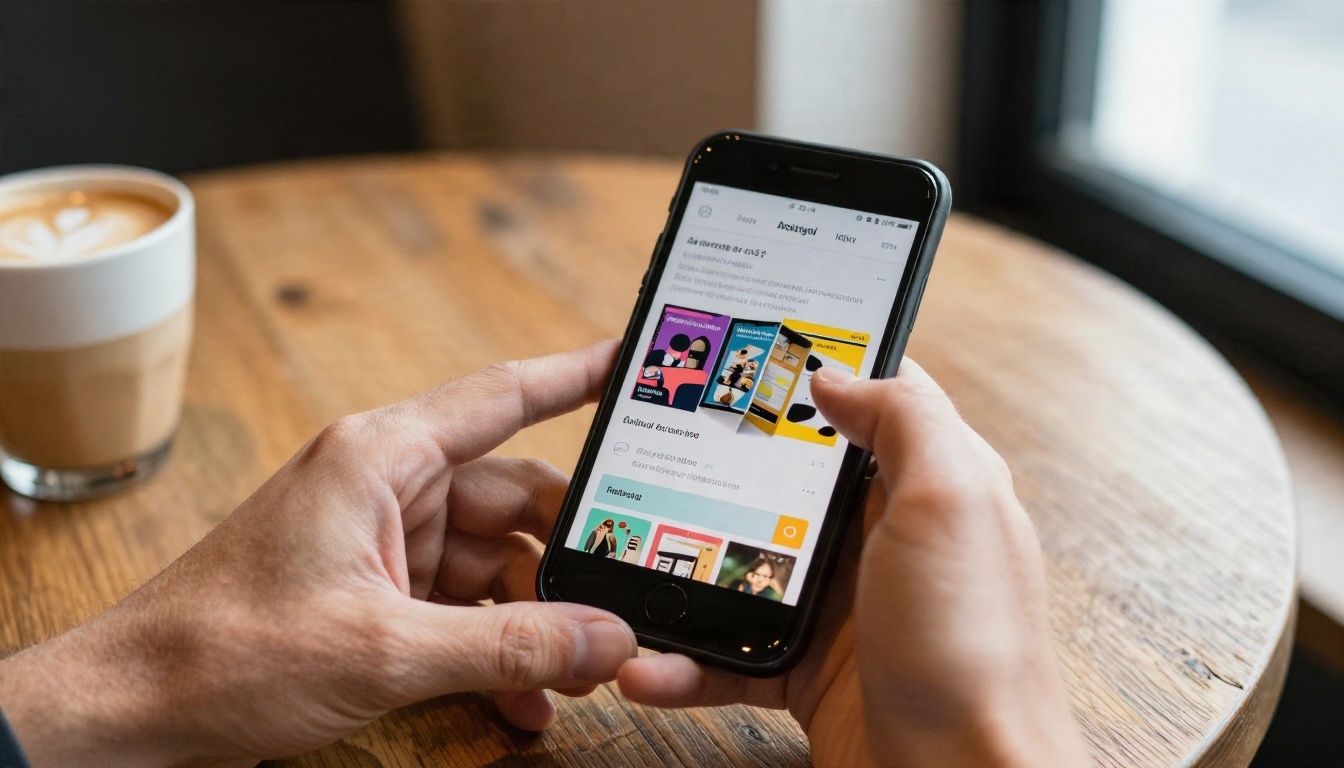
Several free PDF readers on Android offer a horizontal swipe mode and a slight turn animation. They are good for personal reading, but they do not create anything you can share as a link or embed on a website. The file stays a PDF.
Image Slideshow Makers
These turn a set of photos into a swipeable album. The output is usually a video or a proprietary file. That works for a family album, but it is a poor fit for a product catalog because readers cannot click links or zoom into text.
Web Apps Installed as Shortcuts
Chrome on Android lets you add any website to your home screen. Many online flipbook makers work this way, and the result feels like an app. This is the most practical route, because the heavy lifting happens on a server, not on your phone.
Common Android Limits
- Free versions often add ads between pages.
- Exported files may carry the developer's watermark.
- Large PDFs can freeze budget phones during conversion.
- Many apps have no link sharing, only local files.
iPhone Options and Their Limits
Apple's ecosystem is more controlled. That is good for security and less good for flexibility. The App Store has plenty of PDF readers and note apps, but very few that produce a shareable flipbook.

What Works Well on iPhone
- Safari and Chrome open most online flipbooks smoothly, including page-curl effects.
- Files app lets you pick a PDF from iCloud, Google Drive, or Dropbox and upload it to a web maker.
- Share Sheet makes sending a flipbook link through Messages or Mail a two-tap job.
Where iPhone Falls Short
- Few native creator apps exist, and the good ones push you toward a subscription almost immediately.
- Free trials often lock export behind a paywall, so you only find out after you have built the whole thing.
- Background uploads can pause if you lock the screen, which breaks a large file transfer.
⚠️ Warning: Some store listings advertise "free" but charge weekly after a three-day trial. Check the subscription line in the app description before you tap Get.
Android vs iPhone: Side by Side
| Feature | Android | iPhone |
|---|
| Native flipbook creator apps | Few, mostly low quality | Very few, often trial-based |
| Browser flipbook viewing | Excellent in Chrome | Excellent in Safari |
| Add web app to home screen | Yes, easy | Yes, via Share Sheet |
| PDF upload from cloud storage | Yes | Yes, via Files |
| Typical free limit | Ads or watermark | Trial then subscription |
| Best route | Online maker in the browser | Online maker in the browser |
The last row is the honest summary. On both platforms, the browser is where good flipbook tools live.
Why Online Makers Beat Apps
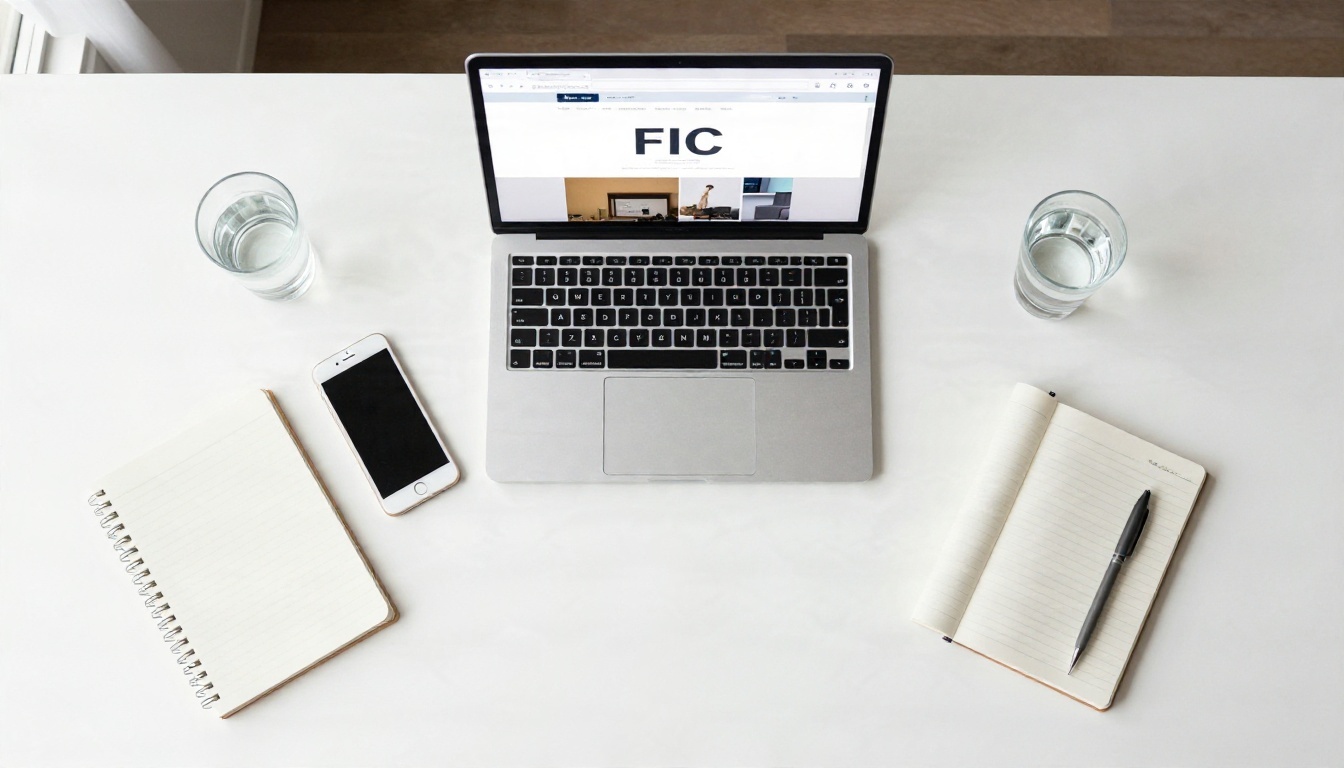
A browser-based maker avoids most of the pain above. You upload a PDF, the service converts it, and you get a link. Nothing heavy runs on your phone, and nothing needs updating.
Advantages of the Browser Route
- Same result everywhere. The flipbook looks identical on Android, iPhone, tablets, and desktop.
- No storage drain. Files live in the cloud, not on your device.
- Easy sharing. One link, one embed code, or one QR code.
- Mobile-responsive output. Pages adapt to the screen, so readers do not pinch and zoom.
The Trade-Off
Free web tools also impose limits. They are usually clearer than app limits, because they are listed on a pricing page. That transparency matters, and it leads to the next section.
The Real Limits of Free Plans
"Free" almost always means a trade. Here is what you typically give up, and what each limit costs you in practice.
| Limit | What it looks like | Who it hurts most |
|---|
| Watermark | Provider logo on every page or on the viewer bar | Businesses, agencies, brands |
| Page cap | 10 to 50 pages per publication | Catalogs, annual reports |
| Flipbook count | One to three active flipbooks | Anyone with multiple products |
| Expiry | Flipbook deleted after 30 to 90 days | Menus, price lists, evergreen content |
| No privacy controls | Everything is public | Internal documents, client proposals |
| No analytics | You cannot see who read what | Marketers, sales teams |
| Branding locked | Provider colors and domain | Anyone who wants a professional look |
The Watermark Problem
A watermark is the limit people notice first. It tells your reader that you used a free tool, and it often links to a competitor's homepage. For a hobby project, that is fine. For a catalog sent to wholesale buyers, it looks careless.
The Expiry Trap
Expiry is worse because it is silent. You share a link with a hundred customers, and three months later it returns an error. If a flipbook matters, read the retention policy before you send it anywhere.
✅ Best practice: Keep your original PDF in two places, such as cloud storage and a local folder. If a free tool deletes your flipbook, you can rebuild it in minutes.
Who Can Live With a Free Plan
Not everyone needs a paid tier. Free options make sense in these cases:
- Students sharing a project or a portfolio with a teacher.
- Hobbyists publishing a zine or a recipe collection for friends.
- Testing a layout before committing to a service.
- One-off events such as a school newsletter that needs to live for two weeks.
Free options start to hurt when you:
- Sell products from the document.
- Need to remove any third-party branding.
- Want to see who opened the file and how long they stayed.
- Publish more than a few documents per quarter.

How to Create a Flipbook From Your Phone
Here is a practical workflow that works on both Android and iPhone, using Flipbooks AI in the mobile browser. You can also use a laptop with the exact same steps.

Step 1: Open the Platform
Go to Flipbooks AI in Chrome or Safari, then create an account. Add the site to your home screen if you want app-style access.
Step 2: Upload Your PDF
Pick your file from Files, Google Drive, or local storage. The PDF to Flipbook Converter turns each page into a turnable spread. For best results, export your PDF at a normal screen resolution, since huge print files slow down mobile loading.
Step 3: Customize the Look
- Set your brand colors and logo.
- Choose a page effect, such as a soft curl or a flat slide.
- Pick a background that matches your content.
- Add video or audio to specific pages when it helps, for example a product demo or a welcome message.
Step 4: Share It
Sharing is where a flipbook beats a plain PDF.
- Direct link for chat apps and email.
- Embed code for your site. The Embed Flipbook on Website tool shows how.
- Password protection for private proposals or internal documents.
- Offline download so readers can open the publication without a connection.
Step 5: Analytics and Lead Capture
On the Professional plan, you can see how readers behave and collect contact details before a document opens. Check the pricing plans to see which tier fits your volume. Flipbooks AI never adds a watermark, and the Standard plan and above allows unlimited flipbooks.
💡 Pro tip: If most of your readers come from social media, test your flipbook on a mid-range Android phone and an older iPhone before sharing. Those are the devices where slow pages show up first.
Different publications need different layouts. Instead of starting from a blank file, pick a purpose-built tool and adjust from there.
You can also browse every flipbook tool in one place.

A Real Scenario: The Boutique Owner
Imagine a boutique owner who prints 50 seasonal catalogs and runs out in a week. She exports her layout as a PDF, converts it to a flipbook on her phone, and shares one link on Instagram and in her email footer. A customer in another city opens it on an iPhone, taps a product, and orders. The printed run now goes only to top clients, and the digital version reaches everyone else. Her cost per reader drops, and she can update prices in minutes instead of reprinting.
A Real Scenario: The Traveler
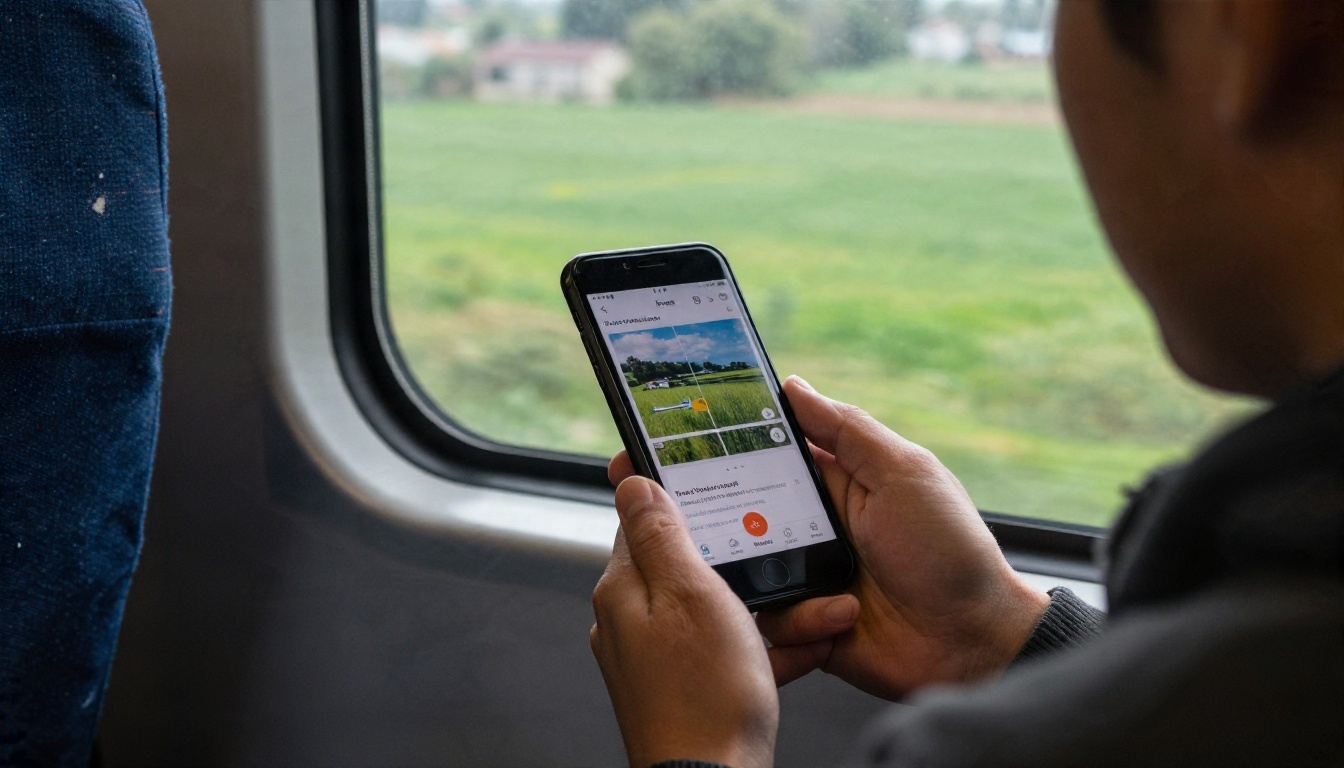
A freelance photographer builds a short itinerary booklet for a client trip. She downloads it for offline use before boarding a train through an area with weak signal. The client reads it without a connection, and the photographer avoids sending a dozen follow-up messages.
Run through this list before you commit to any free flipbook app or online maker.
- Does it export or share a link? If not, it is only a reader.
- Is there a watermark? Check the preview, not the marketing page.
- What is the page limit? Compare it with your longest document.
- Does the flipbook expire? Look for retention terms.
- Can you protect it with a password? Essential for private content.
- Does it work in the mobile browser? Test with your own phone.
- Can you embed it? Needed if you want it on your own website.
- What does the first paid tier cost? Know your upgrade path.
| Priority | Free app | Free online maker | Paid online maker |
|---|
| Quick personal reading | Good | Good | Overkill |
| Shareable link | Rare | Yes | Yes |
| No watermark | Rare | Sometimes | Yes |
| Custom branding | No | Limited | Full |
| Analytics | No | No | Yes |
| Long term hosting | No | Risky | Reliable |
Mistakes People Make
Choosing by Download Count
A popular PDF reader is not a flipbook creator. High ratings in a store often reflect a different feature.
Uploading Giant Files
A 200 MB print PDF takes forever on mobile data. Compress images first, and keep a print version separately.
Ignoring the Reader's Device
Most readers will open your link on a phone. If the text is small on your laptop, it will be tiny on theirs. Use larger fonts and simple layouts.
Forgetting Updates
Prices change, events move, and menus get new dishes. Pick a tool where you can replace pages without breaking the shared link.
Ready to Publish Your First One?
A free flipbook app can handle casual reading, but a publication you send to customers, clients, or students deserves a reliable online home. Start with the free route, test your content, and move to a paid tier only when watermarks, limits, or missing analytics begin to cost you.
Ready to try it? Create your account on Flipbooks AI and upload your first PDF. Browse the tools directory to find a template for your use case, or compare pricing plans when you need unlimited flipbooks, password protection, and analytics.