If you've ever tried to share a PDF online and ended up with a clunky download link or a watermarked preview stamped with someone else's logo, you already know the problem. In 2026, the bar for digital publishing is higher than ever, and a free flipbook maker with no watermark is no longer a luxury. It's a baseline expectation. Flipbooks AI is one of the tools redefining what "free" actually means in this space.
Why Watermarks Damage Your Brand
Watermarks are not just ugly. They send a signal to your audience that your content is not fully yours. When a potential client opens your product catalog and sees a third-party logo stamped across every page, trust erodes instantly. For small businesses, freelancers, educators, and anyone sharing professional documents online, that stamp undermines the entire point of the publication.
The shift in 2026 is real: more platforms now offer free tiers without watermarks as competition intensifies. Still, many tools hide this feature behind vague "Pro" labels or limit it so severely that the free plan becomes unusable for anything serious.
💡 Pro tip: Before committing to any free tool, test it by publishing a real document and viewing it as a guest. If you see a watermark on the published version, that's your answer.
Not all free tiers are equal. Some give you the software but lock the output. Others give you clean output but cap you at two or three flipbooks. Before picking a tool, evaluate these factors:
- Watermark policy: Is the free plan truly watermark-free on the published flipbook?
- Storage limits: How many flipbooks can you publish without upgrading?
- Sharing options: Can you share via link, embed on a website, or password-protect?
- Mobile responsiveness: Does the flipbook work on phones and tablets?
- Upload formats: Does it accept PDF only, or also images and PowerPoint files?
- Custom branding: Can you add your own logo and colors on the free plan?
- Analytics: Do you get view tracking or lead capture?
These questions separate tools that are genuinely useful from tools that use "free" as a marketing hook.

Flipbooks AI: No Watermarks on the Free Plan
Flipbooks AI takes a different position from most platforms. The free plan publishes your flipbooks without any platform watermark. You upload a PDF, it converts to a page-turning digital publication, and what your audience sees is your content, not someone else's branding.
This matters most for:
- Small business owners sharing product catalogs or menus
- Freelancers distributing portfolio work or proposals
- Educators publishing course materials and reading packets
- Marketing teams distributing brochures and lookbooks
The platform supports PDF upload and converts files into interactive HTML5 flipbooks that work on any device. Pages animate with a realistic page-turn effect and the interface stays clean and professional throughout.
How to Create Your First Free Flipbook
Creating a watermark-free flipbook on Flipbooks AI takes under five minutes. Here is the exact process:
- Sign up for free: Go to flipbooksai.com/account and register. No credit card required.
- Upload your PDF: Click "New Flipbook" and drag your PDF into the upload area. Files up to 100MB are supported on all plans.
- Wait for conversion: The system processes your file and generates the page-turn preview automatically, usually within 30 to 60 seconds.
- Customize your flipbook: Add your logo, choose a background color or texture, and adjust the toolbar colors to match your brand.
- Publish and share: Hit publish to get a shareable link instantly. Copy the embed code to place it on your website, or share the direct URL via email or social media.

The entire workflow is browser-based. No software installation, no plugins, and no technical knowledge required. The PDF to Flipbook Converter handles the heavy lifting automatically.
Free vs Paid: What You Actually Get
Here is a clear breakdown of what the free and paid plans include:
| Feature | Free Plan | Standard Plan | Professional Plan |
|---|
| Watermark on published flipbook | None | None | None |
| Number of flipbooks | 3 | Unlimited | Unlimited |
| Custom branding (logo, colors) | Basic | Full | Full |
| Password protection | No | Yes | Yes |
| Embed on website | Yes | Yes | Yes |
| Analytics and view tracking | No | No | Yes |
| Lead generation forms | No | No | Yes |
| Offline download | No | No | Yes |
| Video and audio embed | No | Yes | Yes |
| Priority support | No | No | Yes |
The Standard and Professional plans are where the real power sits, but the free plan is a legitimate starting point with zero branding compromise on published output.
⚠️ Watch out: Some competitors label their lowest tier "free" but apply a watermark to the footer or viewer toolbar. Always check the published output, not just the editor preview.
Real-World Uses for a Watermark-Free Flipbook
The value of a clean, branded flipbook varies by industry. Here are specific scenarios where having no watermark makes a direct business difference.
Small Business Owners
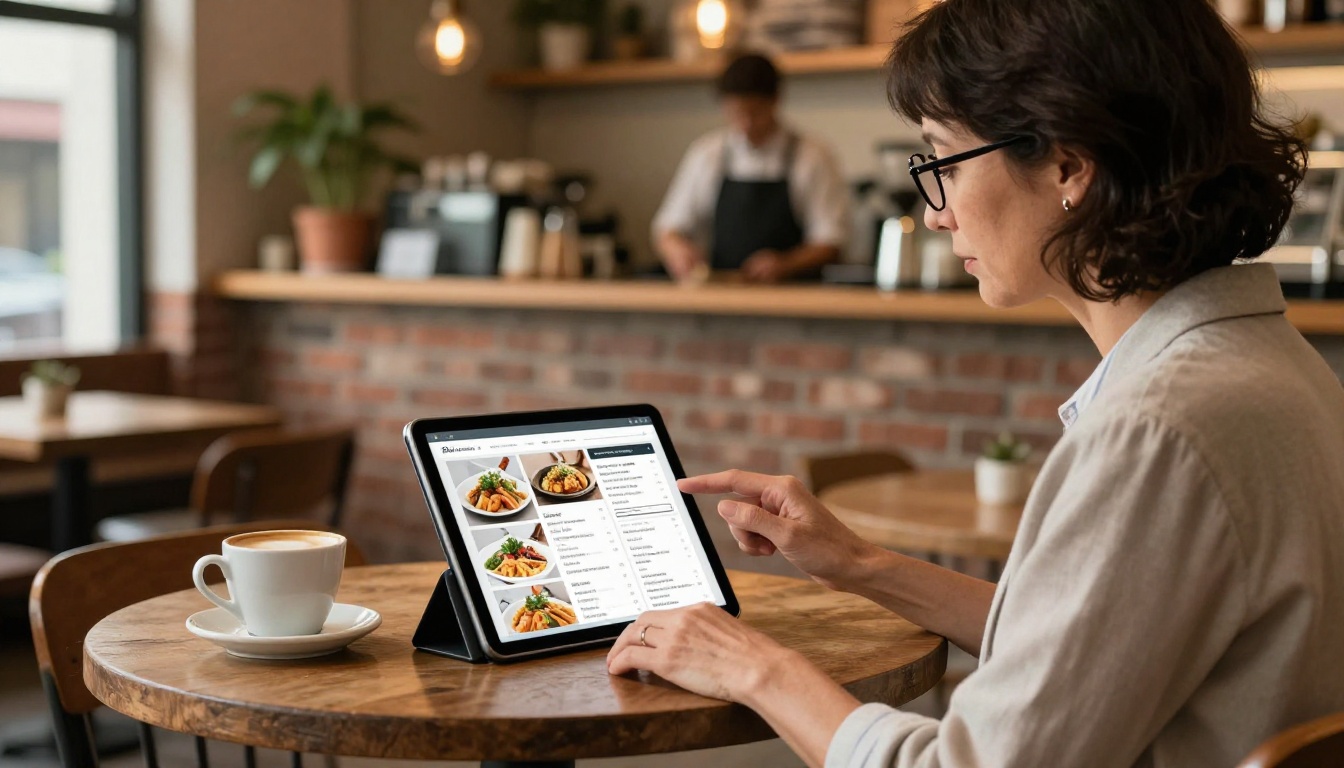
A restaurant owner can publish a digital menu that guests access via a QR code on the table. If the menu had a third-party platform watermark at the bottom, it would look unprofessional and confusing. A clean, branded menu reinforces the dining experience and keeps the focus on the food.
A retail shop publishing a product catalog for seasonal promotions needs every page to look polished. Watermarks interrupt the buying mindset and make the catalog feel like a draft rather than a finished publication.
Freelancers and Creatives
A graphic designer sharing a digital portfolio with potential clients needs the work to speak for itself. A competing platform's logo in the corner dilutes the designer's own brand identity and raises questions about professionalism.
Photographers building a photography portfolio flipbook need the imagery to dominate the viewer's attention. Any overlay or watermark breaks that immersion immediately.
Teachers and Educators
A teacher distributing a digital reading packet or course workbook should not have students seeing a commercial platform's branding on their educational materials. Clean, professional-looking materials signal effort and seriousness to students and parents alike. The Course Material Publisher tool handles this kind of content naturally.

Comparing the Top Free Flipbook Makers in 2026
The landscape of free flipbook tools in 2026 includes several options. Here is how they stack up on the features that matter most:
| Tool | Free Watermark-Free | PDF Upload | Mobile Responsive | Embed on Site | Custom Branding Free |
|---|
| Flipbooks AI | Yes | Yes | Yes | Yes | Basic |
| Issuu | No (watermark on free) | Yes | Yes | Limited | No |
| FlipHTML5 | No (watermark on free) | Yes | Yes | Yes | No |
| Yumpu | No (ads on free) | Yes | Yes | Limited | No |
| Publuu | No (watermark on free) | Yes | Yes | Yes | No |
| Flipsnack | No (watermark on free) | Yes | Yes | Yes | No |
The table tells a clear story. Most platforms in this category use watermarks on free plans as a conversion lever to push users toward paid subscriptions. Flipbooks AI is the outlier that offers genuinely clean, watermark-free output at no cost.
✅ Best practice: If you are testing multiple tools, publish the same PDF on each and compare the final published result, not just the in-editor preview. Watermarks often only appear after publishing.

Mobile Experience: Why It Cannot Be an Afterthought
In 2026, over 60% of digital content is consumed on mobile devices. A flipbook that looks stunning on desktop but breaks on a smartphone loses more than half its potential audience. When evaluating any free flipbook maker, test the mobile experience directly.
Flipbooks AI renders flipbooks responsively across screen sizes. The page-turn animation adapts to touch gestures on mobile, and the table of contents plus navigation controls reflow cleanly on smaller screens.
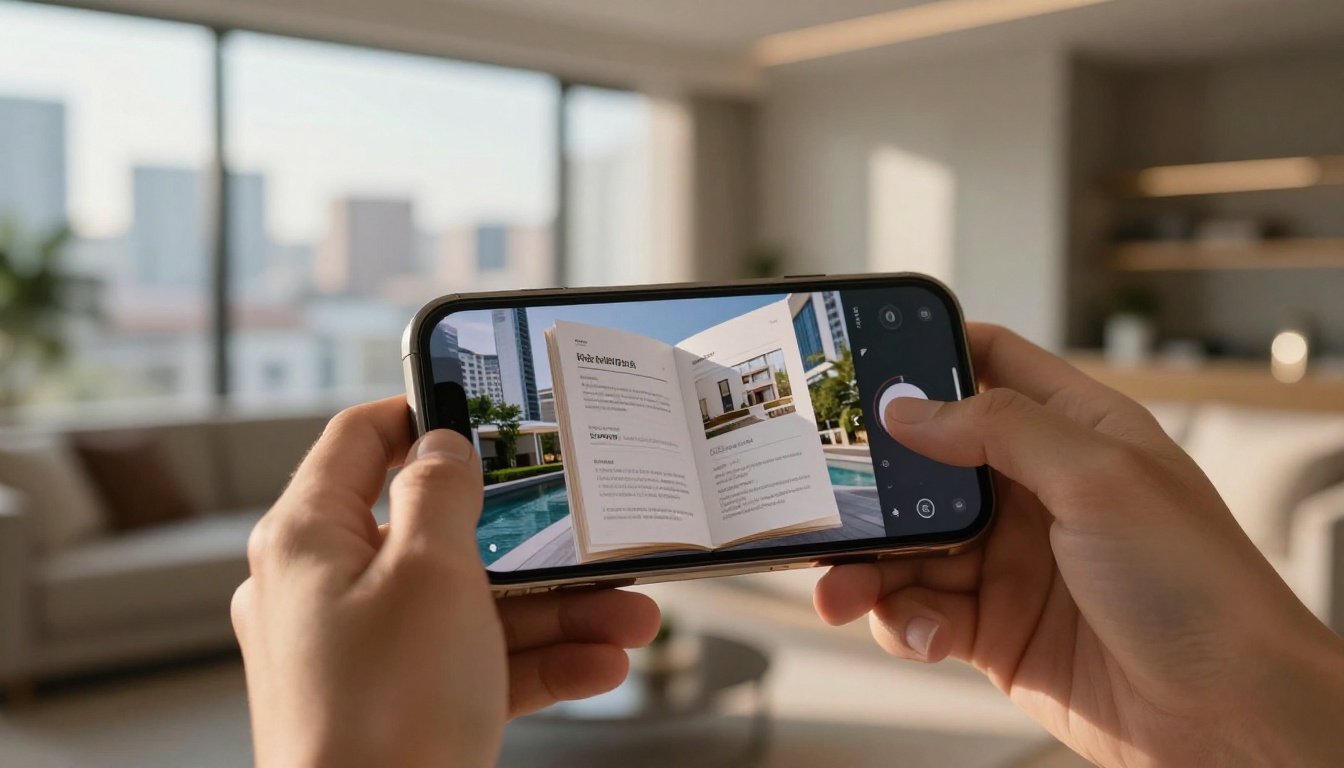
Key mobile considerations when choosing a free flipbook tool:
- Touch navigation: Swipe-to-turn page gestures should feel natural and responsive
- Load speed: Compressed images and lazy loading matter on mobile networks
- Font legibility: Text must remain readable without pinching to zoom
- Toolbar placement: Controls should not obstruct content on small screens
- Full-screen mode: Immersive reading mode is a meaningful differentiator for long-form content
Common Mistakes When Picking Free Flipbook Software
People making this decision for the first time often fall into predictable traps. These are the most frequent ones:
- Judging by the editor, not the output: The editing interface can look clean and professional while the published version shows watermarks. Always preview as a guest or in an incognito browser window.
- Ignoring the embed restrictions: Some free plans let you share a link but block embedding on your own website. If you need the flipbook on your site, confirm this is supported before investing time.
- Missing the storage cap: A tool might be watermark-free but cap you at three published flipbooks. If you plan to publish regularly, this becomes a bottleneck fast.
- Overlooking mobile testing: Desktop-only testing misses how most of your audience will actually view the content in practice.
- Skipping the branding check: Even "watermark-free" tools sometimes insert their brand into the viewer frame, the URL, or the loading screen. Check all three locations.
💡 Pro tip: Run a quick test with a two-page PDF before committing to any platform. This takes three minutes and reveals exactly what the free published output looks like to your audience.
Choosing the Right Plan for Your Volume
If three flipbooks per year is enough for your use case, the free plan at Flipbooks AI handles it cleanly. If you publish regularly, or need features like password protection, analytics, or offline downloads, comparing the pricing plans makes sense.
Here is a practical decision table based on publishing volume and use case:
| Use Case | Recommended Plan | Key Reason |
|---|
| Occasional personal projects | Free | 3 flipbooks is sufficient |
| Small business with regular updates | Standard | Unlimited flipbooks, full custom branding |
| Marketing teams with multiple clients | Professional | Analytics, lead generation, offline access |
| Educators publishing course packets | Standard | Unlimited flipbooks, password protection |
| Freelancers building portfolio pieces | Free or Standard | Depends on publishing volume |
| E-commerce with seasonal catalogs | Standard | Unlimited catalogs, video and audio embed |
Beyond the core PDF converter, Flipbooks AI offers purpose-built tools for specific content types. These are particularly useful if you are creating for a defined industry or content format.
For businesses:
For creatives:
For educators:
Each tool is optimized for its content type, with relevant templates and layout suggestions built in from the start.

Start Publishing for Free Today
The search for a free flipbook maker with no watermark in 2026 ends with a platform that actually delivers on both parts of that requirement: free access and clean, unbranded output. Flipbooks AI offers exactly that, with the option to scale into more powerful features as your publishing needs grow.
If you are ready to convert your first PDF into a professional interactive flipbook, create a free account and have your first publication live in under five minutes. No credit card, no hidden fees, no watermarks on your published content.
For teams ready to go beyond the free tier, review the full pricing options to find the right fit, or browse all available tools to see what is possible for your specific use case.



